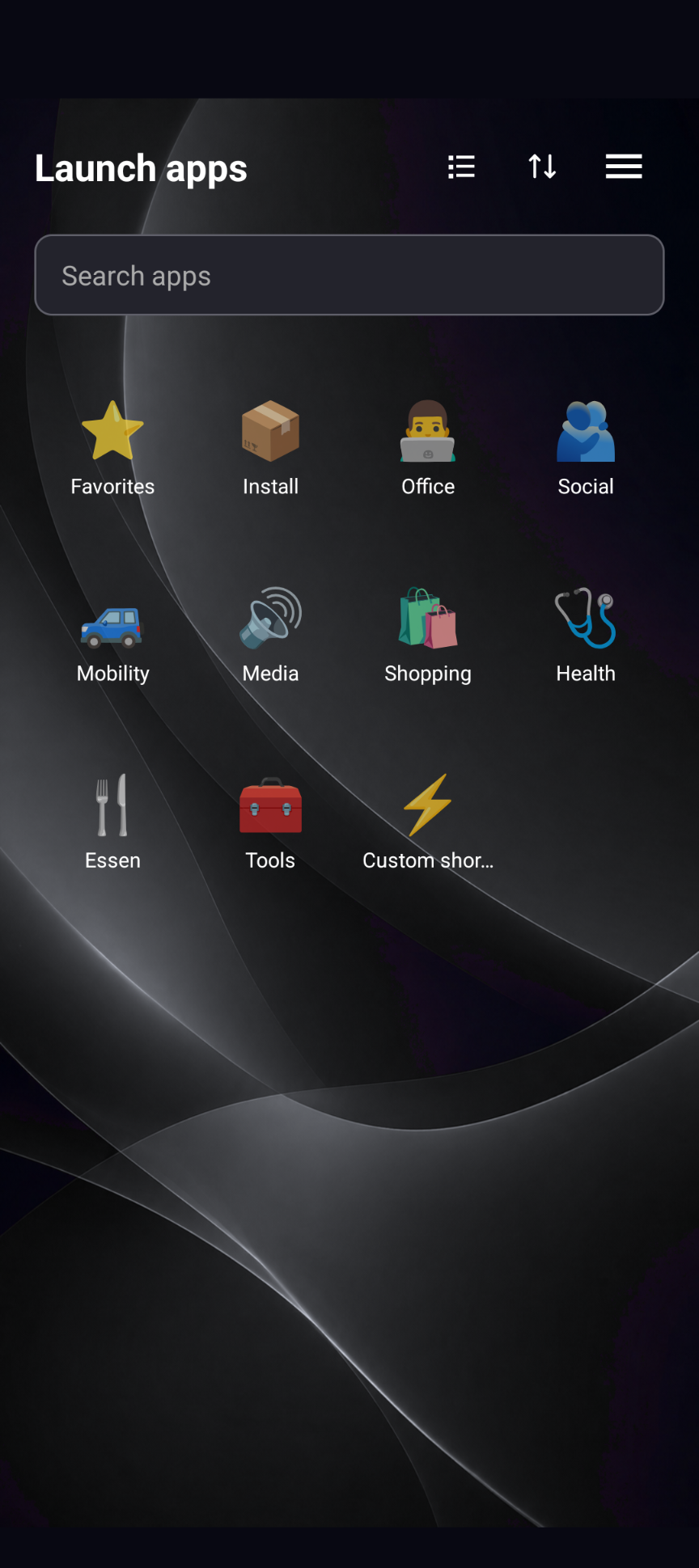
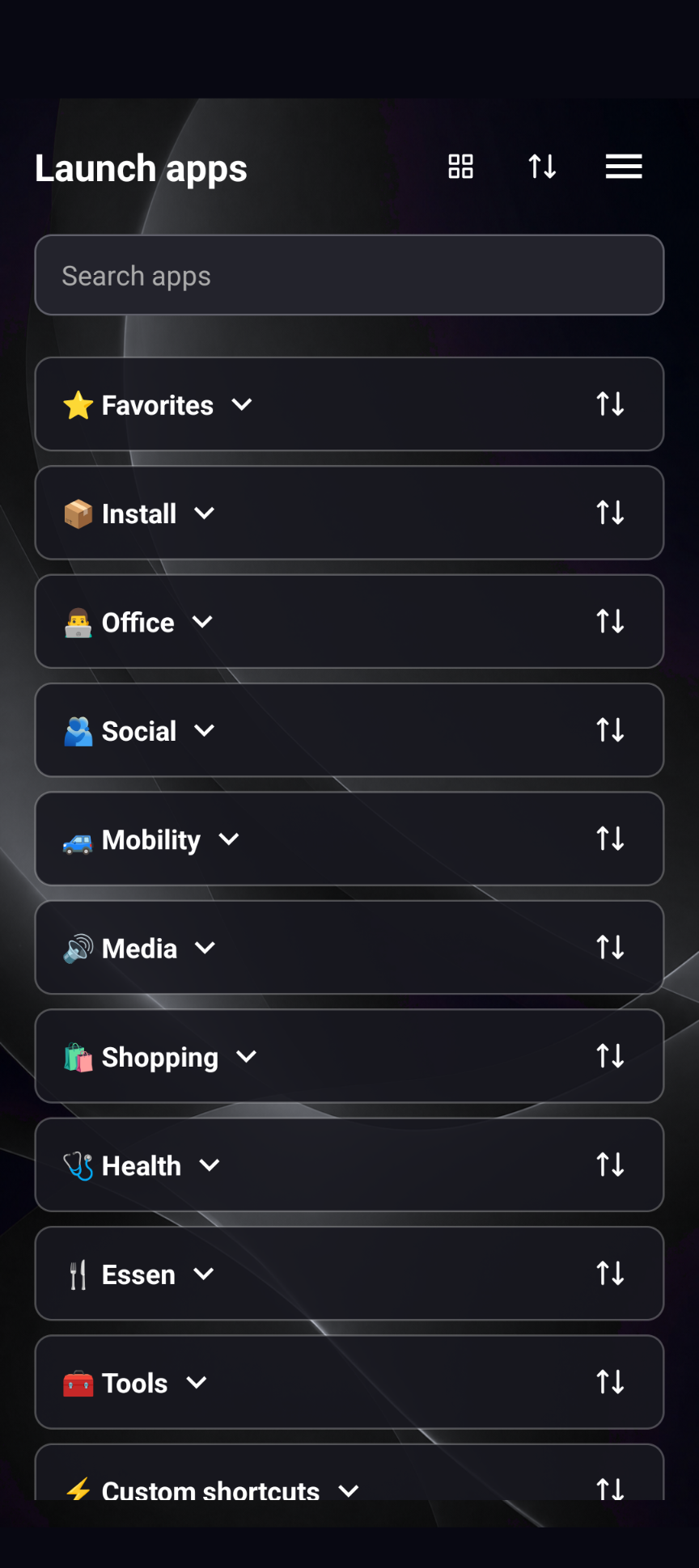
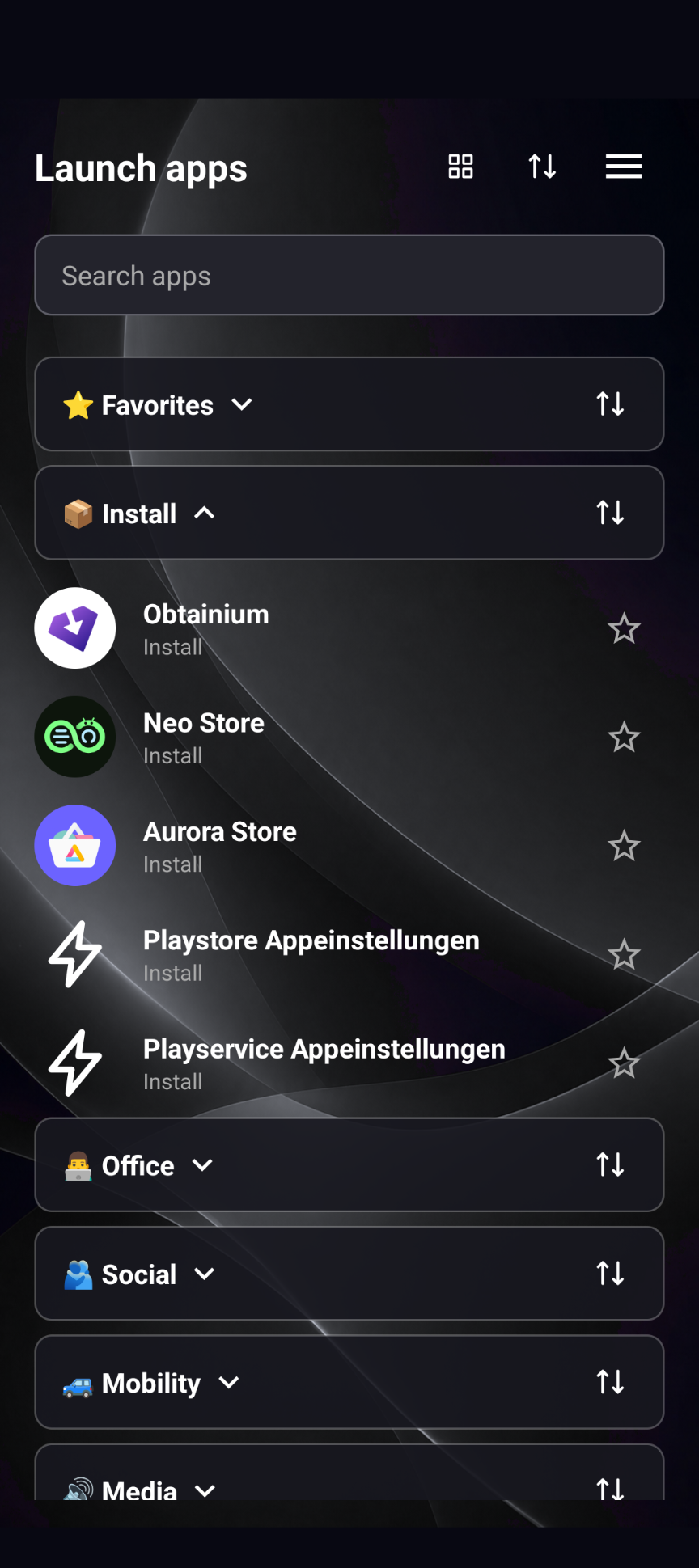
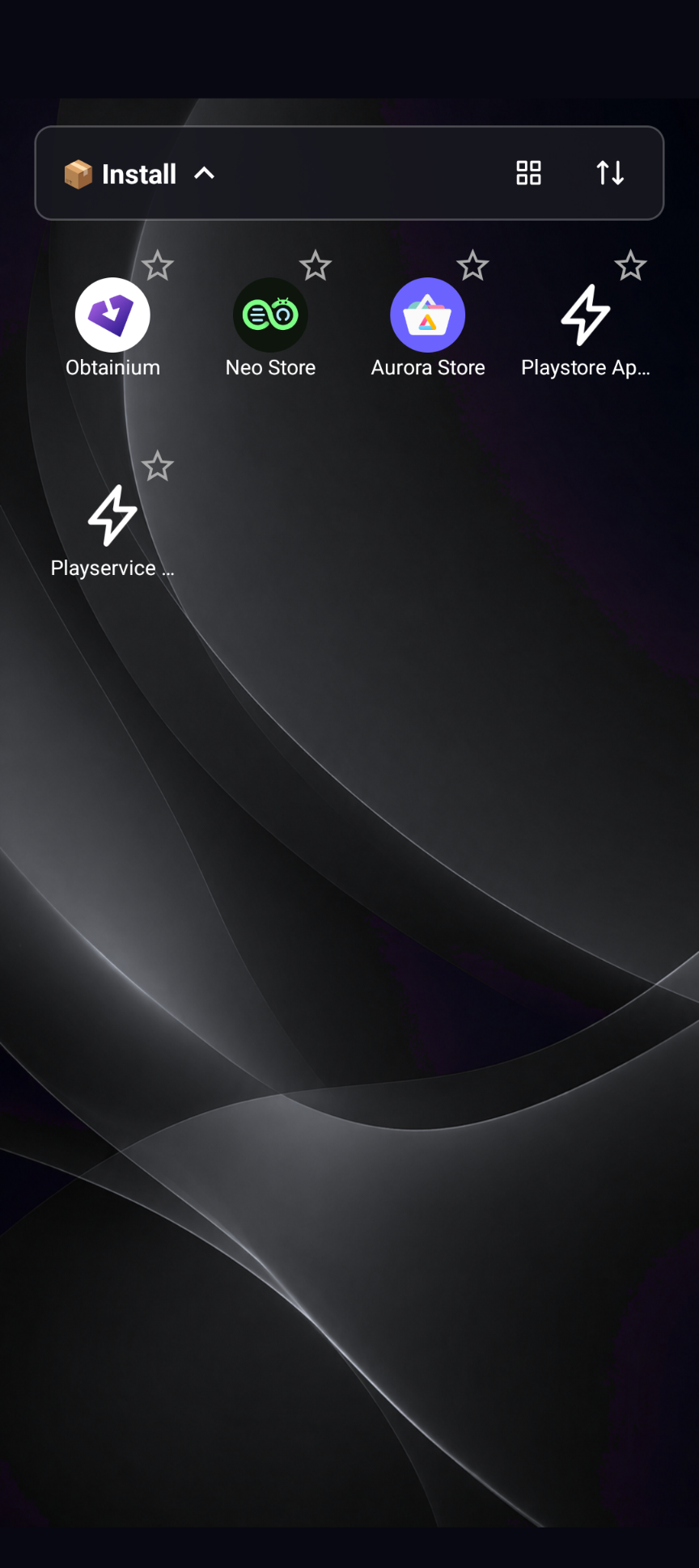
AppStow is an Android app for organizing and launching installed apps, websites, web apps and custom shortcuts.
Create your own categories, mark frequently used entries as favorites and arrange your overview to suit your needs.
Features:
• Organize installed apps in custom categories
• Assign apps to multiple categories
• Add emoji symbols to categories
• Search emoji offline in English and German
• Create website, web app and deep-link shortcuts
• Open HTTPS web apps in an integrated WebView
• Upload files and photos or use the camera in compatible web apps
• Download files from supported web apps
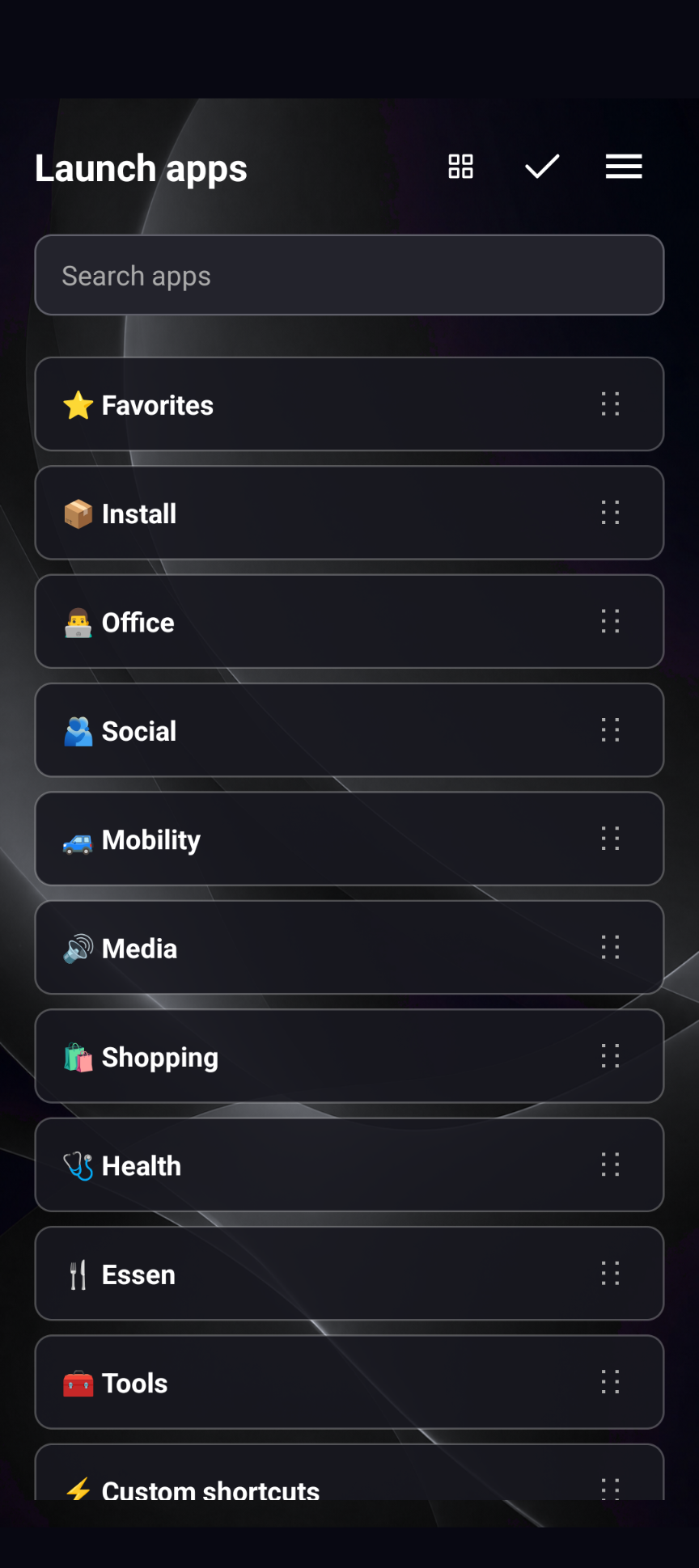
• Switch between list and grid views
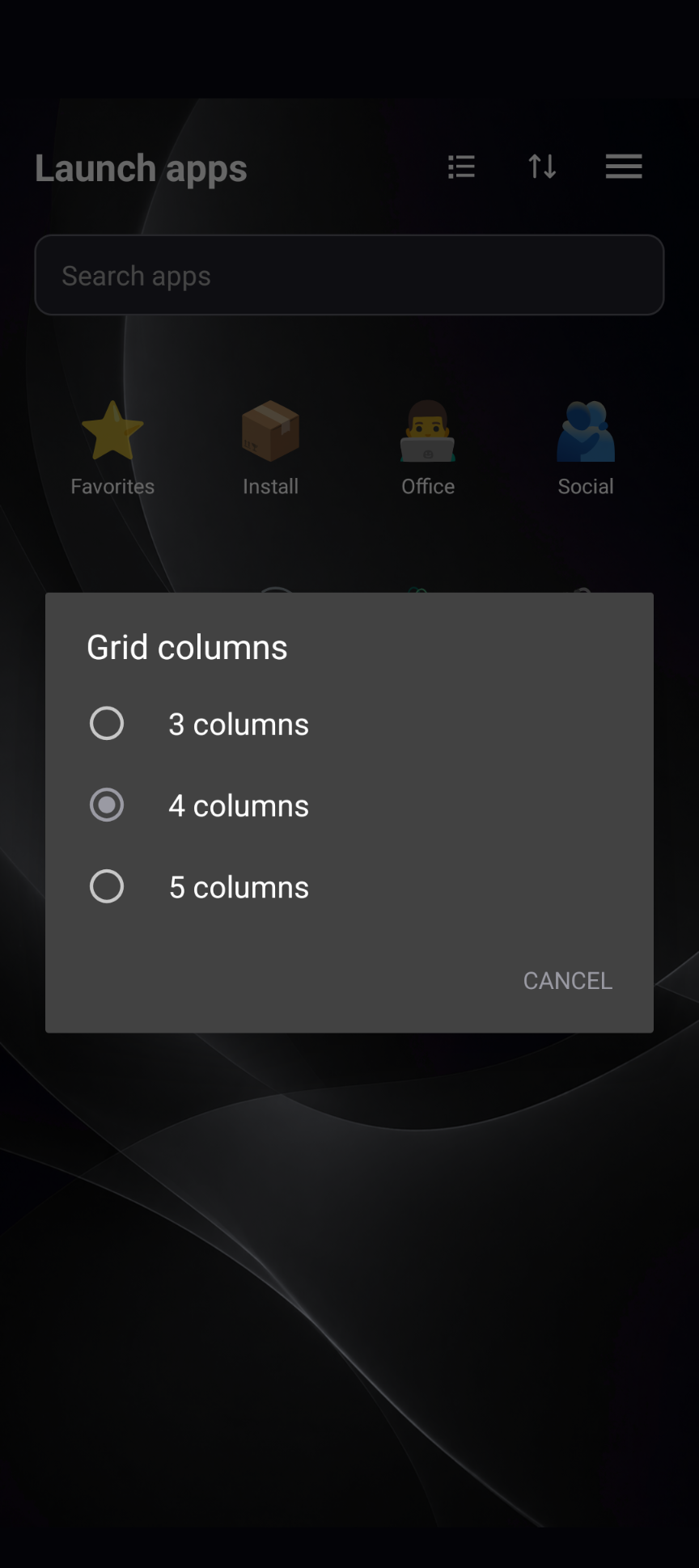
• Configure grid layouts with 3, 4 or 5 columns
• Arrange sections and entries manually
• Local usage statistics for frequently used and unlaunched apps
• Manual, semi-automatic or fully automatic sorting
• Optional usage-based suggestions and day/evening profiles
• Create encrypted backups and restore your configuration
• English and German interface
• Light and dark system themes
• Customizable appearance, control side and start behavior
Time profiles consider different usage patterns during the day and evening. Everyday apps may appear higher during the day, while games or leisure apps can move up in the evening. Start times are configurable.
AppStow does not require an account. Network access is used for configured websites and web apps.
Usage statistics record only launches through AppStow and remain on the device.
Note for AppStow 3.0: Backup files from version 2.x cannot be imported into 3.0. A regular app update is not a backup import and does not require a backup file.
AppStow requires Android 13 or newer.
AppStow is free software licensed under GPL-3.0-or-later.