What’s new
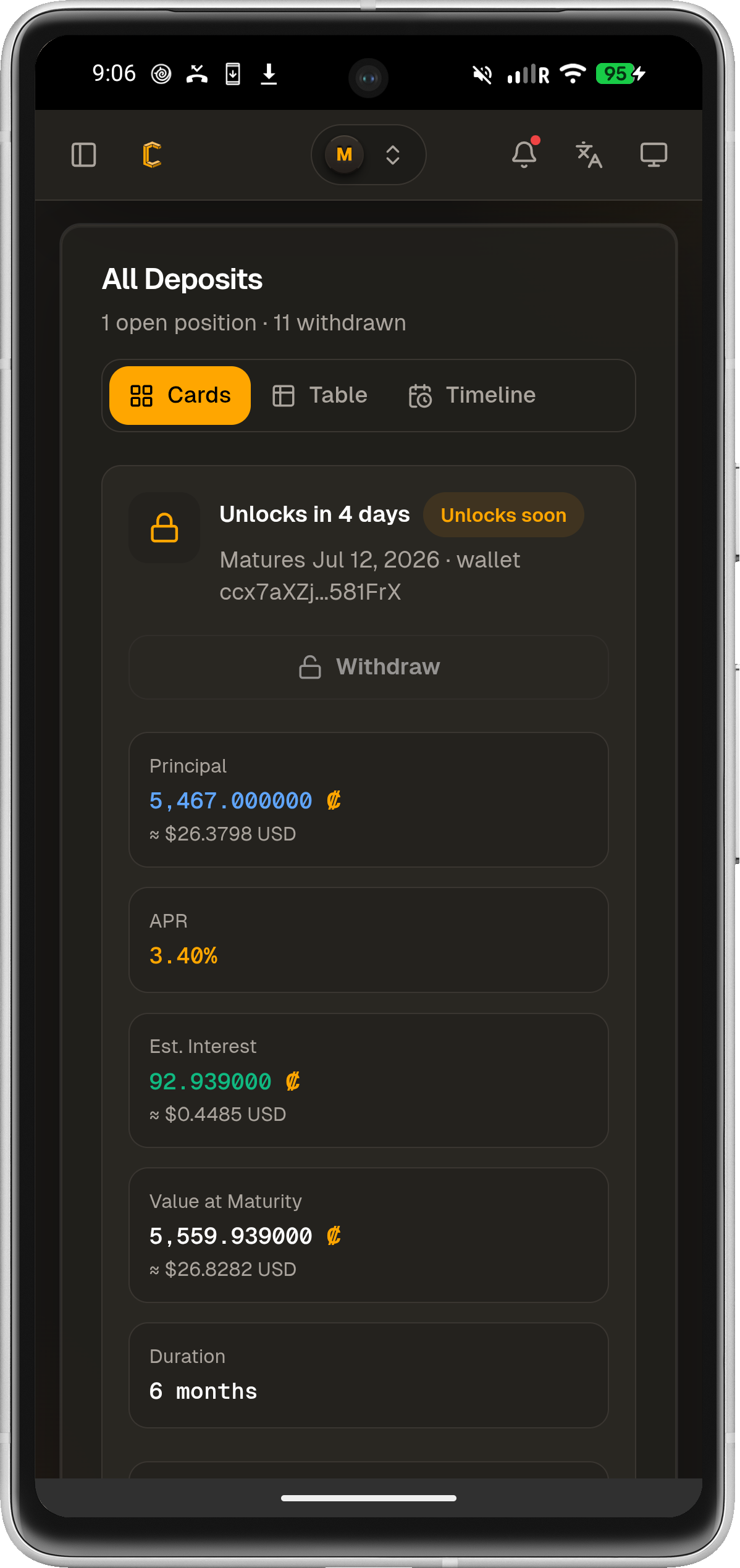
- more accurate interest calculations
- update dependencies
- keep a send intent when the network drops

Updated Sep 22, 2026
Secure mobile client for the Conceal Network web wallet.
F-Droid repository metadata
Conceal Mobile is the official mobile wallet for the Conceal Network blockchain, providing a secure and private way to manage your CCX cryptocurrency.
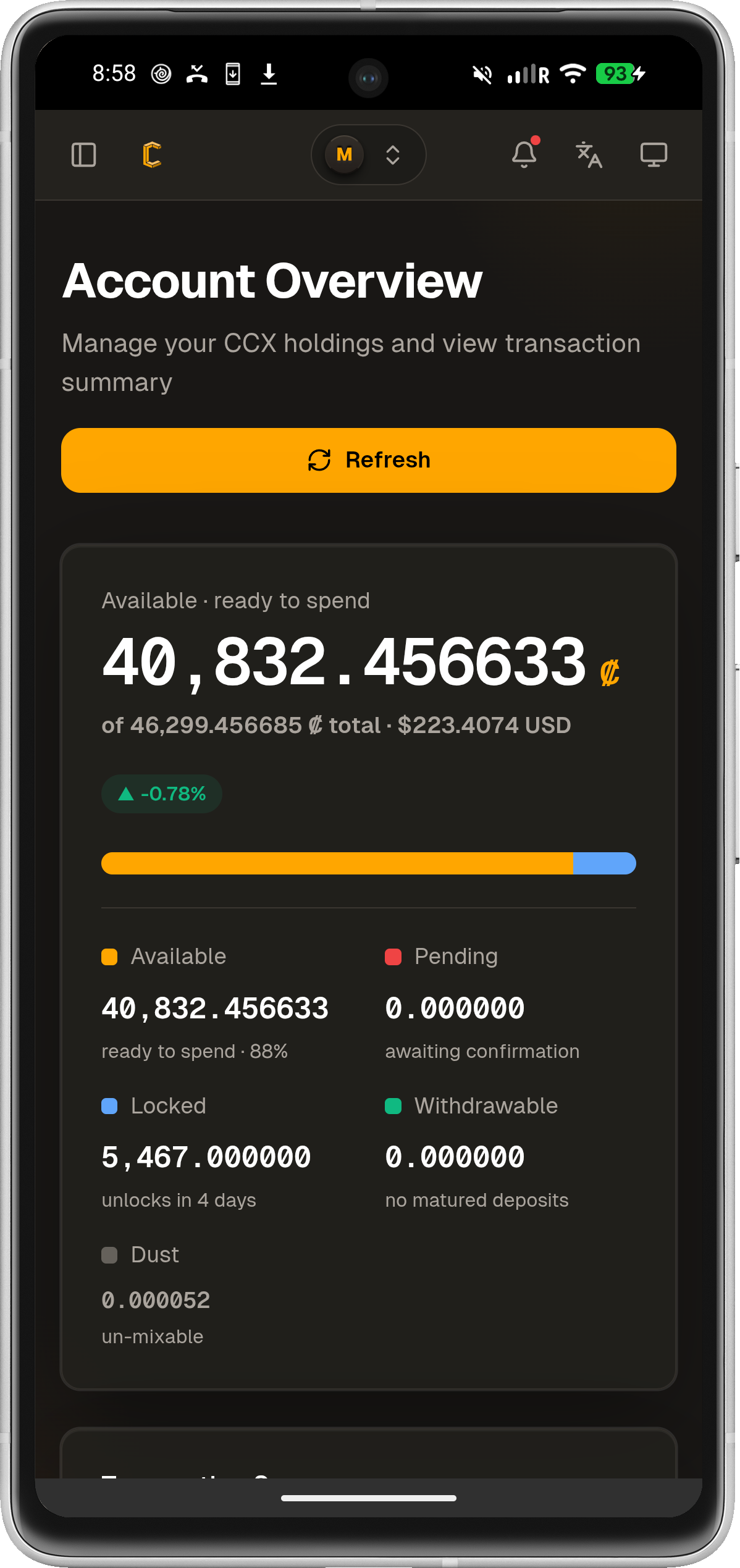
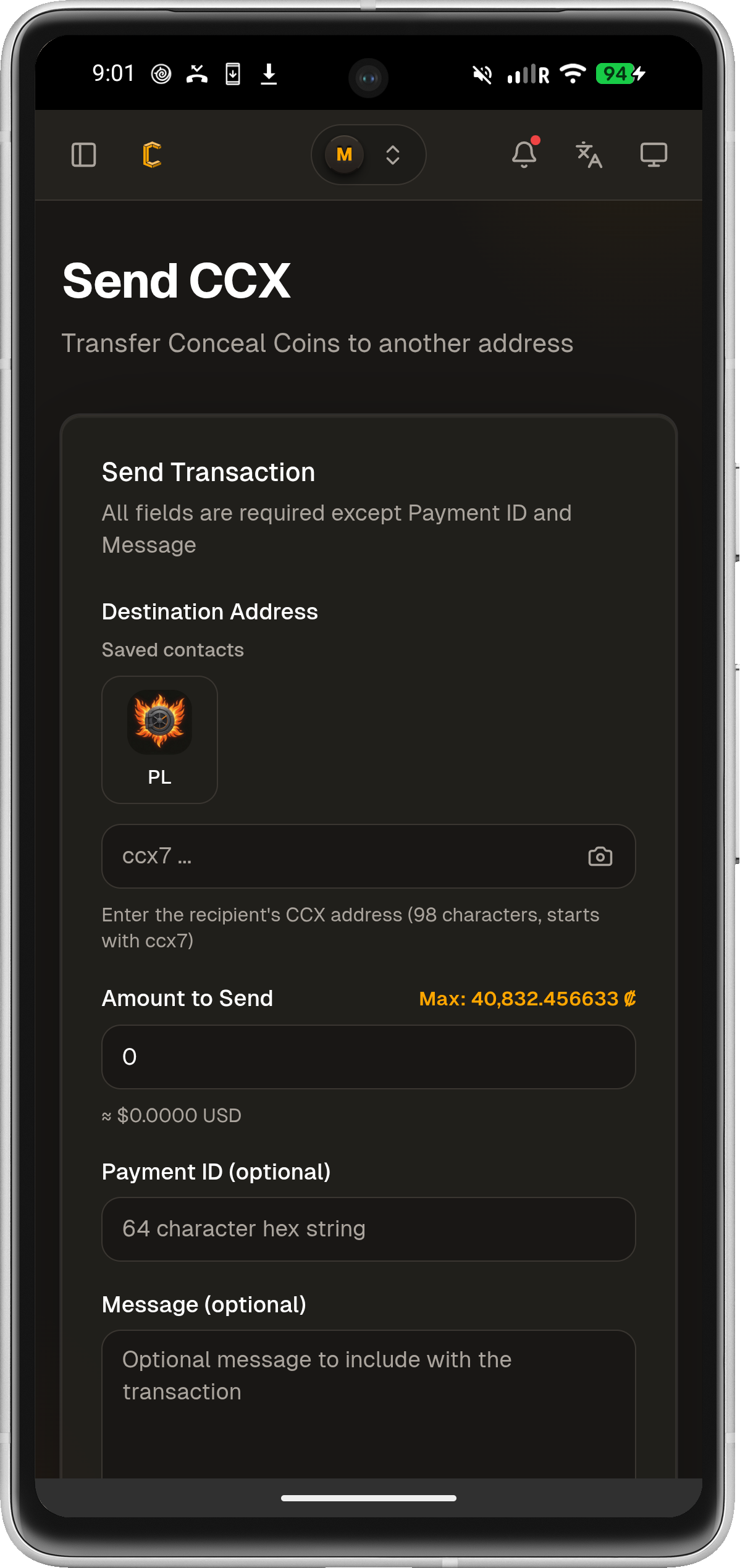
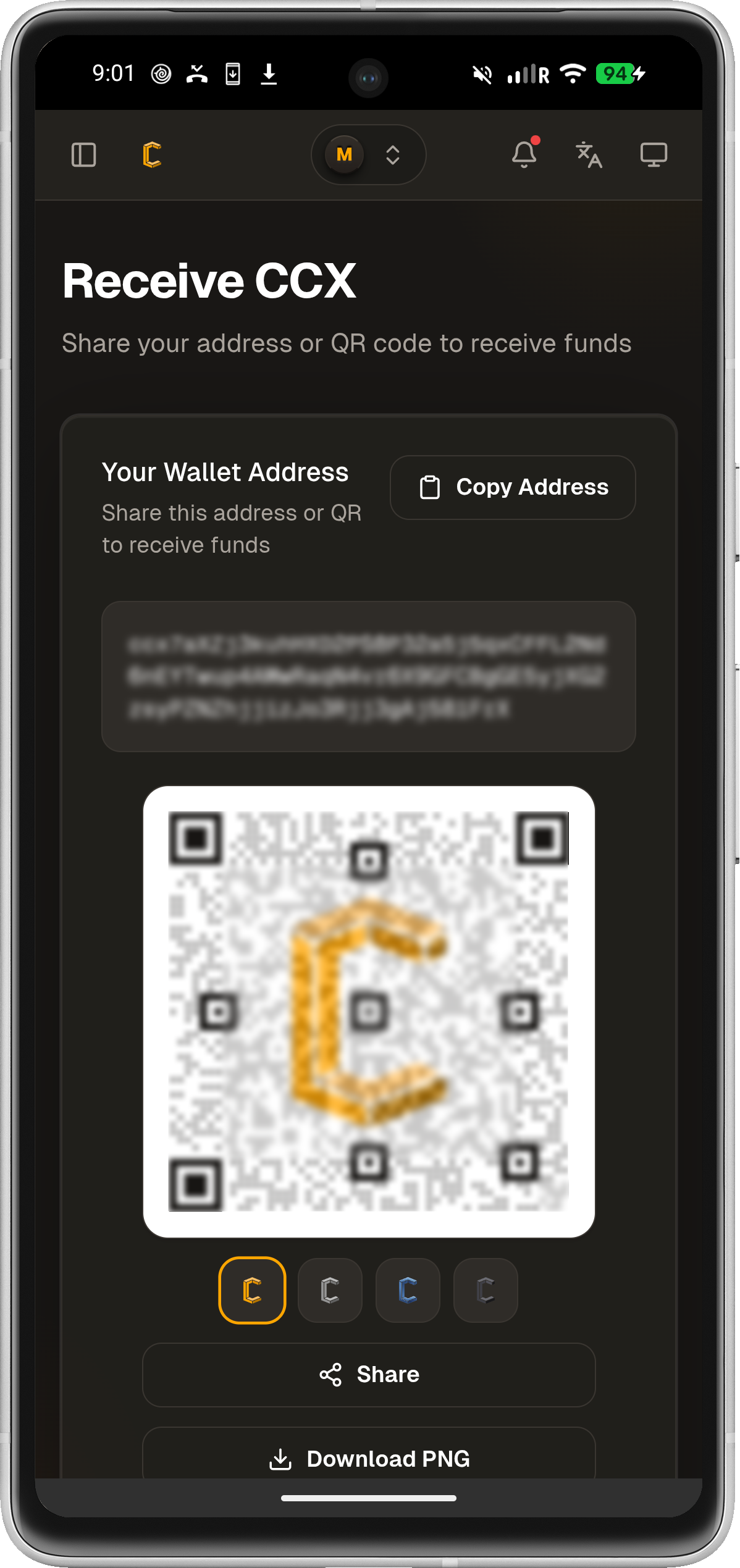
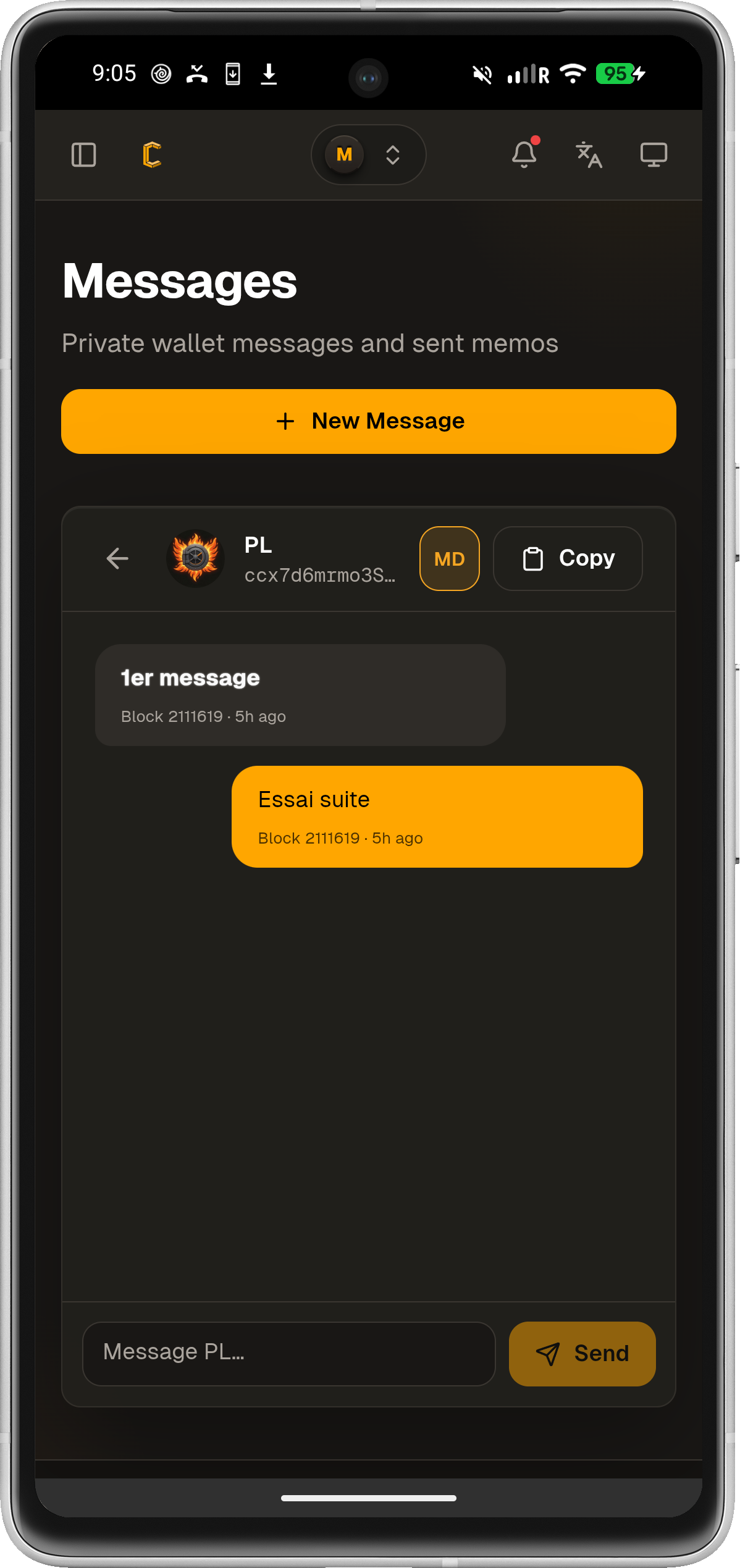
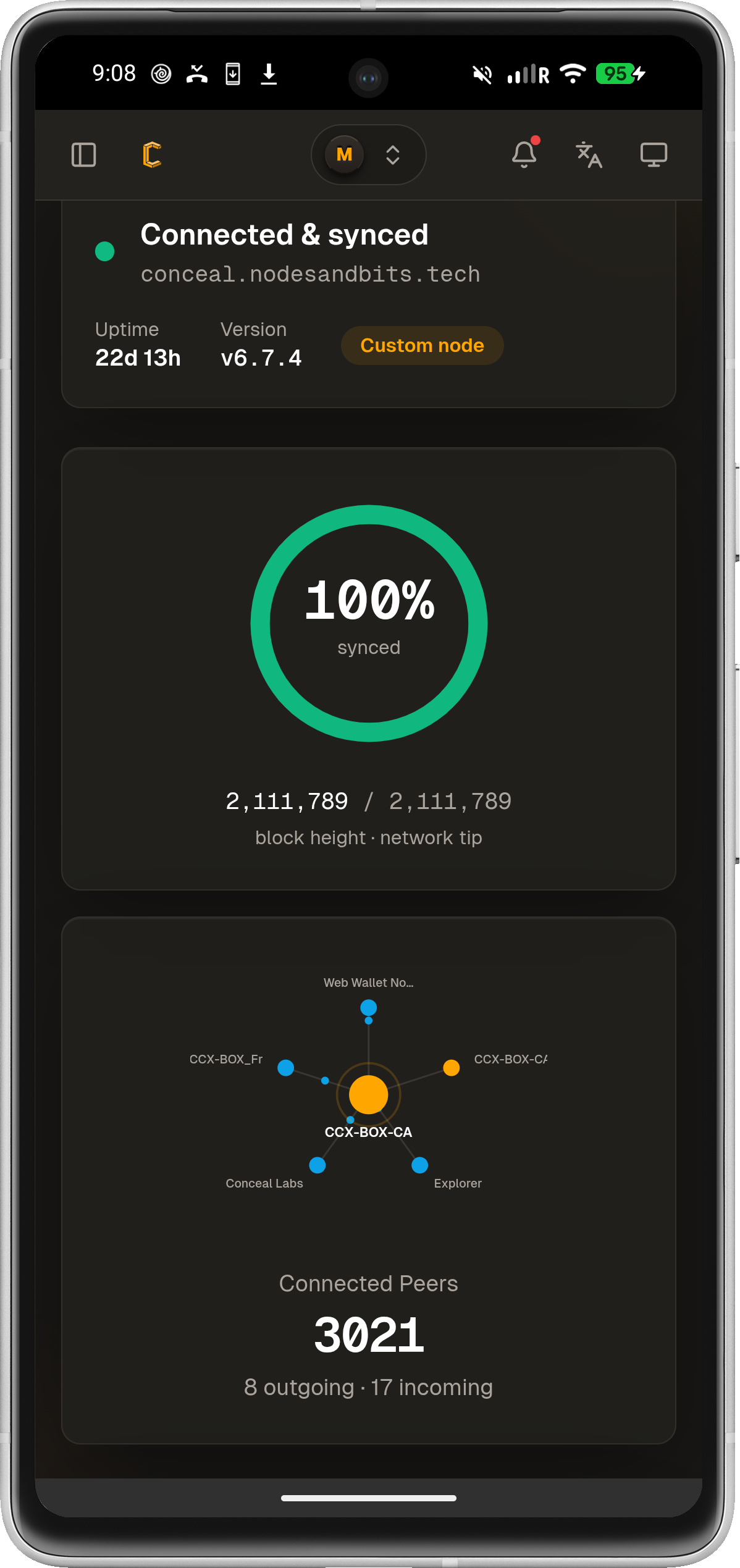
FEATURES: • Create and manage Conceal wallet with industry-standard encryption • Send and receive CCX transactions with real-time network confirmation • QR code scanning for quick and easy import • Secure wallet encryption with military-grade algorithms • Complete transaction history with detailed information • Real-time network status monitoring and synchronization • Privacy-focused design that respects your anonymity • Encrypted messaging system for secure communications • Deposit and withdraw (Conceal Earn) in direct interaction with the blockchain • Multi-language support for global accessibility
SECURITY & PRIVACY: - Secure key generation and storage - No personal data collection or tracking - Open source code that's auditable and transparent - Regular security updates and patches - Cold storage support for maximum security
CONCEAL NETWORK: Conceal Network is a privacy-focused blockchain platform that provides secure, private, and decentralized financial services. Built on advanced cryptography, it ensures your transactions remain confidential while maintaining full transparency of the blockchain itself.
WHY CHOOSE CONCEAL MOBILE: • Official wallet with direct network integration • User-friendly interface designed for both beginners and experts • Regular updates with new features and improvements • Active community support and development • Cross-platform compatibility • Lightweight and fast performance
Download Conceal Mobile today and experience the future of private, decentralized finance. Join thousands of users who trust Conceal Network for their cryptocurrency needs.
For support and updates, visit: https://conceal.network
- more accurate interest calculations
- update dependencies
- keep a send intent when the network drops
Recent approved comments · sorted by newest
View all comments