
Quick answer
Grow your turf and slice other sneks' tails — a free-movement territory game.
F-Droid repository metadata
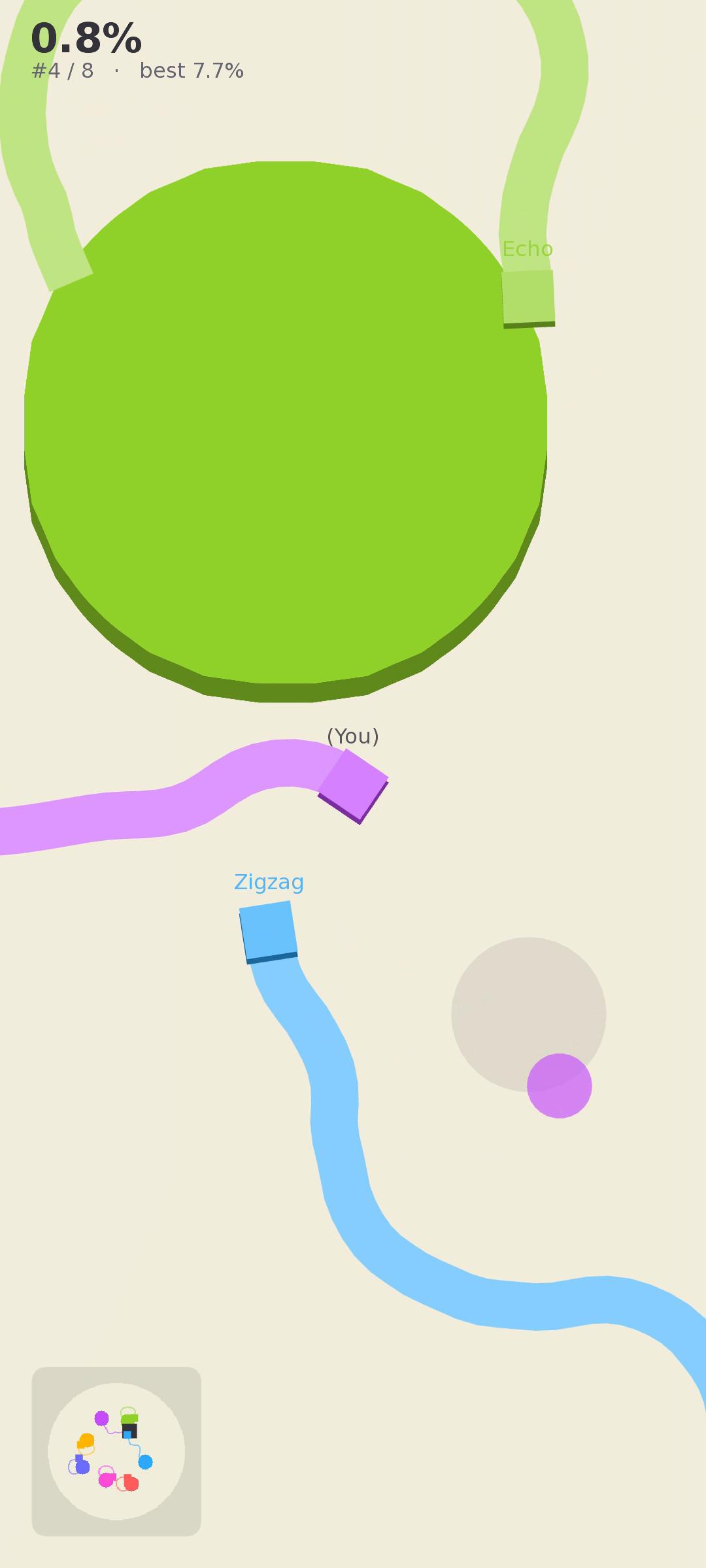
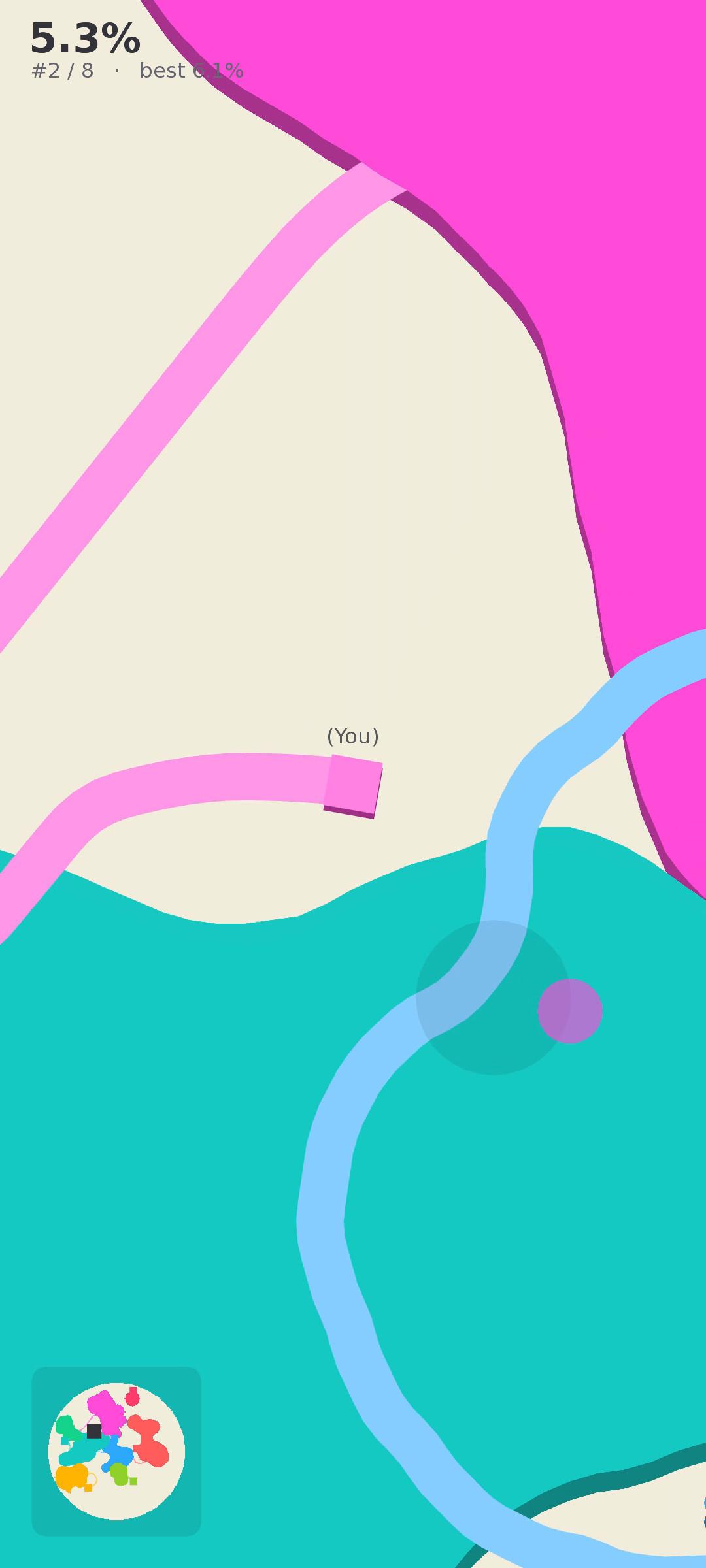
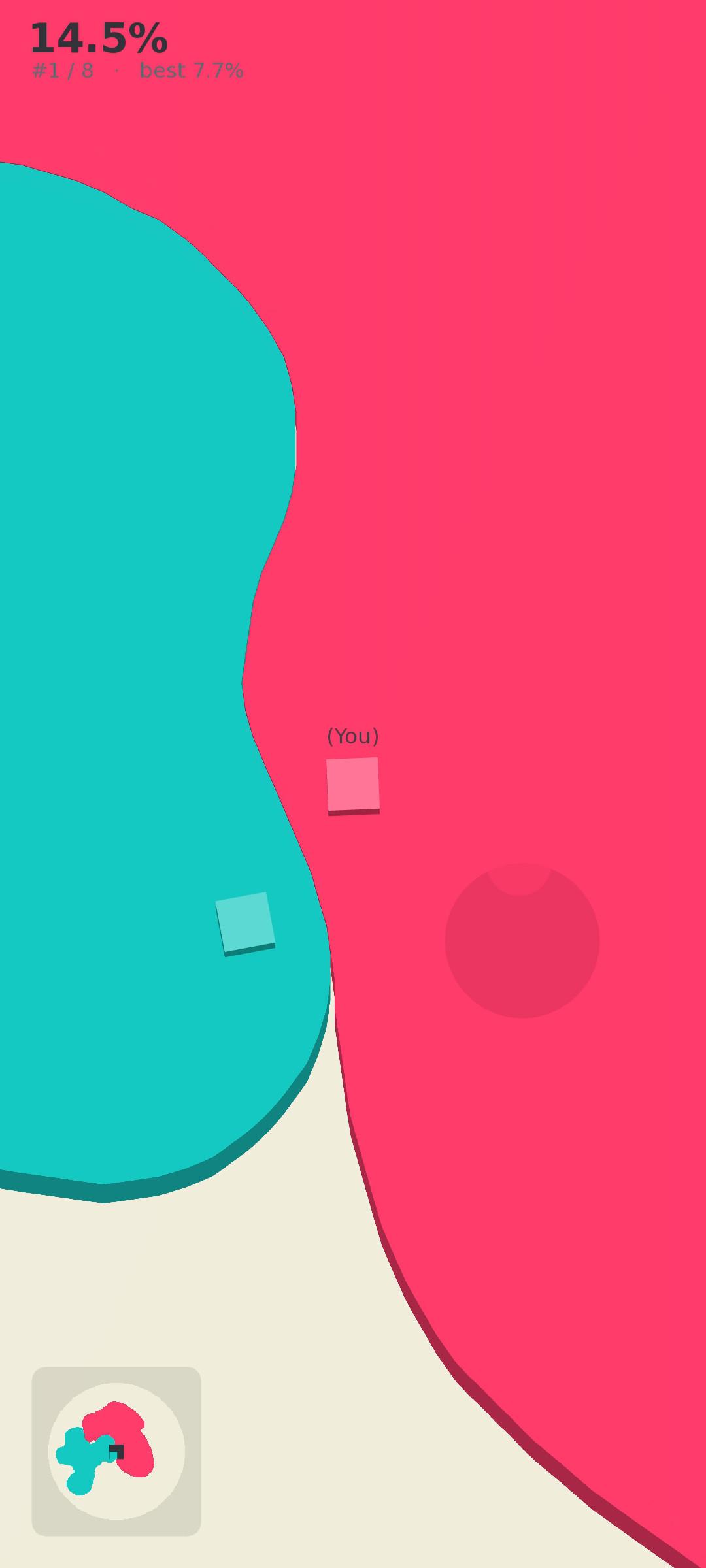
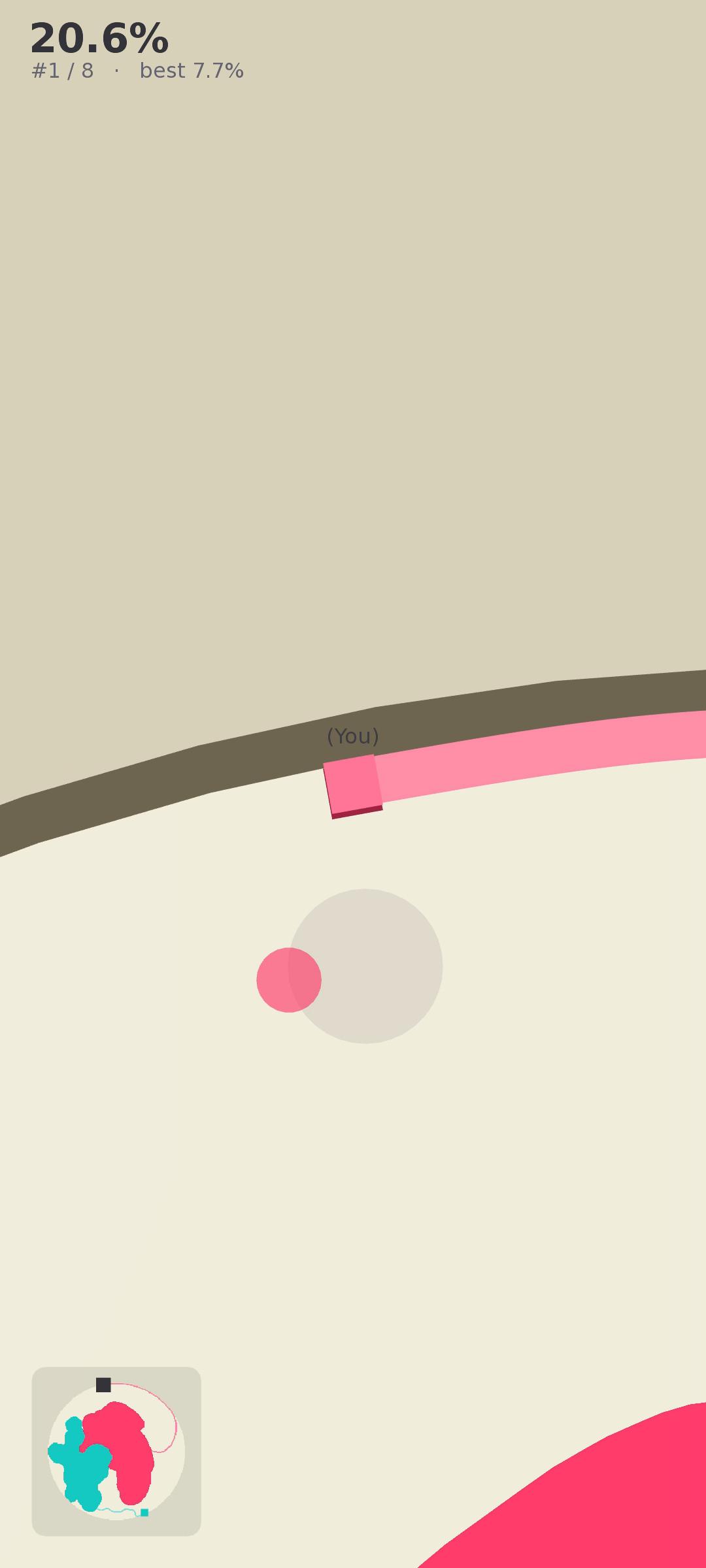
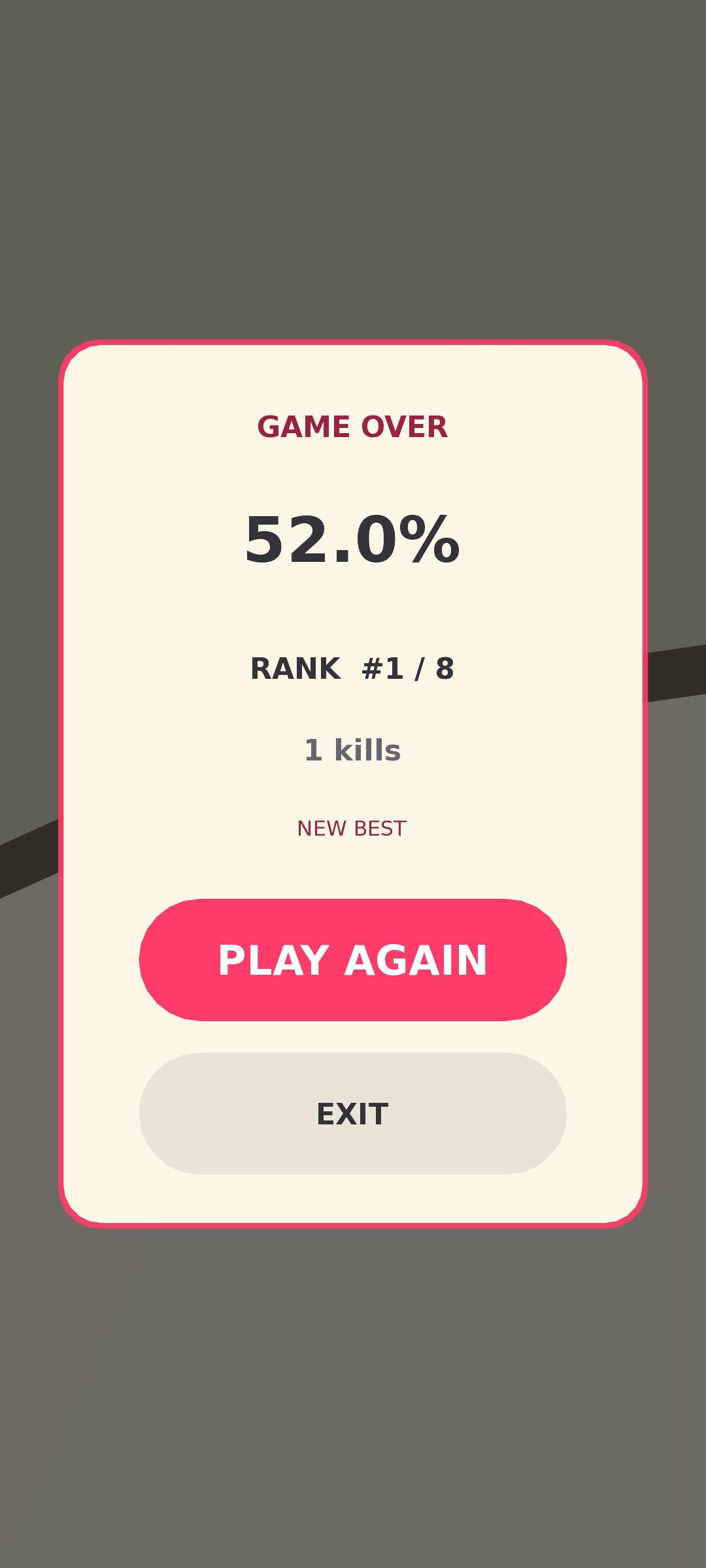
You are a snek. 🐍 Loop out from your turf, draw a shape, and close it to swallow everything inside — the more ground you claim, the bigger you get. Your tail is your weak spot: slice a rival snek's tail to knock them out, and never let anyone slice yours.
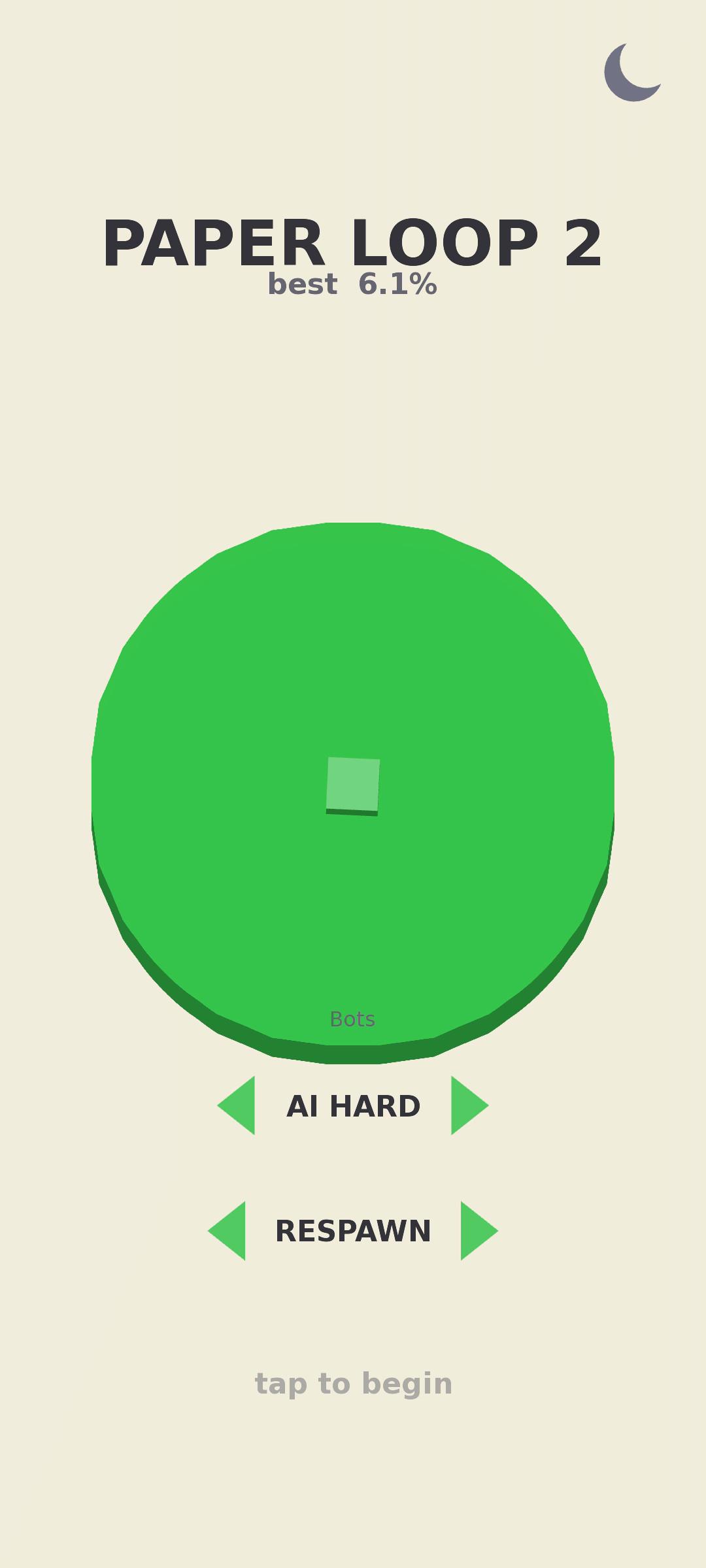
There is no grid here — your head carries a real heading and banks into smooth, continuous curves as you steer, so carving a daring arc around a rival and sealing it off feels like drawing, not stepping. The arena is a circle — drift too steeply into the wall and you are gone.
Your opponents are neural bots: a small reinforcement-learning network trained by self-play, running entirely on your device. Pick AI HARD to face the trained net, EASY SCRIPTED for a gentler hand-written bot, or NO BOTS to paint in peace. Inference runs off the render thread, so it stays smooth even on modest phones.
Features:
* Free, continuous movement — smooth curves, not four-direction steps. * On-device neural self-play bots (no network needed) plus a scripted fallback. * Three opponent modes and an optional respawn toggle. * A circular arena with smooth, rounded territories and a clean ribbon trail. * A local high score per mode. No accounts, no ads, no tracking, no network access. * Tiny download and fully playable offline.
Paper Loop 2 is built with libGDX and is free and open-source software, licensed under the GNU General Public License v3.0.
Screenshots
How to install
- Download the APK from the button at the top of this page.
- Allow “Install unknown apps” for your browser or file manager only, not for every app.
- Open the downloaded file and confirm the installation.
- If installation fails with “App not installed,” remove an earlier build of the same app first. A signature conflict is the usual cause.
Data safety
- Every file is checked against its published SHA-256 before it is listed.
- Files are scanned for malware on every update.
- The permissions each app requests are listed on its own page.
- Read the full safety policy for how we test, flag, and delist files.
Comments
Recent approved comments · sorted by newest
View all comments