What’s new
New in version 1.2:
- New animations make popped bubbles and stars disappear.
- A flashing frame gives combos extra emphasis.
- Improved display on current Android devices.

Updated Sep 22, 2026
Fast arcade action: collect colors, chain combos, beat the highscore.
F-Droid repository metadata
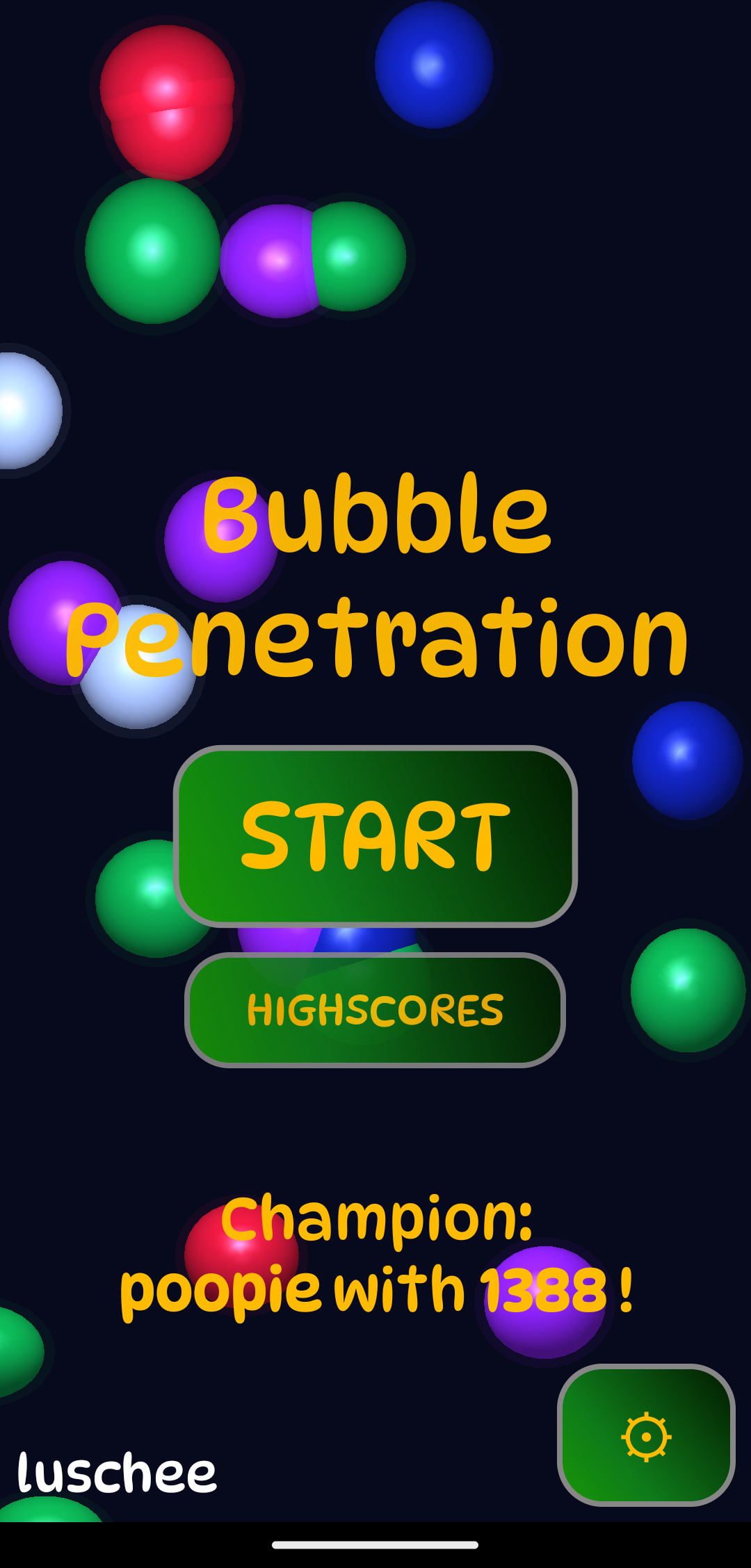
Bubble Penetration is a fast-paced arcade game built for quick sessions and serious highscore runs.
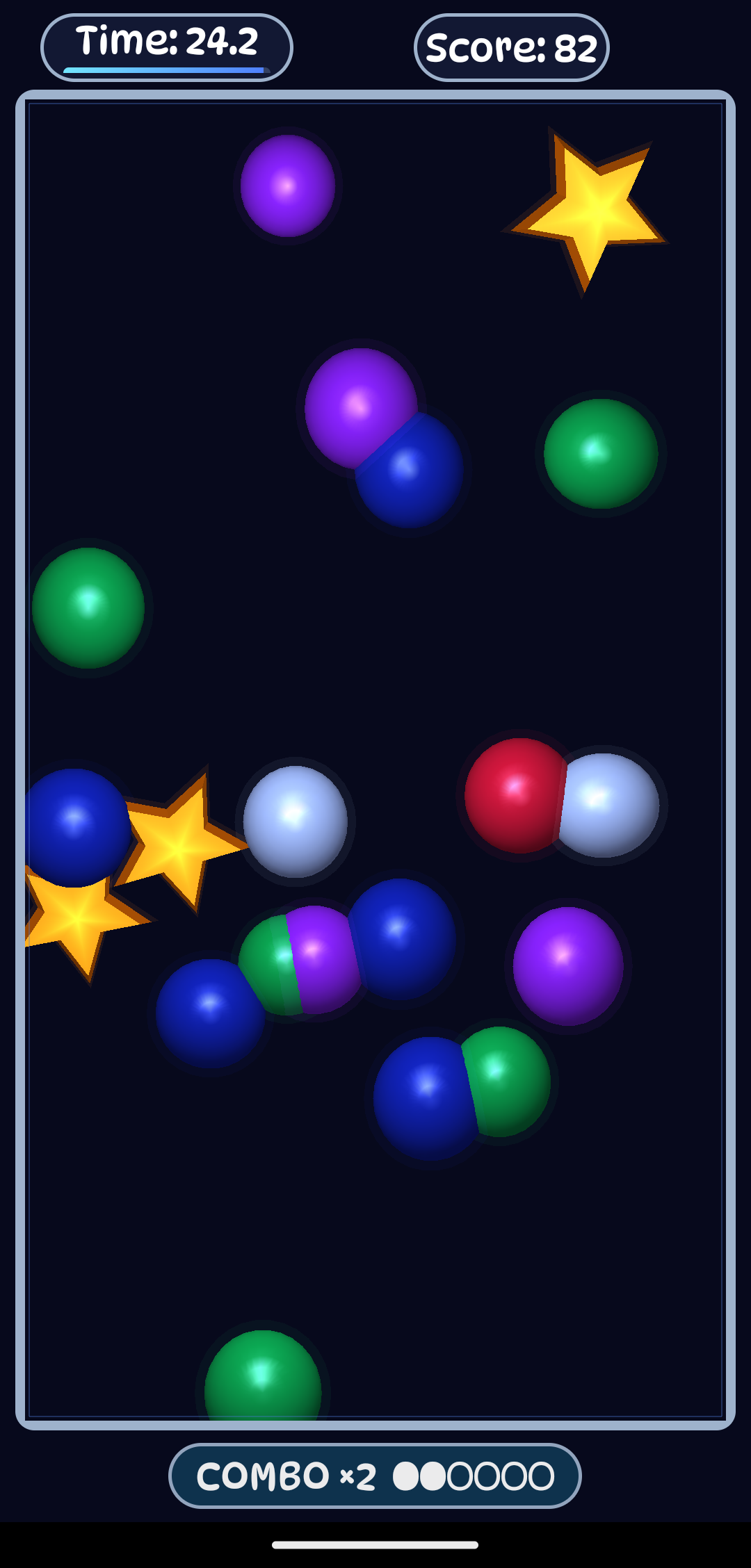
Colorful bubbles and golden stars drift across the field - your job is to tap the right targets before time runs out.
How it works: - Collect the currently required color to gain points and time. - Tap the wrong bubble and you lose precious seconds and the active combo. - Grab stars for bonus time and extra score. - Keep your streak alive to trigger combo multipliers up to x16.
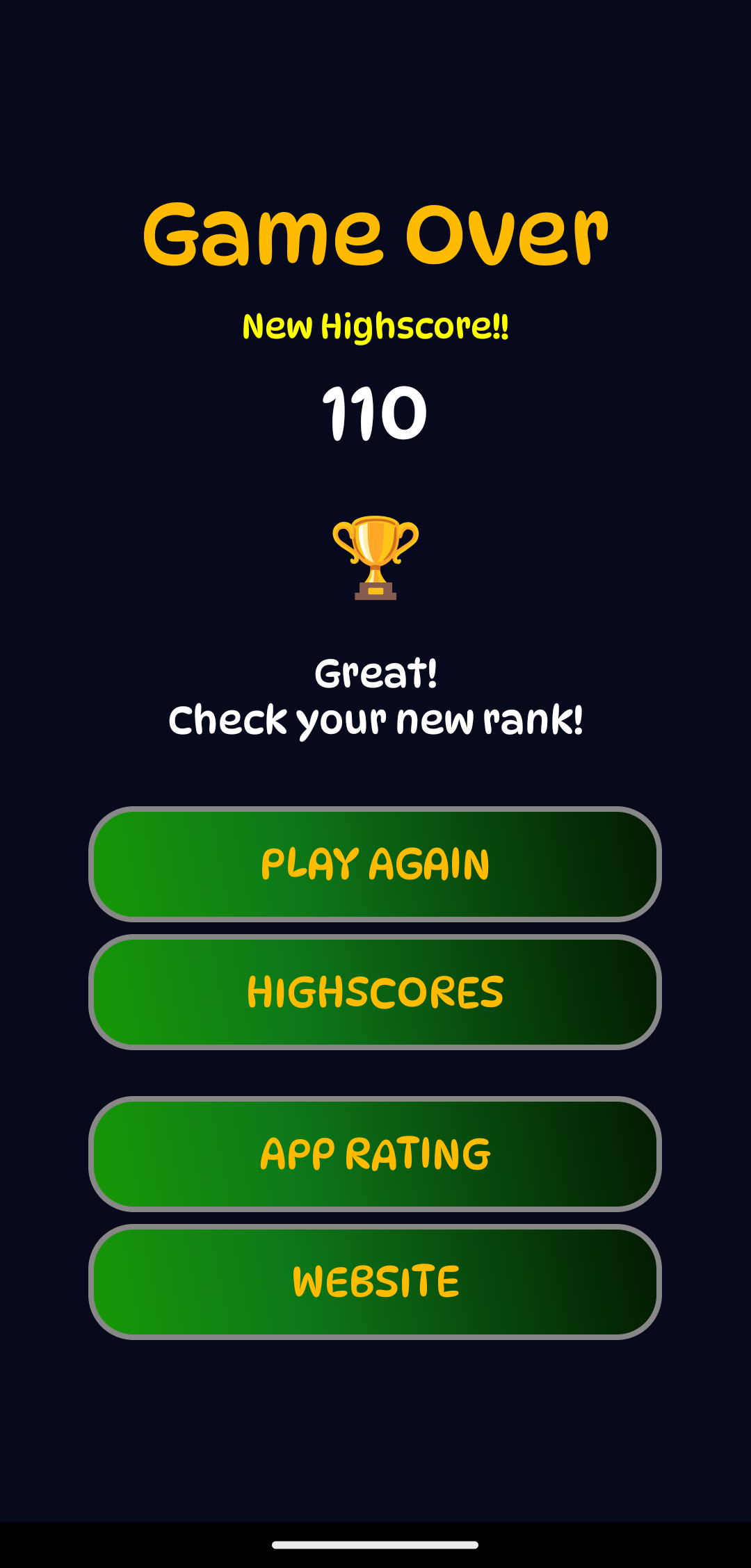
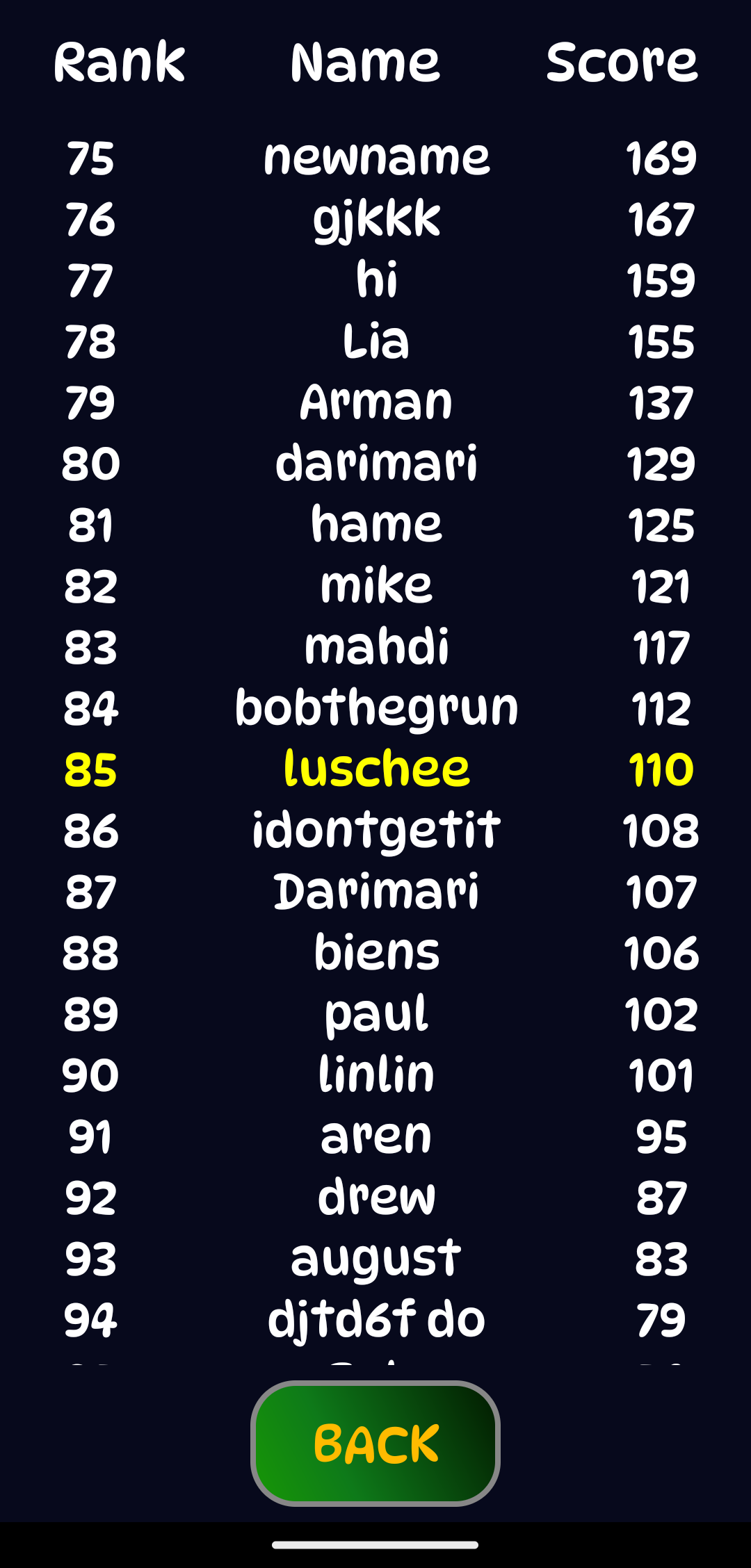
What you get: - Pure reaction-based gameplay with no fluff. - Increasing speed that keeps every round intense. - Highscores your way: compete worldwide, connect your own compatible leaderboard, or play completely offline. - Fully free and open source.
Every run feels different, and every second matters - how long can you survive?
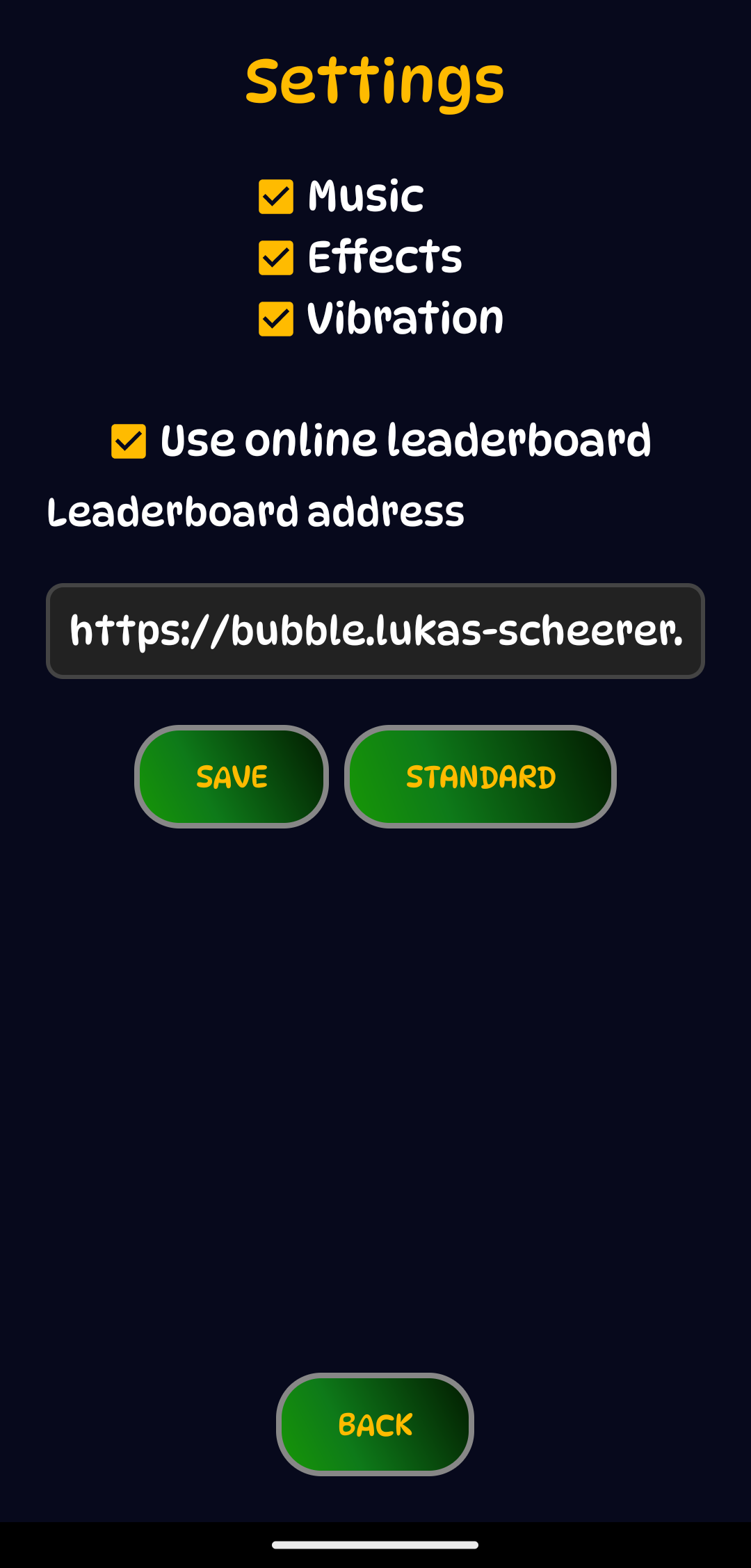
Your score, your choice: The online leaderboard is ready whenever you want to compete with players from around the world. Got your own leaderboard? Just enter its address in the settings and make the competition yours. Or switch the online leaderboard off entirely: your best scores stay on your device and the bubble-popping fun keeps going without an internet connection.
New in version 1.2:
- New animations make popped bubbles and stars disappear.
- A flashing frame gives combos extra emphasis.
- Improved display on current Android devices.
Recent approved comments · sorted by newest
View all comments