Astro Loop icon

Astro Loop

PubDeer
Shooter Game Action
Version
1.2
Size
50.8 MB
Requires
Android API 24+
4.7 / 5 · 1,678 ratings 0 downloads

Updated Sep 22, 2026

Quick answer

Open-source roguelike shooter. Simple to play, no ads, no tracking, offline.

F-Droid repository metadata

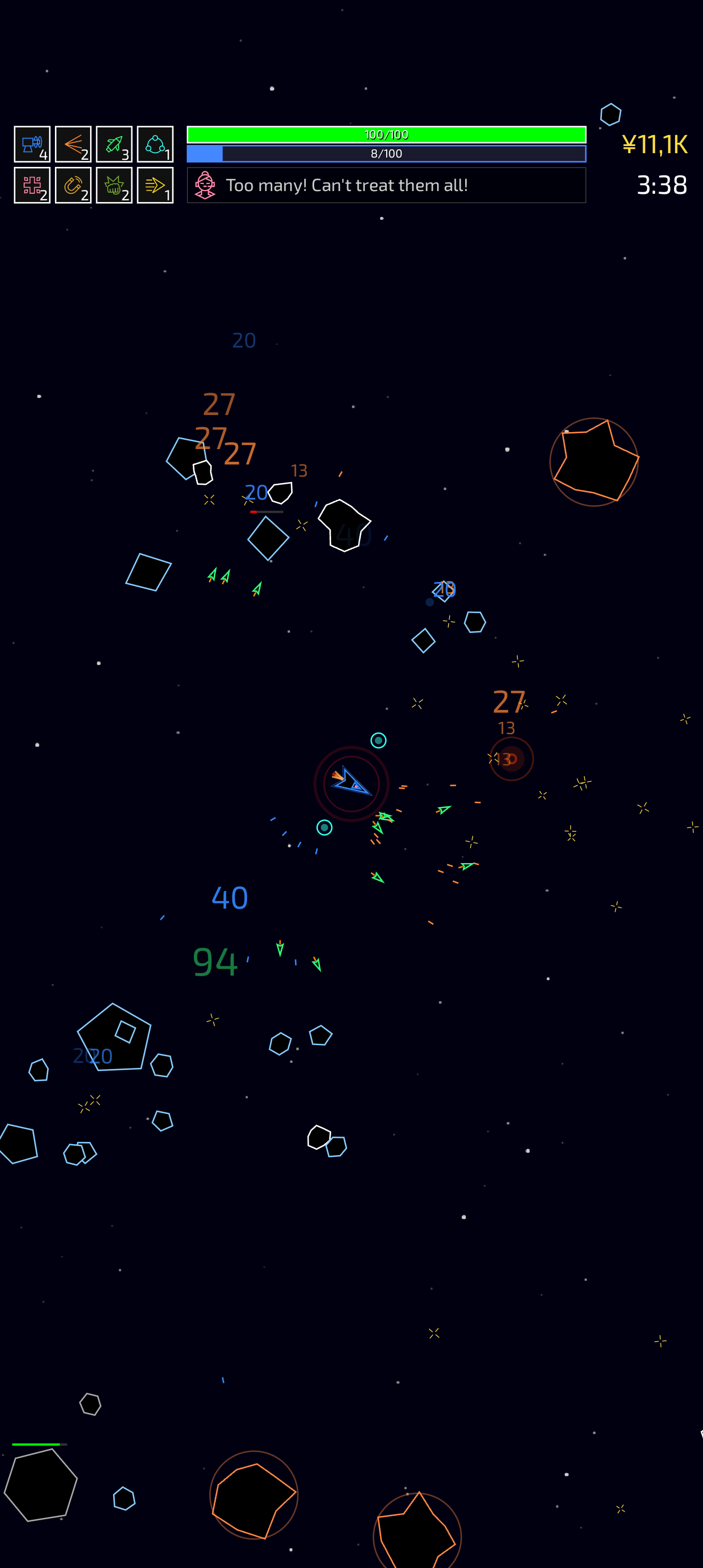
A roguelike shooter caught in a loop you were never meant to escape.

Signal acquired. One ship, one pilot, and a crew waiting to be recruited. Fly out into the dark, survive endless waves of asteroids and enemies, and see how far you get before the difficulty catches up with you.

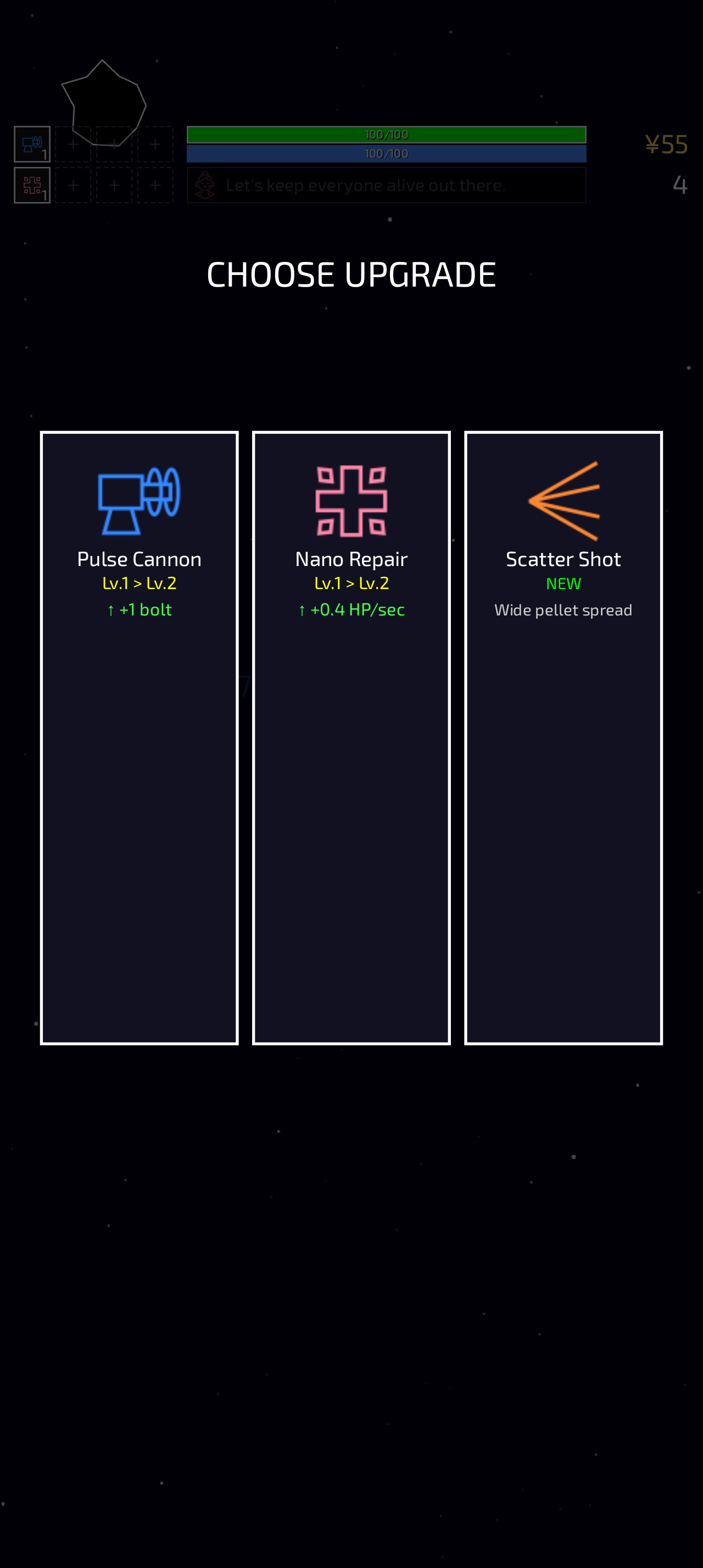
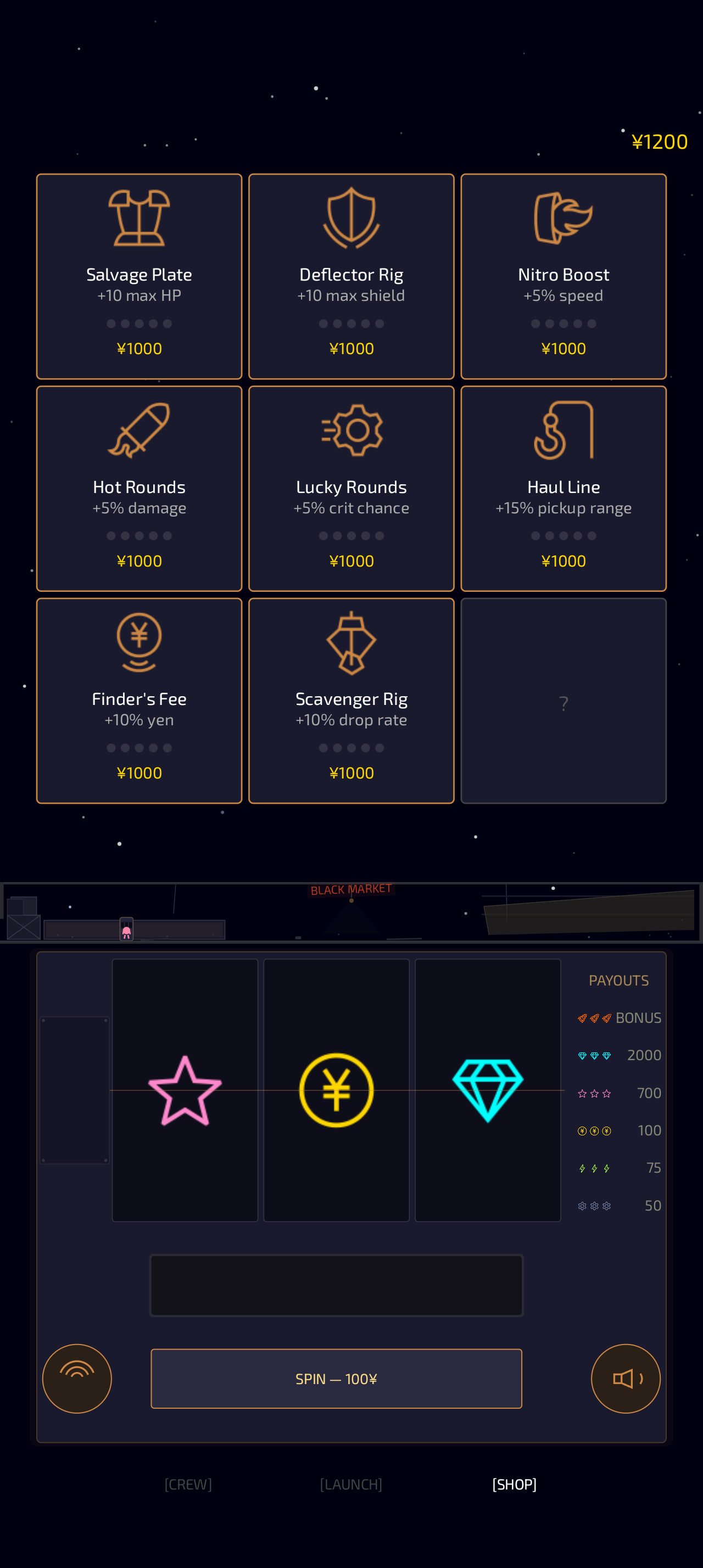
Every run you pick fresh weapons and upgrades. Recruit a crew of pilots, unlock a fleet of ships, and spend your salvage in the black market between runs. And somewhere in all of it, a story hides in plain sight.

Simple to play. Steer with a single finger, and your guns fire on their own. Easy to pick up, hard to put down.

Built with respect for you and your phone:

* Open source. No black boxes. The whole game is open under GPLv3. * Free forever. No price, no in-app purchases, no pay-to-win. * No ads, no tracking. Zero internet permission. It collects nothing, so not one byte ever leaves your phone. * No sensitive permissions. No camera, mic, location, contacts, files or network. * Plays offline. Works with no signal at all. * No accounts. No sign-up, no login, no email. Open it and play.

No game engine: everything is drawn as vectors on a Canvas in pure Kotlin.

Screenshots

Astro Loop screenshot 1
Astro Loop screenshot 2
Astro Loop screenshot 3

What’s new

Dying now rewinds the run rather than freezing it.

Shop cards turn over: tap to read an upgrade, hold to buy it.

Music and sound effects can be silenced separately.

TB-26 explains some mechanics early on, reports what each run earned, and hints when you lose at 10 minutes.

Endless mode no longer flattens out: asteroid health keeps climbing, so runs end.

Locked pilots show what the bar knows instead of a "?".

Fixes a crash on death on Android 9, and runs that finished without paying out.

How to install

  1. Download the APK from the button at the top of this page.
  2. Allow “Install unknown apps” for your browser or file manager only, not for every app.
  3. Open the downloaded file and confirm the installation.
  4. If installation fails with “App not installed,” remove an earlier build of the same app first. A signature conflict is the usual cause.

Data safety

  • Every file is checked against its published SHA-256 before it is listed.
  • Files are scanned for malware on every update.
  • The permissions each app requests are listed on its own page.
  • Read the full safety policy for how we test, flag, and delist files.

Comments

Recent approved comments · sorted by newest

Verification code
Be specific and keep it about the app. No links. Comments are reviewed before publication. Device and Android details are recorded automatically. Privacy policy.

Loading recent comments...

View all comments