What’s new
Fix: New release for google play store.

Updated Sep 22, 2026
Unofficial companion app for calibre web (automated)
F-Droid repository metadata
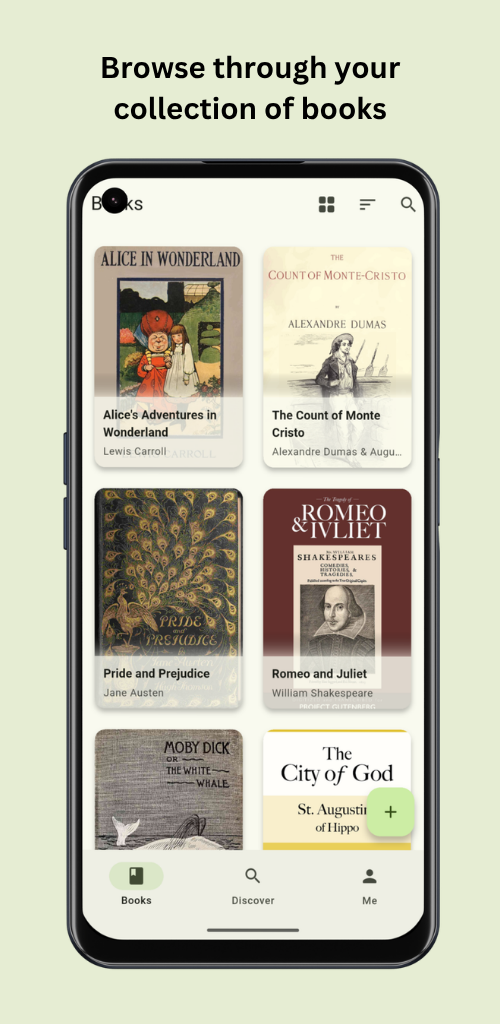
Unofficial companion app for Calibre-Web and Calibre-Web Automated. Browse your book collection and manage your digital library on the go.
Built with Flutter and Material You for a modern, intuitive and responsive experience. Available for Android, in 15 languages.
Features:
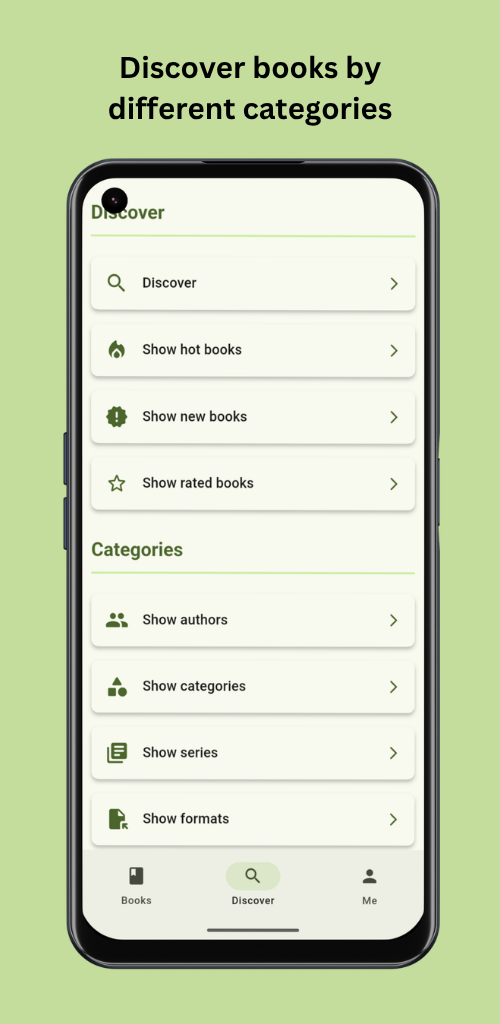
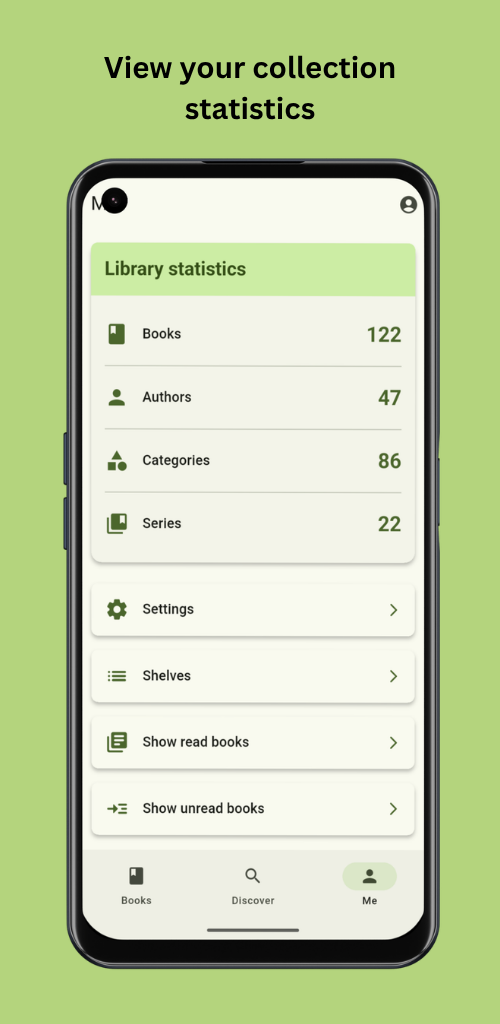
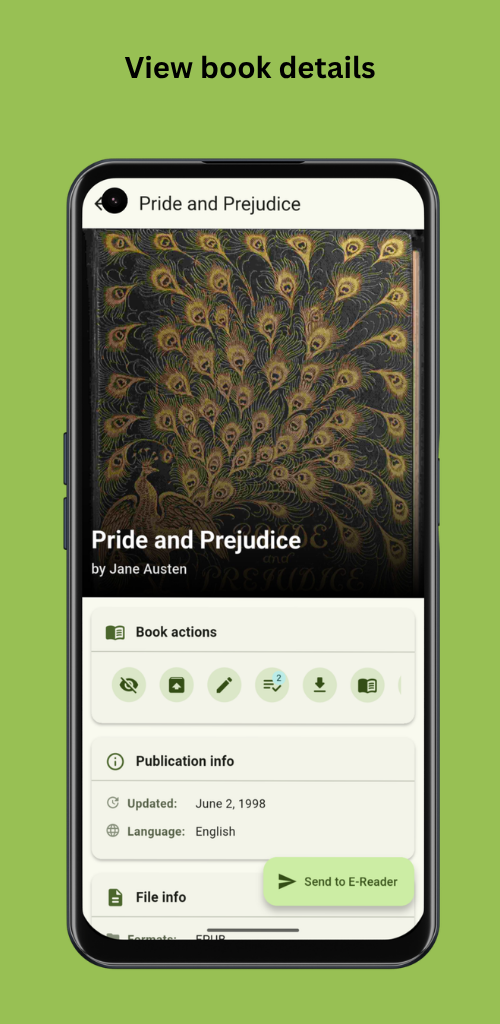
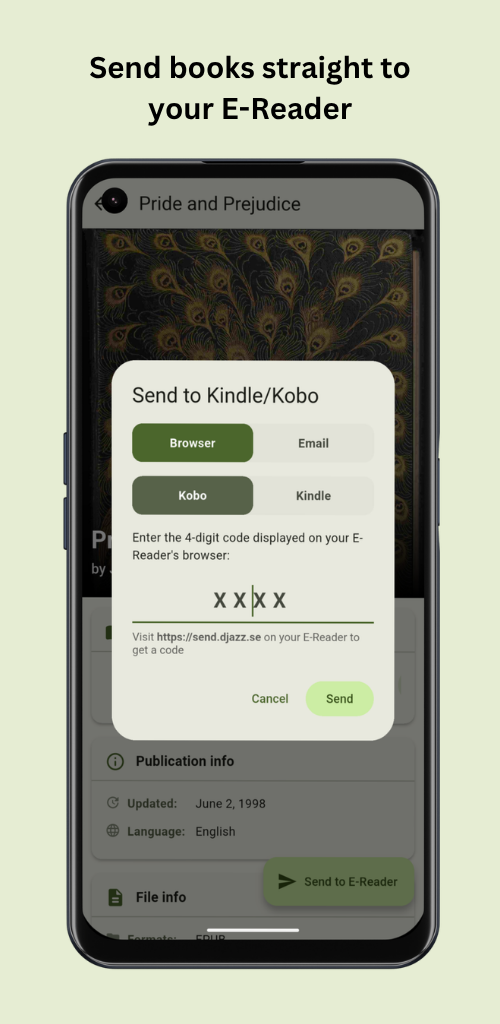
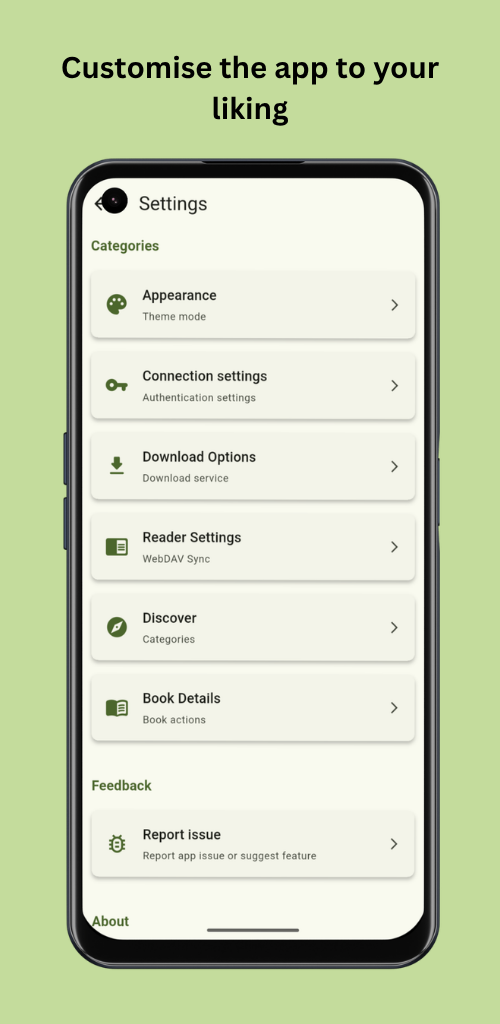
- Connect to your Calibre-Web (Automated) server, including reverse-proxy / SSO setups, custom HTTP headers and self-signed certificates. - Browse your whole library and discover books by author, series, publisher, rating, hot & trending, and more. - View rich details for every book, edit its metadata, and upload new covers. - Mark books as read or unread, archive them, and organize them into shelves. - Create, edit and browse Magic Shelves: dynamic, rule-based shelves (Calibre-Web Automated only). - Add books quickly by scanning their ISBN barcode. - Read books in the built-in eBook reader and sync your reading progress across devices via WebDAV. - Send books to your e-reader (Kindle/Kobo) via send2ereader or Calibre-Web's email function. - Download books into your collection with Shelfmark. This app does not support or encourage the piracy of copyrighted works; please only download content you are legally entitled to. - Upload books to your server, and sync your whole library or selected books for offline reading. - Make it yours: reorder or hide book actions and sections, choose a theme, enable e-ink mode, and adjust the text size.
The app is in active development. You can open issues on GitHub for bugs, feedback and feature ideas.
Credits: Calibre-Web, Calibre-Web Automated, Shelfmark, send2ereader, Flutter.
Fix: New release for google play store.
Recent approved comments · sorted by newest
View all comments