PocketTracker icon

PocketTracker

conanizer
Multimedia
Version
0.9.7
Size
16.9 MB
Requires
Android API 26+
3.7 / 5 · 4,178 ratings 0 downloads

Updated Sep 22, 2026

Quick answer

Tracker-style music maker for handhelds and phones — sampler, SF2, 8 tracks

F-Droid repository metadata

PocketTracker is a music tracker in the spirit of LSDJ, LGPT and the M8 — built for Android gaming handhelds with physical buttons, with an on-screen control layout for phones.

Features:

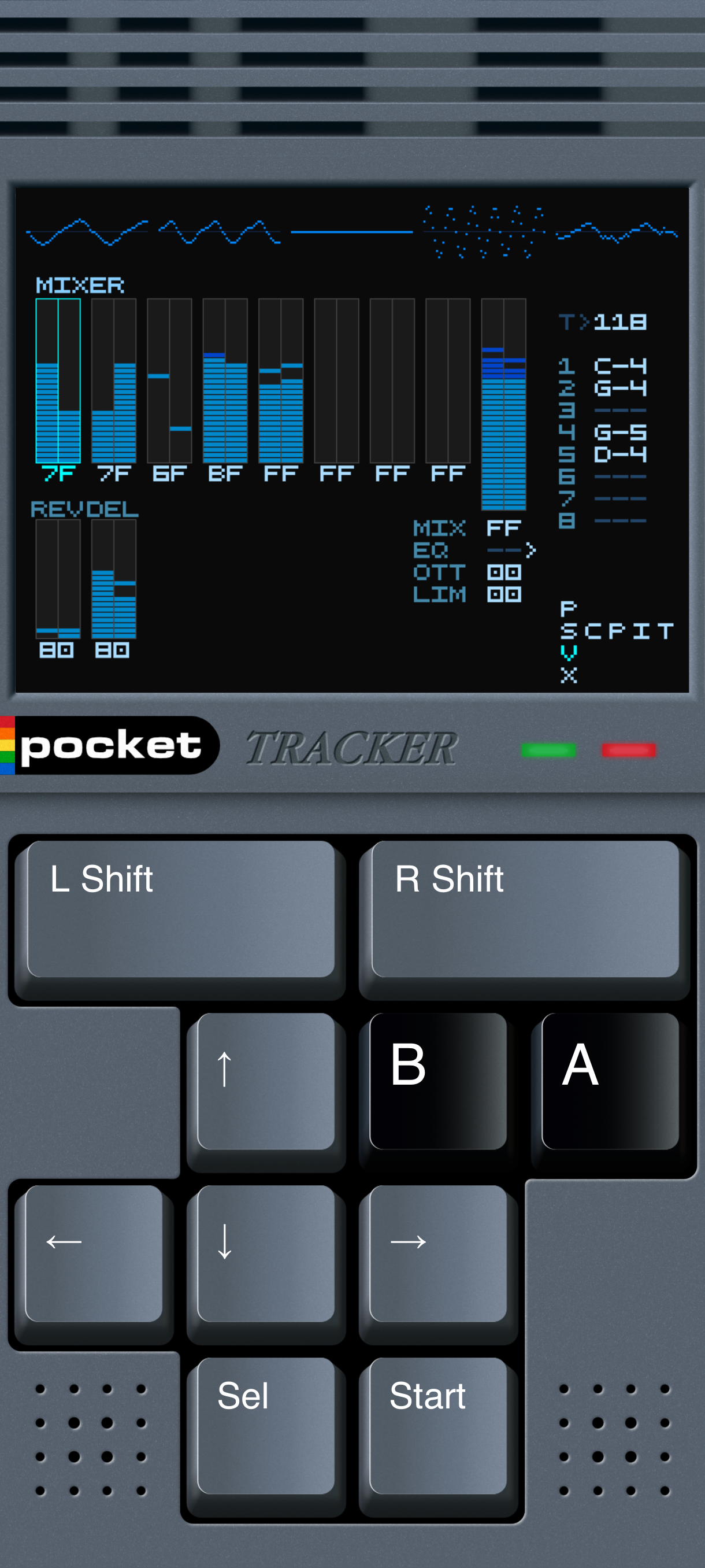
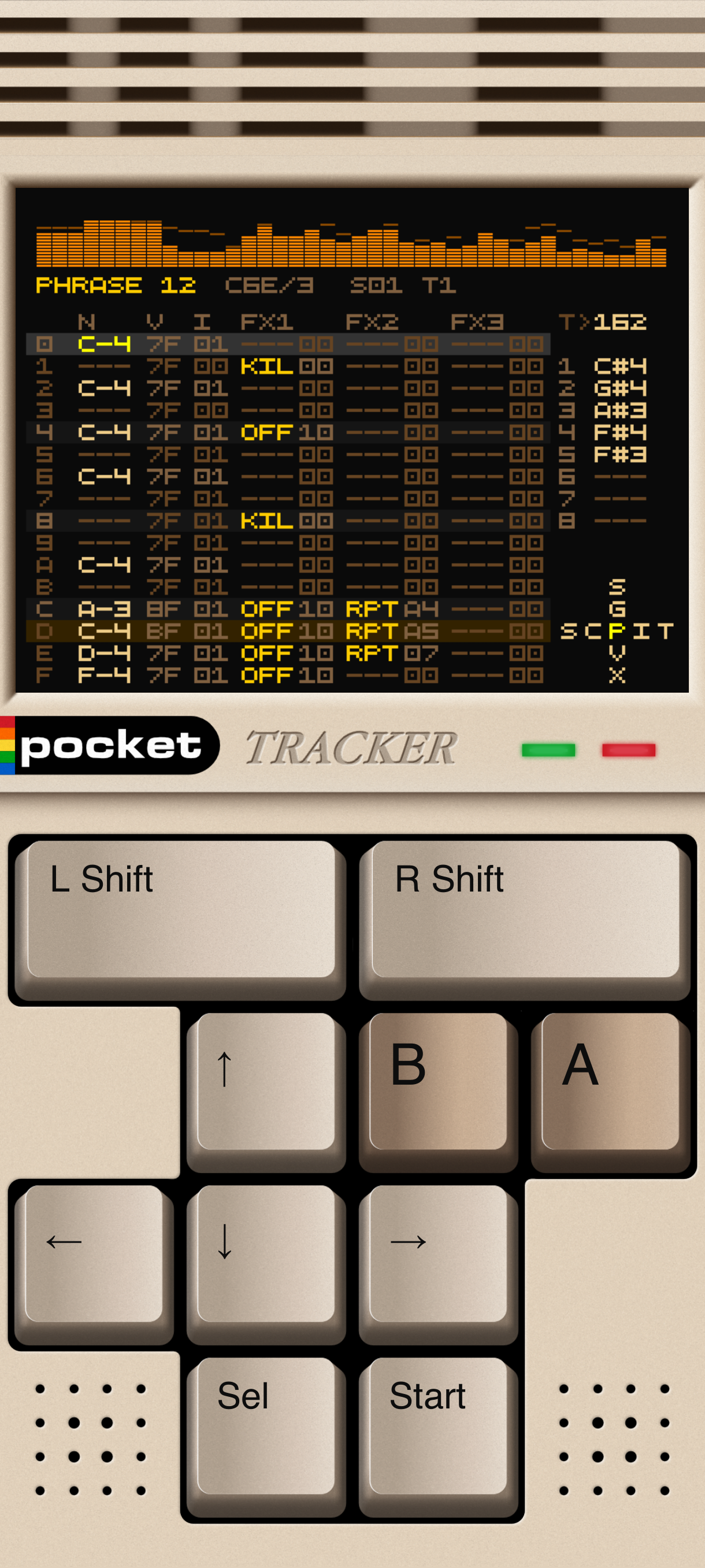
* 8-track sequencer with the classic Song → Chain → Phrase structure * Sampler instruments: load WAV, MP3, FLAC, OGG, Opus and M4A files * SoundFont instrument support: SF2 and SF3 * Sample editor: trim, chop, slice, time-stretch (SOLA), pitch-shift, destructive FX * Sample from video: extract audio from screen recordings (MP4/MKV/WebM) * 31 step effects: arpeggio, retrigger, pitch slides, vibrato, chance/randomize, tables, grooves, mixer-fader automation and more * Per-instrument modulation: AHD/ADSR envelopes and LFOs with 10 destinations * Mixer with per-track sends, true dBFS meters, reverb and delay send buses * Master bus with OTT-style multiband compression or DUST lo-fi chain, plus limiter * WAV export: full mix or per-track stems; resample selections into new instruments * Interface color themes, a theme editor and multiple top-bar visualizers * Low-latency native audio engine (Oboe); runs well on 1 GB RAM devices

Storage: PocketTracker requests no permissions. The first time you open its file browser it offers a single "ADD FOLDER..." row, which opens Android's own folder picker; the folder you choose becomes its home and is where projects, samples and renders live. You can grant it further folders at any time from the top of the browser, so a sample library anywhere on the device — or a video copied over from a PC — is reachable without giving the app access to everything.

Requires Android 8.0+ on a 64-bit device (arm64-v8a or x86_64).
Screenshots

PocketTracker screenshot 1
PocketTracker screenshot 2

What’s new

Every track plays its own column, tables get three playheads, and LIVE mode.

• The eight tracks no longer wait for each other; a > marks where each one is
• The cursor is the cell you are on, not the whole row, everywhere
• A table's three FX columns run on their own clocks — TIC and HOP FF per column
• LIVE mode — B+LEFT/RIGHT on SONG makes the grid a scene launcher
• A+LEFT/RIGHT is the small edit step now, A+UP/DOWN the large one
• EQ colours, the selection and the playback marker are theme

How to install

  1. Download the APK from the button at the top of this page.
  2. Allow “Install unknown apps” for your browser or file manager only, not for every app.
  3. Open the downloaded file and confirm the installation.
  4. If installation fails with “App not installed,” remove an earlier build of the same app first. A signature conflict is the usual cause.

Data safety

  • Every file is checked against its published SHA-256 before it is listed.
  • Files are scanned for malware on every update.
  • The permissions each app requests are listed on its own page.
  • Read the full safety policy for how we test, flag, and delist files.

Comments

Recent approved comments · sorted by newest

Verification code
Be specific and keep it about the app. No links. Comments are reviewed before publication. Device and Android details are recorded automatically. Privacy policy.

Loading recent comments...

View all comments