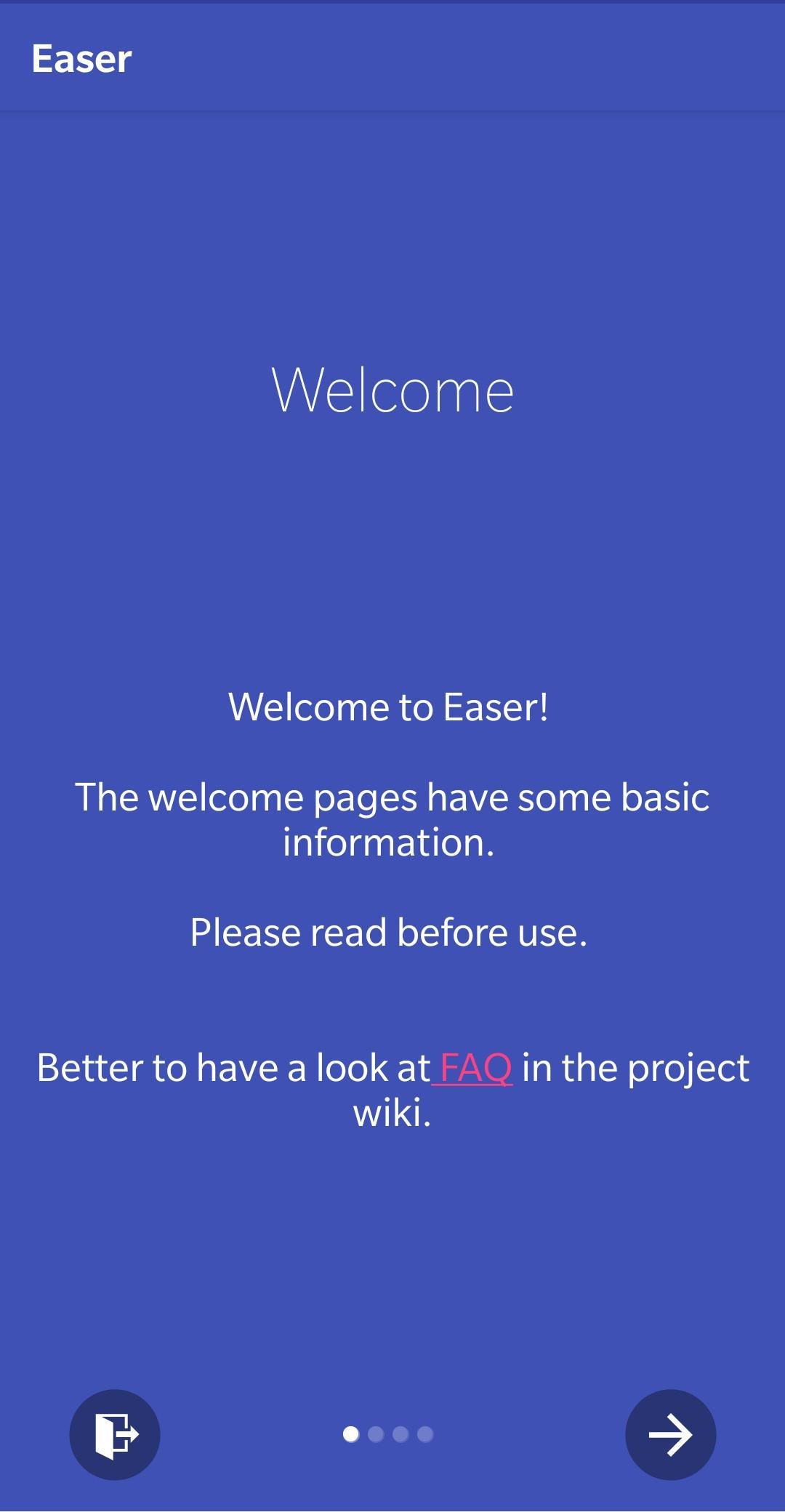
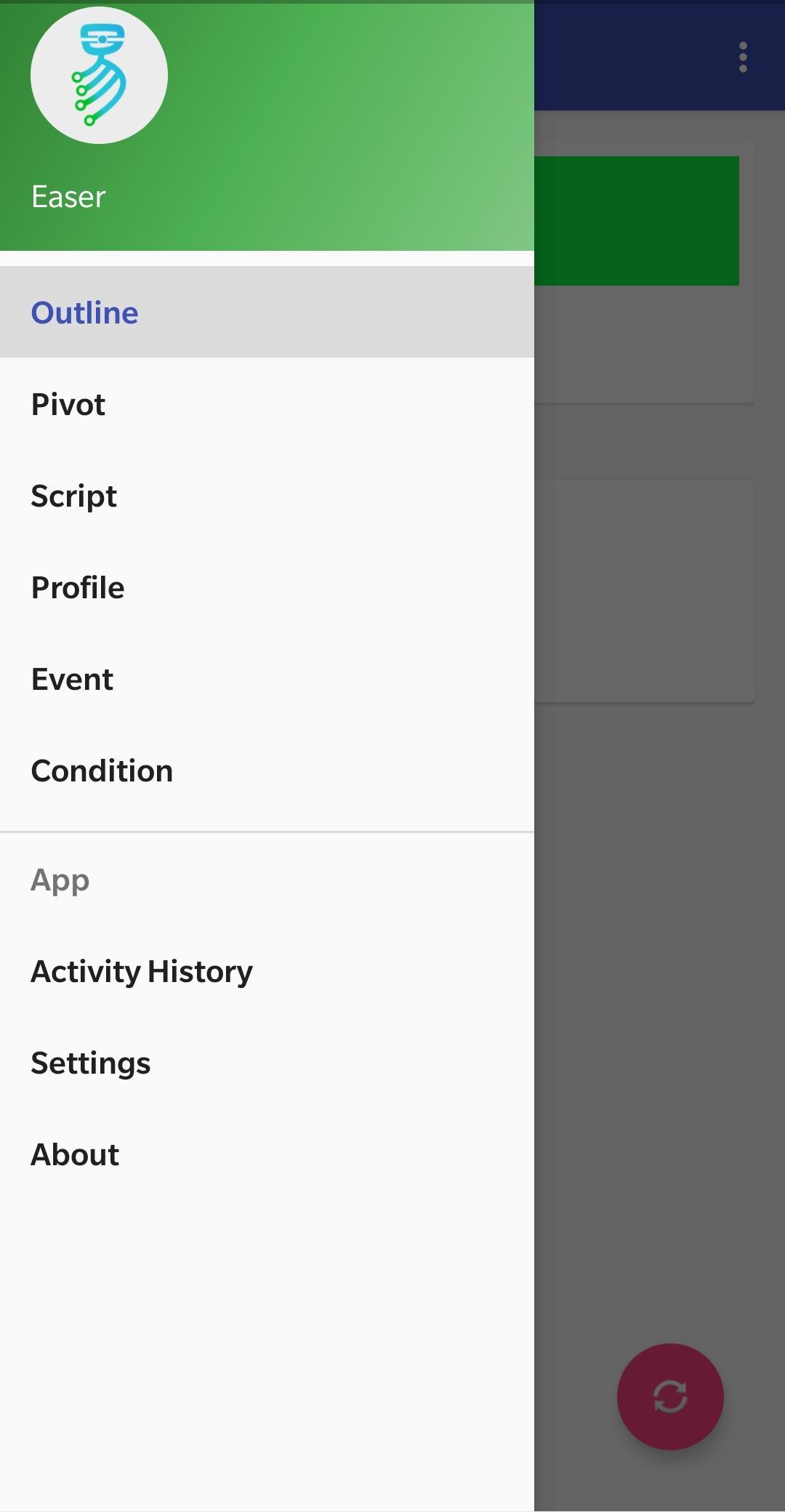
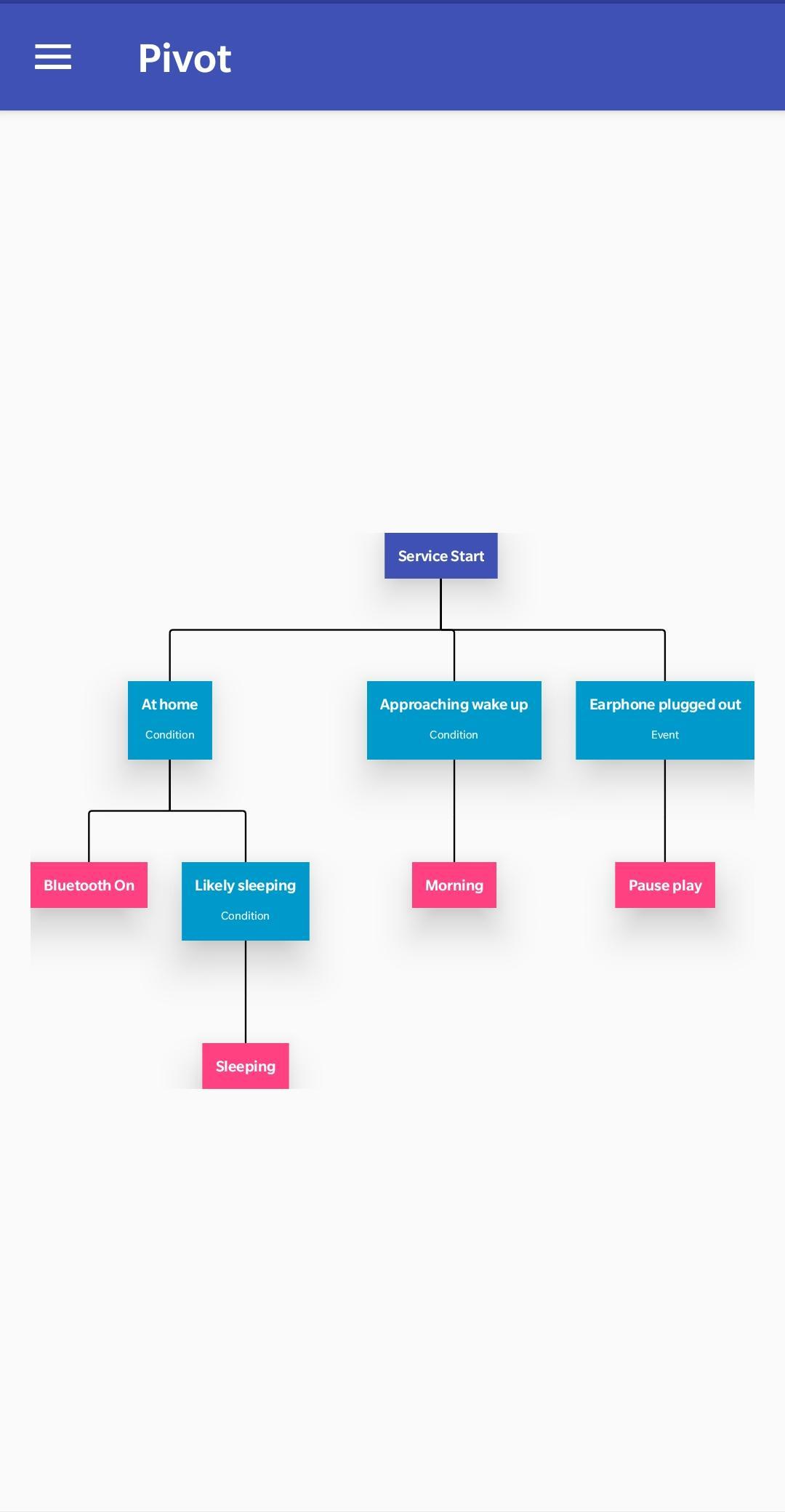
Make your smart phone smarter: tell it what to do under what situation.
Easer provides you with explicit automation. You can also say it's an event-driven Android automation app. It knows various events, and you, the user and the device owner, can tell it what to do on what event or condition (and even combine multiple events!). Routine actions no longer need to be taken manually.
More than that, Easer can not only handle Events, but also check for Conditions. This makes things simpler when they can’t be seens as Events, and makes it more intuitive.
The development of Easer was inspired by CyanogenMod's 'profile' mechanism and IFTTT. The original intuition was to automatically change the profile on certain time or specific WiFi connections. However, it has been expanded for more general use (so Easer runs on any Android devices).
Reminder: Easer is still under development. It may contain bugs and the UI definitely needs to be improved. The [https://renyuneyun.github.io/Easer/en/ website] and [https://github.com/renyuneyun/Easer/wiki wiki] has some relevant information and directions, so please read them before using. If you are interested in helping development, please see [https://github.com/renyuneyun/Easer/blob/master/README.en.md README] in the repo.
Screenshots
What’s new
Bug fixes && i18n update && dev updates
* Fix #441 * Fix #437 * Dev changes: :* Fix or supress (known to be correct) some lint warnings :* Make BTDeviceWrapper static * I18n update: Ukrainian, Portuguese, Italian, Dutch * CI update: split the jobs for easier understanding from overview
How to install
Download the APK from the button at the top of this page.
Allow “Install unknown apps” for your browser or file manager only, not for every app.
Open the downloaded file and confirm the installation.
If installation fails with “App not installed,” remove an earlier build of the same app first. A signature conflict is the usual cause.
Data safety
Every file is checked against its published SHA-256 before it is listed.
Files are scanned for malware on every update.
The permissions each app requests are listed on its own page.
Read the full safety policy for how we test, flag, and delist files.