Quick answer
Configurable Android context menu helper
F-Droid repository metadata
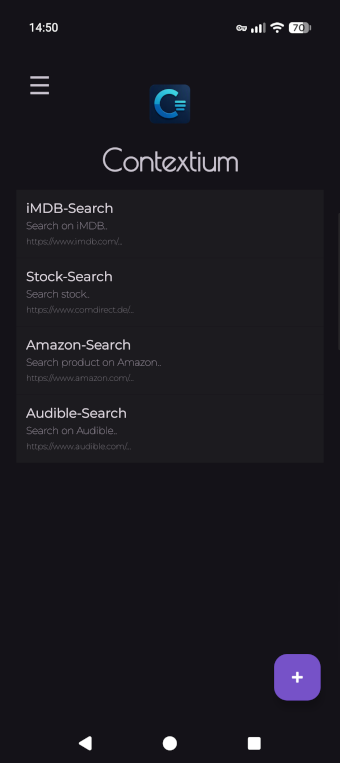
Contextium extends Android's native text-selection context menu with configurable actions for web searches.
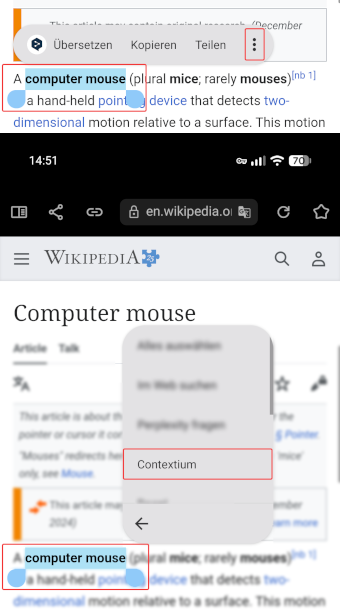
Select text in an app, choose Contextium, and open the selected text with one of your configured search URLs.
Features
- Add unlimited context-menu items.
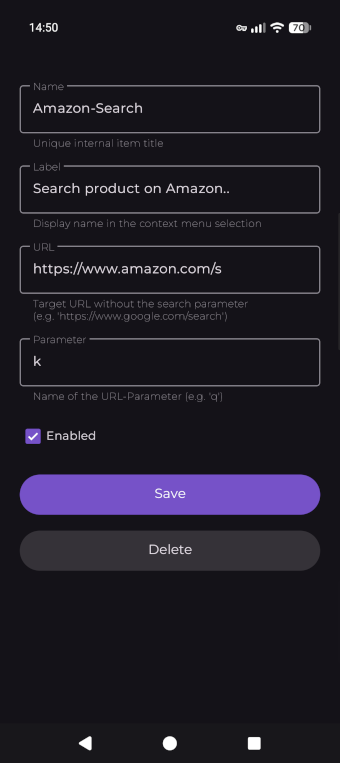
- Configure a name, label, target URL, and URL parameter for each item.
- Reorder entries with drag and drop.
- Enable or disable entries individually.
- Export and import your configuration as a backup.
How it works
- Add a menu entry.
- Configure its name, URL, and parameter.
- Select text and choose Contextium.
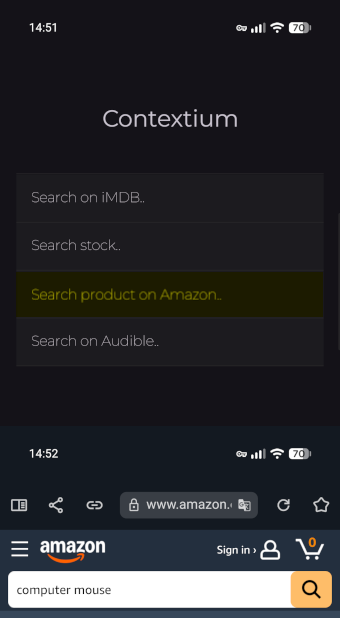
- Choose an action to start the web search.
The target website must support search terms passed as a URL parameter.
For example, use https://www.google.com/search with the parameter q. Contextium then creates a URL such as https://www.google.com/search?q=foobar.
What’s new
- Fix UI - use default font in light mode
How to install
- Download the APK from the button at the top of this page.
- Allow “Install unknown apps” for your browser or file manager only, not for every app.
- Open the downloaded file and confirm the installation.
- If installation fails with “App not installed,” remove an earlier build of the same app first. A signature conflict is the usual cause.
Data safety
- Every file is checked against its published SHA-256 before it is listed.
- Files are scanned for malware on every update.
- The permissions each app requests are listed on its own page.
- Read the full safety policy for how we test, flag, and delist files.
Recent approved comments · sorted by newest
Loading recent comments...
View all comments