What’s new
# v0.8.9 - Medicine Cabinet Pirate
**2026-04-15**
- updated software libraries
- added adi-registration.properties

Updated Sep 22, 2026
Stay Put helps prevent theft of your device while charging in public spaces.
F-Droid repository metadata
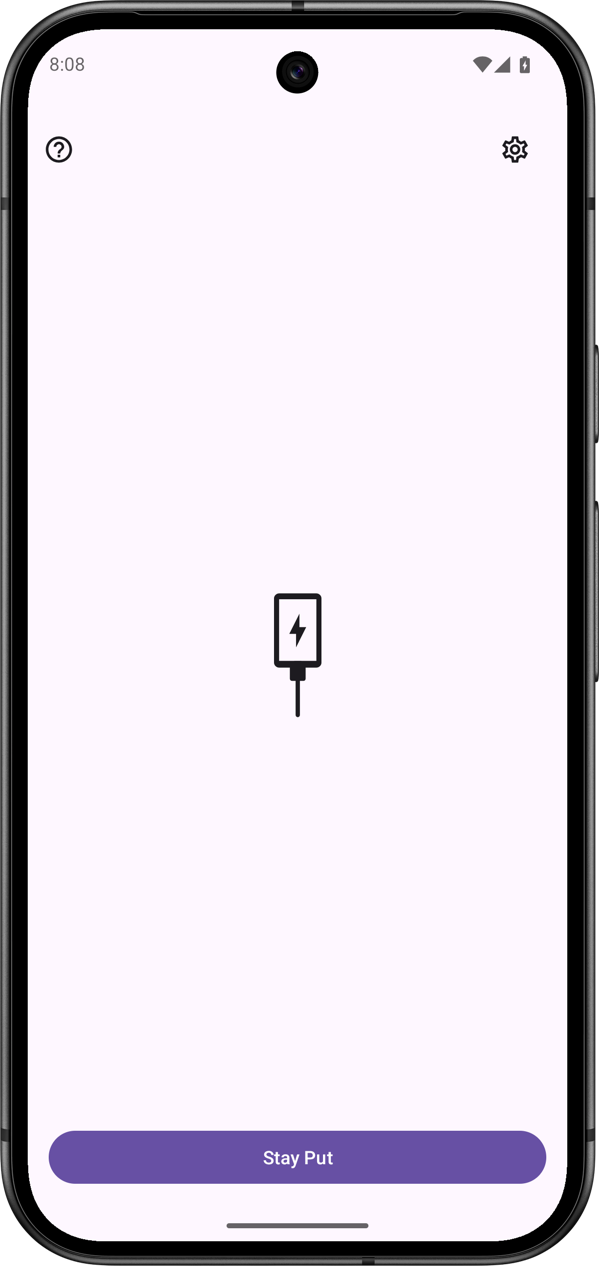
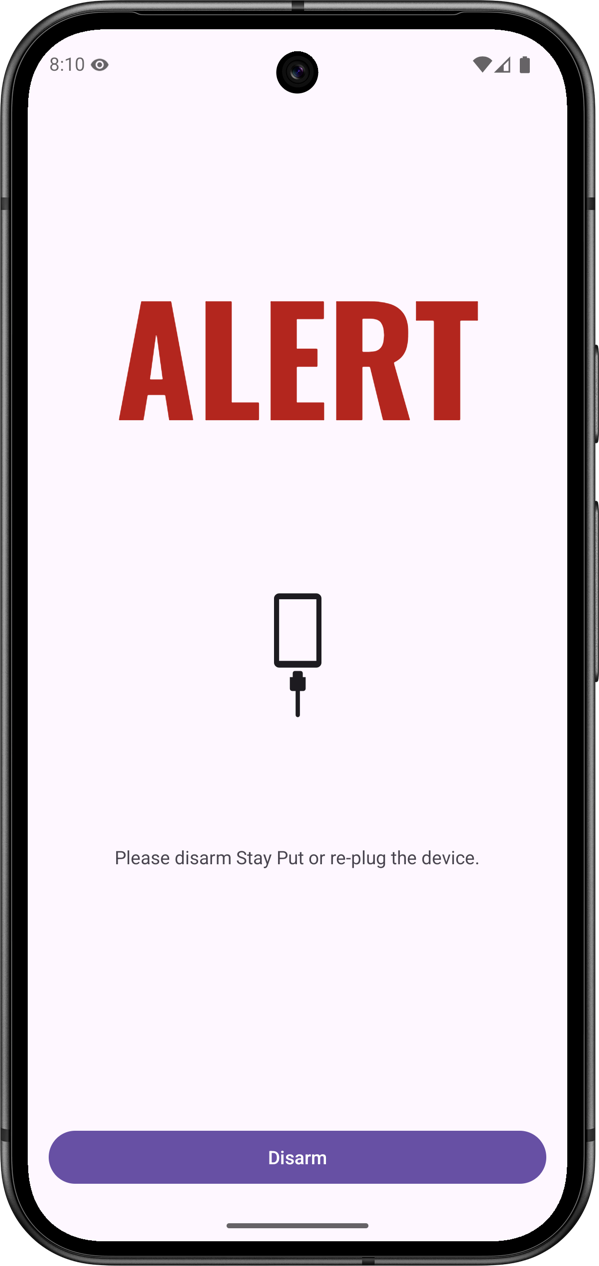
Stay Put is an app that helps prevent casual theft of your device while charging in public spaces. The app was created to solve a common problem: charging your phone in public spaces while traveling or camping. When you need to leave your phone unattended at a public charging spot, Stay Put acts as your guard. It sounds a loud alarm if someone unplugs your device, deterring potential theft.
Stay Put is free software. It is published under the MIT open-source license.
VERIFY APK ----------
APKs published on Codeberg Releases are signed with the following certificate. SHA-256: 61:05:14:5F:84:E5:CB:D6:97:F0:F6:E1:2C:97:77:04:2E:9B:2D:B6:67:A7:FF:0D:A4:12:F6:74:35:31:6D:D8
CORE FEATURES -------------
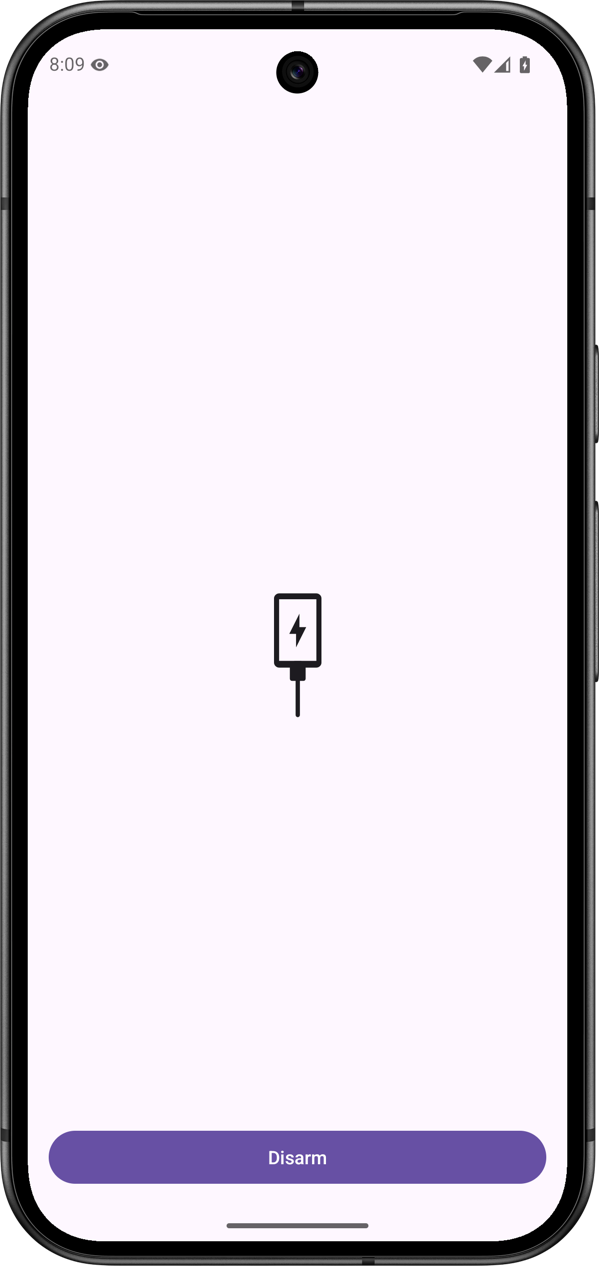
- Loud alarm when device is unplugged - Secure disarm with biometric authentication or device credentials - Option to allow disarm by plugging the device back to power - No tracking, no data collection
FAQ ---
WHEN SHOULD I USE STAY PUT? Stay Put is ideal when charging your phone in public spaces like: - Public libraries - Hostels - Campground bathrooms - Airport charging stations - Any shared charging area
HOW DOES STAY PUT PREVENT THEFT? Stay Put doesn't physically prevent theft, but it acts as a deterrent. The moment someone unplugs your phone, a loud alarm sounds. The alarm can only be disabled using your biometric data or device credentials – or by plugging the device back to power (if this option is enabled).
CAN I STILL USE MY PHONE WHILE STAY PUT IS ACTIVE? Yes, Stay Put runs in the background and doesn't interfere with normal phone usage. Just remember to disarm it before unplugging your phone.
# v0.8.9 - Medicine Cabinet Pirate
**2026-04-15**
- updated software libraries
- added adi-registration.properties
Recent approved comments · sorted by newest
View all comments