Quick answer
(SECUSO) Backup Application for Privacy Friendly Apps
F-Droid repository metadata
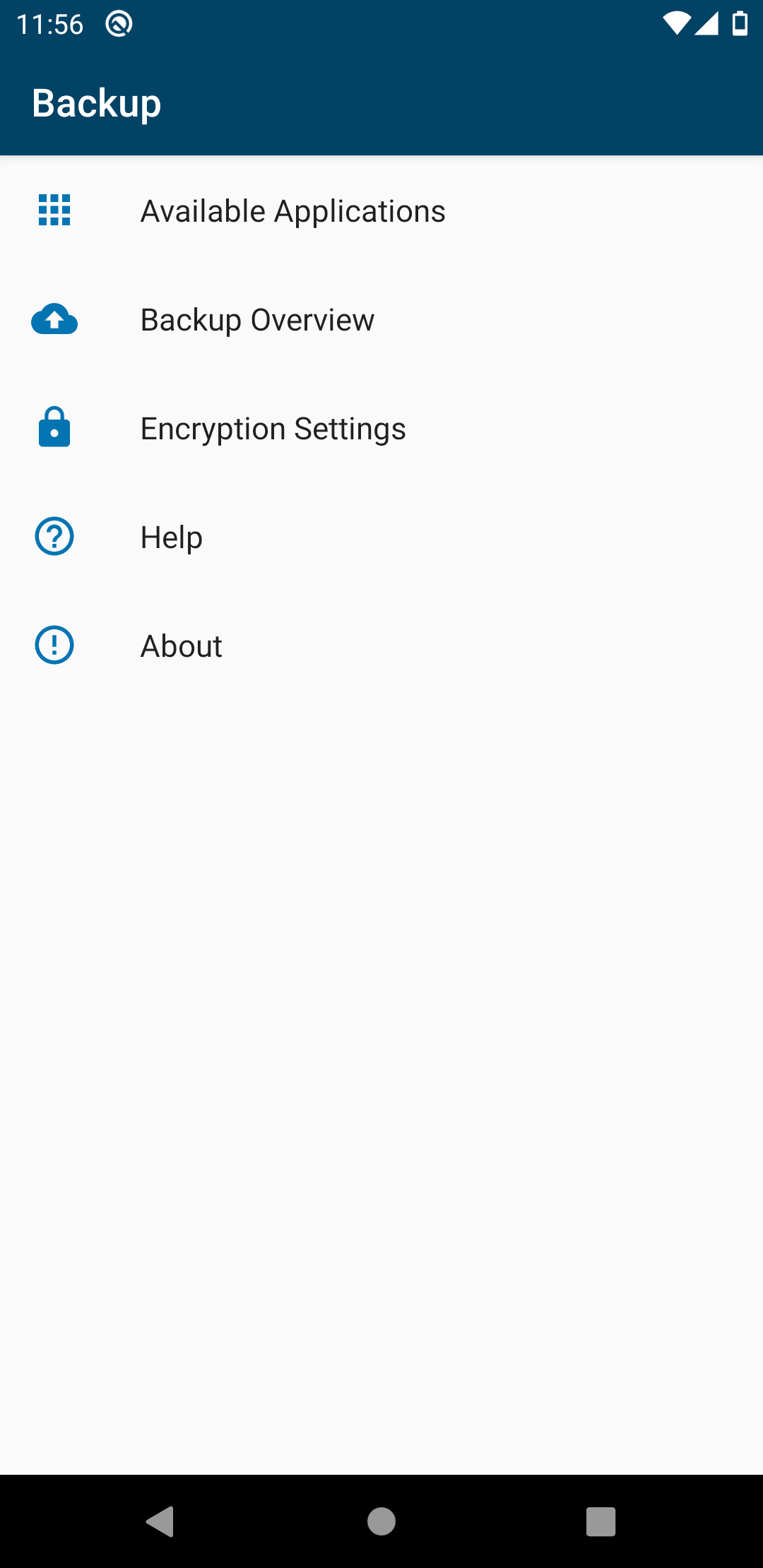
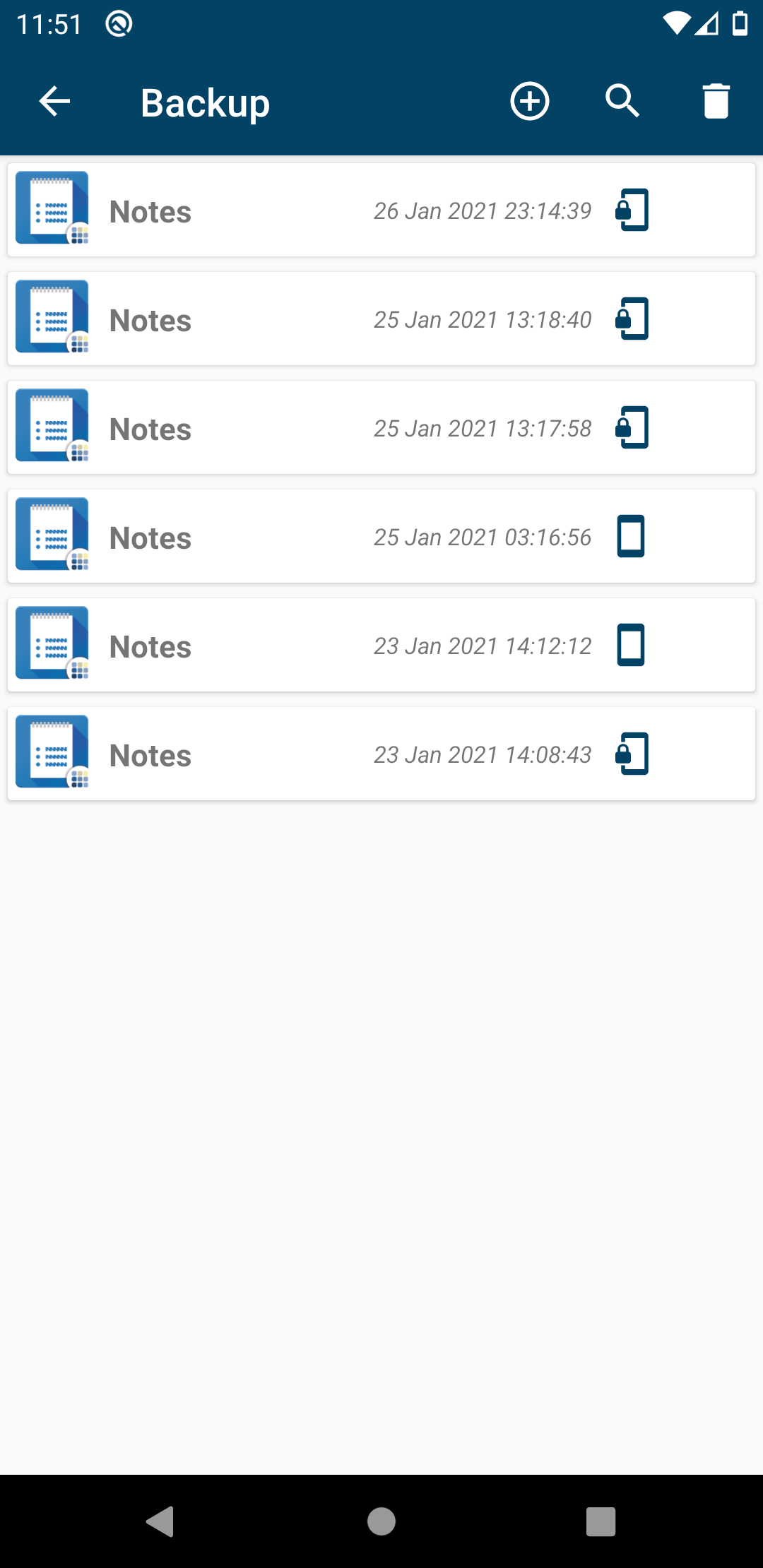
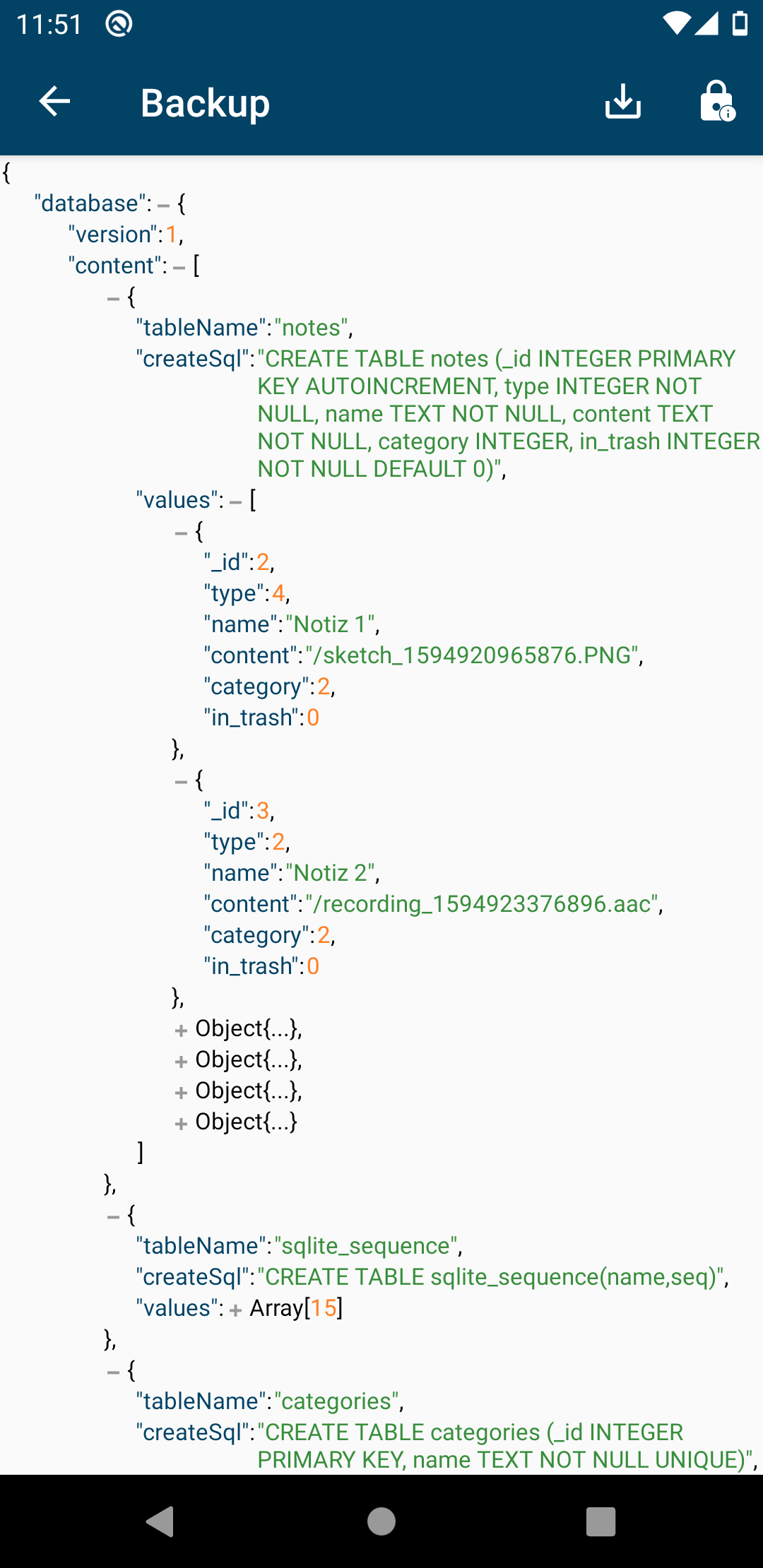
Privacy Friendly Backup is an application that works with other privacy friendly apps to enable backups. The app allows you to create and manage backups. This includes importing backups into the app and exporting backups to external storage media. The Privacy Friendly Backup app communicates with other Privacy Friendly apps and extracts or injects data into and out of the app to enable the creation and restoration of backups.
The app provides encryption via an interface to another app that provides encryption as functionality via the openpgp-api. The user is free to choose their own encryption provider via the app's settings. For encryption to work, the provider must be installed externally. We recommend https://www.openkeychain.org/ , as this app is available in the regular PlayStore as well as in the F-Droid Store and is completely open source.
You can reach us via Bluesky - @secusoresearch.bsky.social https://bsky.app/profile/secusoresearch.bsky.social Mastodon - @SECUSO_Research@bawü.social https://xn--baw-joa.social/@SECUSO_Research/ Job opening - https://secuso.aifb.kit.edu/english/Job_Offers.php
Screenshots
How to install
- Download the APK from the button at the top of this page.
- Allow “Install unknown apps” for your browser or file manager only, not for every app.
- Open the downloaded file and confirm the installation.
- If installation fails with “App not installed,” remove an earlier build of the same app first. A signature conflict is the usual cause.
Data safety
- Every file is checked against its published SHA-256 before it is listed.
- Files are scanned for malware on every update.
- The permissions each app requests are listed on its own page.
- Read the full safety policy for how we test, flag, and delist files.
Comments
Recent approved comments · sorted by newest
View all comments