What’s new
- Fix issue #1 : Typo on suspense button
- Fix issue #2 : lock orientation when playing a sound

Updated Sep 22, 2026
Push a button, or move your phone, to make some noise
F-Droid repository metadata
Simple fun app to play a sound when you touch a button, or when you whip your phone.
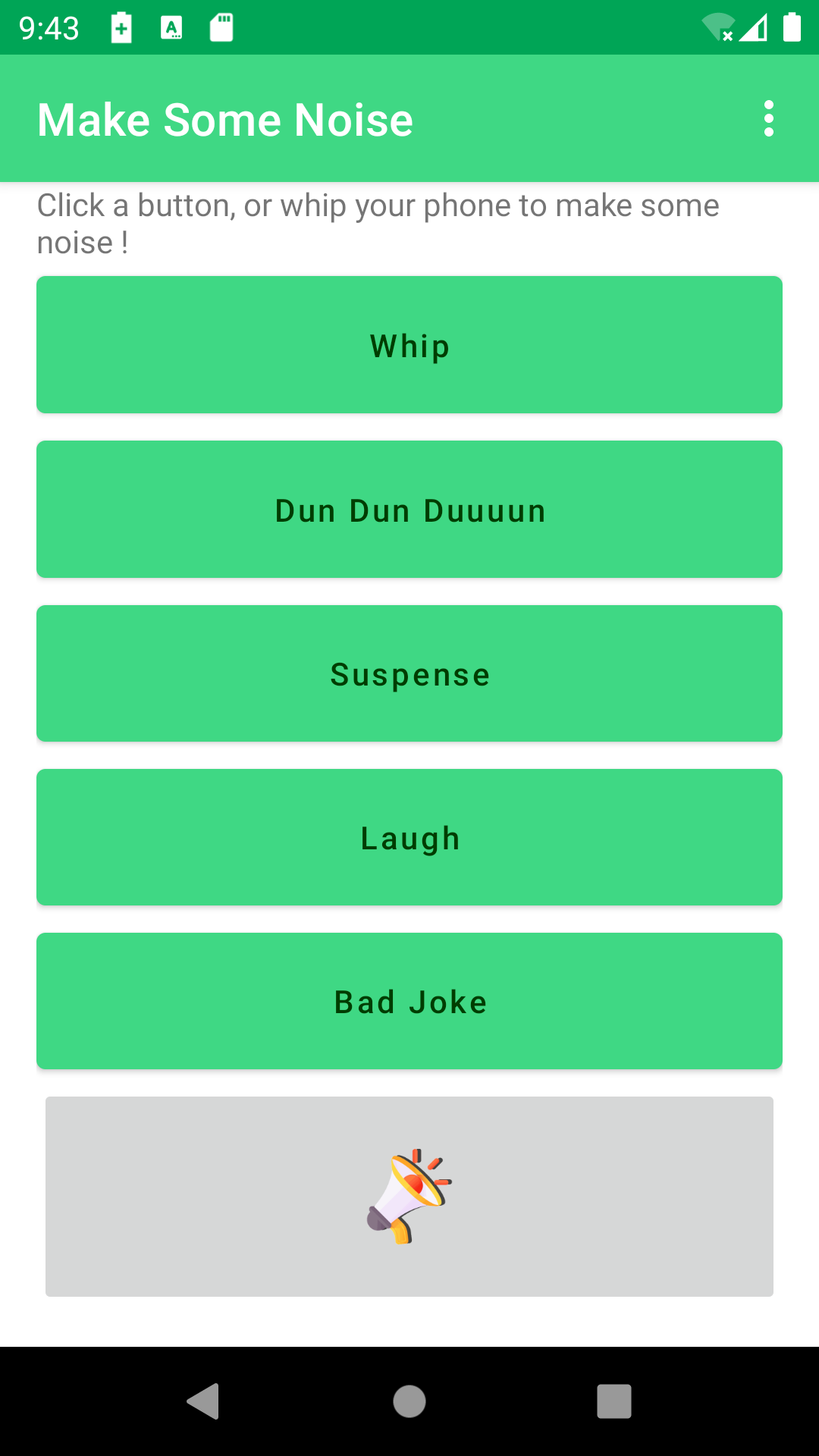
This app is 1st attempt to create an Android app, but it is quite fun to use. You can virtually whip your friend, or make fun of them. You can play the Dun Dun Duuun or Suspense sound when someone is down during a murder party :-) . Did you see The Big Bang Theory episode when they whip each other or play a murder party ? The sounds are almost the same, and you can use the app like they do it on the show.
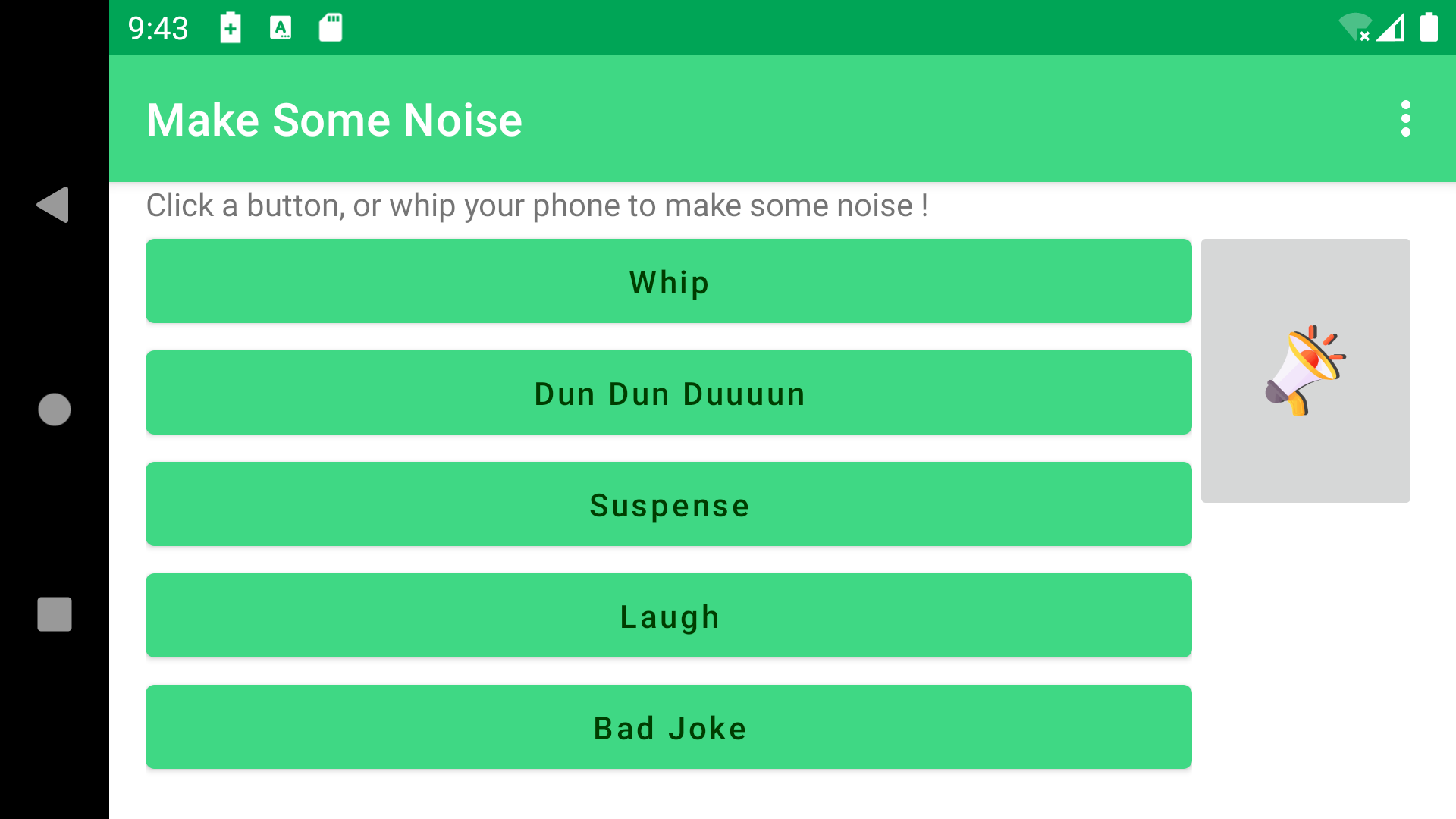
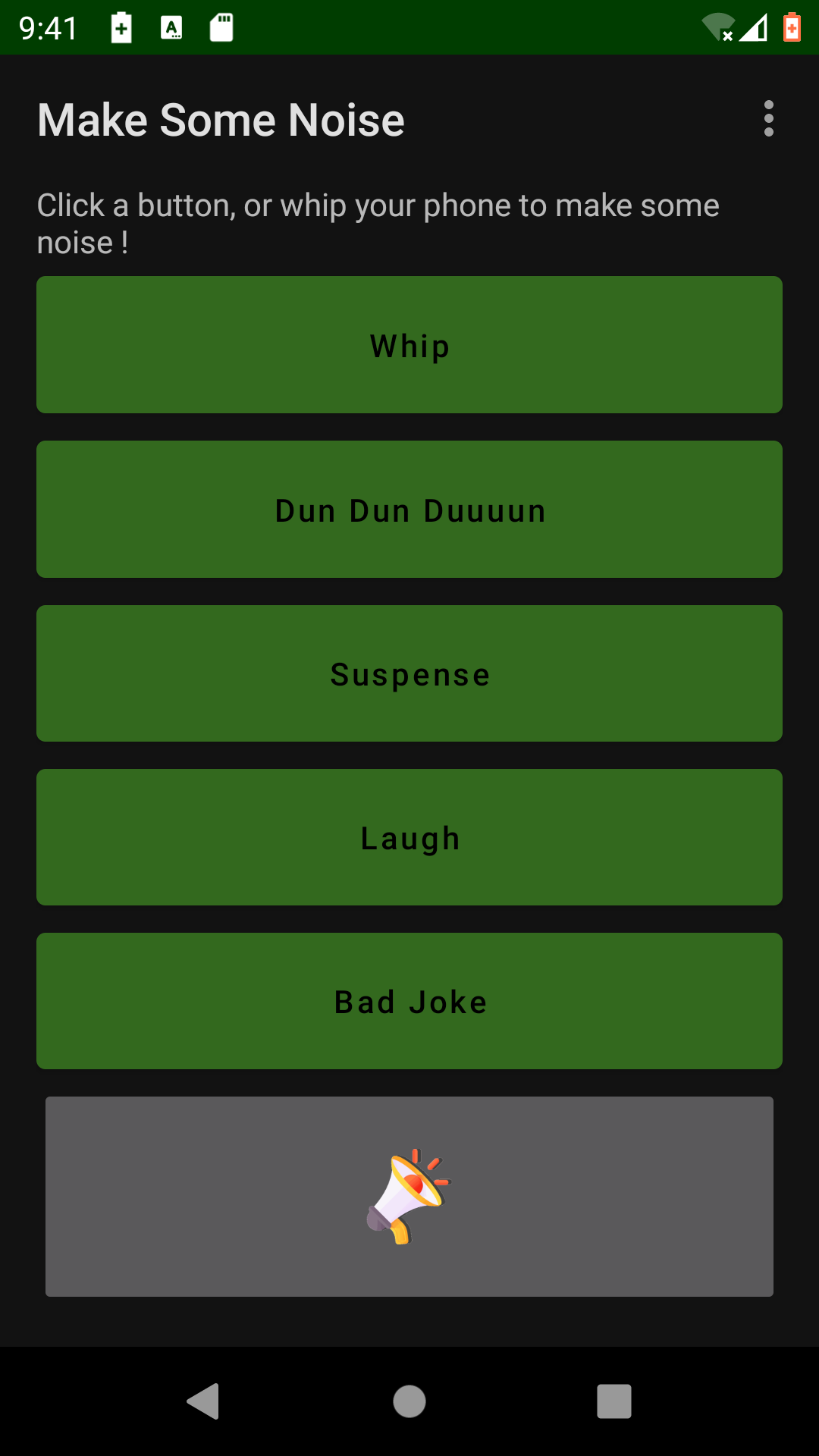
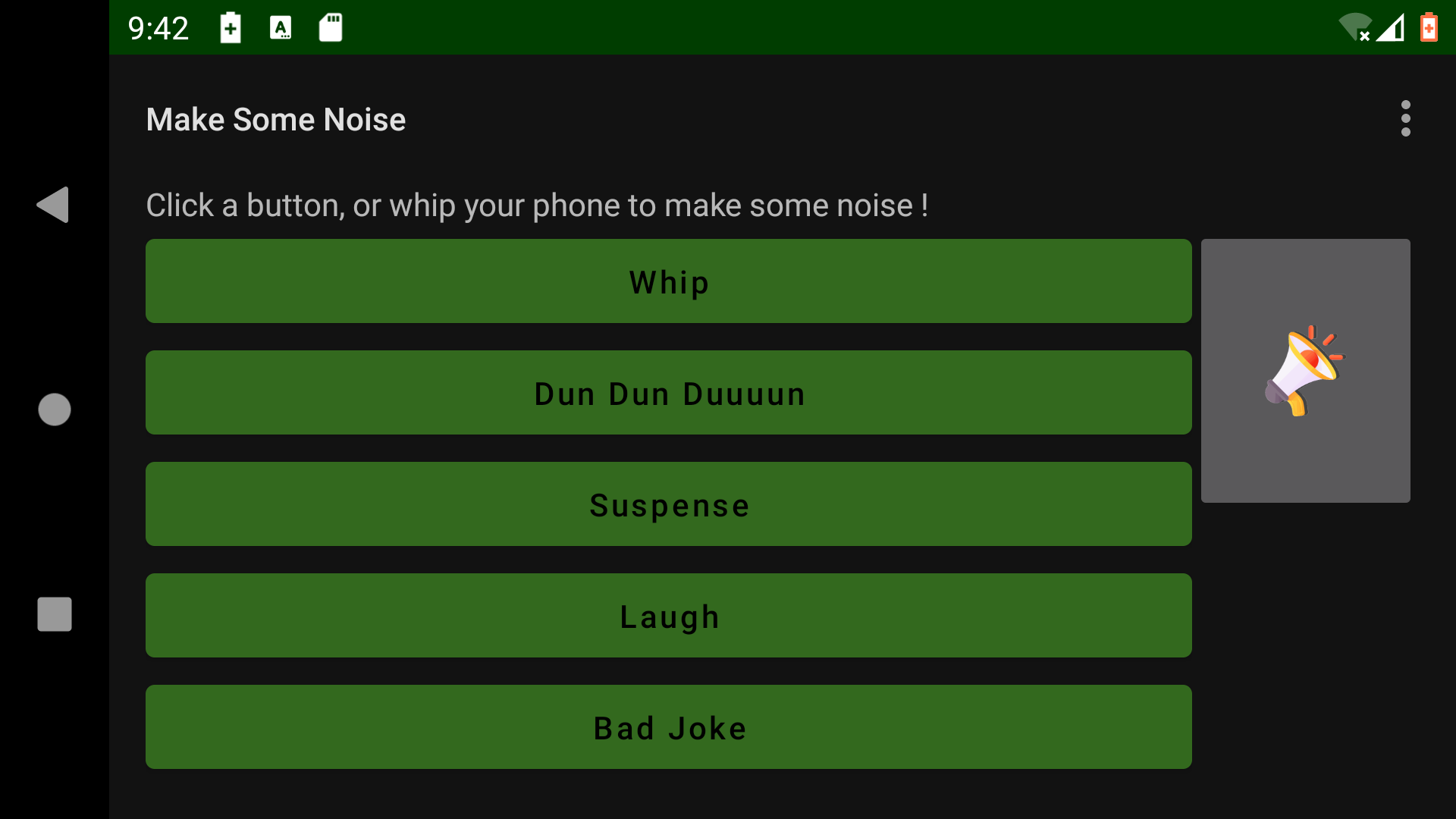
Help : Push a button, and the sound is played. Quite simple :-) ! The bottom button with the icon repeat the last played sound. You can also use the keyboard (Key 1 to 5, and R for repeating the last sound). The last sound is also played when you do a whip move with your phone.
The sounds can't be changed (it will come in a future version).
Sounds are made by myself, or came from Simon Lacelle (see freesound.org) or from Dick De Benedictis. All of them are open and free to use.
- Fix issue #1 : Typo on suspense button
- Fix issue #2 : lock orientation when playing a sound
Recent approved comments · sorted by newest
View all comments