What’s new
• The screen time card on the Since charge page now has its own title instead of reusing "Screen time today"
• The APK no longer embeds Google's encrypted dependency-info block, enabling F-Droid reproducible builds

Updated Sep 22, 2026
System monitor widget with per-app usage insights and a charging screensaver
F-Droid repository metadata
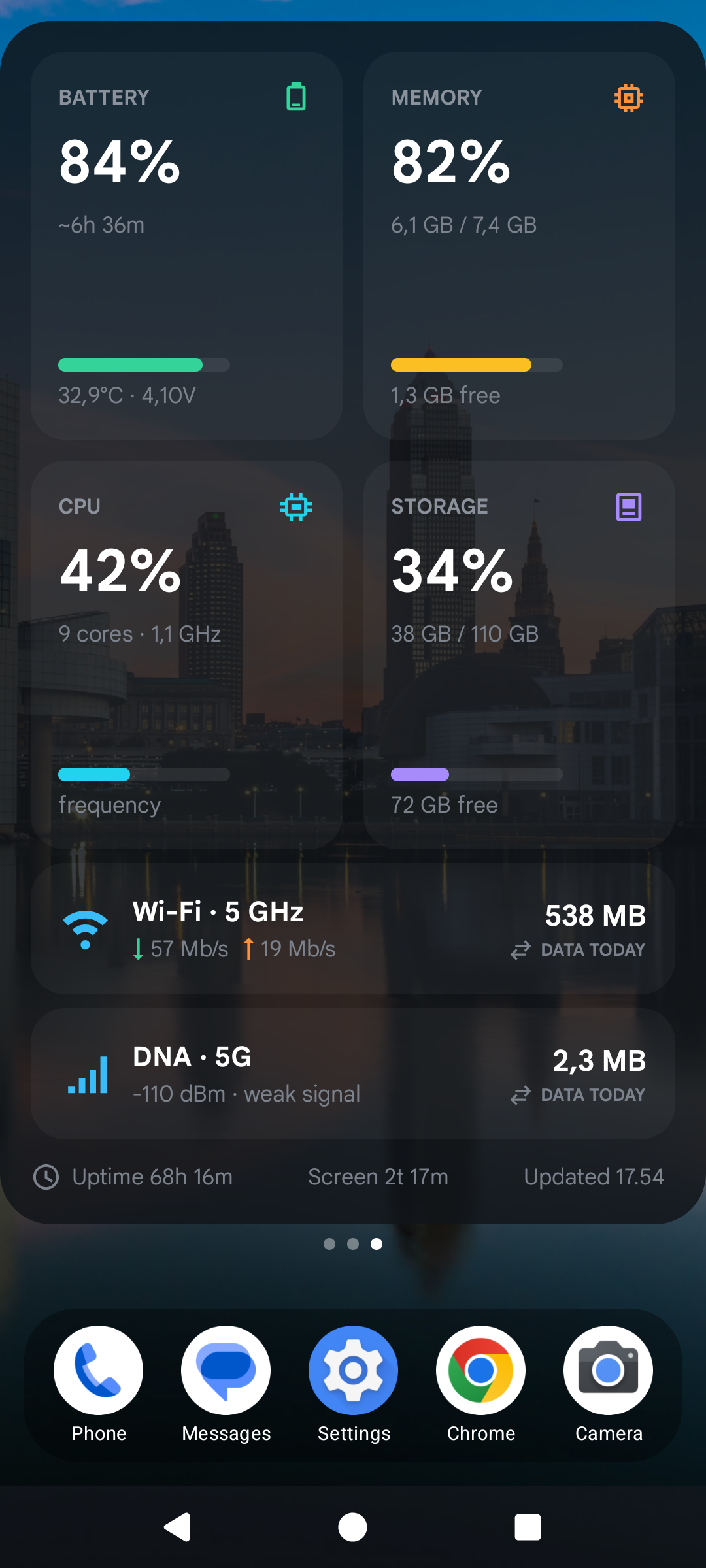
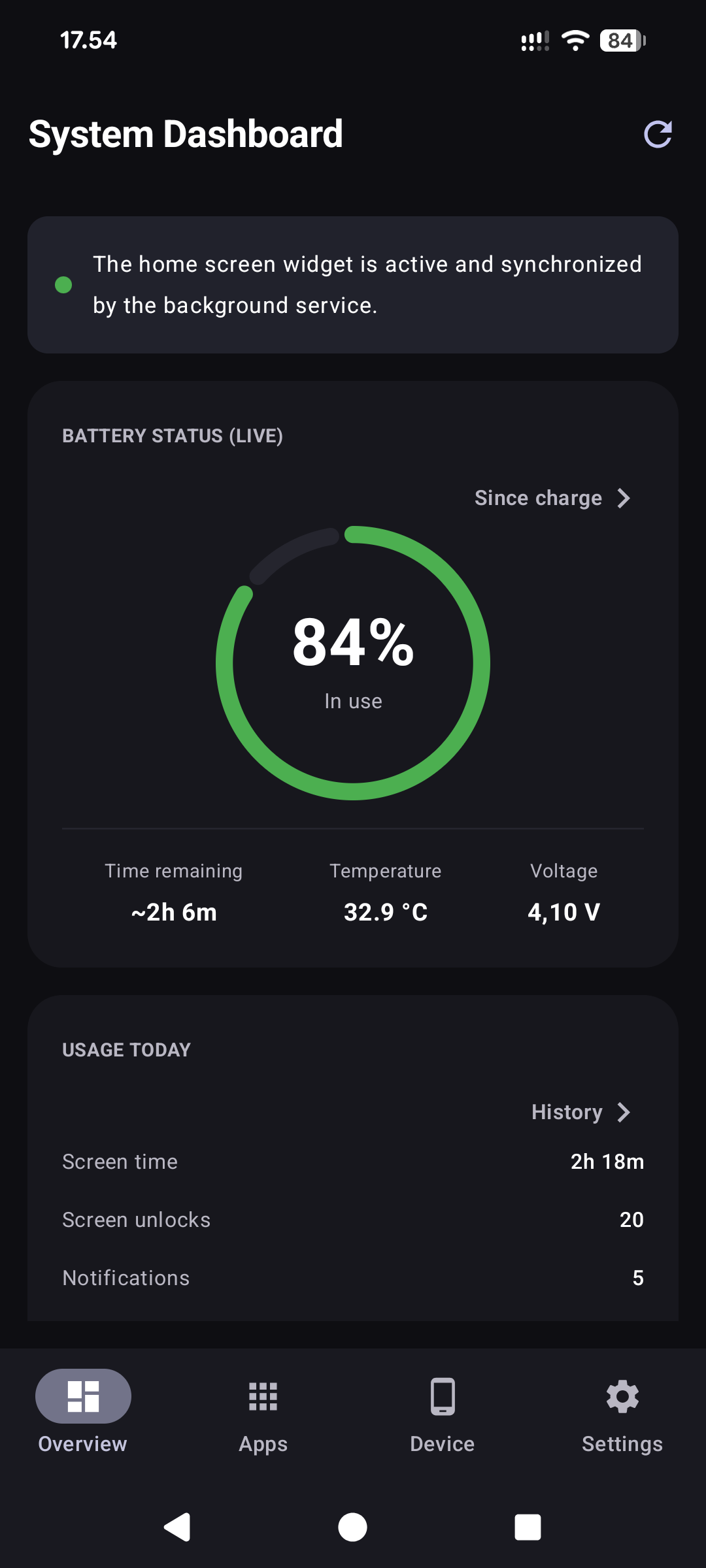
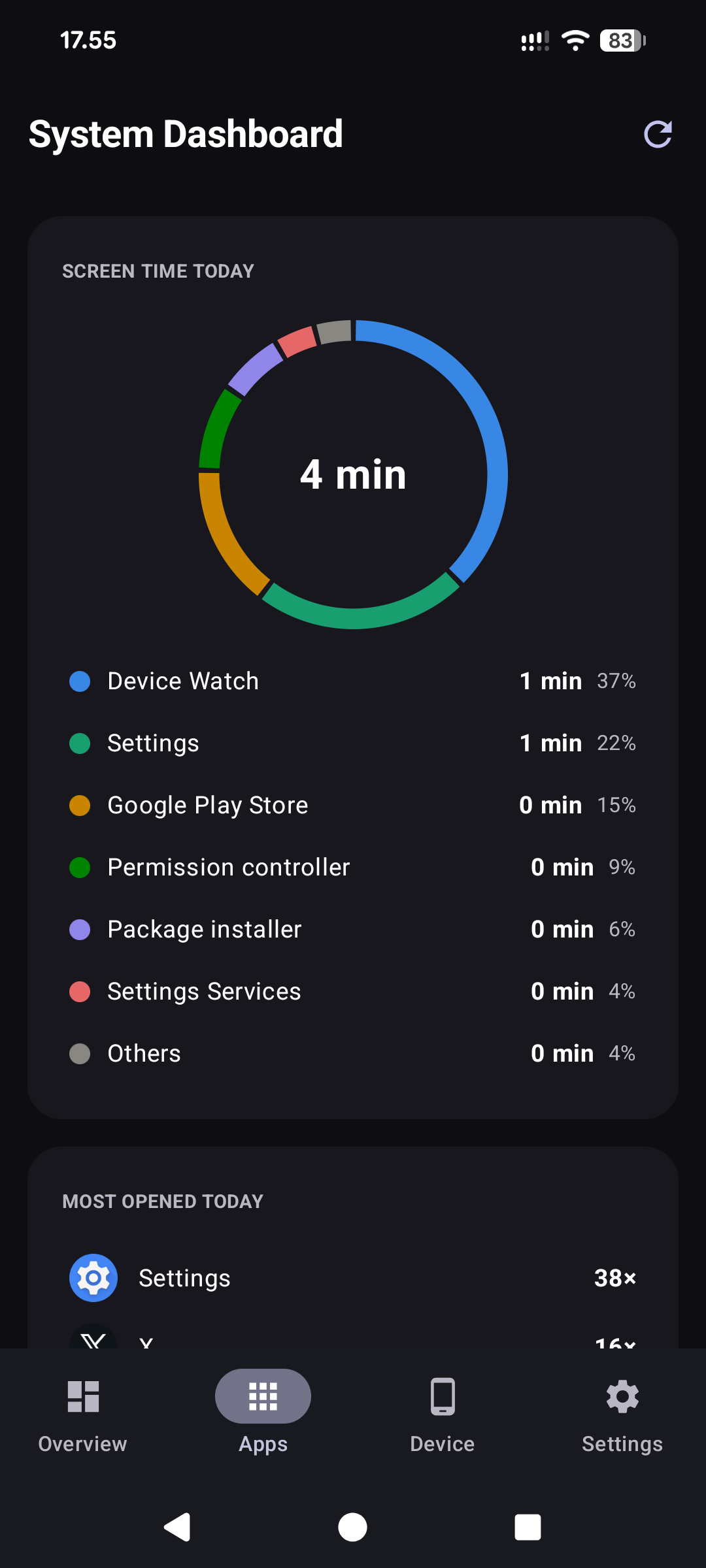
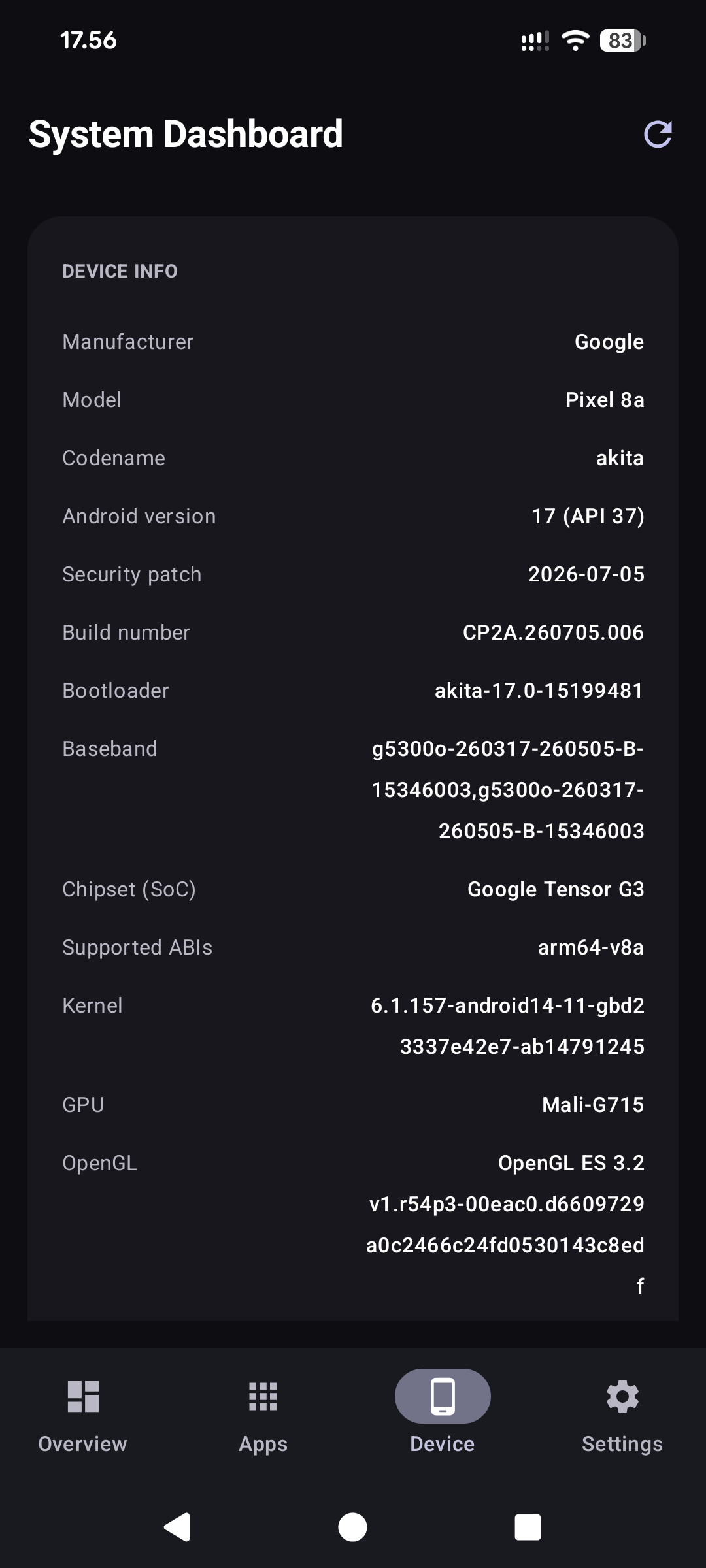
Device Watch is an Android device monitor with a home-screen widget, per-app usage insights and an interactive screensaver for charging or docked use. It works completely offline: the app has no internet permission, and every number is real data read from Android and kernel sources — when a value is not available with the permissions granted, the app shows a dash instead of a fabricated value.
Features:
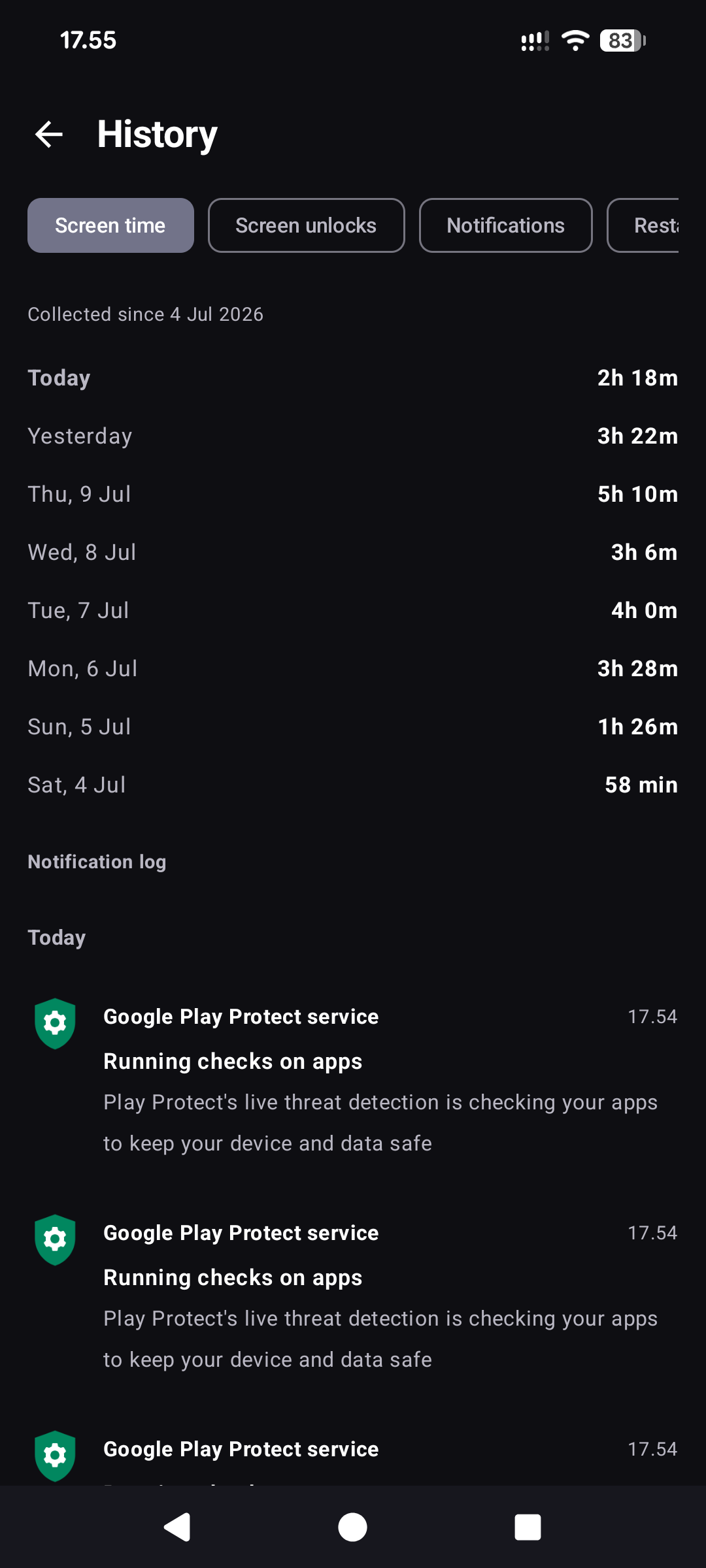
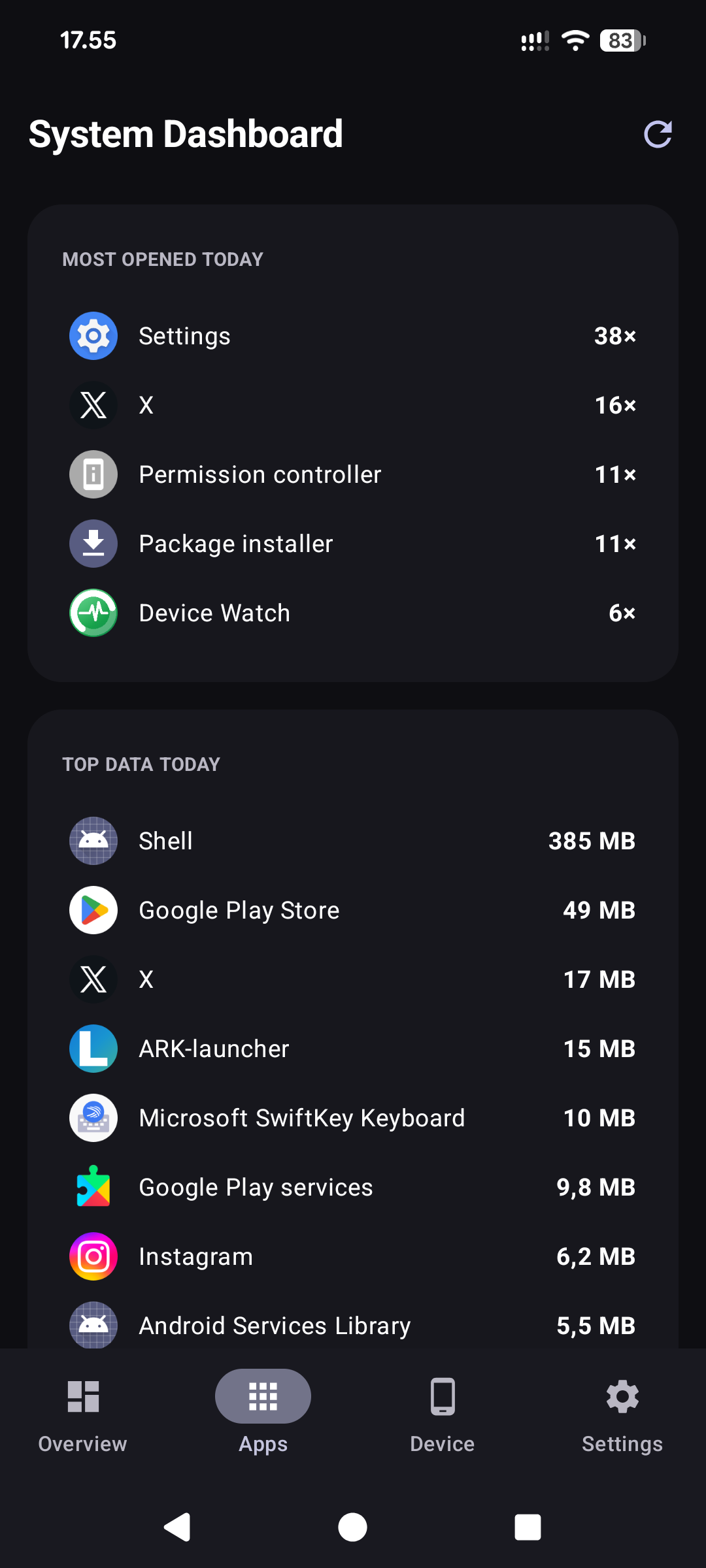
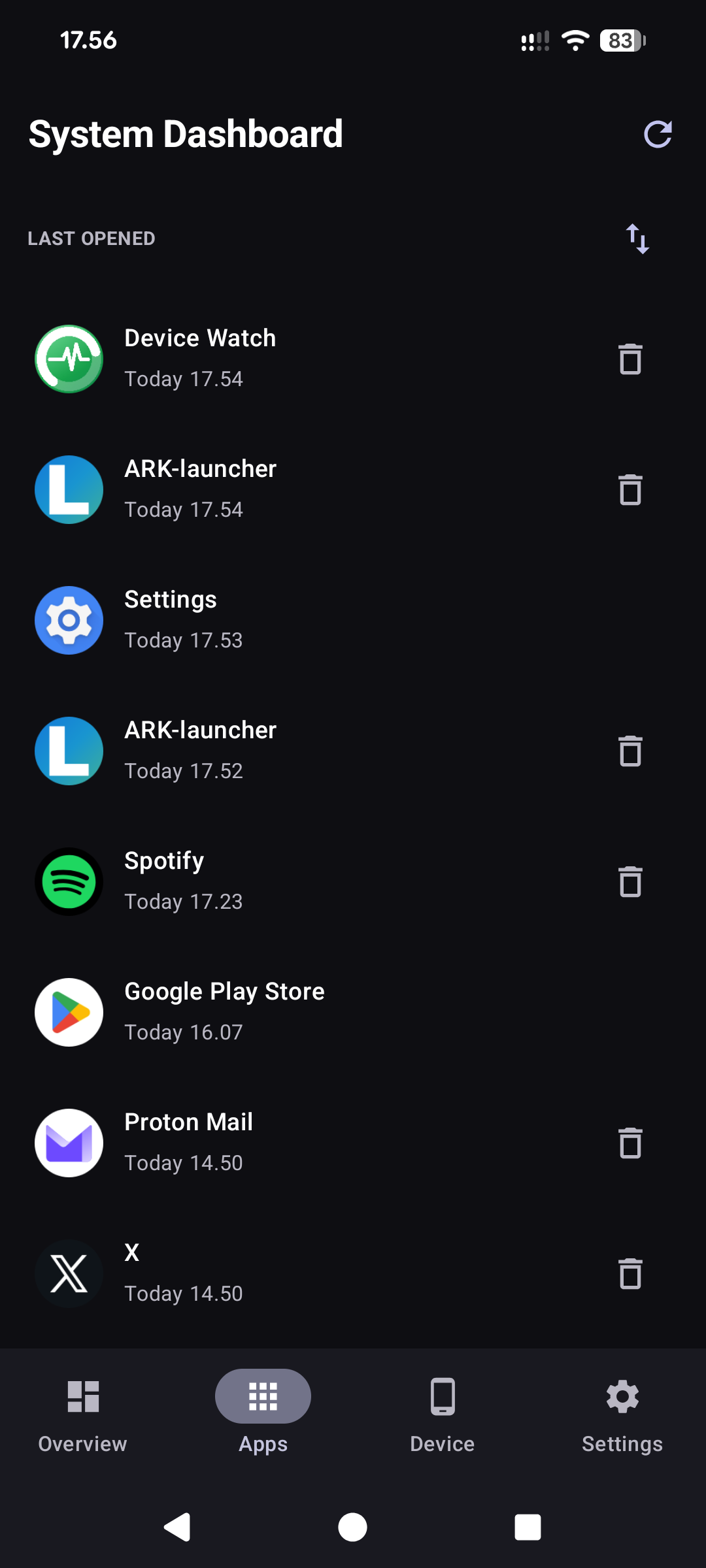
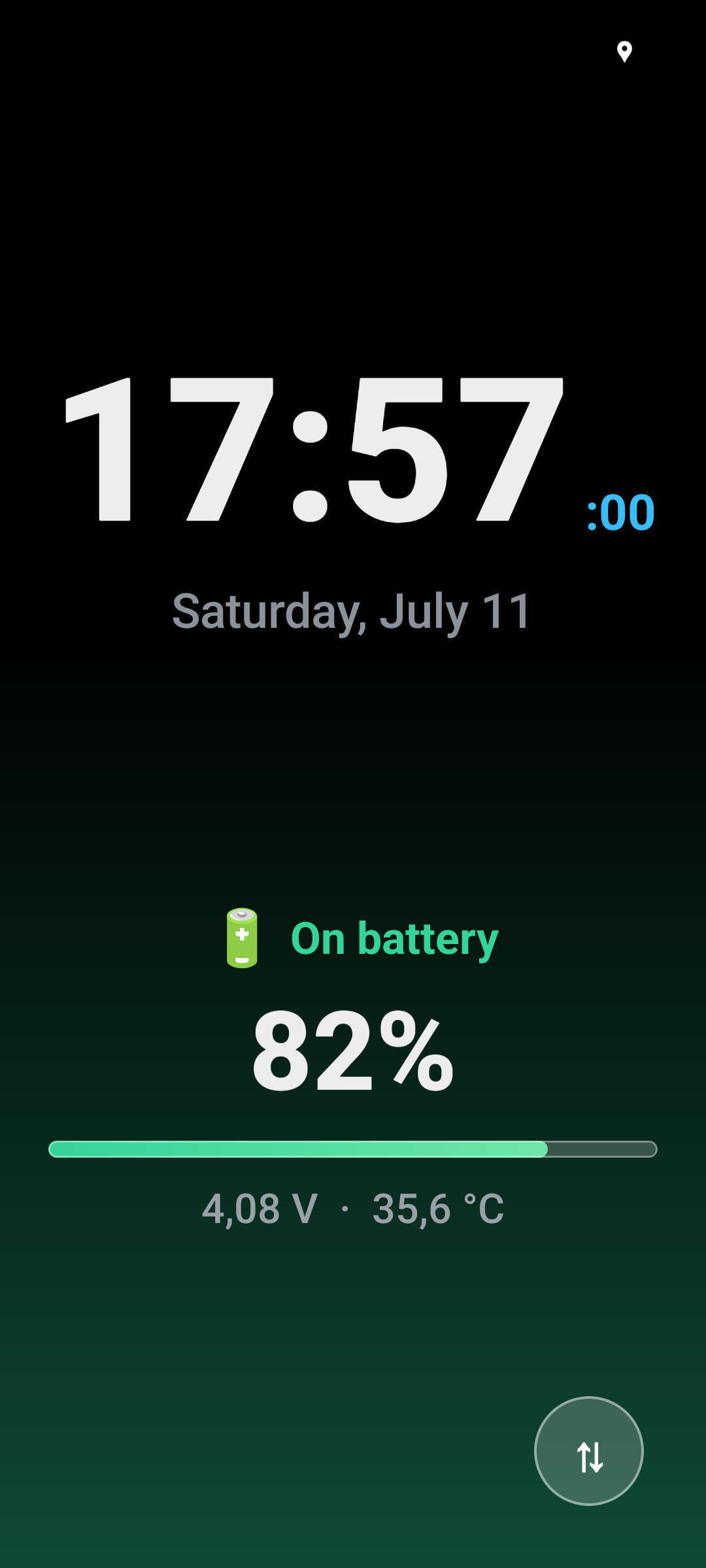
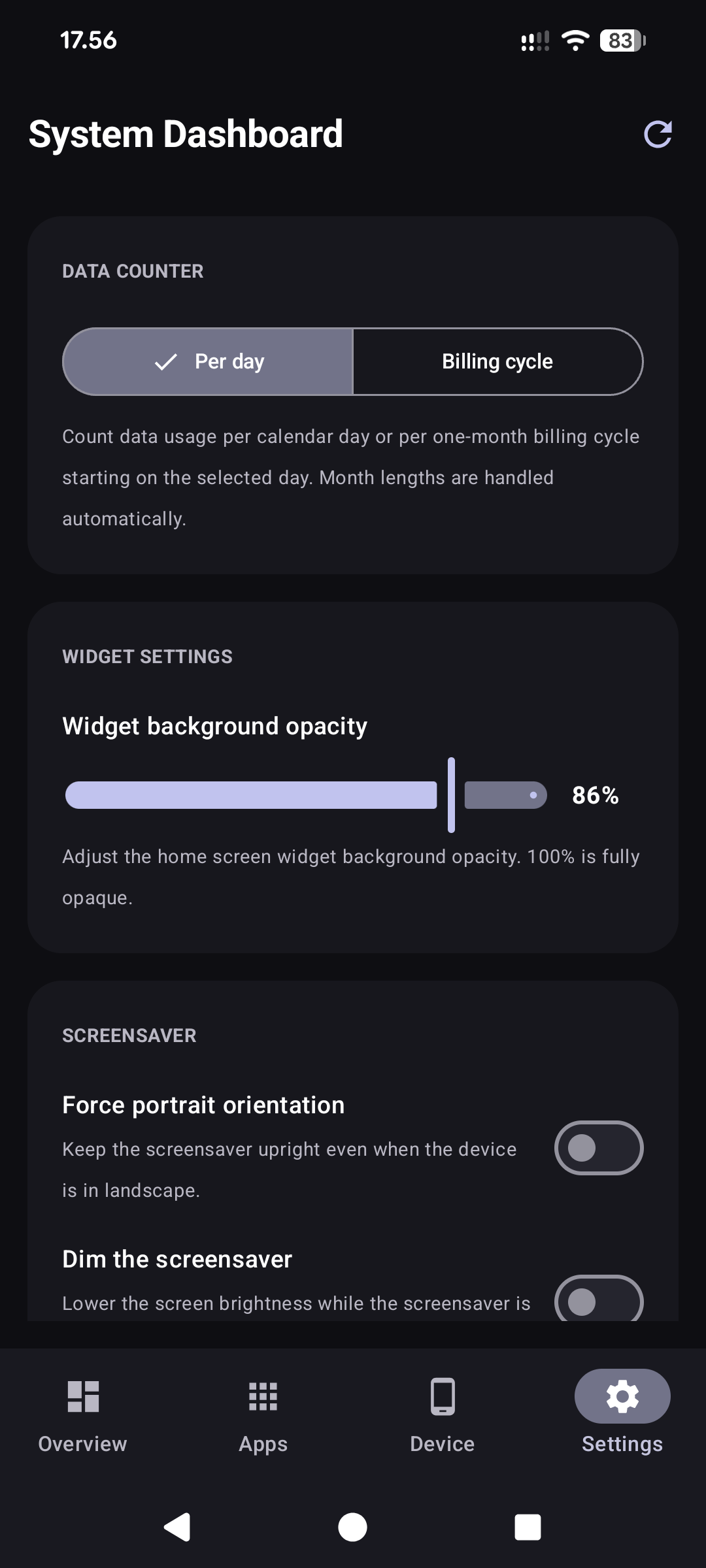
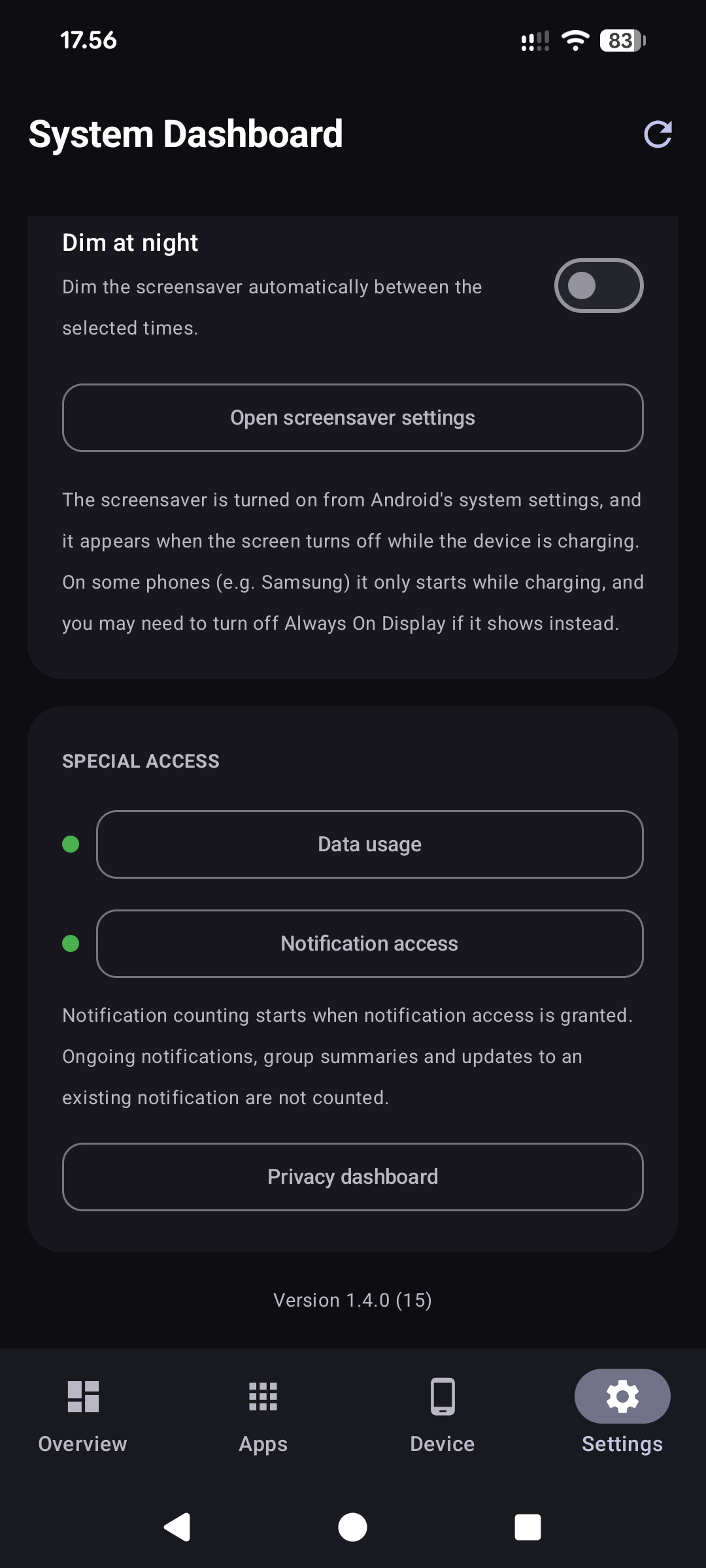
* Home-screen widget: battery, memory, CPU, storage, Wi-Fi, mobile network, data usage, uptime, today's screen time and last update time * Data counters per calendar day or per one-month billing cycle with a configurable start day * Tabbed dashboard: Overview (live battery ring, usage counters, system meters), Apps (usage insights), Device (hardware, SIM and Wi-Fi details) and Settings * Screen-time donut of your most-used apps, top data consumers and a last-opened list with per-app uninstall * Usage counters with a private 62-day daily history kept on the device: screen time, unlocks, filtered notification count, restarts and charging sessions * On-device notification log with 7-day retention * Since-charge view: elapsed time, battery drop, average drain and per-app screen time since the battery was last charged full or unplugged * Interactive screensaver with a large clock, next alarm, charging power in watts, battery-tinted background, optional night dimming and a battery-full notification
All statistics stay on the device. Nothing is uploaded anywhere.
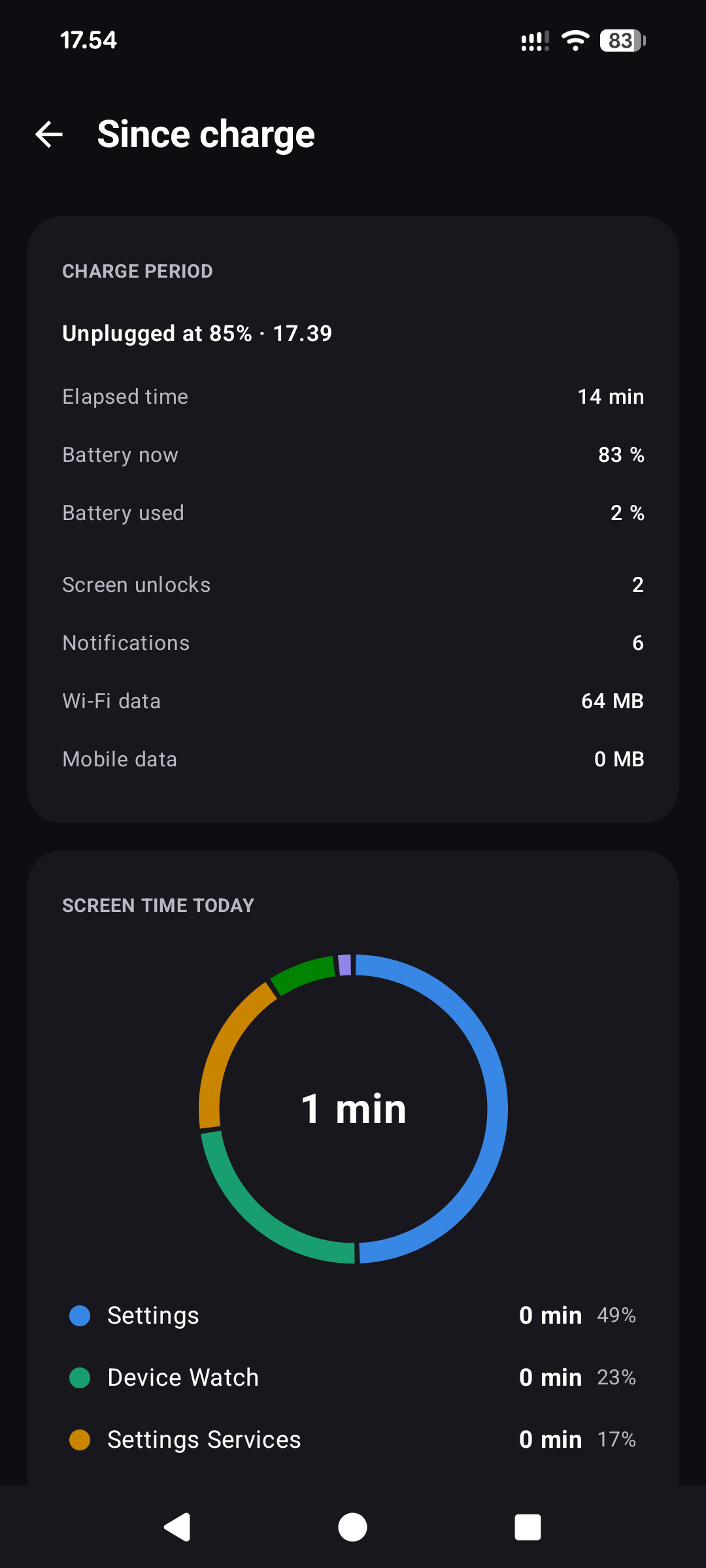
• The screen time card on the Since charge page now has its own title instead of reusing "Screen time today"
• The APK no longer embeds Google's encrypted dependency-info block, enabling F-Droid reproducible builds
Recent approved comments · sorted by newest
View all comments