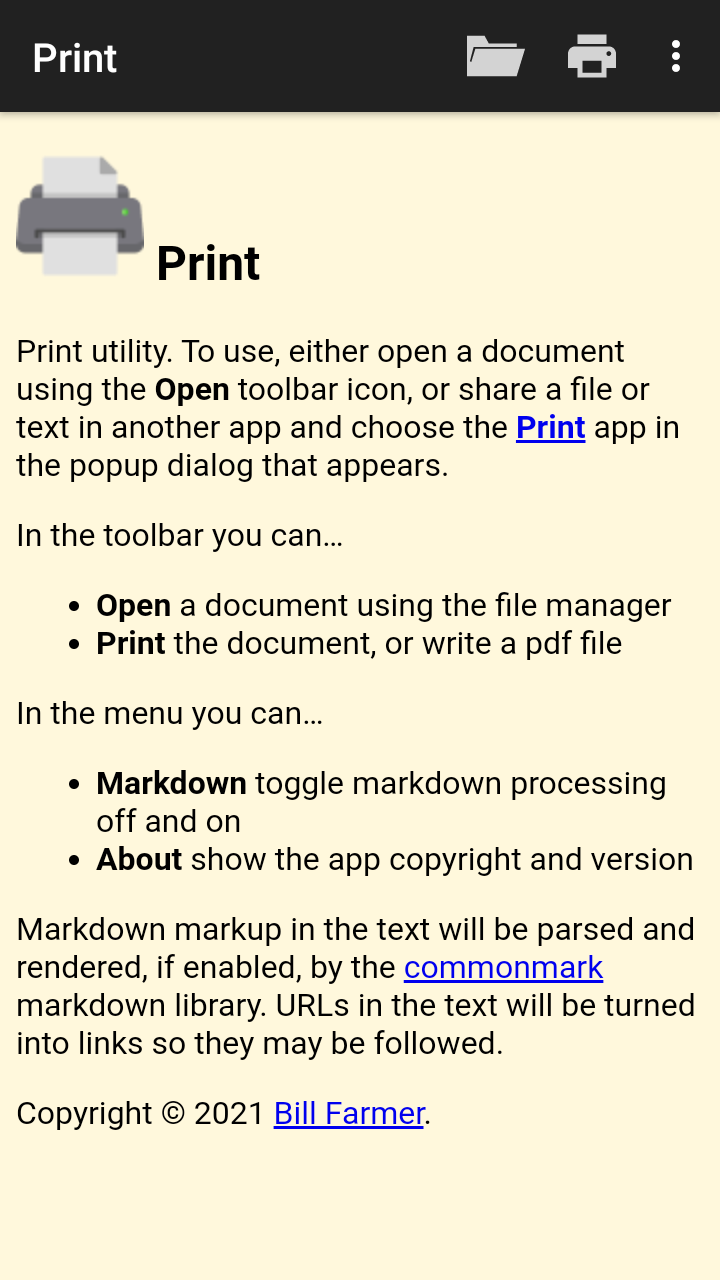
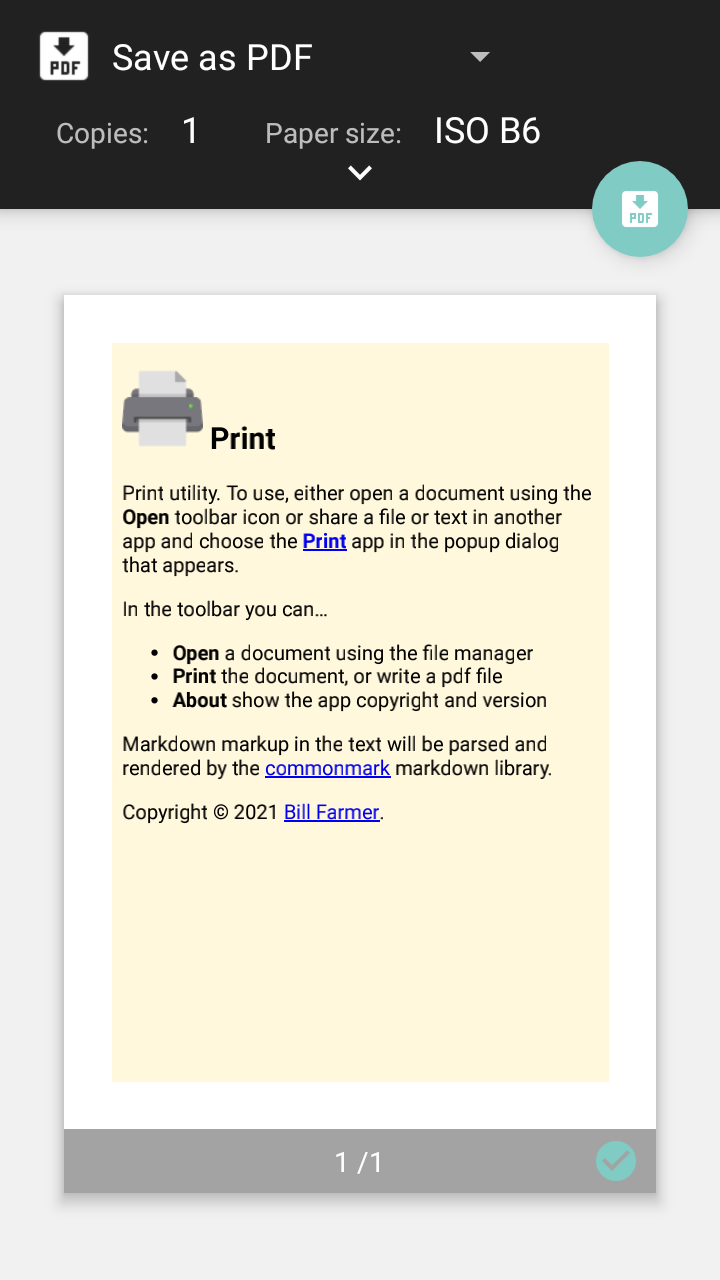
To use, either open a document using the Open toolbar icon, or share a file or text in another app and choose the Print app in the popup dialog that appears.
In the toolbar you can…
* Open a document using the file manager
* Print the document, or write a pdf file
* About show the app copyright and version
Markdown markup in the text will be parsed and rendered by the commonmark markdown library. URLs in the text will be turned into links so they may be followed. Markdown tables and task lists are supported.
Screenshots
What’s new
* Add French translation
How to install
Download the APK from the button at the top of this page.
Allow “Install unknown apps” for your browser or file manager only, not for every app.
Open the downloaded file and confirm the installation.
If installation fails with “App not installed,” remove an earlier build of the same app first. A signature conflict is the usual cause.
Data safety
Every file is checked against its published SHA-256 before it is listed.
Files are scanned for malware on every update.
The permissions each app requests are listed on its own page.
Read the full safety policy for how we test, flag, and delist files.