
Quick answer
Protects you from accidental roaming on your mobile data connection
F-Droid repository metadata
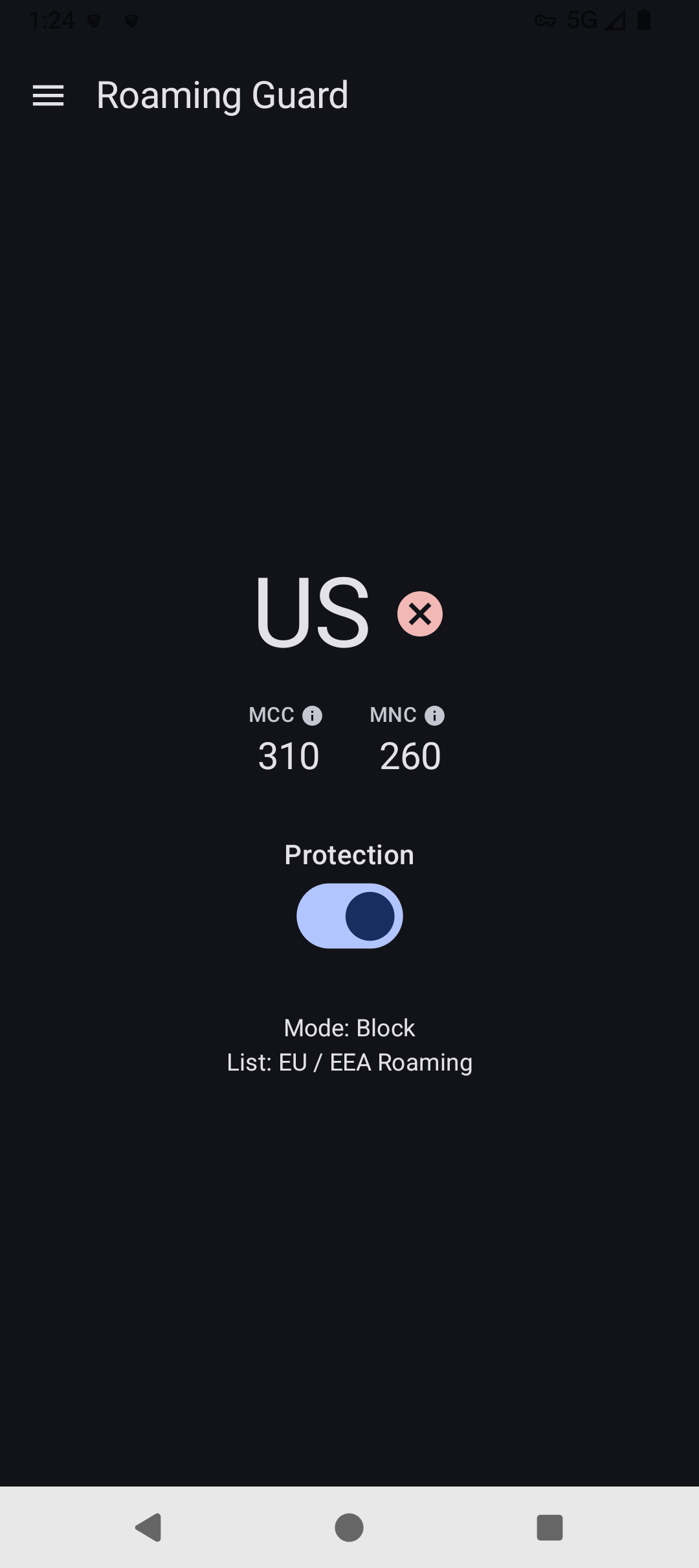
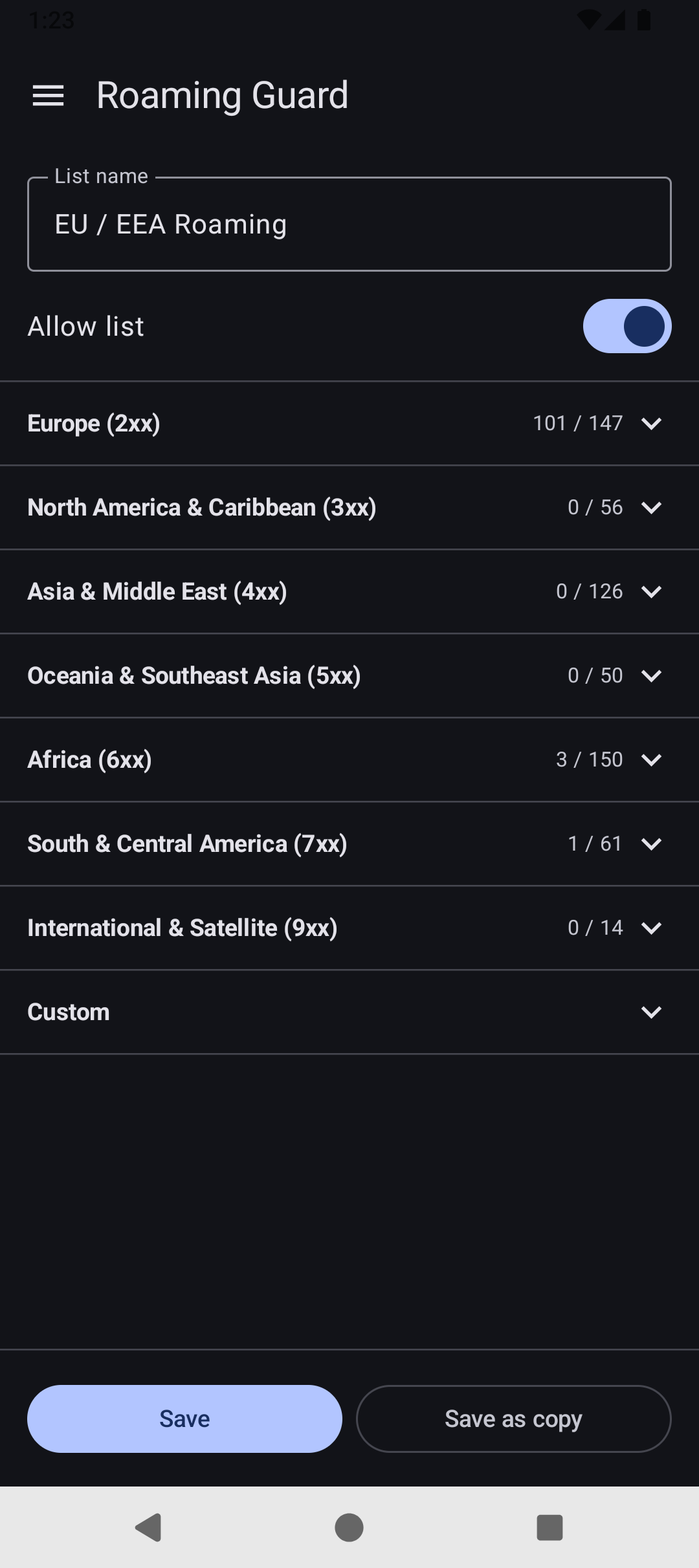
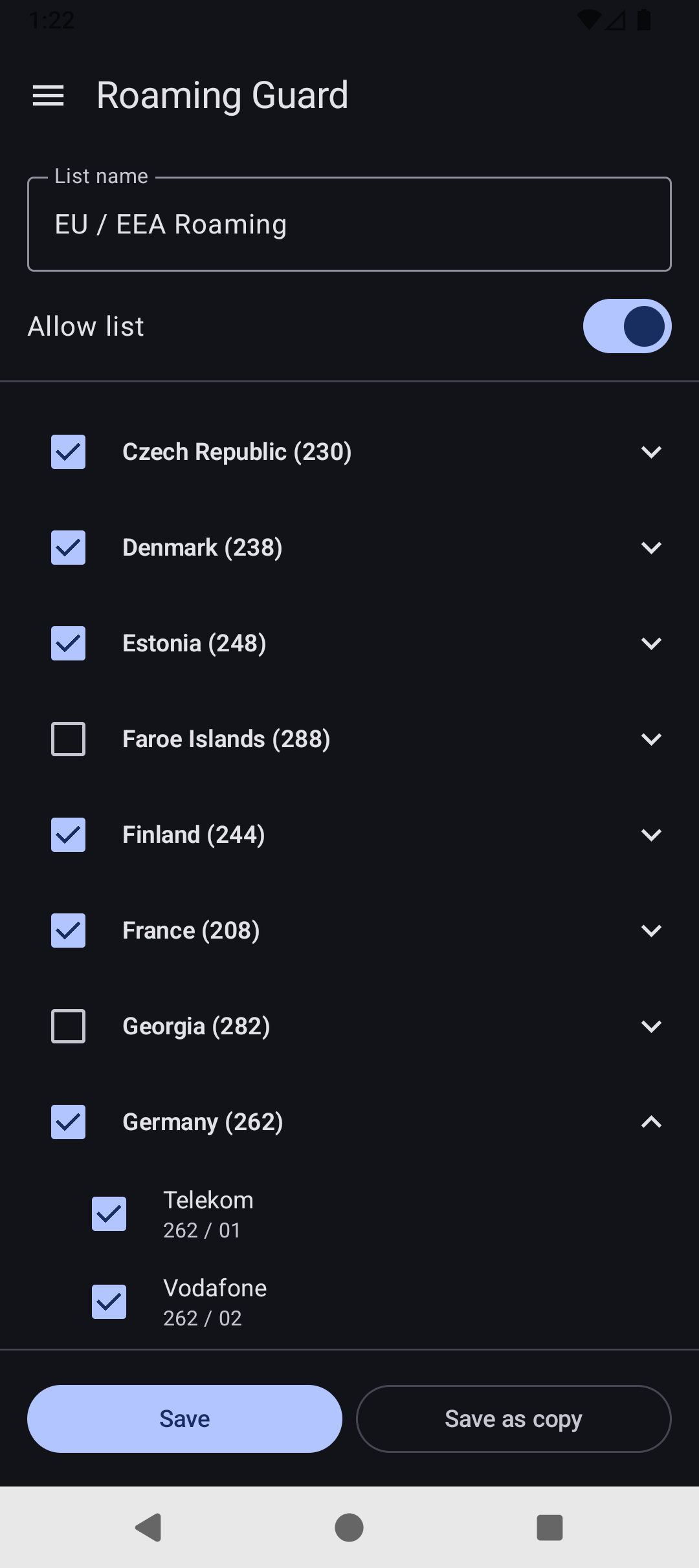
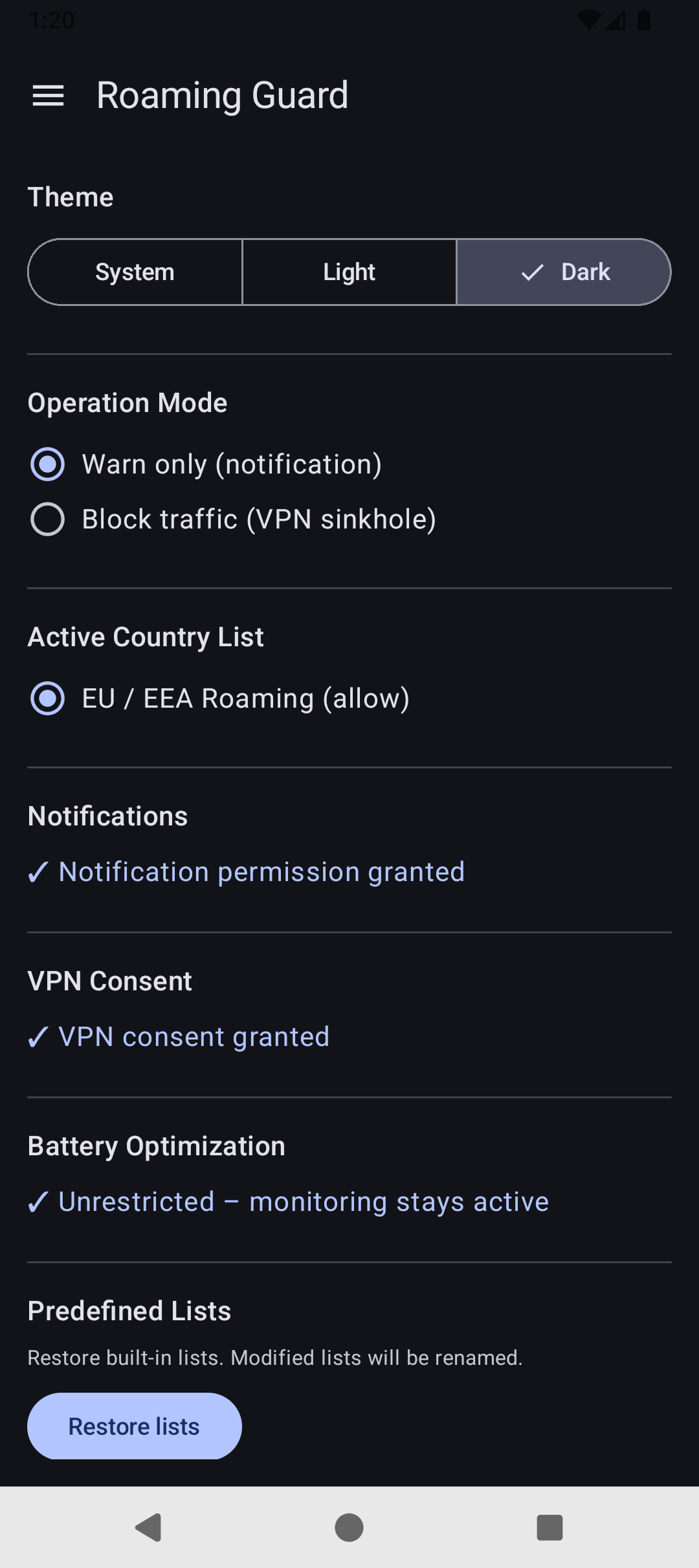
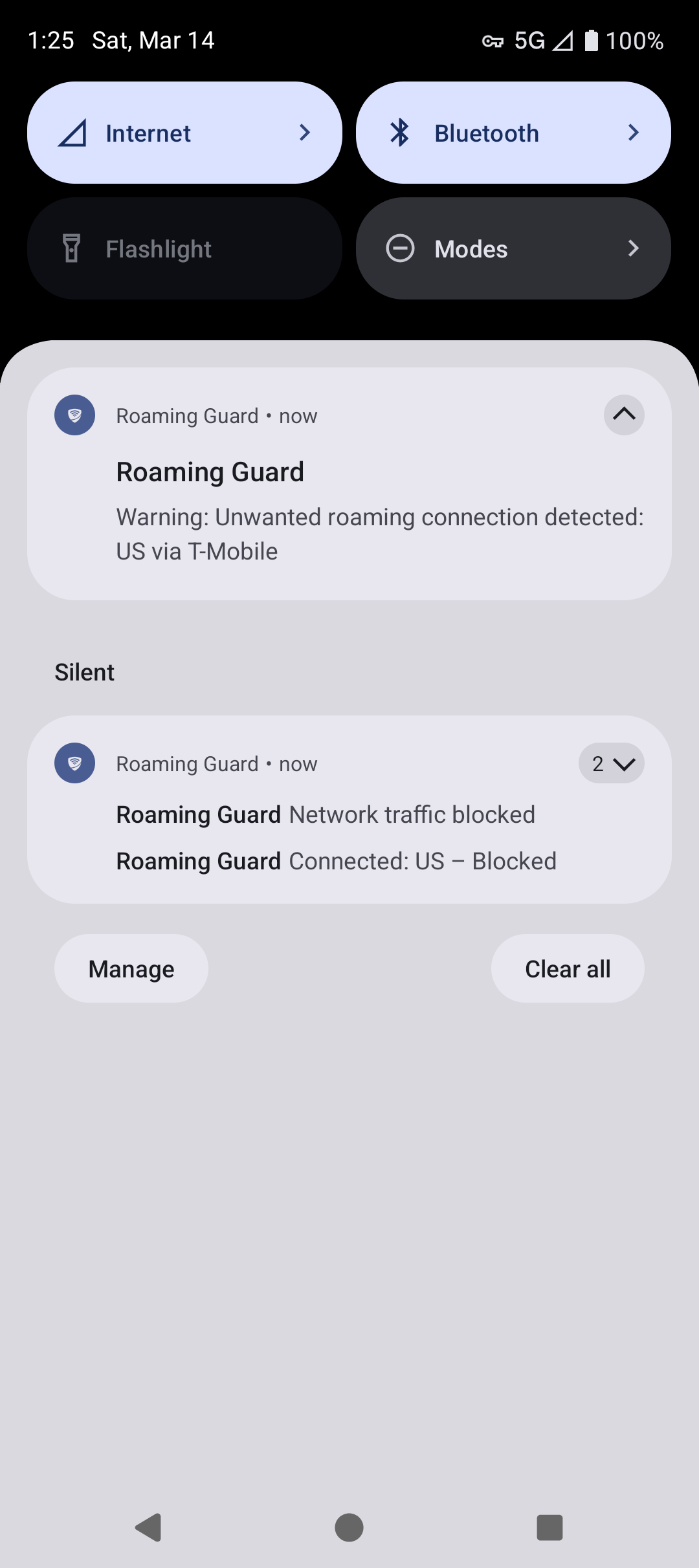
Roaming Guard protects you from accidental roaming connections by monitoring your mobile network operator. The app compares your current operator against a customizable MCC/MNC allowlist or denylist. When your phone connects to an unwanted operator, you can choose to either receive a warning notification or — with some limitations — automatically block data traffic. Roaming Guard includes a predefined EU/EEA allowlist, and you can easily create your own custom list that perfectly matches your mobile plan.
Regular Android apps cannot completely block data traffic or even disable data roaming. Therefore, this app implements a local, on-device VPN service that drops all traffic routed through the VPN when enabled. However, this approach has the following technical limitations: - Android only supports one active VPN at a time, meaning conflicts may arise if you use another VPN app. - Tethering and mobile hotspot traffic is not routed through the VPN by Android and therefore cannot be blocked. - System apps that can explicitly select their network connection may bypass the VPN. - DNS and NTP traffic have been reported to leak outside the VPN. - There might be short time windows after boot, or when enabling the VPN, where traffic might not be filtered.
Screenshots
How to install
- Download the APK from the button at the top of this page.
- Allow “Install unknown apps” for your browser or file manager only, not for every app.
- Open the downloaded file and confirm the installation.
- If installation fails with “App not installed,” remove an earlier build of the same app first. A signature conflict is the usual cause.
Data safety
- Every file is checked against its published SHA-256 before it is listed.
- Files are scanned for malware on every update.
- The permissions each app requests are listed on its own page.
- Read the full safety policy for how we test, flag, and delist files.
Comments
Recent approved comments · sorted by newest
View all comments