Advanced FOSS keyboard with AI Copilot, translation, and key sound synthesis
F-Droid repository metadata
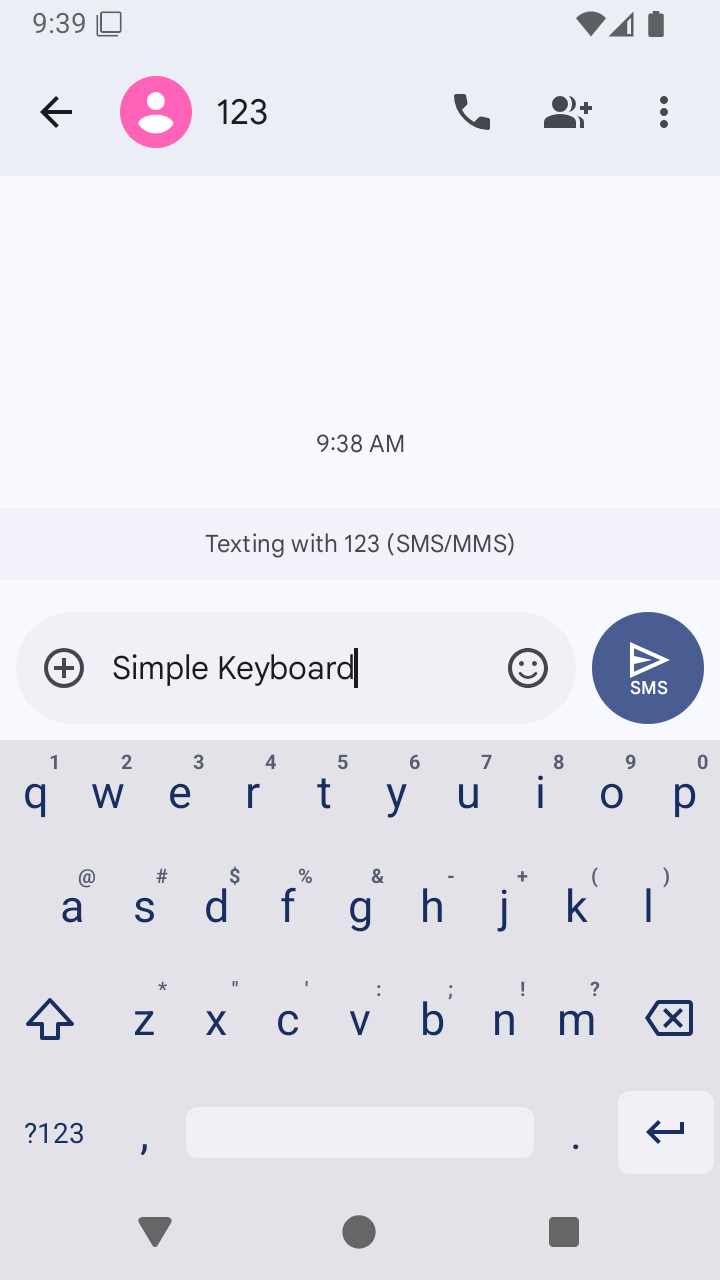
Iris is a privacy-centric, feature-rich keyboard for Android, built on the lightweight foundation of Simple Keyboard. Iris extends typing into a powerful productivity workspace by integrating locally-run AI models, an offline translation suite, mechanical switch sound synthesis, and advanced clipboard tools.
Key Features:
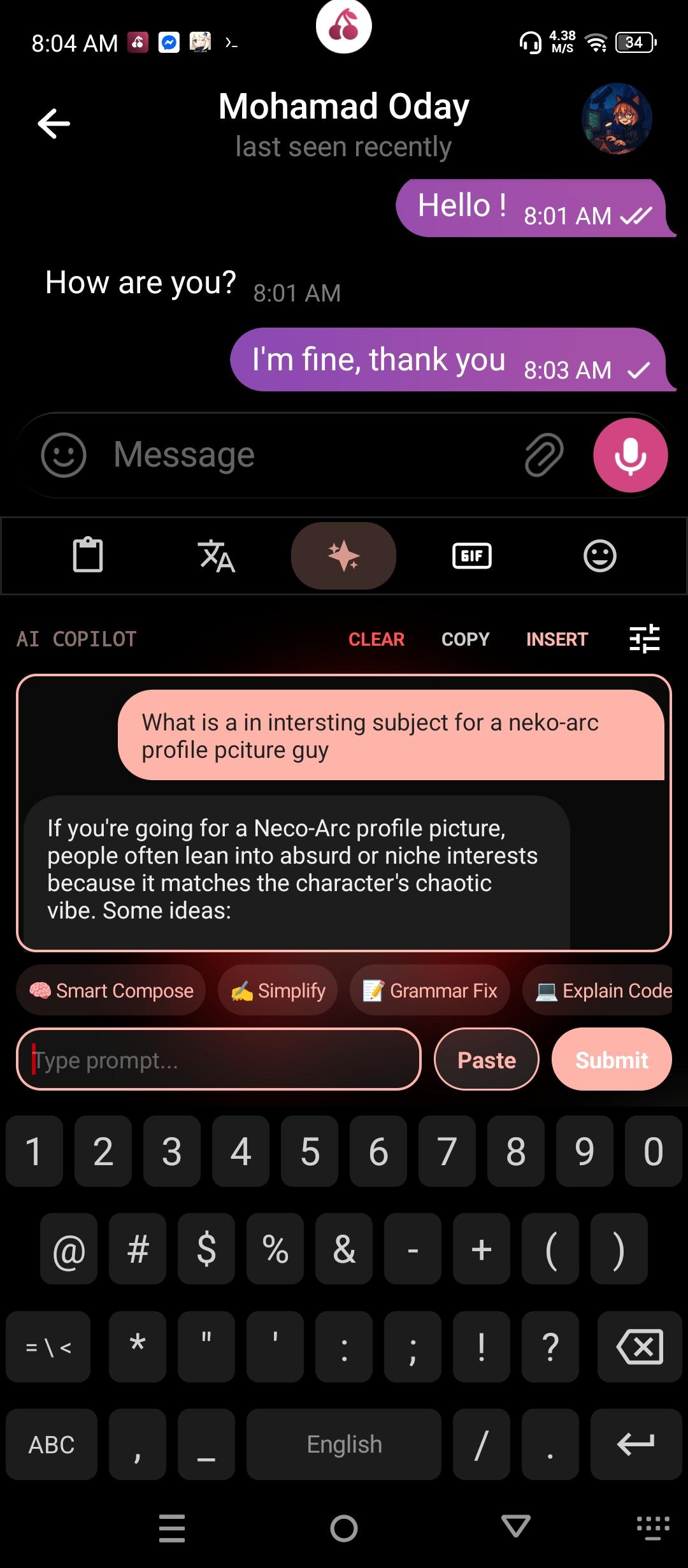
* AI Copilot Studio: Interact with AI backends (Ollama for local networks, Gemini, or custom OpenAI-compatible endpoints) directly inside your keyboard toolbar. Make text adjustments (Smart Compose, Grammar Fix, Simplify) without switching apps.
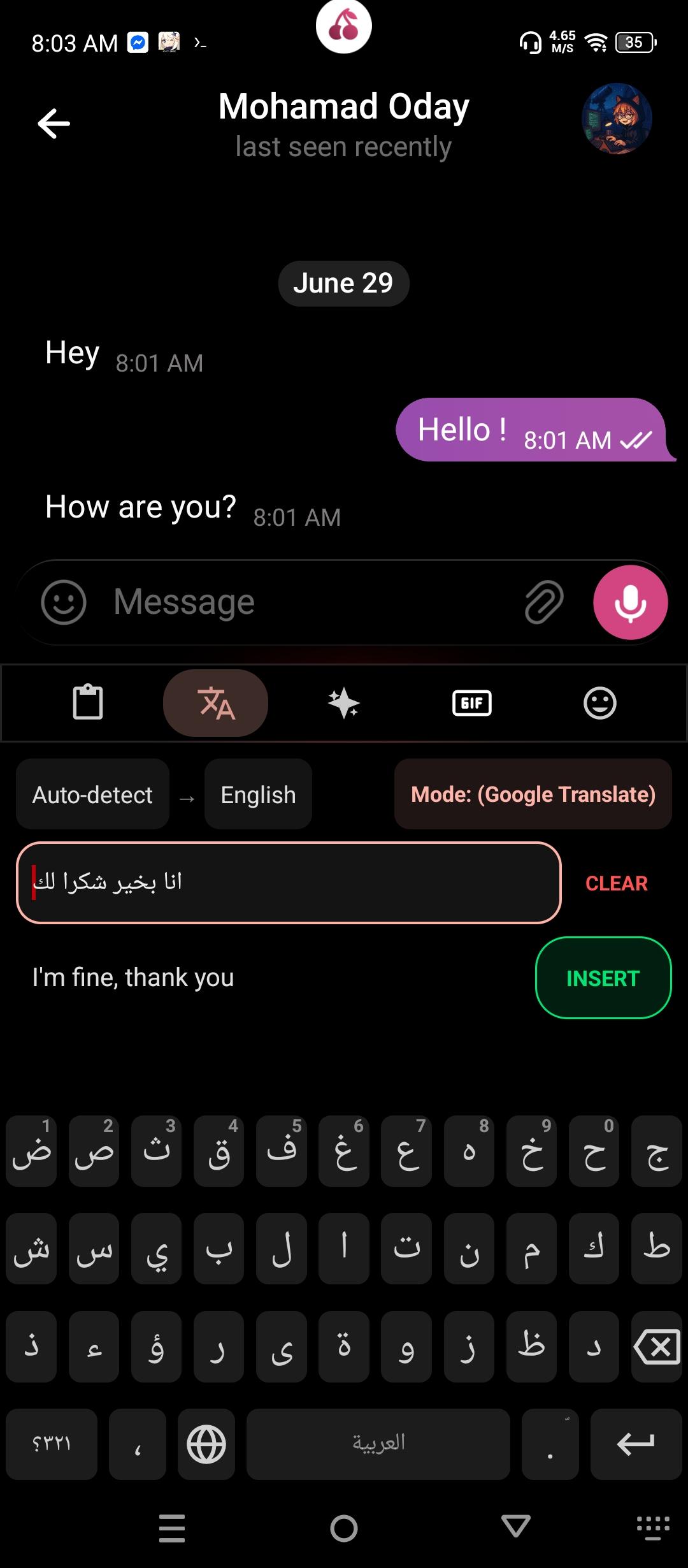
* Translation Suite: Translate text instantly using offline Google ML Kit models (requires MlKit flavor), web scraping, or custom AI translations.
* Synthesized Switch Soundpacks: Low-latency procedural audio engine that generates satisfying typing clacks, including bubble wrap, retro typewriter, Cherry MX switch clicks, or customizable sampled sound packs from remote archives.
* Advanced Clipboard Manager: Keeps an organized history of your copied texts with a quick paste chip bar.
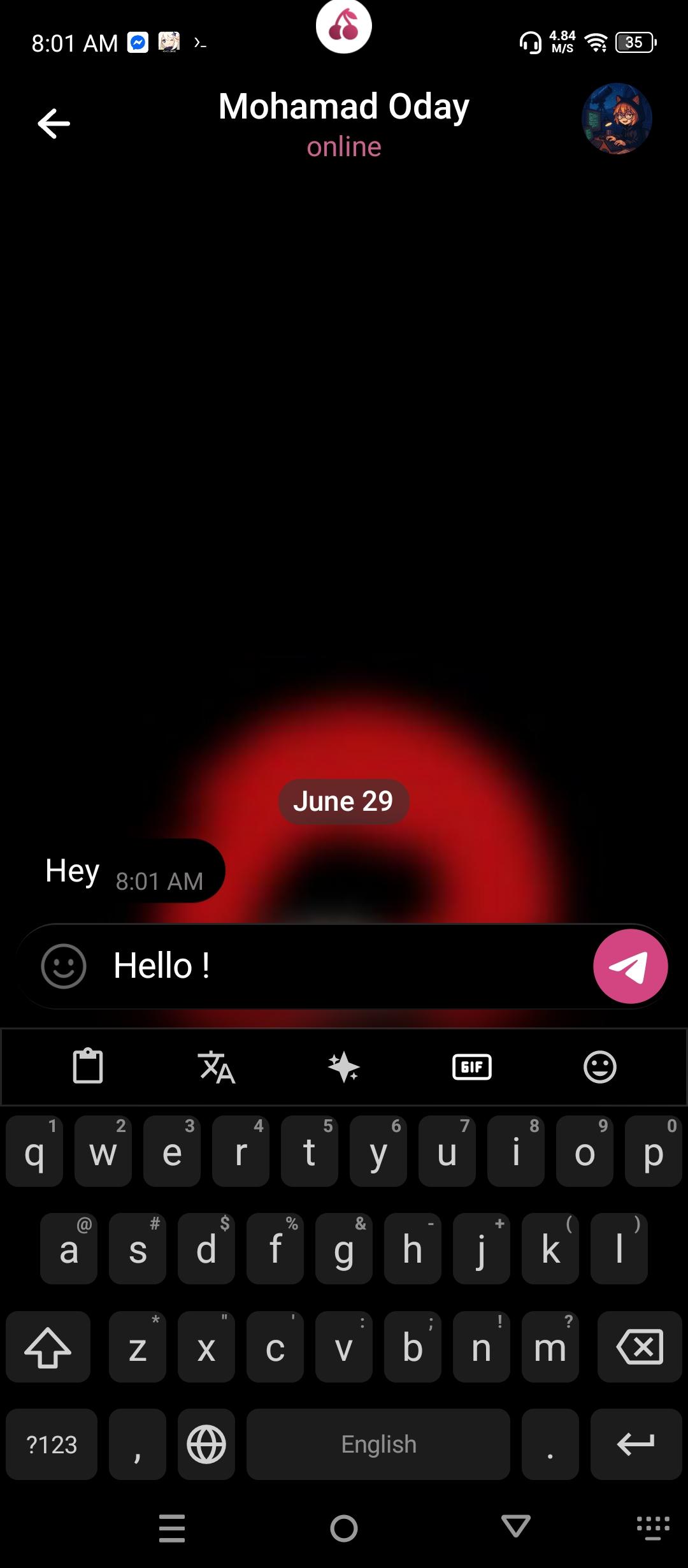
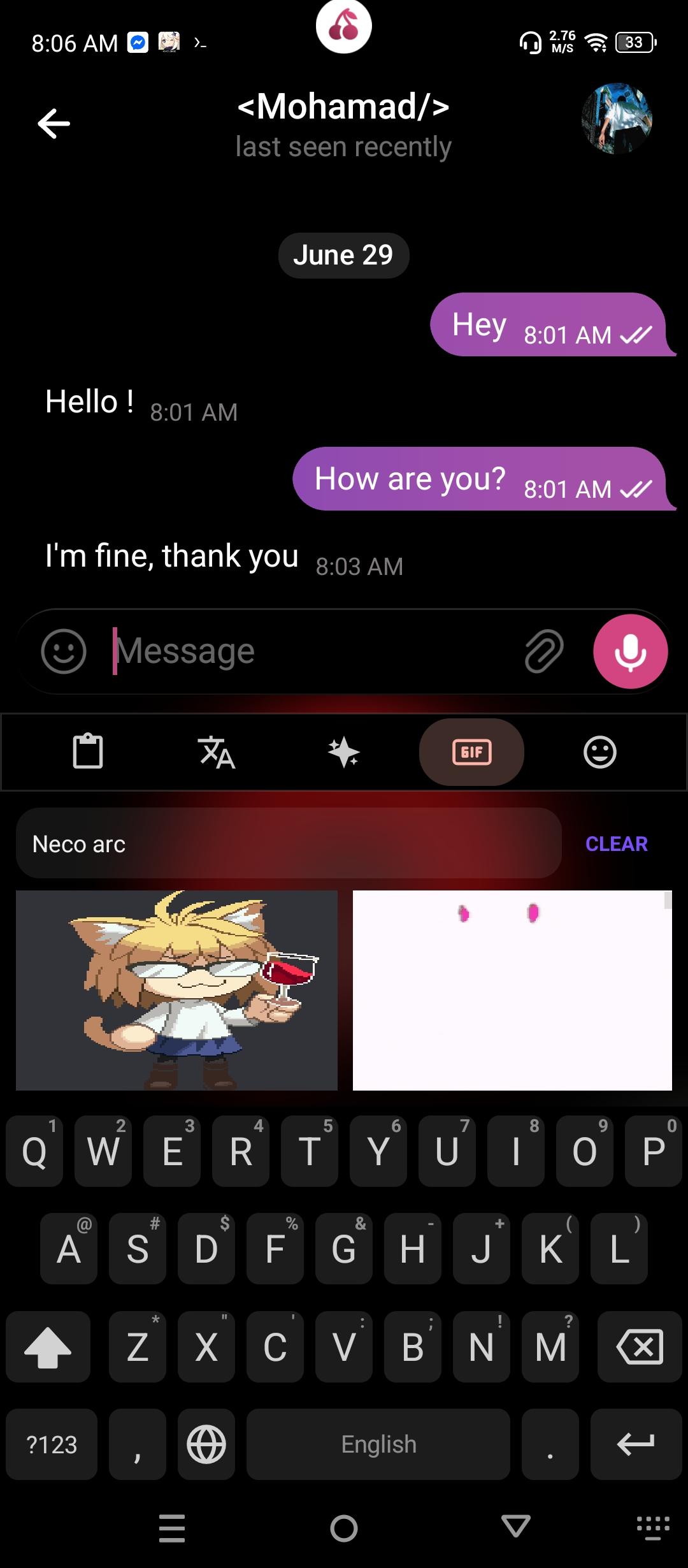
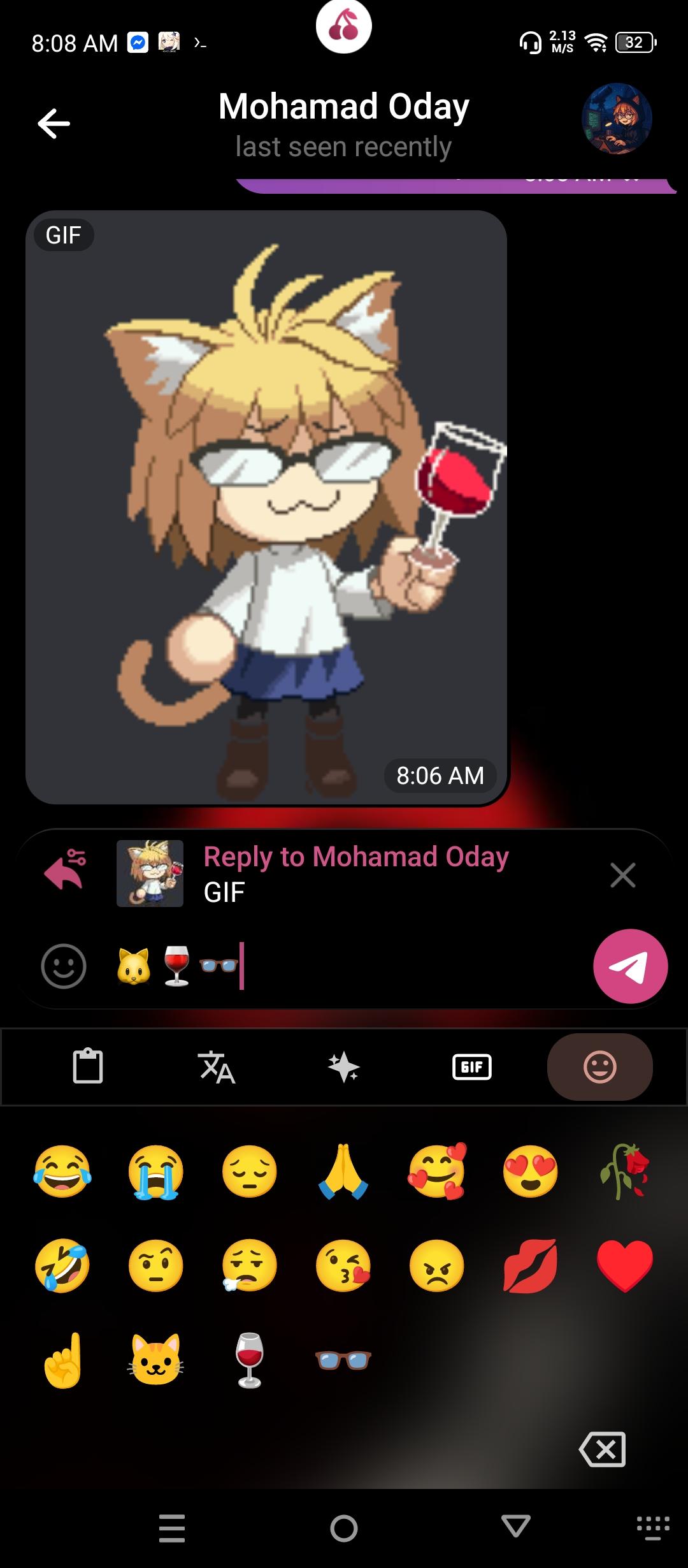
* Media & Expression: Complete GIF search engine (Tenor, Giphy, Klipy) and customizable emoji quick bar.
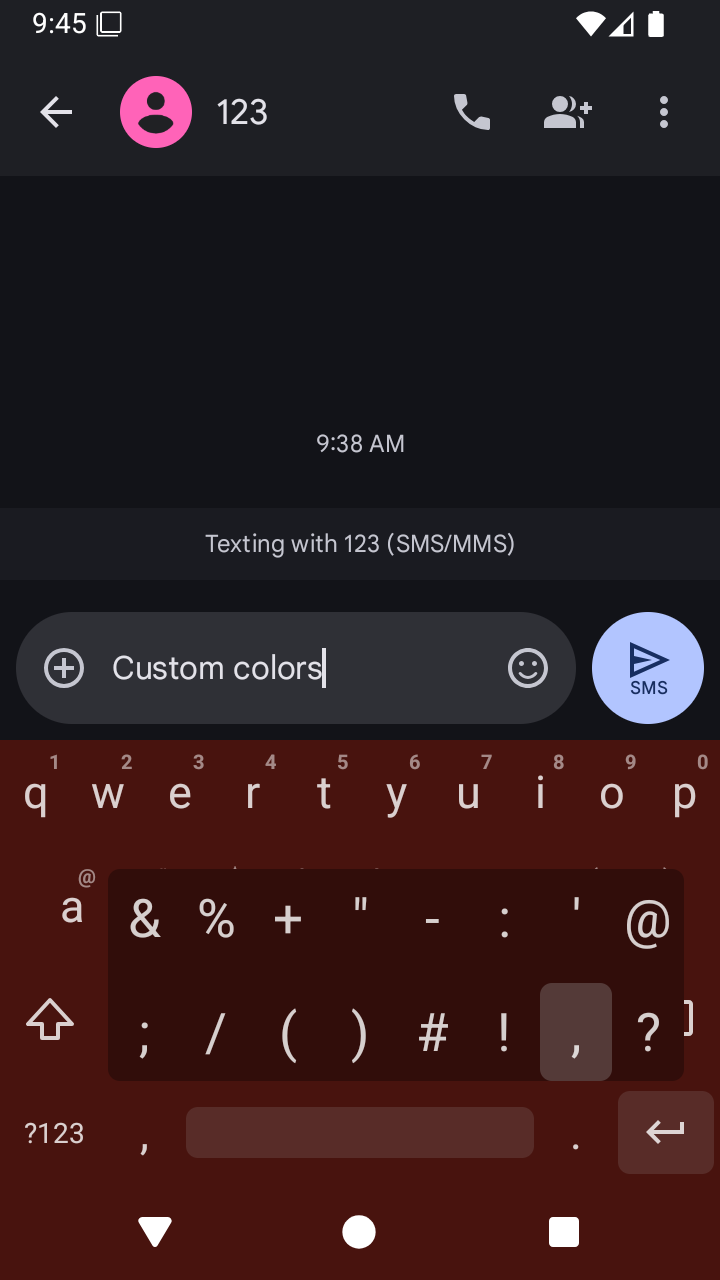
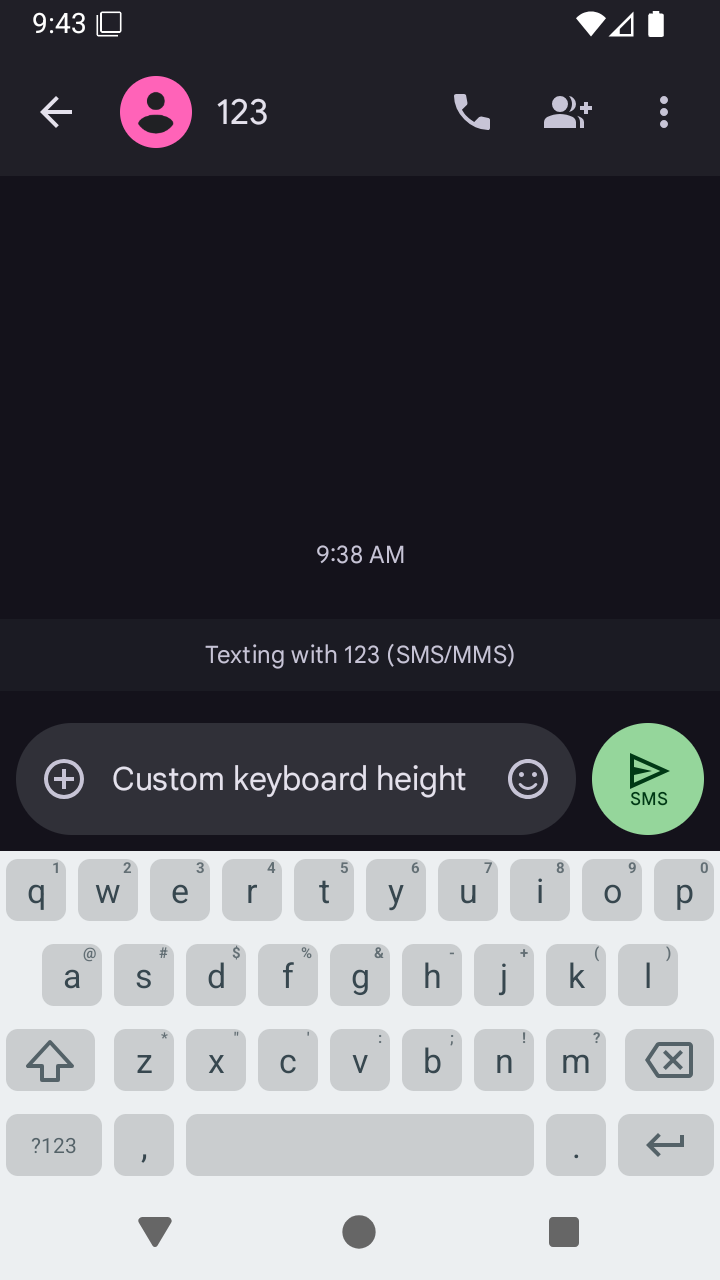
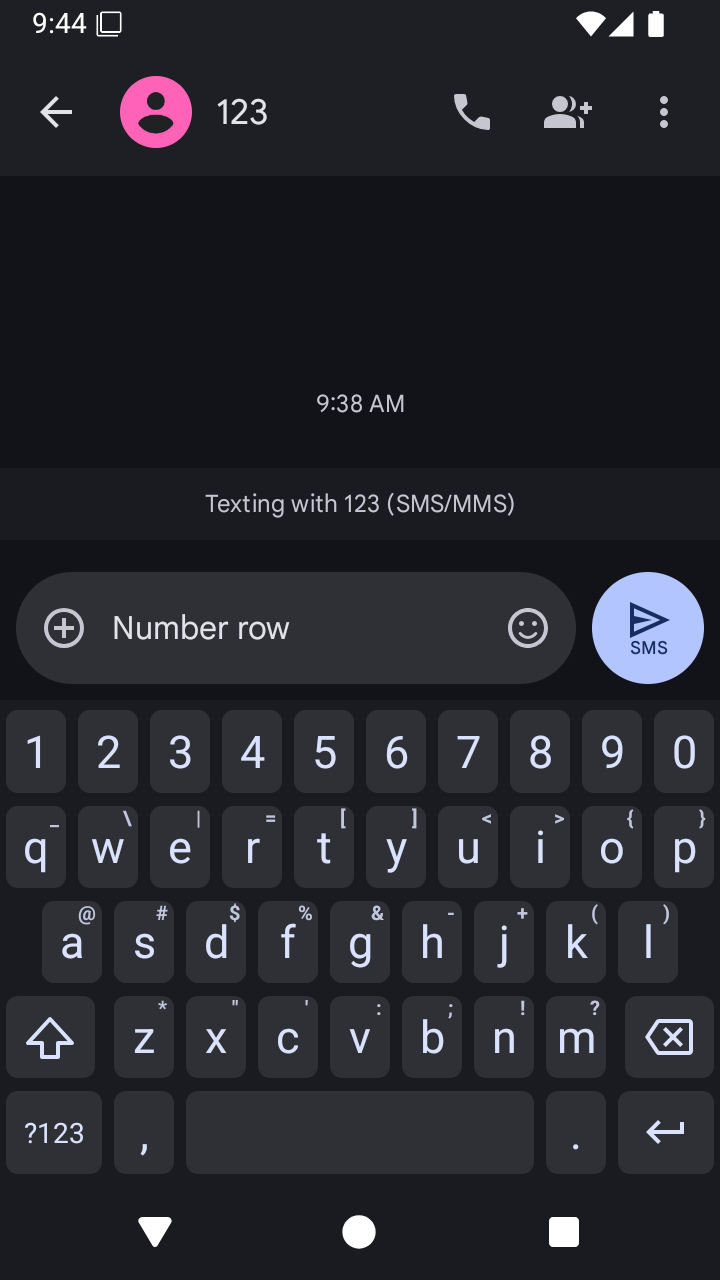
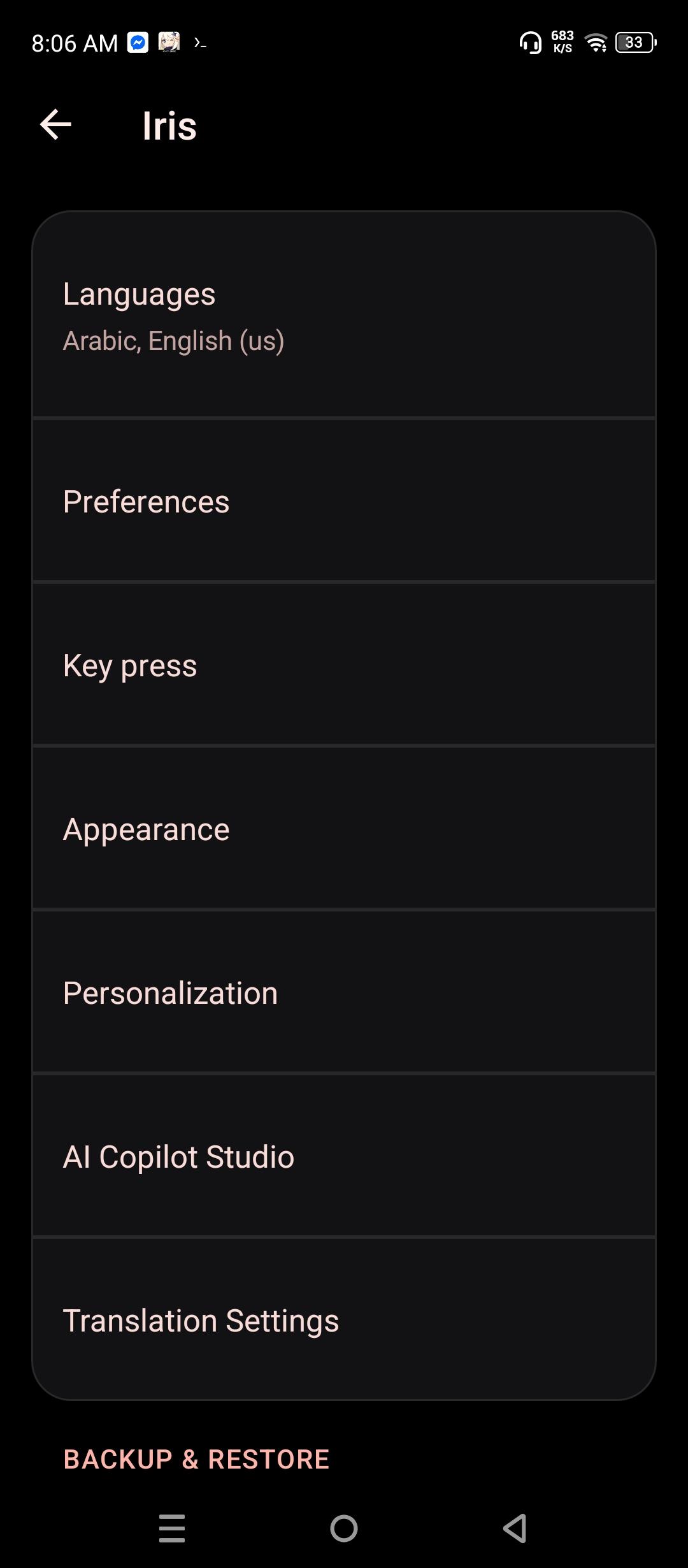
* Personalization: Choose geometric key cap shapes (Circle, Squircle, Hexagon, Square), adjust key size scales, change horizontal/vertical key gaps, and set custom key or keyboard-wide background images.
* Built-in Themes & AMOLED Black: High contrast themes with key color customizations and battery-saving true black mode.
* FOSS & Privacy-First: No trackers, analytics, or background telemetry. Supports Android MDM Managed Configurations for enterprise deployments.
Network Disclosure:
Basic keyboard use works offline. GIF search sends search queries to the provider you select (Tenor, Giphy, or Klipy). Optional cloud AI features send the text you submit to Gemini or a user-configured OpenAI-compatible service. These online features are only used when you invoke them.
Screenshots
What’s new
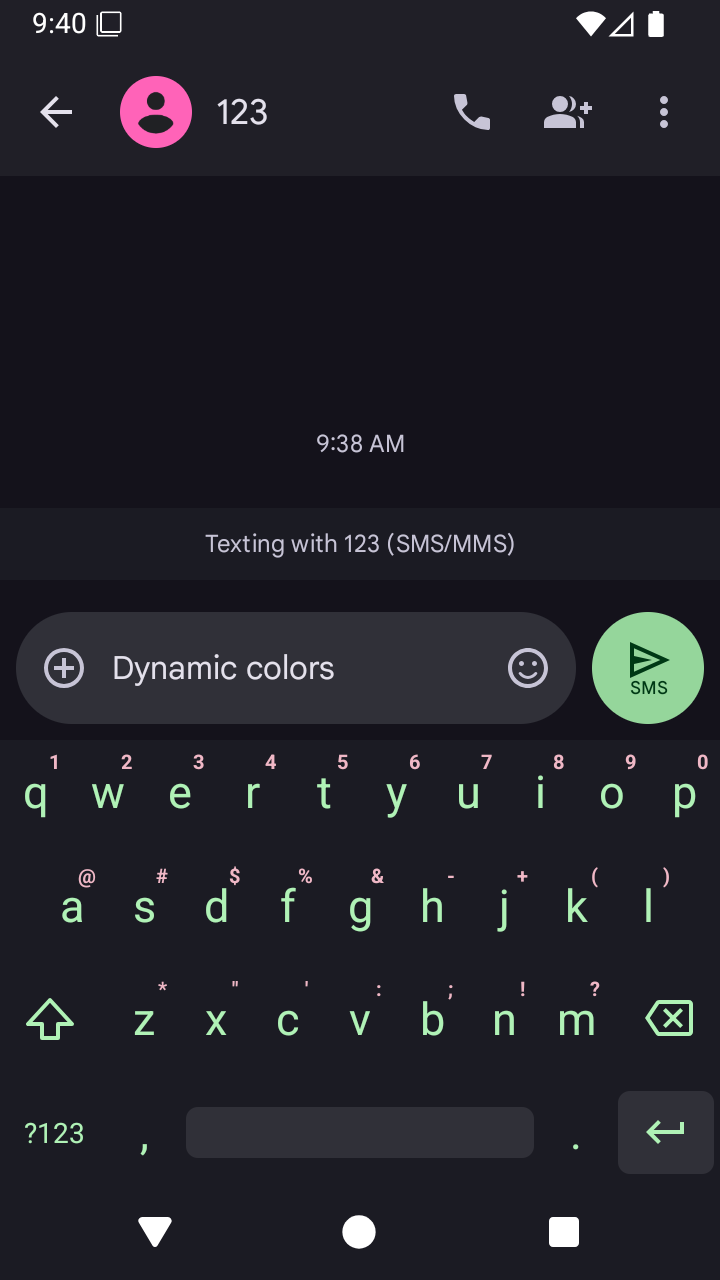
- Add Material You dynamic auto keyboard coloring mode. - Redesign settings screens with modern Material You cards and dialogs. - Restore live switch soundpack scraper and download engine. - Fix AI Copilot toolbar sync and vibrator initialization. - Modernize About screen layout and polish Easter Egg.
How to install
Download the APK from the button at the top of this page.
Allow “Install unknown apps” for your browser or file manager only, not for every app.
Open the downloaded file and confirm the installation.
If installation fails with “App not installed,” remove an earlier build of the same app first. A signature conflict is the usual cause.
Data safety
Every file is checked against its published SHA-256 before it is listed.
Files are scanned for malware on every update.
The permissions each app requests are listed on its own page.
Read the full safety policy for how we test, flag, and delist files.