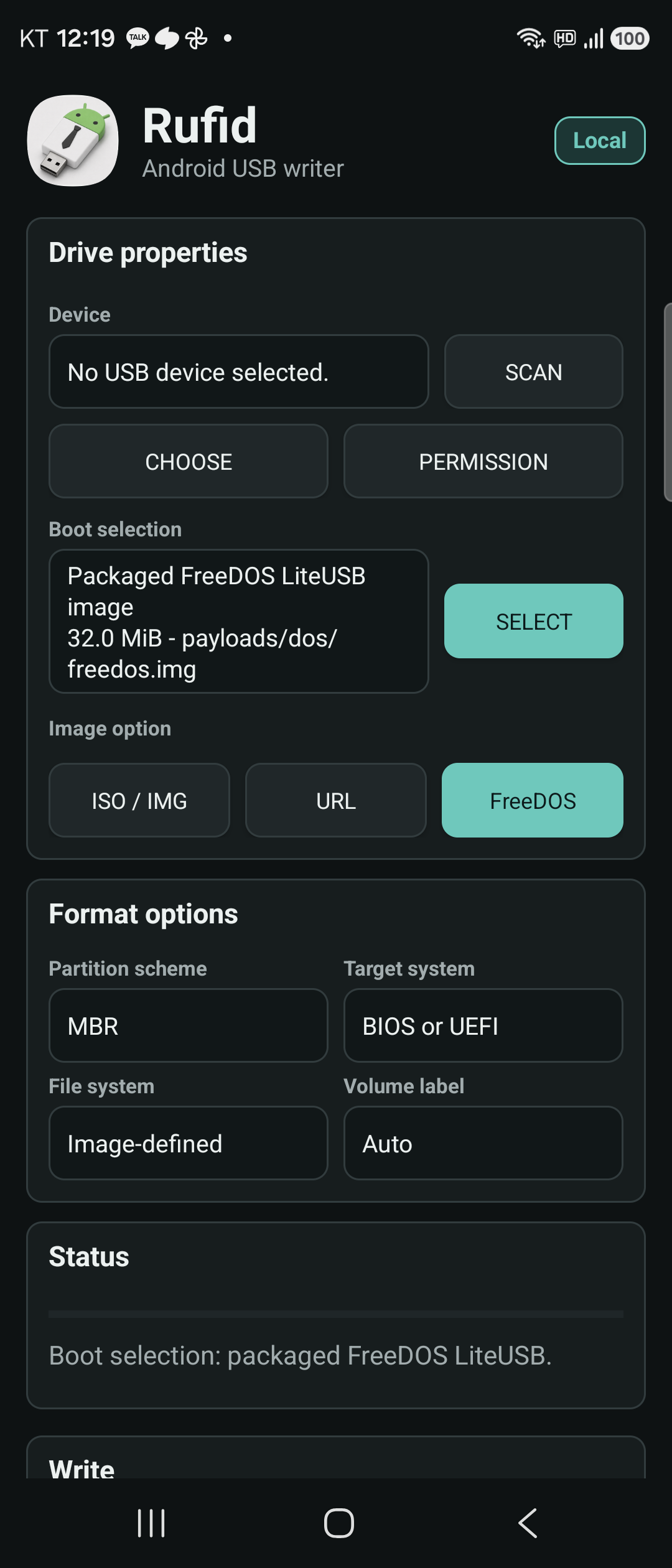
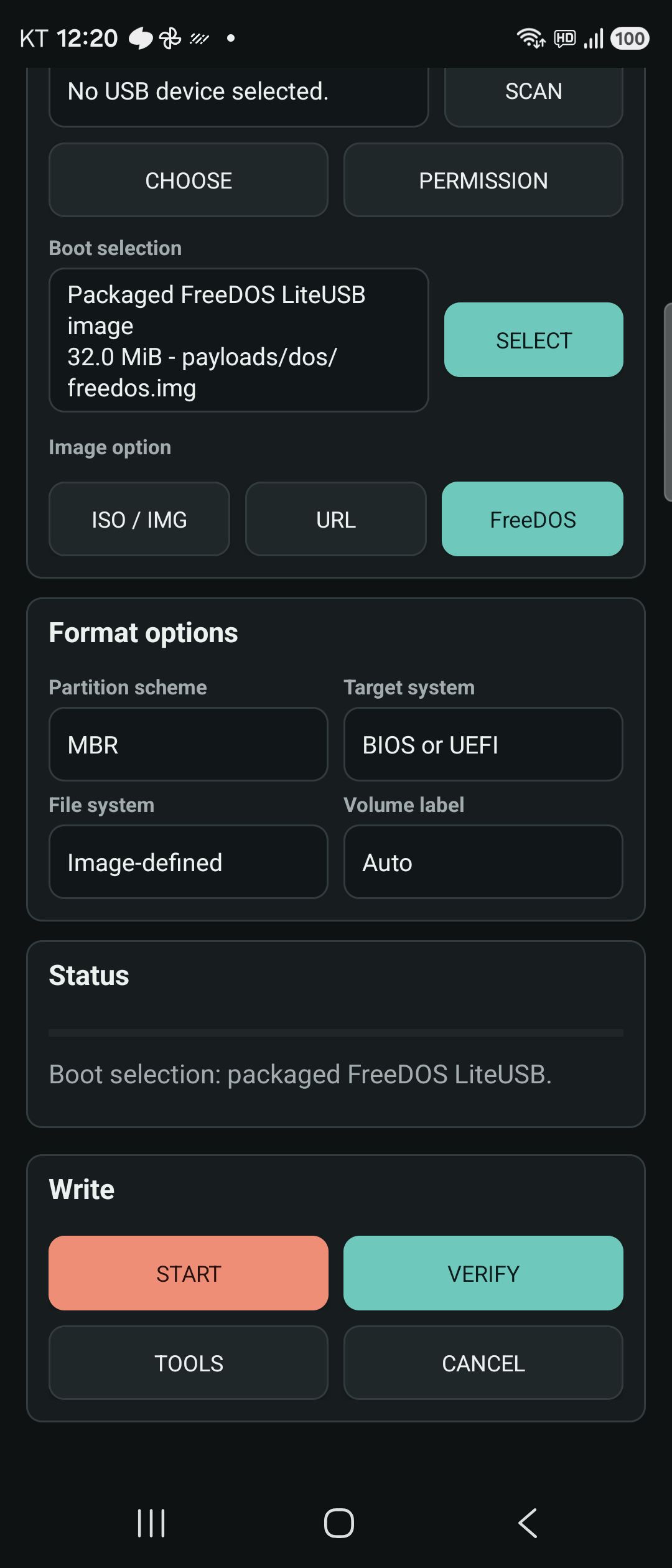
Rufid turns an Android phone into a practical USB boot-media tool.
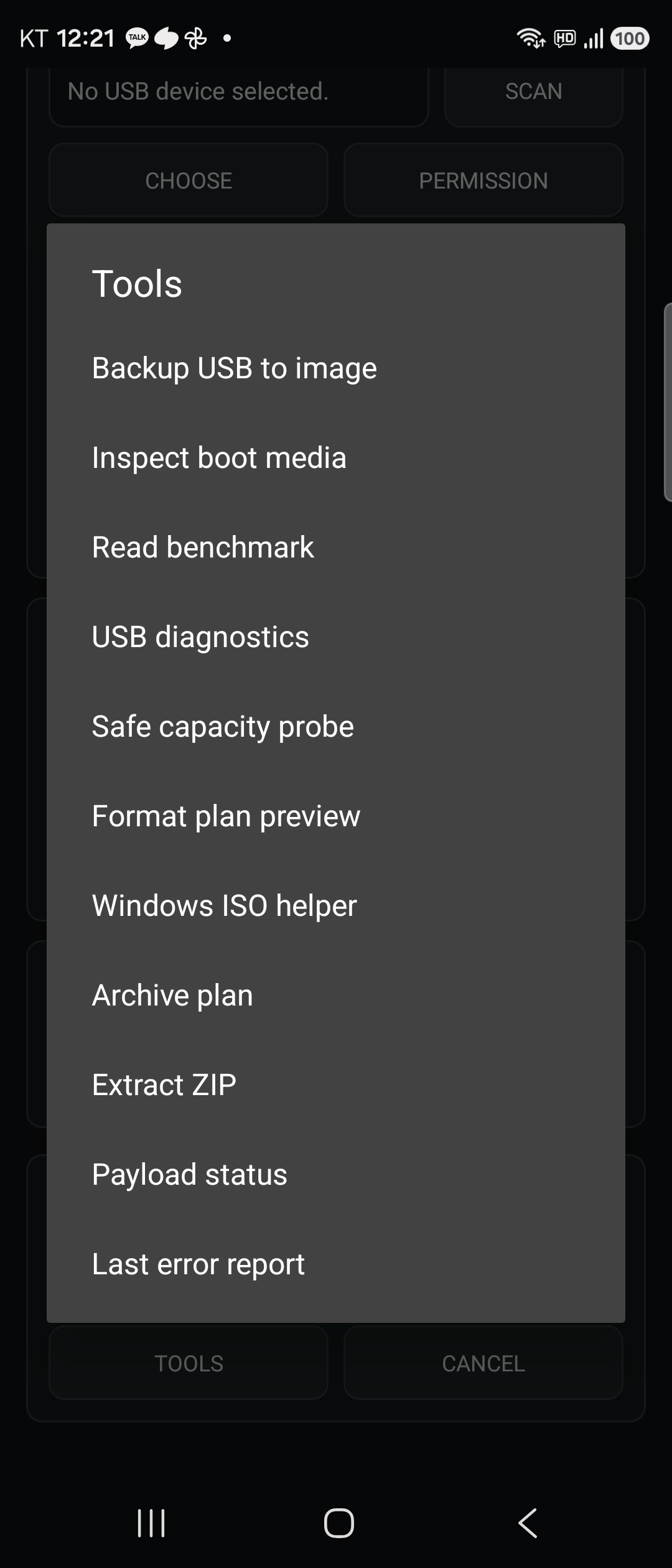
It writes local ISO/IMG files to attached USB mass-storage devices, streams direct image URLs, creates a small FreeDOS drive, verifies written media, inspects boot records, runs read benchmarks, backs up a USB device to an Android document, extracts ZIP files, and recovers used boot media back into a normal FAT32 or exFAT drive.
Windows installer ISOs can be written as a FAT32 UEFI layout, with install.wim split when it exceeds the FAT32 file-size limit, or as an NTFS data volume with an MBR or GPT UEFI:NTFS helper layout. These paths have been booted to the Windows Setup language screen in QEMU/OVMF. Physical USB controllers and PC firmware remain a separate compatibility test surface.
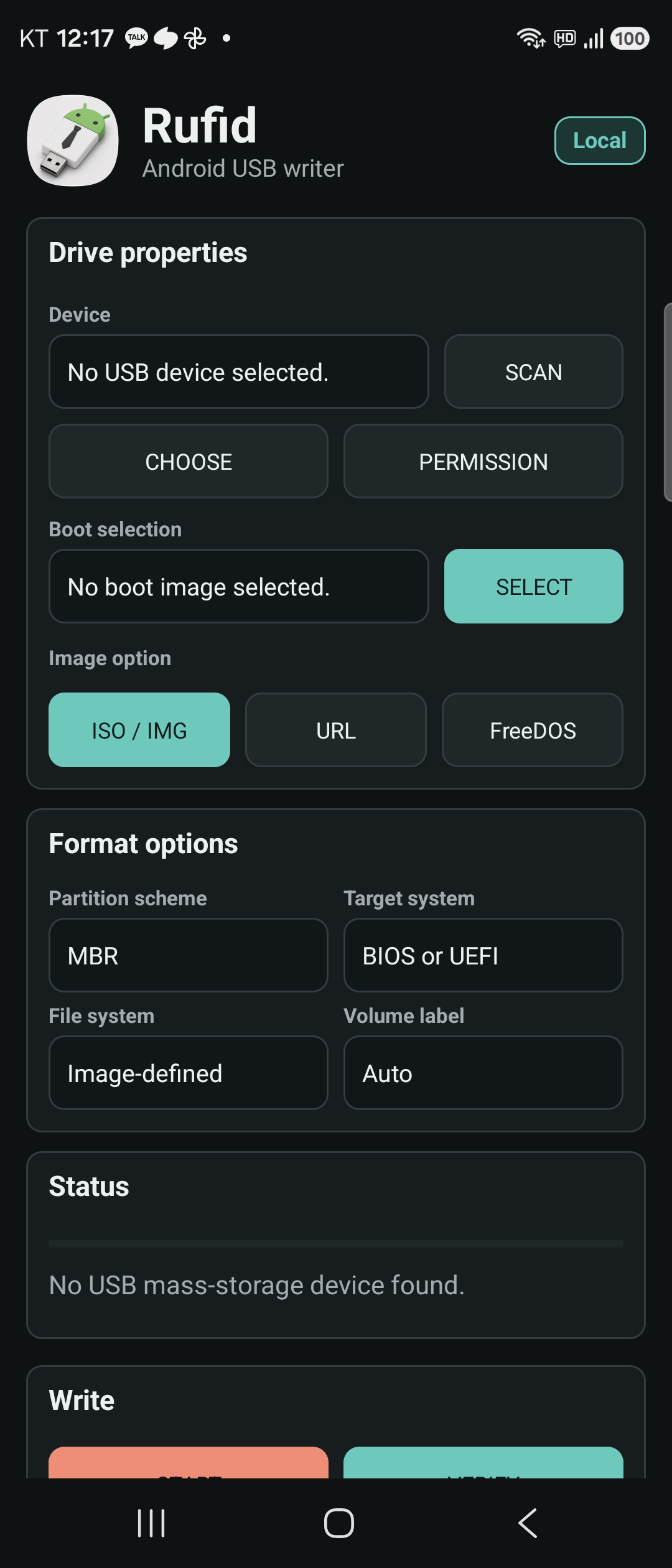
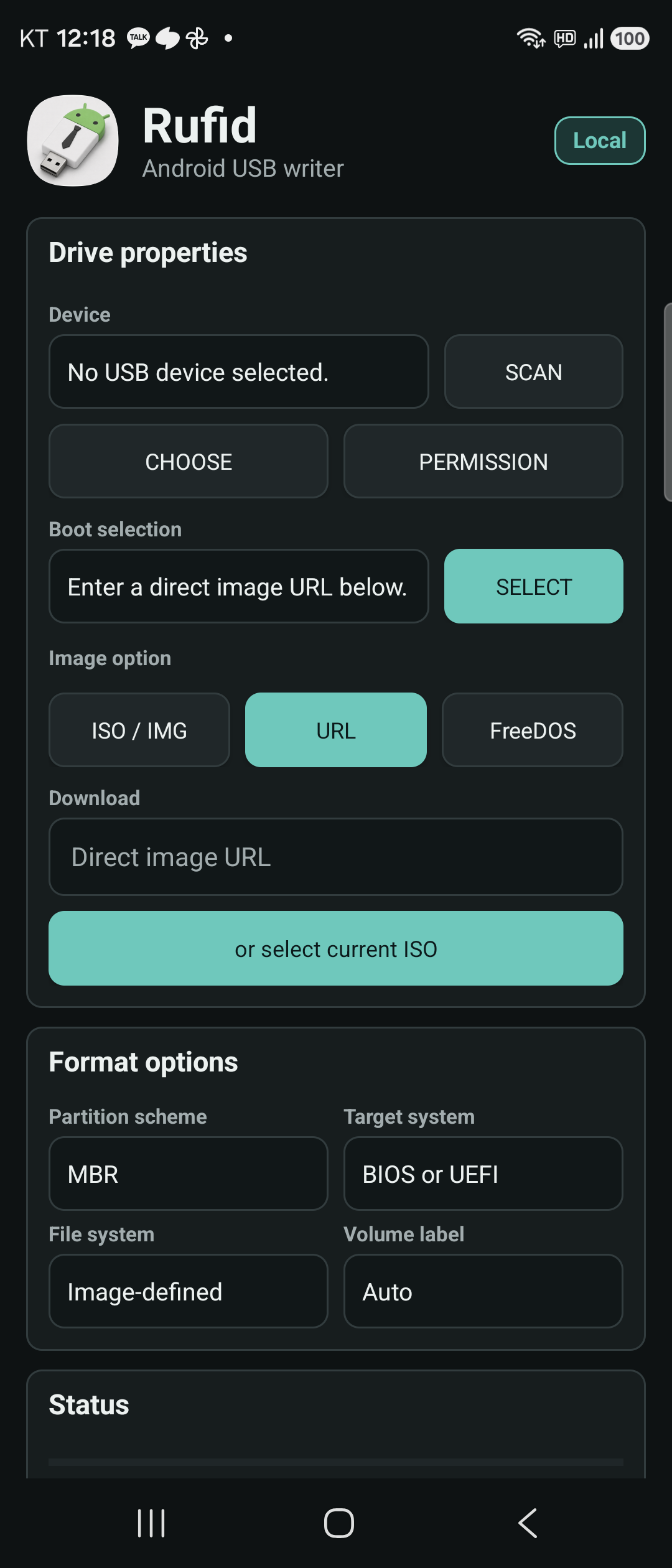
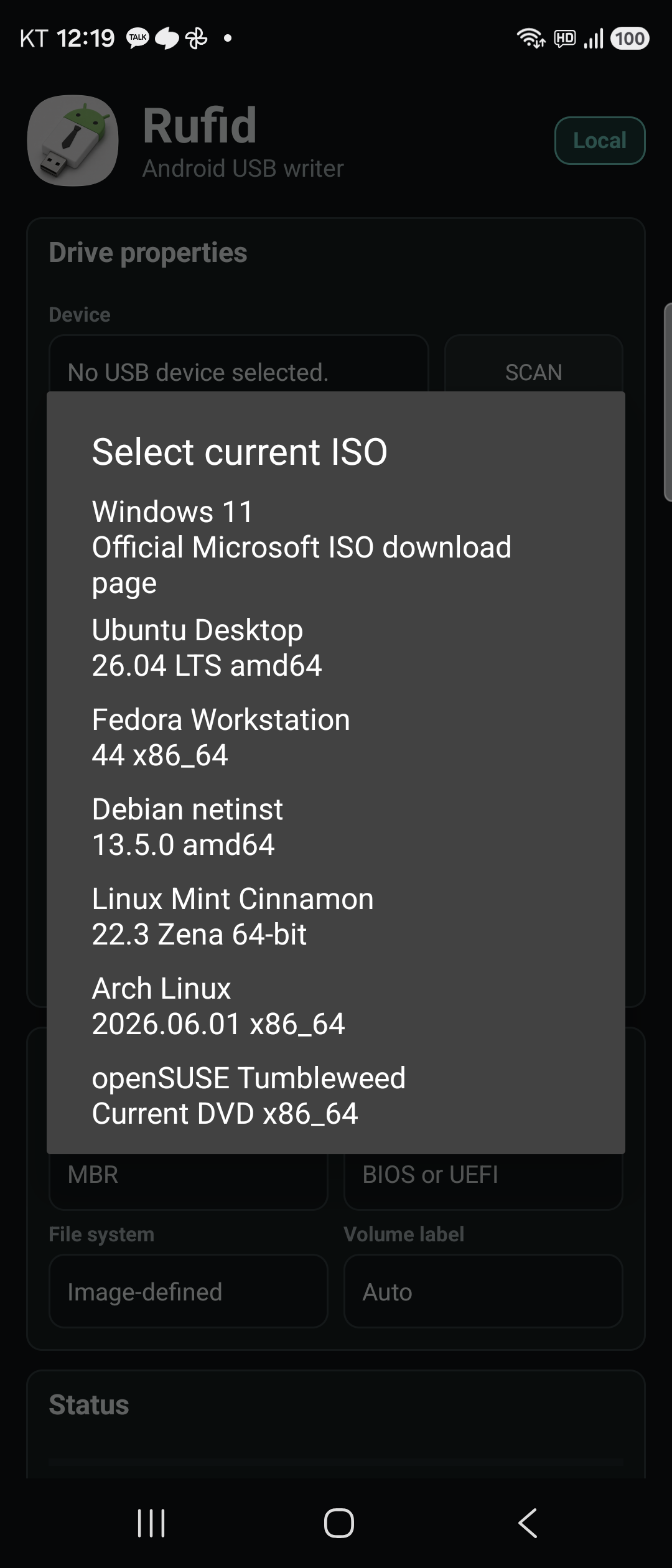
The main workflow is phone-first: select a USB device, inspect it, choose an ISO/IMG, URL, or FreeDOS source, review the plan, write, and verify. Direct URL mode includes quick access to official source pages for Windows, Ubuntu, Fedora, Debian, Linux Mint, Arch Linux, and openSUSE; it does not bundle those operating system images.
Destructive USB actions are guarded by an explicit plan screen and confirmation. Rufid shows the selected USB device, size, and available hardware identifiers before write or recovery operations. It is designed for external USB mass-storage devices, not internal Android storage.
Rufid has no ad SDK, analytics SDK, billing SDK, Firebase dependency, cloud account system, or remote crash-reporting SDK. Error reports stay local on the device.
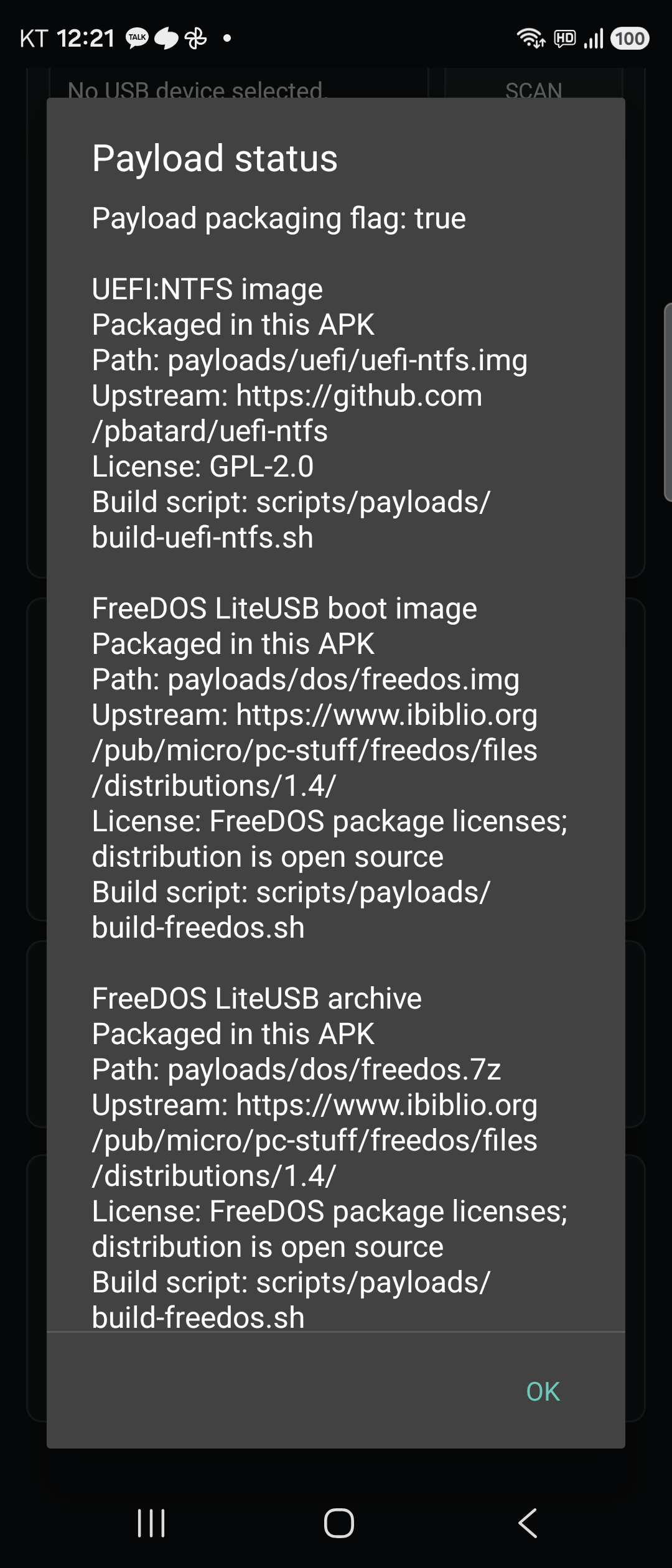
The F-Droid build path packages the boot payload set from auditable inputs. FreeDOS is assembled from source-built FreeDOS kernel, FreeCOM, SYS, and boot sector artifacts. UEFI:NTFS, wimlib, NTFS-3G tools, and 7-Zip-JBinding are staged from pinned upstream source paths, and the 7-Zip-JBinding Android build excludes RAR/unRAR native sources. No payload is extracted from an opaque third-party APK.
USB recovery is a metadata quick-wipe plus FAT32 or exFAT format flow. It is useful for returning a boot USB to normal storage use, but it is not secure erase and not a full-disk wipe.