What’s new
First release.
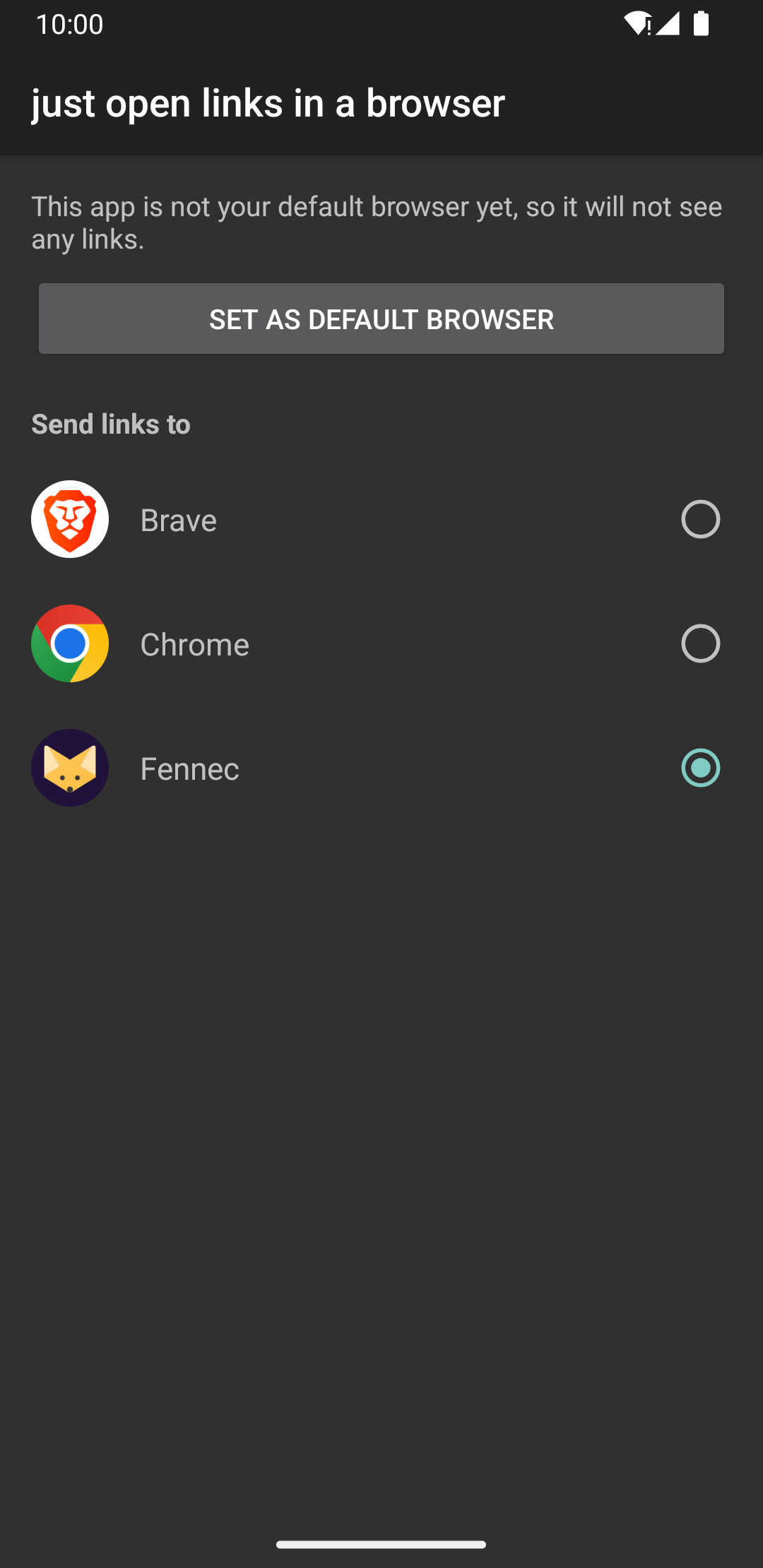
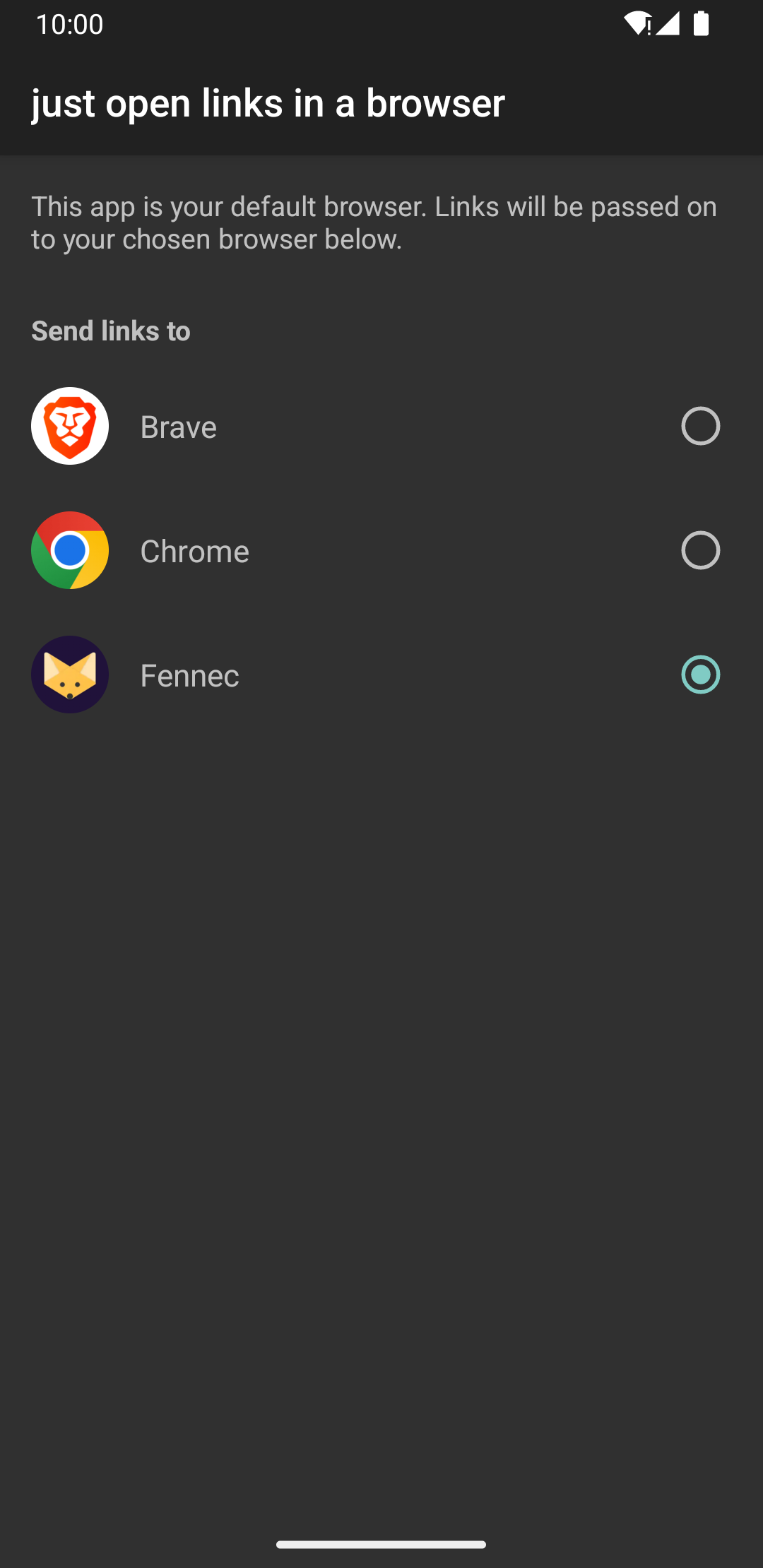
Set the app as your default browser, then open it once to choose which
installed browser your links should be sent to.
Updated Sep 22, 2026
Sends links to your real browser instead of an app's built-in one
F-Droid repository metadata
Android apps love opening links in an in-app browser: a bare little window inside the app, with one page, no tabs, no extensions, no history, and nothing left when you close it.
This app sends those links to your real browser instead.
Set it as your default browser, then open it once to pick which of your installed browsers links should go to. From then on, every link an app hands to the system arrives in the browser you actually use, with your bookmarks, your logins and your content blocker.
That is the whole app. There are no settings beyond that one choice. It has no network access of its own, and contains no analytics, no advertising and no tracking. It never loads a page: it passes the link on and gets out of the way.
One limit worth knowing about. Some apps do not hand the link to the system at all and draw the page themselves. Facebook and Instagram are the usual examples. Nothing installed on the device can redirect those, this app included.
Free software, licensed under the GNU General Public License v3 or later.
First release.
Set the app as your default browser, then open it once to choose which
installed browser your links should be sent to.
Recent approved comments · sorted by newest
View all comments