
Quick answer
Custom ROMs, recoveries & Treble GSIs for your Android, all in one catalog.
F-Droid repository metadata
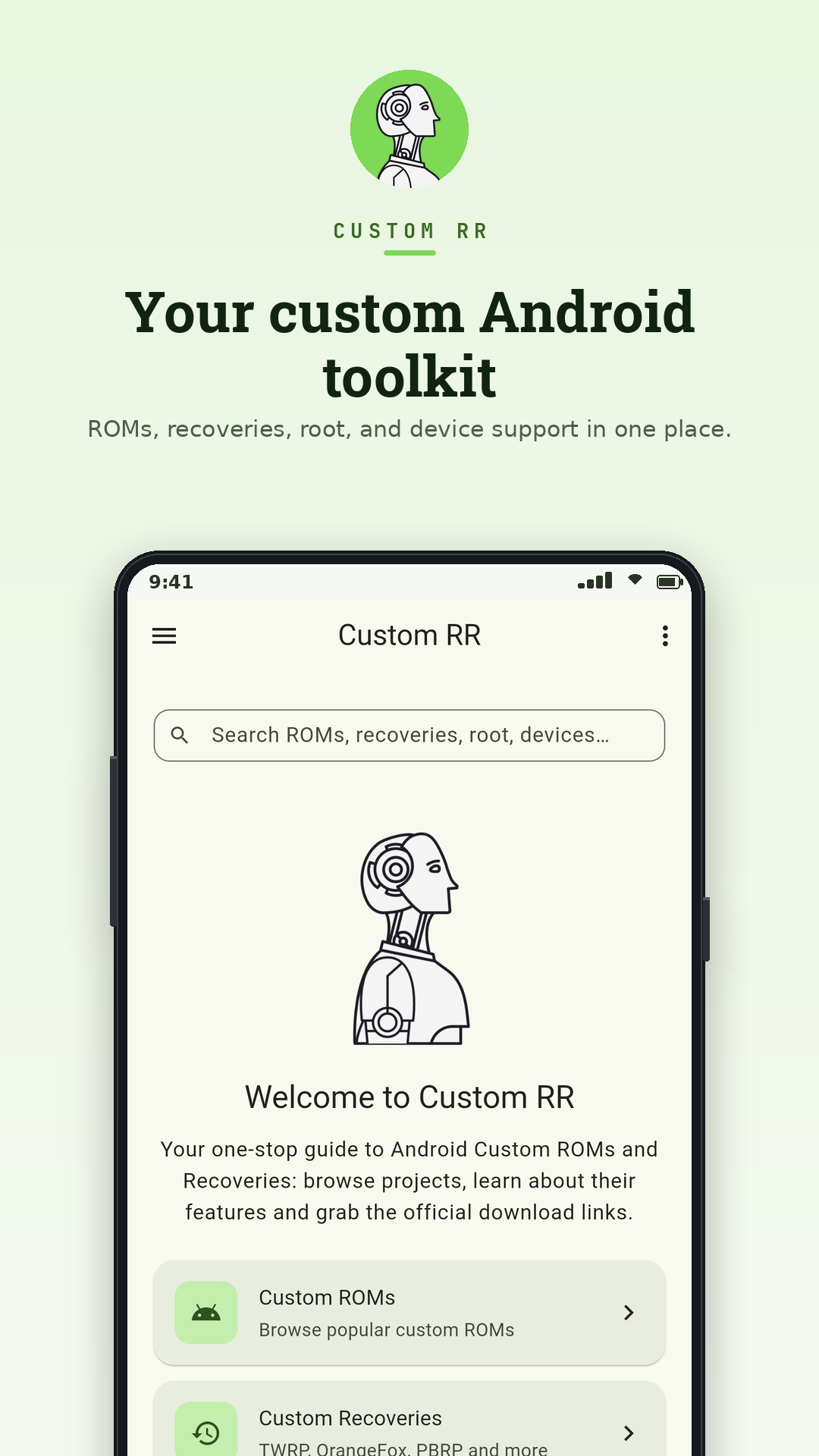
Custom RR is a free, open-source companion app for the Android modding scene. It puts everything in one place: which custom ROMs and recoveries officially support your device, what Treble GSIs you can flash, and where to download them. No more bouncing between the LineageOS wiki, three Telegram channels, a SourceForge folder, and fourteen browser tabs.
Features:
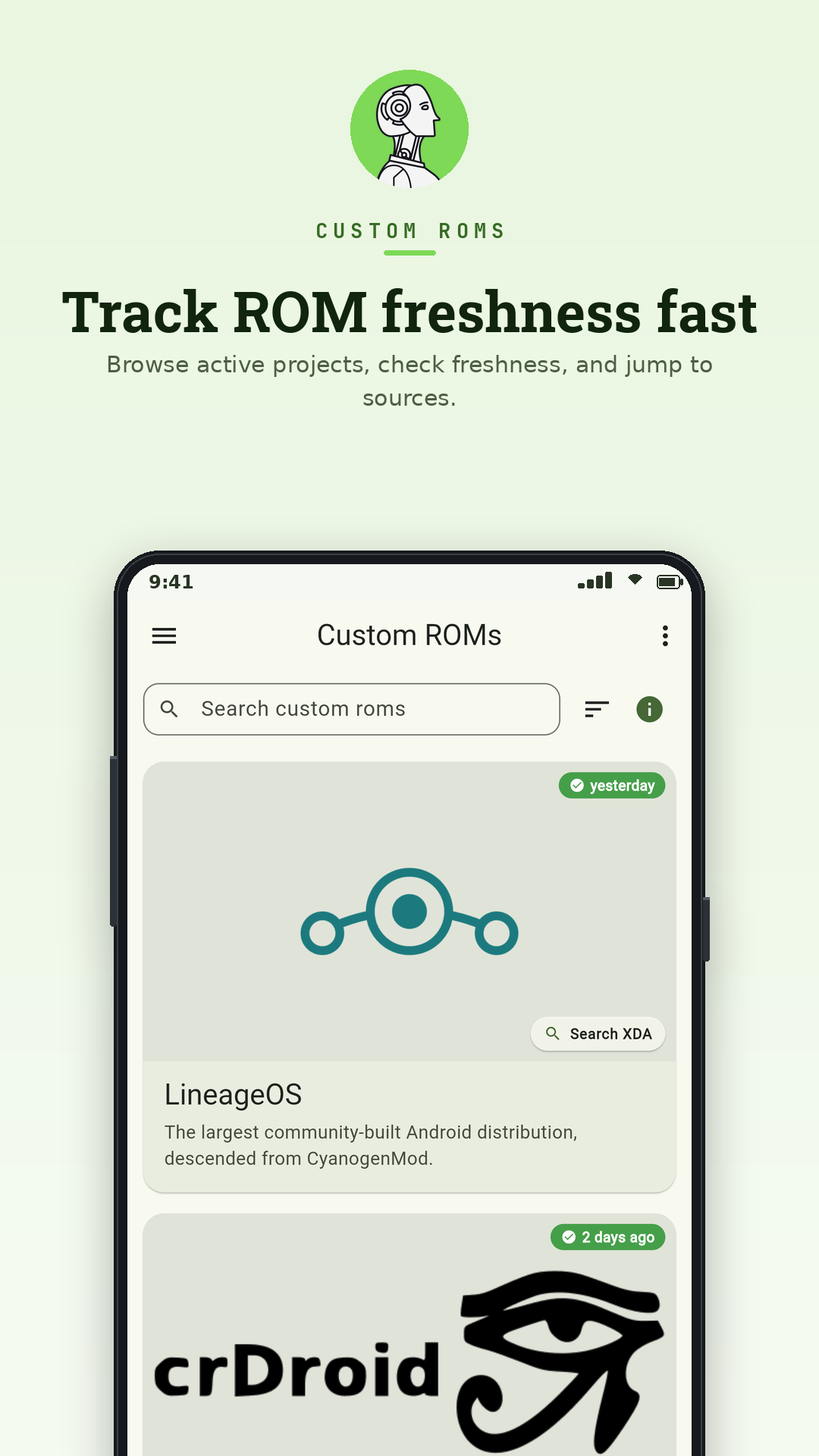
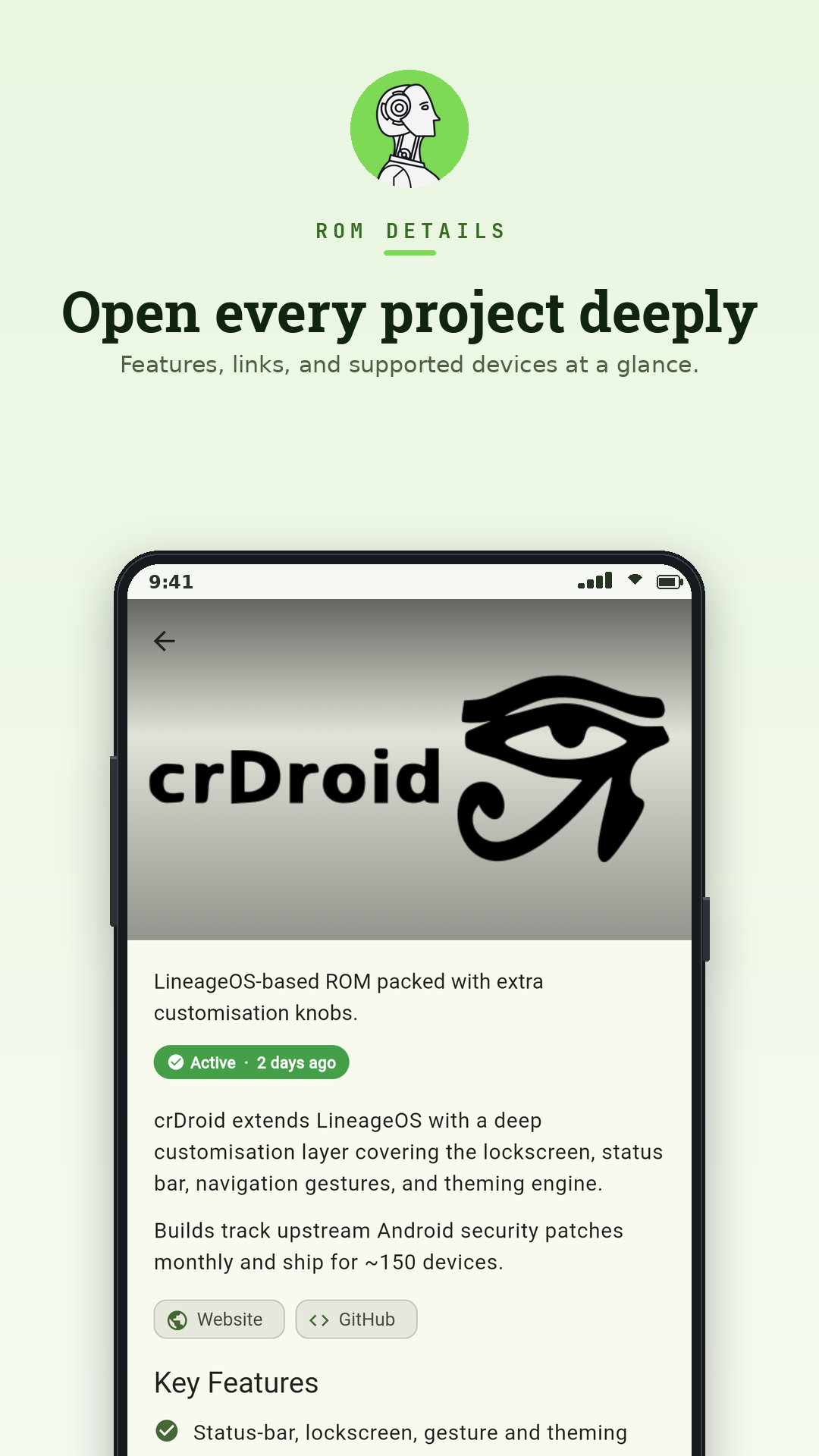
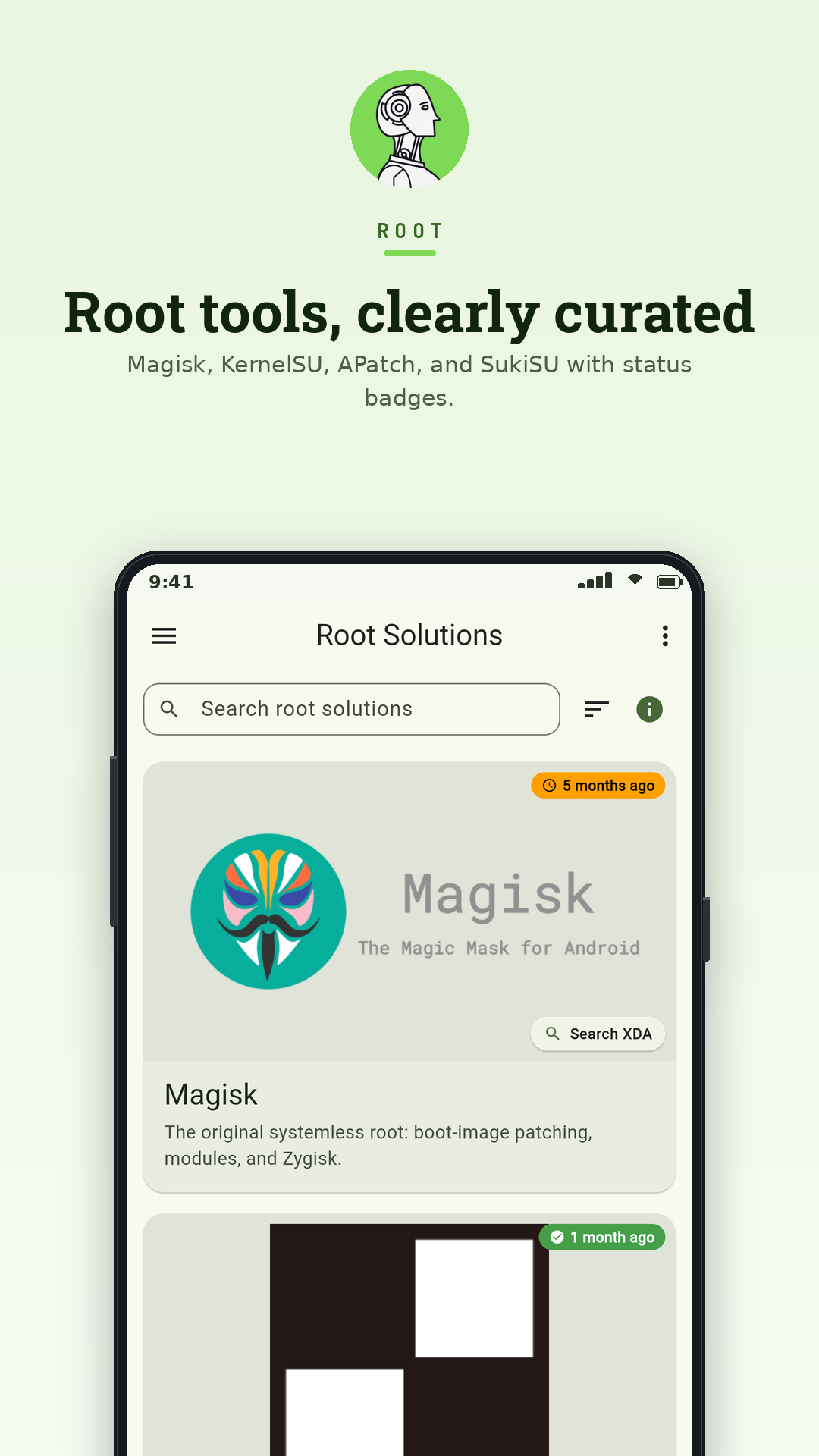
18 actively-maintained ROMs (LineageOS, crDroid, PixelOS, Project Elixir, Evolution X, DerpFest, UN1CA, BlissROMs, /e/, GrapheneOS, CalyxOS, DivestOS, RisingOS Revived, VoltageOS, and more), each with description, features, screenshots, and a one-tap link to the official download page.
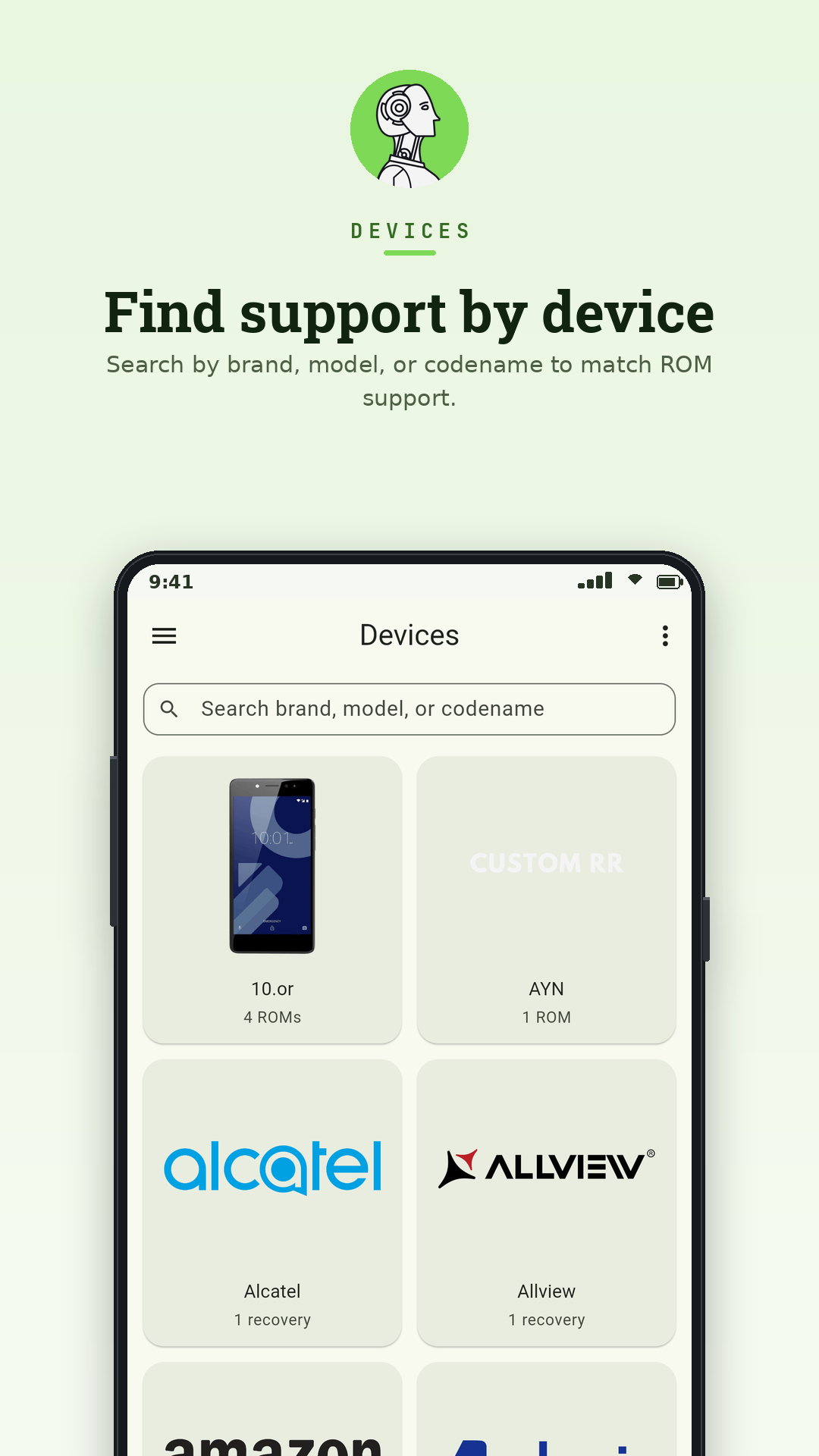
500+ devices sourced live from the official LineageOS wiki and the PixelOS official_devices repo, refreshed nightly.
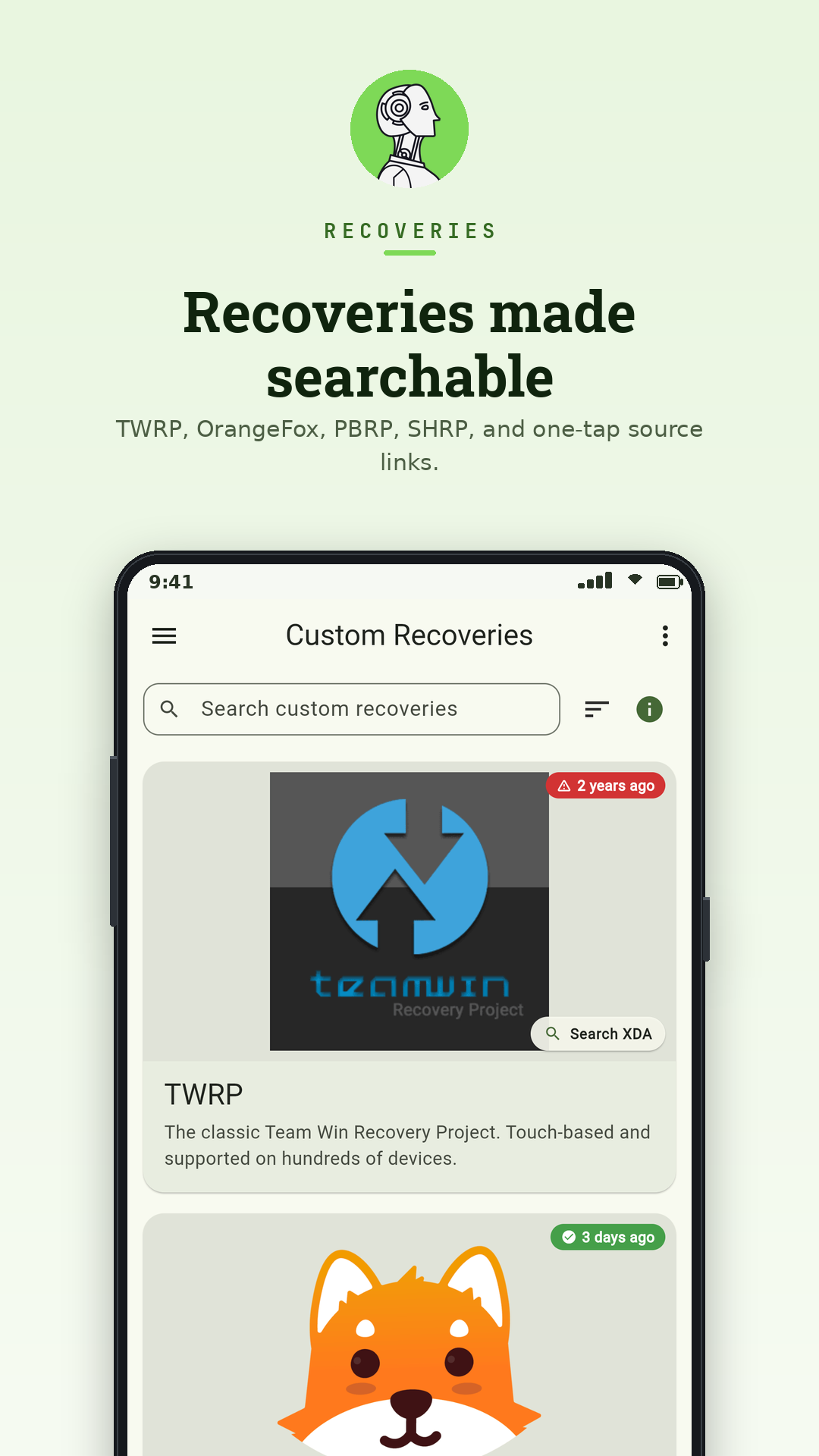
Major recoveries: TWRP, OrangeFox, PBRP, SHRP, with per-device support and direct downloads.
Treble & GSI hub: per-project status badges, direct GSI downloads, the canonical TrebleDroid wiki index, an A-only vs A/B and arm64 vs arm32_binder64 cheat sheet, a 6-step flash flow, and a "GSI boots but camera is broken" FAQ.
Pick your phone and the whole app filters to ROMs and recoveries that officially support it. Brand pages list every device and every ROM/recovery targeting Xiaomi, OnePlus, Samsung, Pixel, Realme, POCO, Nothing, and more.
Defunct projects clearly marked. Archived ROMs (ArrowOS, DotOS, Havoc-OS, RisingOS original, and others) show their last-build date and a successor suggestion, so you don't flash code that hasn't shipped in years.
Unofficial and community-maintained builds sit in their own clearly labelled section, so you always know what is official and what is a community port. Recent additions include Galaxy S24 Ultra support.
Project warning banners flag community-relevant concerns before you flash.
Freshness signals on every entry (active / monthly / discontinued, last build date), kept current by a nightly automated job that flags projects going quiet.
Step-by-step flashing guides for ROMs and recoveries, embedded per category.
Works fully offline with a bundled catalog, then refreshes from GitHub at launch so new ROMs and devices appear without an app update.
Material 3 with dynamic color, light / dark / AMOLED themes, and adaptive layouts for phone, tablet, and desktop.
Deep links for every ROM, recovery, device, and brand, easy to share in threads.
No tracking, no analytics, no ads, no Play Services required. GPL-3.0 licensed; source on GitHub.
Screenshots
How to install
- Download the APK from the button at the top of this page.
- Allow “Install unknown apps” for your browser or file manager only, not for every app.
- Open the downloaded file and confirm the installation.
- If installation fails with “App not installed,” remove an earlier build of the same app first. A signature conflict is the usual cause.
Data safety
- Every file is checked against its published SHA-256 before it is listed.
- Files are scanned for malware on every update.
- The permissions each app requests are listed on its own page.
- Read the full safety policy for how we test, flag, and delist files.
Comments
Recent approved comments · sorted by newest
View all comments