What’s new
* Fixed restore for apps relying on symlinks (e.g., Termux) to prevent "Permission denied" errors

Updated Sep 22, 2026
Root-based Android app backup tool powered by restic
F-Droid repository metadata
Restoid gives you complete control over your app backups through a clean, modern, and simple user interface. Powered by the open-source "restic" engine, it's built for users who demand robust, encrypted, and deduplicated backups.
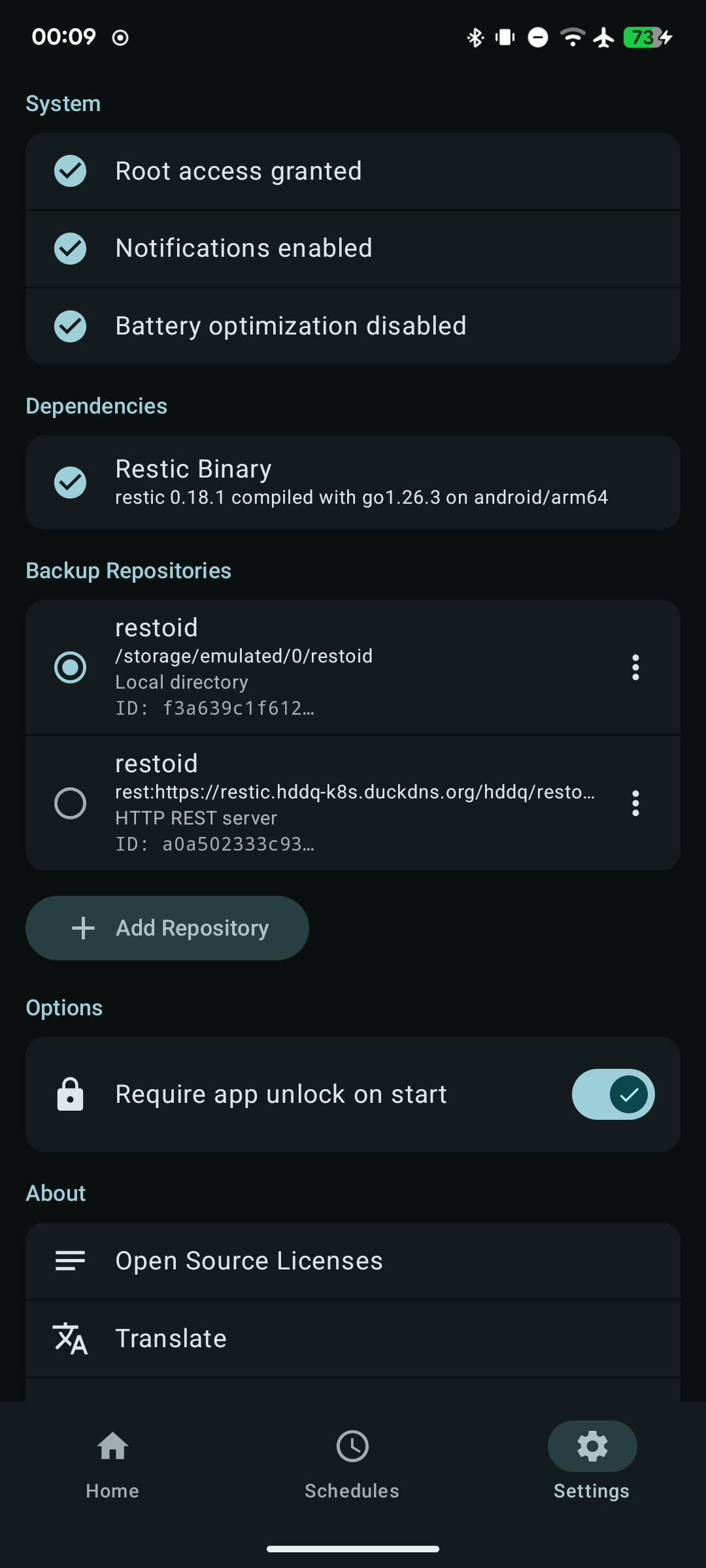
Root access is strictly required to read and write private application data directories.
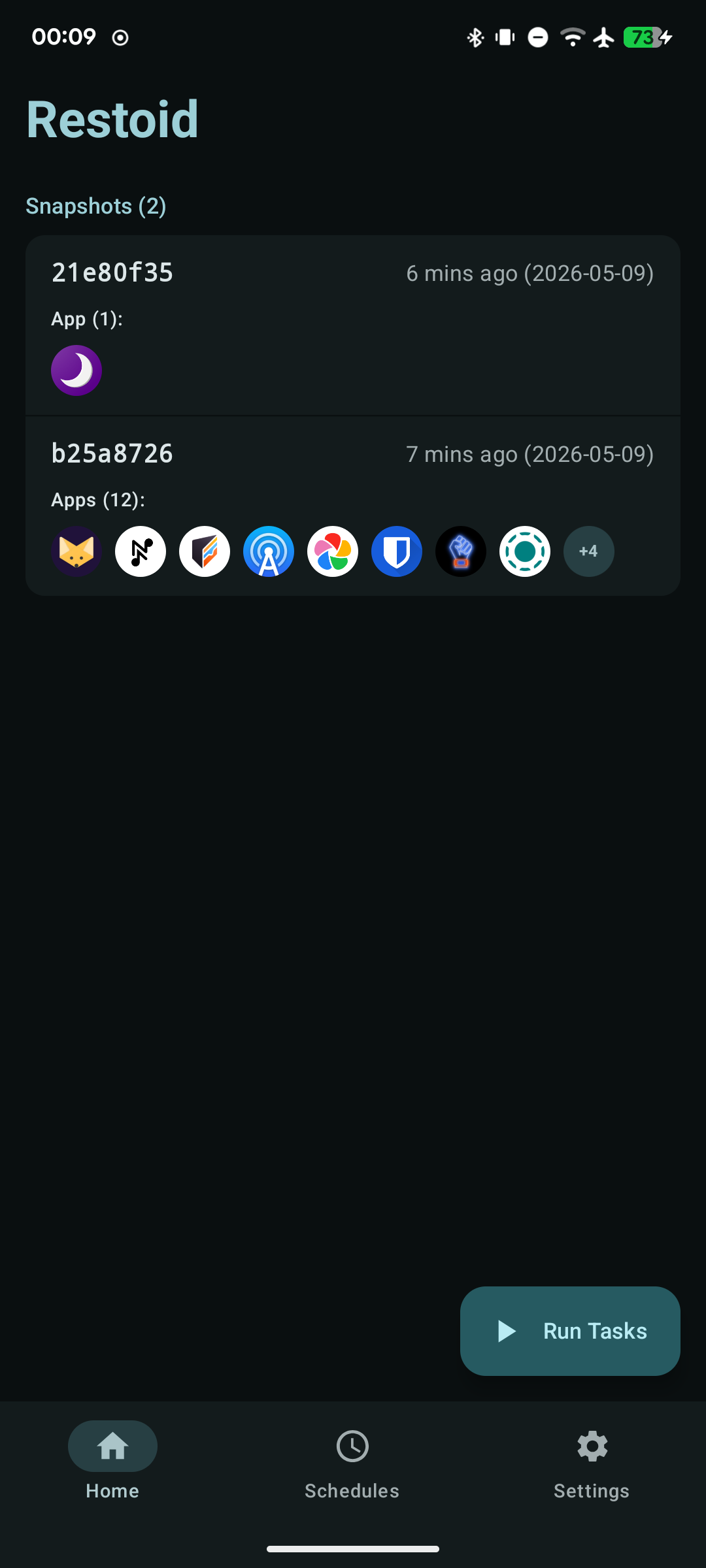
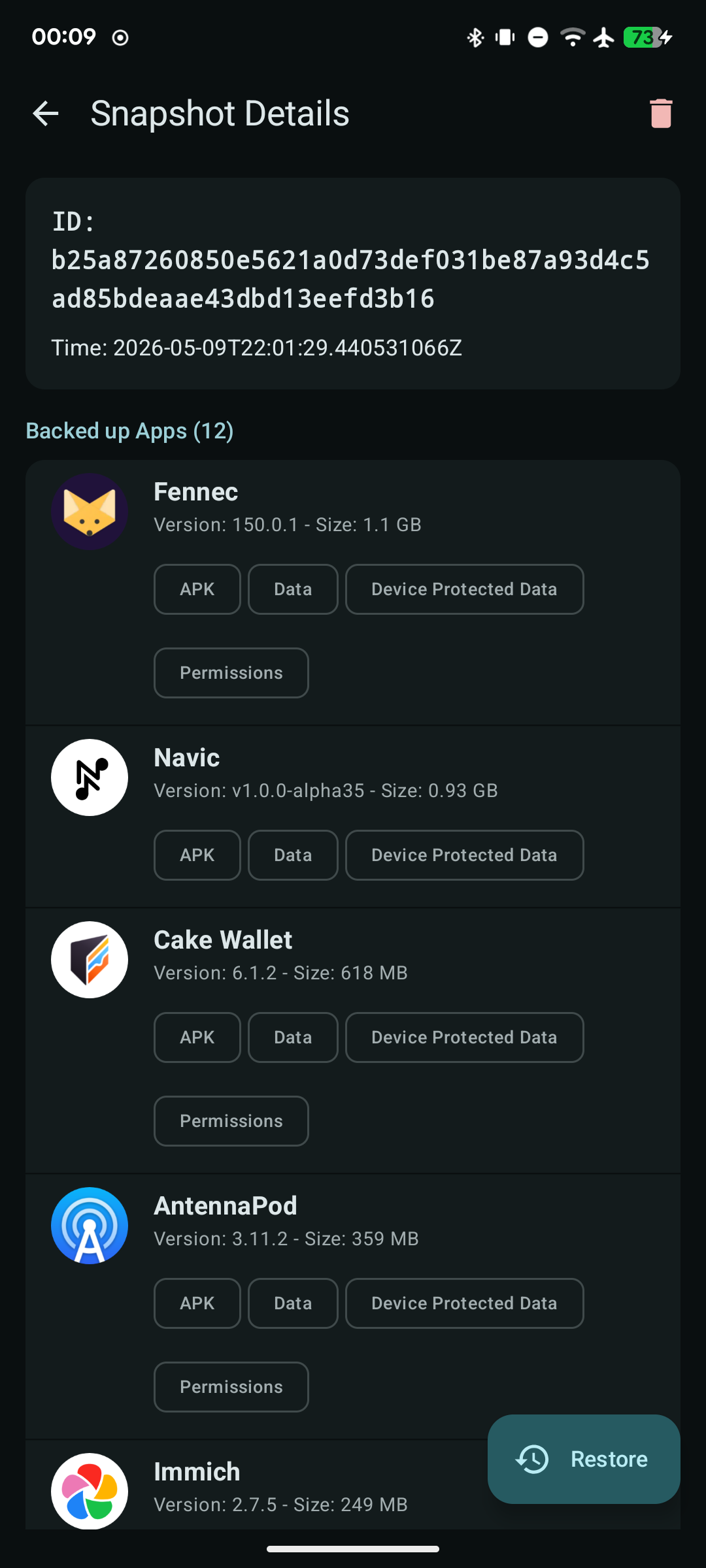
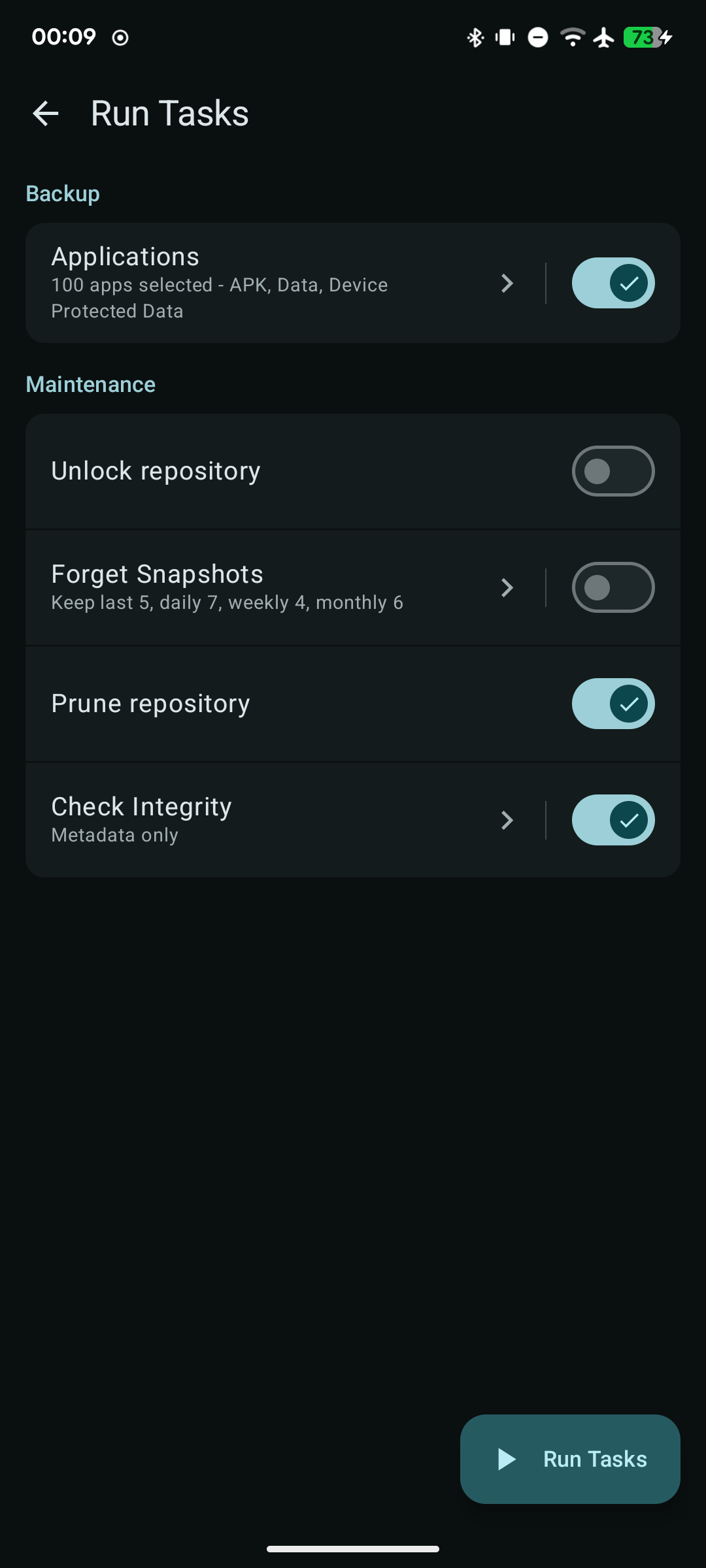
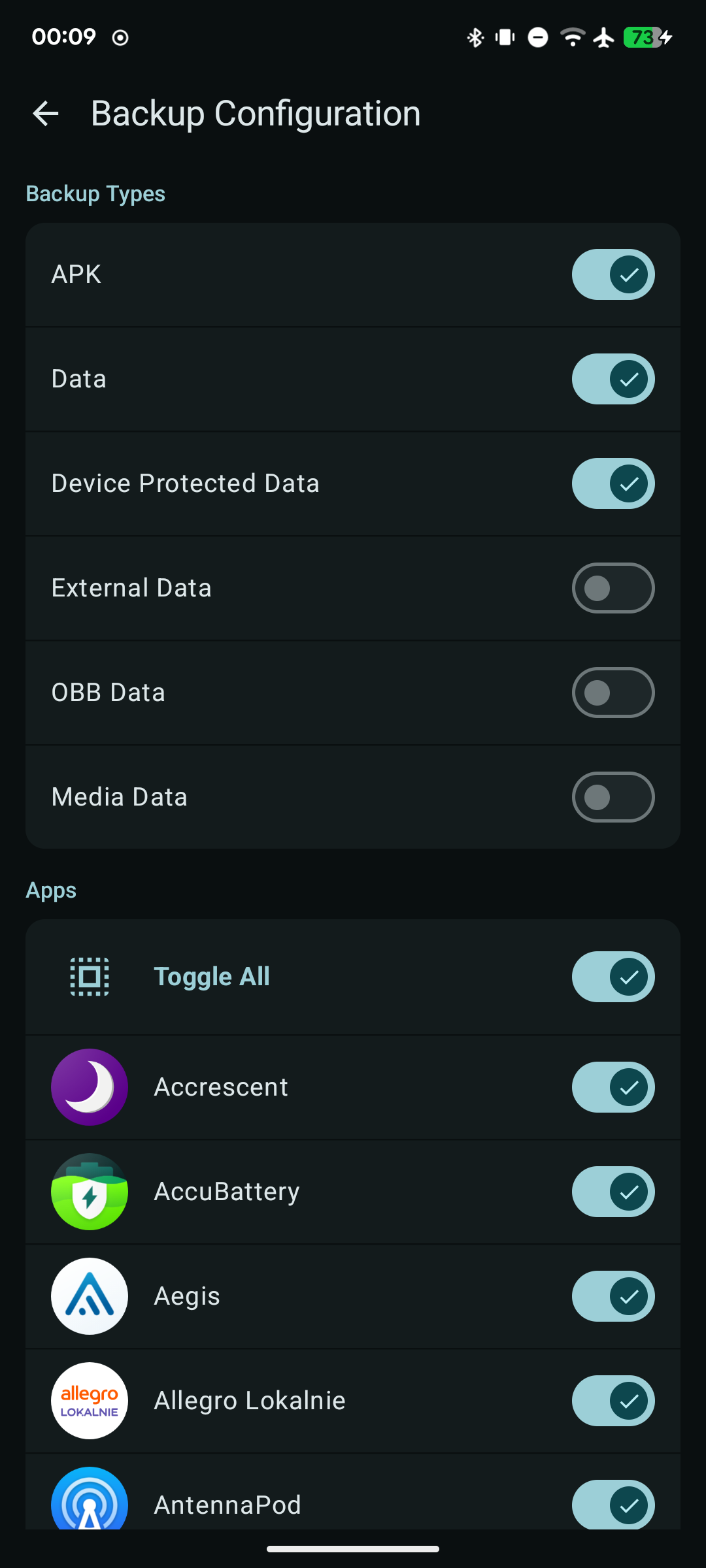
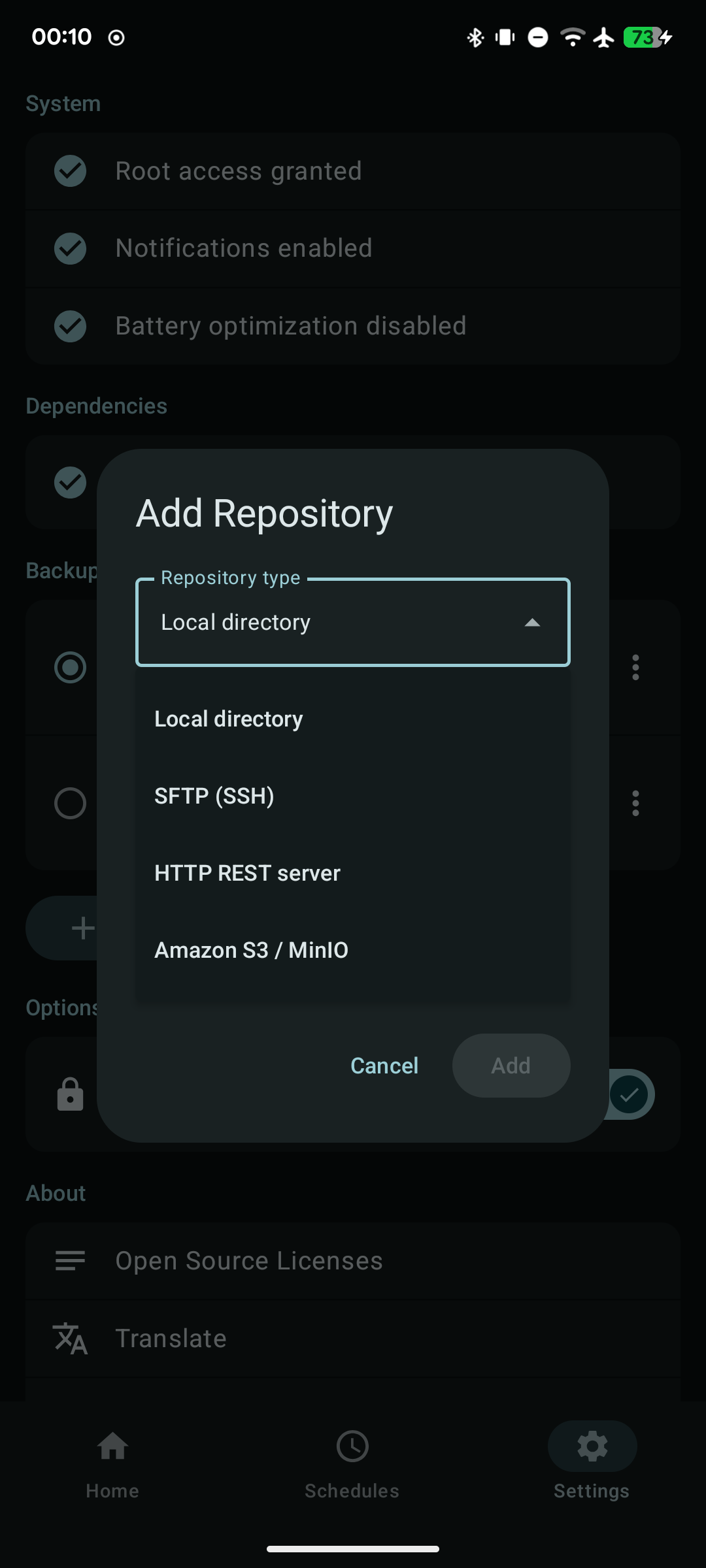
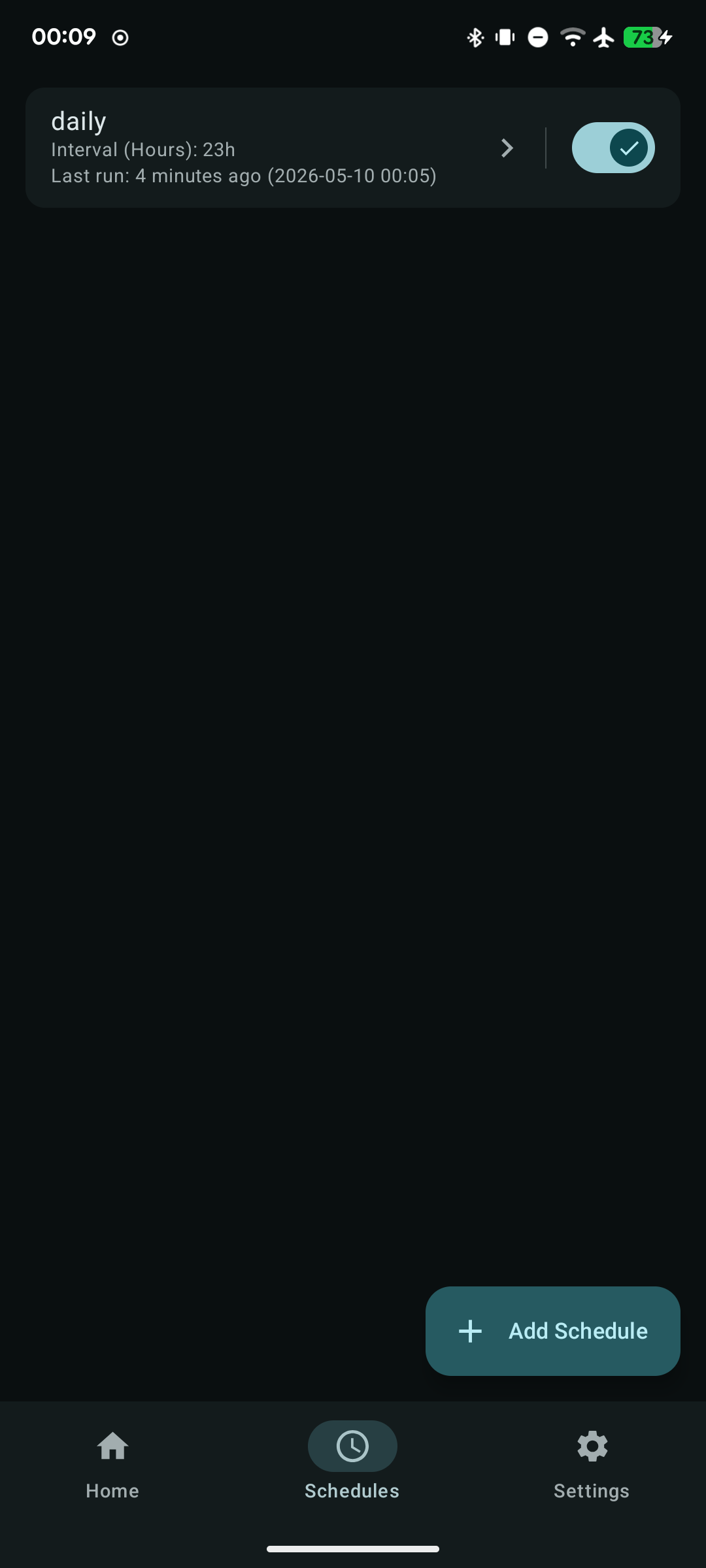
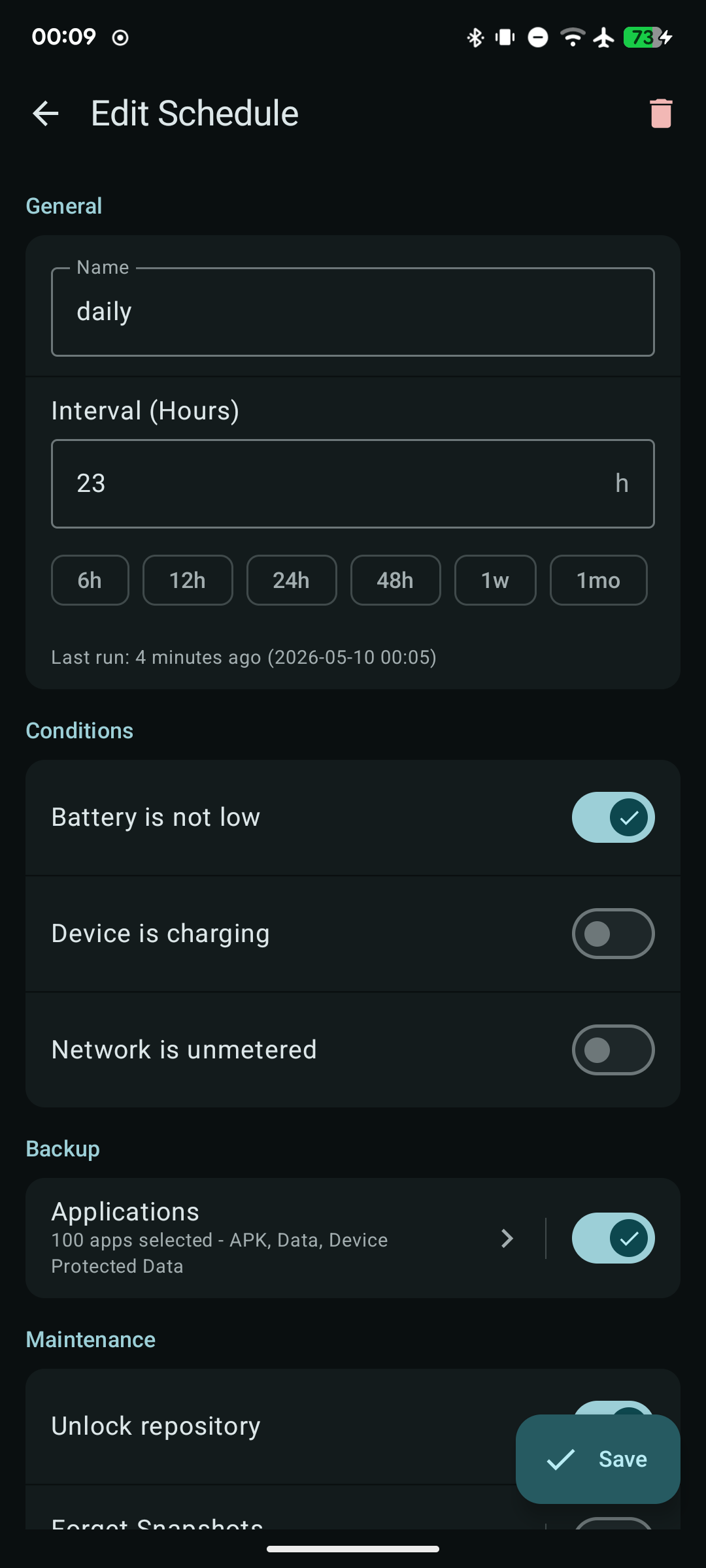
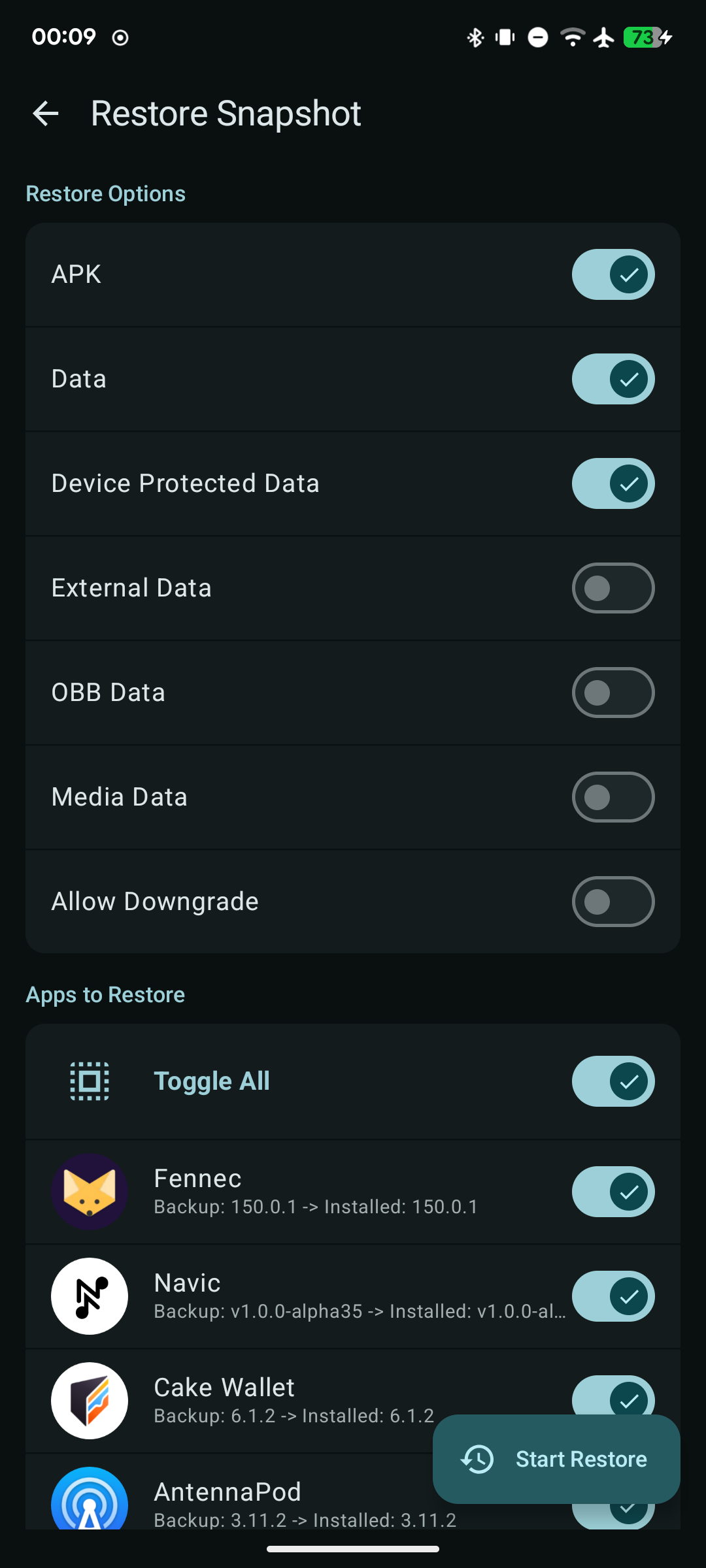
Features: * Restic-Powered: Leverages the speed, security, and efficiency of restic for local, deduplicated, and encrypted backups. * Selective Backup: Choose exactly which user-installed applications you want to save. * Granular Control: Granularly select what to include for each app: APK files, user data, device-protected data, external/OBB, or media files. * Custom Directory Backup: Back up custom directories like DCIM, Documents, etc. (works without root). * Flexible Repository Management: Create and manage repositories across native restic backends: Local directory, SFTP, REST server, and Amazon S3/MinIO. * Snapshot Management: Easily browse historical backup snapshots, view details of what was backed up, and forget old data to save space. * Surgical Restore: Restore entire apps completely, or just specific parts (like restoring only app data without overwriting the APK). * Automated Schedules: Set up recurring backups with customizable intervals and trigger conditions (battery, charging, and network status). * Downgrade Protection: Prevents you from accidentally restoring an older app version over a newer one.
* Fixed restore for apps relying on symlinks (e.g., Termux) to prevent "Permission denied" errors
Recent approved comments · sorted by newest
View all comments