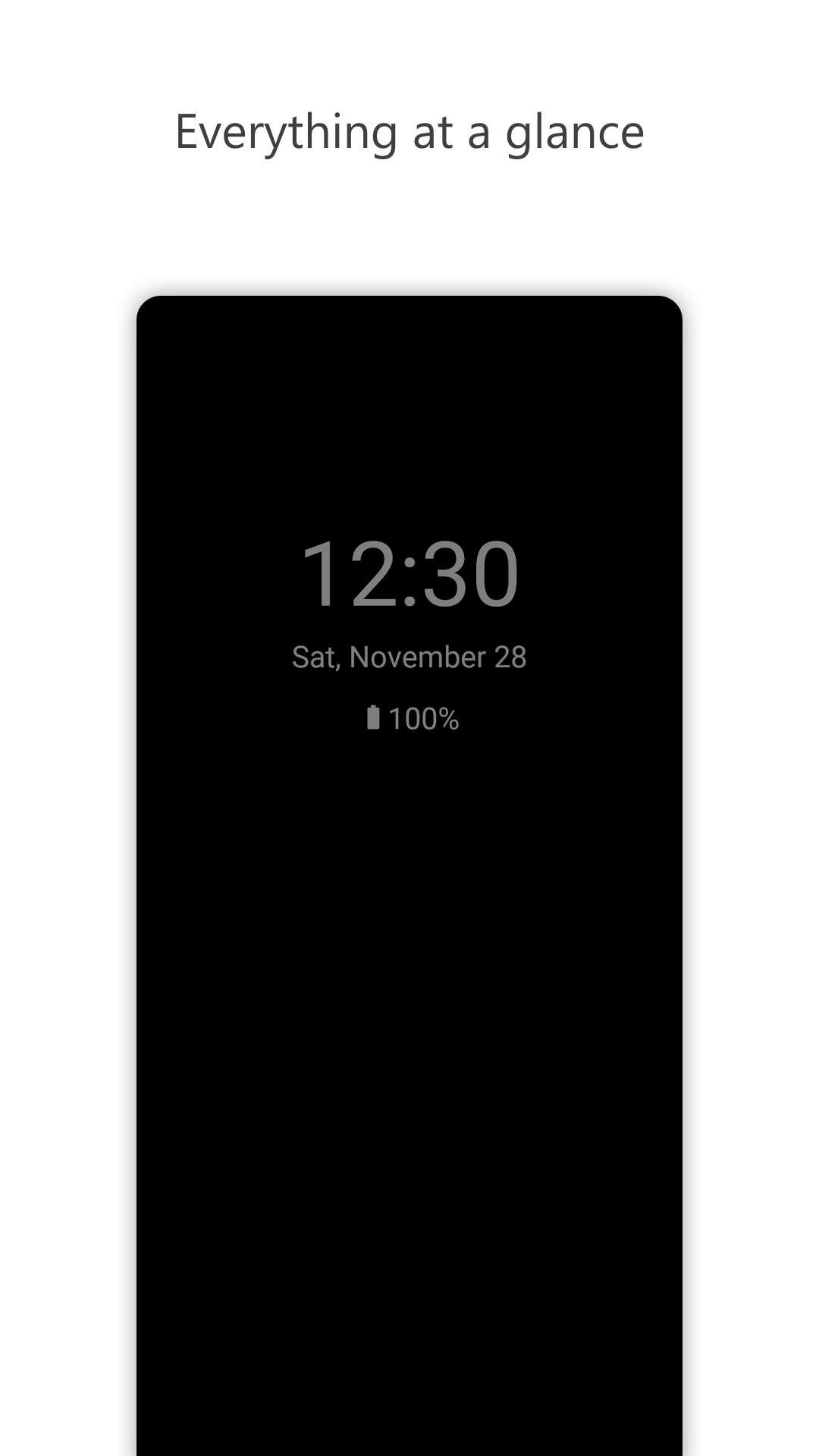
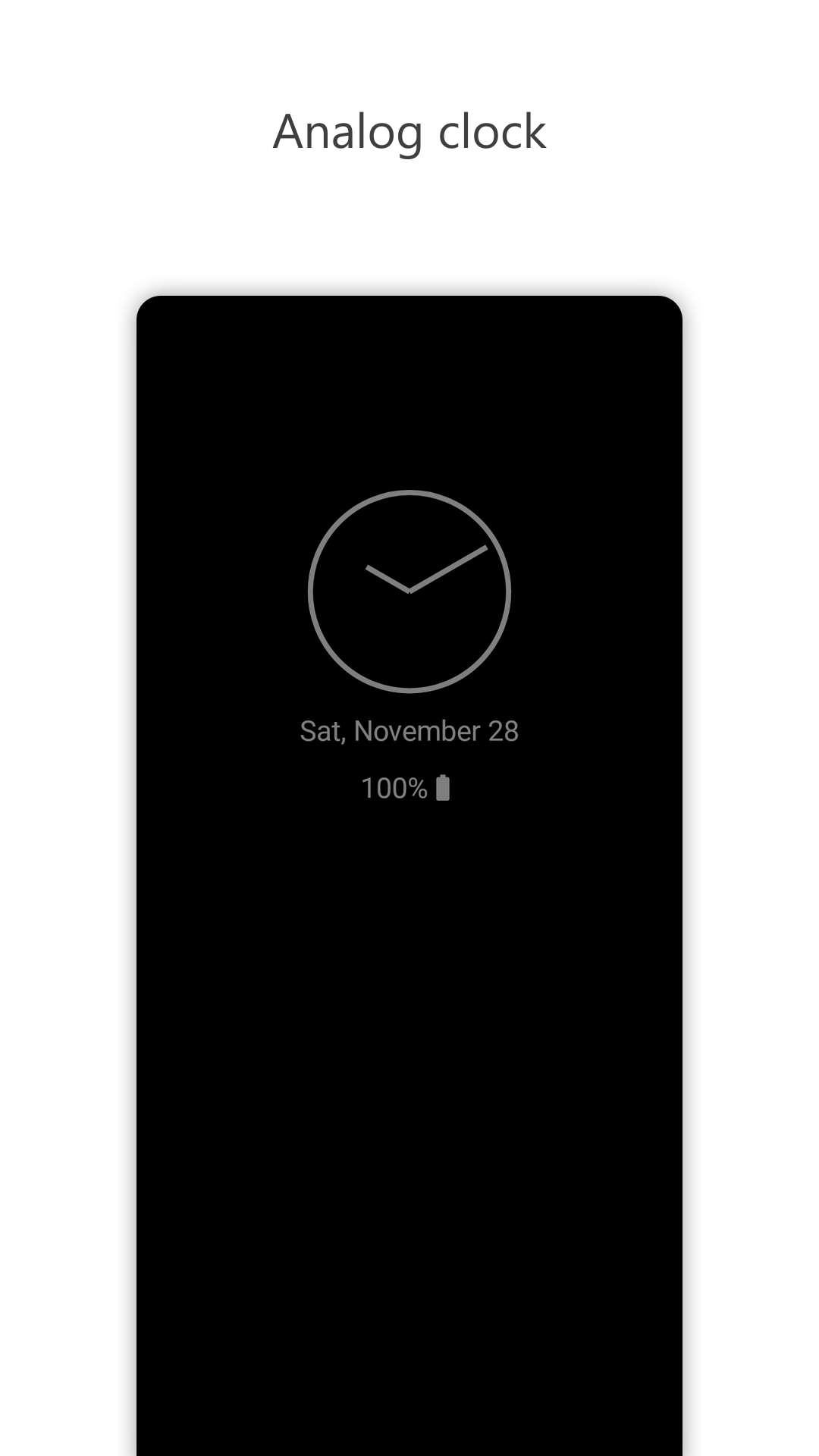
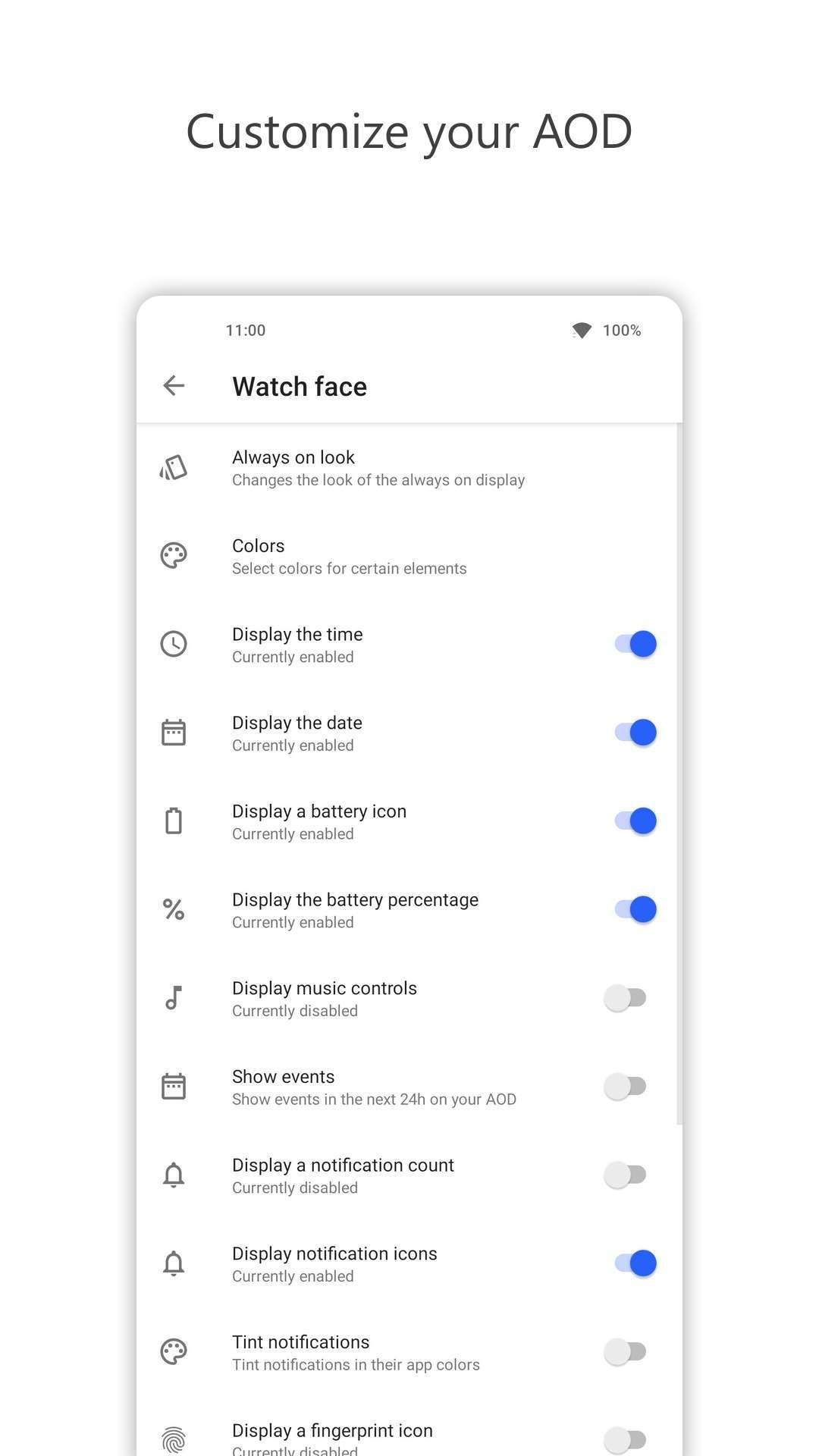
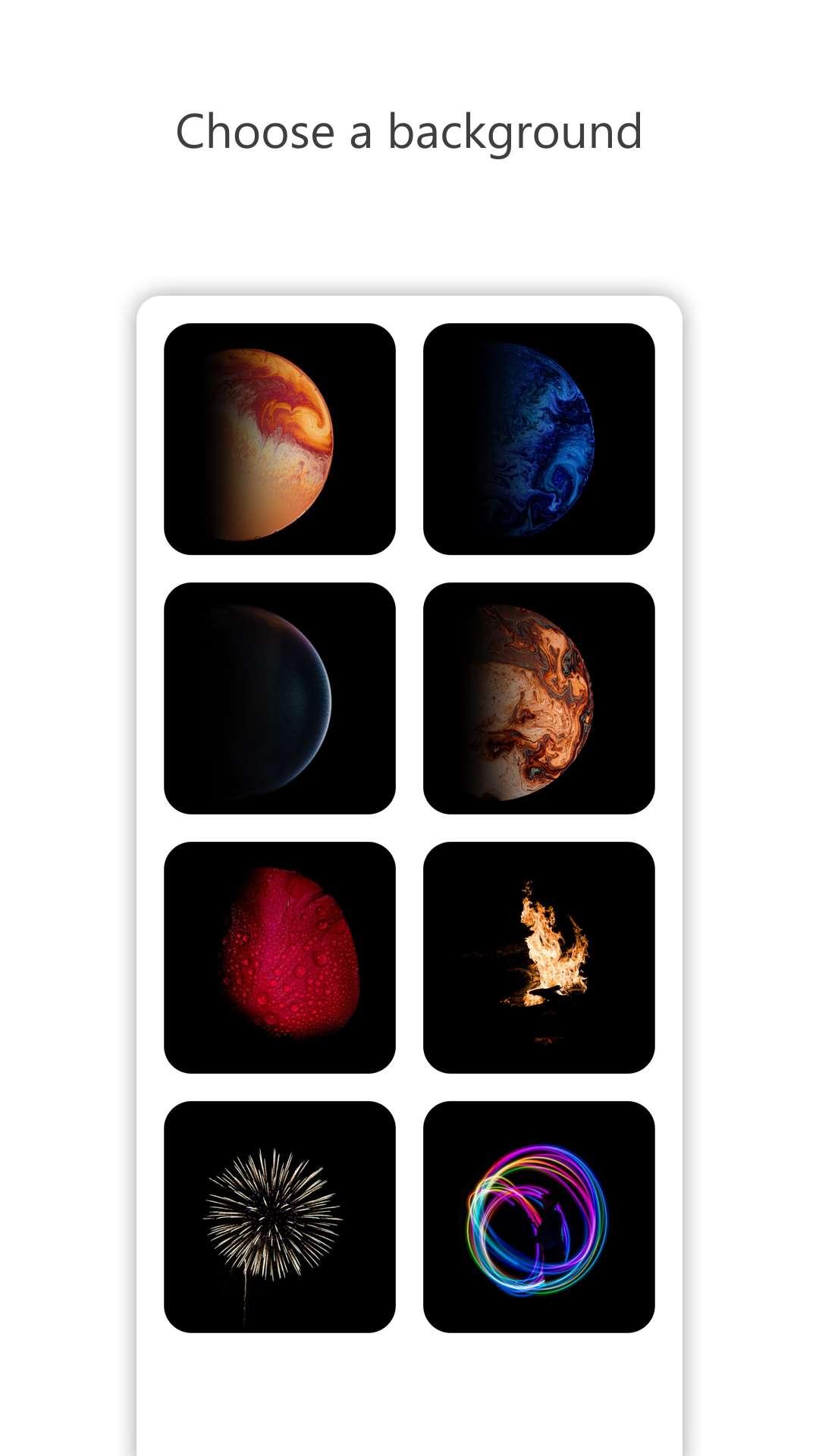
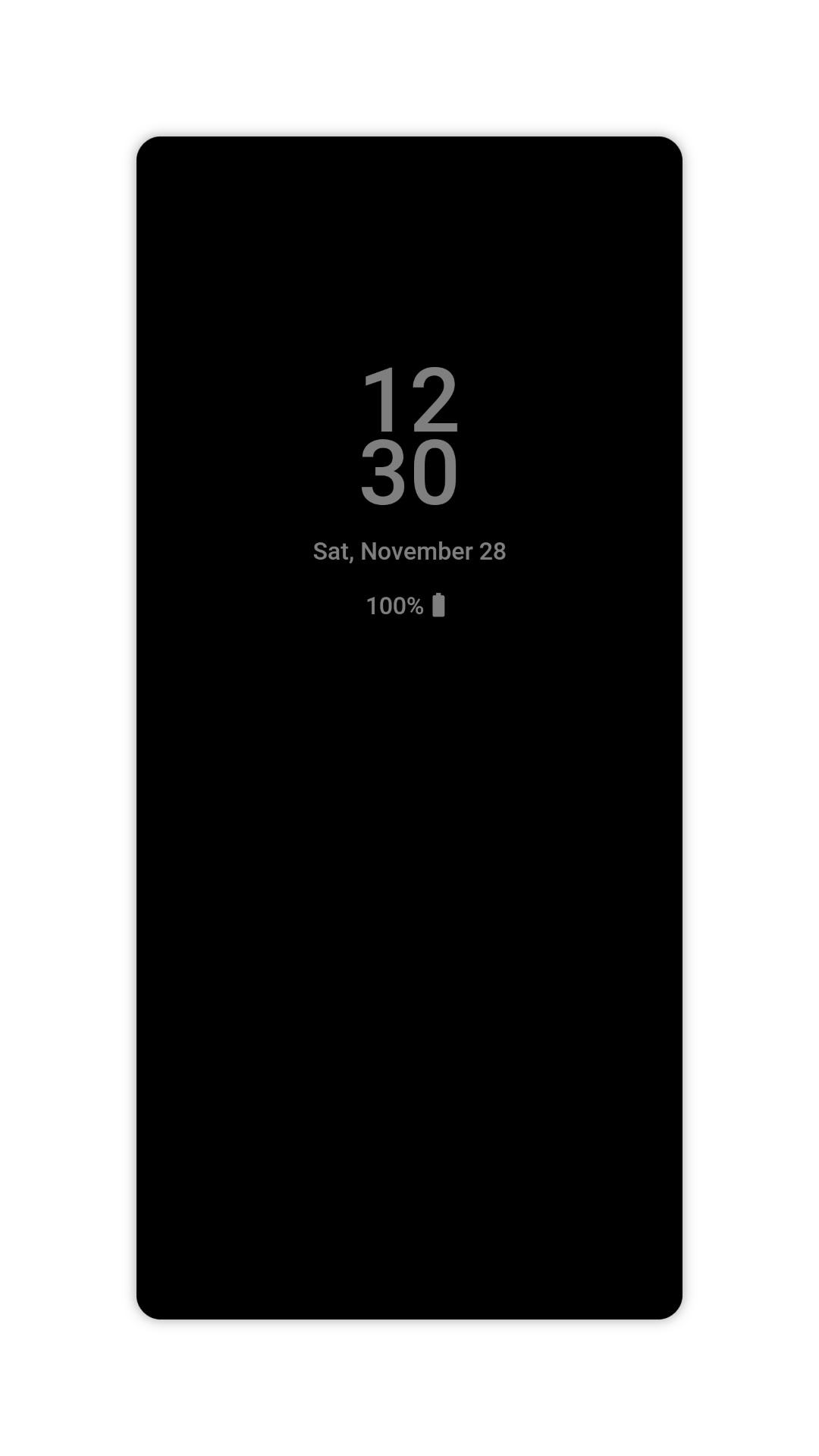
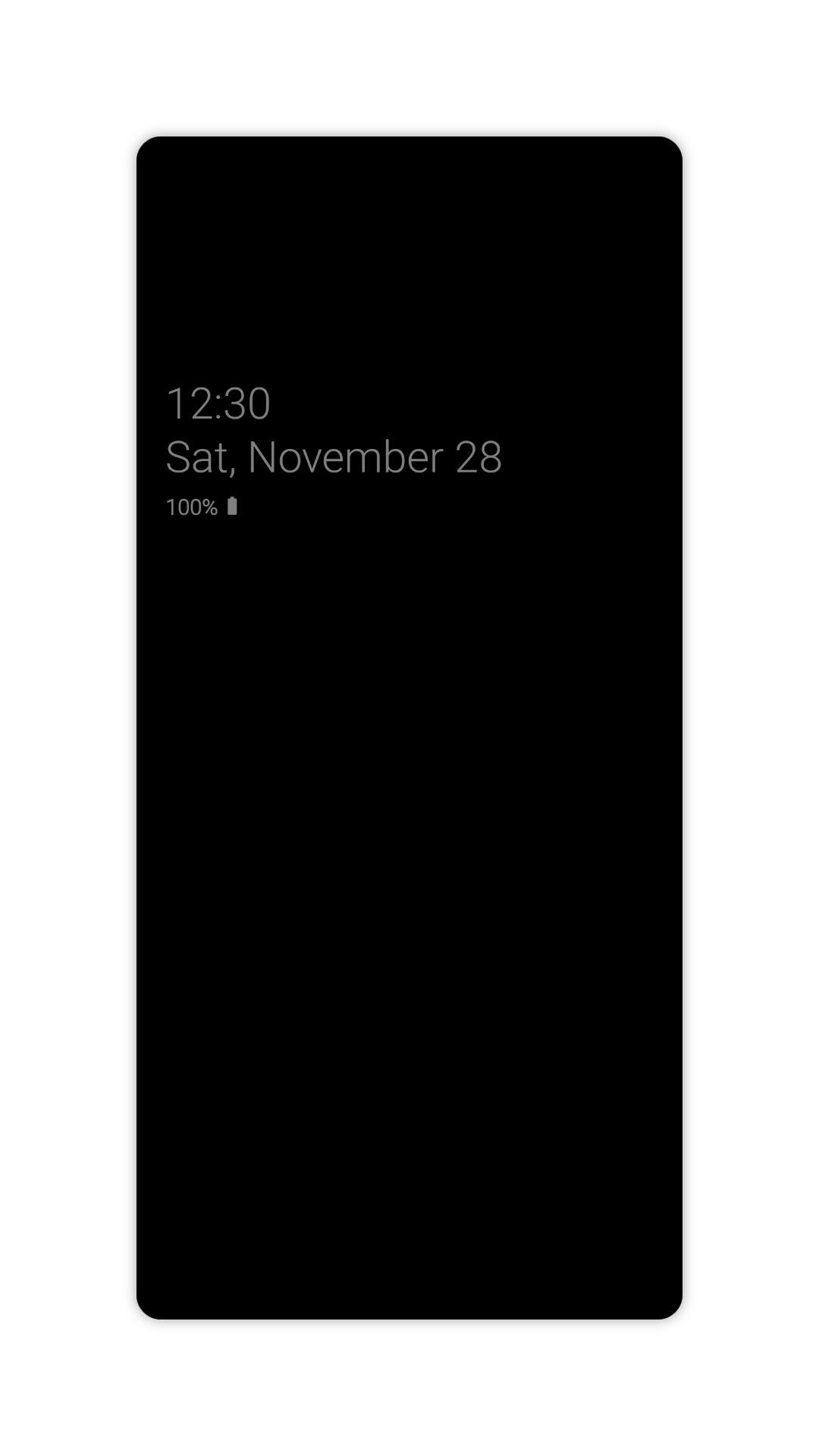
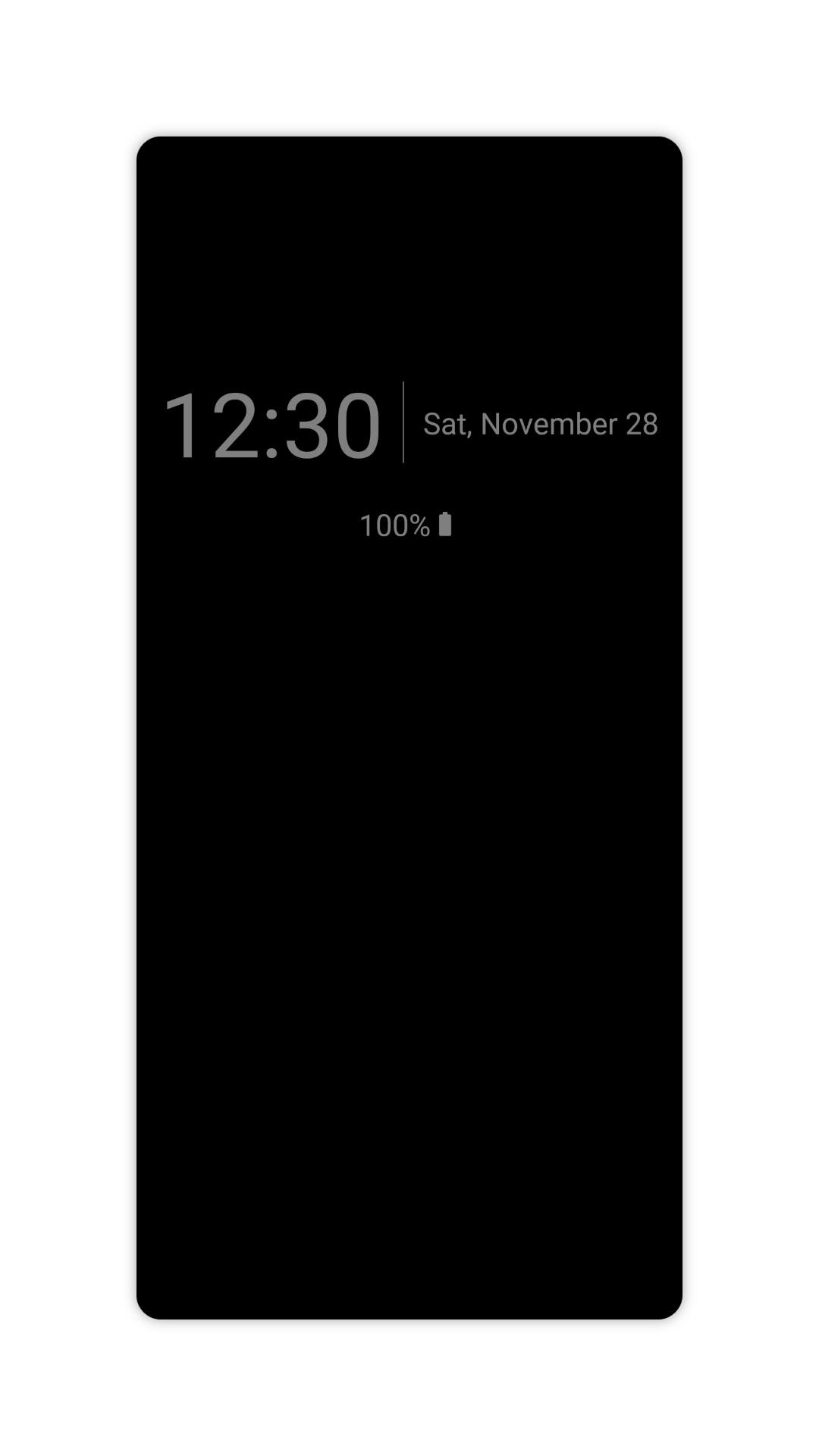
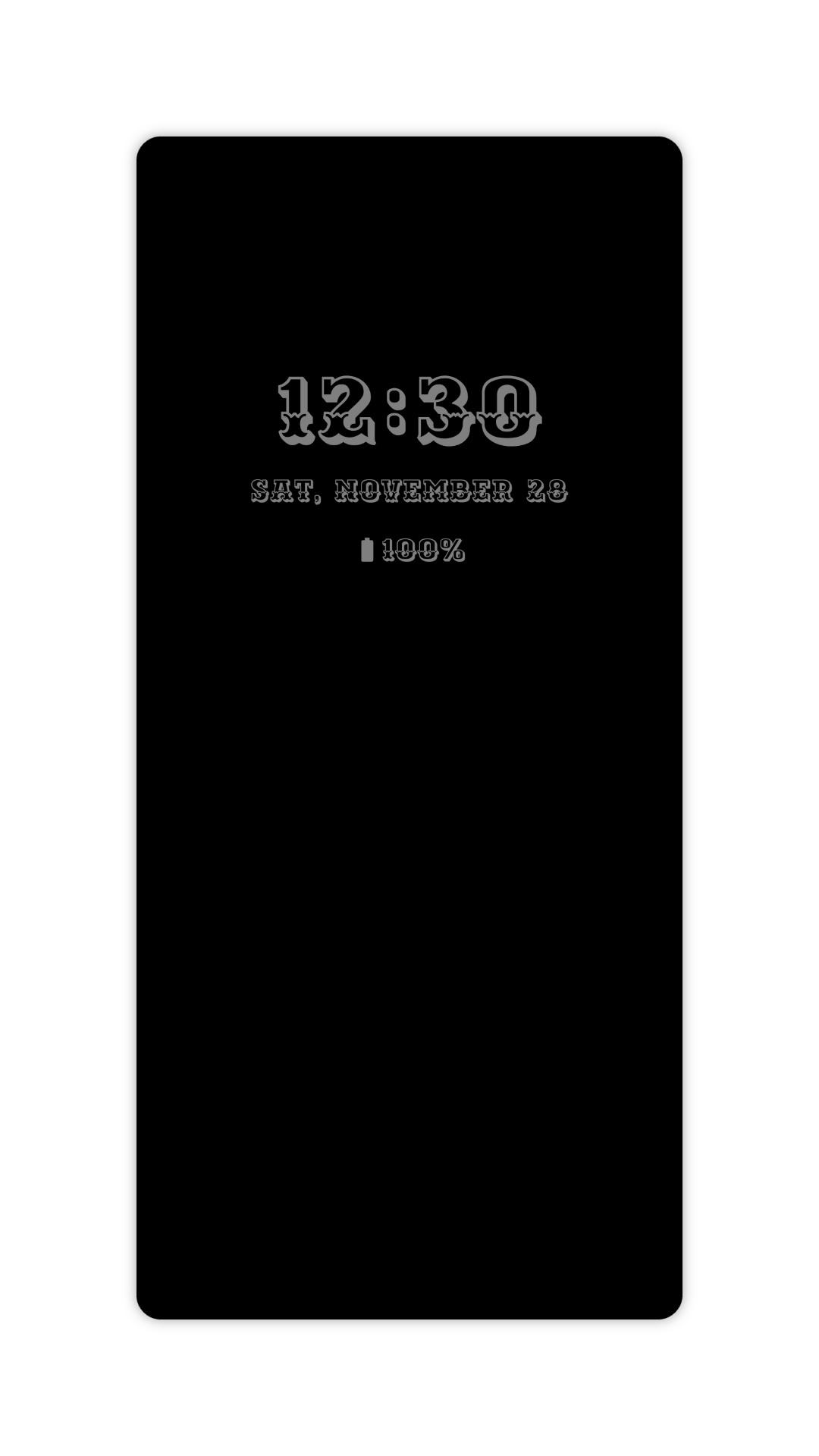
Android app which adds an always on display. Free, no ads and open source.
F-Droid repository metadata
AlwaysOn is an app for every device with an AMOLED or OLED display.
It adds an always-on display with various customization options regarding the watch face, the behavior, and the background.
Take a look at your phone and have everything you need in one place: the time, the date, the battery state, your notifications, and more.
Features
- Always on display
- Multiple watch faces
- View your notifications
- View what you are listening to
- Edge glow
- Rules
- Double tap to wake
- Pocket mode
- Do not disturb mode
- Adjustable brightness
- Quick tiles
- Widgets
- Power saver mode [for root]
- Moves content to prevent burn-ins
- Minimal permissions
Related Links
Source code: https://github.com/Domi04151309/AlwaysOn
Website: https://domi04151309.github.io/Android/AlwaysOn
Icons8: https://icons8.com/
Screenshots
What’s new
This update improves the display of all-day events by removing time indicators. A crash that could occur when no events are present has been fixed. A new option allows the Always-On Display (AOD) to be hidden during Do Not Disturb mode. AOD behavior has been refined, particularly in how it interacts with notifications. Translations have been updated, including enhancements to the French language support. The update also includes performance and stability improvements, along with dependency and c
How to install
Download the APK from the button at the top of this page.
Allow “Install unknown apps” for your browser or file manager only, not for every app.
Open the downloaded file and confirm the installation.
If installation fails with “App not installed,” remove an earlier build of the same app first. A signature conflict is the usual cause.
Data safety
Every file is checked against its published SHA-256 before it is listed.
Files are scanned for malware on every update.
The permissions each app requests are listed on its own page.
Read the full safety policy for how we test, flag, and delist files.