
Quick answer
aShell: A local ADB shell for Shizuku powered android devices
F-Droid repository metadata
aShell is a local ADB shell for [Shizuku](https://shizuku.rikka.app/) powered android devices.
Requirements
- A fully working [Shizuku](https://shizuku.rikka.app/) (a completely open-source project) environment. If you are not aware about Shizuku or don't want to use it, please do not bother installing this app. It simply won't work.
- Basic knowledge about adb/Linux command-line.
Features
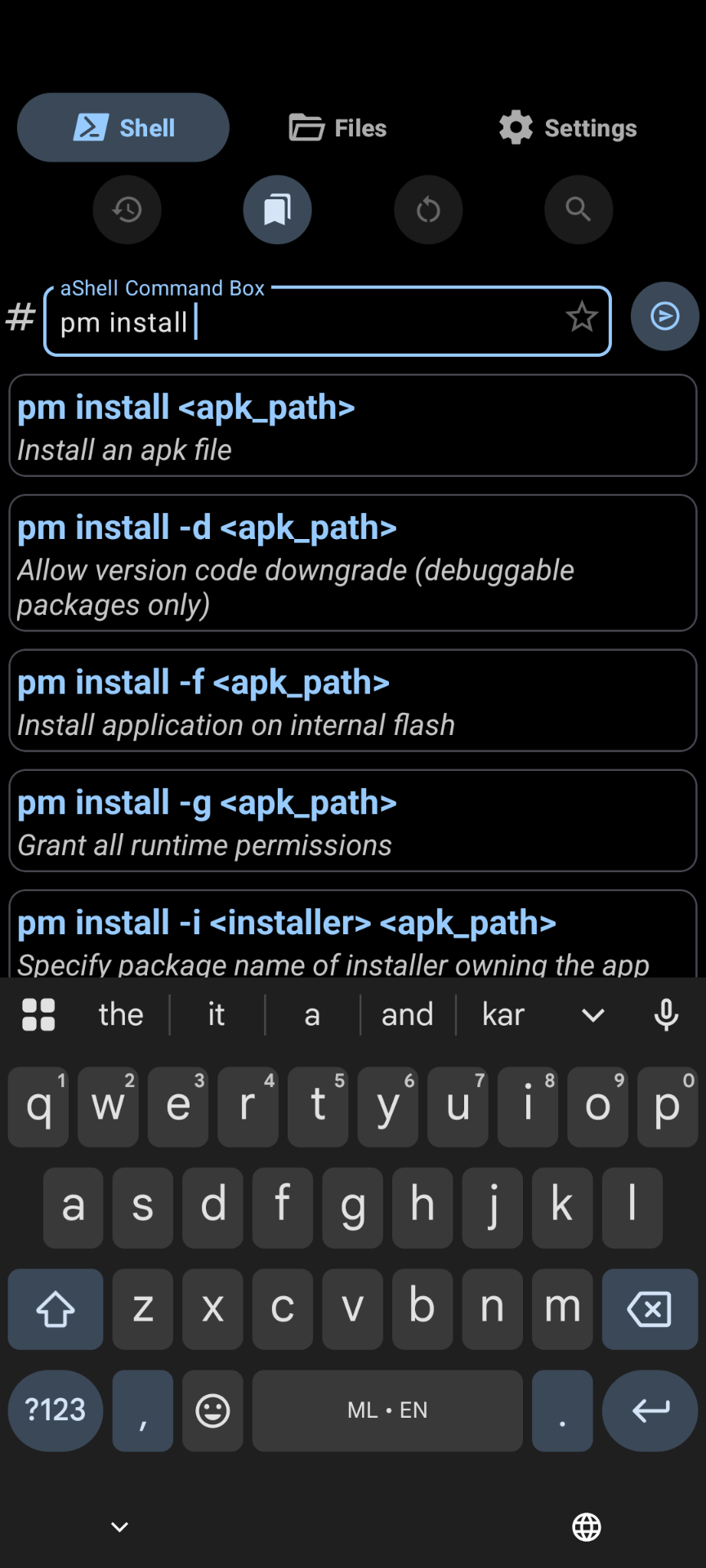
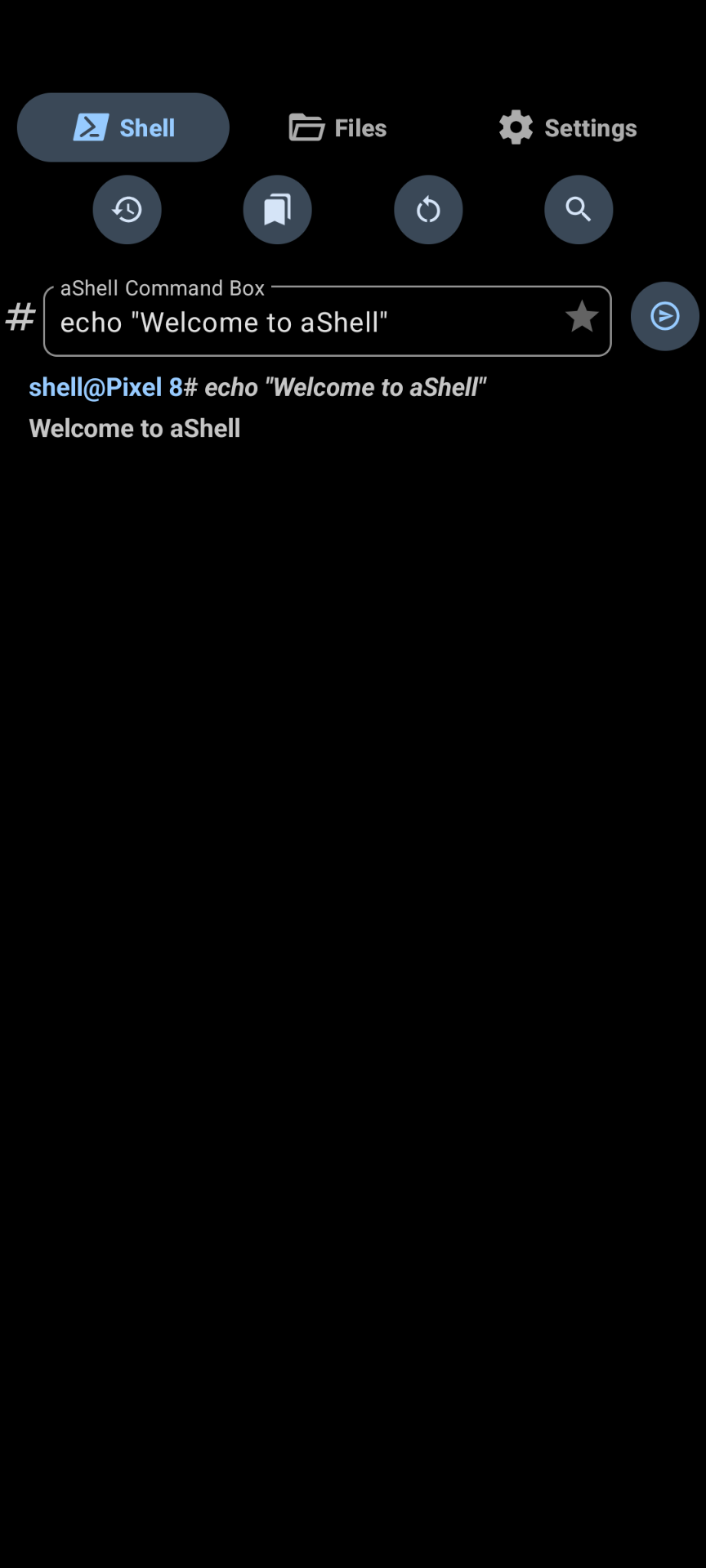
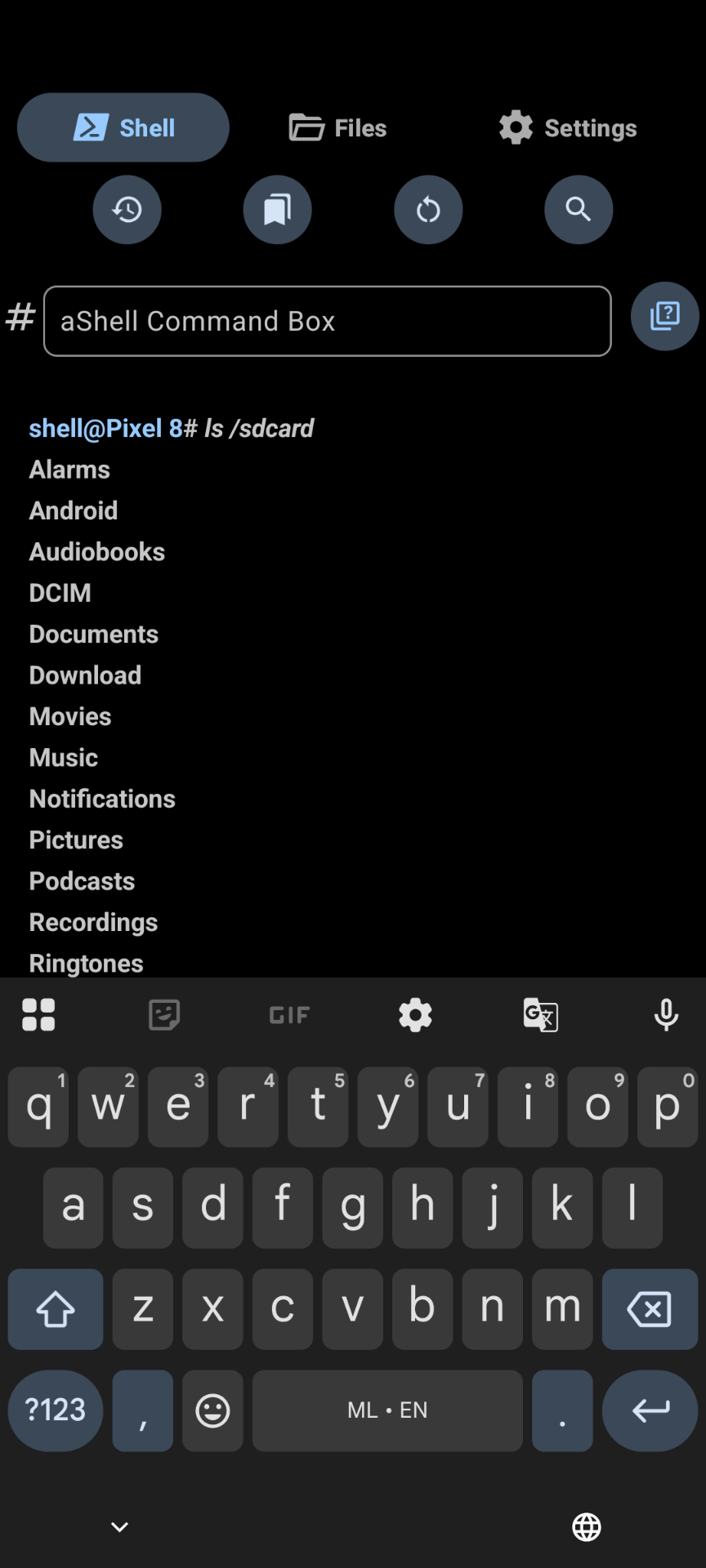
- An elegantly designed user interface.
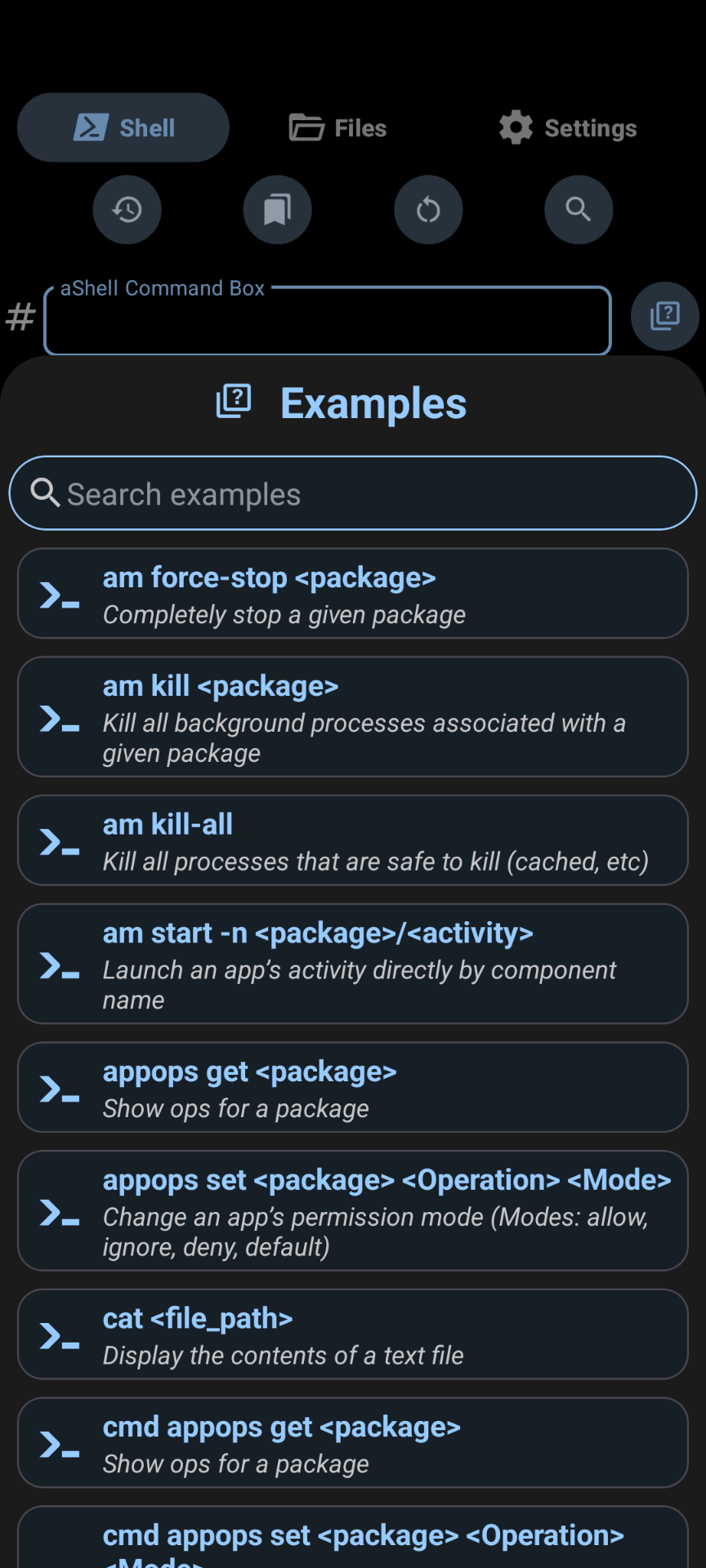
- Included a bundle of examples about common adb commands.
- Now comes with an in-built file manager to access privileged file system.
- Handles continuously running commands, such as logcat, top, etc.
- Search for specific text from the last command output.
- Option to save last command output as a text file.
- Bookmark frequently using commands.
- An auto-dark/light theme.
- A lot more.
Translations
Please help me to translate this application via POEditor. You may also translate after downloading the original language string available GitHub.
Screenshots
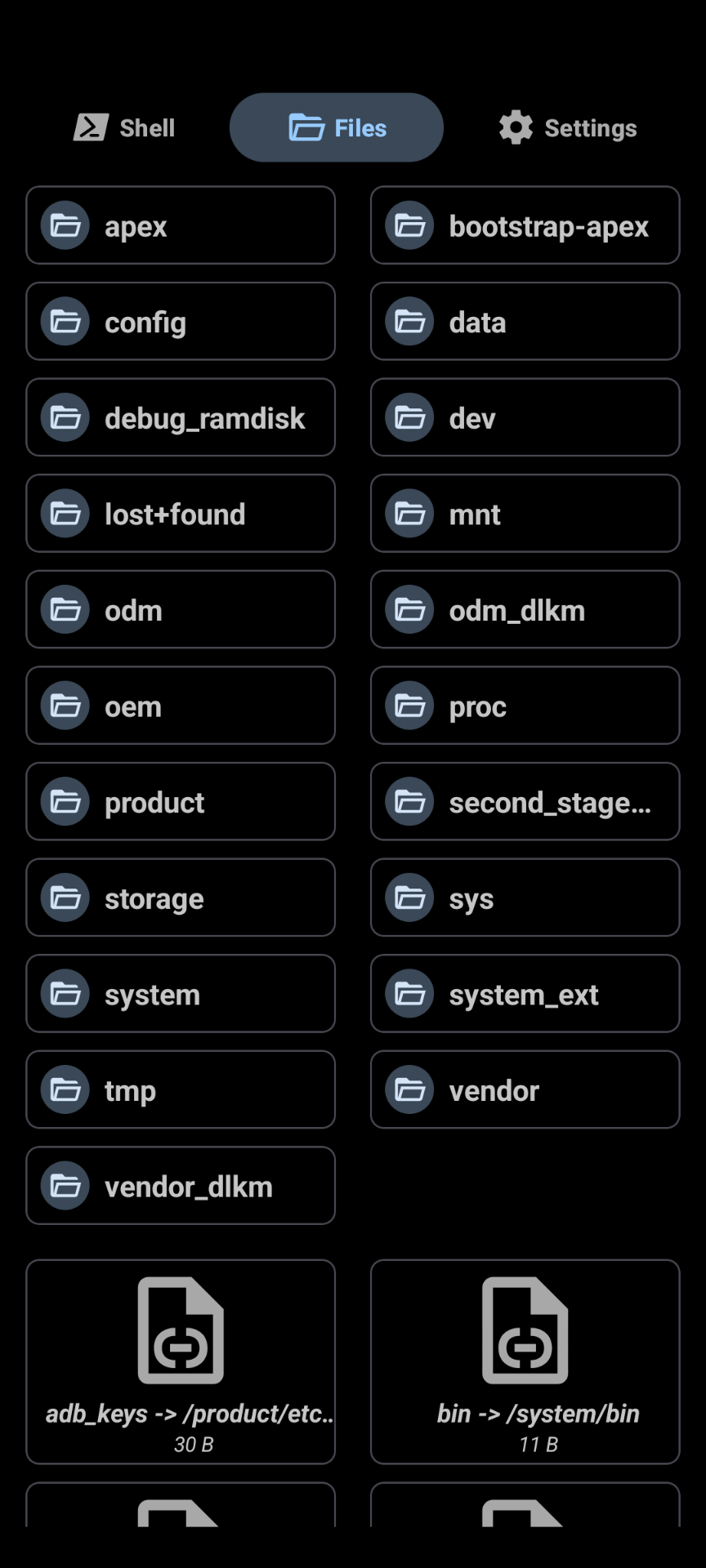
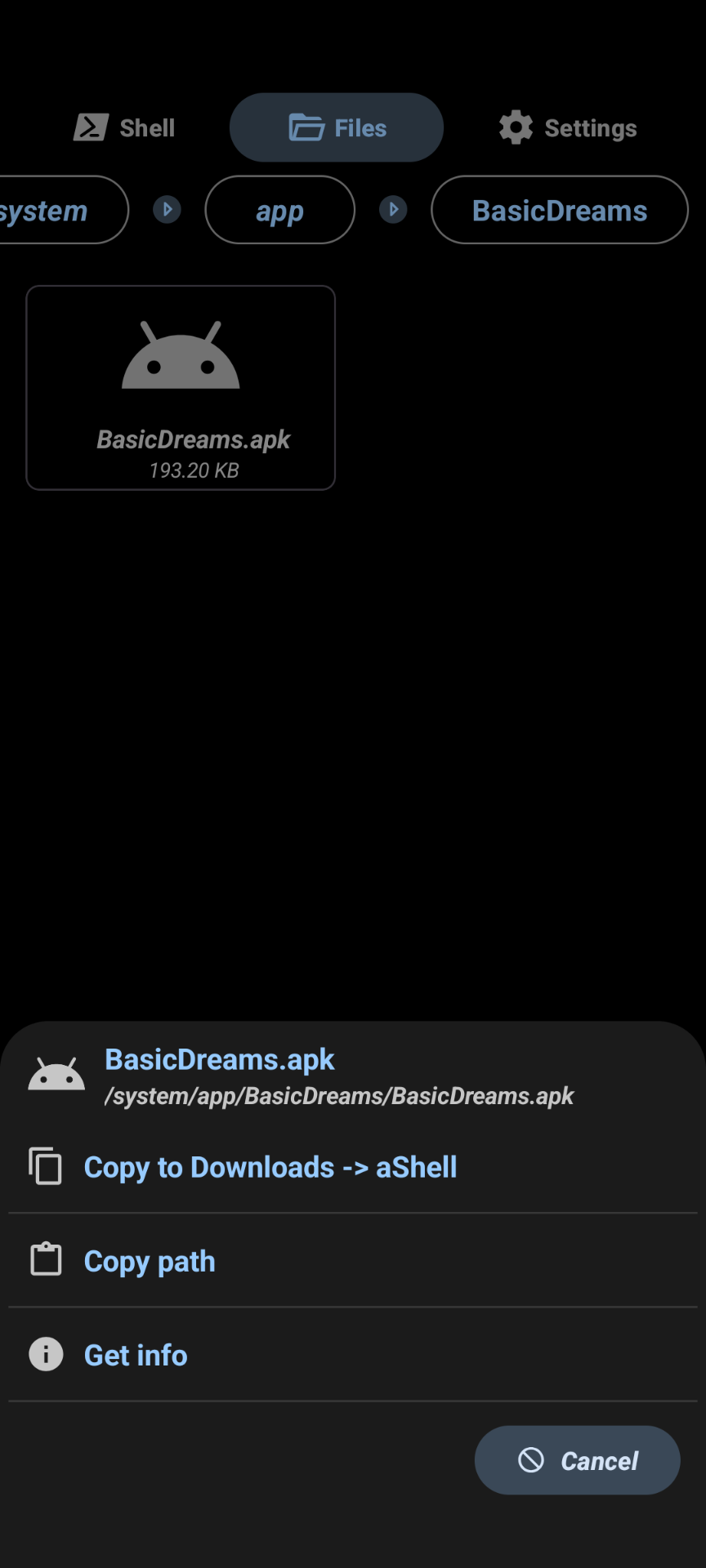
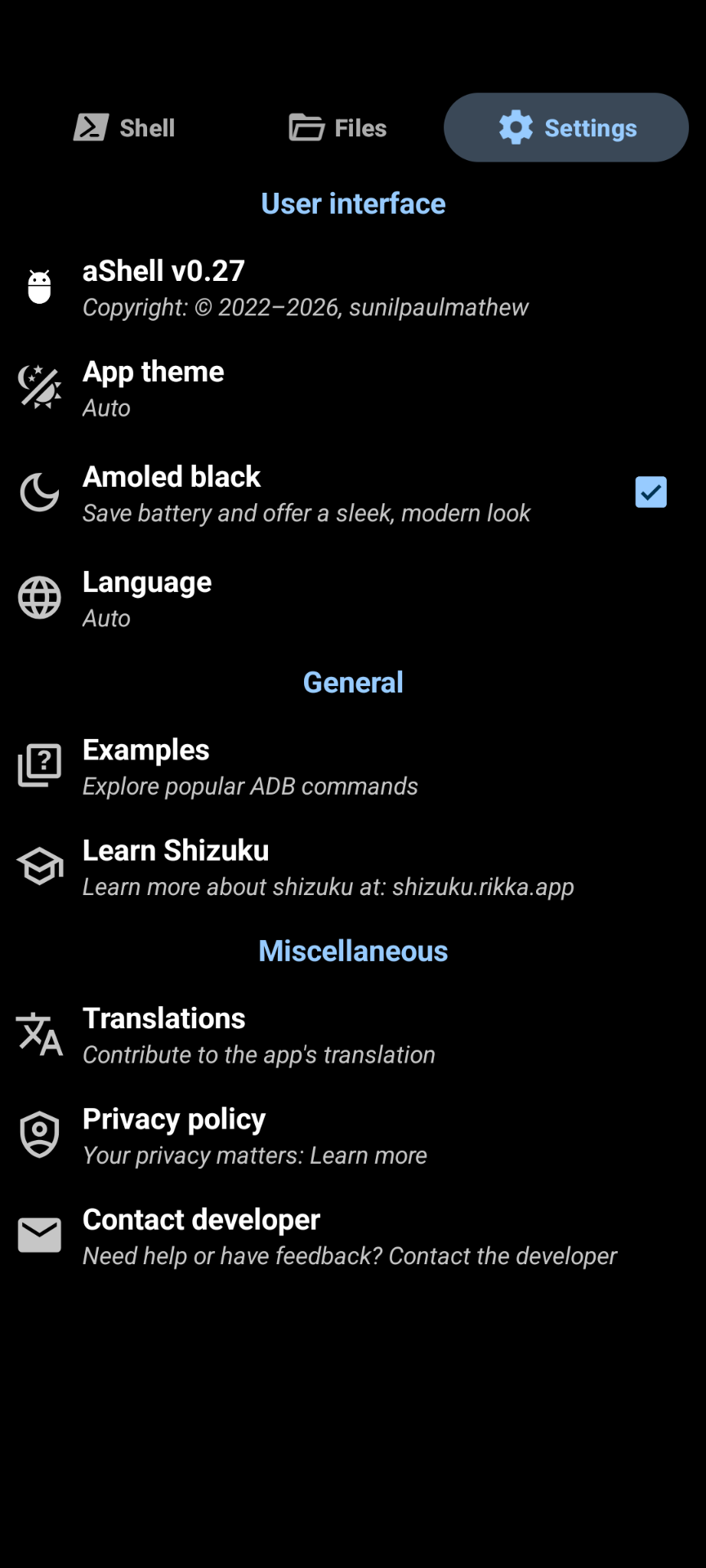
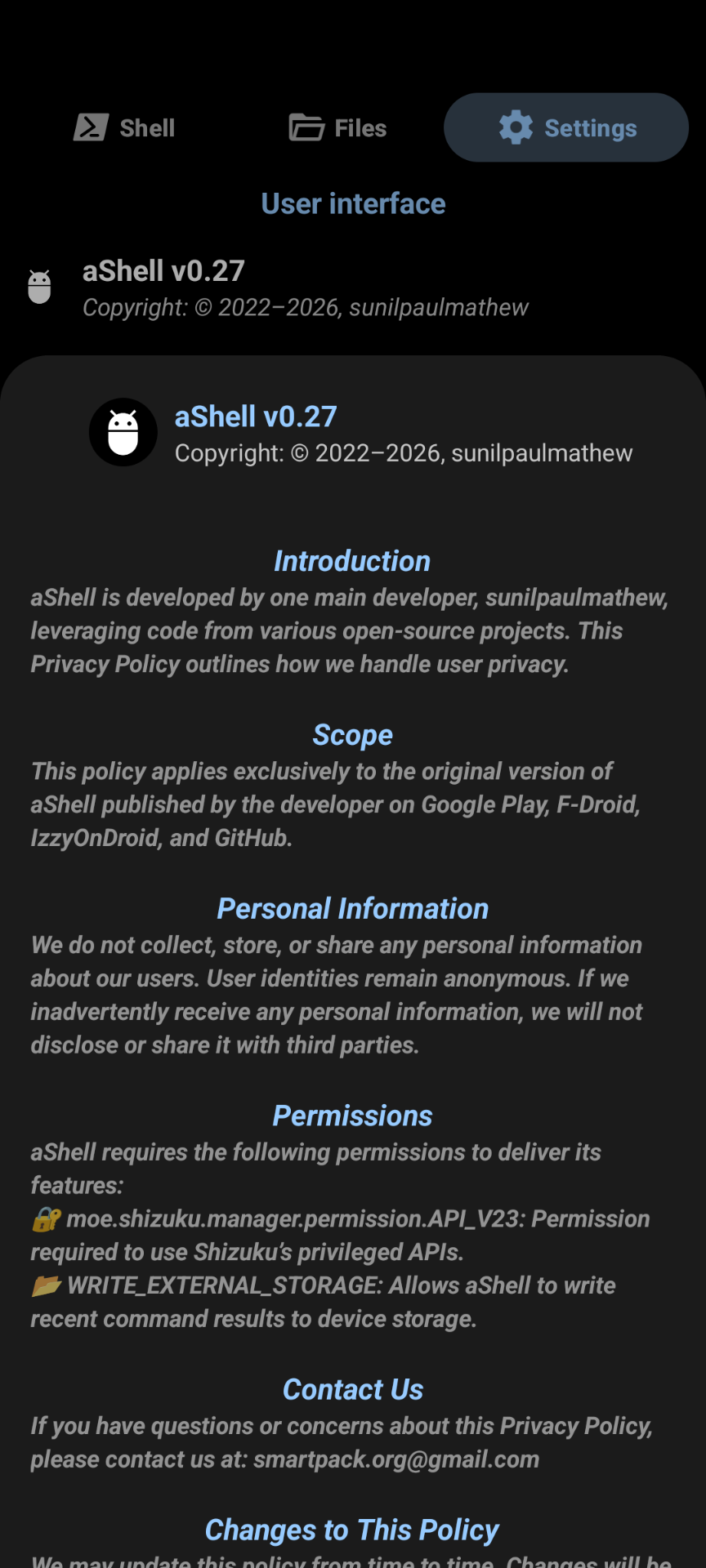
How to install
- Download the APK from the button at the top of this page.
- Allow “Install unknown apps” for your browser or file manager only, not for every app.
- Open the downloaded file and confirm the installation.
- If installation fails with “App not installed,” remove an earlier build of the same app first. A signature conflict is the usual cause.
Data safety
- Every file is checked against its published SHA-256 before it is listed.
- Files are scanned for malware on every update.
- The permissions each app requests are listed on its own page.
- Read the full safety policy for how we test, flag, and delist files.
Comments
Recent approved comments · sorted by newest
View all comments