Run ADB commands on your device or on other devices 🌱 Features ✨
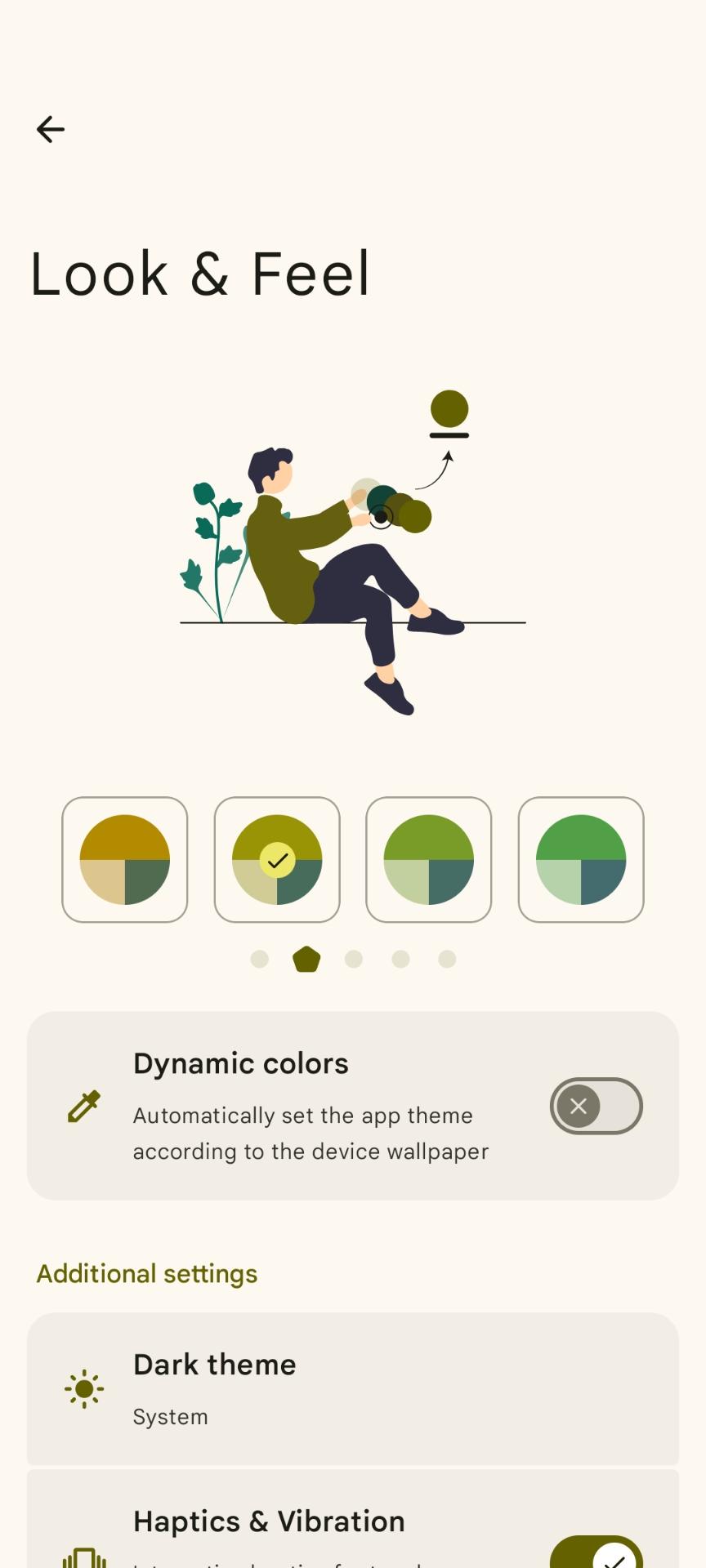
- 🎨 Features a modern Material Design 3 user interface
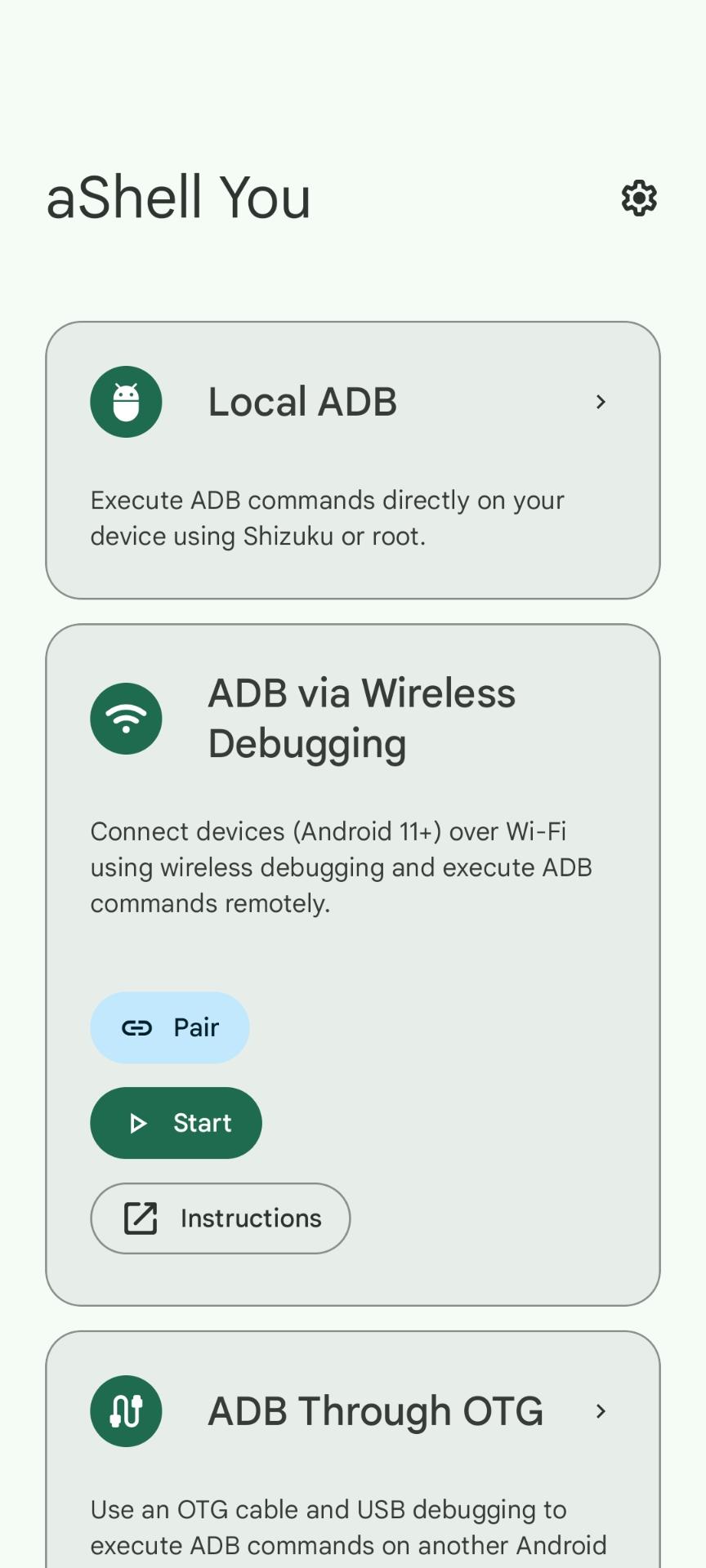
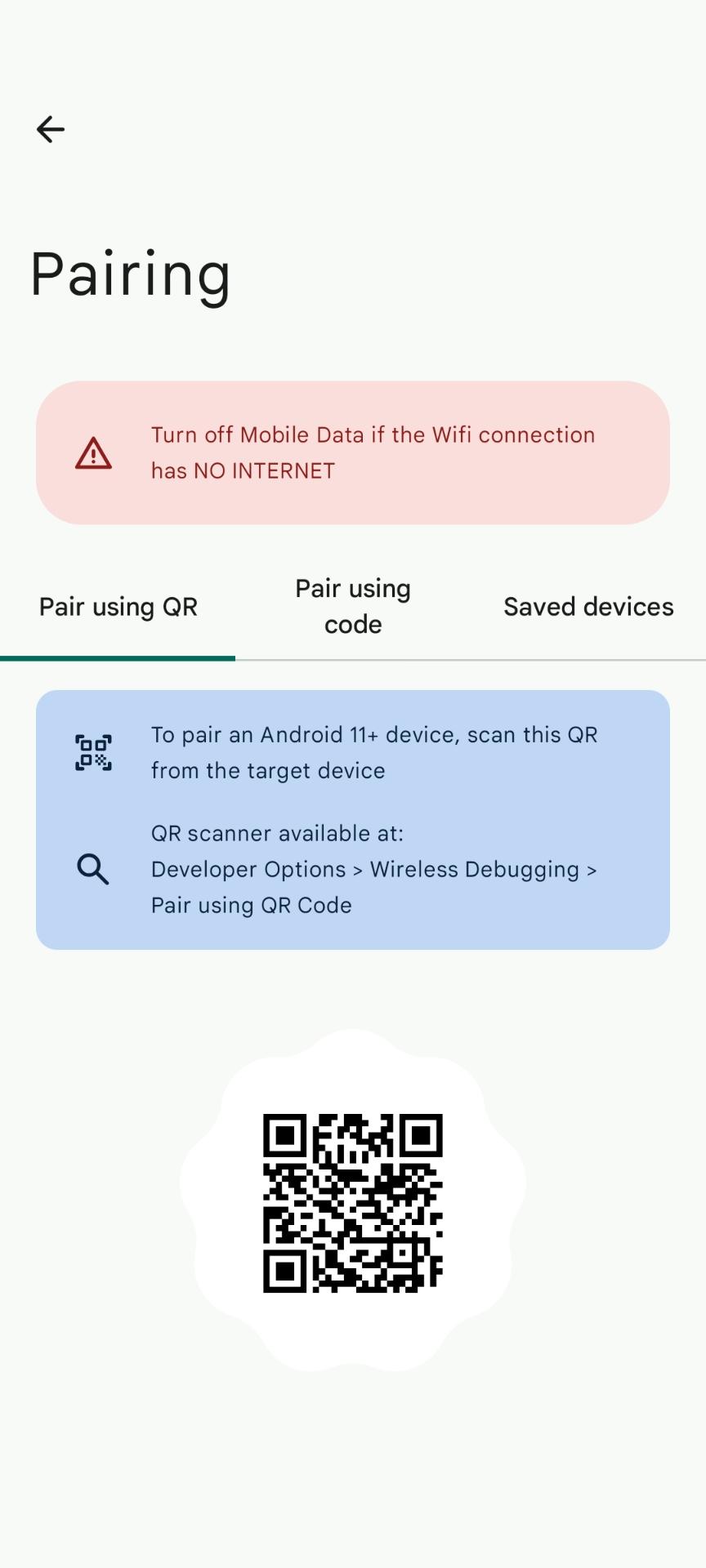
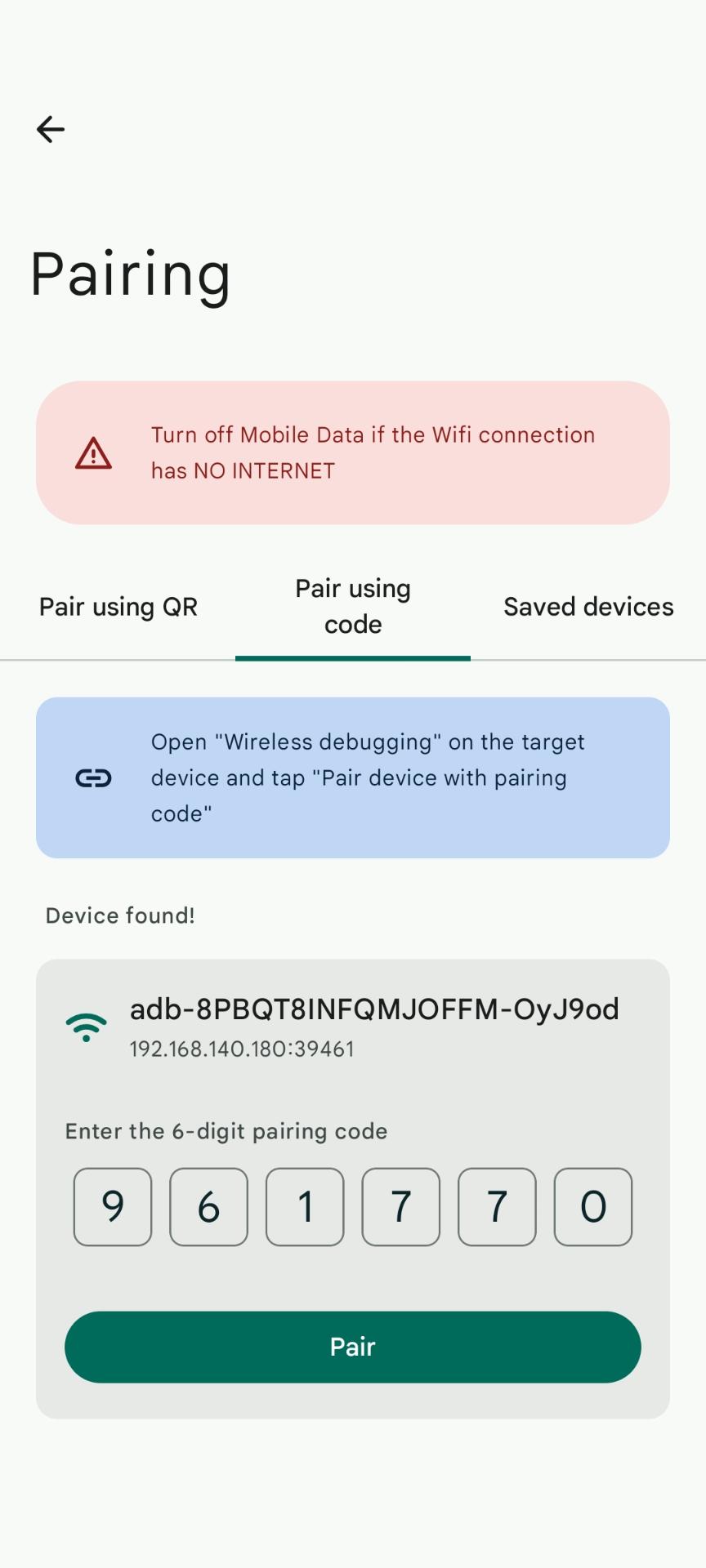
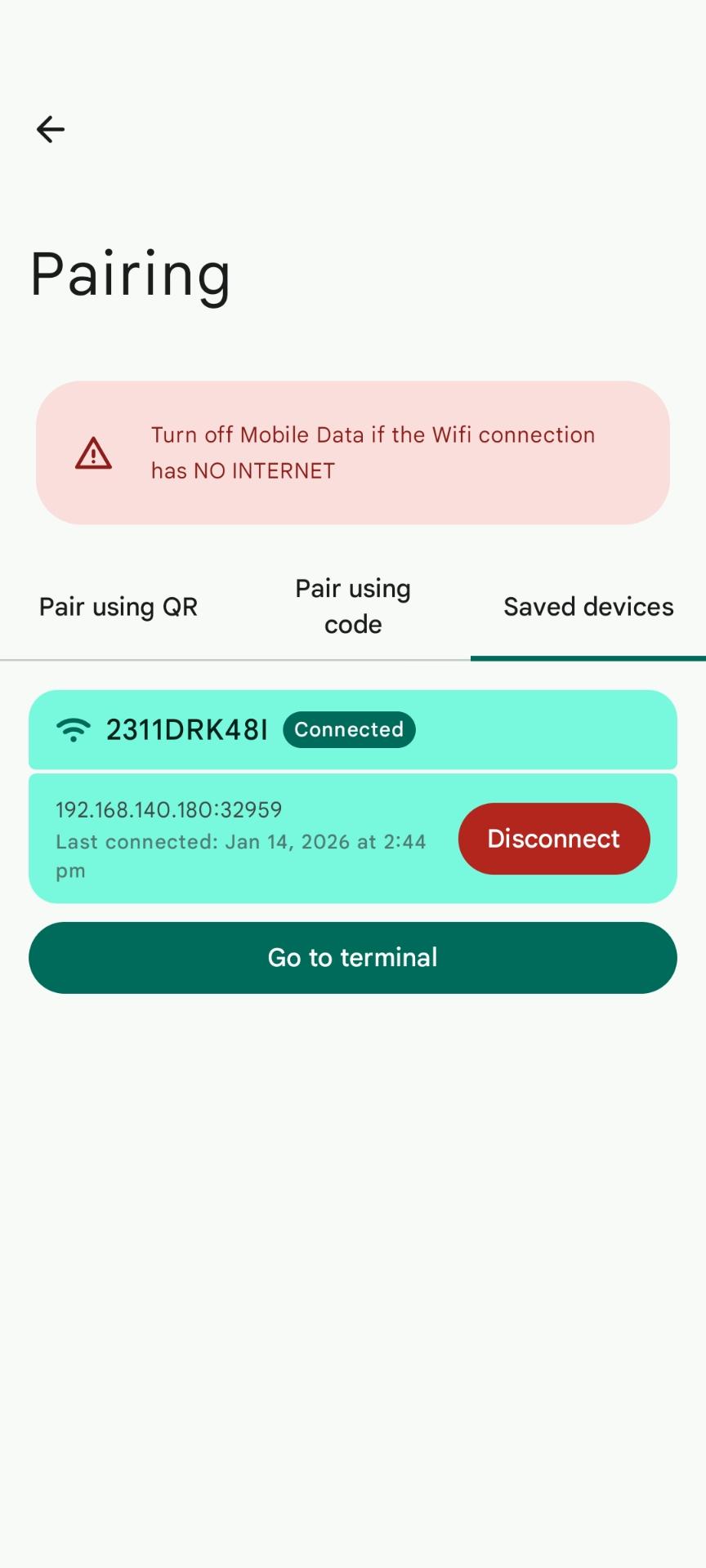
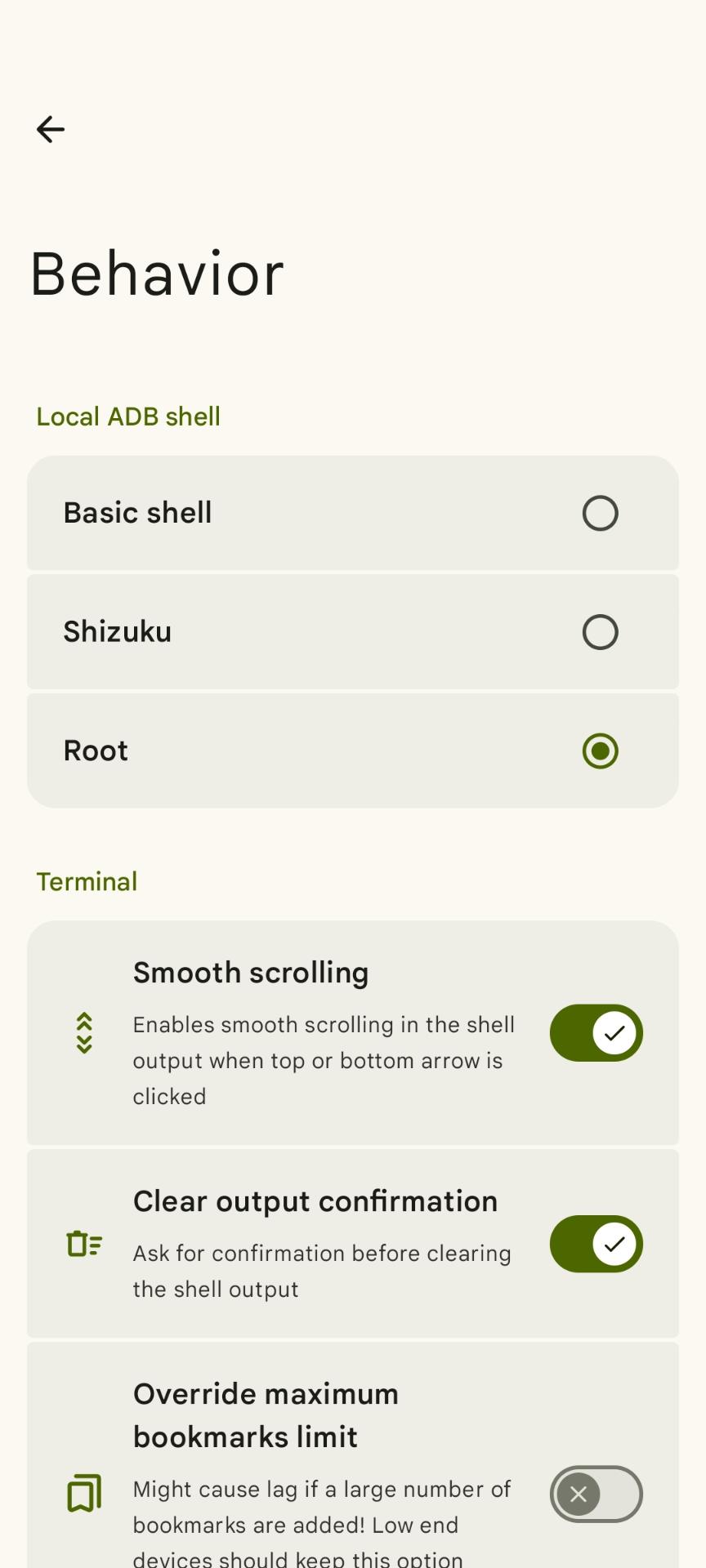
- 📲 Execute commands on your device using Shizuku , ROOT or Wireless Debugging
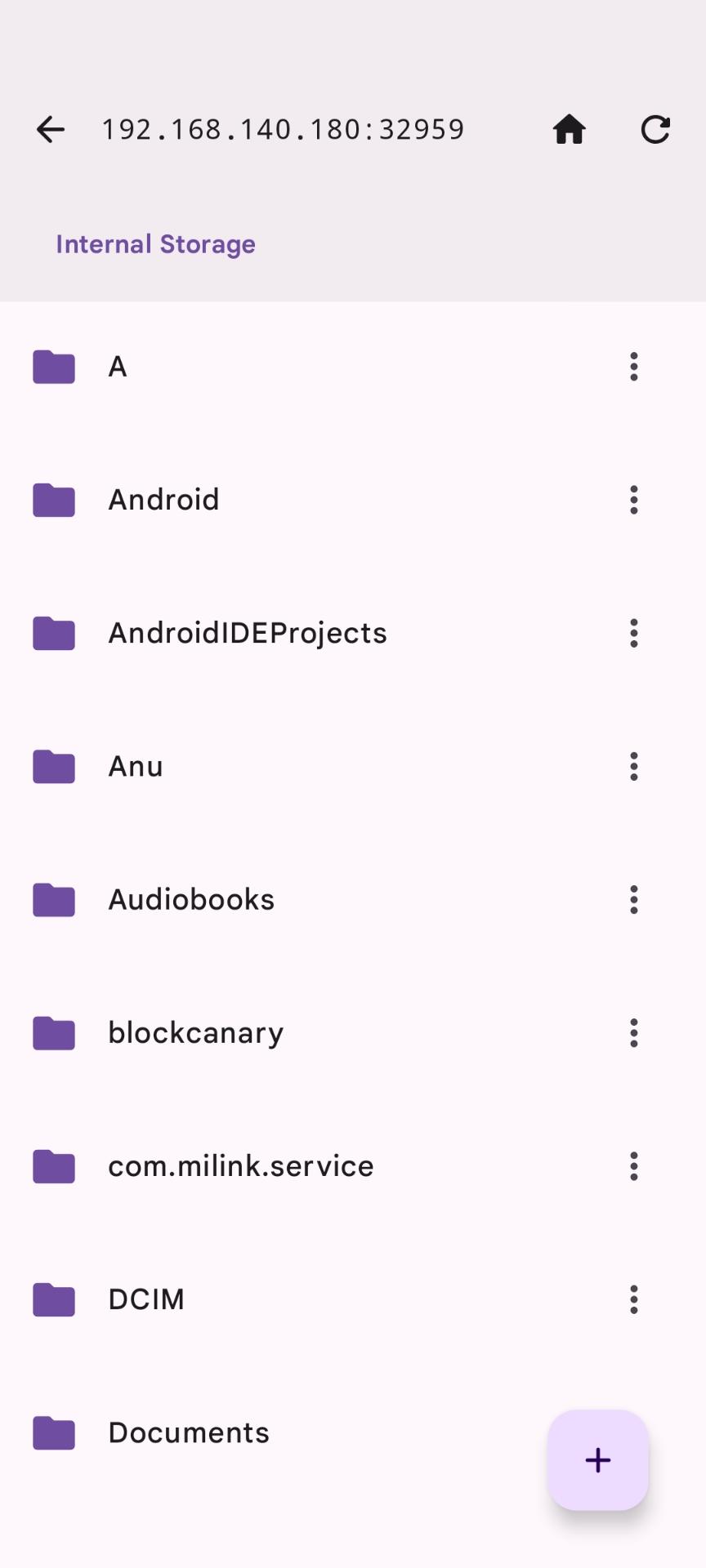
- 🔌 Run commands on other devices via OTG connection or Wireless Debugging
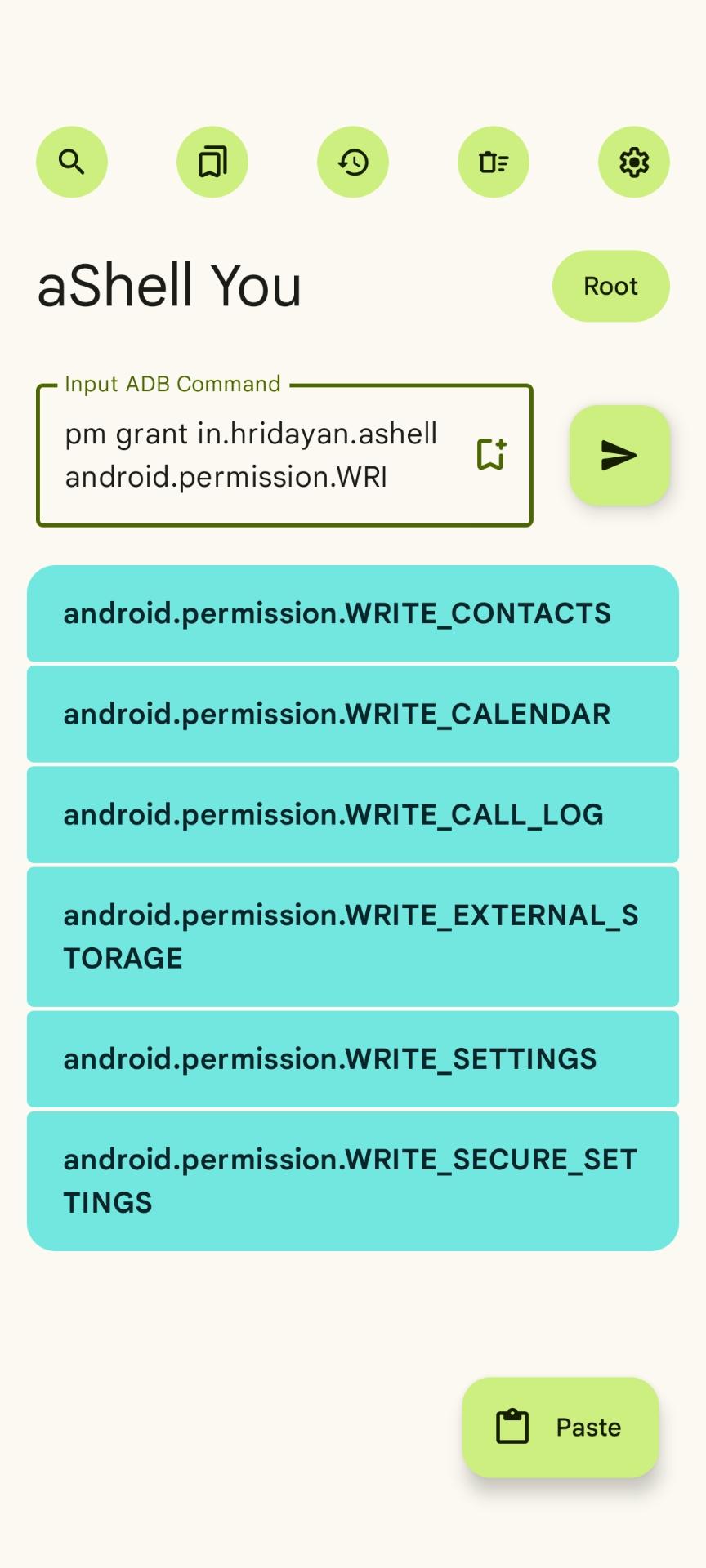
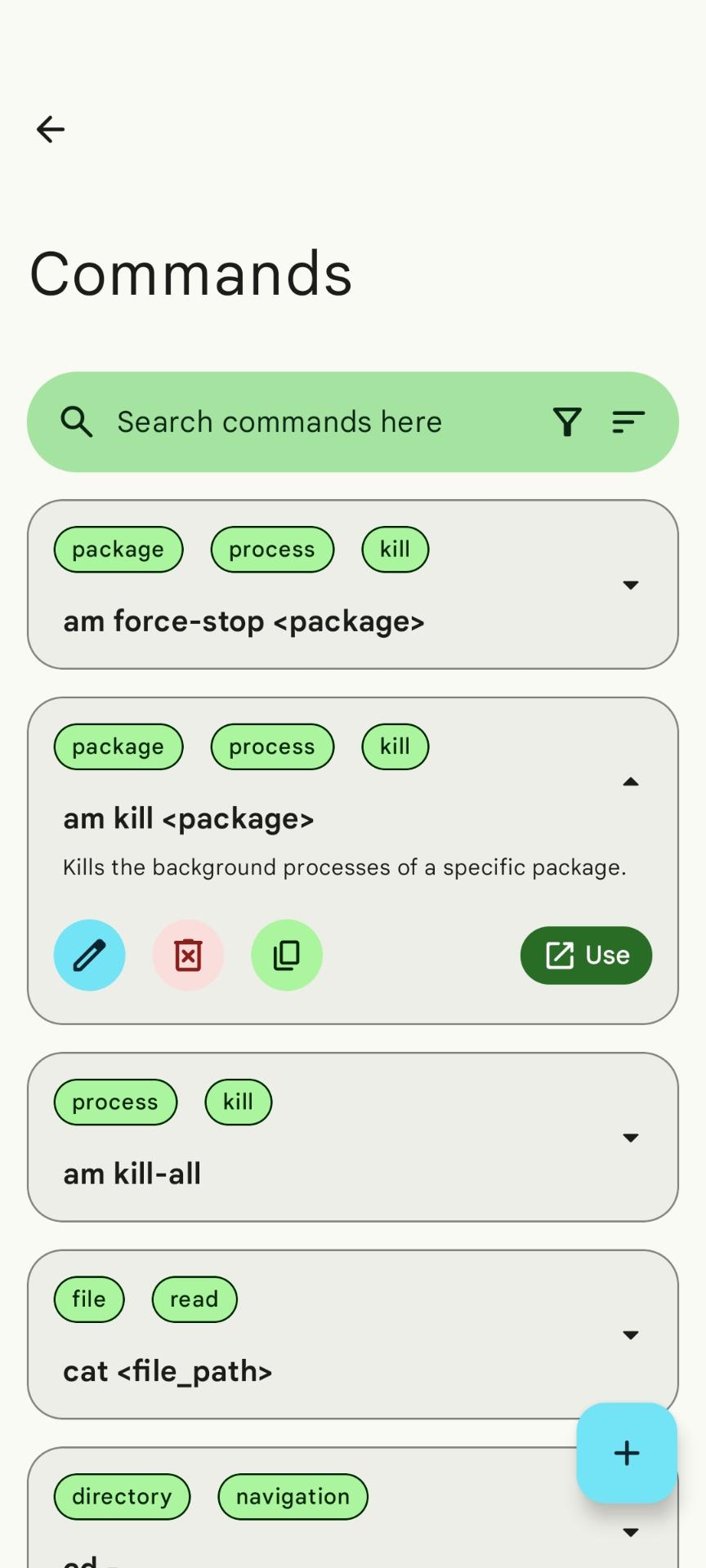
- 📚 Provides examples of common ADB commands
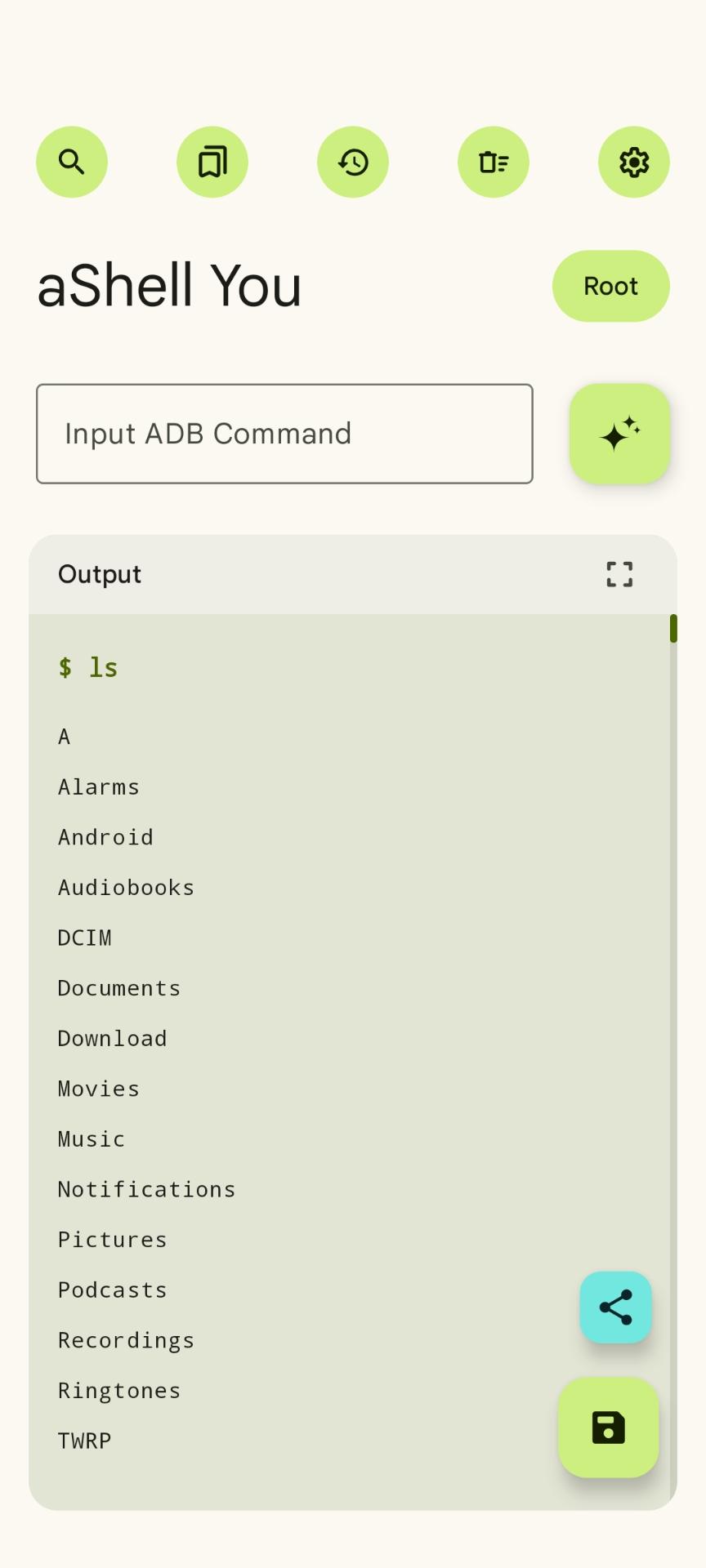
- 🛠️ Supports continuously running commands like logcat and top
- 🔍 Search within the command output
- 📝 Save or share the command output as a text file
- 📑 Bookmark frequently used commands
Requirements ⚙️
- Knowledge about basic ADB/Linux commands
Instructions
- Install and open the app
- Follow the instructions
Translations
Translations are managed via Crowdin:
https://crowdin.com/project/ashellyou
Screenshots
What’s new
* You can now search Sub-settings inside Settings screens * Added Palette Styles for color schemes * Added option to set app language directly in-app
How to install
Download the APK from the button at the top of this page.
Allow “Install unknown apps” for your browser or file manager only, not for every app.
Open the downloaded file and confirm the installation.
If installation fails with “App not installed,” remove an earlier build of the same app first. A signature conflict is the usual cause.
Data safety
Every file is checked against its published SHA-256 before it is listed.
Files are scanned for malware on every update.
The permissions each app requests are listed on its own page.
Read the full safety policy for how we test, flag, and delist files.