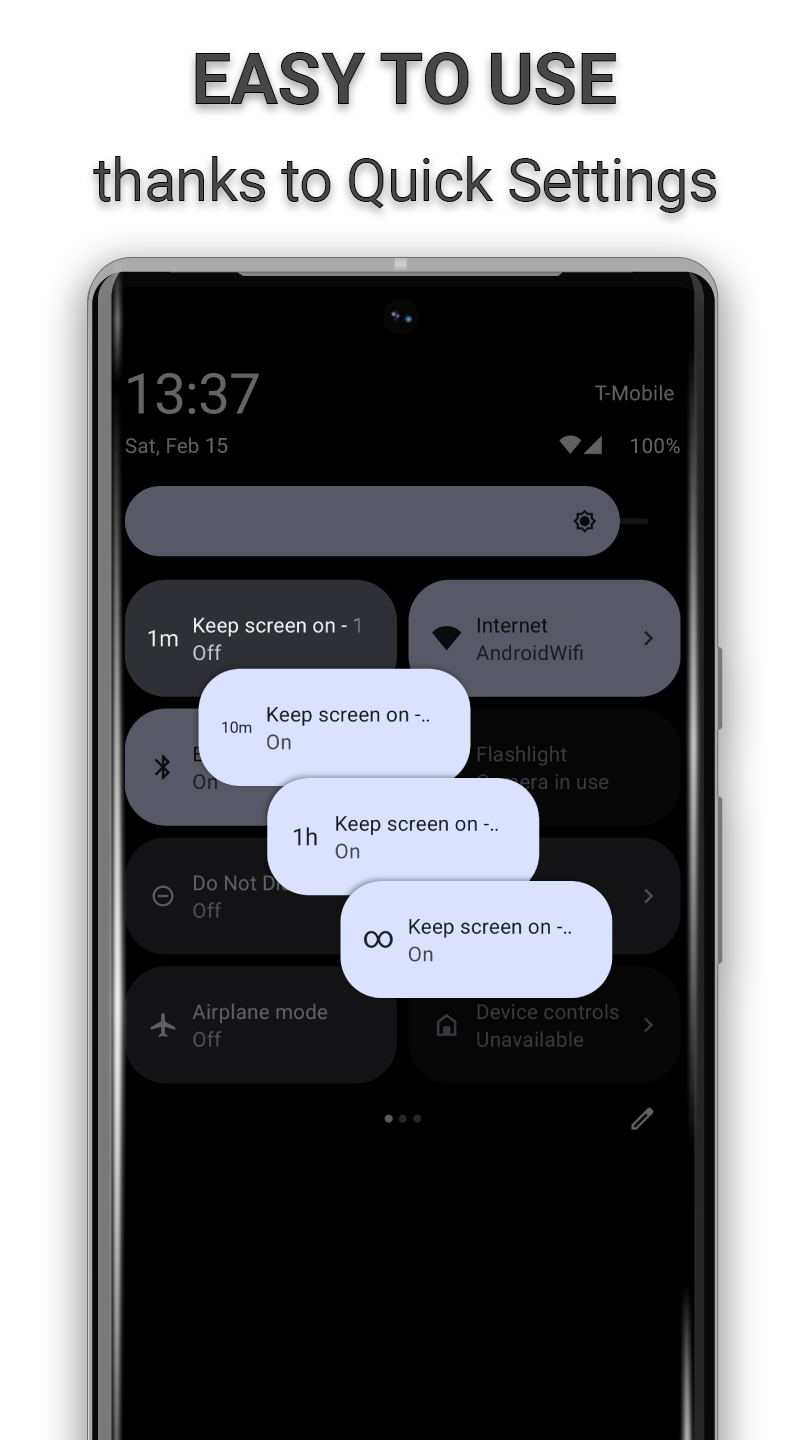
Keep your screen on smartly and easily with Quick Settings.
F-Droid repository metadata
Features:
KeepOn is free and open-source (FOSS), without any ads/tracks and no Internet use.
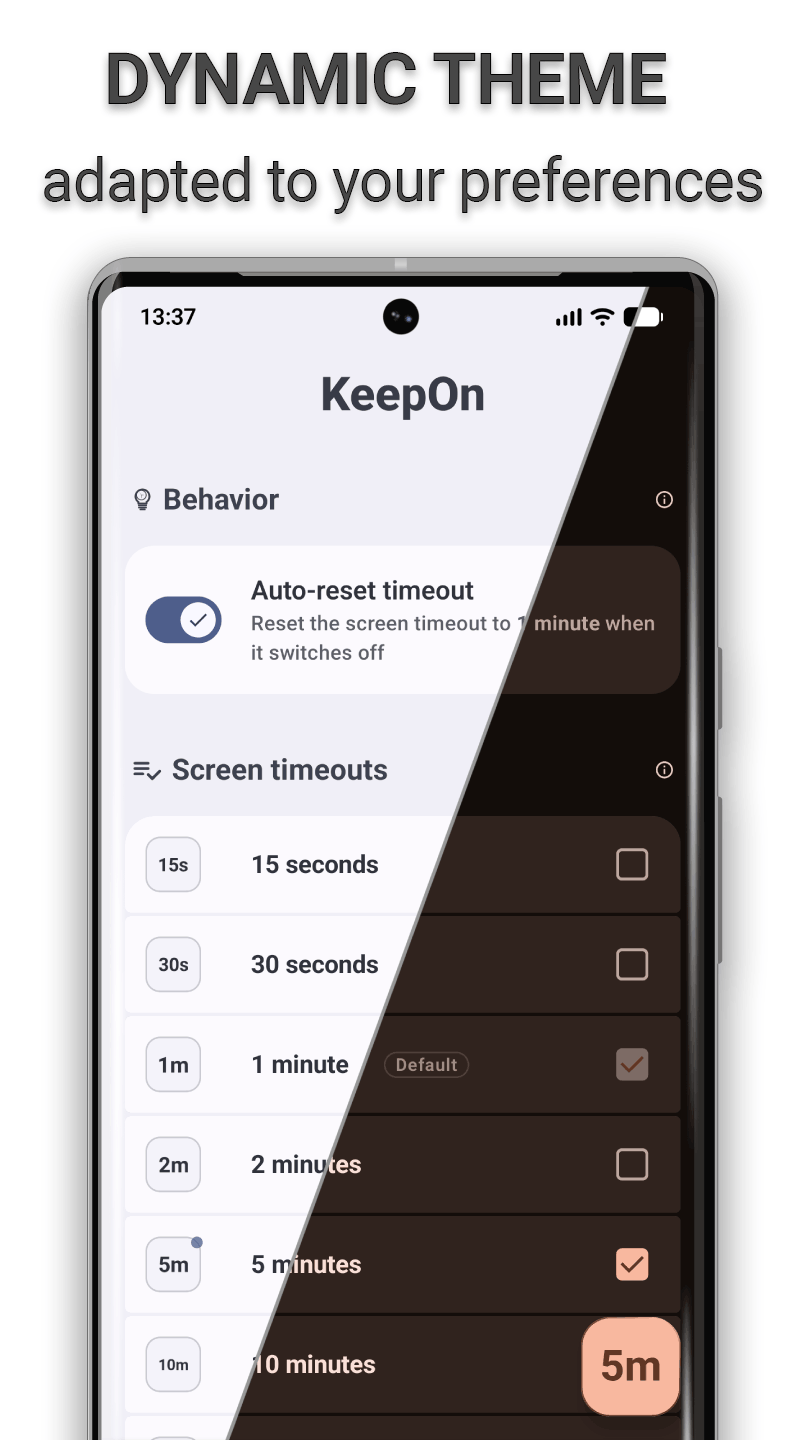
KeepOn allows you to keep your device's screen on for the desired duration and also allows you to return to the default settings automaticaly when the screen turns off.
KeepOn adapts to your device's configuration to easy use!
A Tasker/Locale plugin is integrated and allows you to use KeepOn functions from another compatible application!
Permissions:
- android.permission.WRITE_SETTINGS: Needed by Android to modify screen timeout settings
- android.permission.FOREGROUND_SERVICE: Needed to detect screen off events and other screen timeout modifications
- android.permission.REQUEST_IGNORE_BATTERY_OPTIMIZATIONS: Needed to prevent Android from closing KeepOn while it is running
- android.permission.POST_NOTIFICATIONS: Needed to allow KeepOn to display notification while it is running
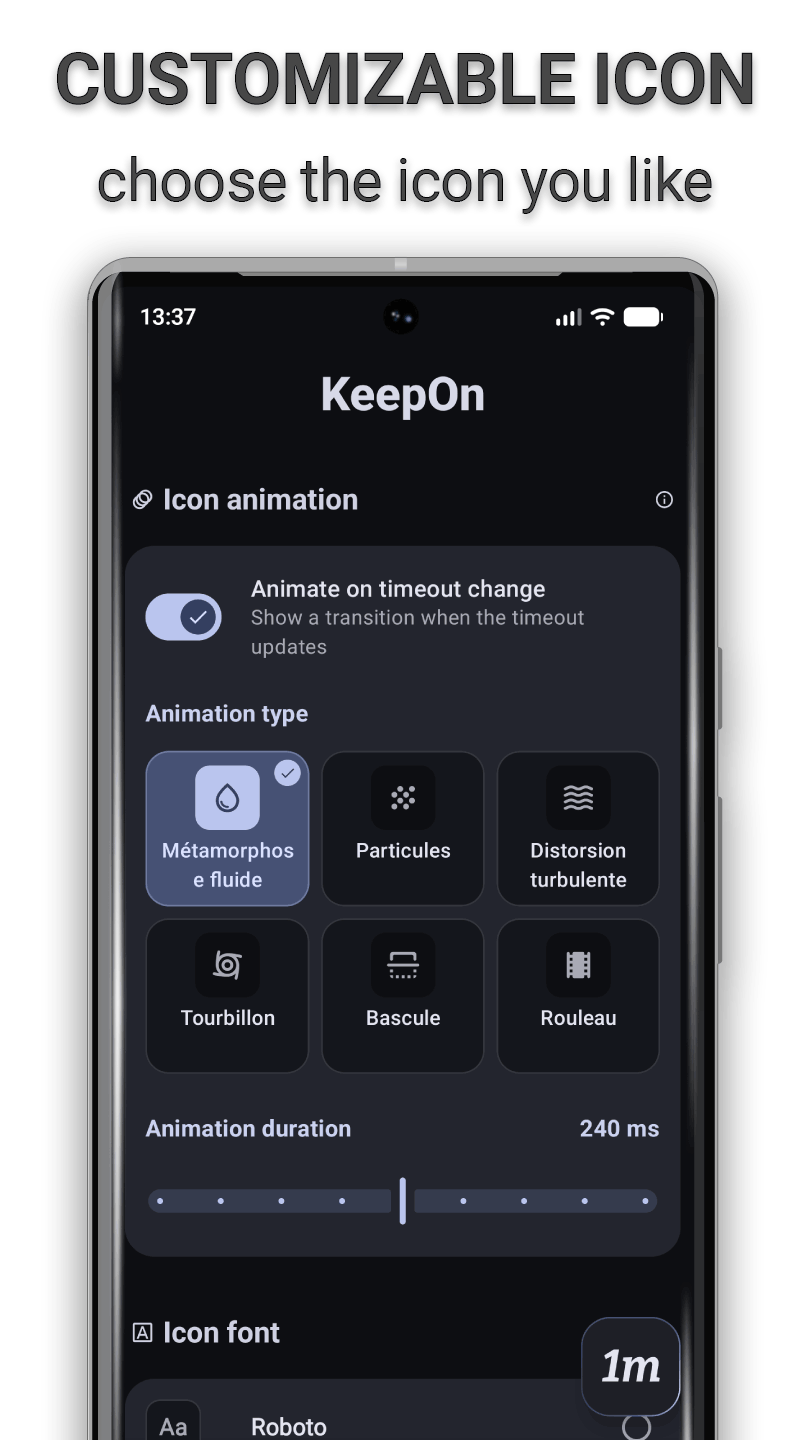
- New: the timeout icon now animates when the screen timeout changes — choose from 6 styles (Liquid morph, Turbulent warp, Particles, Vortex, Flip, Reel) on the tile, widget and in-app button, or turn it off - Redesigned Style screen: drag-to-place icon pad, live animation previews, segmented font toggles and clearer settings - The widget now follows your Material You colors, with rounded corners and proper support on Android 9–11 - More reliable Quick Settings tile and screen-timeout syncing; t
How to install
Download the APK from the button at the top of this page.
Allow “Install unknown apps” for your browser or file manager only, not for every app.
Open the downloaded file and confirm the installation.
If installation fails with “App not installed,” remove an earlier build of the same app first. A signature conflict is the usual cause.
Data safety
Every file is checked against its published SHA-256 before it is listed.
Files are scanned for malware on every update.
The permissions each app requests are listed on its own page.
Read the full safety policy for how we test, flag, and delist files.