Quick answer
Xposed module that skips the confirm step after face unlock
F-Droid repository metadata
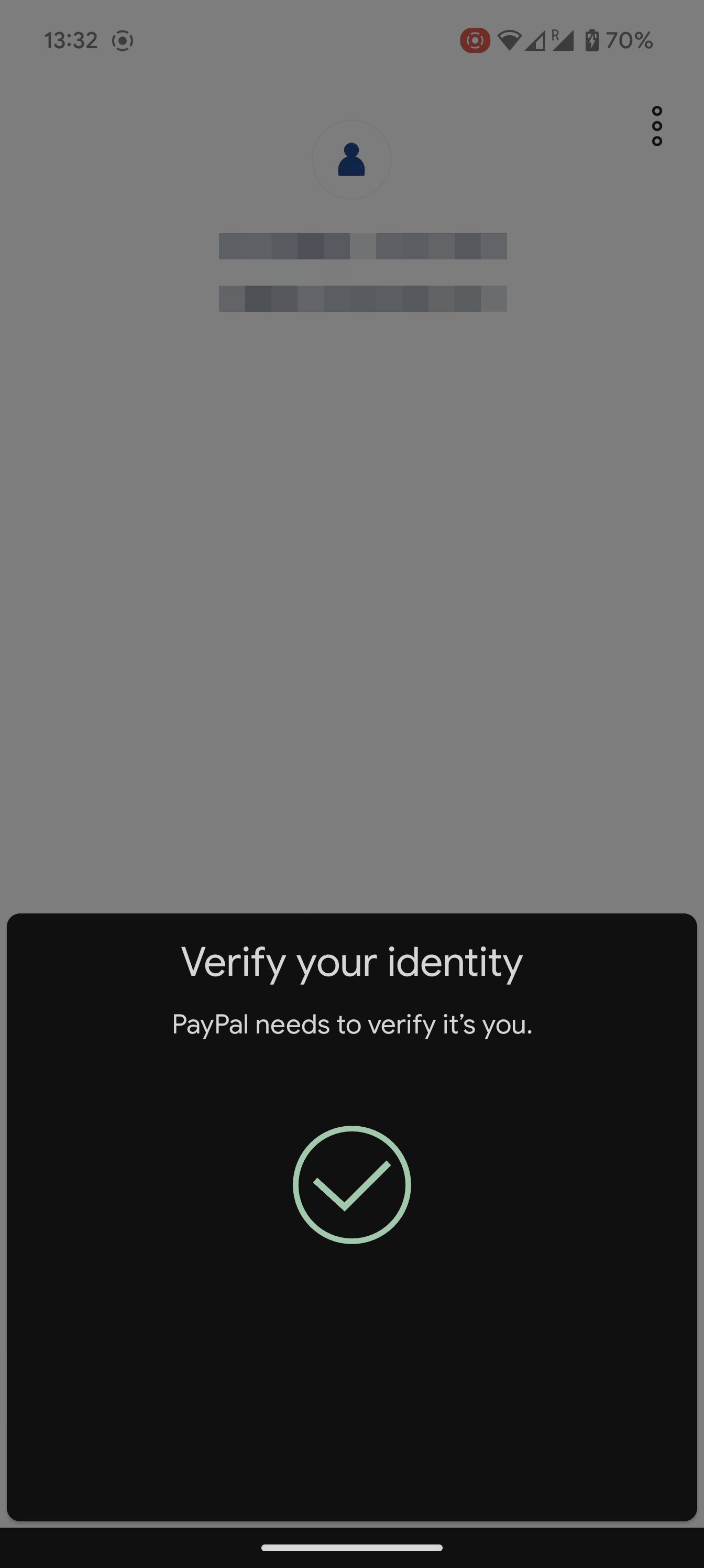
Xposed module that skips the "tap to confirm" dialog Android shows after face unlock. It taps confirm for you in System UI, so it works in all apps.
Requirements
- Android 10 (API 29) or newer
- Xposed framework with libxposed API 101 (recent LSPosed)
- AOSP or close-to-stock ROM. OEM skins like MIUI or One UI may not work.
What’s new
Add support for Android 17 QPR2 Beta 4
How to install
- Download the APK from the button at the top of this page.
- Allow “Install unknown apps” for your browser or file manager only, not for every app.
- Open the downloaded file and confirm the installation.
- If installation fails with “App not installed,” remove an earlier build of the same app first. A signature conflict is the usual cause.
Data safety
- Every file is checked against its published SHA-256 before it is listed.
- Files are scanned for malware on every update.
- The permissions each app requests are listed on its own page.
- Read the full safety policy for how we test, flag, and delist files.
Recent approved comments · sorted by newest
Loading recent comments...
View all comments