Hides ads, sponsored cards and clickbait in Google Discover
F-Droid repository metadata
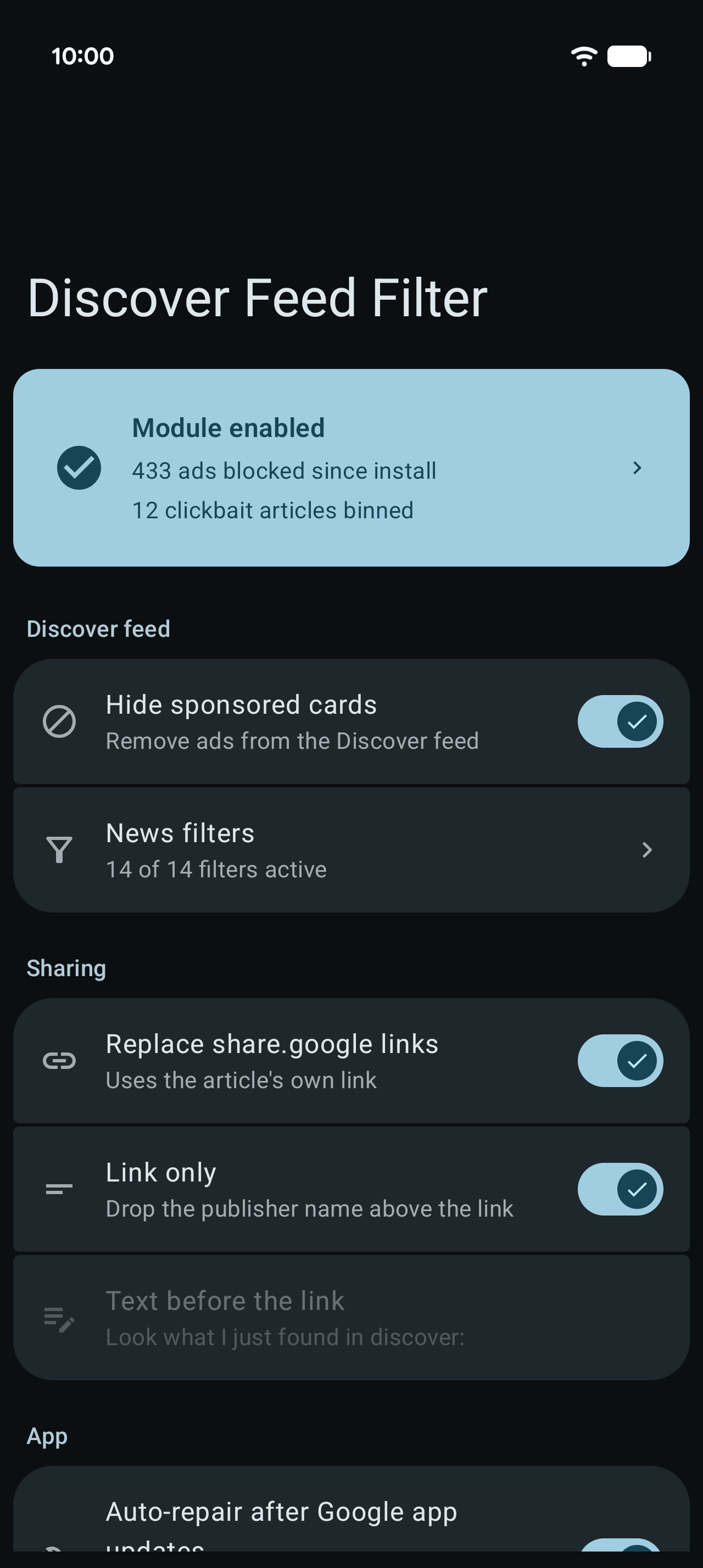
Discover Feed Filter cleans up Google Discover, the news feed on the Pixel Launcher -1 screen and inside the Google app.
What it removes:
- Sponsored cards and ads, dropped before they reach the feed
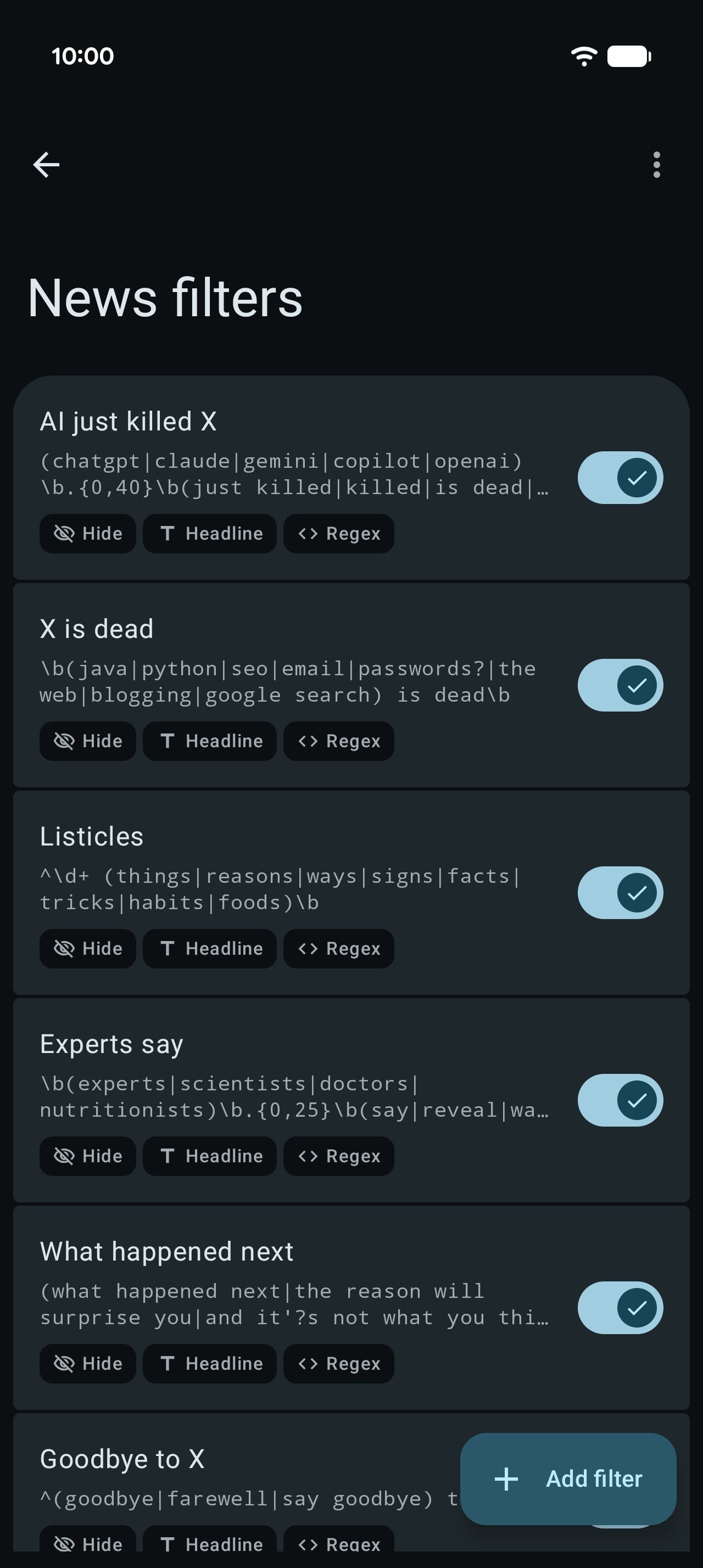
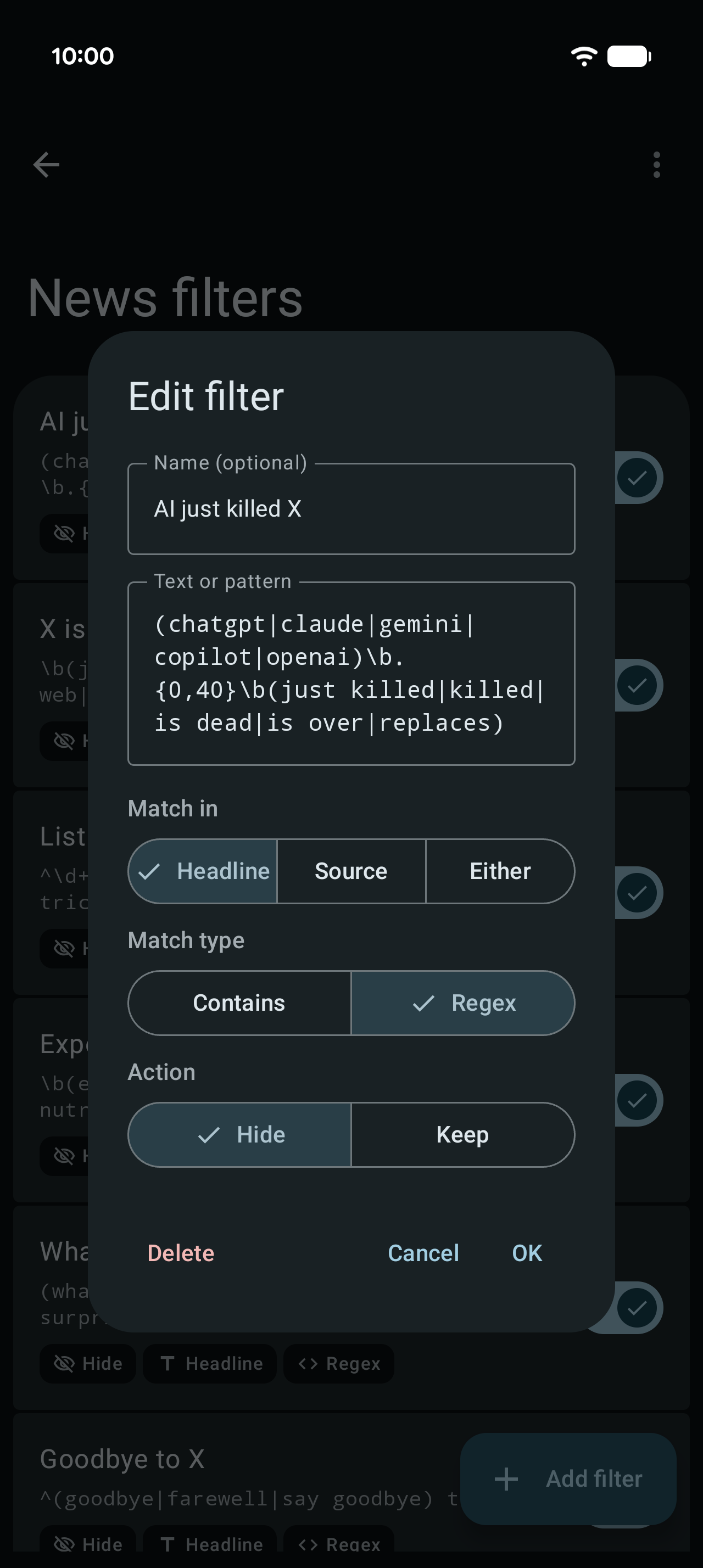
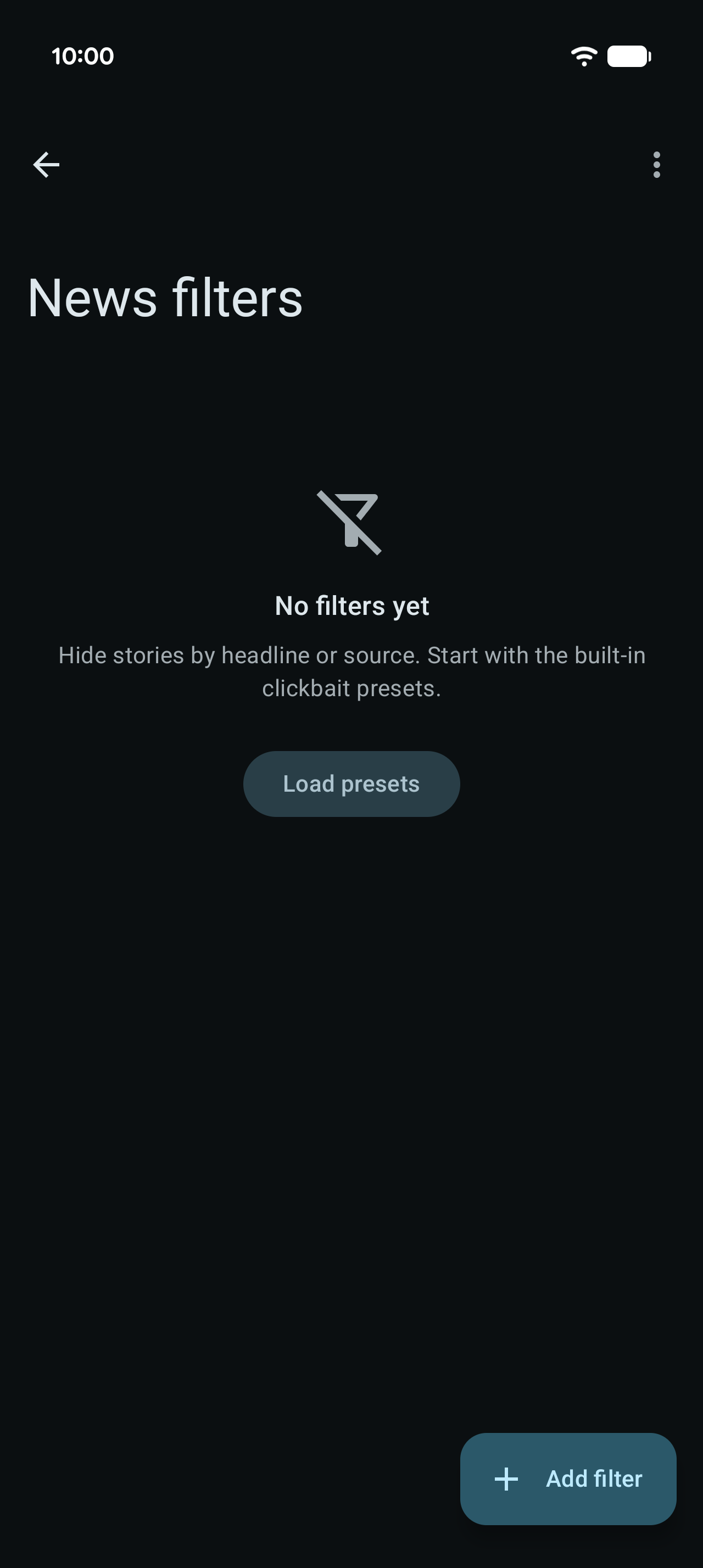
- Clickbait, with your own filters. Hide stories by headline or source, plain text or regex, starting from the built-in clickbait presets
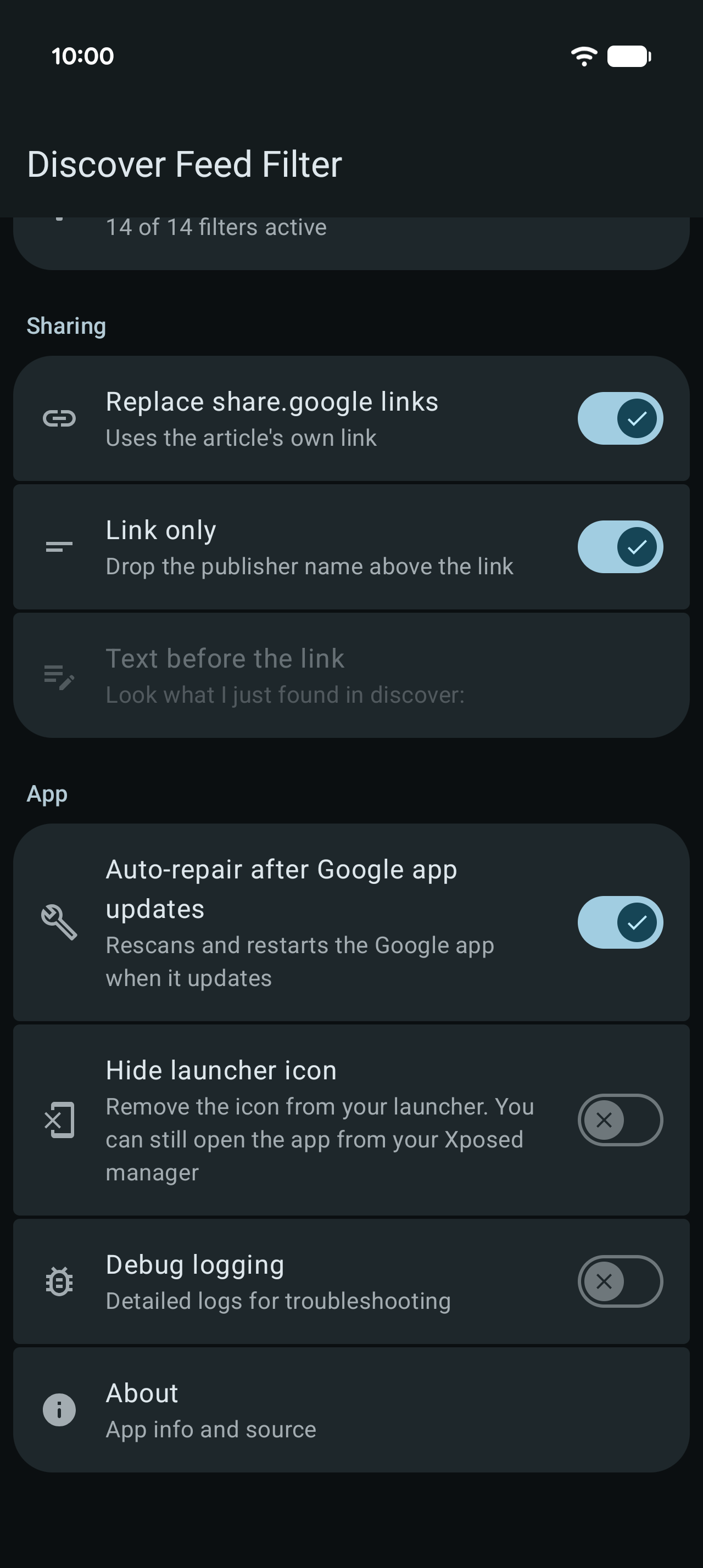
- Google's share.google redirect links. Shared articles use their real link instead
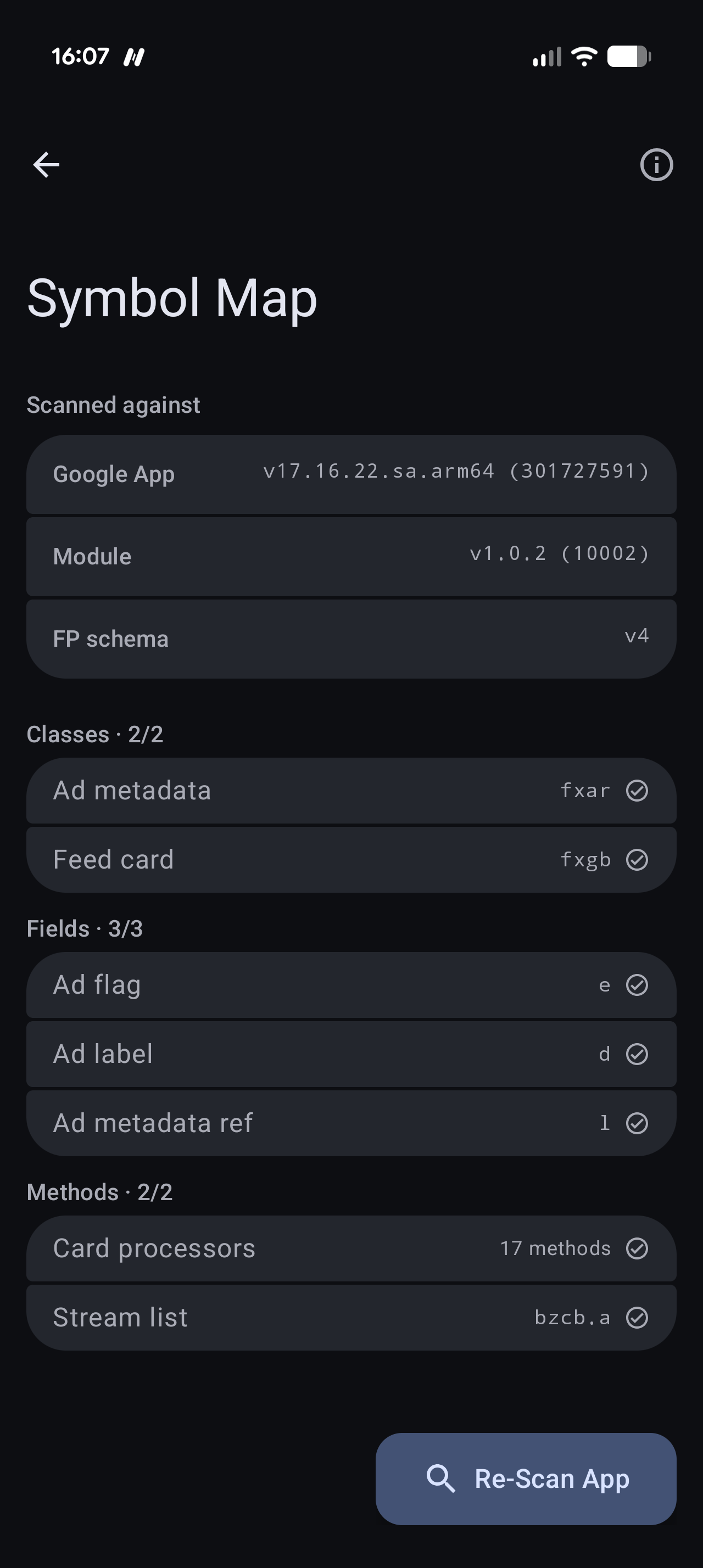
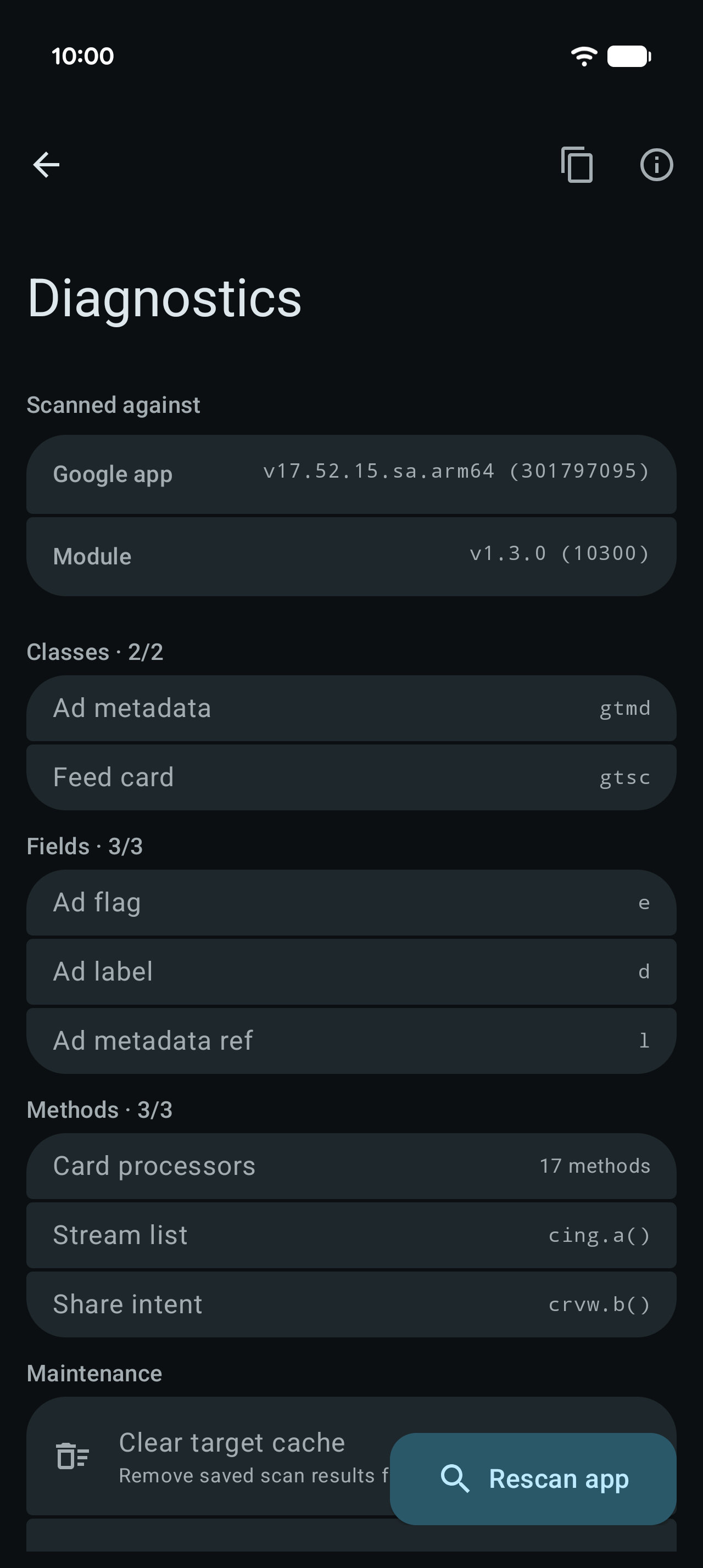
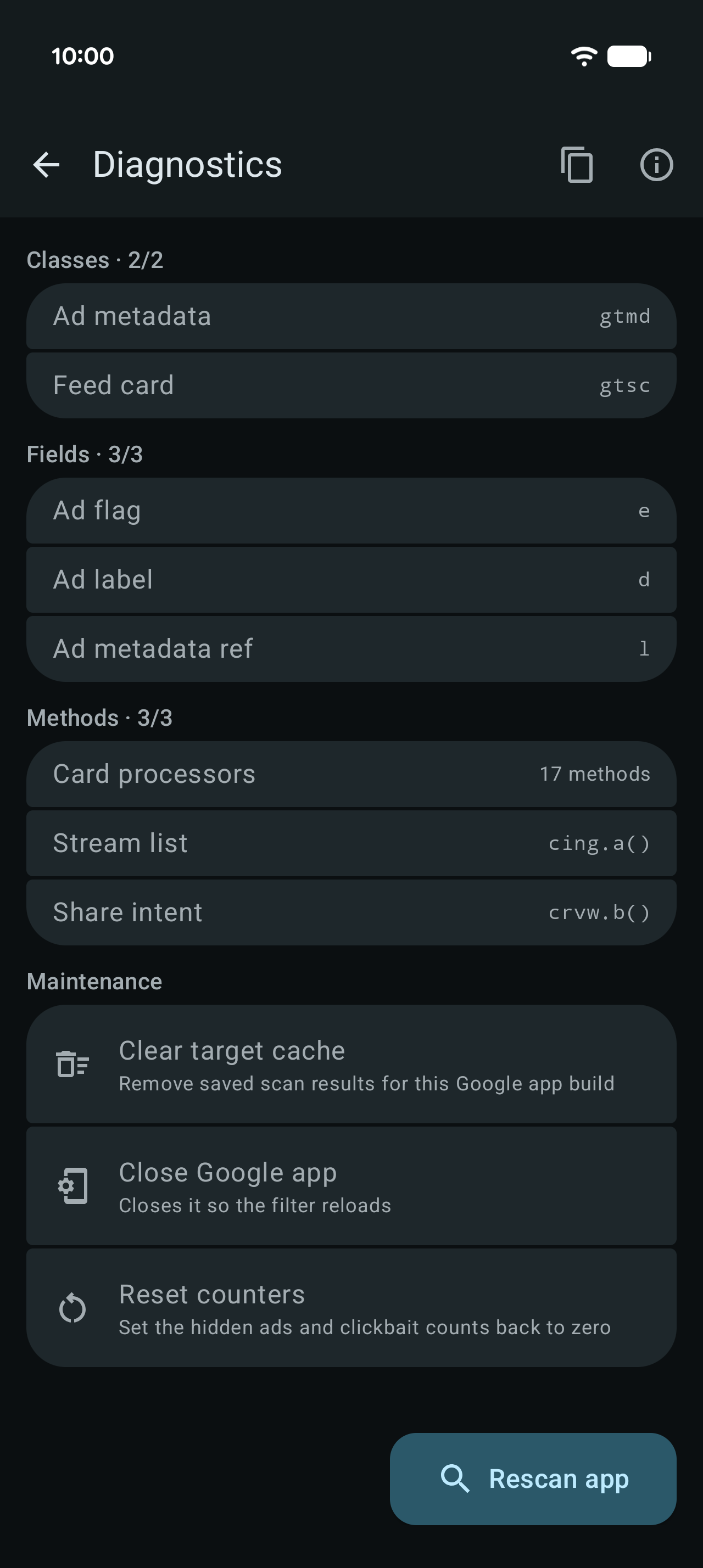
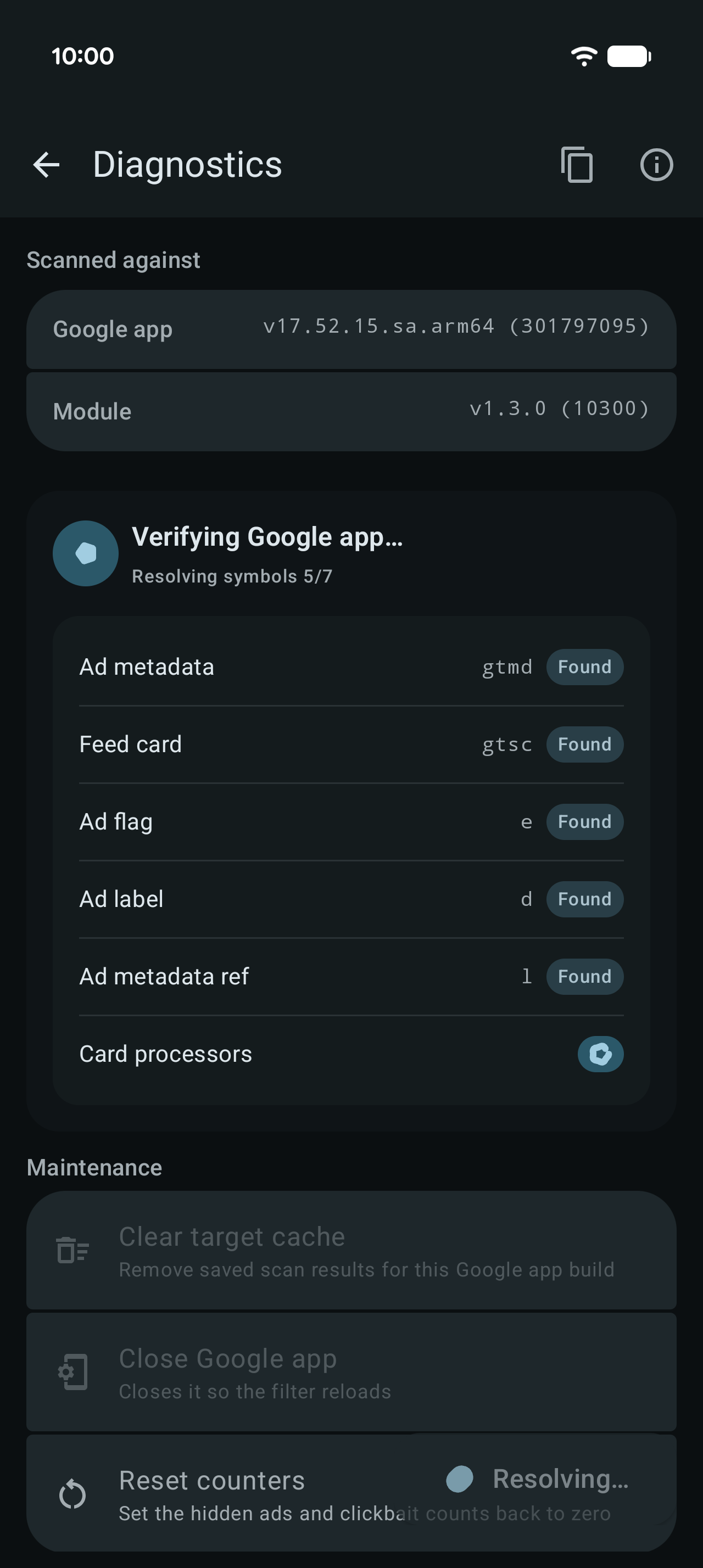
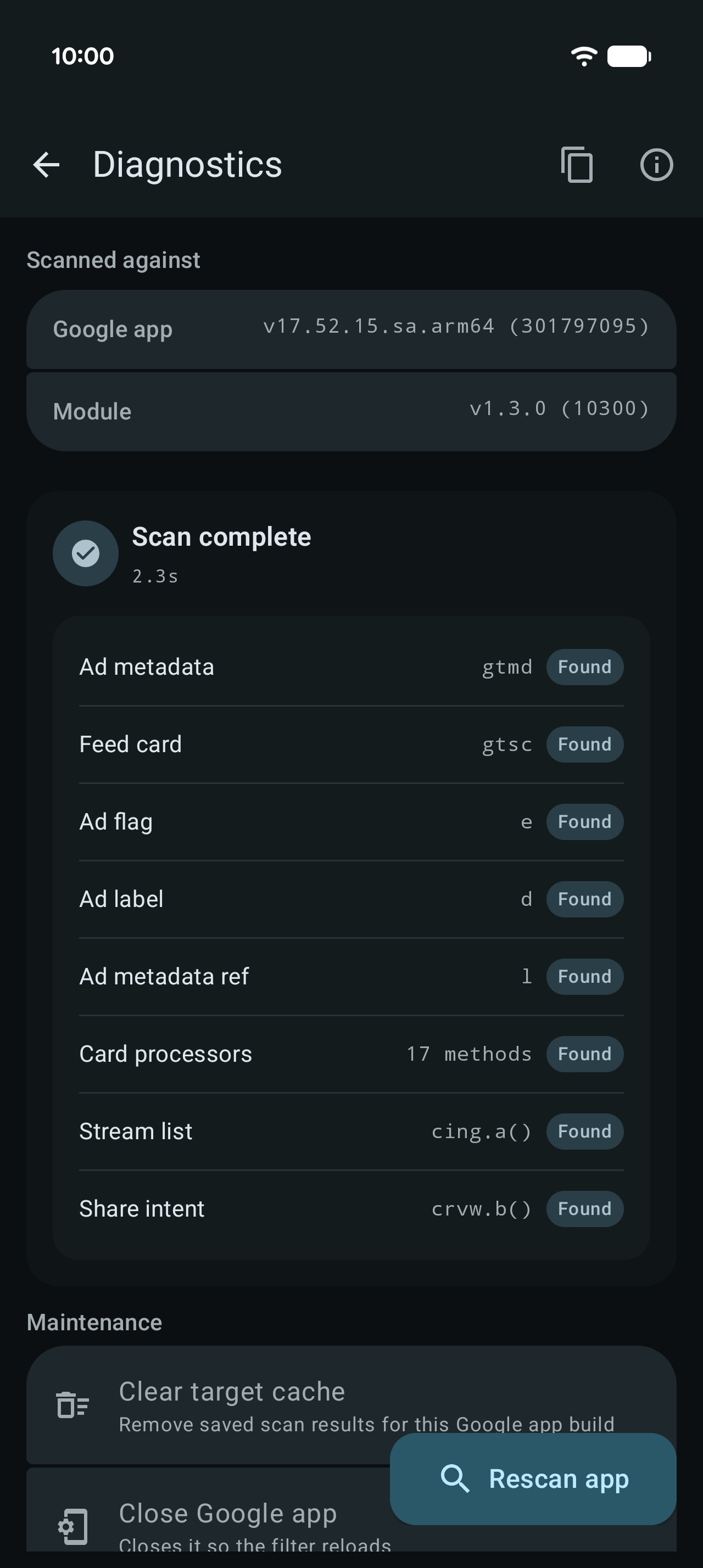
The dashboard counts the ads and clickbait articles it has hidden. After a Google app update, open the app and rescan, or turn on auto-repair to handle it automatically with root.
Prerequisites: the Google app (com.google.android.googlequicksearchbox), and a rooted device (KernelSU, APatch or Magisk) running an Xposed framework manager such as LSPosed or Vector. The module does nothing without both.
Also dislike ads in the Google Play Store? Try the sister module playstore-adblock: https://github.com/hxreborn/playstore-adblock
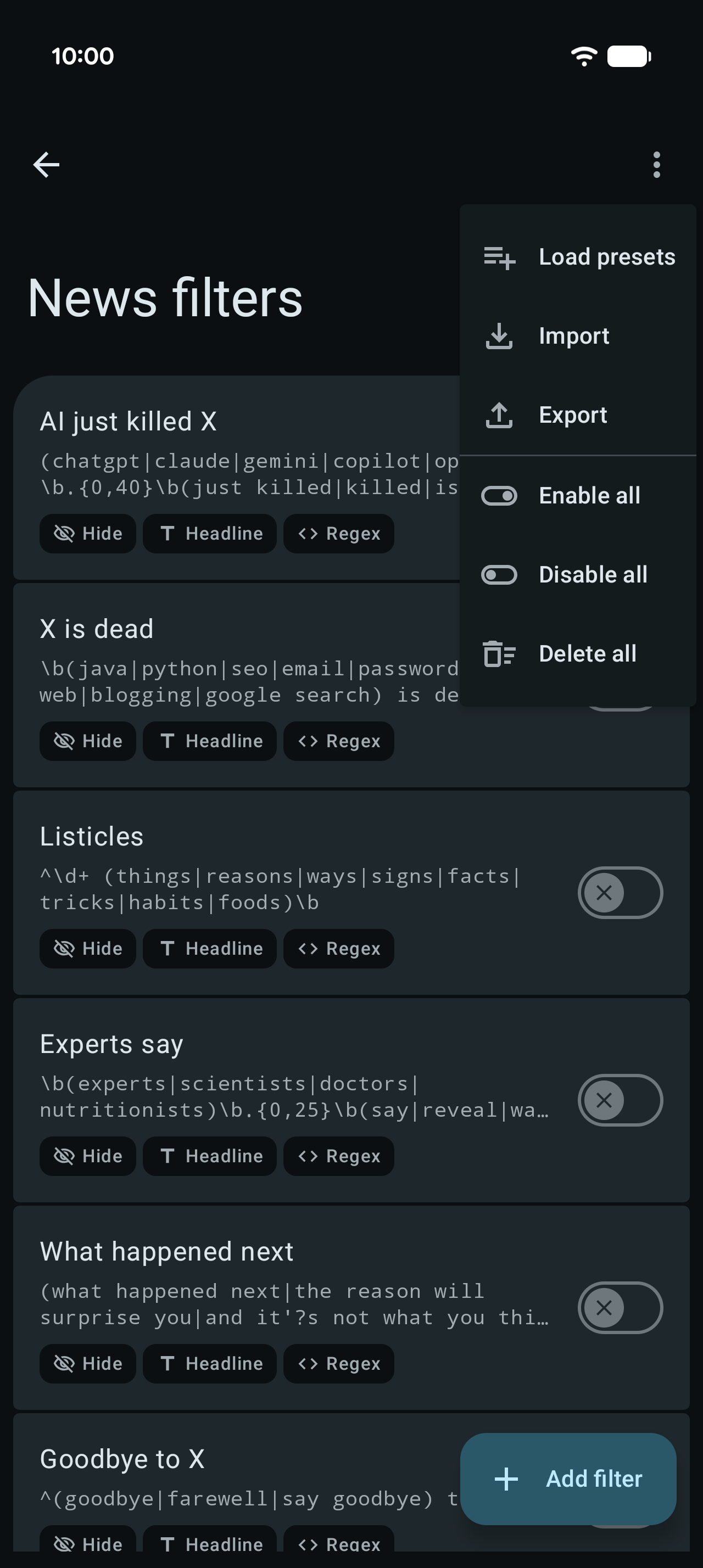
Screenshots
What’s new
Renamed to Discover Feed Filter News filters hide stories by headline or source, with clickbait presets, import and export Importable filter packs in English and Spanish on GitHub Counts hidden clickbait next to blocked ads Separate switch for ad hiding on the dashboard Redesigned dashboard, Diagnostics opens from the status card
How to install
Download the APK from the button at the top of this page.
Allow “Install unknown apps” for your browser or file manager only, not for every app.
Open the downloaded file and confirm the installation.
If installation fails with “App not installed,” remove an earlier build of the same app first. A signature conflict is the usual cause.
Data safety
Every file is checked against its published SHA-256 before it is listed.
Files are scanned for malware on every update.
The permissions each app requests are listed on its own page.
Read the full safety policy for how we test, flag, and delist files.