Write operating system ISO images to USB drives, no root required
F-Droid repository metadata
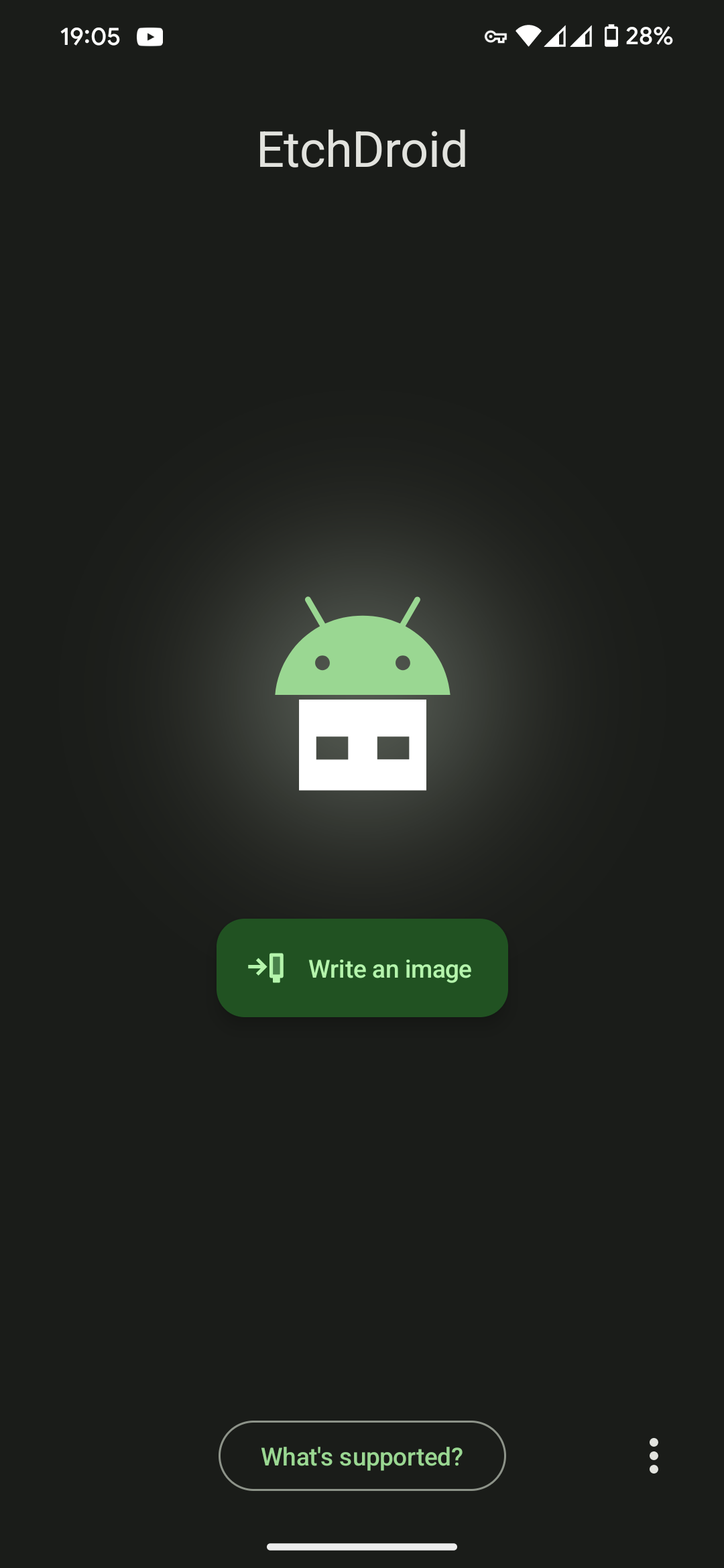
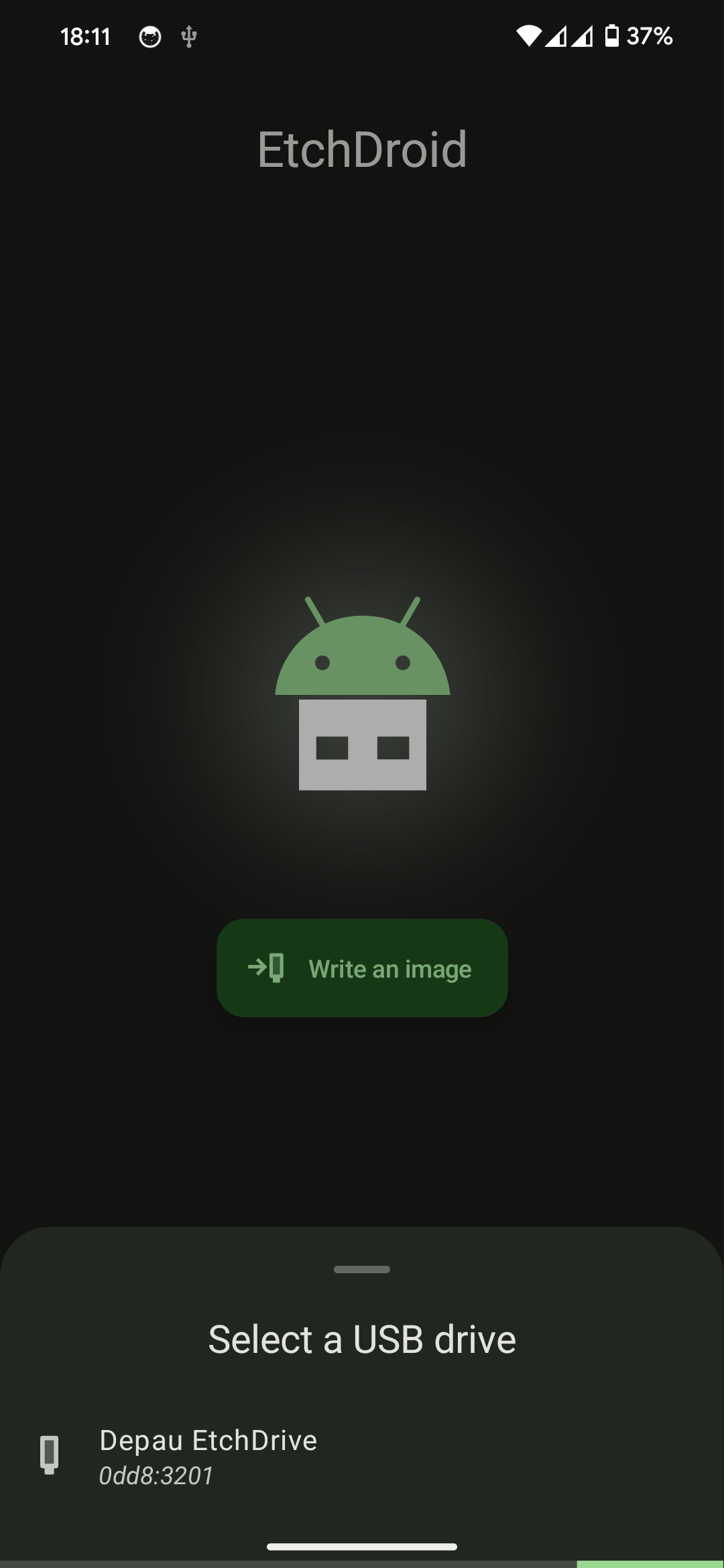
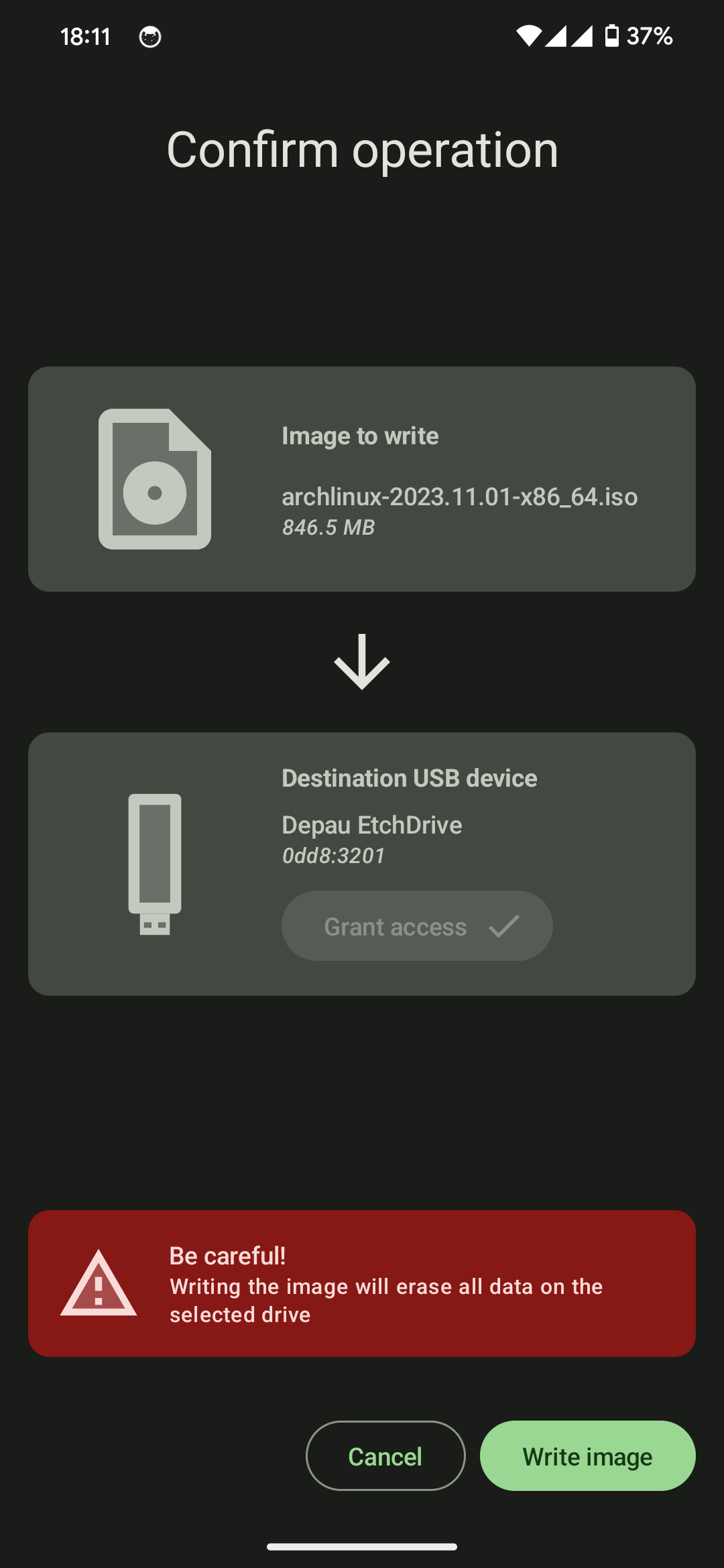
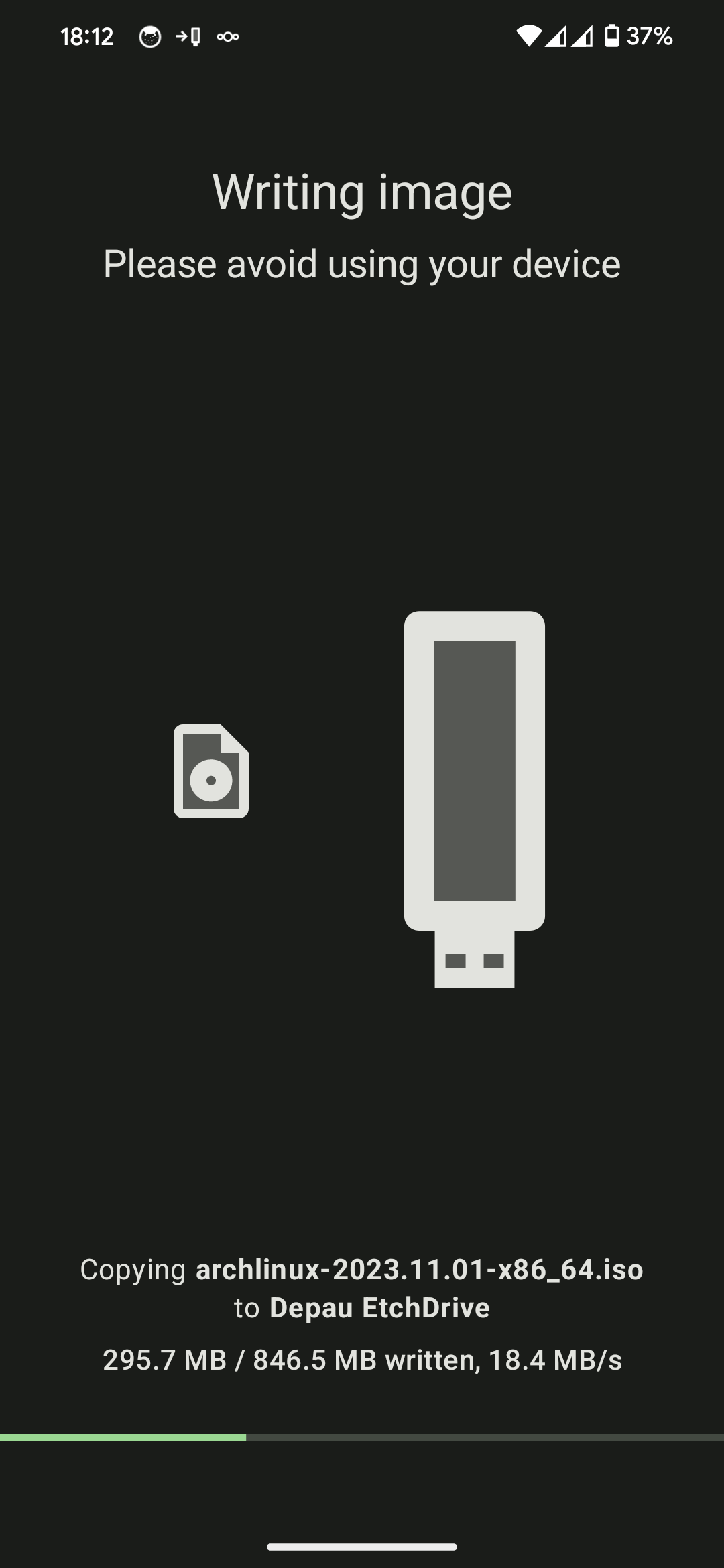
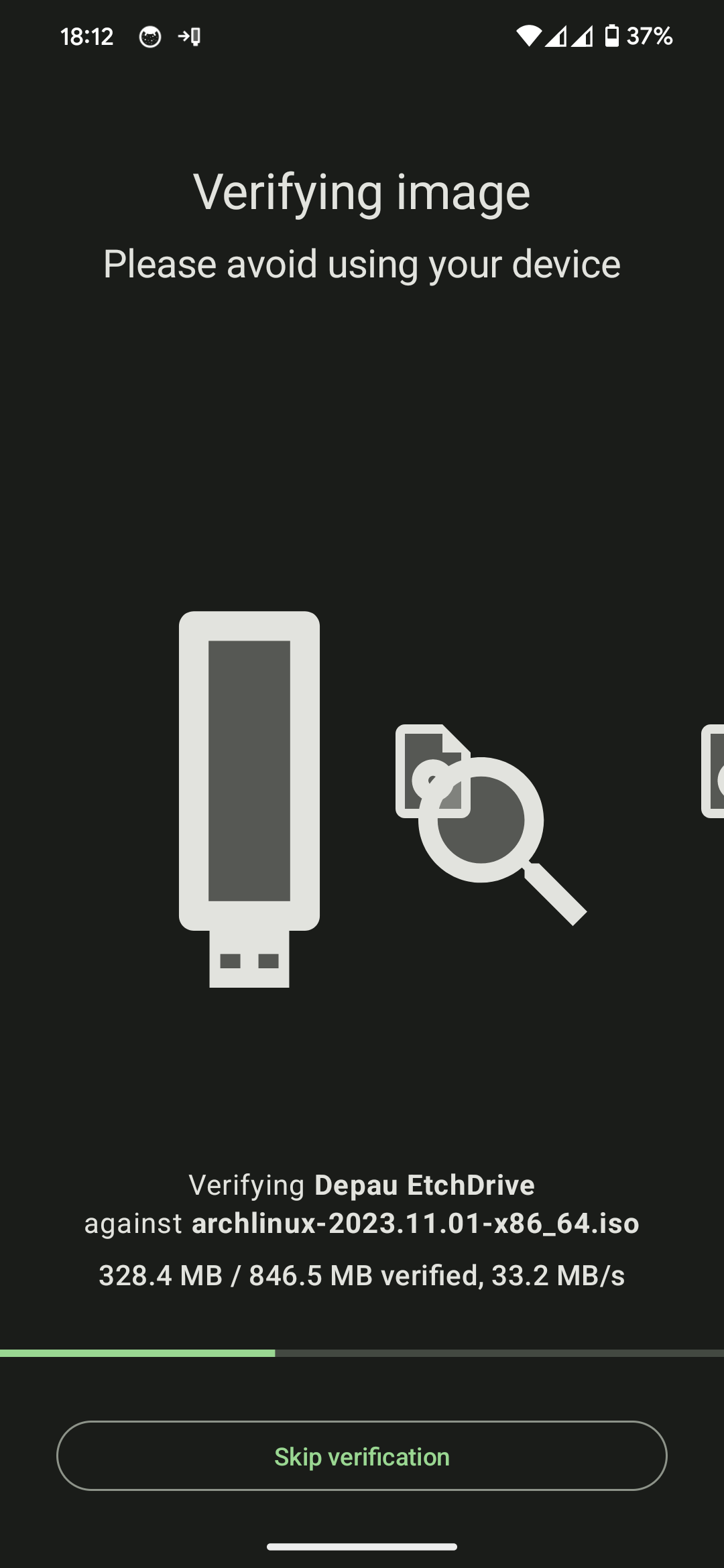
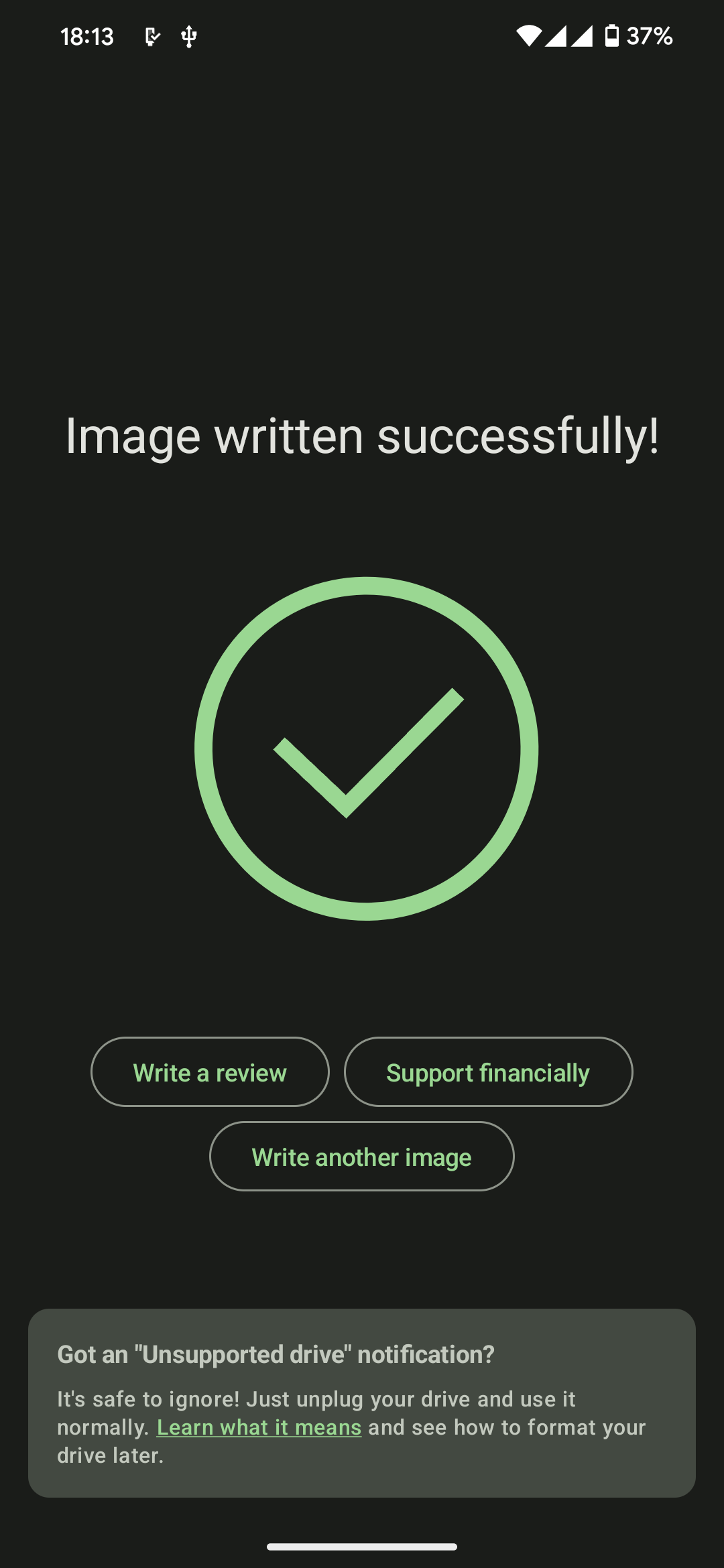
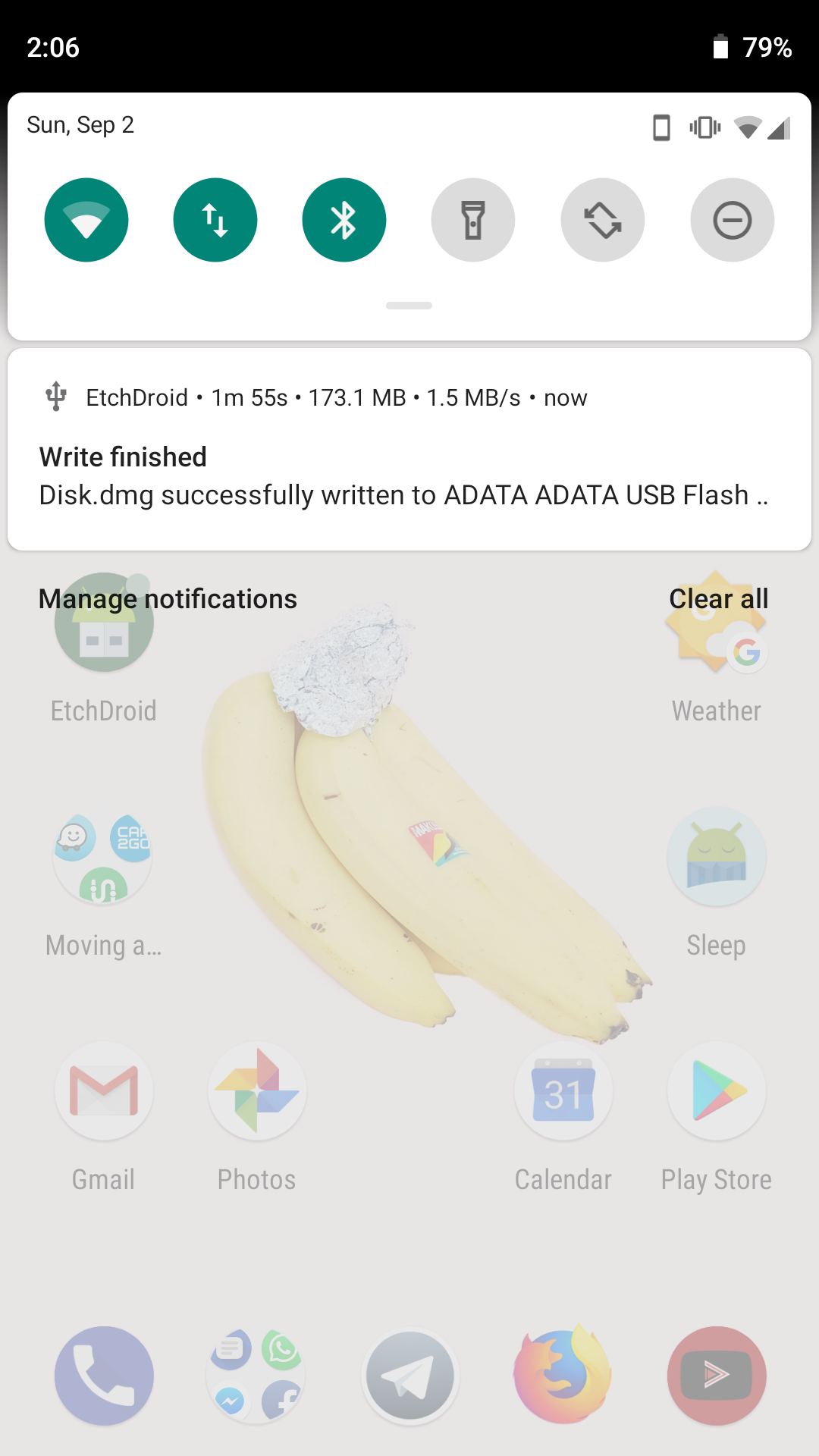
EtchDroid is an open-source application that helps you write images to USB drives.
Use it to make a bootable operating system USB drive when your laptop is dead.
⭐️ Supported devices ⭐️
✅ USB flash drives
✅ USB SD card adapters
❌ USB hard drives / SSDs
❌ USB docks and hubs
❌ Internal SD card slot
❌ Optical or floppy disk drives
❌ Thunderbolt-only devices
⭐️ Supported disk image types ⭐️
✅ Modern GNU/Linux operating system images, including Arch Linux, Ubuntu, Debian, Fedora, pop!_OS, Linux Mint, FreeBSD, BlissOS and many more
✅ Raspberry PI SD card images (but you must unzip them first!)
❌ Official Microsoft Windows ISOs
⚠️ Community-built Windows images, made for EtchDroid (be careful: they may contain viruses!)
❌ Apple DMG disk images
❌ Older GNU/Linux OS images < 2010 such as Damn Small Linux
Source code is on GitHub: https://github.com/EtchDroid/EtchDroid
Screenshots
What’s new
Major rewrite of EtchDroid!
• New Material You UI, much more intuitive and easier to use! • EtchDroid will now recover from most write failures and ask you to unplug and reconnect your USB drive • After writing the image, it will also be verified to ensure it didn't get corrupted • The DMG functionality has been removed; use an older version if you still need it
How to install
Download the APK from the button at the top of this page.
Allow “Install unknown apps” for your browser or file manager only, not for every app.
Open the downloaded file and confirm the installation.
If installation fails with “App not installed,” remove an earlier build of the same app first. A signature conflict is the usual cause.
Data safety
Every file is checked against its published SHA-256 before it is listed.
Files are scanned for malware on every update.
The permissions each app requests are listed on its own page.
Read the full safety policy for how we test, flag, and delist files.