
Quick answer
Simplify link handling. Save, organize, and open links with ease.
F-Droid repository metadata
Do you constantly come across interesting articles, videos, or websites but don't have time to read them right away? Deepr is the essential tool you've been missing!
Deepr is the perfect tool for saving and organizing all your links in one place. Stop manually typing long URLs or digging through old notes. With Deepr, you can save any link instantly and read it whenever you're ready. Focus on enjoying the content you saved, not on finding it again.
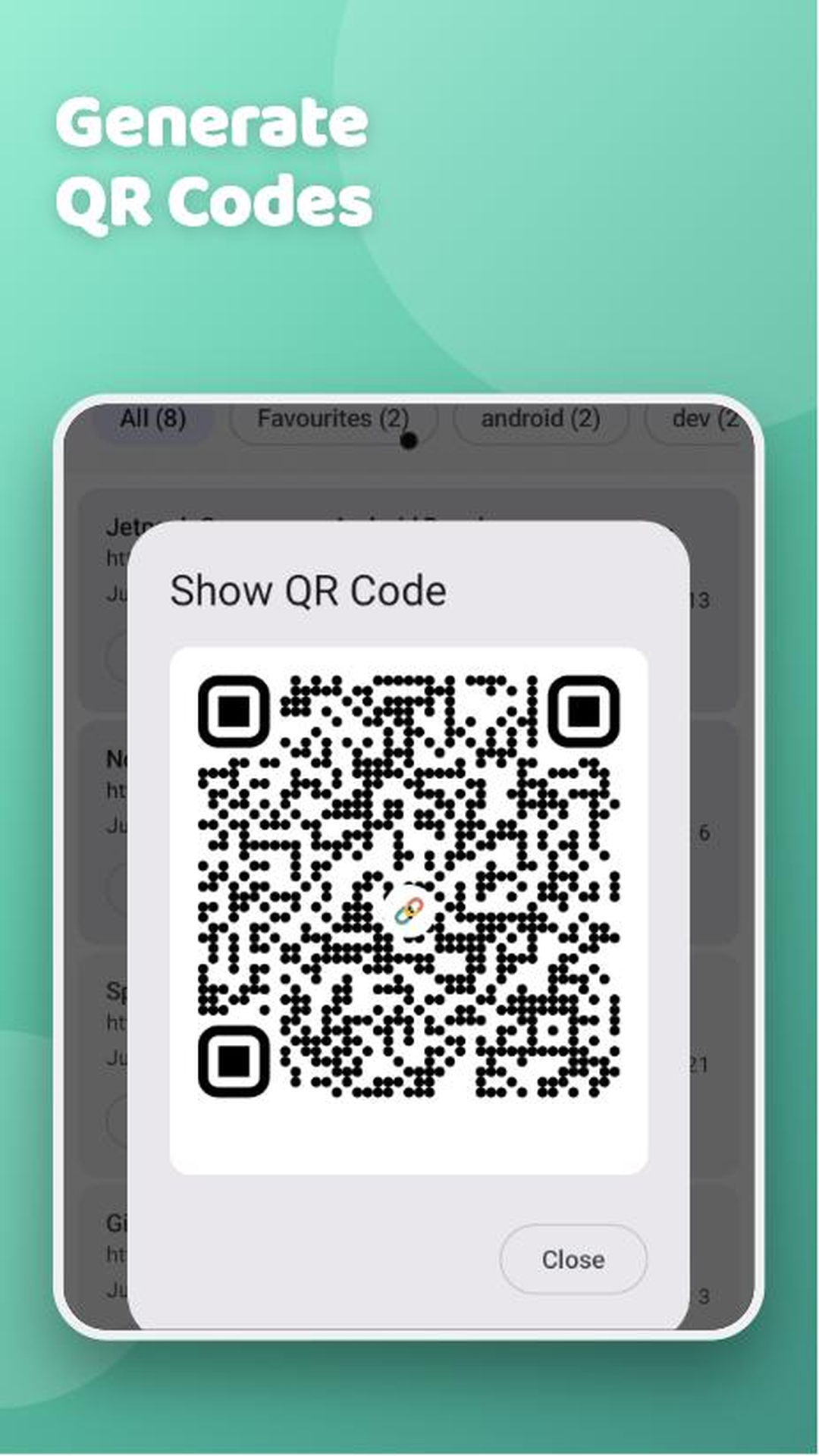
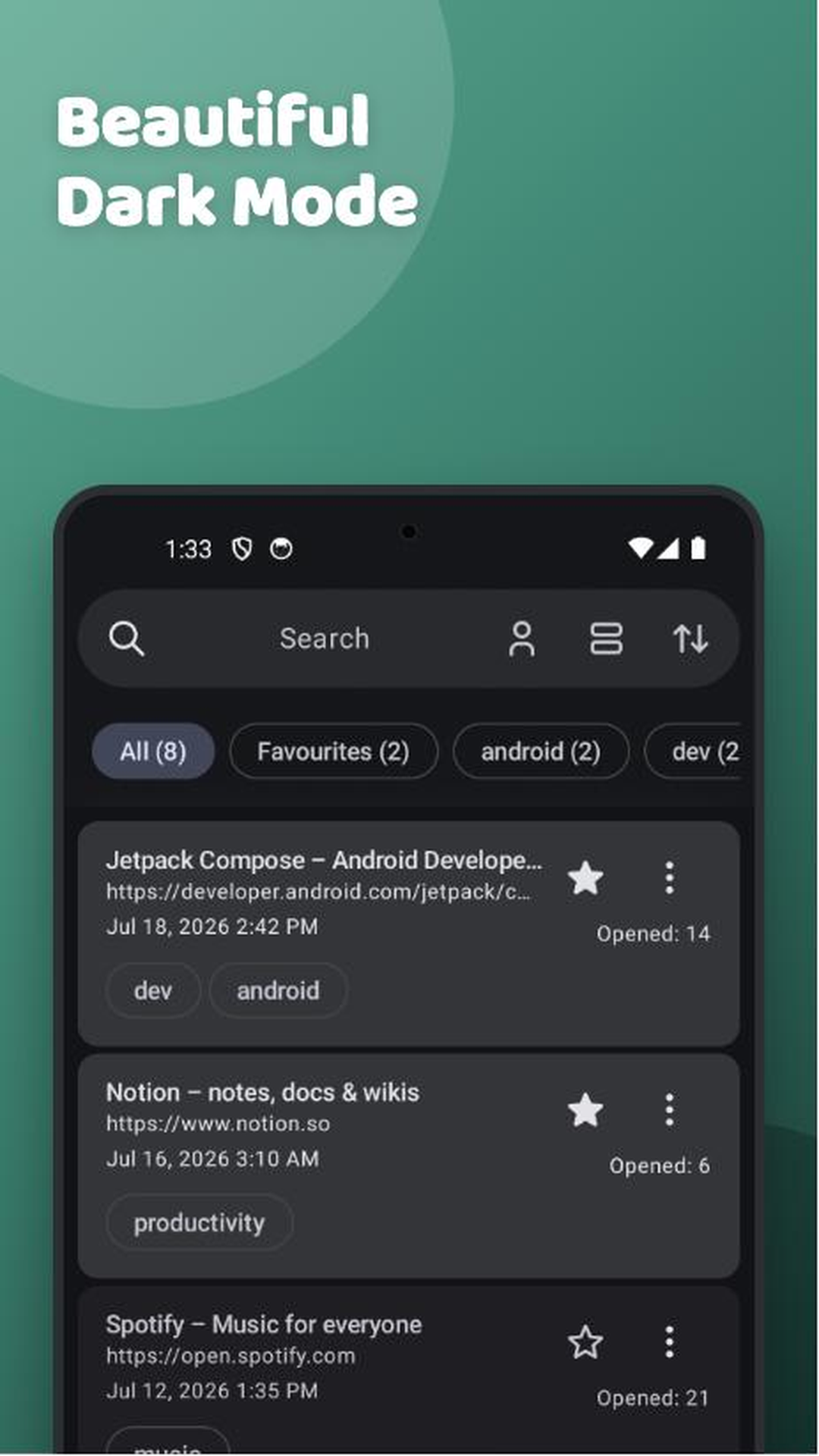
Features: - Save and Organize Links: Easily save and manage a list of all your favorite links in one clean list. - Open Links: Access and open your saved links directly from the app. - Search: Quickly find specific links from your saved list. - Sort: Organize your links by date or how many times you've opened them. - Read Later Counter: Keep track of how many times each link has been opened. - Home Screen Shortcuts: Create shortcuts for your most-used links on your device's home screen for quick access. - Tags: Organize links using tags. - Backups : Take Backups in CSV file or a text file.
Deepr is a free, open-source project. We welcome contributions from the community! Download now and take control of your "read-later" list.
Screenshots
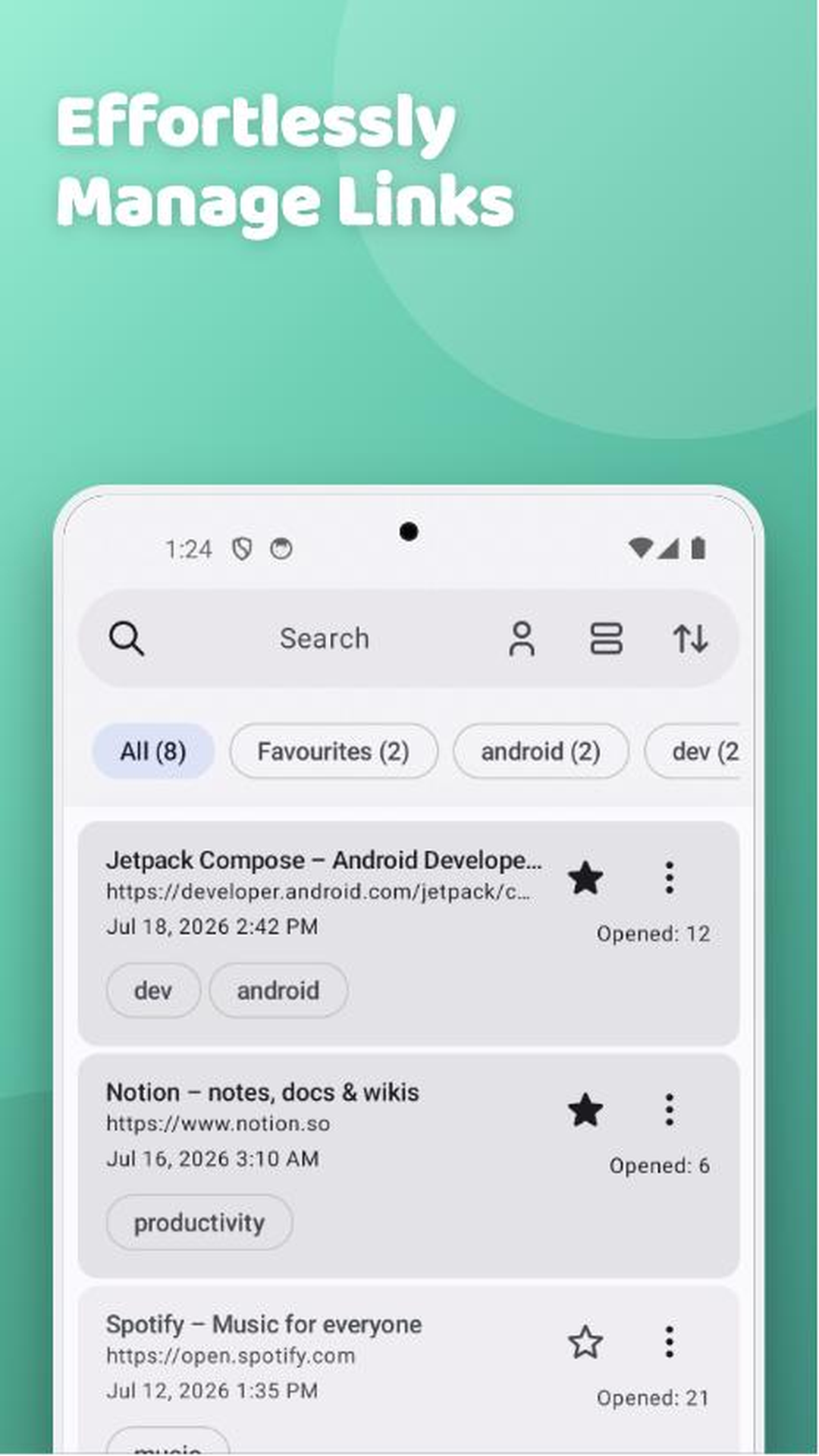
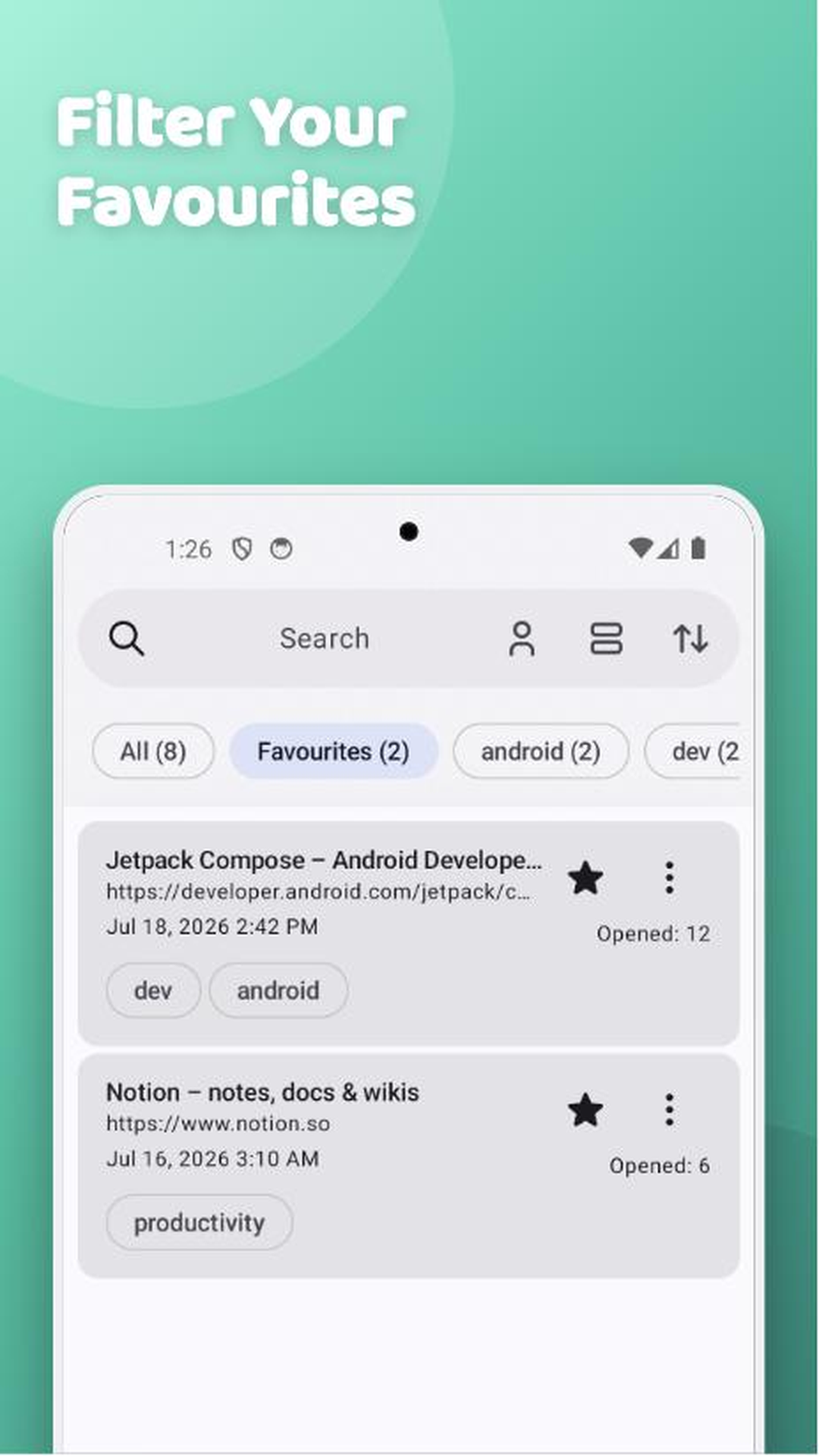
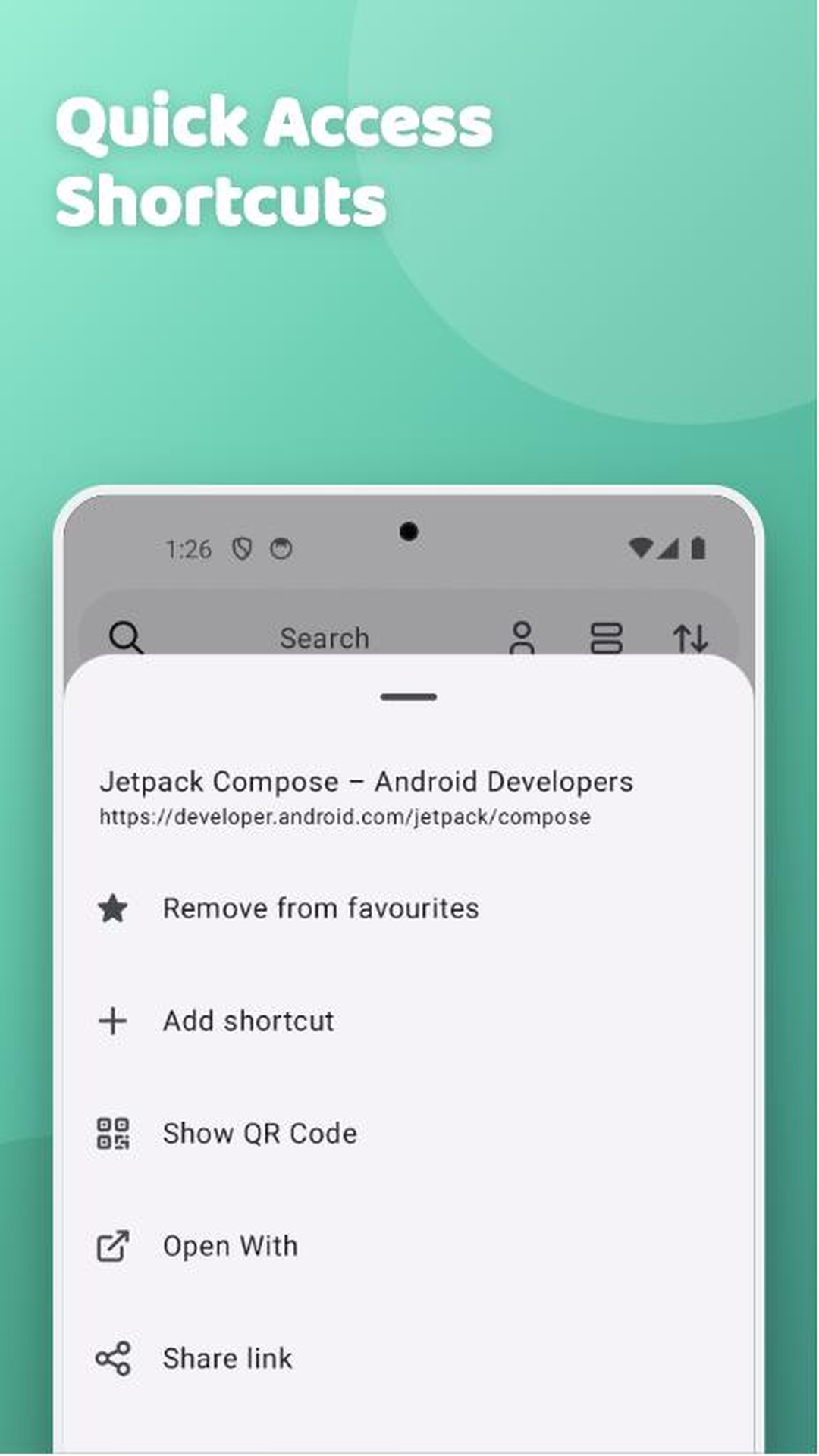
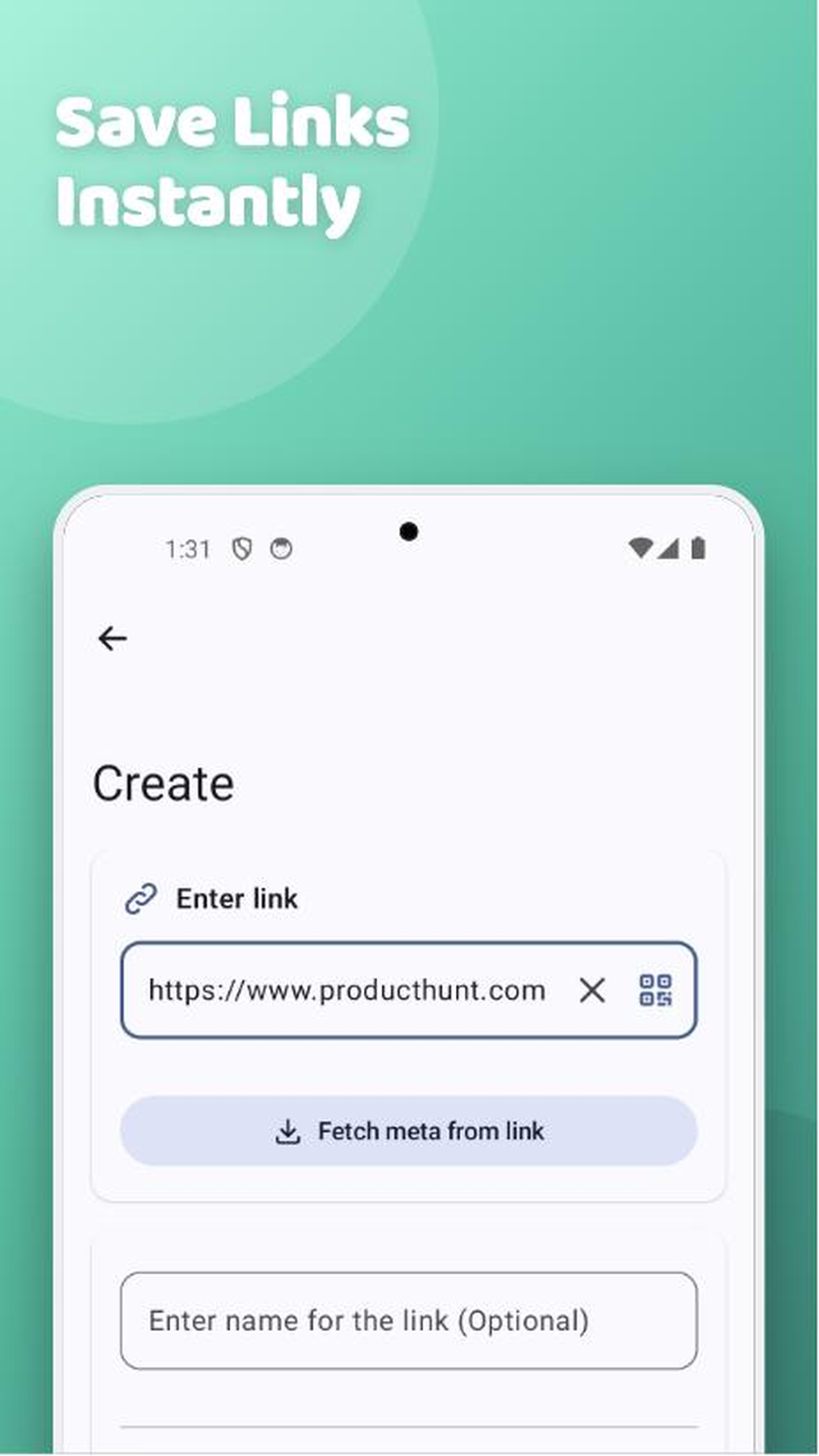
How to install
- Download the APK from the button at the top of this page.
- Allow “Install unknown apps” for your browser or file manager only, not for every app.
- Open the downloaded file and confirm the installation.
- If installation fails with “App not installed,” remove an earlier build of the same app first. A signature conflict is the usual cause.
Data safety
- Every file is checked against its published SHA-256 before it is listed.
- Files are scanned for malware on every update.
- The permissions each app requests are listed on its own page.
- Read the full safety policy for how we test, flag, and delist files.
Comments
Recent approved comments · sorted by newest
View all comments