What’s new
- better confirmation dialog
- optimized thumbnail loading for preview
- add about page
Full Changelog: https://github.com/VishnuSanal/WhatsAppCleaner/compare/v1.4.0...v1.4.1

Updated Sep 22, 2026
Cleaner for WhatsApp - Clean Redundant Media and Files from Storage
F-Droid repository metadata
WhatsAppCleaner - Cleaner for WhatsApp
Cleaner for WhatsApp - Clean Redundant Media and Files from Storage
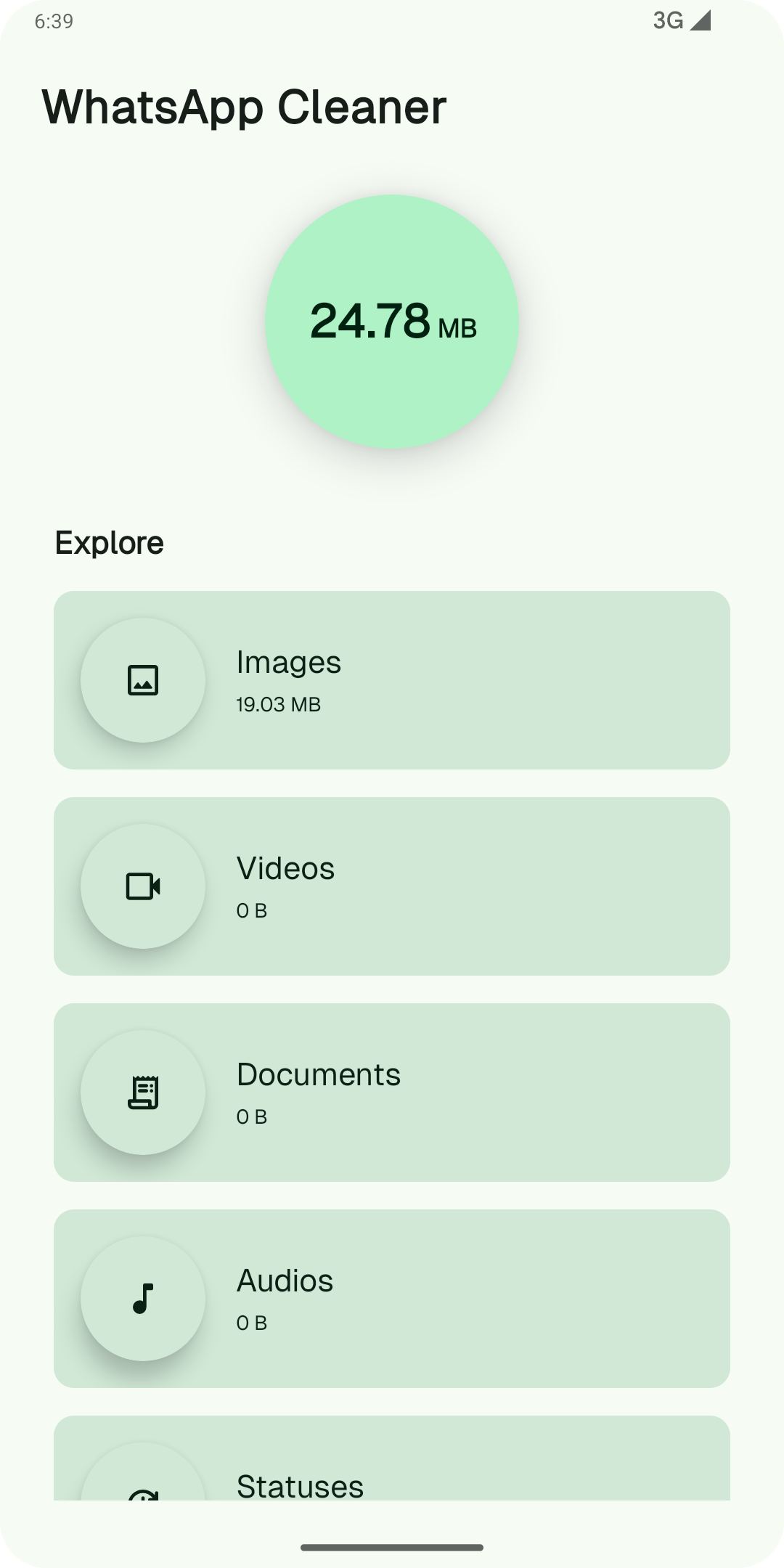
Did you know that WhatsApp is cluttering your phone with unnecessary media, old files, and duplicate images?! WhatsAppCleaner can help you quickly clean up your WhatsApp storage. With a simple tap, you can delete redundant photos, videos, documents, and more to reclaim your valuable storage space!
*Key Features:*
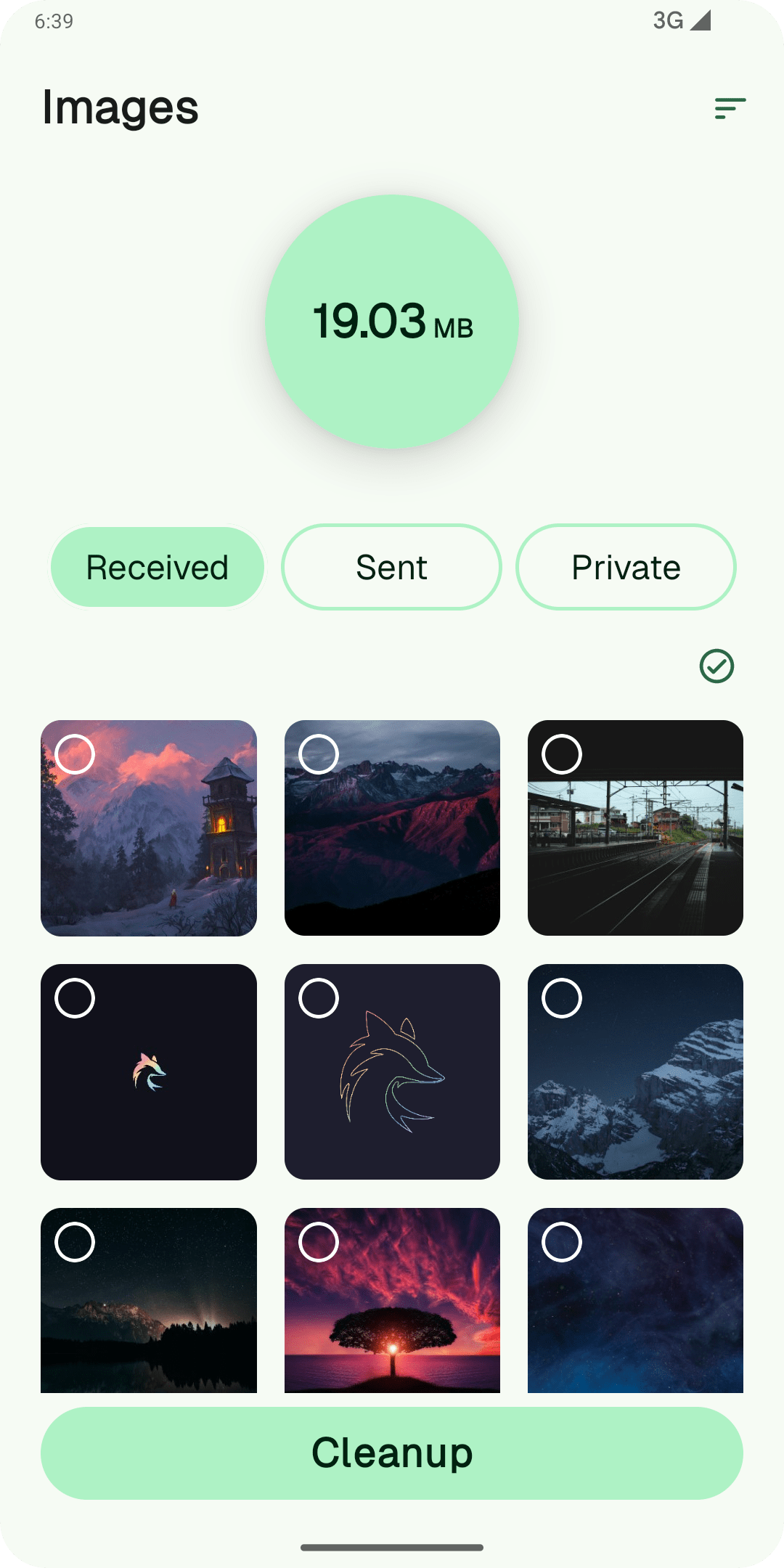
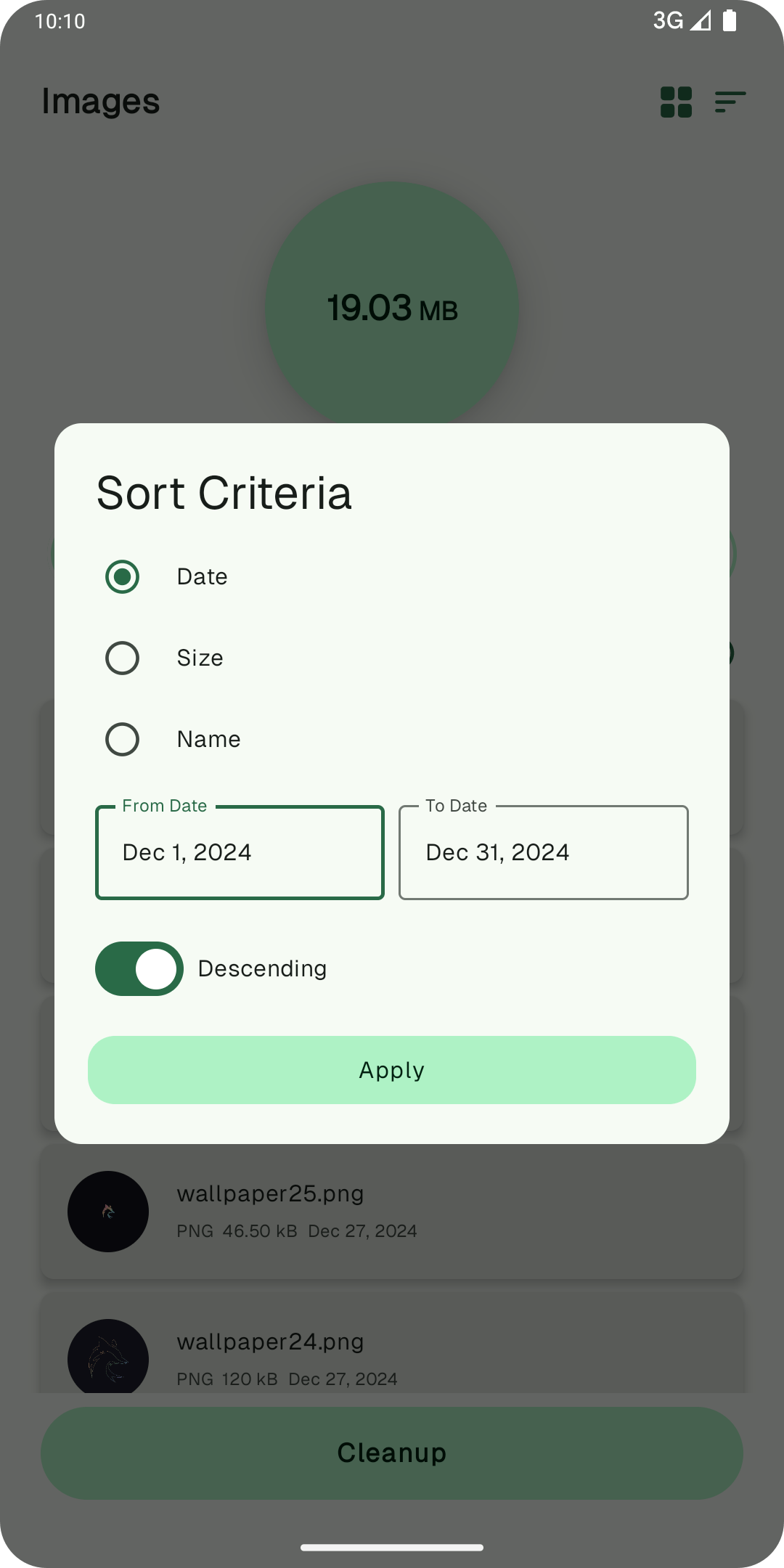
- Clean Redundant Media: Scan and clean large files and old media that are no longer needed. - File Cleanup: Remove unnecessary documents, voice notes, and backups cluttering your WhatsApp storage. - Fast & Easy: Declutter storage in just a few taps with an intuitive, user-friendly interface. - Preview Before Deleting: Always preview media before deletion to ensure you're removing only the files you don't need.
Note: WhatsAppCleaner is a third-party application that helps in cleaning files generated by WhatsApp, and is not affiliated to or endorsed by WhatsApp itself.
- better confirmation dialog
- optimized thumbnail loading for preview
- add about page
Full Changelog: https://github.com/VishnuSanal/WhatsAppCleaner/compare/v1.4.0...v1.4.1
Recent approved comments · sorted by newest
View all comments