Vadhod APK Extractor icon

Vadhod APK Extractor

Parjanya Gala
System
Version
1.0.2
Size
3.0 MB
Requires
Android API 29+
4.2 / 5 · 6,840 ratings 0 downloads

Updated Sep 22, 2026

Quick answer

Offline, privacy-first APK extractor with proper split-APK support.

F-Droid repository metadata

Vadhod APK Extractor is a beautiful, privacy-first tool to extract and back up the APK of any app installed on your device — completely offline.

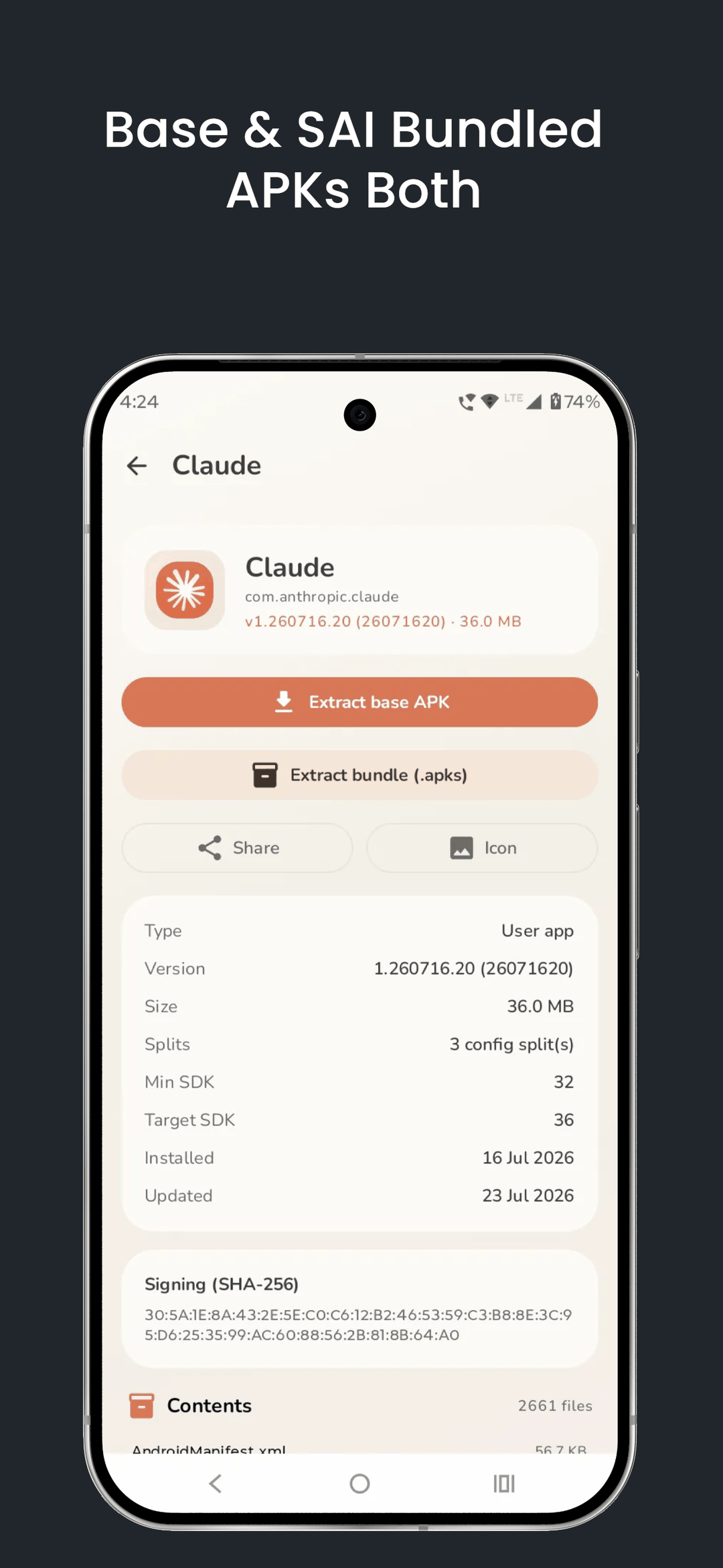
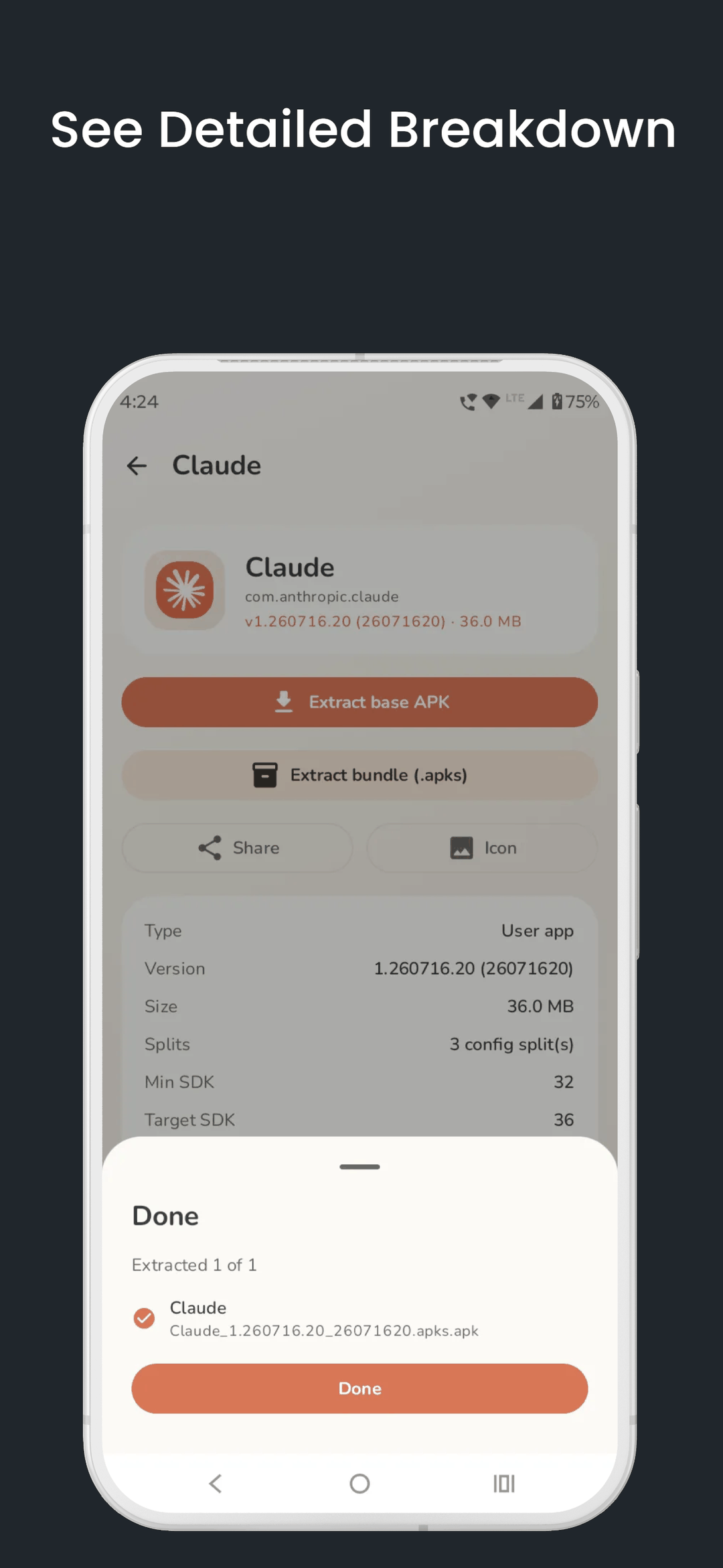
Modern apps ship as "split APKs". Vadhod handles them properly: simple apps export as a clean single .apk, while split apps are bundled into one reinstallable .apks archive automatically. Your backups actually reinstall.

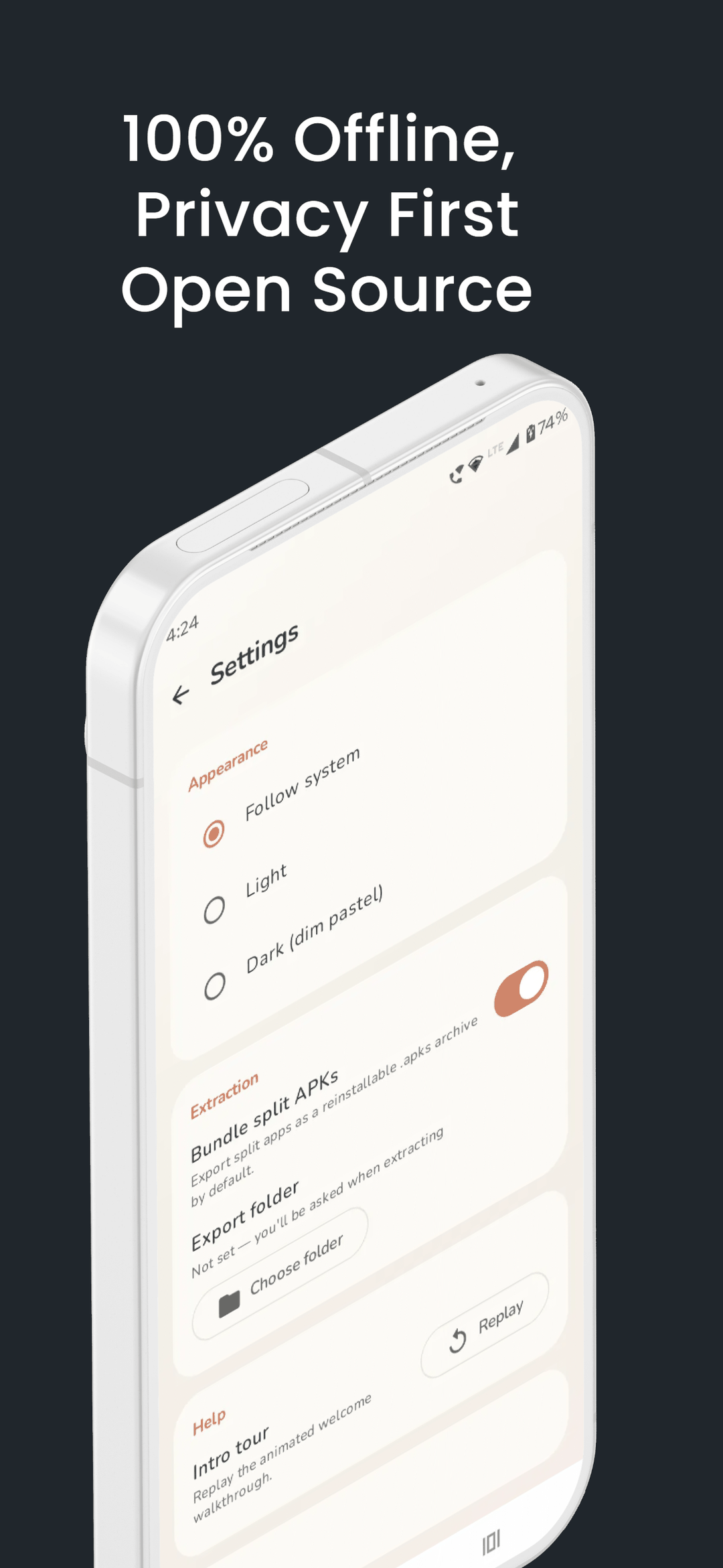
PRIVATE BY DESIGN * 100% offline — the app has NO internet permission at all. * No tracking, no analytics, no ads, no accounts. * Nothing ever leaves your device. Files are saved only to the folder you choose.

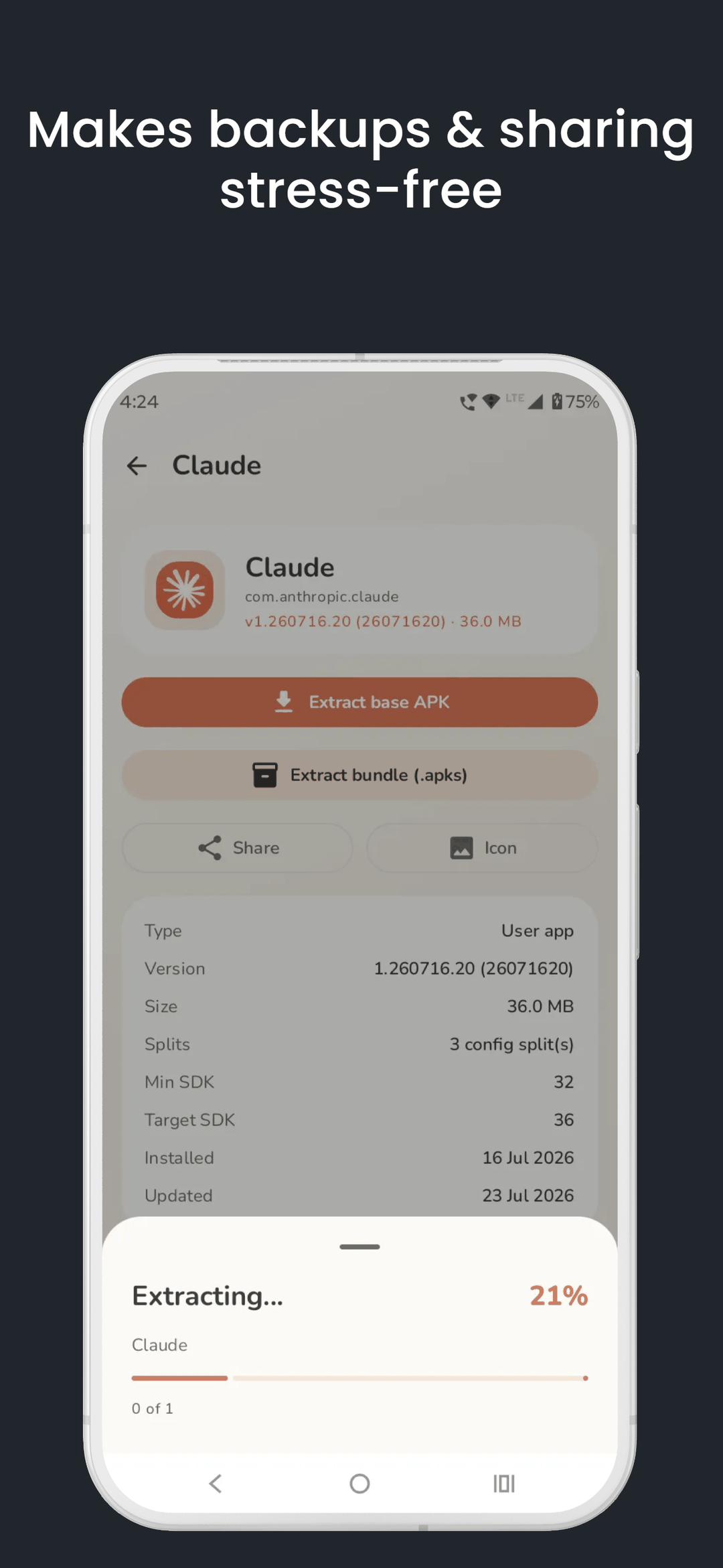
EXTRACT & BACK UP * Browse every installed app, split into System and User tabs. * Search and sort by name, size, install date or last update. * Extract a single app, or select many and batch-extract at once. * Save to any folder using Android's Storage Access Framework.

SPLIT-APK AWARE * Export the base APK, or bundle base + splits into a reinstallable .apks archive.

INSPECT & SHARE * See version, size, min/target SDK, install dates. * View the signing certificate (SHA-256) and the APK's contents. * Share an extracted APK, or export any app's icon as a PNG.

BEAUTIFUL * A soft, calm pastel design with light and dark themes.

Vadhod APK Extractor is open source and built to respect you: minimal permissions, minimal footprint, zero data collection.

Note: The "Query all apps" (QUERY_ALL_PACKAGES) permission is used solely to list the apps installed on your device so you can extract them. This information stays on your device and is never collected or transmitted.
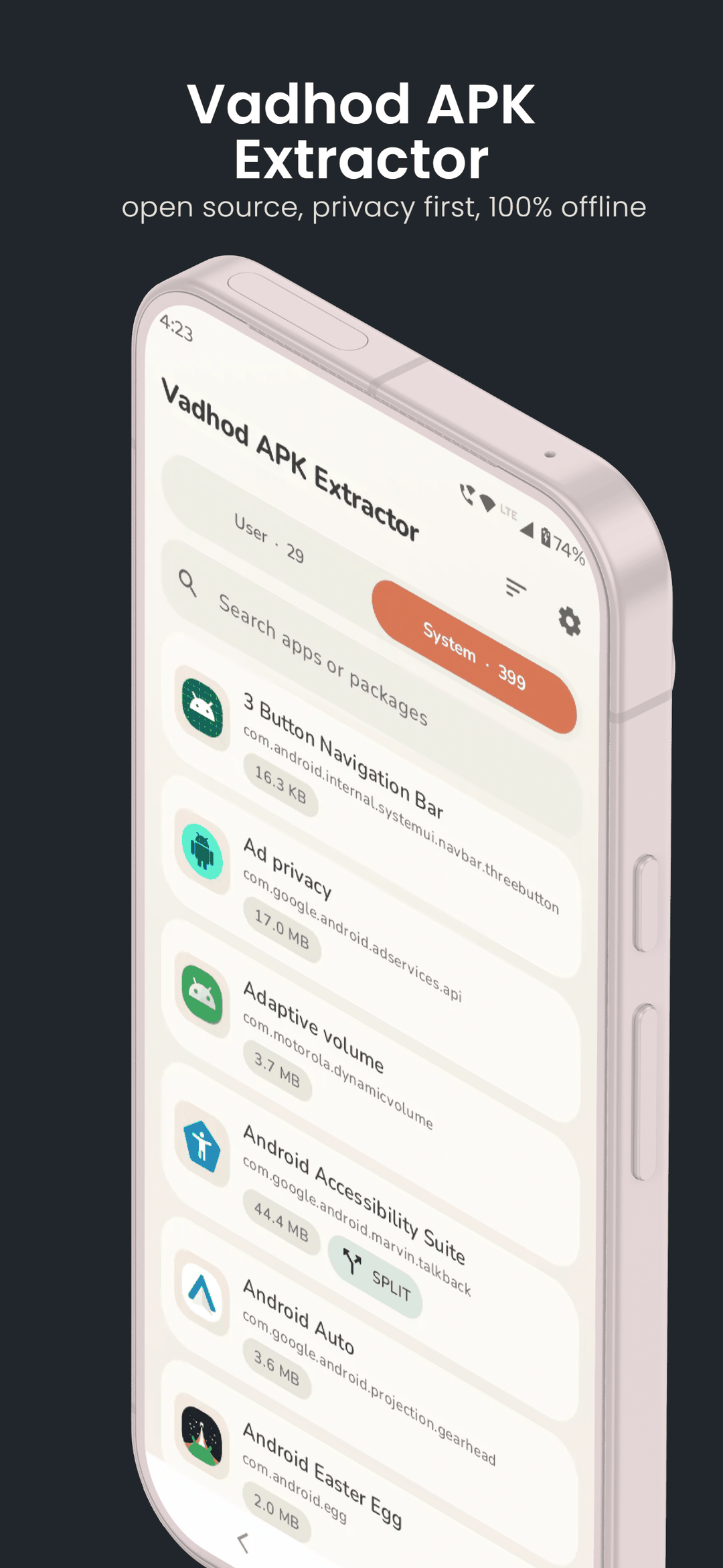
Screenshots

Vadhod APK Extractor screenshot 1
Vadhod APK Extractor screenshot 2
Vadhod APK Extractor screenshot 3
Vadhod APK Extractor screenshot 4
Vadhod APK Extractor screenshot 5

What’s new

New: tap About in Settings for a compact dialog with the version, credits, licence and contact.

Fixes from the F-Droid review:
- The APK contents list was unreadable in dark theme.
- Split apps saved as "name.apks.apk" instead of "name.apks". The archive itself was always correct.
- Settings could not be scrolled, so the About card was unreachable.
- System bar icons ignored the in-app theme.

How to install

  1. Download the APK from the button at the top of this page.
  2. Allow “Install unknown apps” for your browser or file manager only, not for every app.
  3. Open the downloaded file and confirm the installation.
  4. If installation fails with “App not installed,” remove an earlier build of the same app first. A signature conflict is the usual cause.

Data safety

  • Every file is checked against its published SHA-256 before it is listed.
  • Files are scanned for malware on every update.
  • The permissions each app requests are listed on its own page.
  • Read the full safety policy for how we test, flag, and delist files.

Comments

Recent approved comments · sorted by newest

Verification code
Be specific and keep it about the app. No links. Comments are reviewed before publication. Device and Android details are recorded automatically. Privacy policy.

Loading recent comments...

View all comments