
Quick answer
Use the power of Magisk/Kernel SU to de-bloat system applications systemless-ly
F-Droid repository metadata
De-Bloater is an application using the power of Magisk/Kernel SU/APatch to de-bloat unwanted applications systemless-ly. It easily remove system apps from "/system", "/vendor", and "/product" directories.
De-Bloater requires Root Access and a fully functional Magisk or Kernel SU/APatch environment, including modules, for proper working. As a result, De-Bloater won't work with other rooting solutions as well as in Magisk core-only mode.
Features
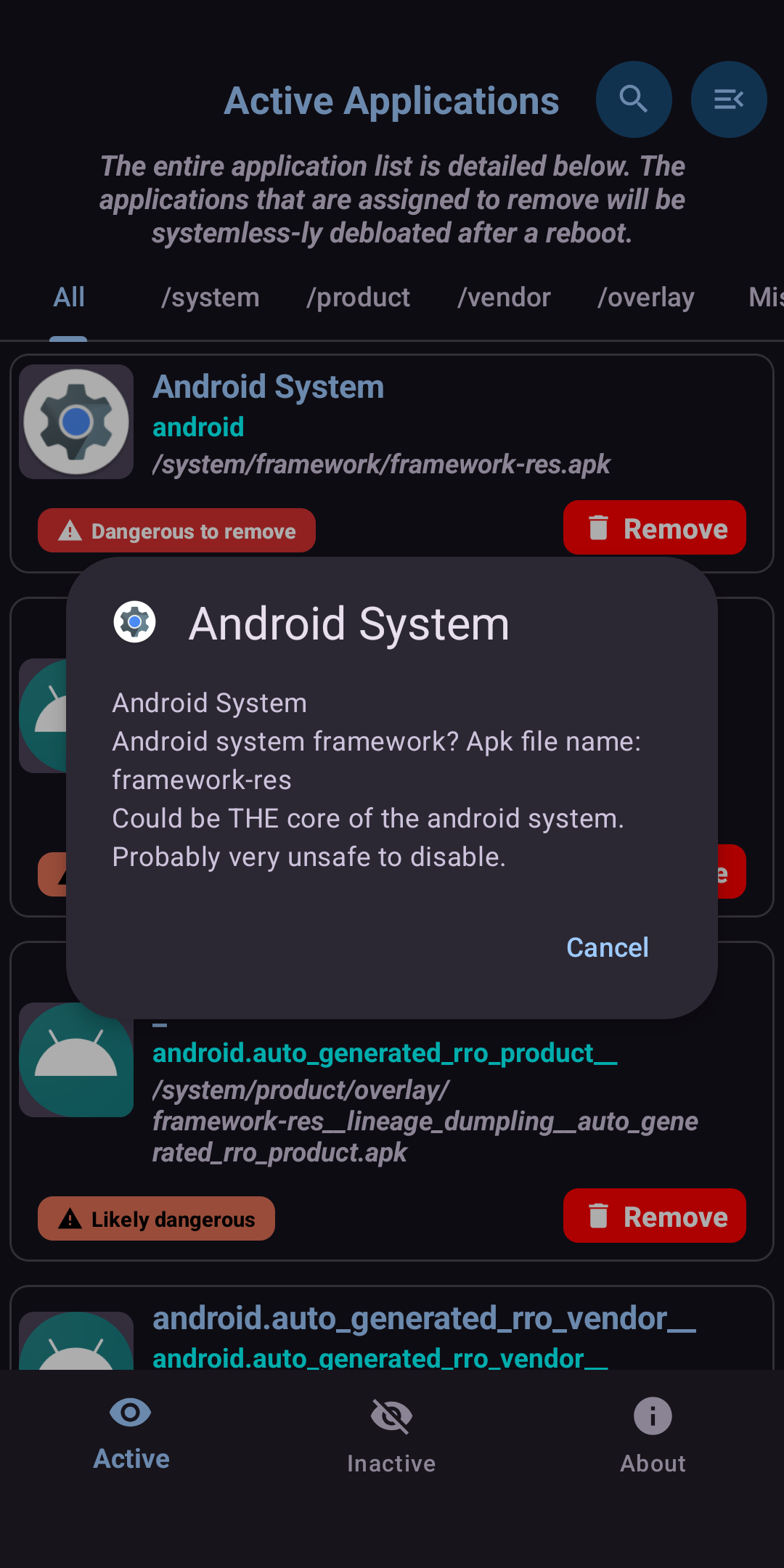
- Easily remove system applications from "/system", "/vendor", "/product", and other directories (Reboot required).
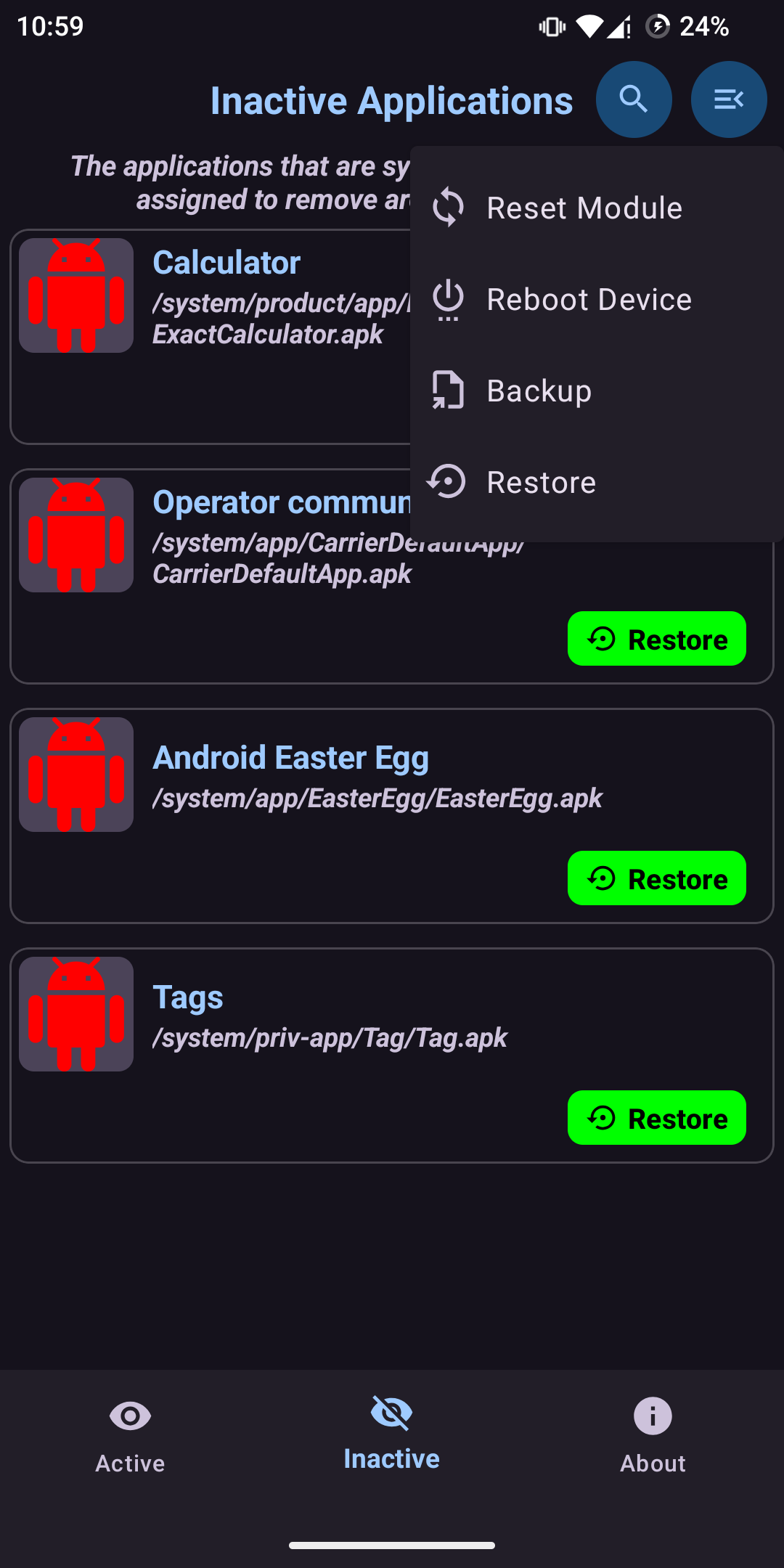
- Restore de-bloated apps, either individually or as a whole (Reboot required).
- Includes smart app suggestions from UAD-NG project.
- Elegantly designed user interface with an auto-dark/light theme.
- A lot more.
How to Use
Open the app, click the remove button on each app you want to remove. The selected apps will be removed systemless-ly after a reboot. To restore an app, either Reset Module (on the top menu) or selectively restore from the second page. Please note that a restart is necessary to get any of the changes in effect.
The app will systemless-ly replace the selected APKs by making a Magisk/Kernel SU/APatch module. As a result, you will see a new Module (name: De-bloater).
Troubleshooting
In case, if you accidentally remove some important apps and your phone bootloops, please delete "/data/adb/modules/De-bloater" via recovery.
Translations
Please help me to translate this application via POEditor. You may also translate after downloading the original language string available here.
Please Note
Please be noted that De-Bloater contains its own auto-update implementation, which is only (from v0.10 onwards) available for installation from GitHub release page (and consequently, for IzzyOnDroid). In that case, APK files provided by the developer is directly acquired from the official GitHub release page.
Screenshots
How to install
- Download the APK from the button at the top of this page.
- Allow “Install unknown apps” for your browser or file manager only, not for every app.
- Open the downloaded file and confirm the installation.
- If installation fails with “App not installed,” remove an earlier build of the same app first. A signature conflict is the usual cause.
Data safety
- Every file is checked against its published SHA-256 before it is listed.
- Files are scanned for malware on every update.
- The permissions each app requests are listed on its own page.
- Read the full safety policy for how we test, flag, and delist files.
Comments
Recent approved comments · sorted by newest
View all comments