SmartPack-Kernel Manager icon

SmartPack-Kernel Manager

sunilpaulmathew
System
Version
v17.7
Size
4.2 MB
Requires
Android API 21+
4.2 / 5 · 7,531 ratings 0 downloads

Updated Sep 22, 2026

Quick answer

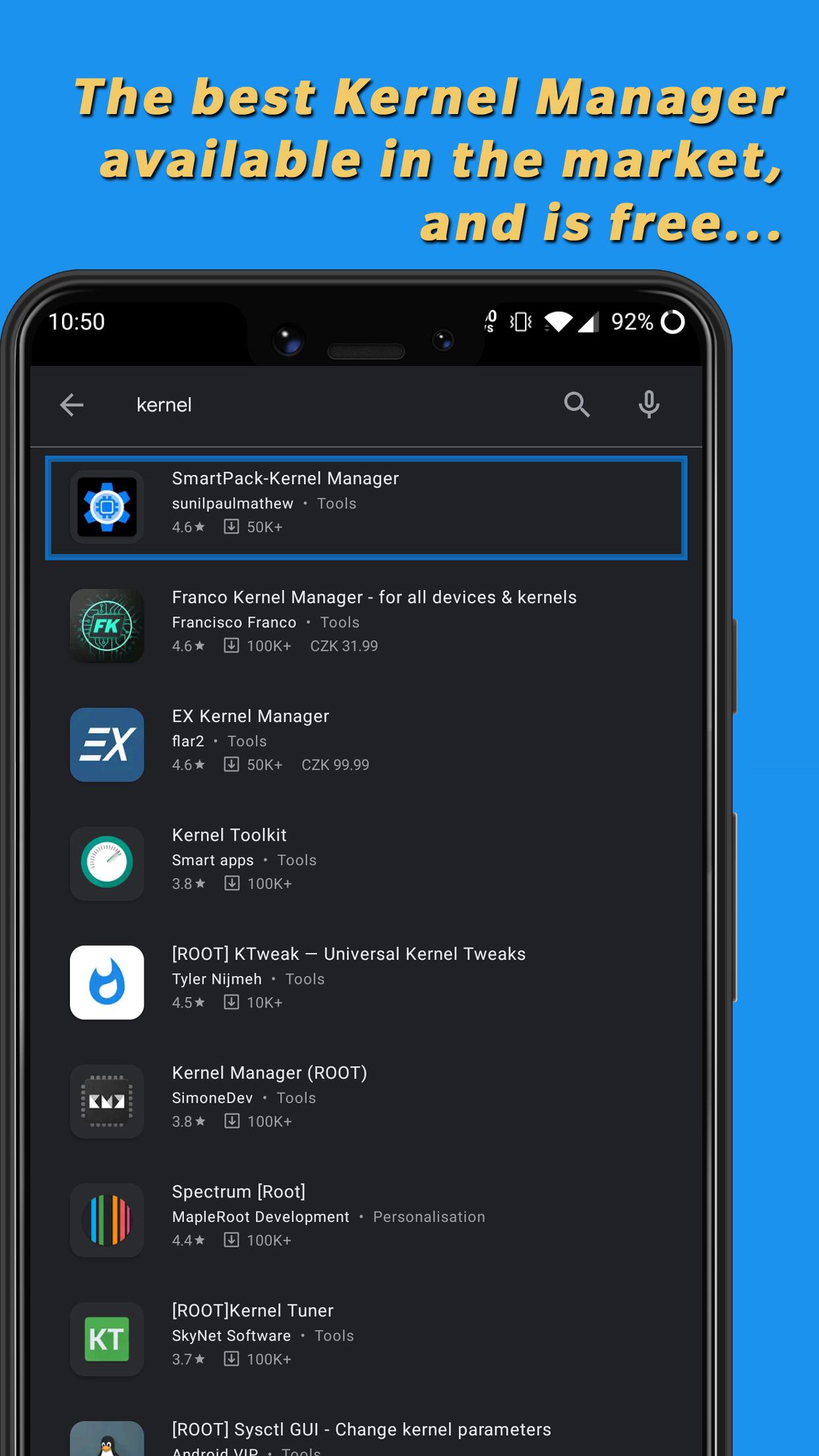
The Ultimate Tool to Manage your Kernel!

F-Droid repository metadata

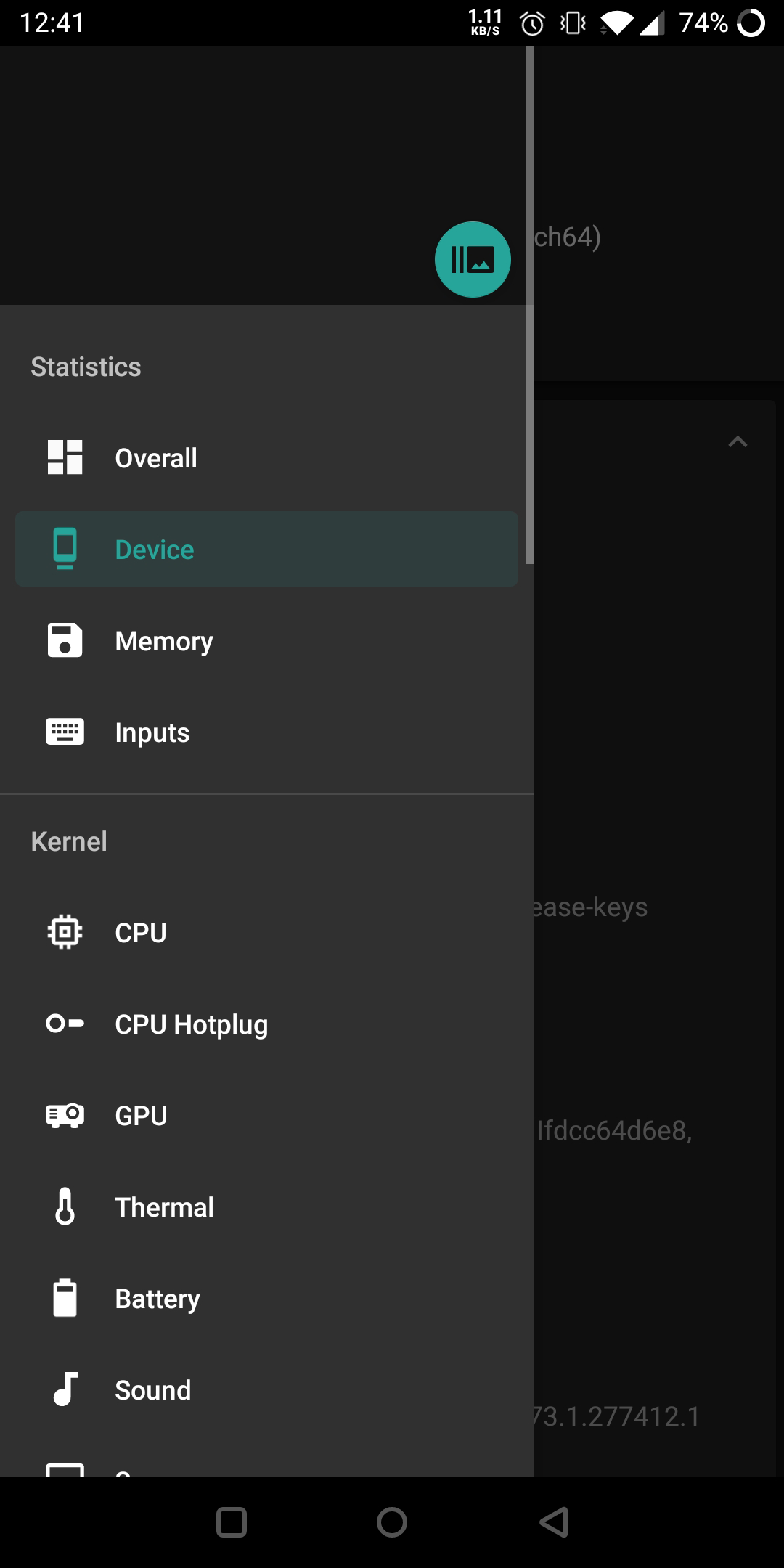
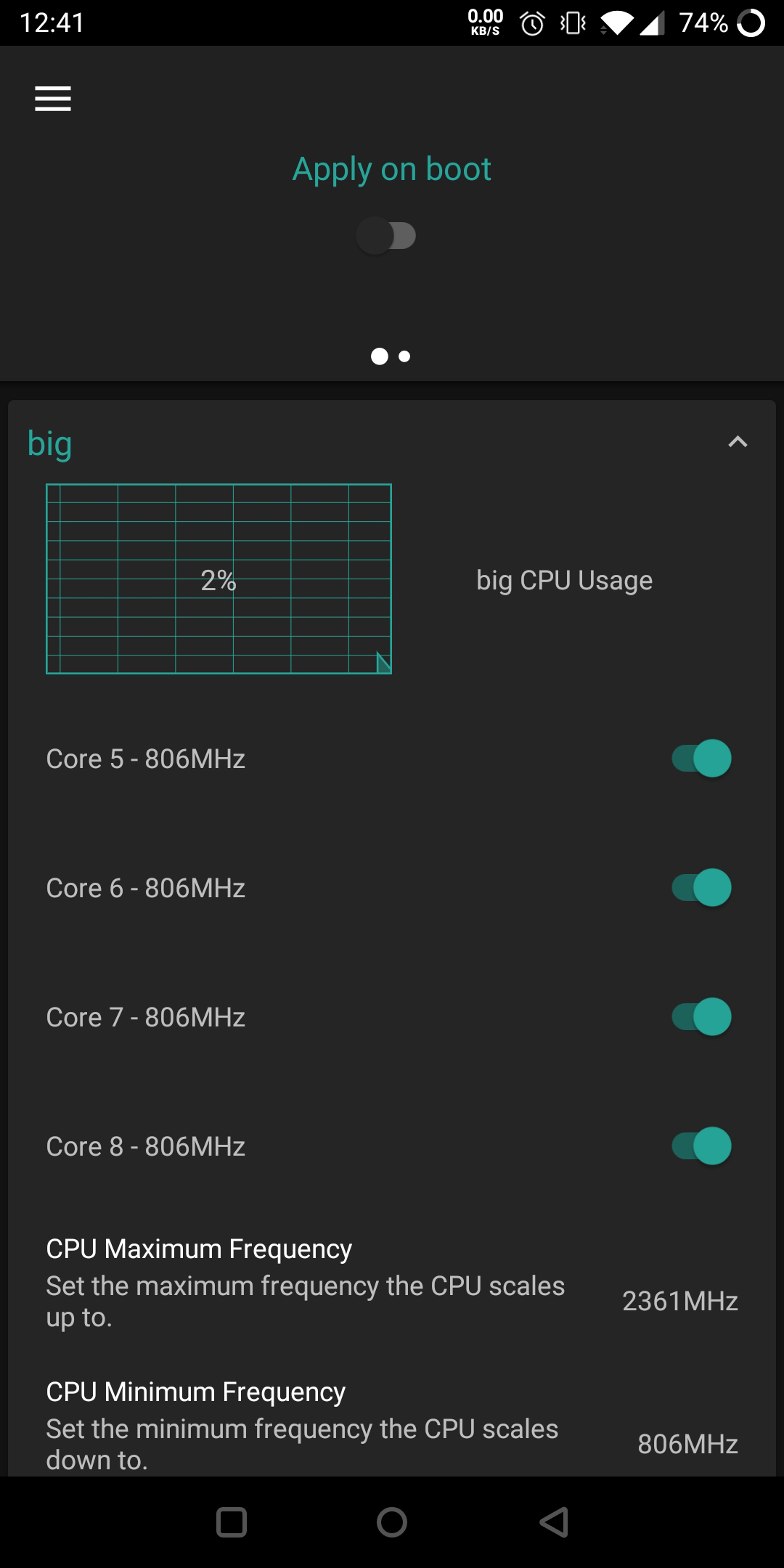
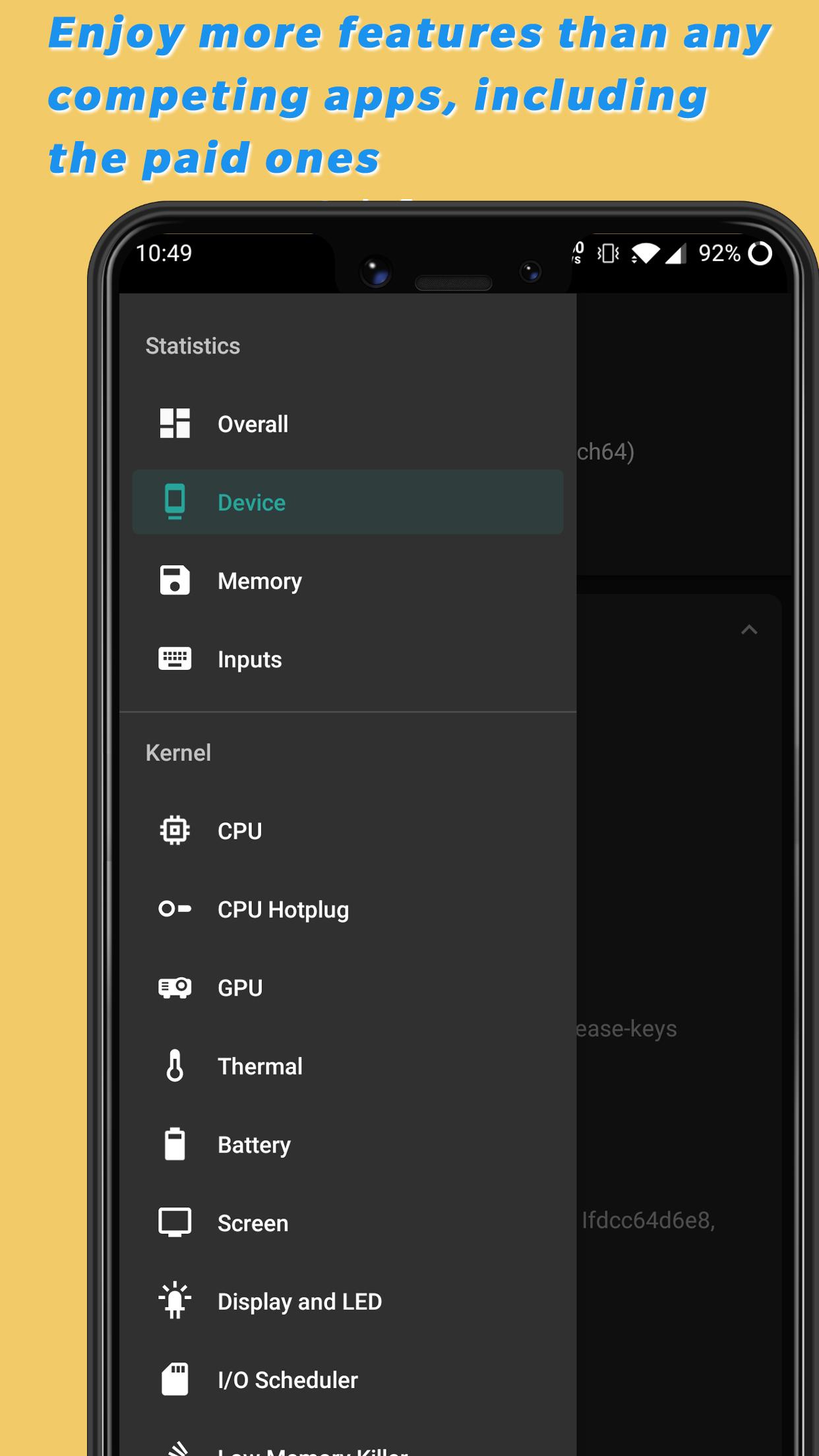
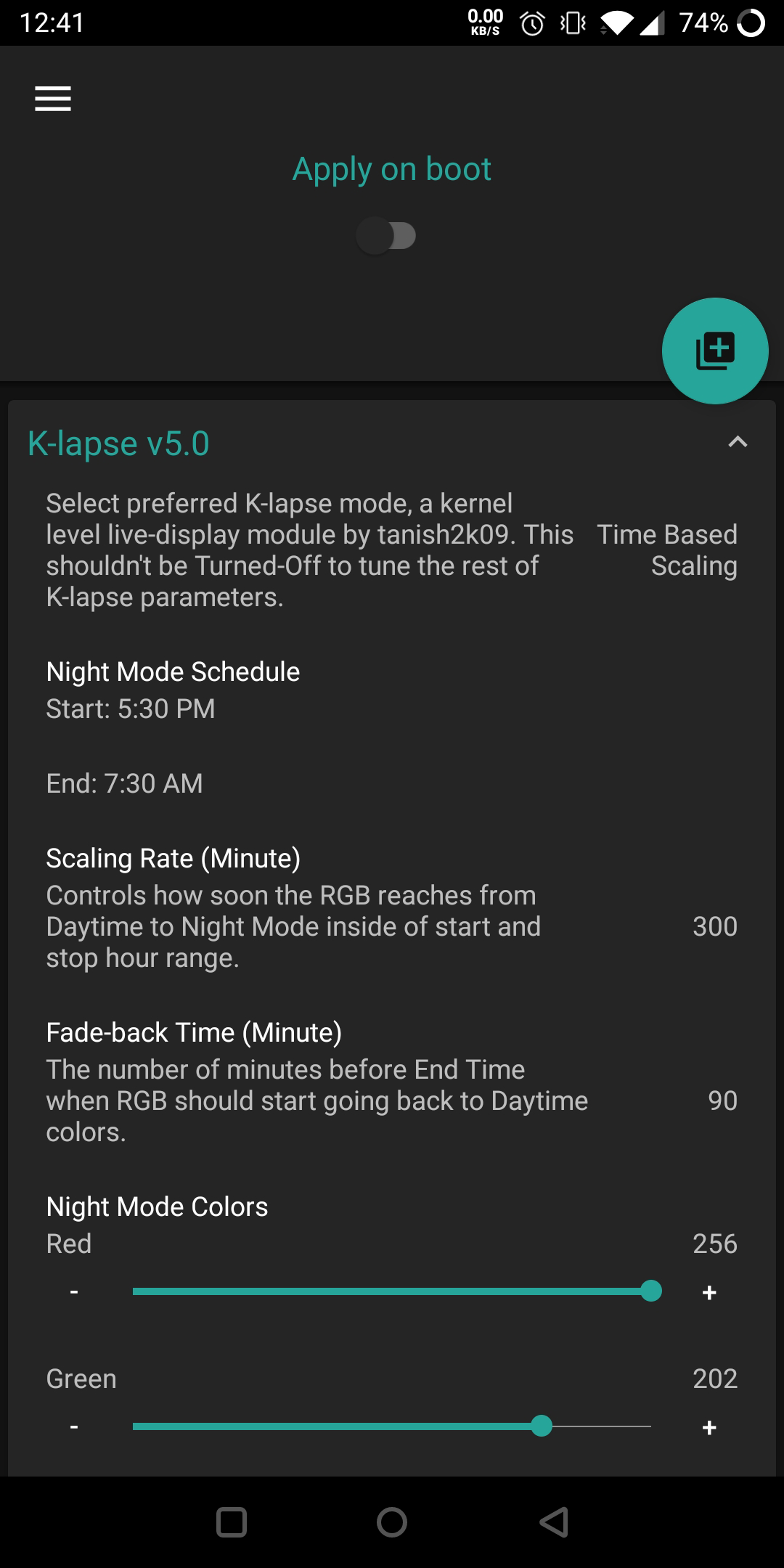
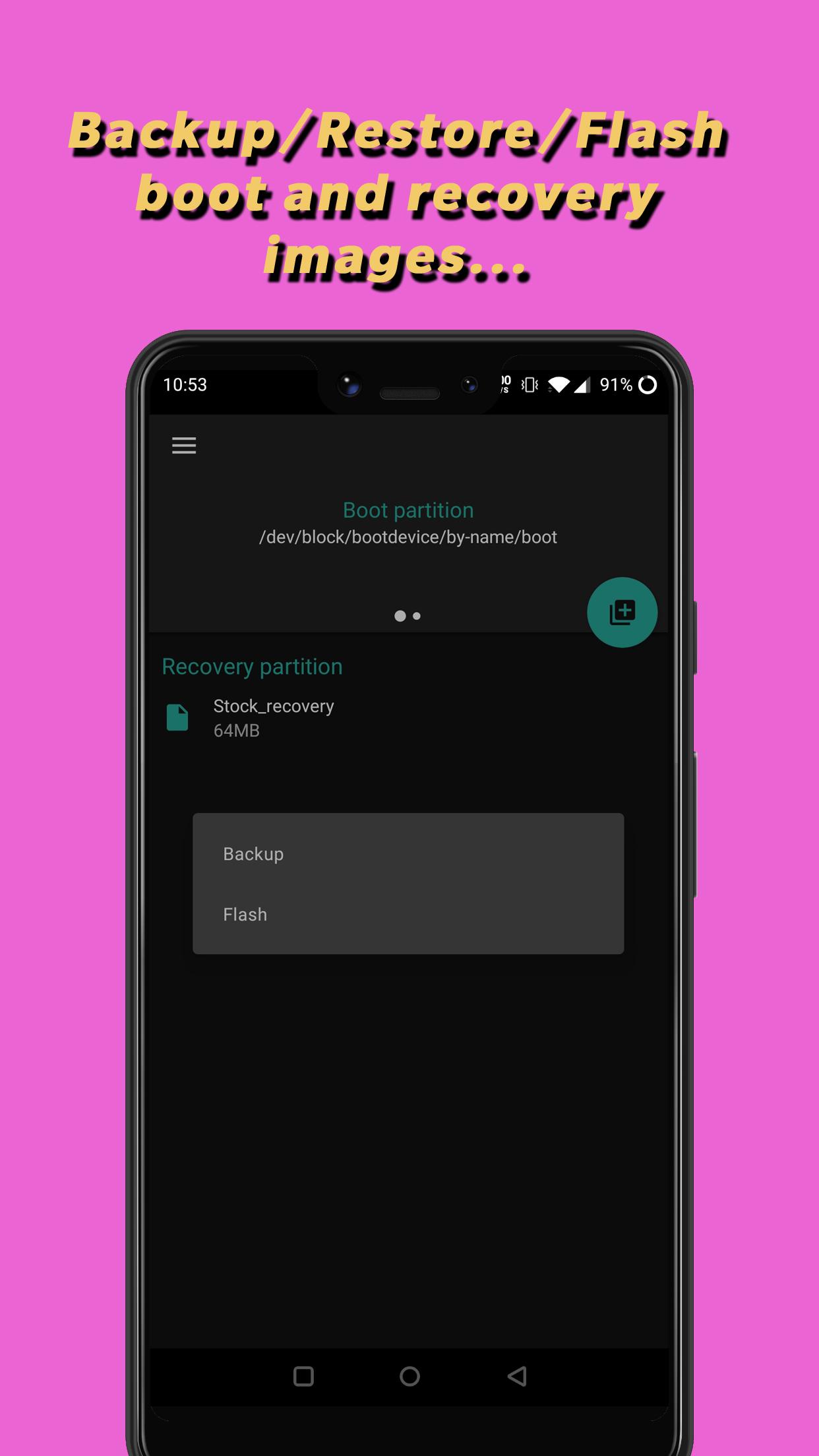
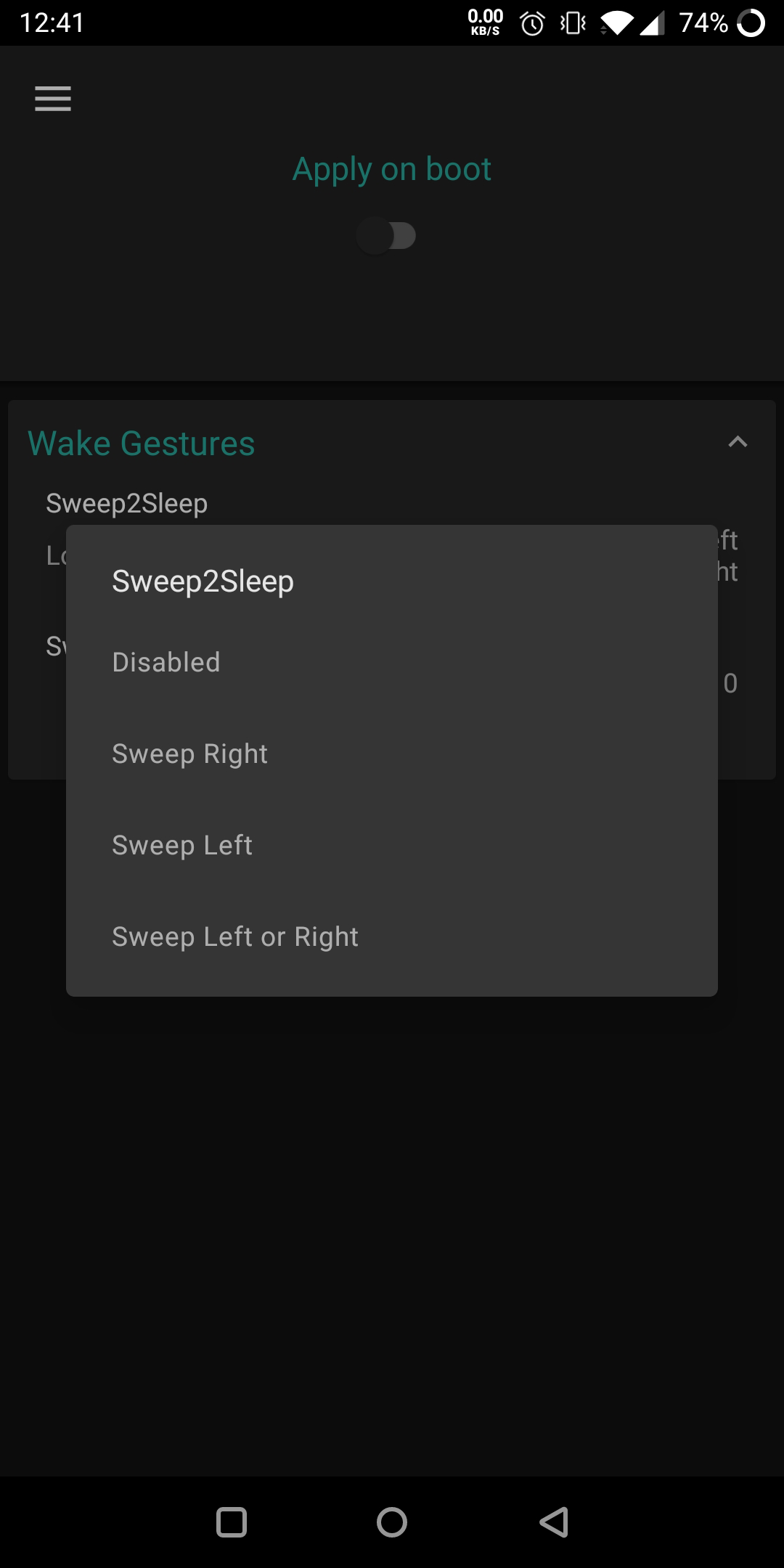
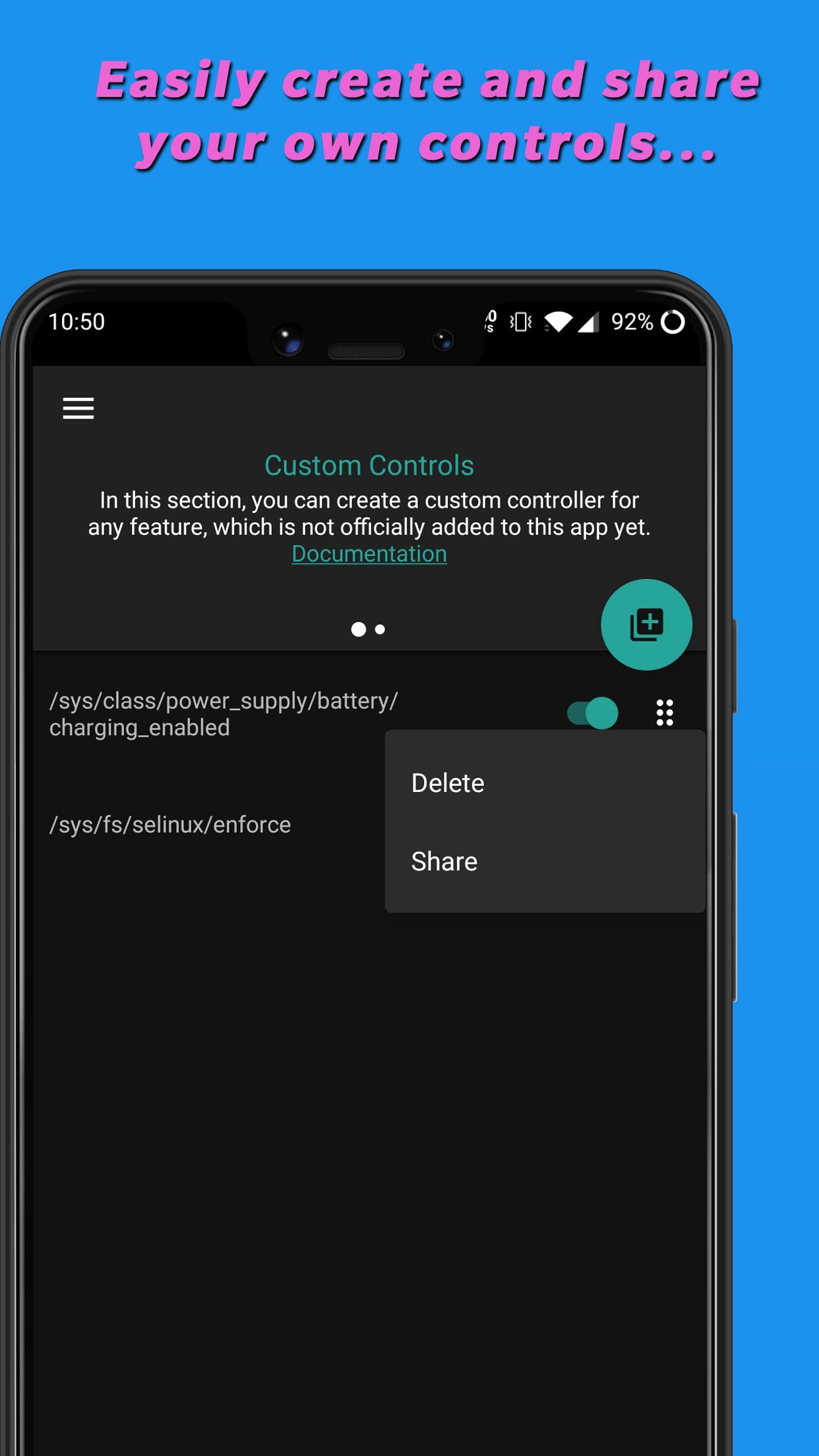
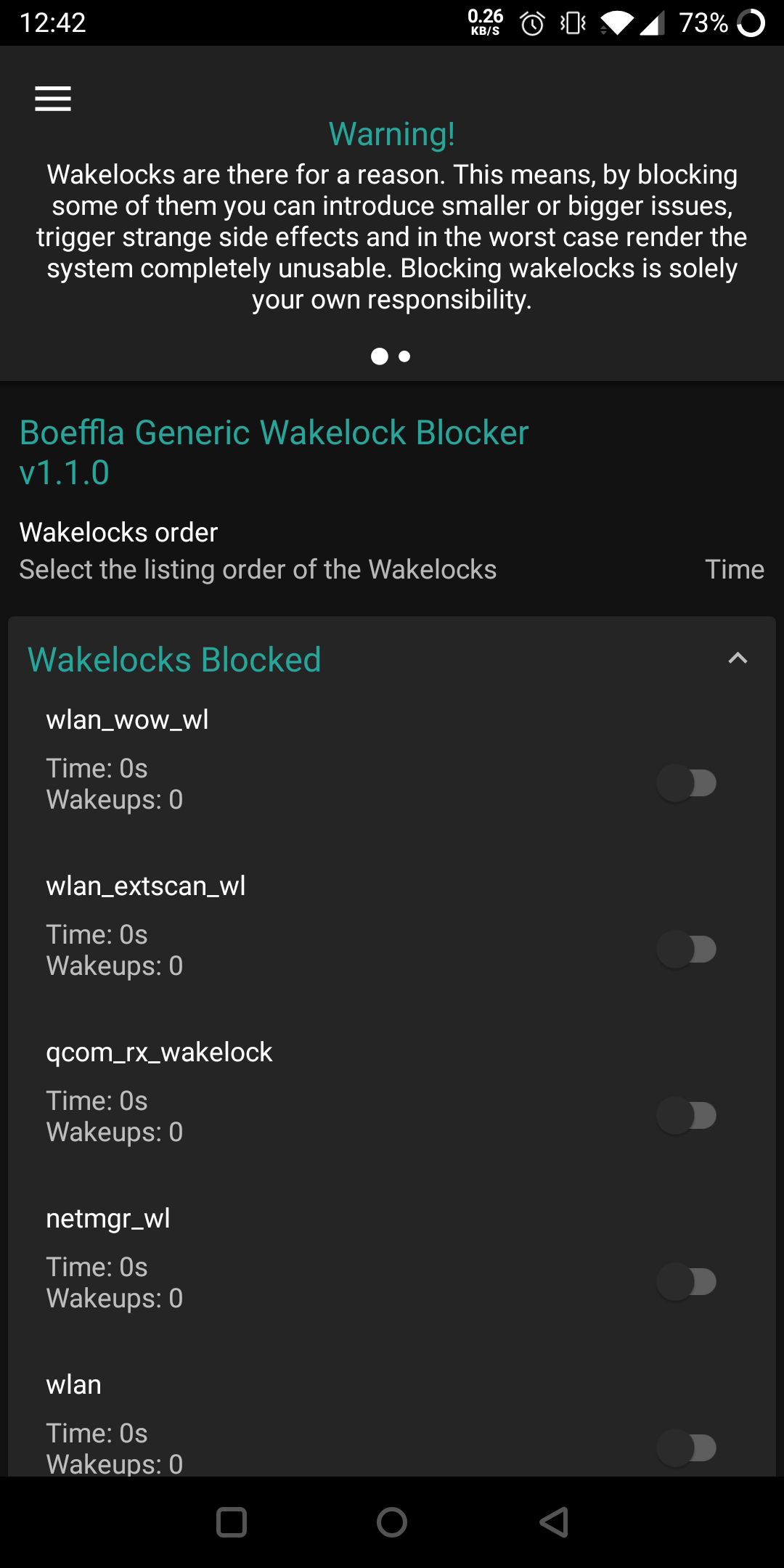
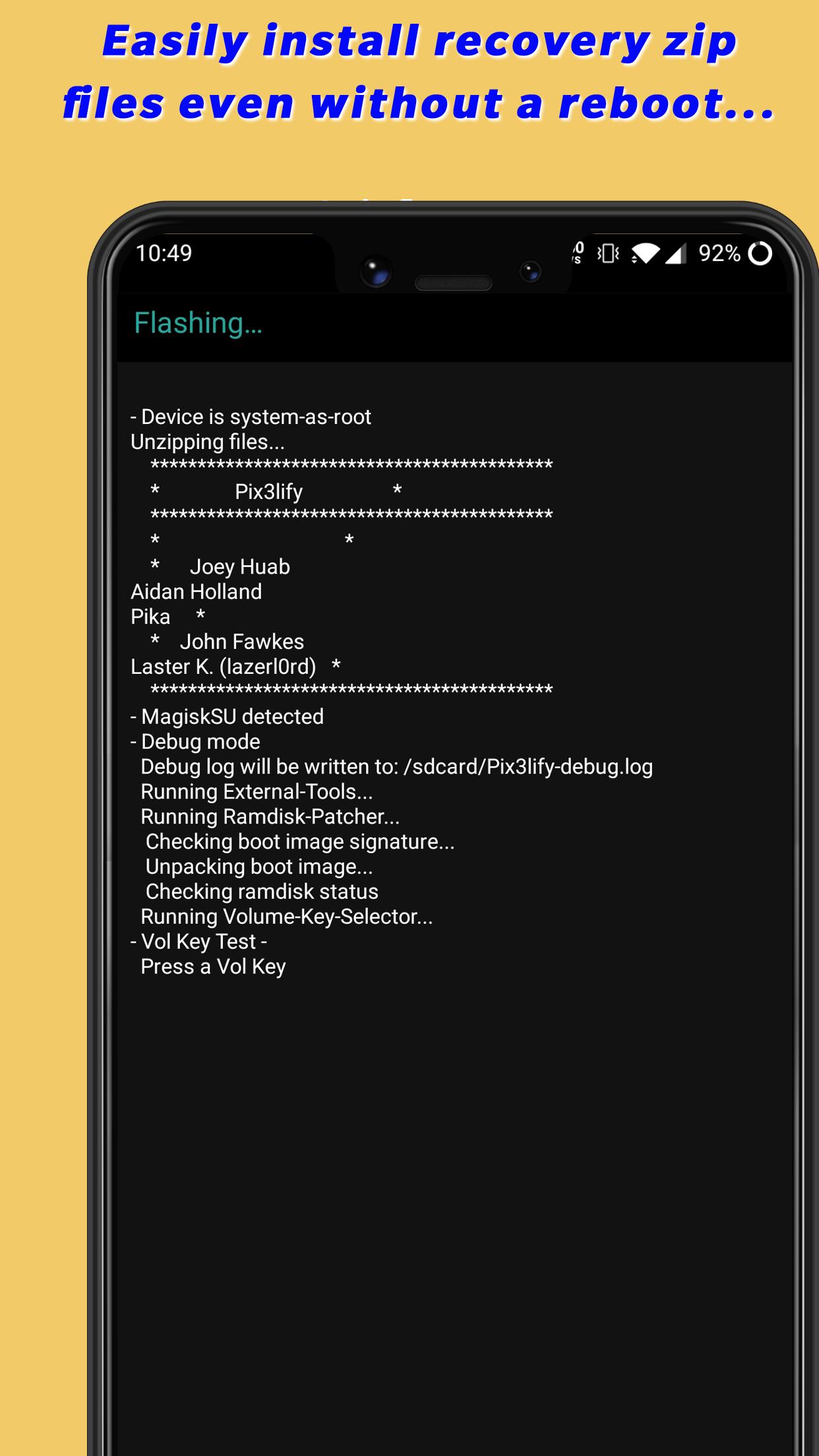
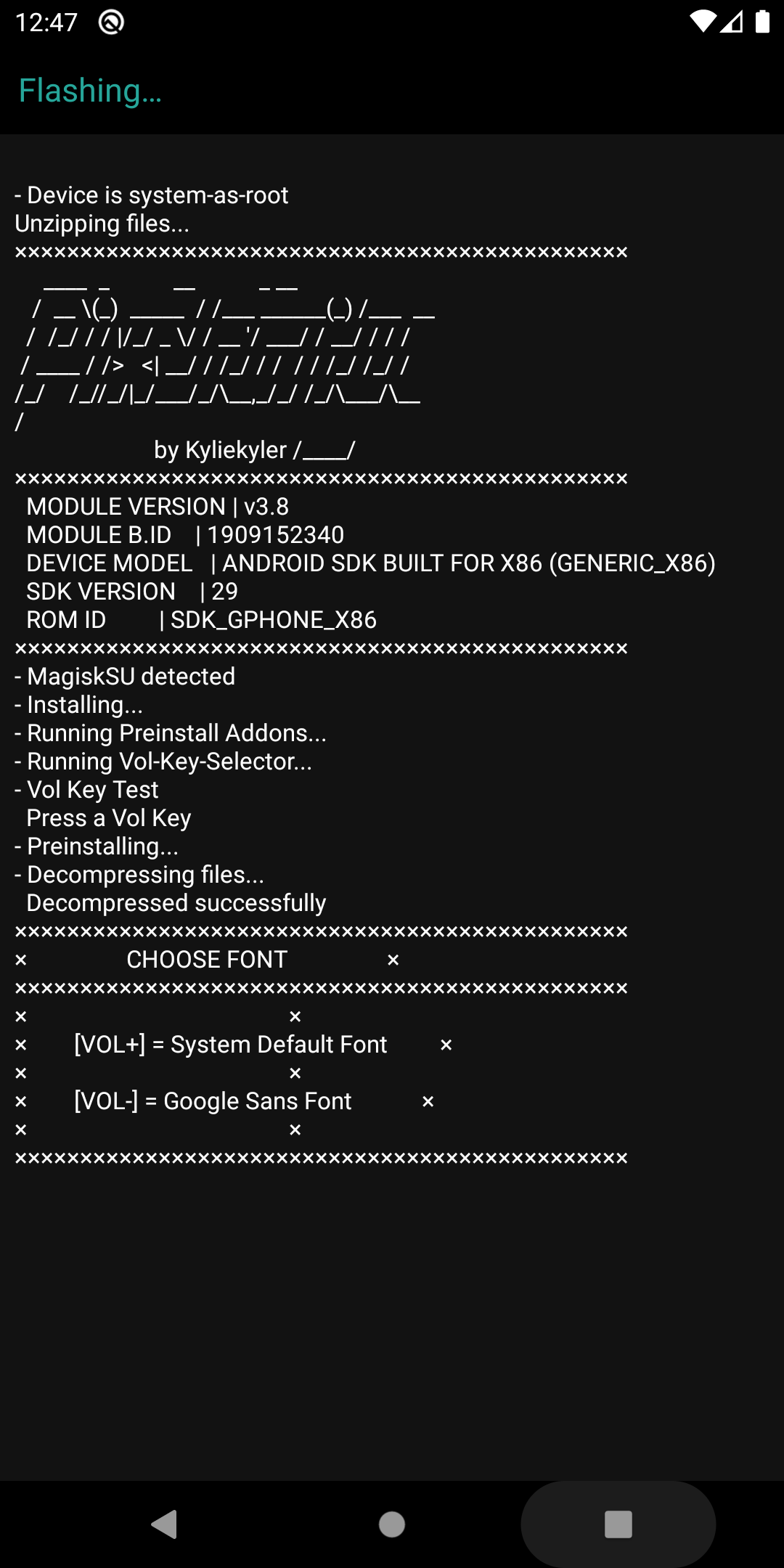
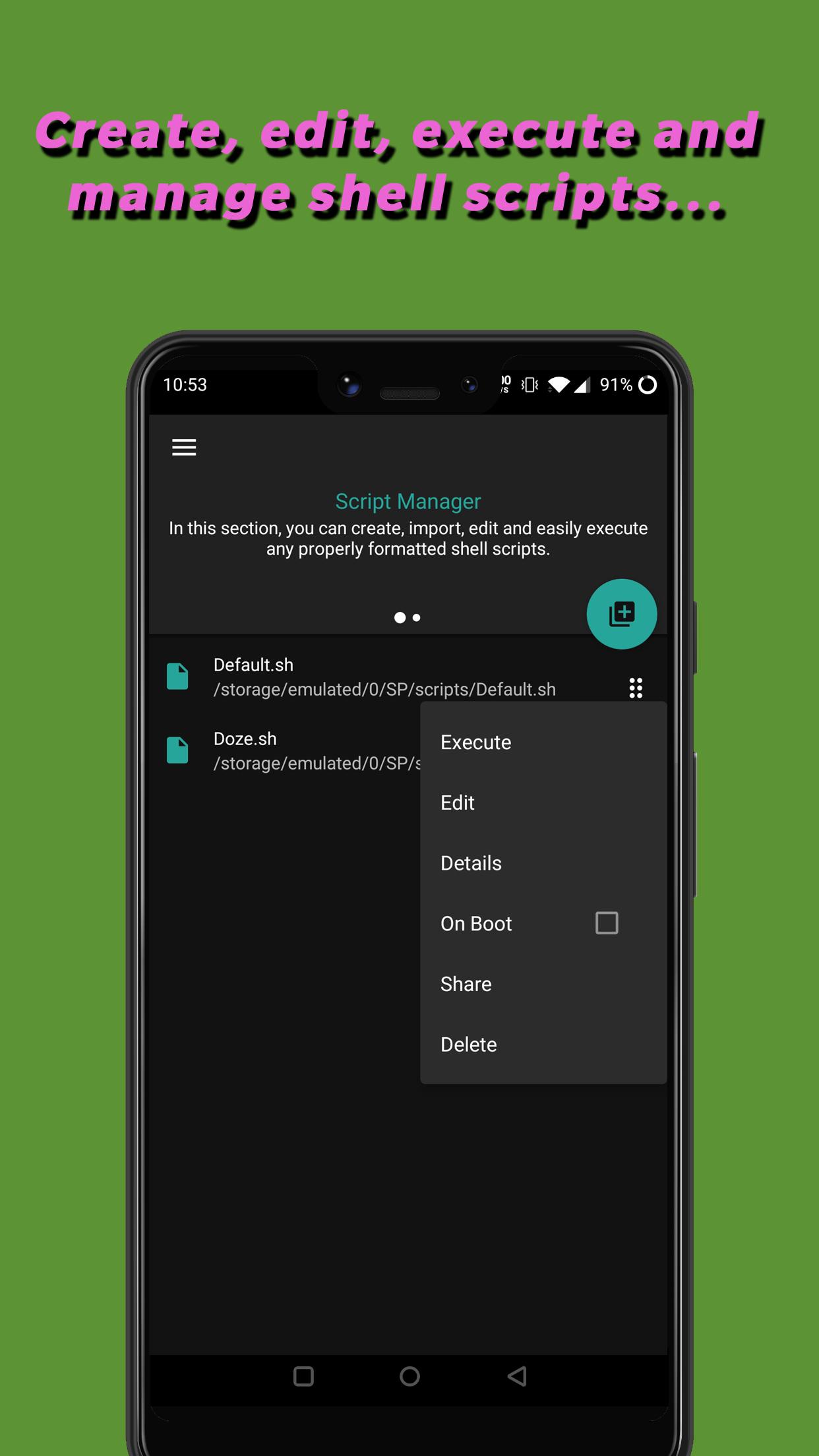
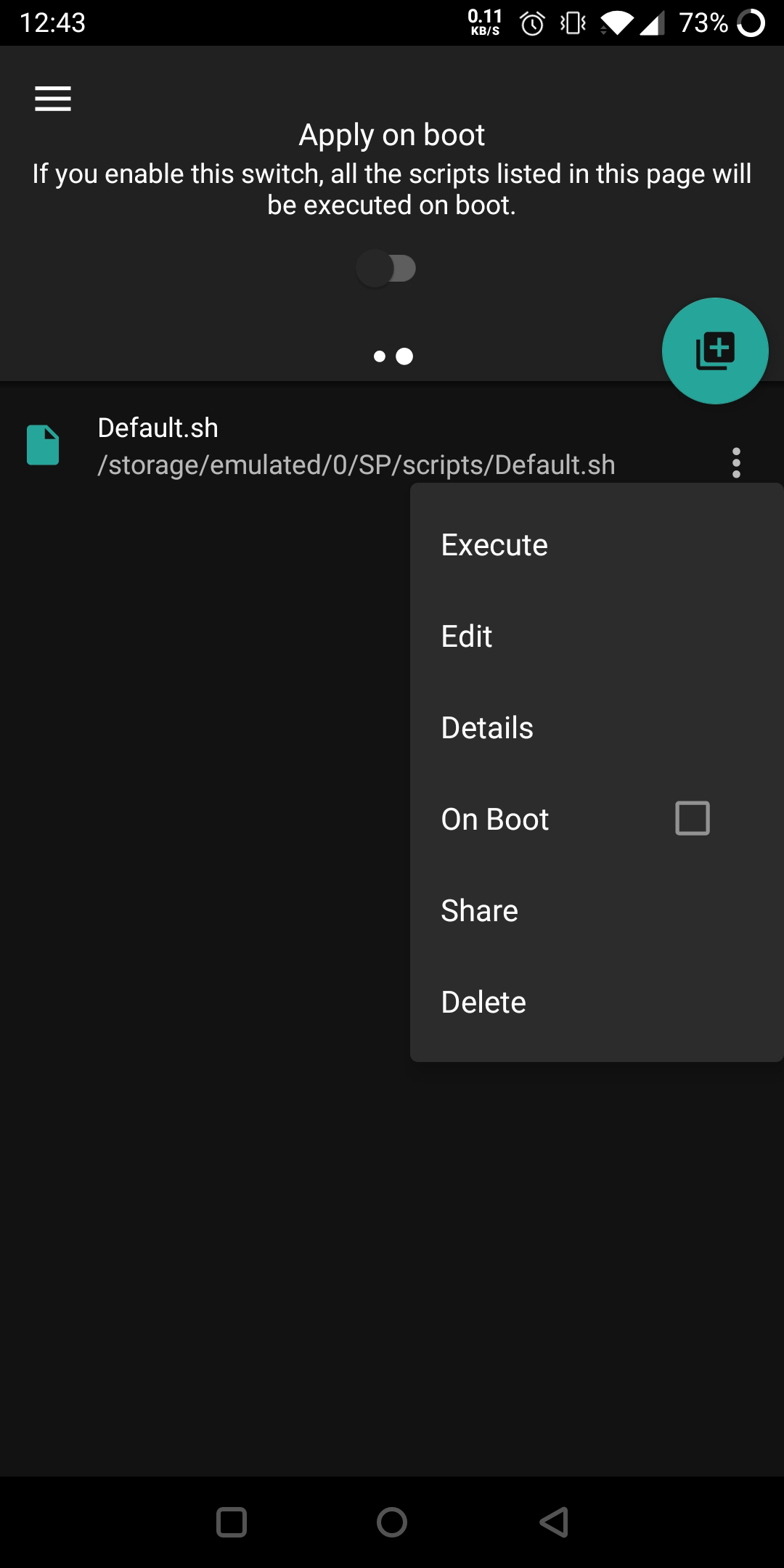
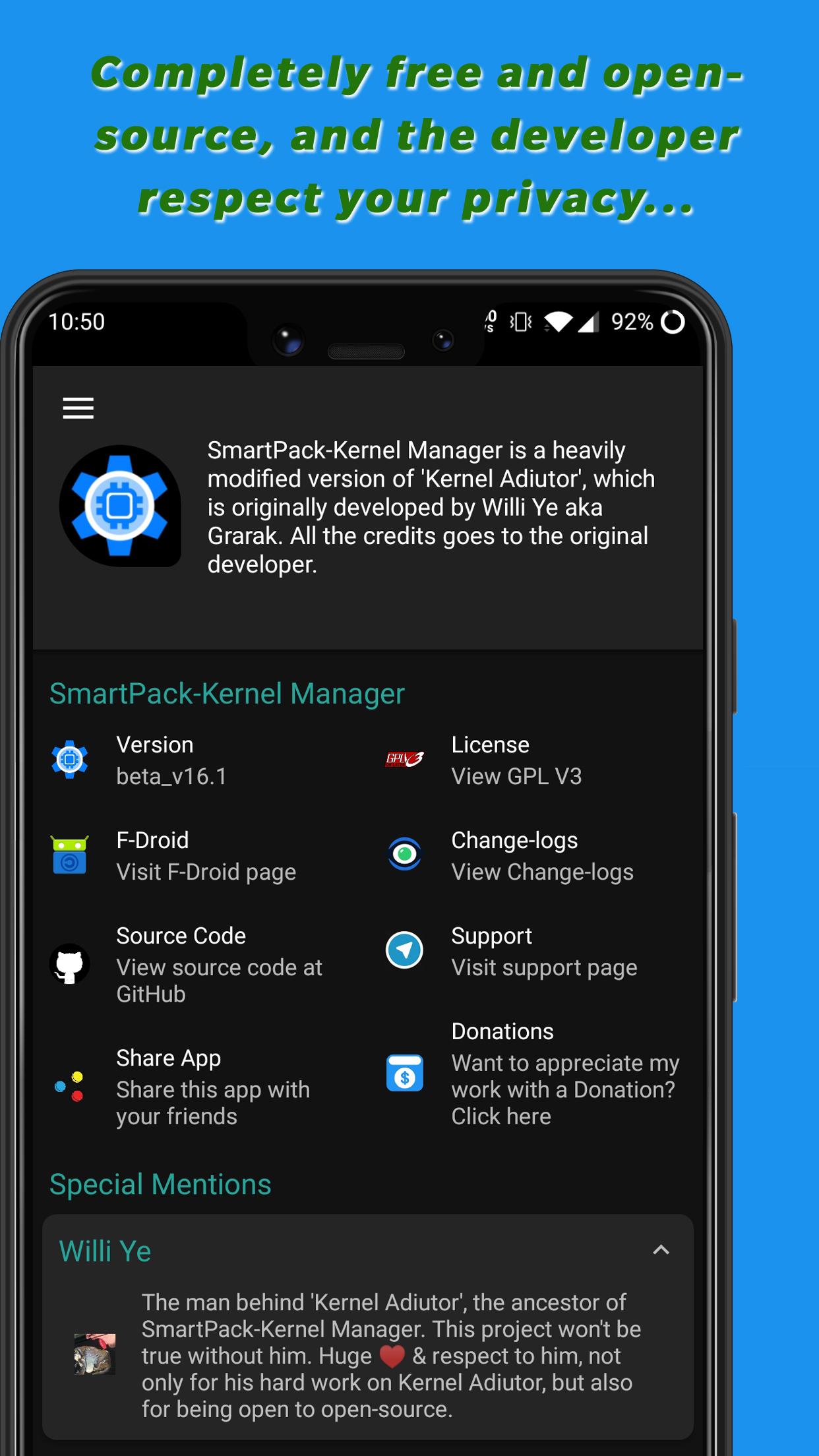
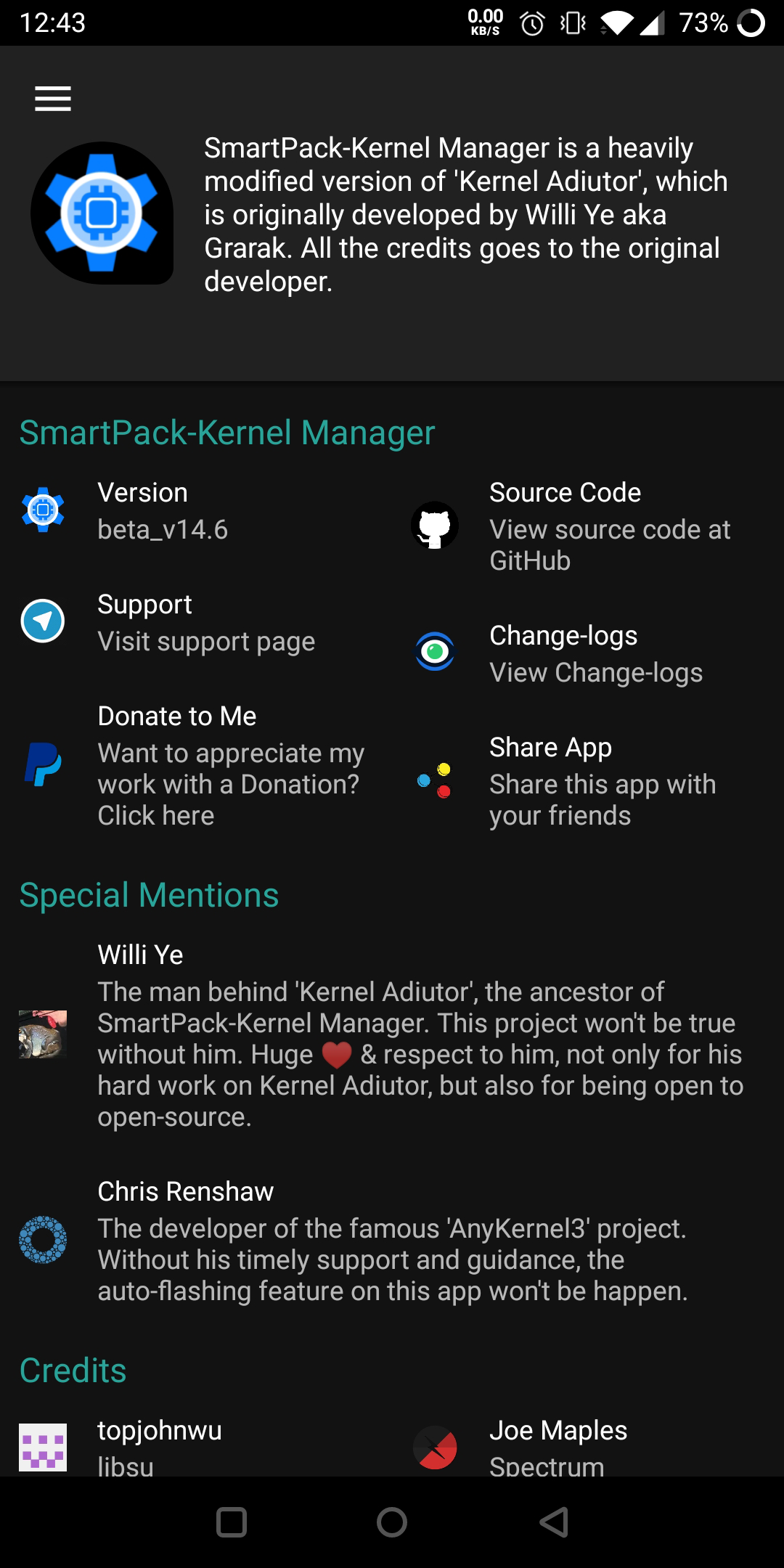
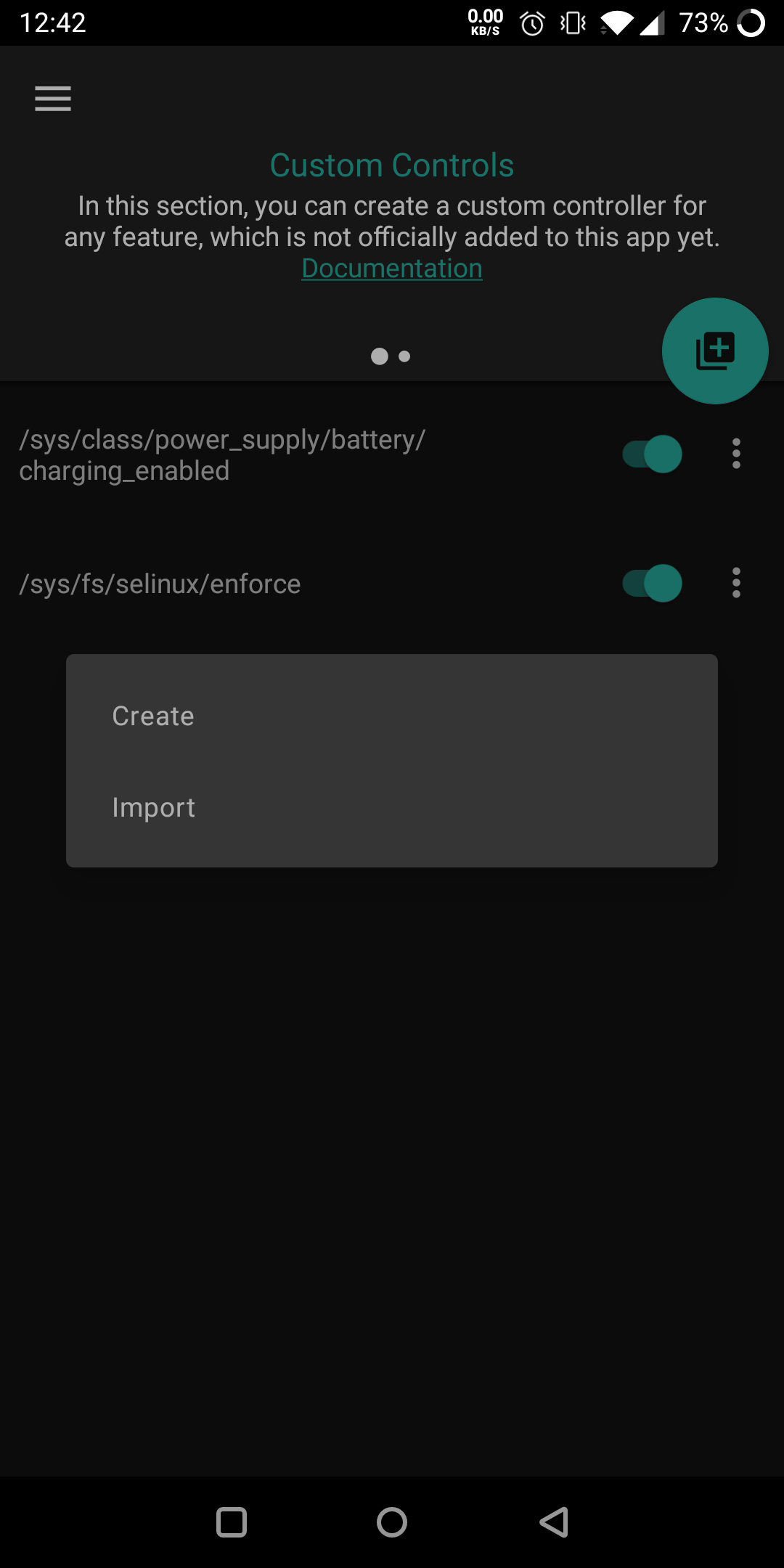
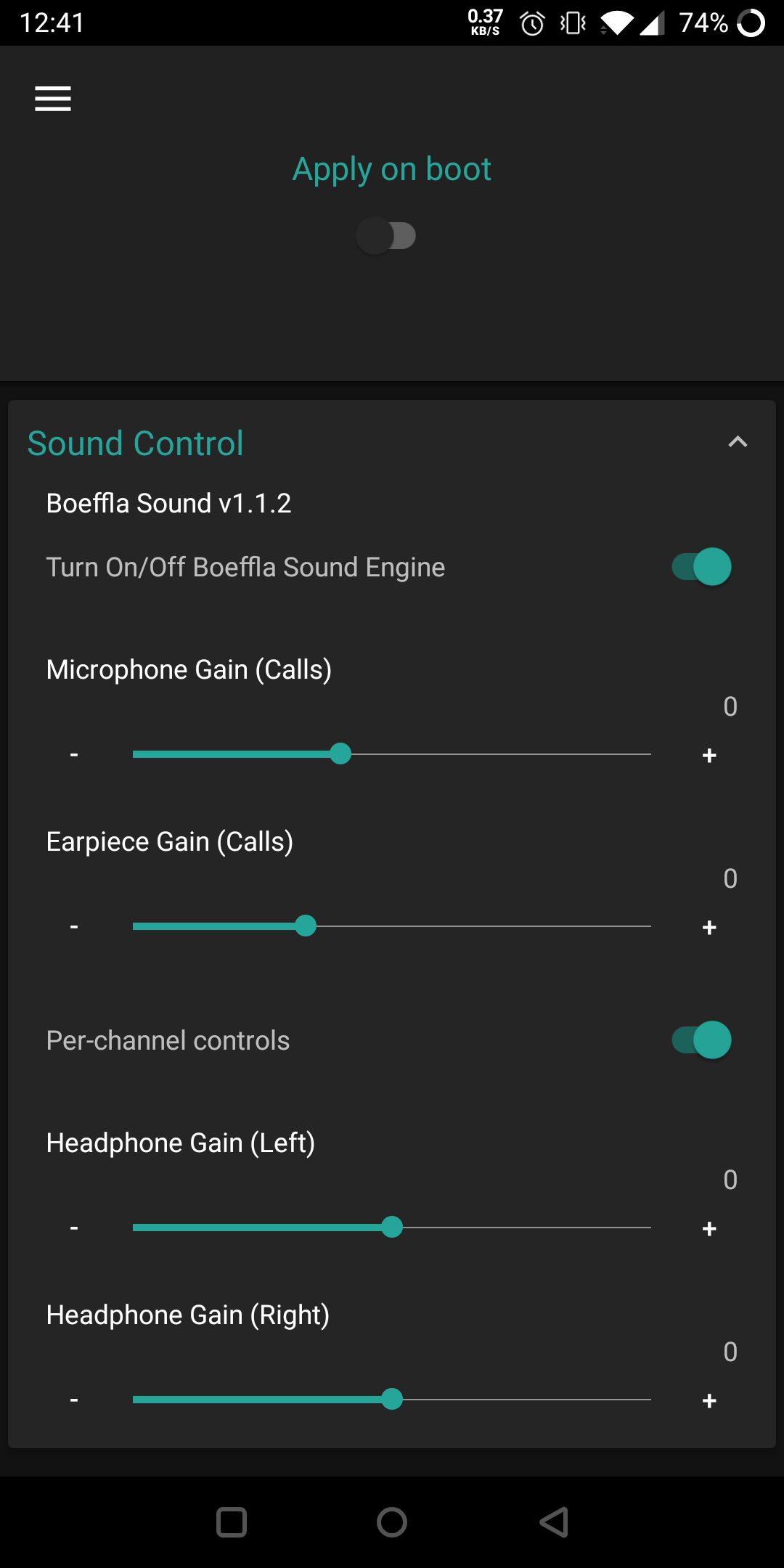
SmartPack-Kernel Manager is a heavily modified version of Kernel Adiutor developed by Willi Ye. All the credits go to the original developer, not only for his hard work on Kernel Adiutor, but also for being open to open-source community. Your device must be ROOTED to use this app. Otherwise, please don't bother installing this app. Features - Almost all the features available in Kernel Adiutor. - Option to flash recovery zip files while running Android OS. - A simple and user-friendly Custom Controller, which is totally different to that of the official KA (Documentation). - A Script Manager to easily create, import, edit, share and execute any properly formatted shell scripts. - A Kernel downloader, which is also totally different to that of the official KA (Documentation). - CPU Input Boost & Devfreq Boost (Sultanxda). - Simple MSM Thermal (Sultanxda). - Advanced Control for Fast Charge (yank555.lu) & Boeffla Charge Level Interface (Lord Boeffla). - K-Lapse Support (tanish2k09) - Boeffla Sound (Lord Boeffla) with Per-channel Control - Per-channel control for Flar's sound. - Significantly different Faux Sound implementation. - In-built Spectrum Support (frap129). - Wake and sleep gestures (flar2). - Adreno Boost (flar2). - Dynamic Stune Boost (joshuous) - MSM Sleeper (flar2). - Boeffla Wakelock Blocker (Lord Boeffla). - Display Backlight Control (Min & Max). - Switches to tweak SELinux, Android Doze mode and PrintK logging. - WireGuard version information. - Real-time Charging Status. - RAM & Swap Status. - LED Blink/Fade support. - Dedicated Frequently Asked Questions (FAQ) section. - Also compatible with any devices and kernels. - And much more… Translations Please help me to translate this application via POEditor. You may also translate after downloading the original language string available GitHub. Please Note * SmartPack-Kernel Manager contains its own auto-update implementation, which is only available for installation from GitHub release page (and consequently, for IzzyOnDroid). In that case, APK files provided by the developer is directly acquired from the official GitHub release page. * The Anti-Features (NonFreeNet) tag by F-Droid is due to the Kernel downloader (requires downloading kernel from web provided by kernel developers).

Screenshots

SmartPack-Kernel Manager screenshot 1
SmartPack-Kernel Manager screenshot 2
SmartPack-Kernel Manager screenshot 3
SmartPack-Kernel Manager screenshot 4
SmartPack-Kernel Manager screenshot 5
SmartPack-Kernel Manager screenshot 6
SmartPack-Kernel Manager screenshot 7
SmartPack-Kernel Manager screenshot 8
SmartPack-Kernel Manager screenshot 9
SmartPack-Kernel Manager screenshot 10
SmartPack-Kernel Manager screenshot 11
SmartPack-Kernel Manager screenshot 12
SmartPack-Kernel Manager screenshot 13
SmartPack-Kernel Manager screenshot 14
SmartPack-Kernel Manager screenshot 15
SmartPack-Kernel Manager screenshot 16
SmartPack-Kernel Manager screenshot 17
SmartPack-Kernel Manager screenshot 18

What’s new

* App now used Material3 DayNight theme (more modern UI).
* Fixed shortcuts not working.
* Hopefully fixed tasker and apply on boot notifications on newer android versions.
* Updated Russian translations.
* Miscellaneous changes.

How to install

  1. Download the APK from the button at the top of this page.
  2. Allow “Install unknown apps” for your browser or file manager only, not for every app.
  3. Open the downloaded file and confirm the installation.
  4. If installation fails with “App not installed,” remove an earlier build of the same app first. A signature conflict is the usual cause.

Data safety

  • Every file is checked against its published SHA-256 before it is listed.
  • Files are scanned for malware on every update.
  • The permissions each app requests are listed on its own page.
  • Read the full safety policy for how we test, flag, and delist files.

Comments

Recent approved comments · sorted by newest

Verification code
Be specific and keep it about the app. No links. Comments are reviewed before publication. Device and Android details are recorded automatically. Privacy policy.

Loading recent comments...

View all comments