
Quick answer
System-wide shoulder triggers for Nubia Red Magic phones
F-Droid repository metadata
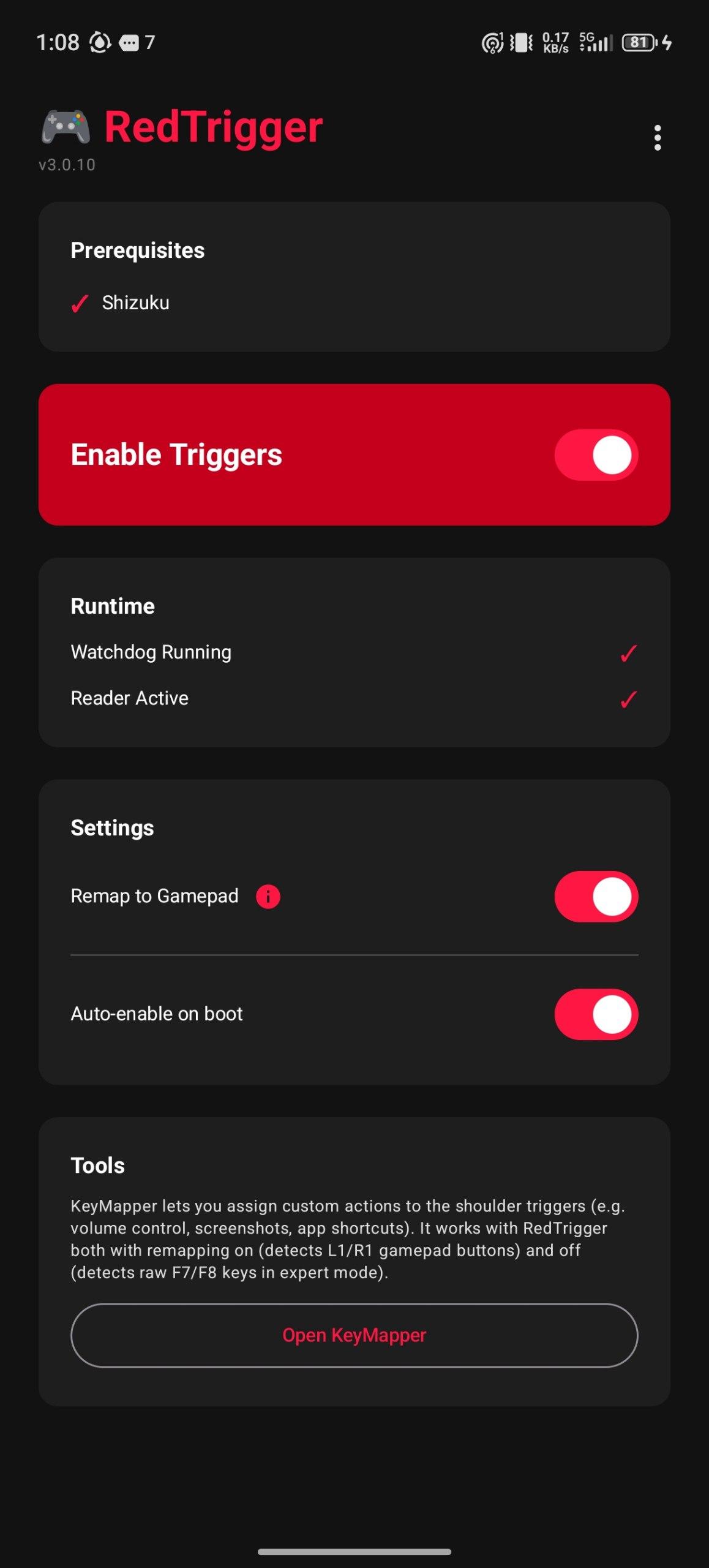
RedTrigger enables shoulder triggers (SAR capacitive sensors) on Nubia Red Magic phones system-wide, without needing Game Space.
Nubia's game framework controls the shoulder trigger hardware and only activates them inside Game Space. The system also resets trigger settings every time you switch apps. RedTrigger fixes both issues.
How it works:
- Activates SAR sensors without launching full Game Space - Runs a watchdog service that detects when Nubia's SystemMgr resets trigger settings on app switch - Re-applies settings instantly, keeping triggers active across all apps
Key remapping (via Shizuku):
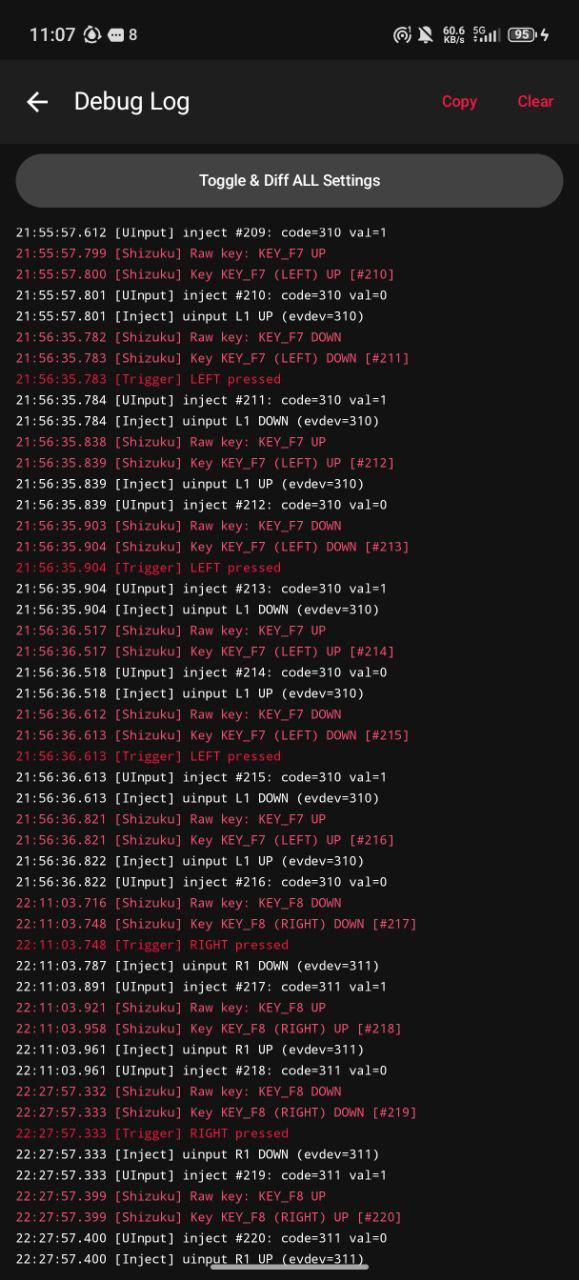
- Reads raw input events from /dev/input using a Shizuku UserService - Optionally injects remapped key events (L1/R1) so apps like KeyMapper can capture them - Uses a virtual uinput device so remapped events appear as real hardware input
Requirements:
- Nubia Red Magic phone (tested on Red Magic 11 Pro) - Shizuku installed and running (wireless ADB or root)
The app automatically grants itself WRITE_SECURE_SETTINGS via Shizuku, so no manual ADB commands are needed. Enable "Auto-enable on boot" to survive reboots.
Screenshots
How to install
- Download the APK from the button at the top of this page.
- Allow “Install unknown apps” for your browser or file manager only, not for every app.
- Open the downloaded file and confirm the installation.
- If installation fails with “App not installed,” remove an earlier build of the same app first. A signature conflict is the usual cause.
Data safety
- Every file is checked against its published SHA-256 before it is listed.
- Files are scanned for malware on every update.
- The permissions each app requests are listed on its own page.
- Read the full safety policy for how we test, flag, and delist files.
Comments
Recent approved comments · sorted by newest
View all comments