Neo Backup icon

Neo Backup

Antonios Hazim
System
Version
8.3.18
Size
11.0 MB
Requires
Android API 26+
4.4 / 5 · 7,319 ratings 0 downloads

Updated Sep 22, 2026

Quick answer

The open-source tool to backup your apps and data

F-Droid repository metadata

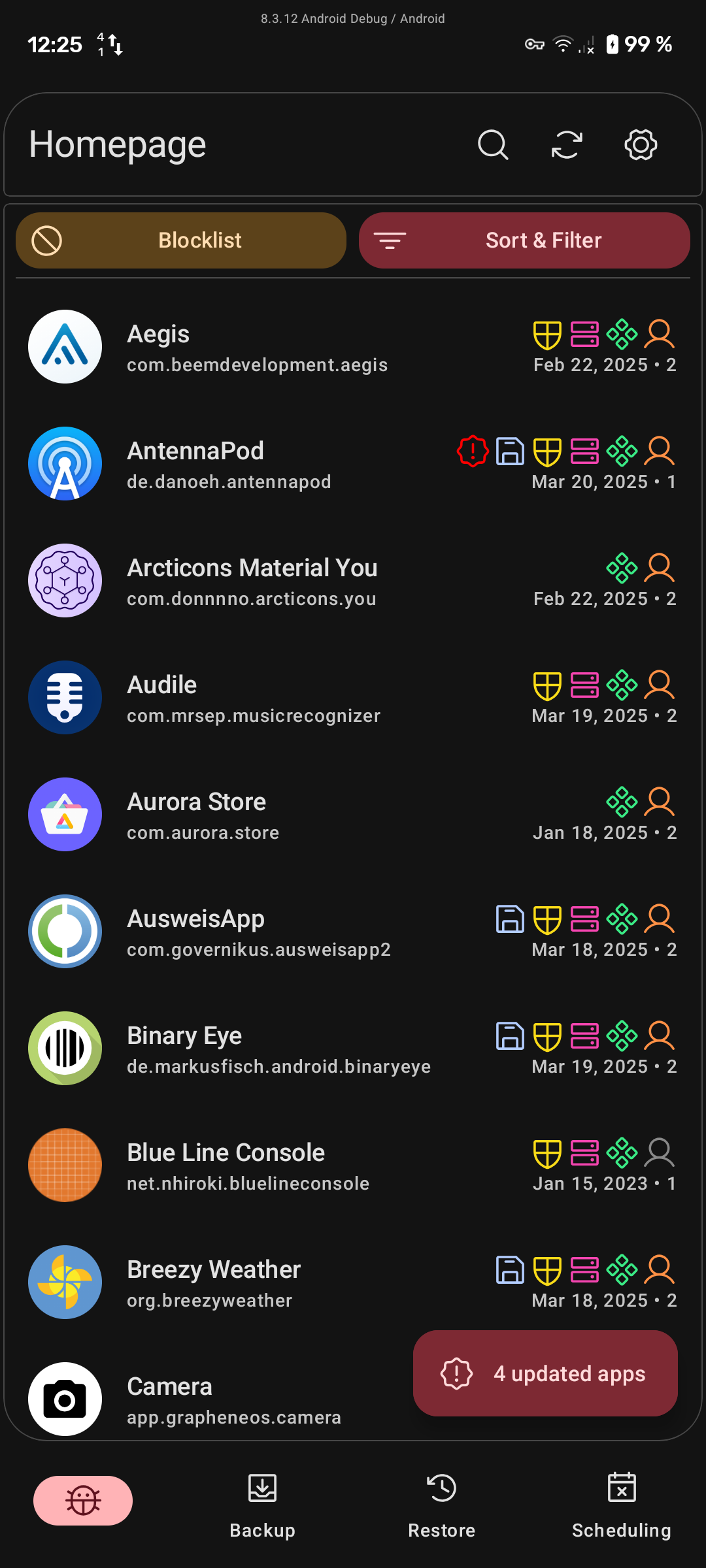
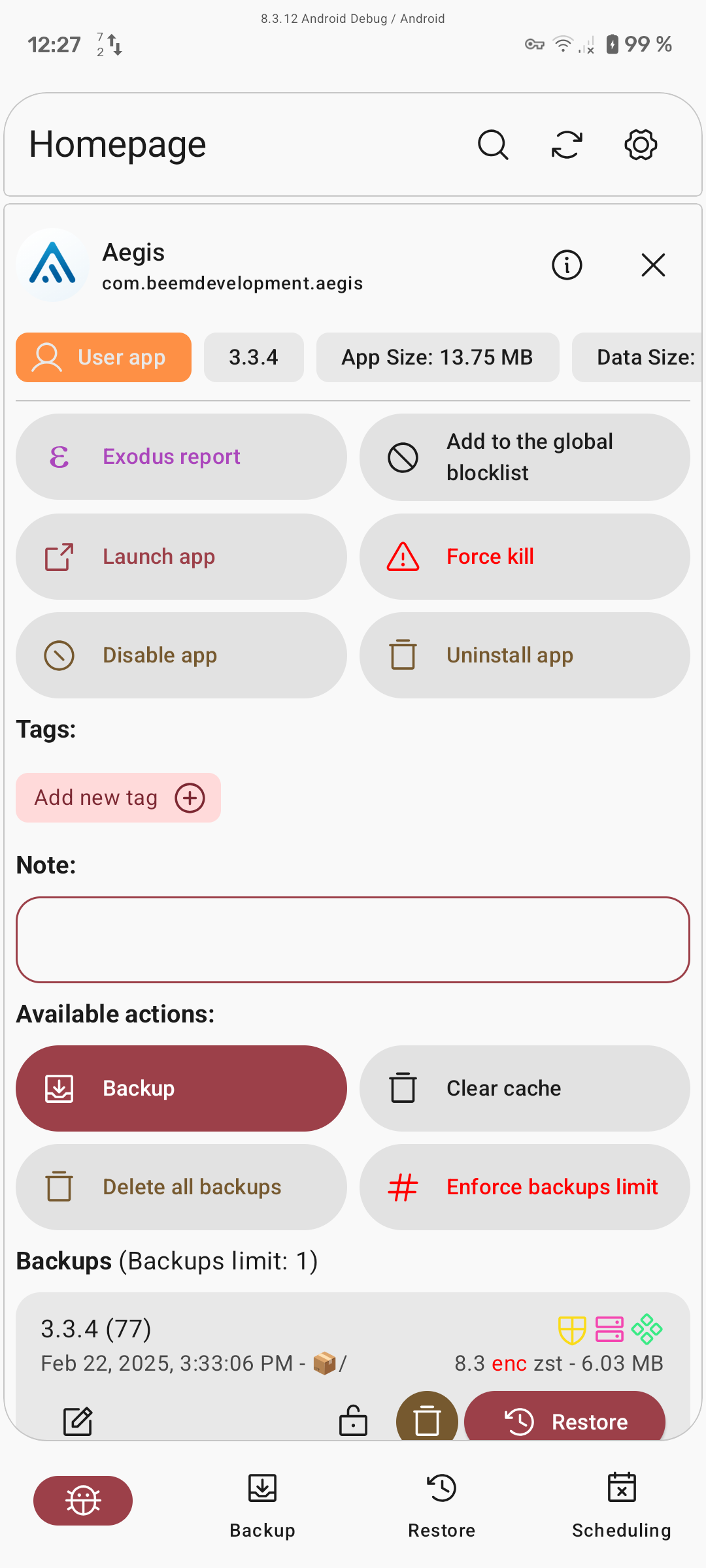
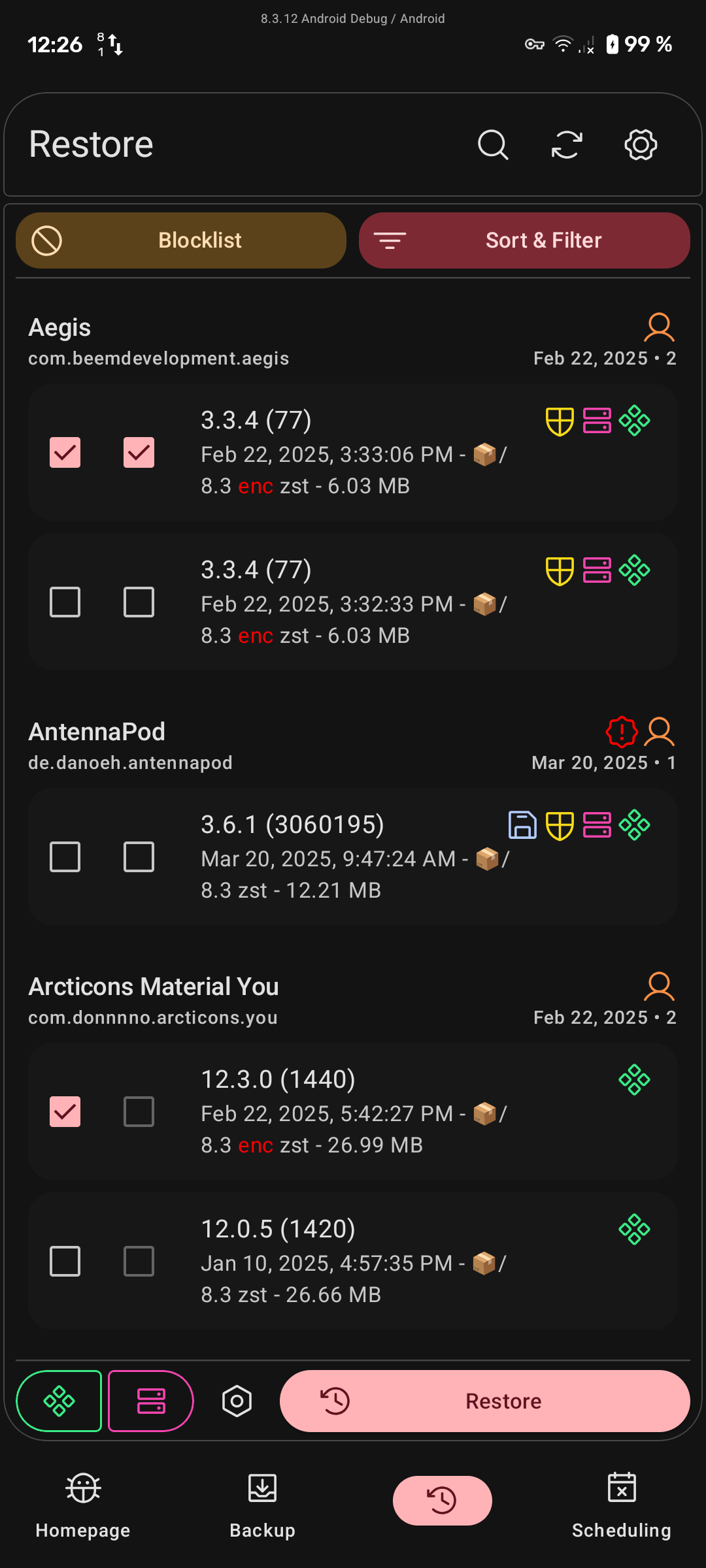
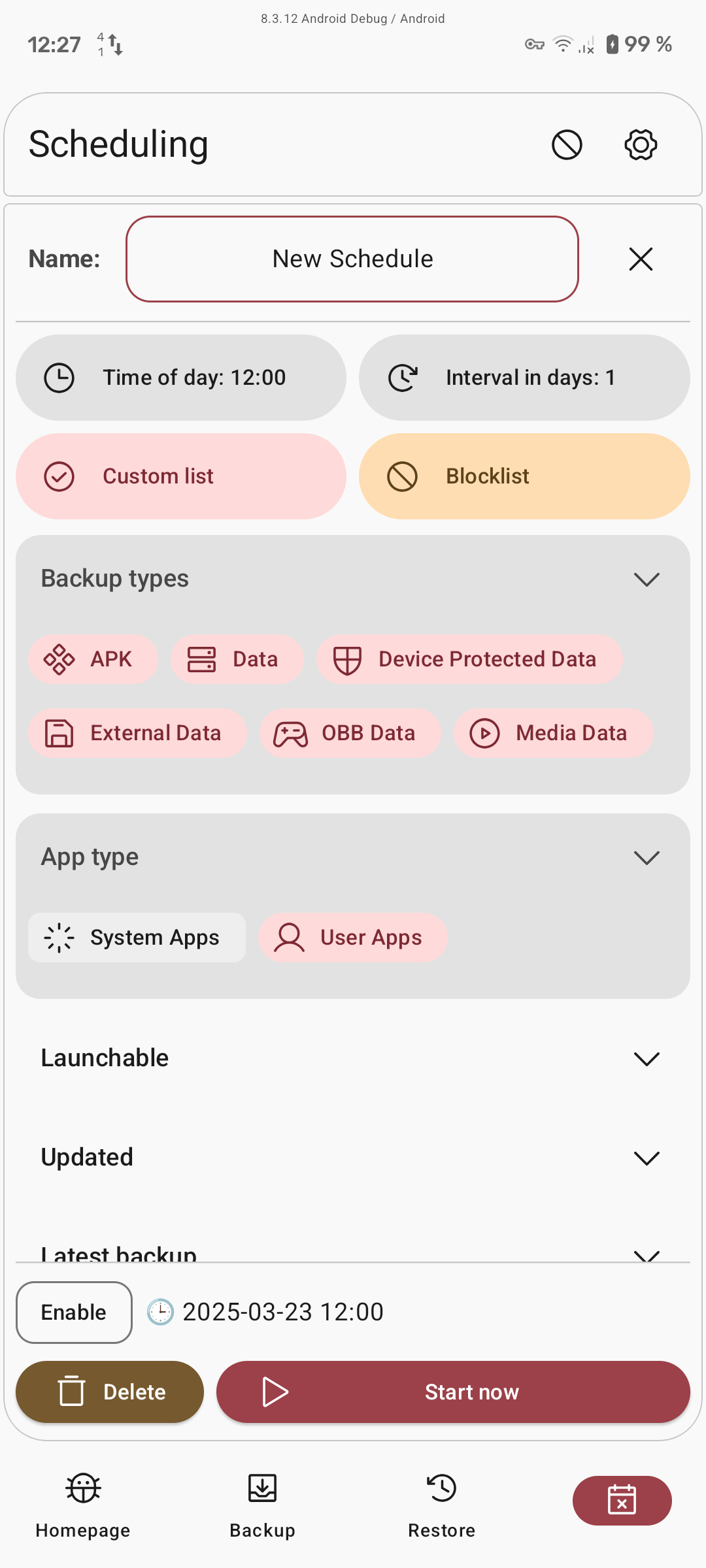
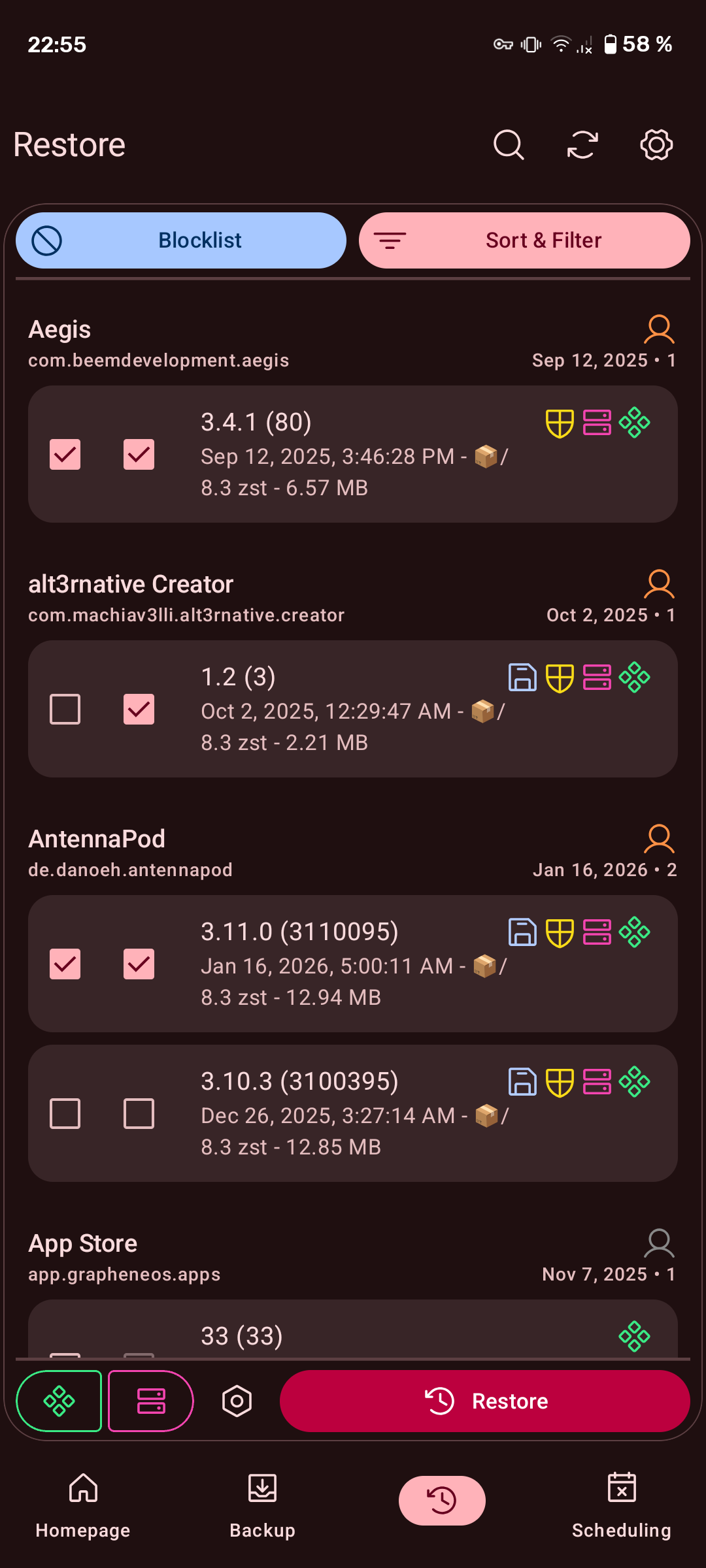
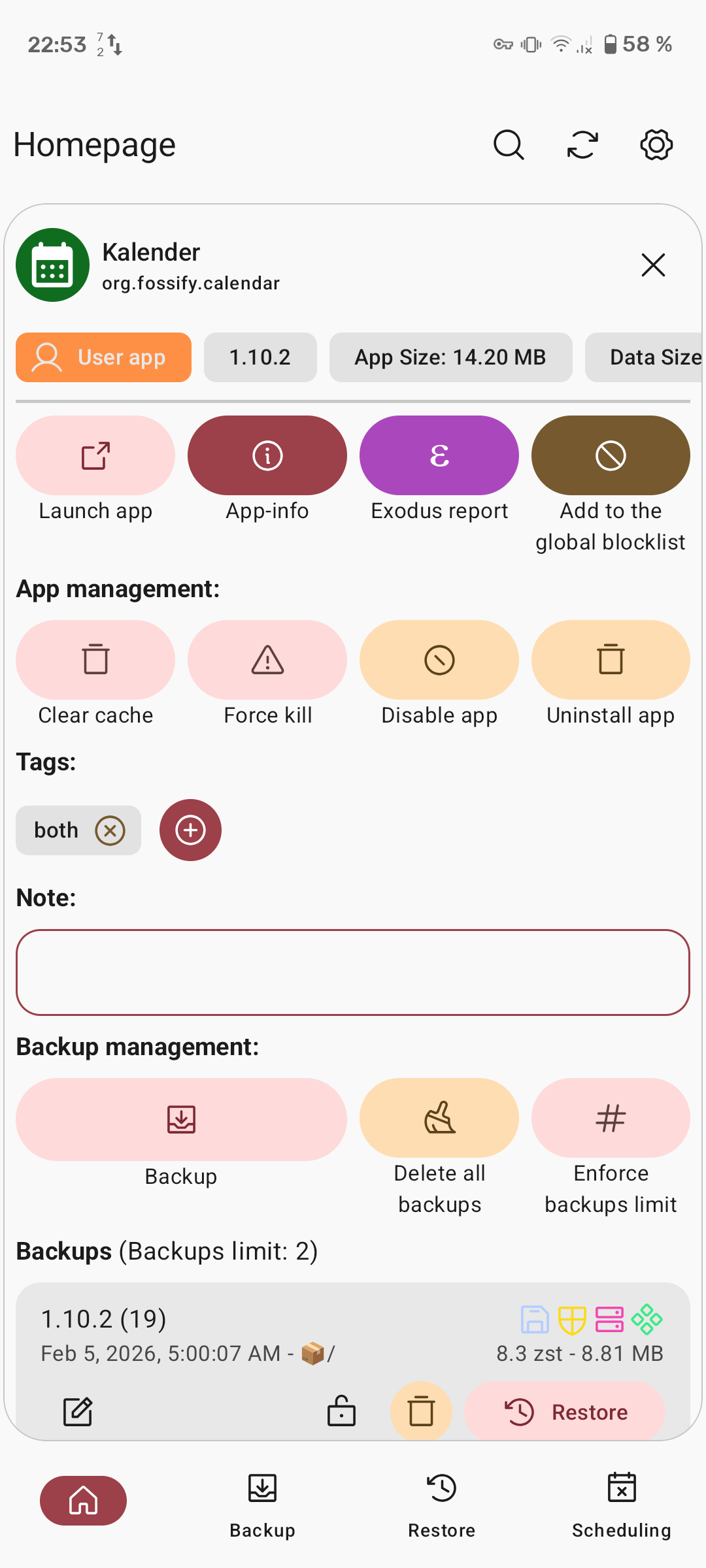
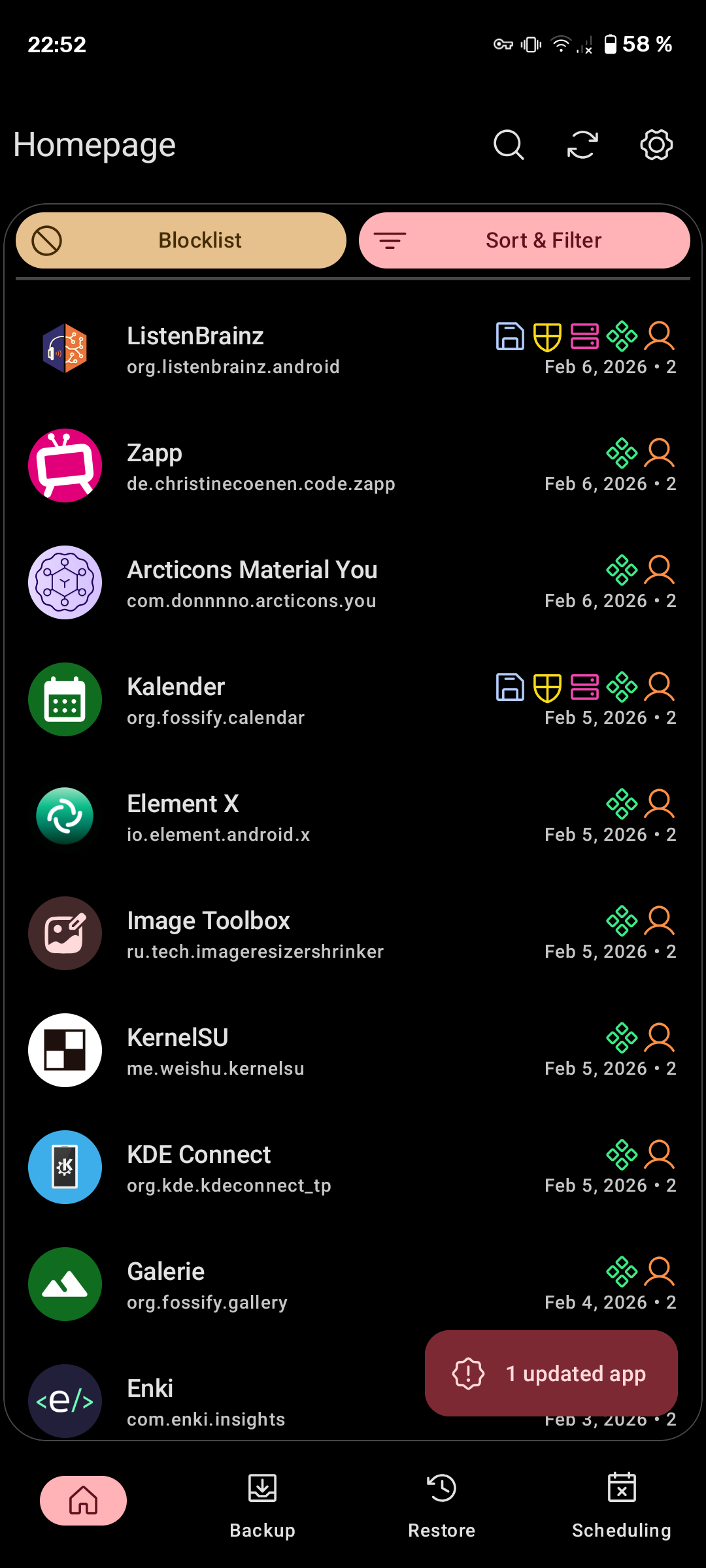
Make and restore backups of apps on your device and save app data to a user-accessible location. Supports backing up and restoring single or multiple apps.

Part of Neo Applications.

Fork of OAndBackup bringing support for new Android versions and updated looks.


Help translate it on Weblate: https://hosted.weblate.org/engage/oandbackupx/.


Requires root: Because it copies files from /data/data, /data/app and /system/app.

Status: Beta

Screenshots

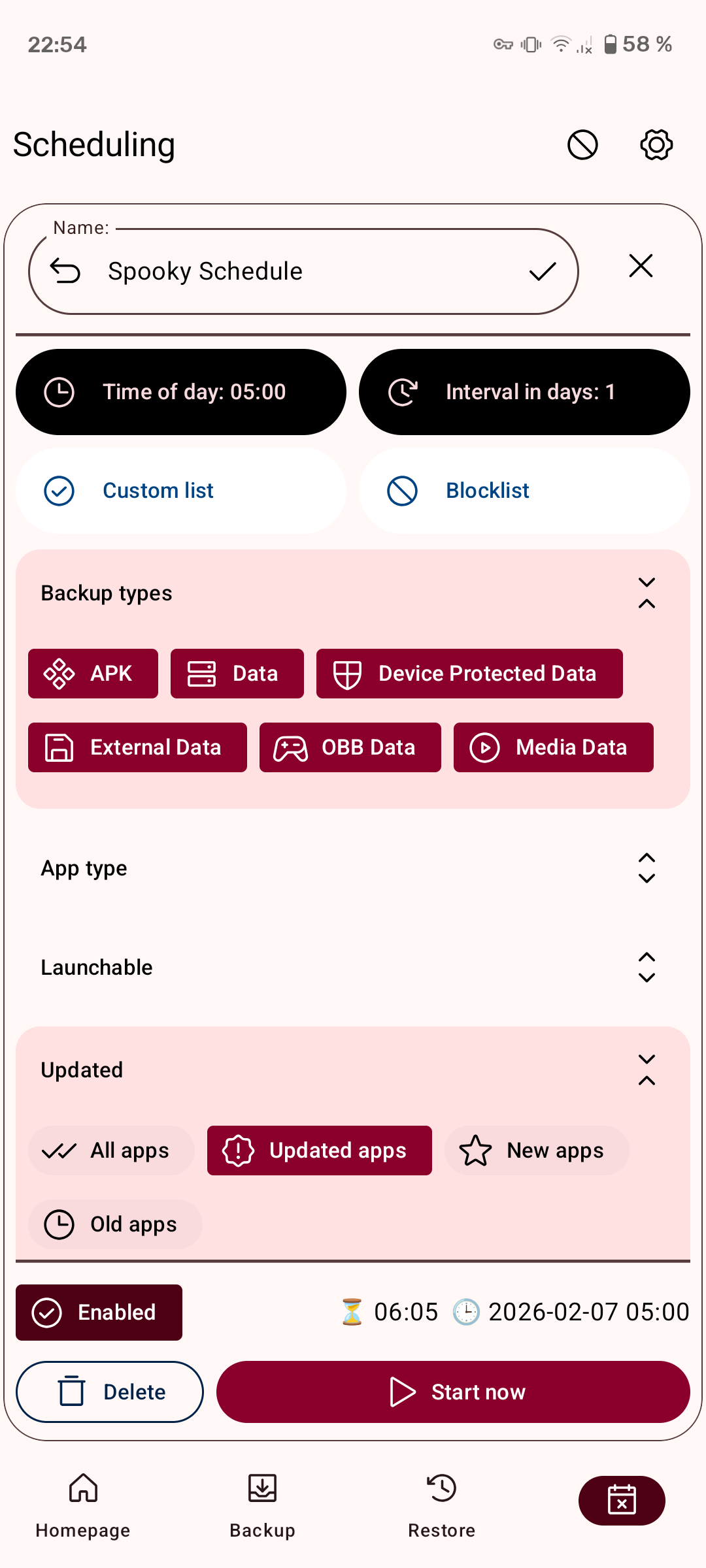
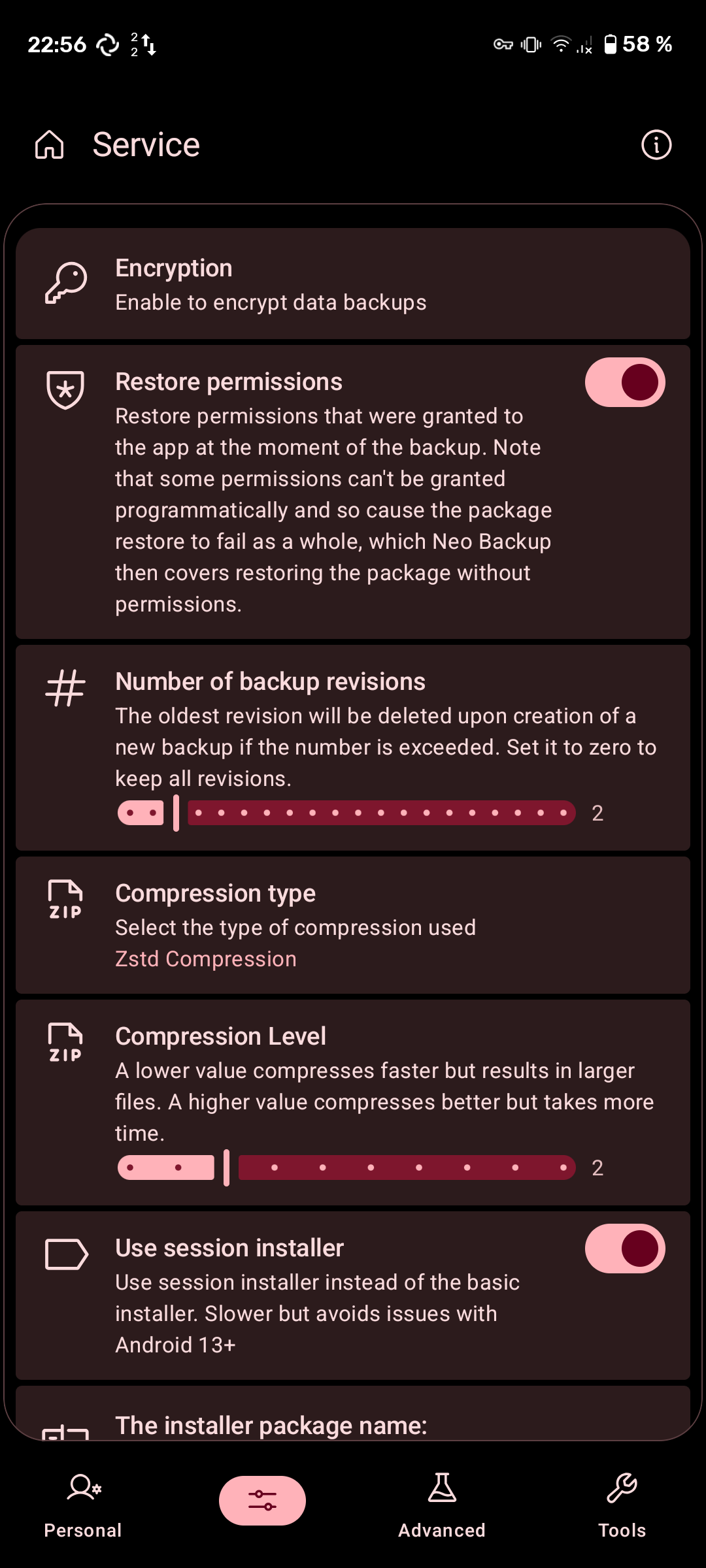
Neo Backup screenshot 1
Neo Backup screenshot 2
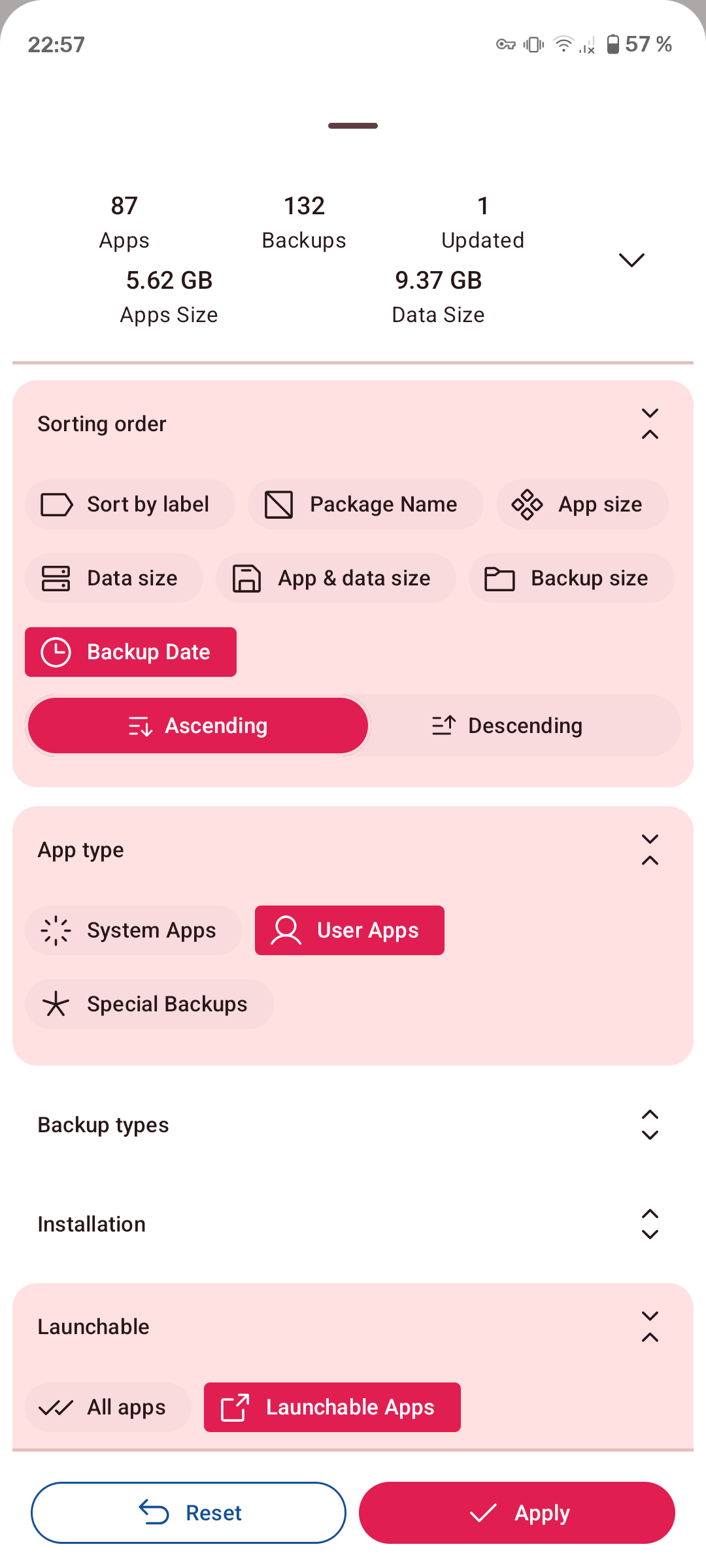
Neo Backup screenshot 3
Neo Backup screenshot 4
Neo Backup screenshot 5
Neo Backup screenshot 6
Neo Backup screenshot 7
Neo Backup screenshot 8
Neo Backup screenshot 9
Neo Backup screenshot 10

What’s new

Add: Onboarding page flow
Add: Package names to package selector dialogs
Fix: Updating app on changing theme contrast preference
Remove: Encryption warning dialog
+ more than 20 commits, 30 translations

How to install

  1. Download the APK from the button at the top of this page.
  2. Allow “Install unknown apps” for your browser or file manager only, not for every app.
  3. Open the downloaded file and confirm the installation.
  4. If installation fails with “App not installed,” remove an earlier build of the same app first. A signature conflict is the usual cause.

Data safety

  • Every file is checked against its published SHA-256 before it is listed.
  • Files are scanned for malware on every update.
  • The permissions each app requests are listed on its own page.
  • Read the full safety policy for how we test, flag, and delist files.

Comments

Recent approved comments · sorted by newest

Verification code
Be specific and keep it about the app. No links. Comments are reviewed before publication. Device and Android details are recorded automatically. Privacy policy.

Loading recent comments...

View all comments