
Quick answer
Control wakelocks, alarms & services
F-Droid repository metadata
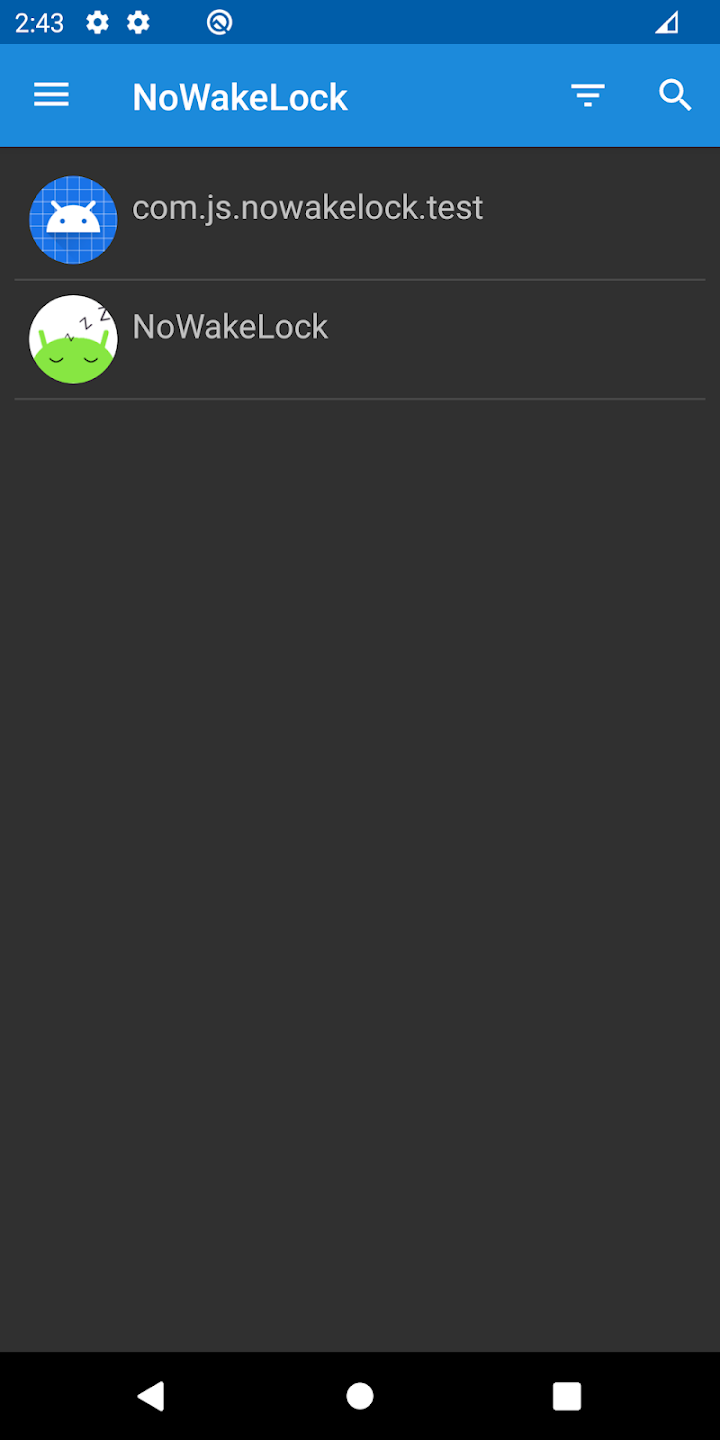
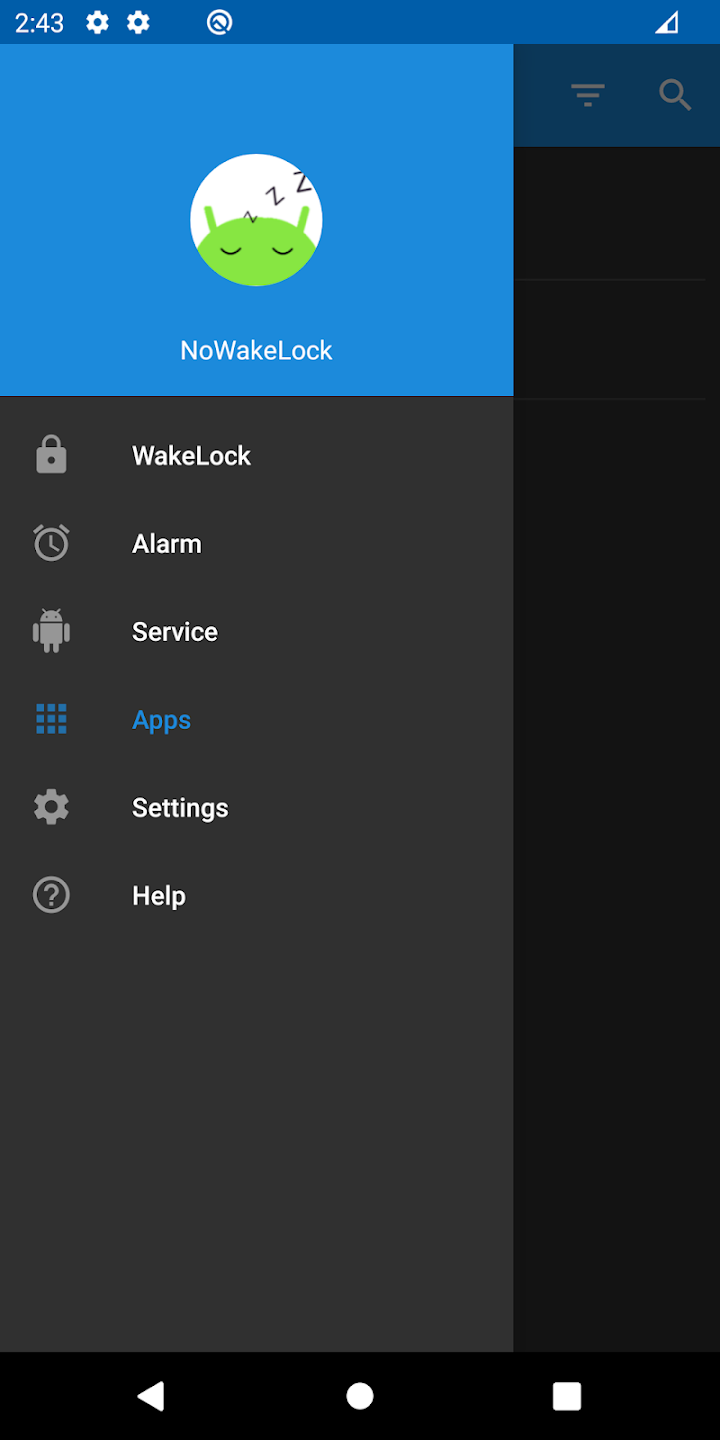
NoWakeLock allows you to get control over Wakelocks, Services and Alarms
With the update of Android version, doze mode is enough to suppress the power consumption of the background of the application, but some advanced users still hope to be able to control the wakelock by themselves.
Features
* Lookup queries are punctuation, diacritics and case insensitive.
* See which apps are triggering Wakelock / Alarm / Service
* Block any wakelock
* Block any alarm
* Prevent any service from running
* possibility to block any of those only while the screen is locked
Screenshots
How to install
- Download the APK from the button at the top of this page.
- Allow “Install unknown apps” for your browser or file manager only, not for every app.
- Open the downloaded file and confirm the installation.
- If installation fails with “App not installed,” remove an earlier build of the same app first. A signature conflict is the usual cause.
Data safety
- Every file is checked against its published SHA-256 before it is listed.
- Files are scanned for malware on every update.
- The permissions each app requests are listed on its own page.
- Read the full safety policy for how we test, flag, and delist files.
Comments
Recent approved comments · sorted by newest
View all comments