
Quick answer
Floating accessibility button with quick system actions for Android
F-Droid repository metadata
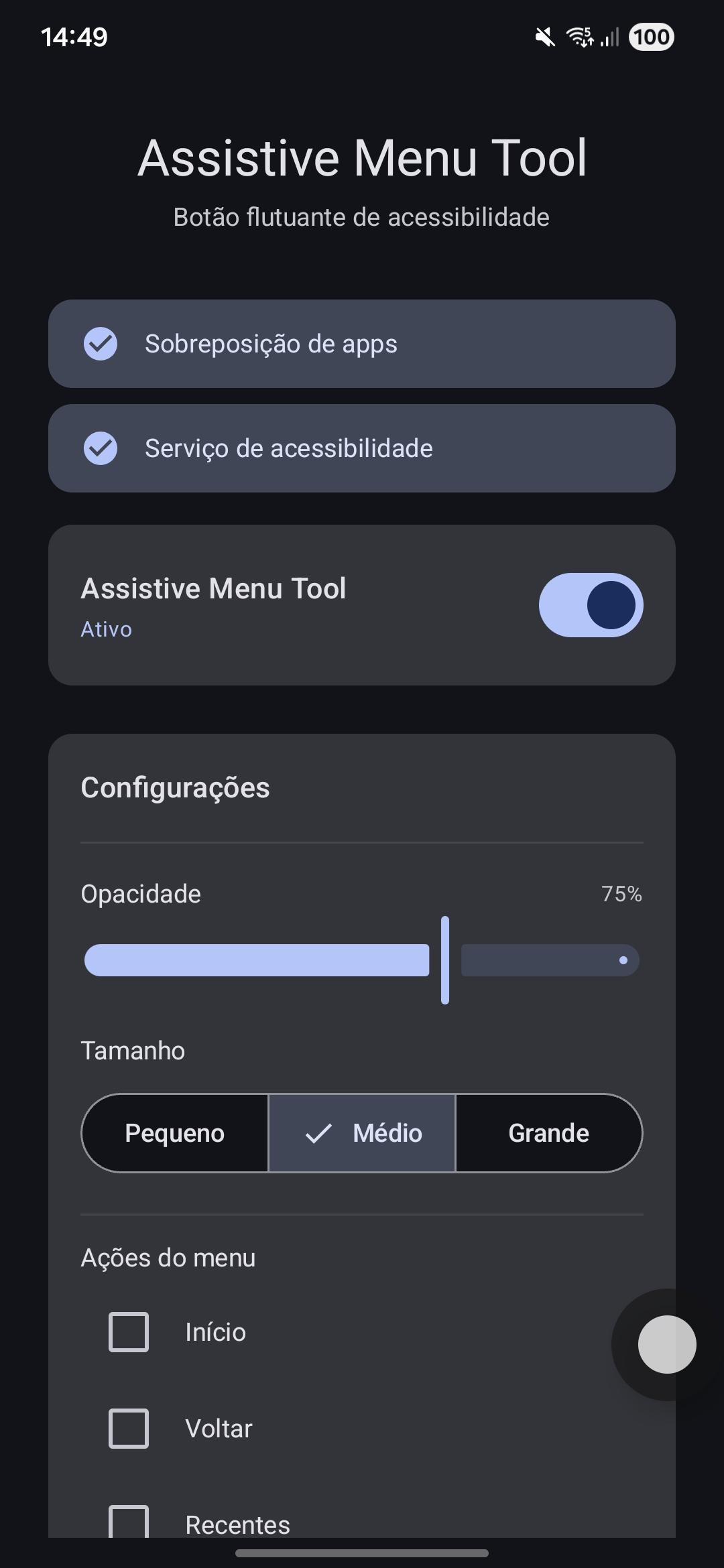
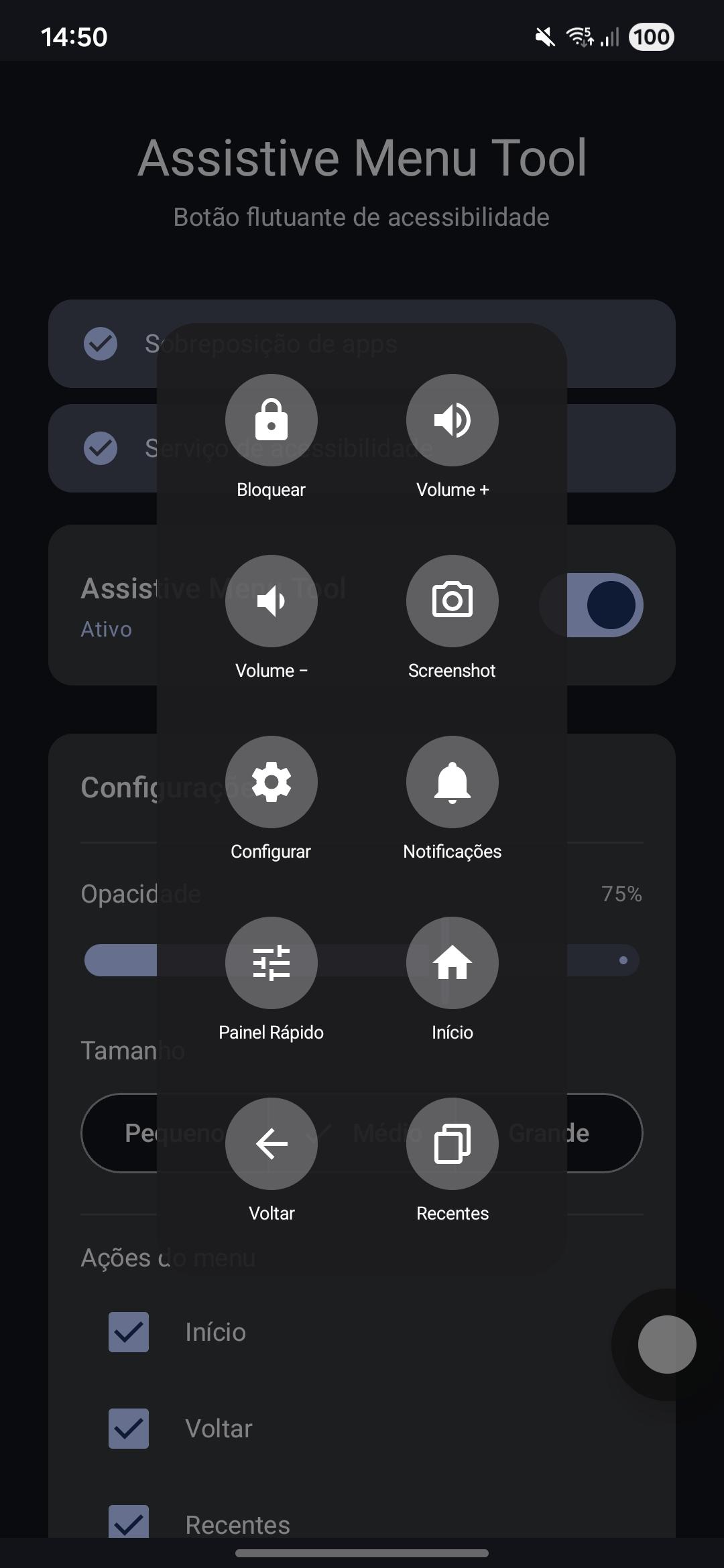
Assistive Menu Tool adds a draggable floating button that stays on top of every app. Tap it to open a menu with quick system actions, inspired by the iOS AssistiveTouch feature.
Features: - Draggable button that snaps to the nearest edge when released - Animated expandable menu - System actions: Home, Back, Recents, Lock Screen, Volume Up/Down, Screenshot, Notifications, Quick Settings - Configurable opacity and button size
Requires two special permissions granted manually: 1. Display over other apps (SYSTEM_ALERT_WINDOW) 2. Accessibility Service (BIND_ACCESSIBILITY_SERVICE)
No internet access. No analytics. No ads. Fully open source.
Screenshots
How to install
- Download the APK from the button at the top of this page.
- Allow “Install unknown apps” for your browser or file manager only, not for every app.
- Open the downloaded file and confirm the installation.
- If installation fails with “App not installed,” remove an earlier build of the same app first. A signature conflict is the usual cause.
Data safety
- Every file is checked against its published SHA-256 before it is listed.
- Files are scanned for malware on every update.
- The permissions each app requests are listed on its own page.
- Read the full safety policy for how we test, flag, and delist files.
Comments
Recent approved comments · sorted by newest
View all comments