Quick answer
Screen filter for night time phone use
F-Droid repository metadata
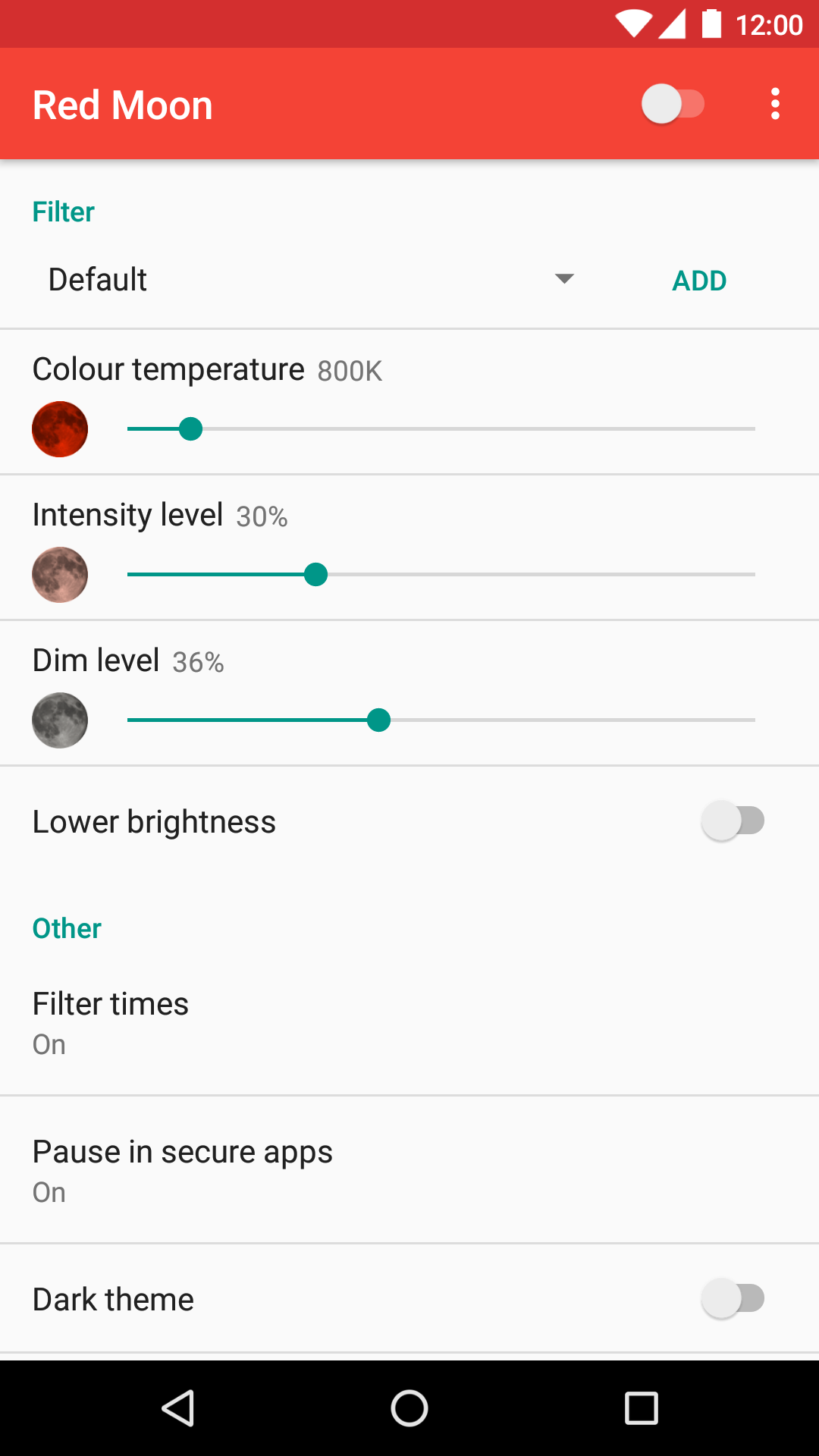
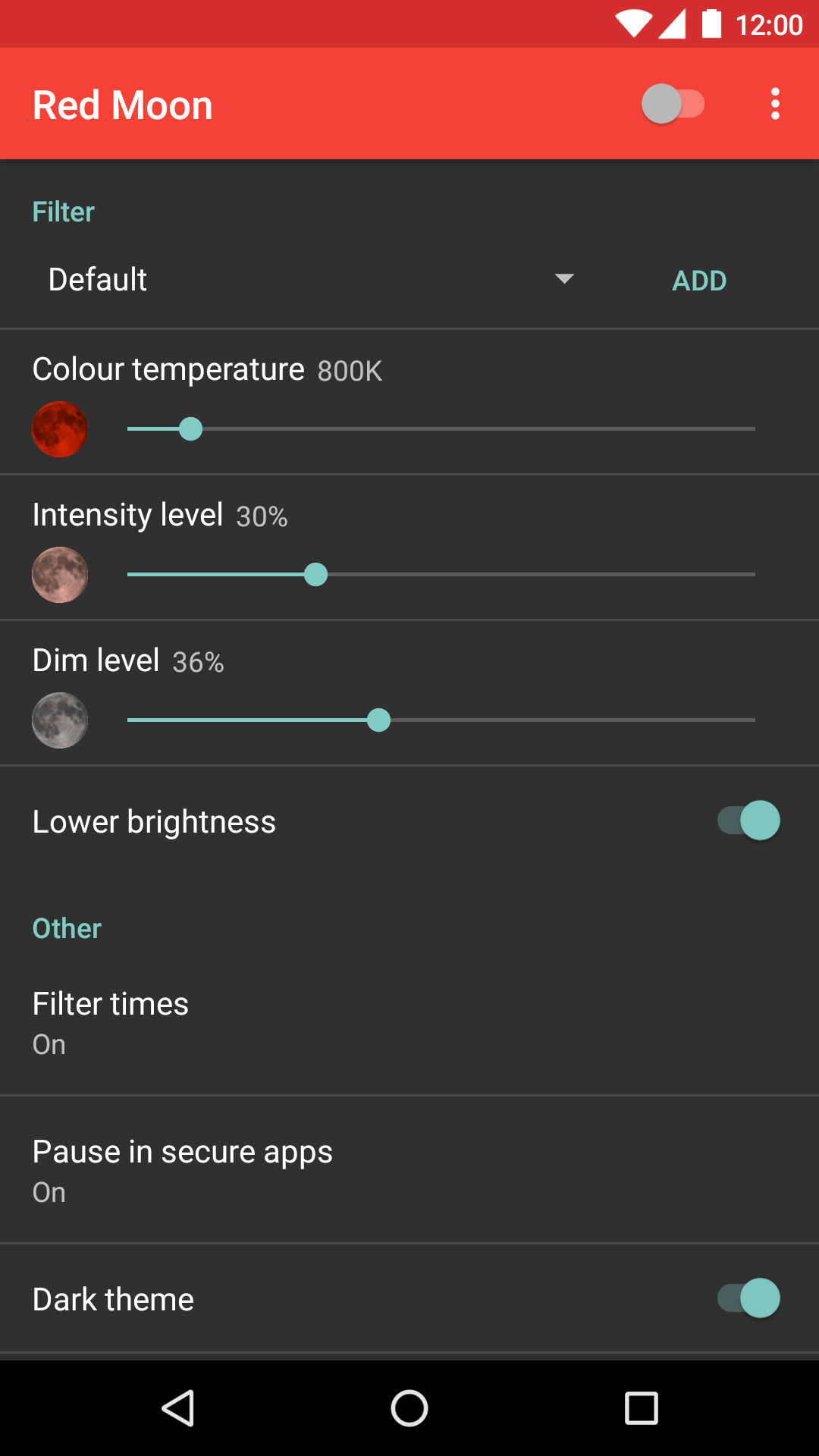
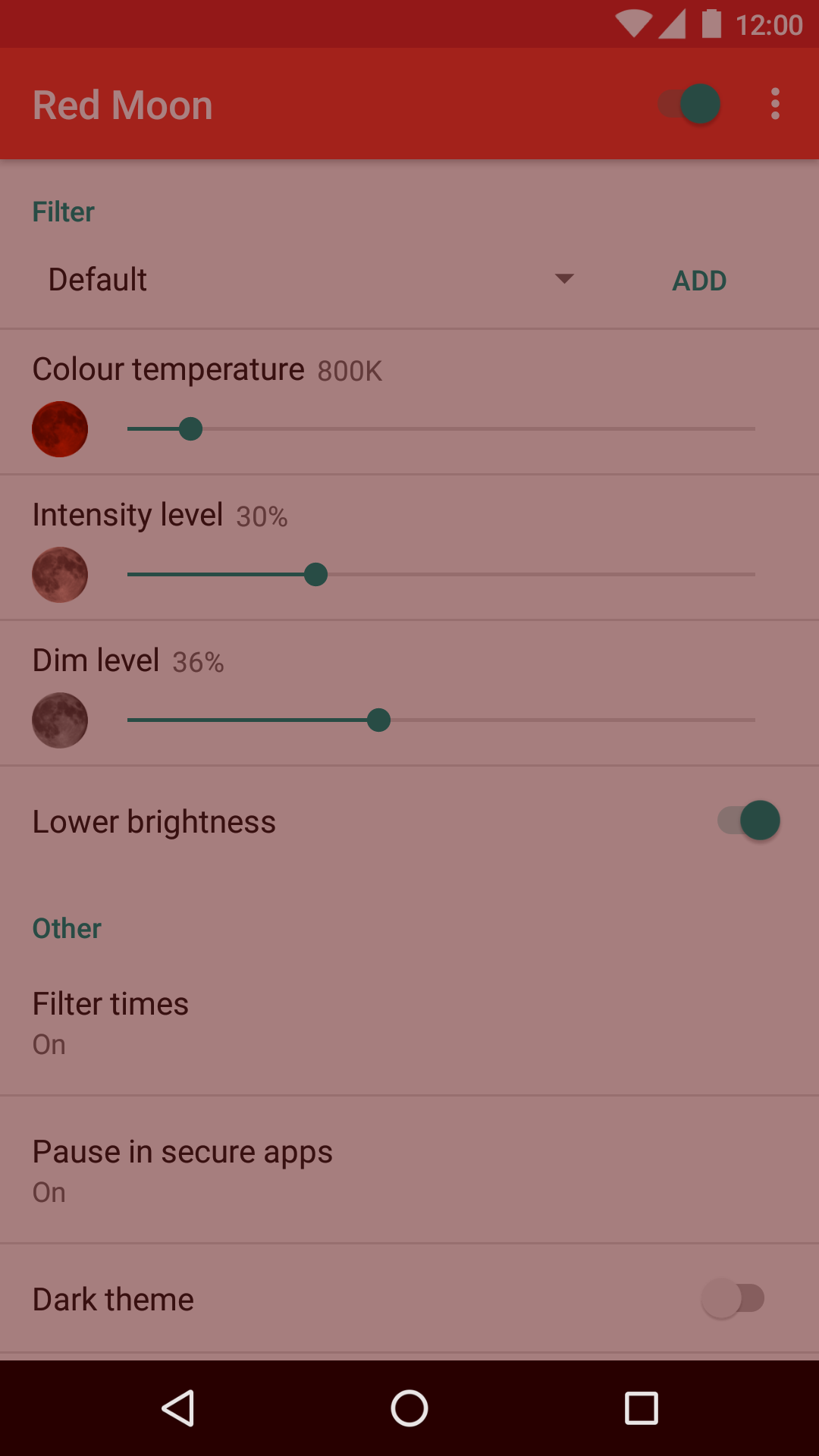
Blue light may suppress the production of melatonin, the sleep hormone. Red Moon filters out blue light and dims your screen below the normal minimum, so you can use your phone comfortably at night.
Features:
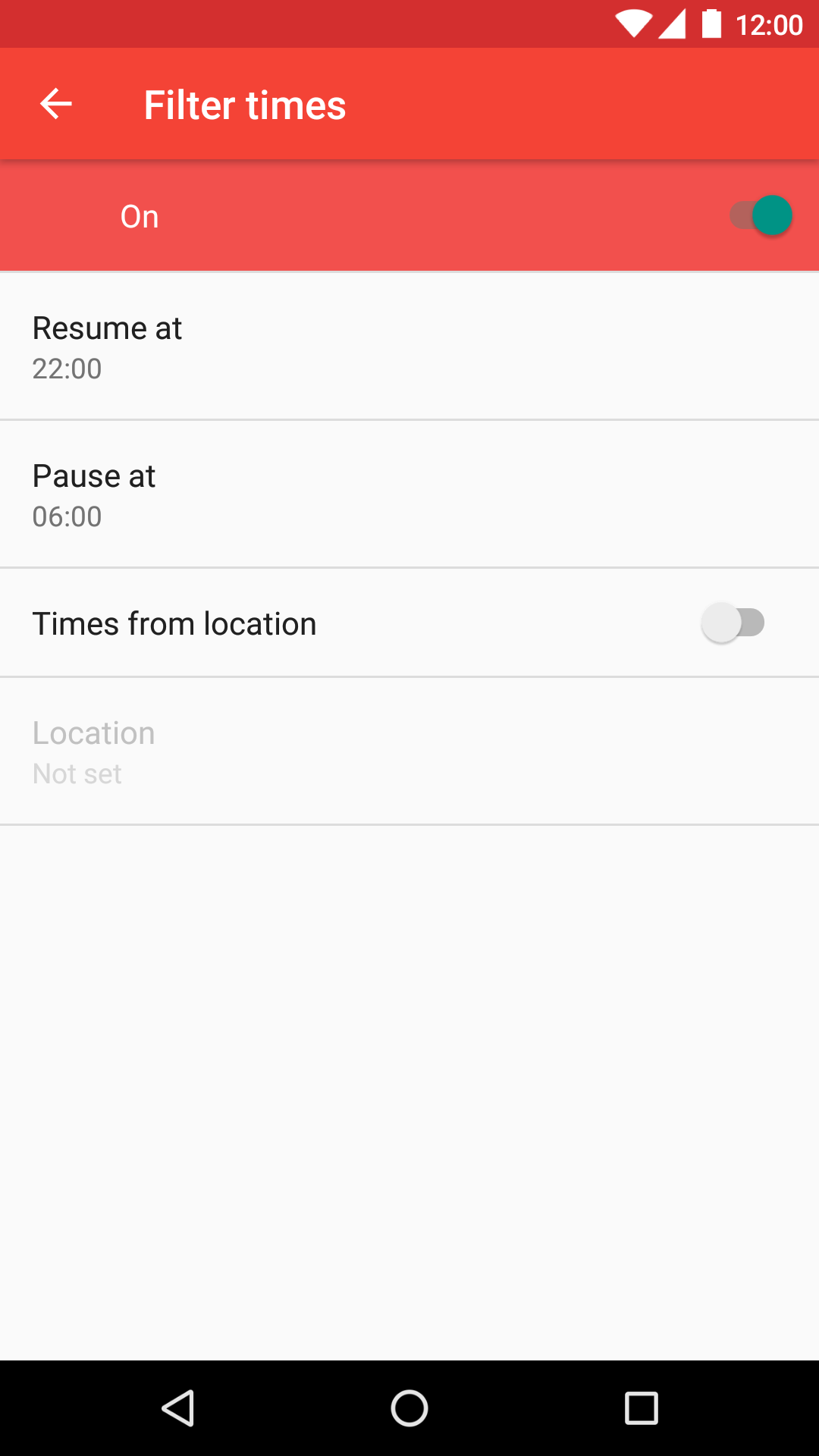
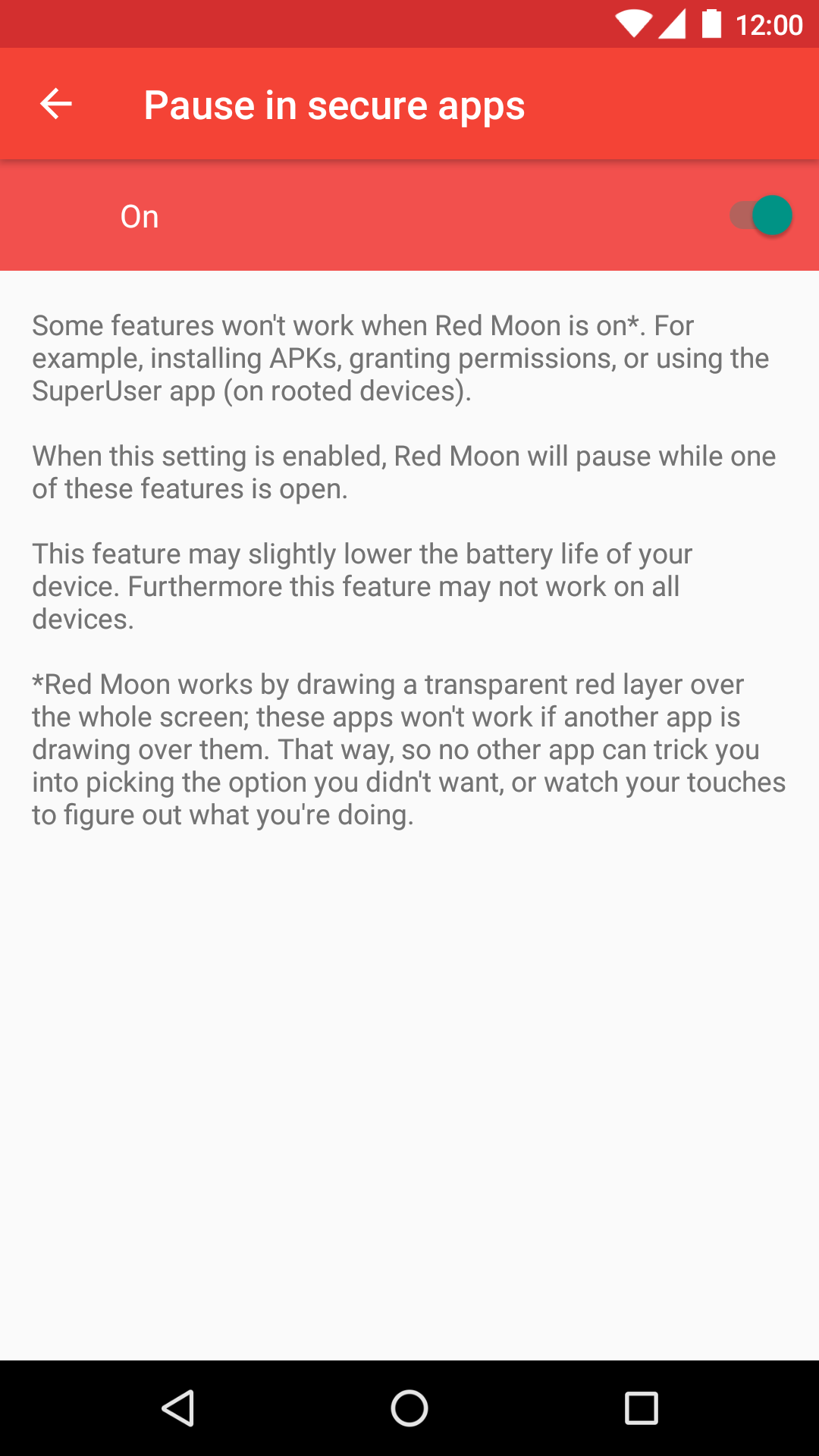
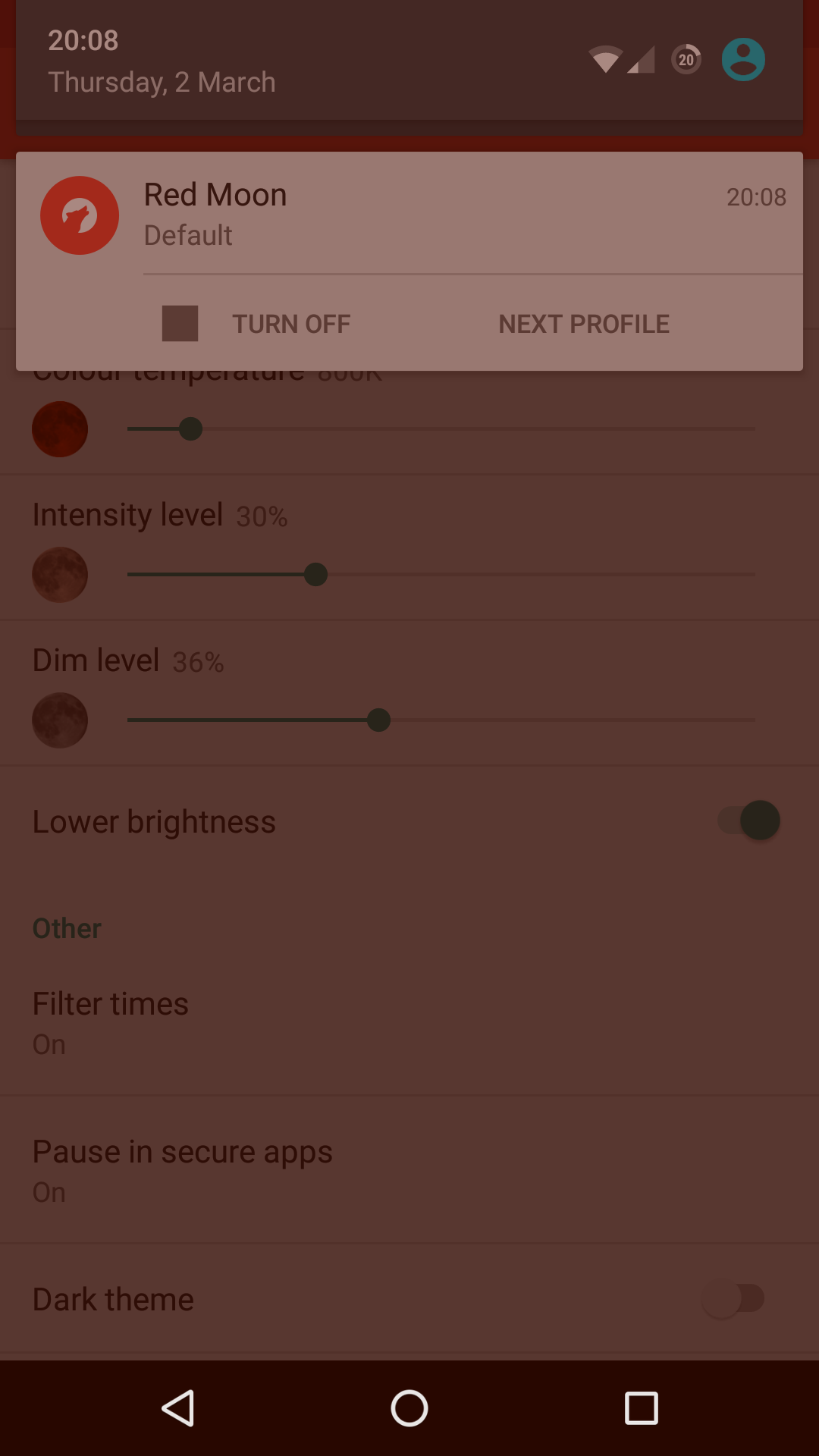
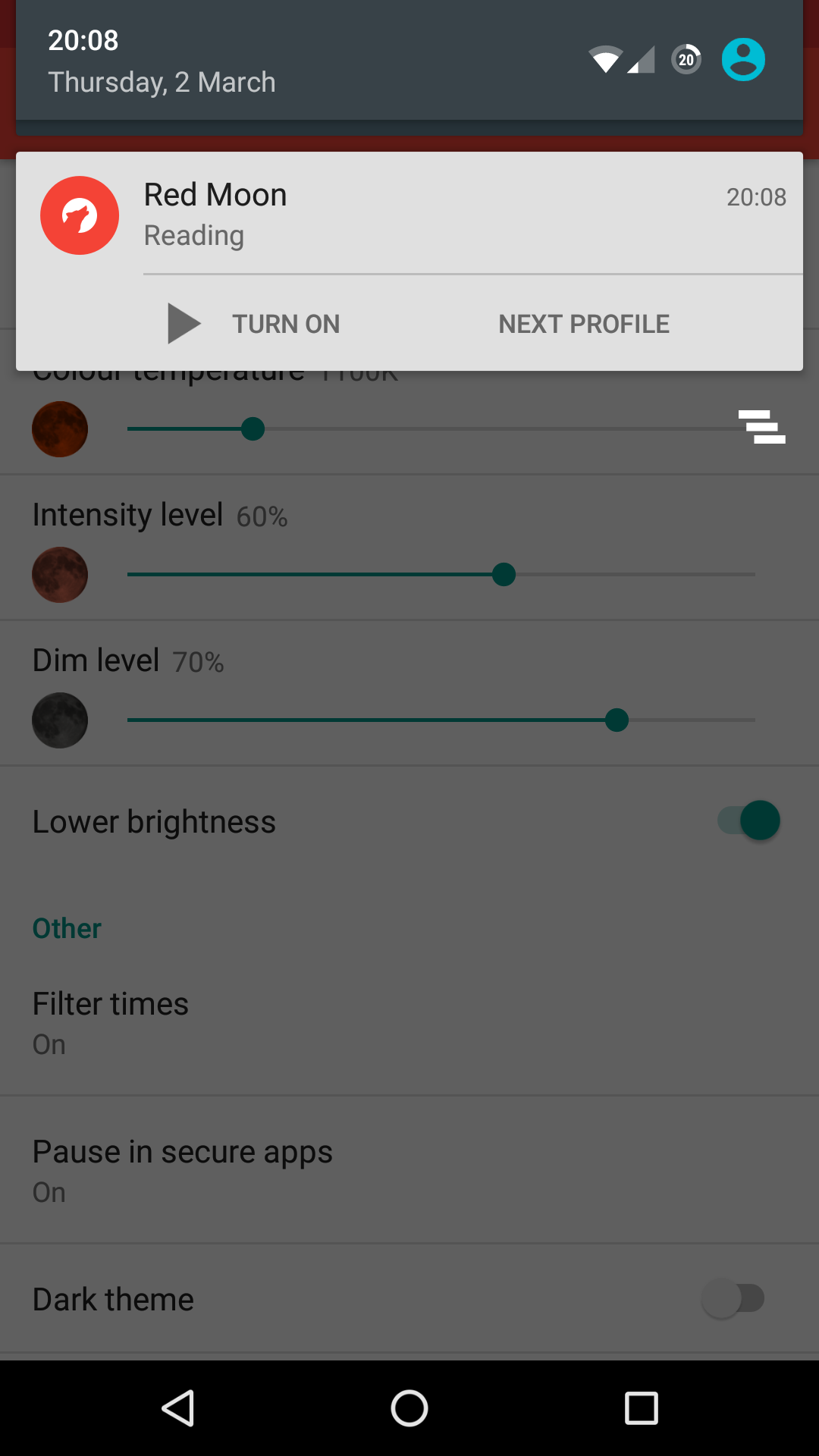
- Schedule Red Moon to run from sunset to sunrise, or at custom times. - Use the default color profiles, or set custom color, intensity, and dim levels. - Automatically pause in apps secured against overlays, or those you choose. - Quickly start, stop, and switch profiles via notification, tile (Android 7.0+), or widget.
Permissions:
- Modify system settings: To automatically lower the screen brightness when the filter is on - Approximate location (network-based): To determine the sunrise and sunset at your location. This will only be used when you configure Red Moon to automatically start at night. - Draw over other apps: To change the color and brightness of the screen in all apps - Run at startup: To restore the previous filter state at startup
Screenshots
How to install
- Download the APK from the button at the top of this page.
- Allow “Install unknown apps” for your browser or file manager only, not for every app.
- Open the downloaded file and confirm the installation.
- If installation fails with “App not installed,” remove an earlier build of the same app first. A signature conflict is the usual cause.
Data safety
- Every file is checked against its published SHA-256 before it is listed.
- Files are scanned for malware on every update.
- The permissions each app requests are listed on its own page.
- Read the full safety policy for how we test, flag, and delist files.
Comments
Recent approved comments · sorted by newest
View all comments