Caffeinate icon

Caffeinate

AbdAlMoniem AlHifnawy
System
Version
2.1.0
Size
2.1 MB
Requires
Android API 24+
4 / 5 · 6,545 ratings 0 downloads

Updated Sep 22, 2026

Quick answer

keep your phone's screen On while developing

F-Droid repository metadata

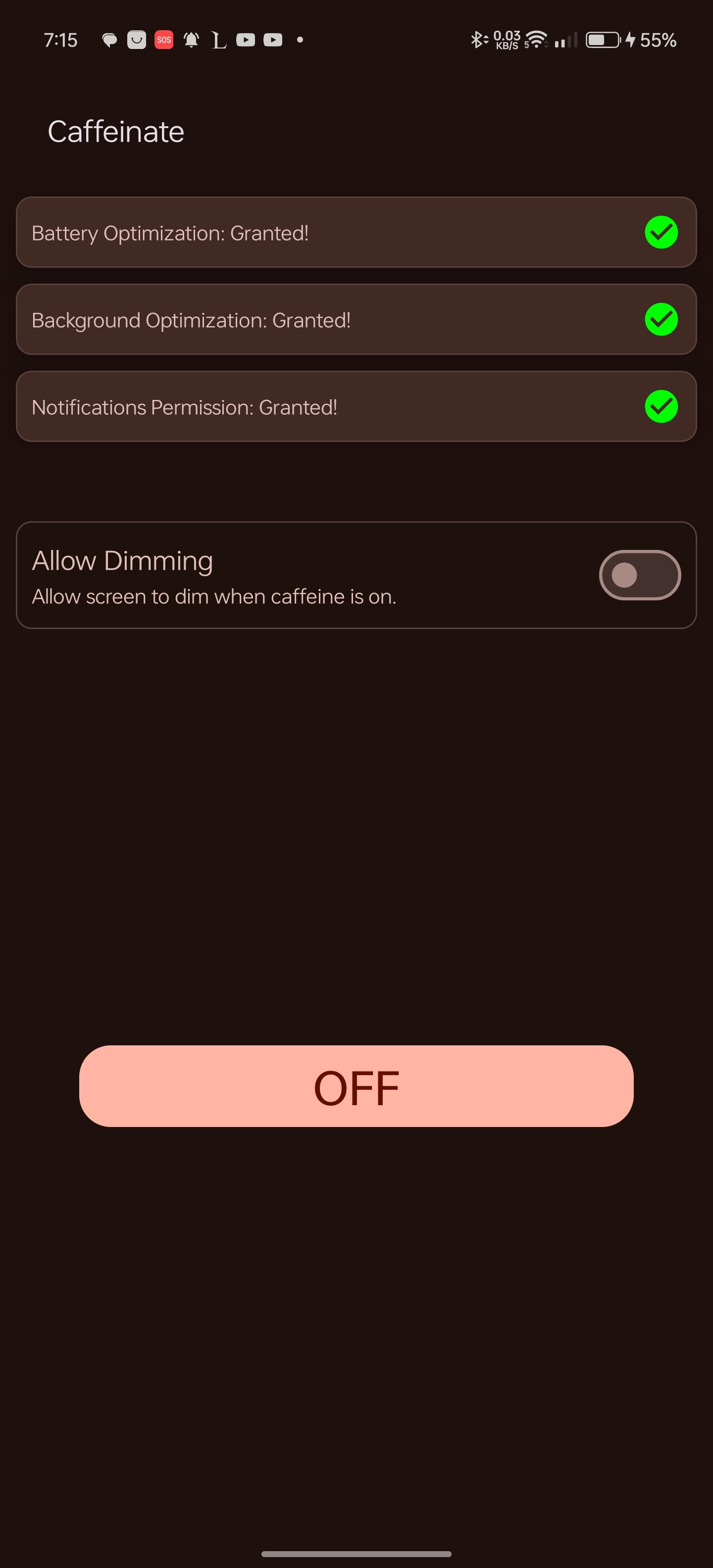
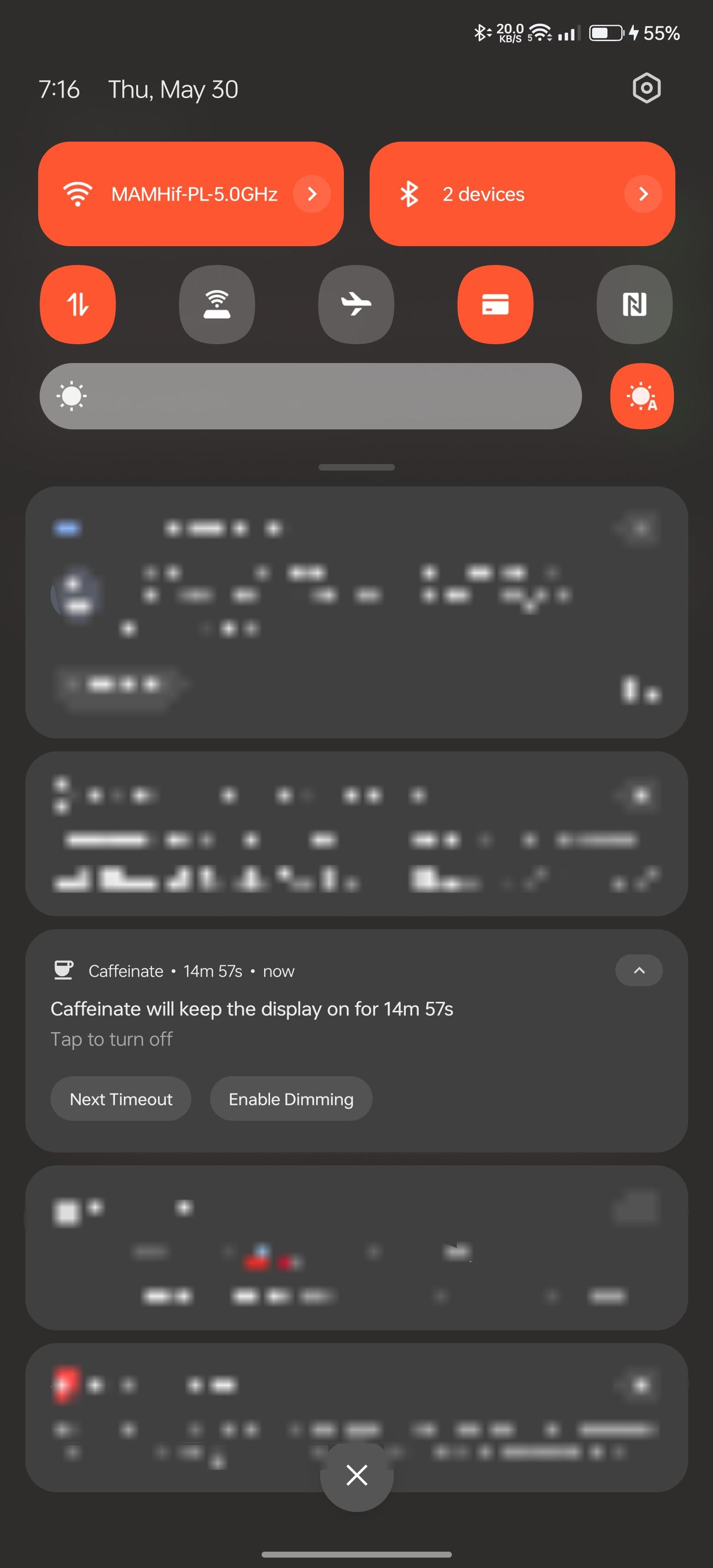
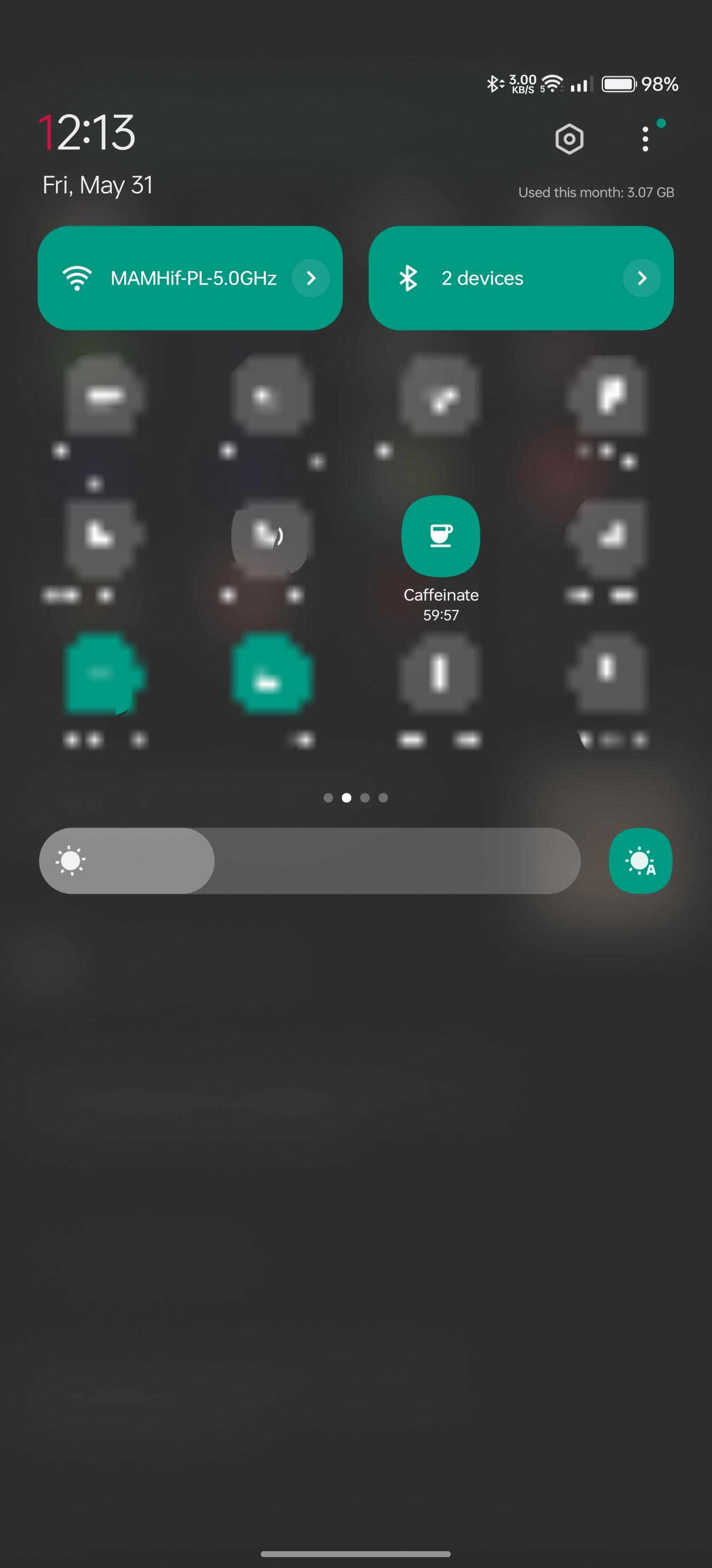
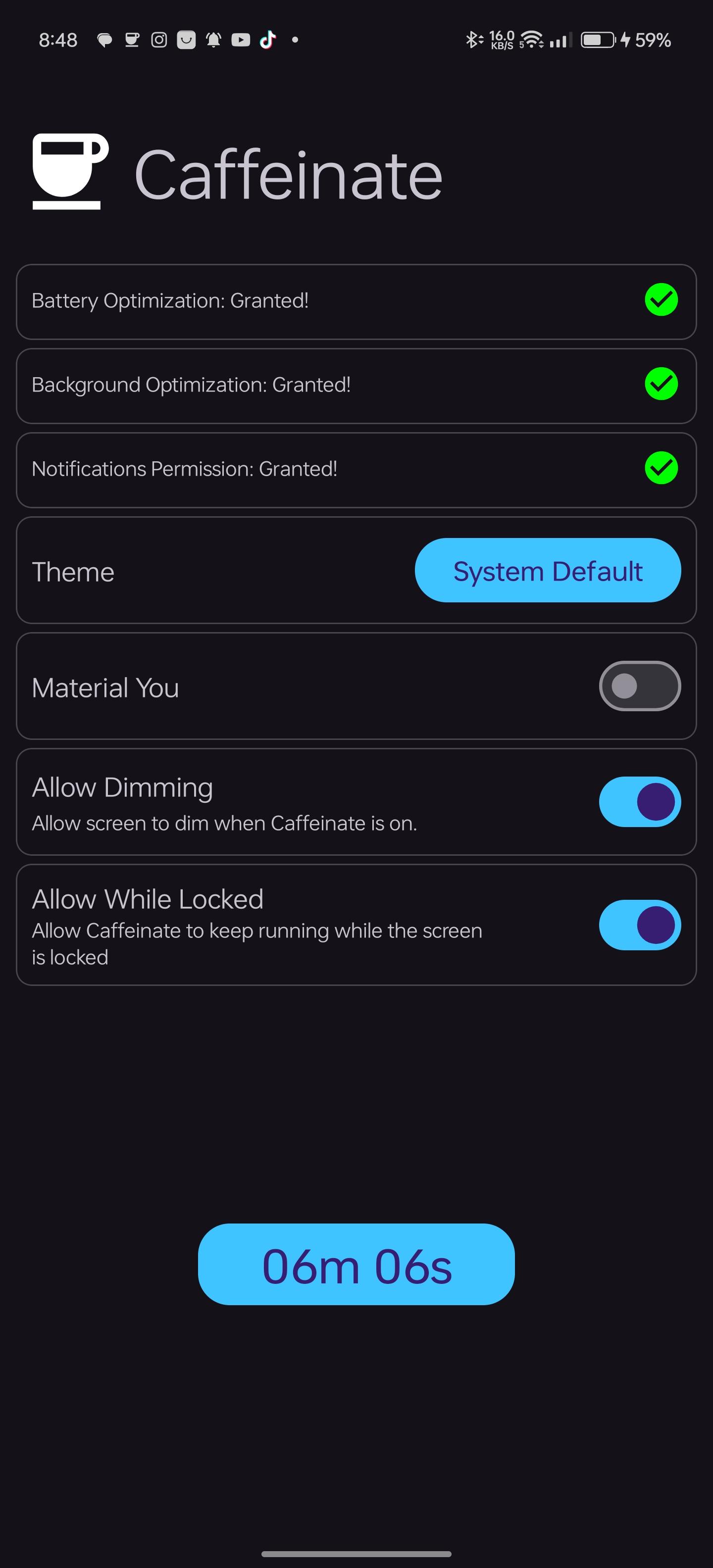
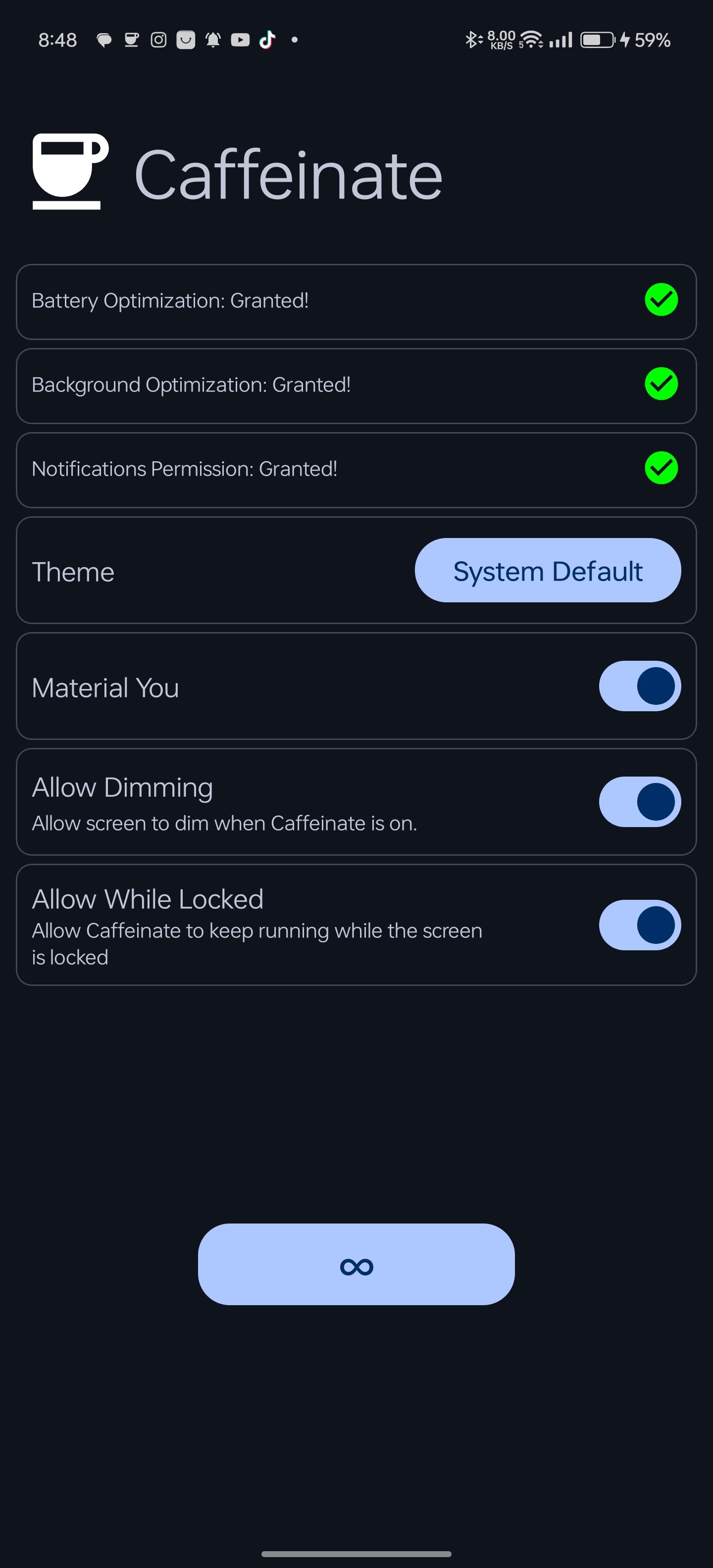
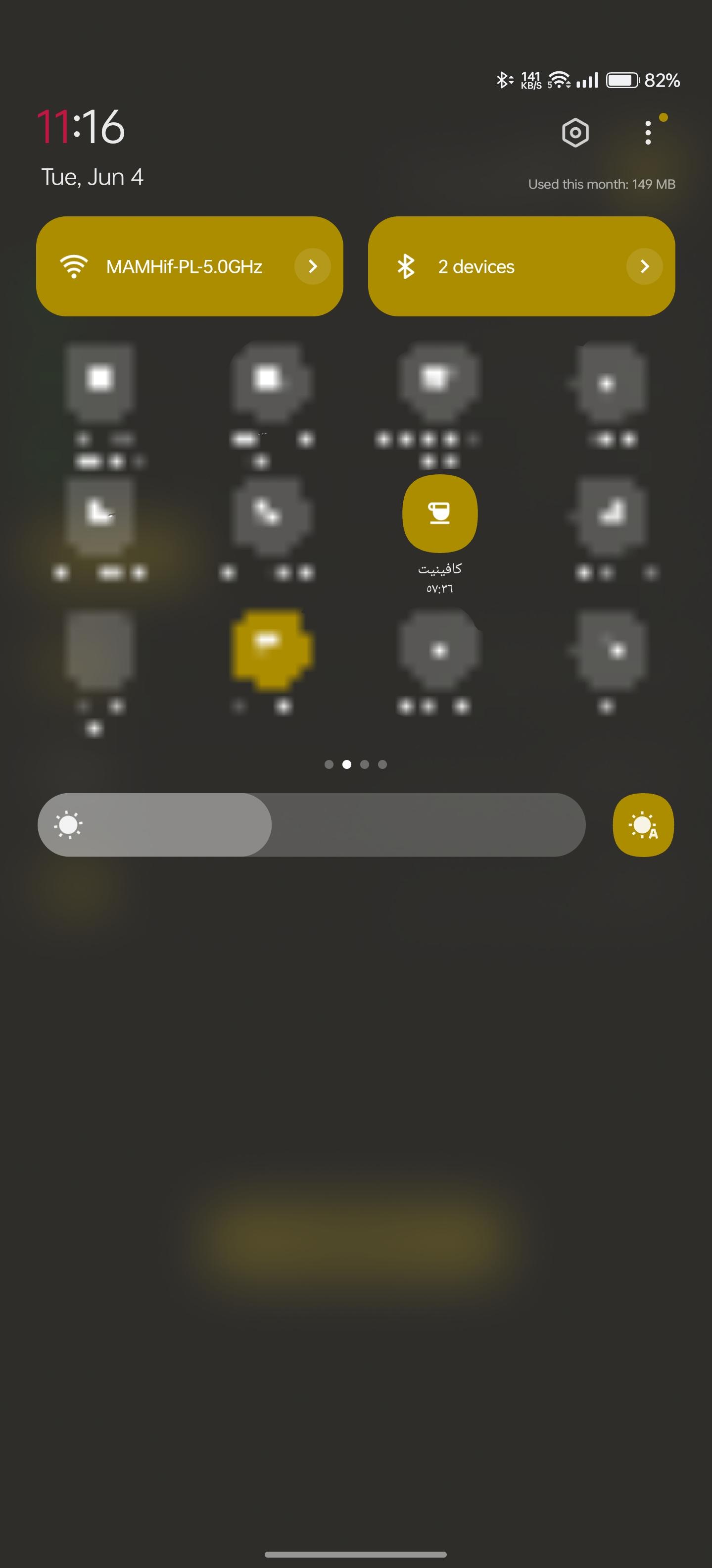
Caffeinate is an App that helps android developers to keep their phone's display awake without having to change the device settings. It can be toggled at various places:

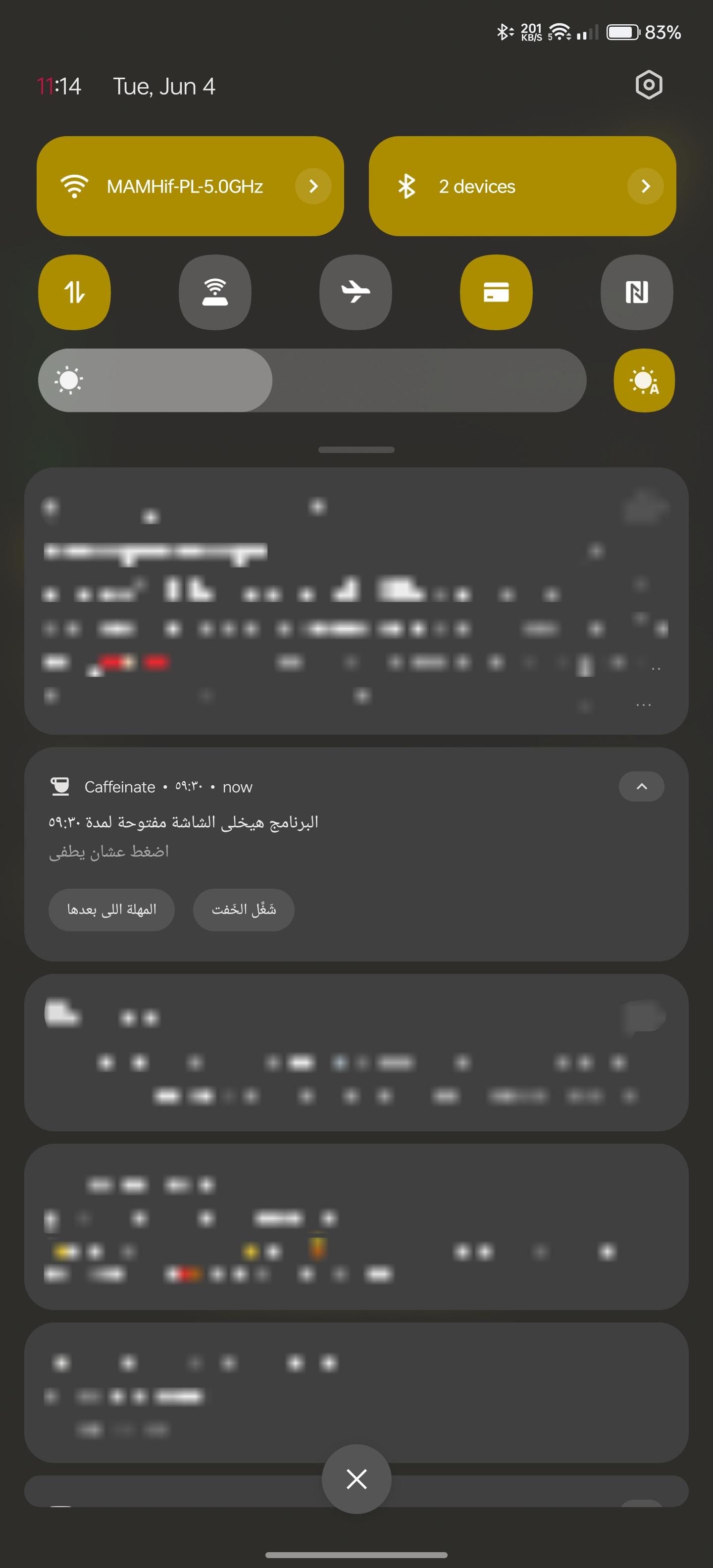
  • a tile in the quick settings, the place that holds the toggles for e.g. Wi-Fi and Bluetooth. Requires Android 7 or higher.
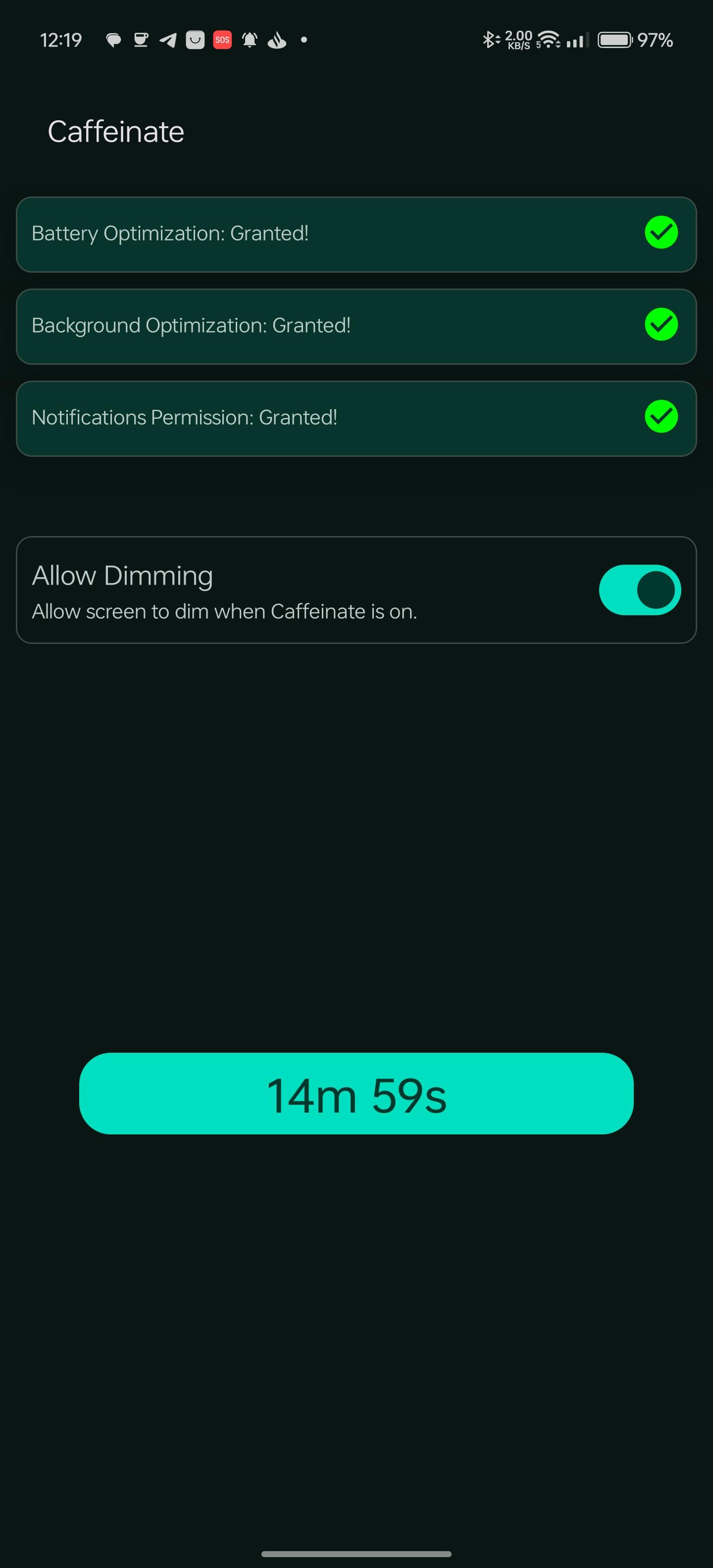
  • a button in the app itself

Features

  • Uses android's WakeLock Class with either SCREEN_DIM_WAKE_LOCK or SCREEN_BRIGHT_WAKE_LOCK lock level based on user settings
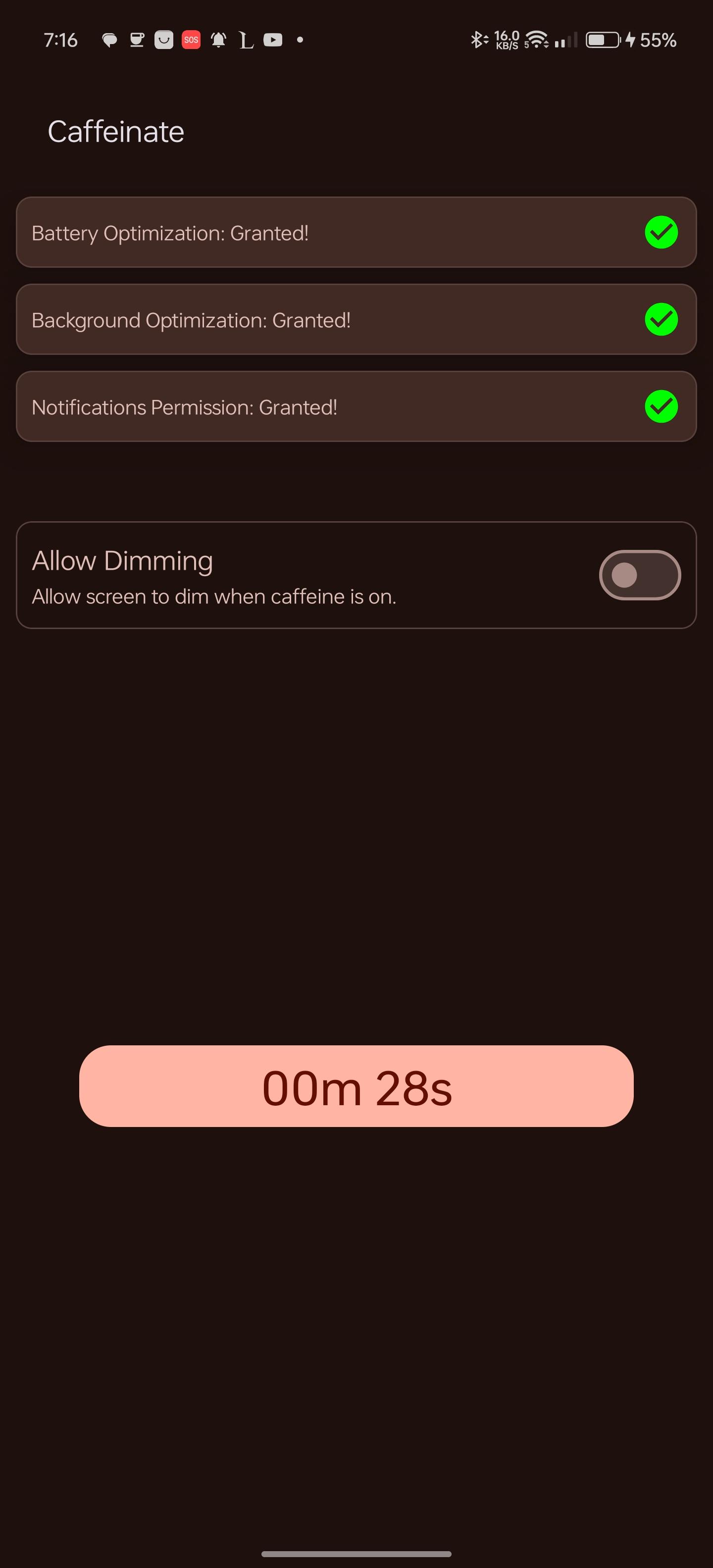
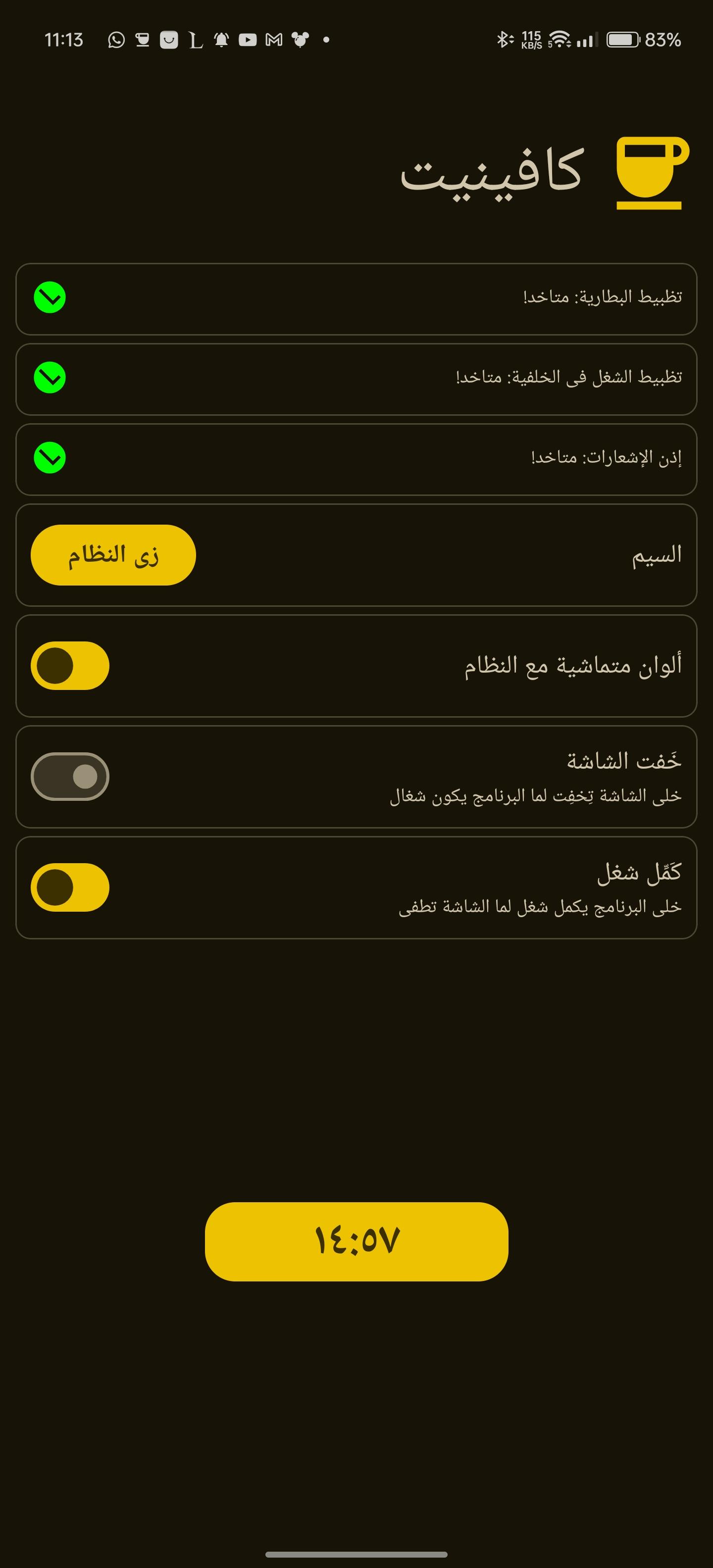
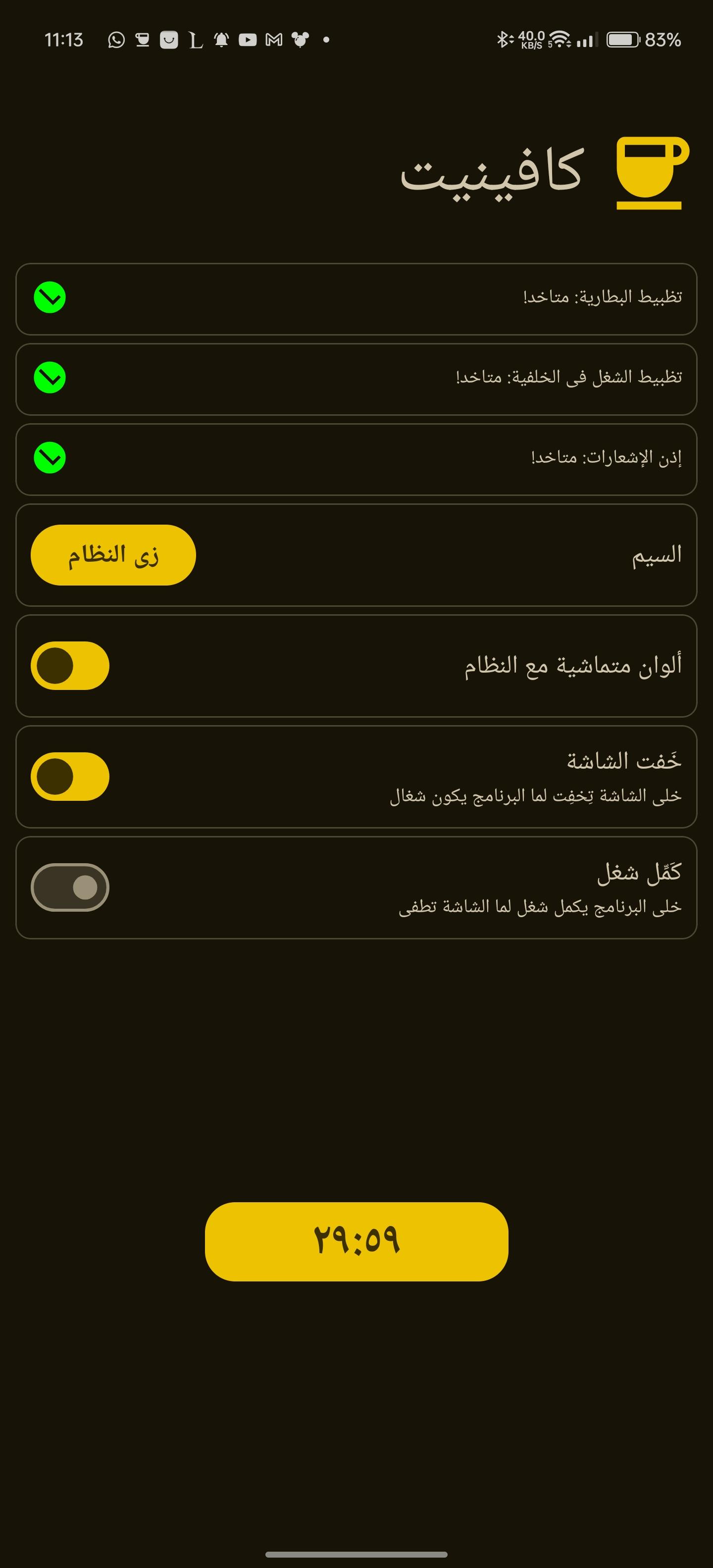
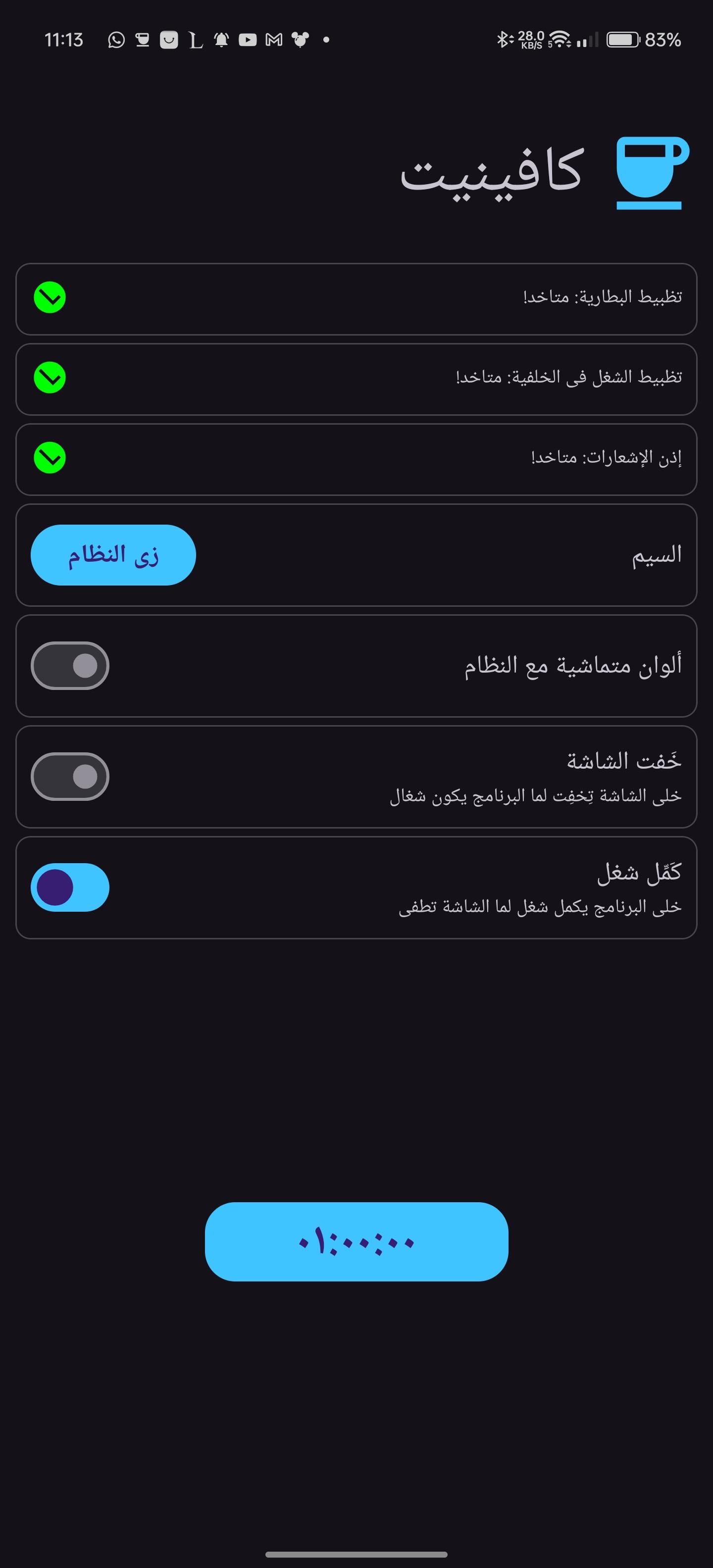
  • Timeout period is configurable
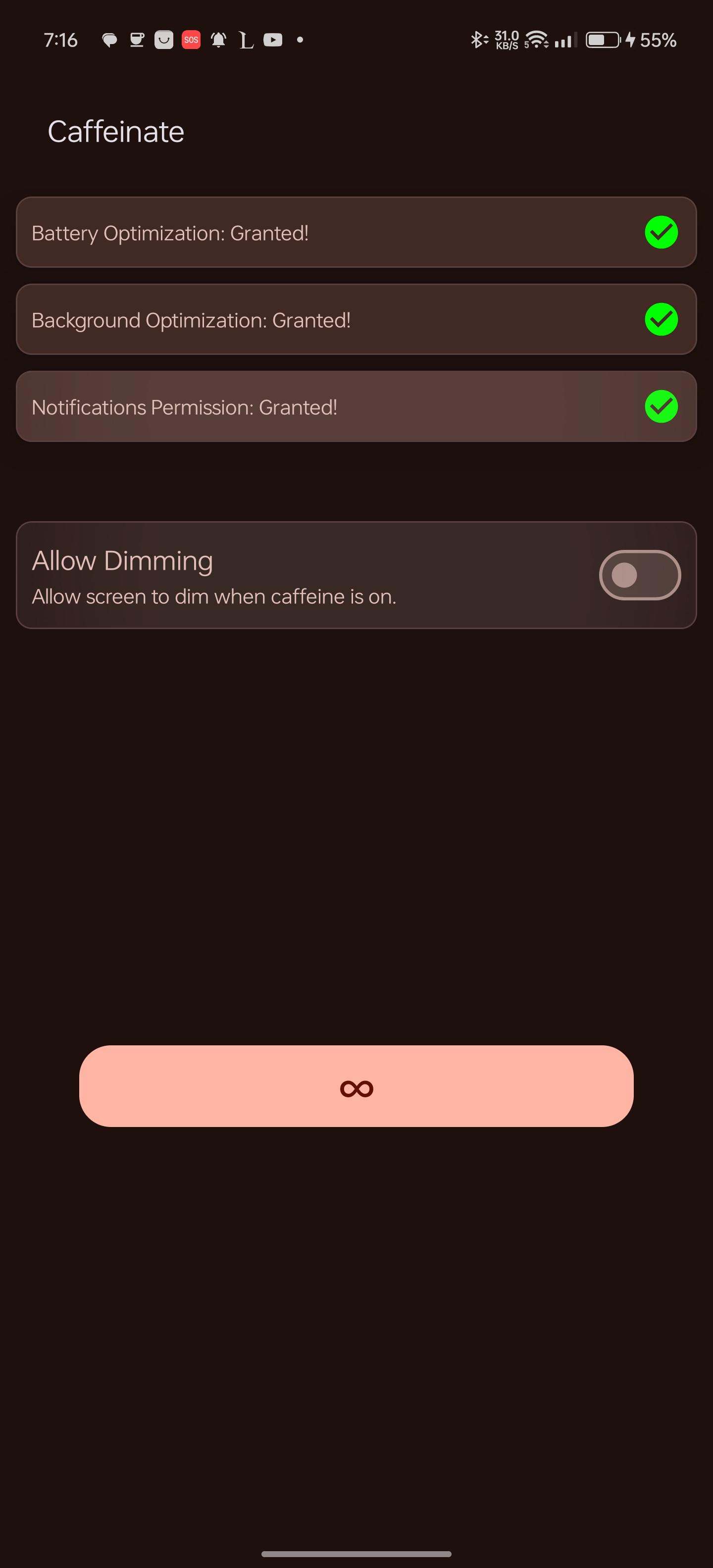
  • Switch timeouts from the quick settings tile or the button in the app. clicking them, selects the next timeout and after 1 second the timeout will start, if the quick settings tile or the button are clicked after starting, the timeout will stop.
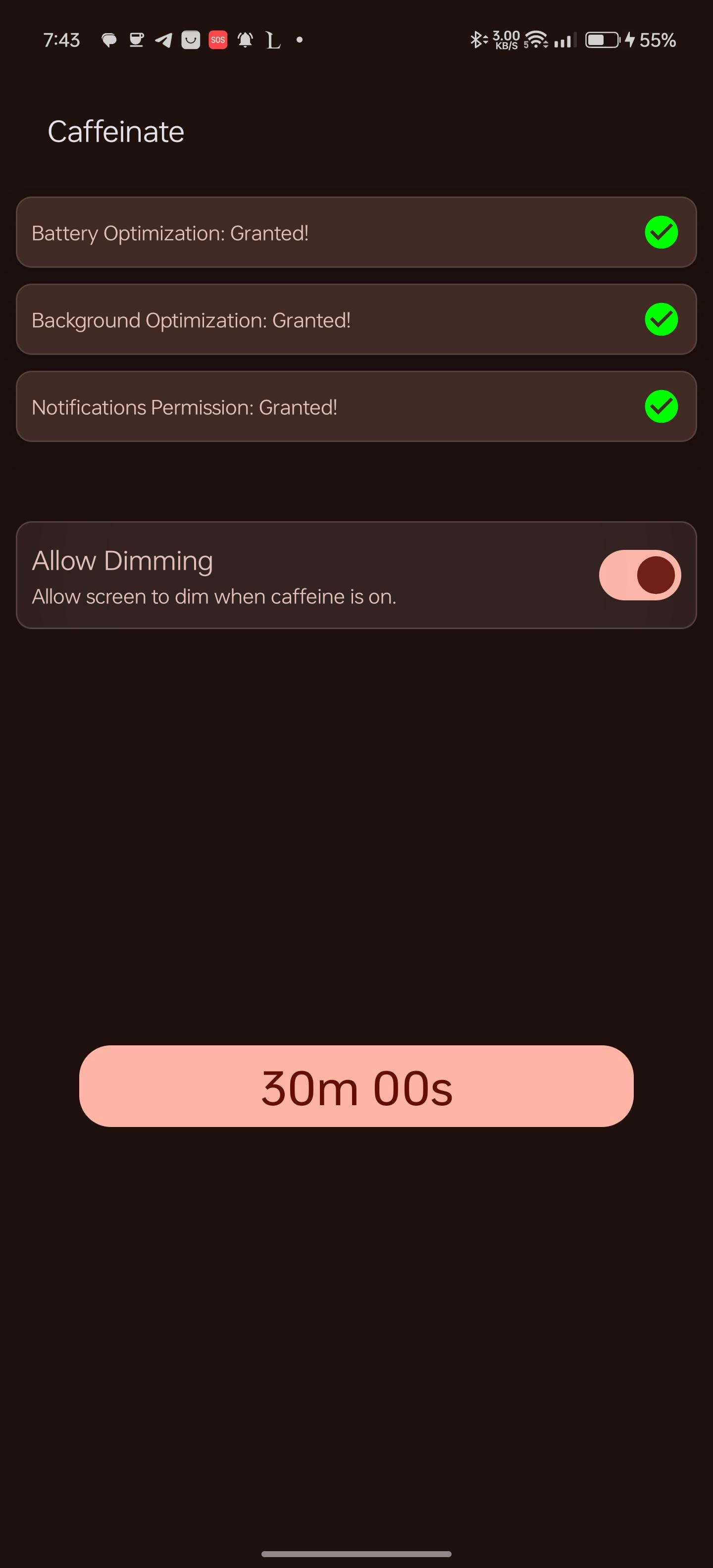
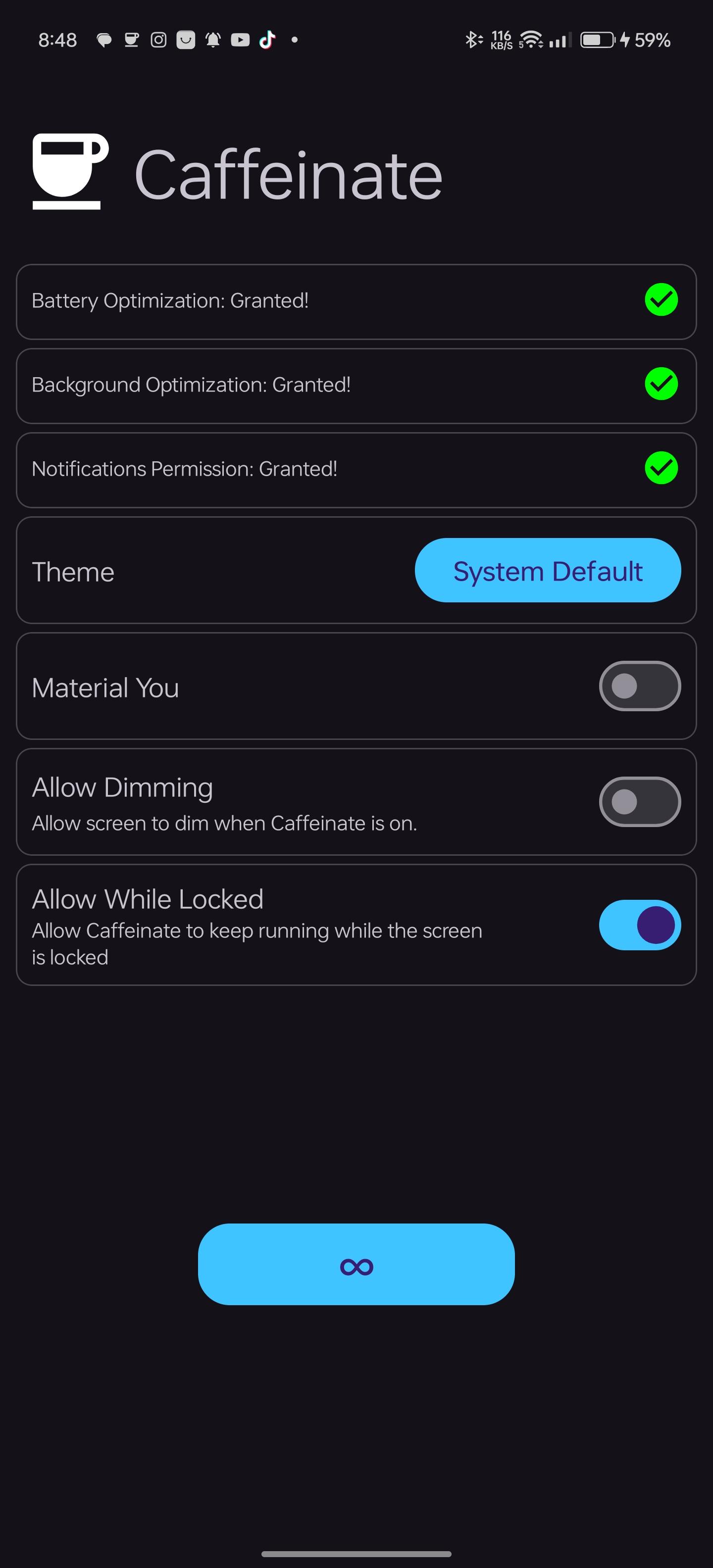
  • Available timeouts are [30 seconds, 05 minutes, 10 minutes, 15 minutes, 30 minutes, 60 minutes, Ꝏ]
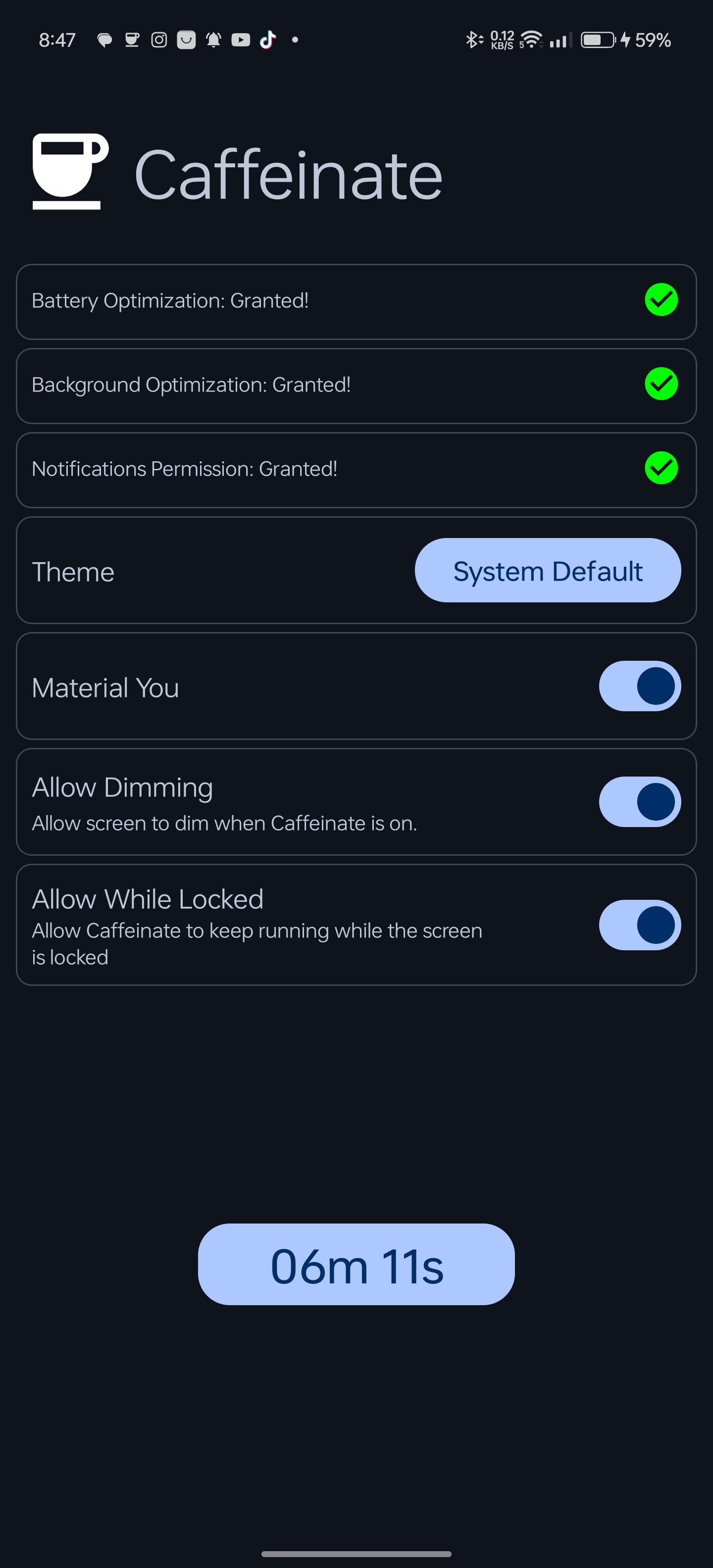
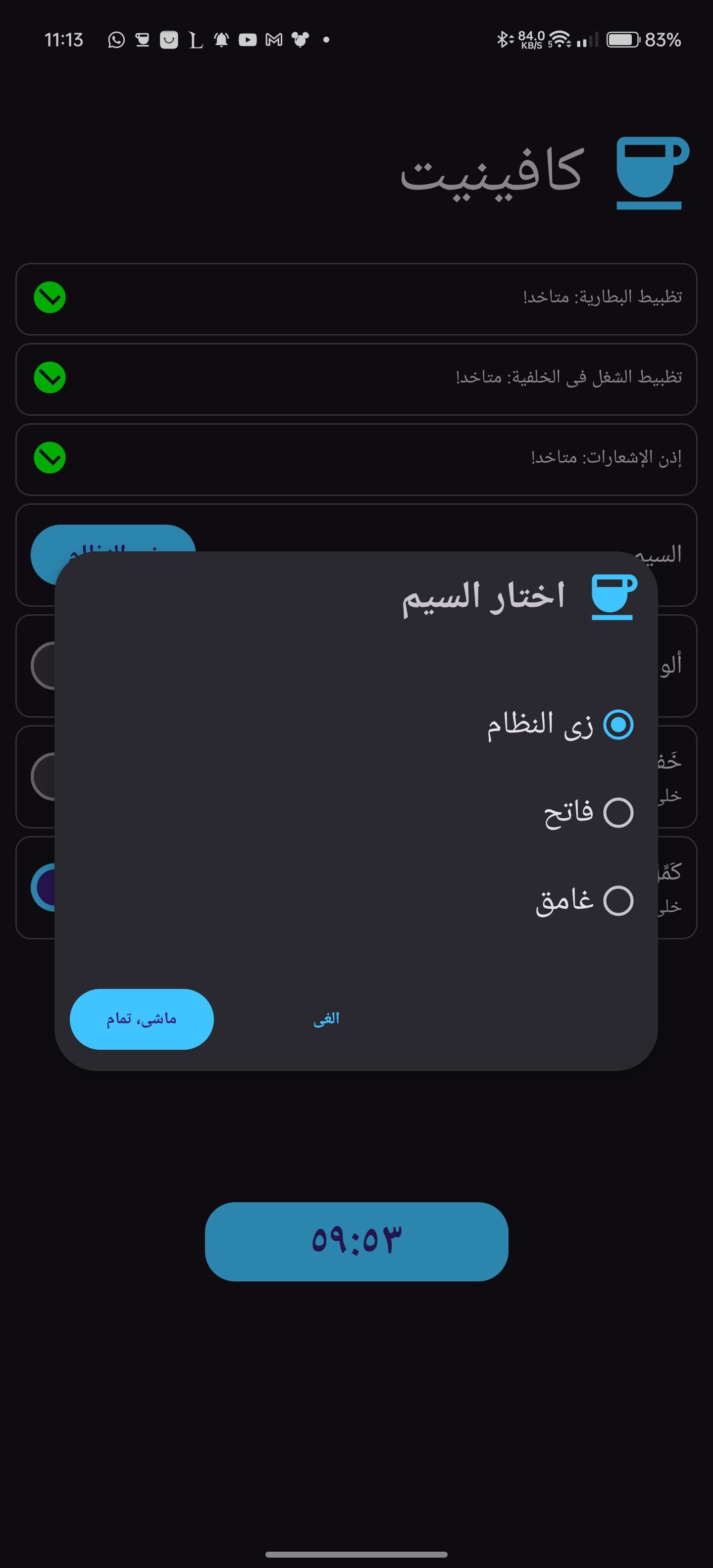
  • An option to enable the screen to dim while the WakeLock is acquired
  • An option to enable holding the WakeLock if the screen is locked, so that the screen will keep on after unlocking, default behaviour is that the WakeLock is released when the screen is locked
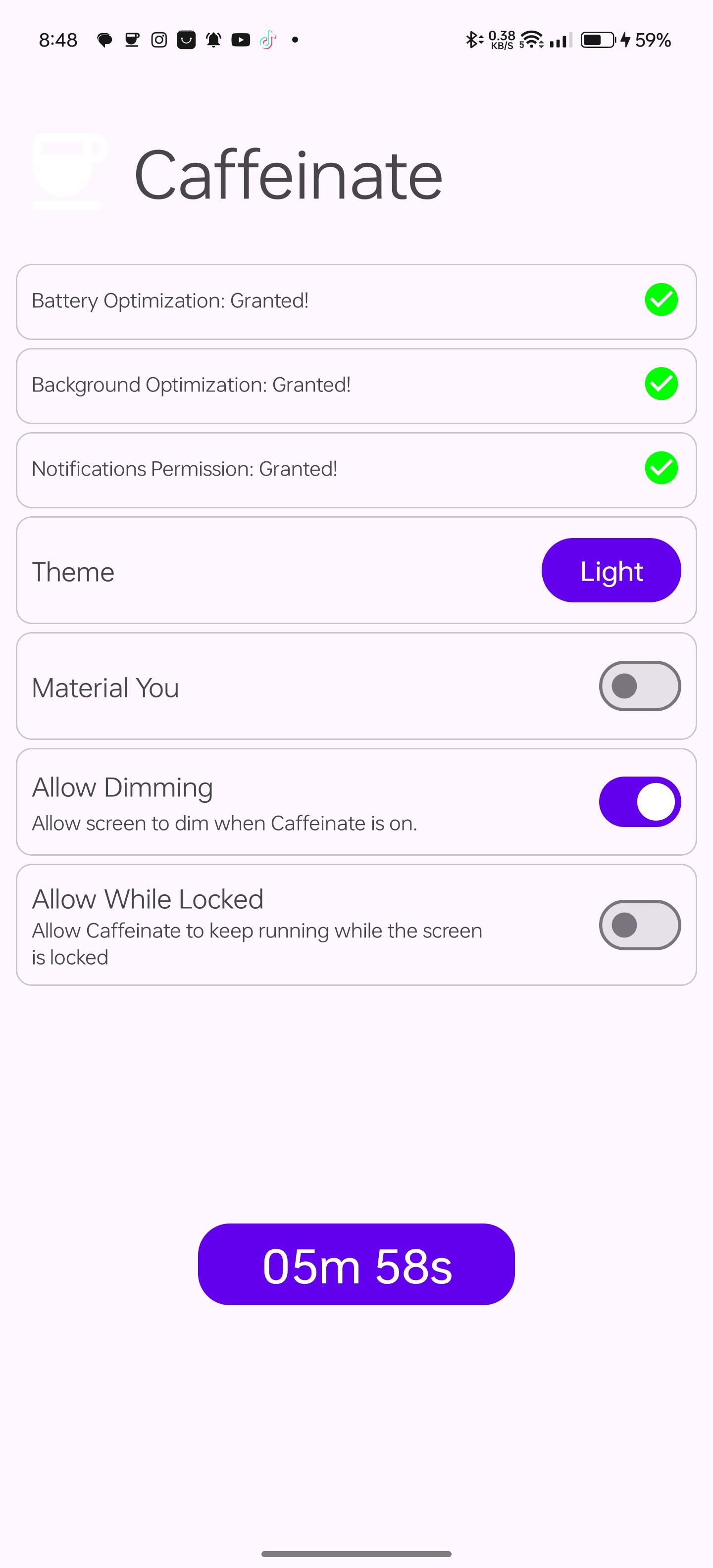
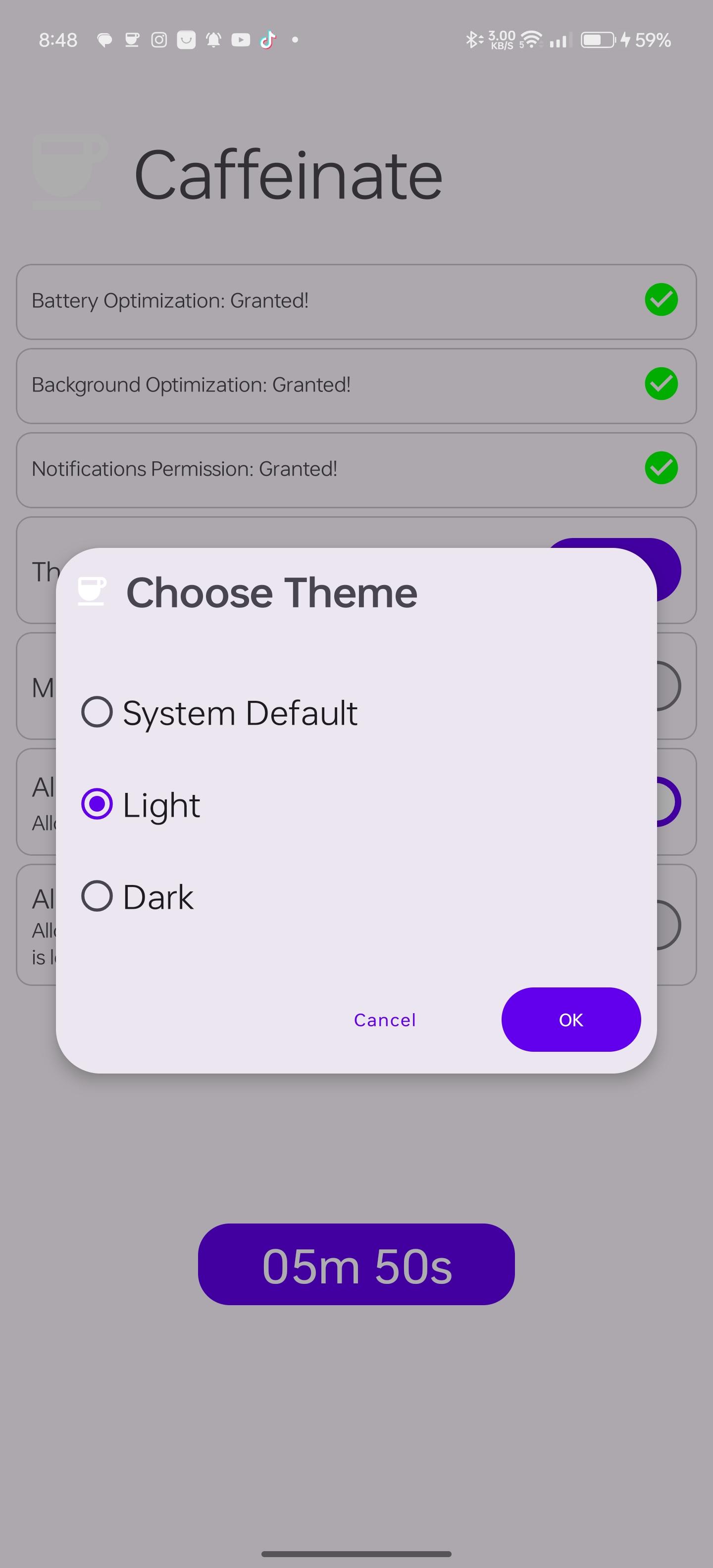
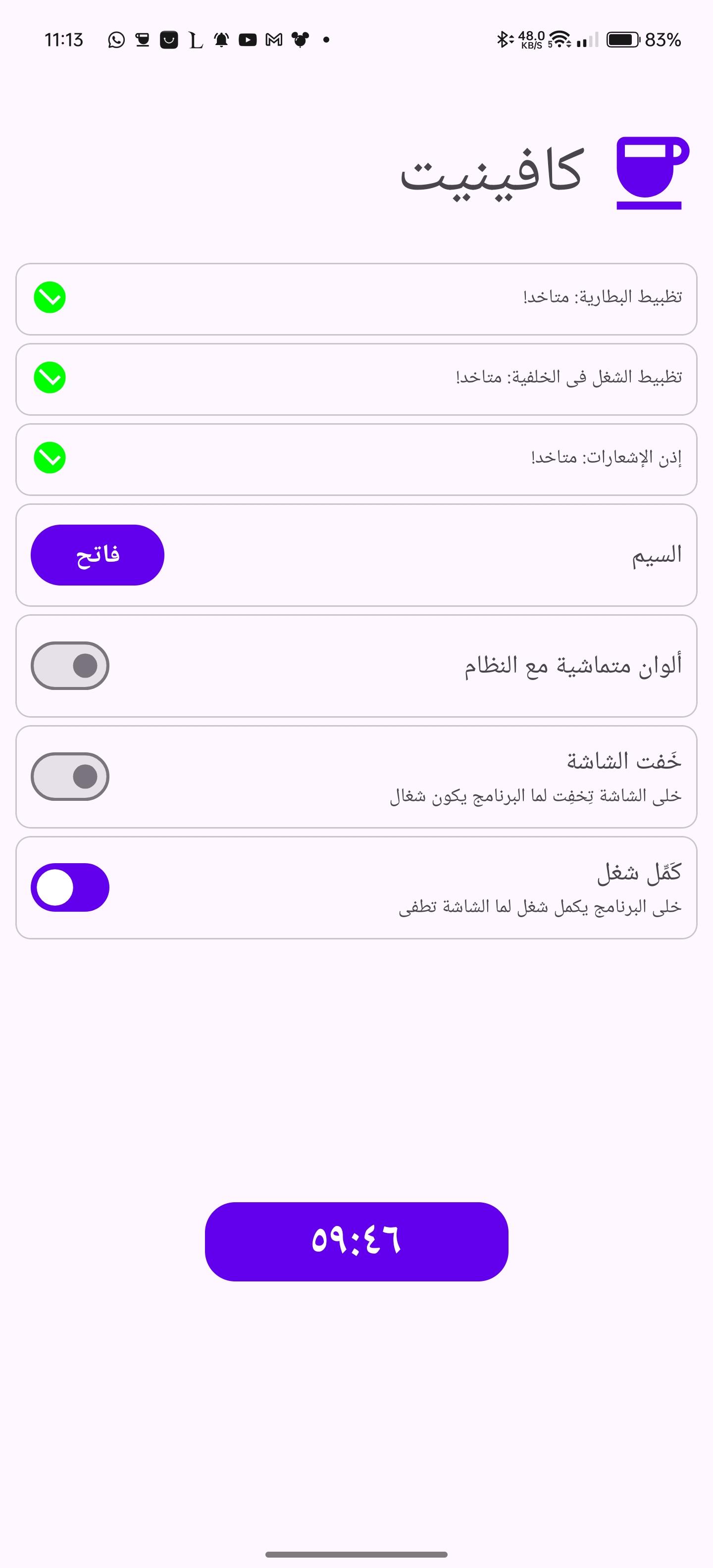
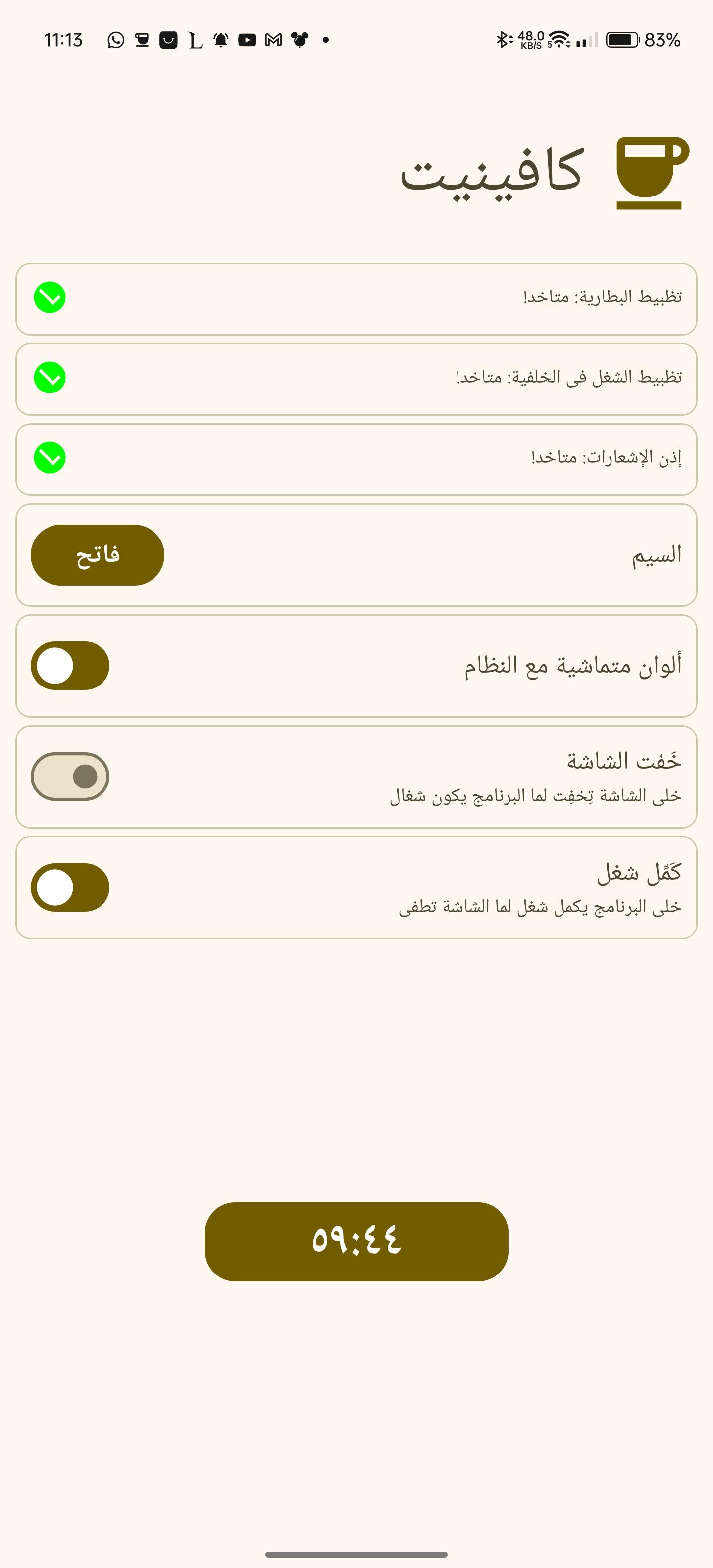
  • Multiple theming options [light, dark, system default and material you]

Screenshots

Caffeinate screenshot 1
Caffeinate screenshot 2
Caffeinate screenshot 3
Caffeinate screenshot 4
Caffeinate screenshot 5
Caffeinate screenshot 6
Caffeinate screenshot 7
Caffeinate screenshot 8
Caffeinate screenshot 9
Caffeinate screenshot 10
Caffeinate screenshot 11
Caffeinate screenshot 12
Caffeinate screenshot 13
Caffeinate screenshot 14
Caffeinate screenshot 15
Caffeinate screenshot 16
Caffeinate screenshot 17
Caffeinate screenshot 18
Caffeinate screenshot 19
Caffeinate screenshot 20
Caffeinate screenshot 21
Caffeinate screenshot 22
Caffeinate screenshot 23

What’s new

* fixed TimeoutsSelectionFragment crashing when changing languages
>
* added Play Store badge to README
>
* Update issue templates
>
* sharedPrefs timeout checkboxes are initialized using a delegate now
>
* fix timeout selections saving not working
>
* New Crowdin updates (#77)
> - New translations strings.xml (Arabic)
> - New translations strings.xml (Arabic, Egypt)

**Full Changelog**: https://github.com/abdalmoniem/Caffeinate/compare/v2.0.3...v2.1.0

How to install

  1. Download the APK from the button at the top of this page.
  2. Allow “Install unknown apps” for your browser or file manager only, not for every app.
  3. Open the downloaded file and confirm the installation.
  4. If installation fails with “App not installed,” remove an earlier build of the same app first. A signature conflict is the usual cause.

Data safety

  • Every file is checked against its published SHA-256 before it is listed.
  • Files are scanned for malware on every update.
  • The permissions each app requests are listed on its own page.
  • Read the full safety policy for how we test, flag, and delist files.

Comments

Recent approved comments · sorted by newest

Verification code
Be specific and keep it about the app. No links. Comments are reviewed before publication. Device and Android details are recorded automatically. Privacy policy.

Loading recent comments...

View all comments