
Quick answer
Reboot device on schedule or variety of conditions
F-Droid repository metadata
Regularly restarting device can solve some android system or app issues. This app mainly intended to help protect against few specific threats, because rebooting puts device into BFU (before first unlock) mode. Advanced users would be able to run any executable/script instead of reboot.
Features * Reboot when screen was not unlocked for set period of time. * Reboot over fixed period or at scheduled time and days of week. * Reboot when host USB connection detected. * Customisable command line to fit different setups. * Customisable sound and speach warnings upon reboot.
Permissions * root (mandatory) * set alarms & reminders (optional) * run in background (optional) * notifications (optional)
For app to function just enable background service. Changing any settings stops service, start it again manually. Service checks schedule only occasionally (1 hour by default), so it should not consume any noticeable resources. For exact timing please grant "set alarms & reminders" permission.
This app does not access network in any capacity. This app does not collect, send or recieve any data. This app able to use root permissions only executing user-defined command. All default commands are variations "/system/bin/su -c reboot" type.
Screenshots
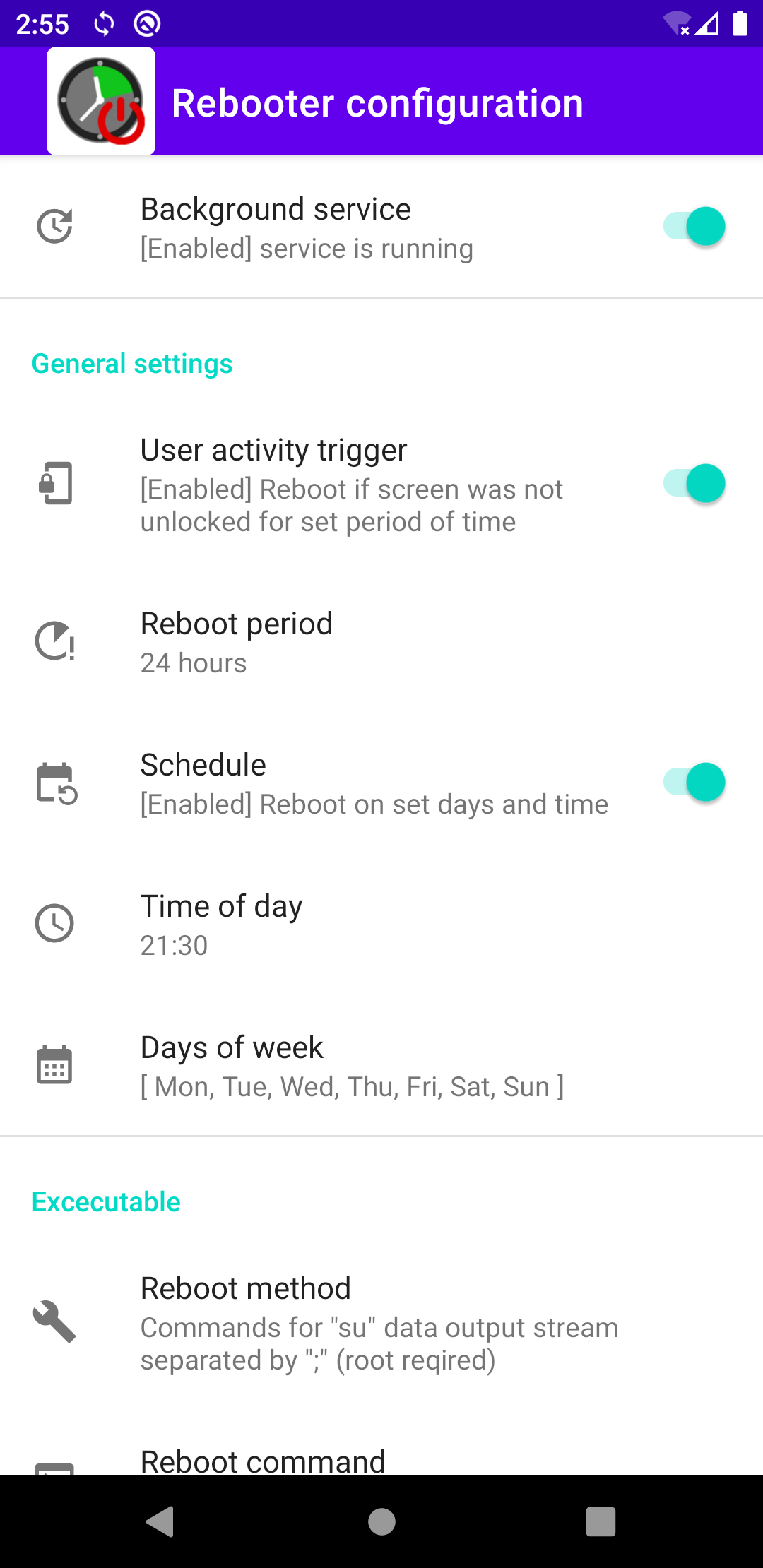
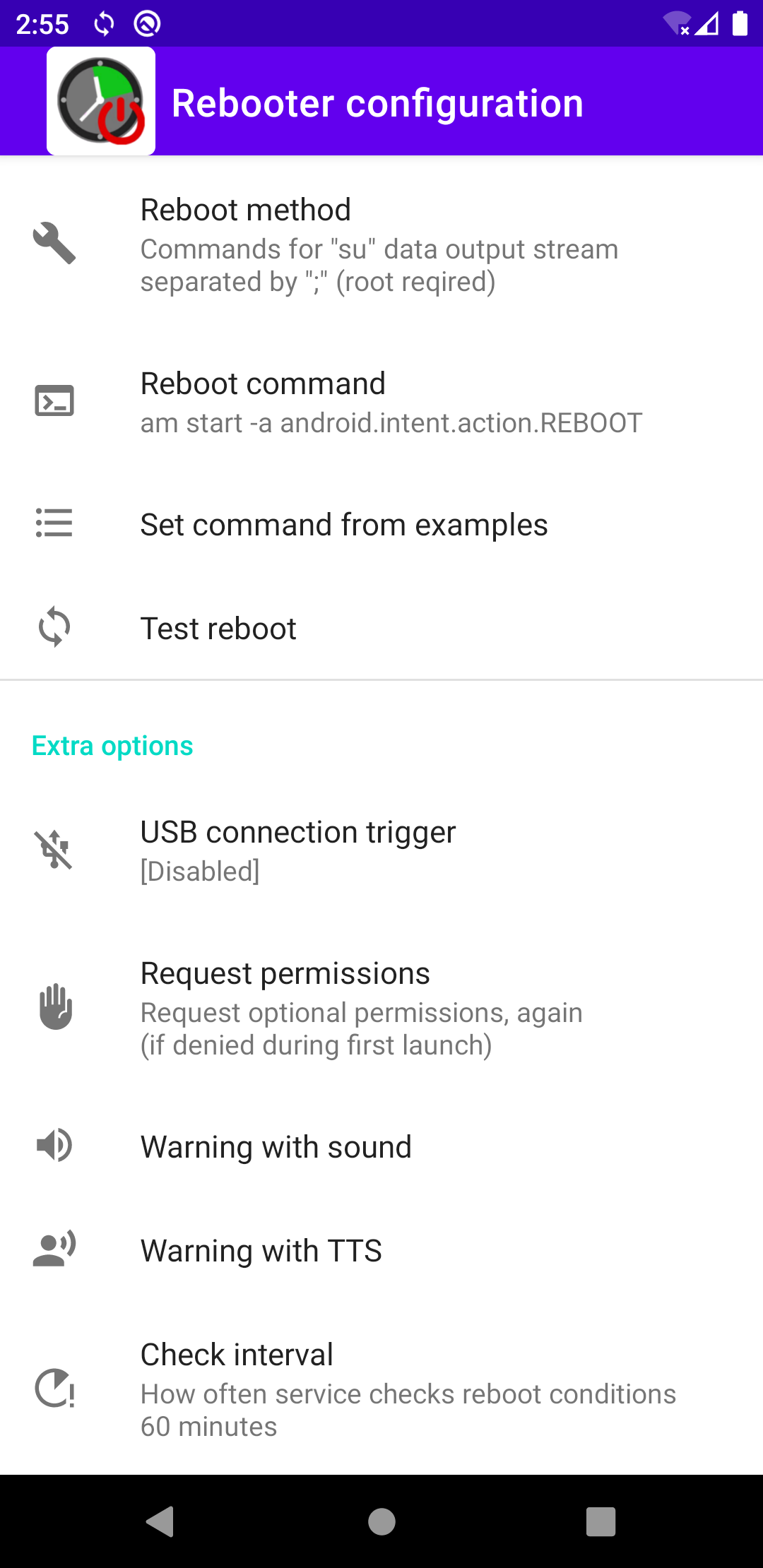
How to install
- Download the APK from the button at the top of this page.
- Allow “Install unknown apps” for your browser or file manager only, not for every app.
- Open the downloaded file and confirm the installation.
- If installation fails with “App not installed,” remove an earlier build of the same app first. A signature conflict is the usual cause.
Data safety
- Every file is checked against its published SHA-256 before it is listed.
- Files are scanned for malware on every update.
- The permissions each app requests are listed on its own page.
- Read the full safety policy for how we test, flag, and delist files.
Comments
Recent approved comments · sorted by newest
View all comments