Clean cache of installed user and system apps using Accessibility
F-Droid repository metadata
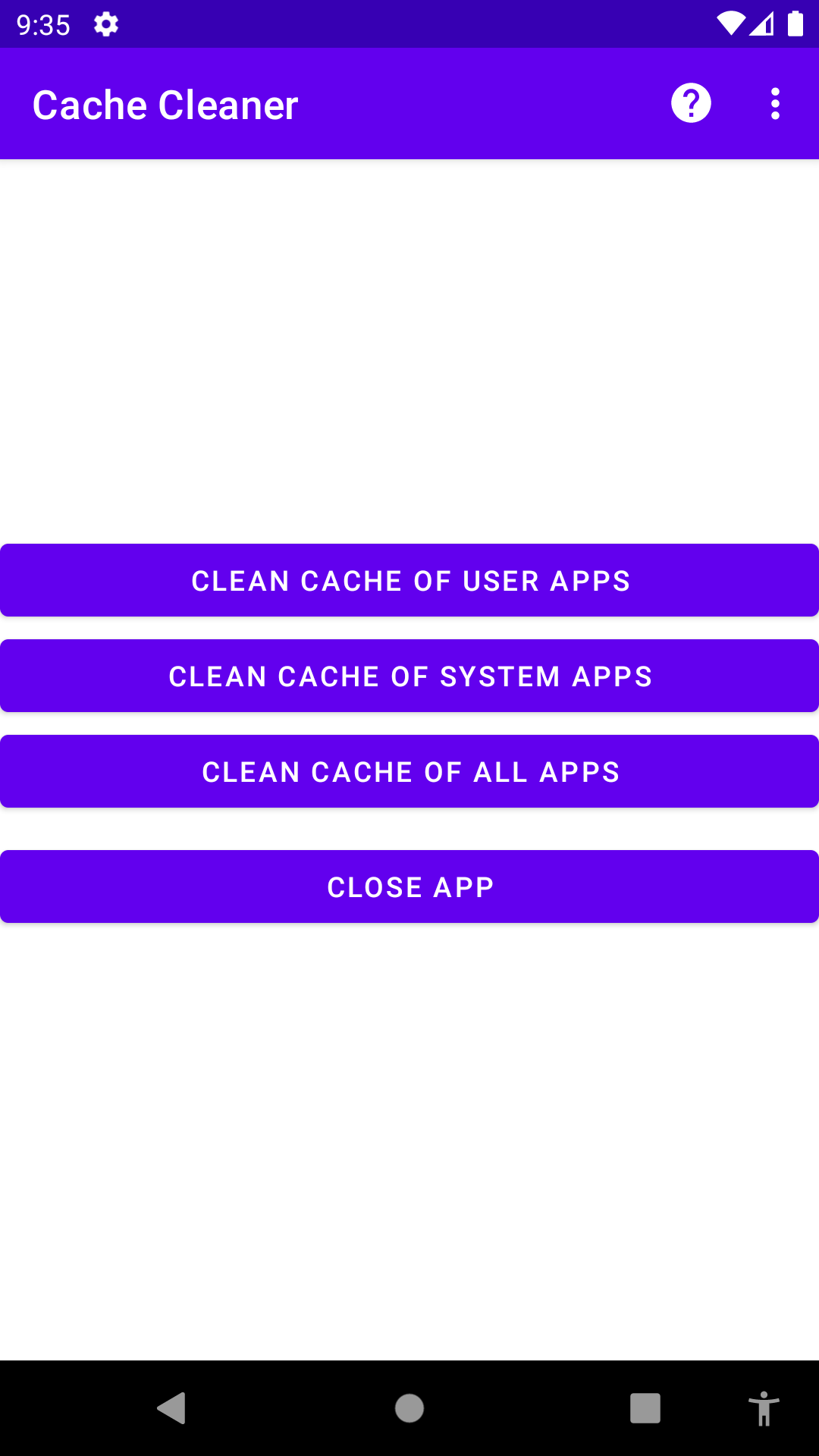
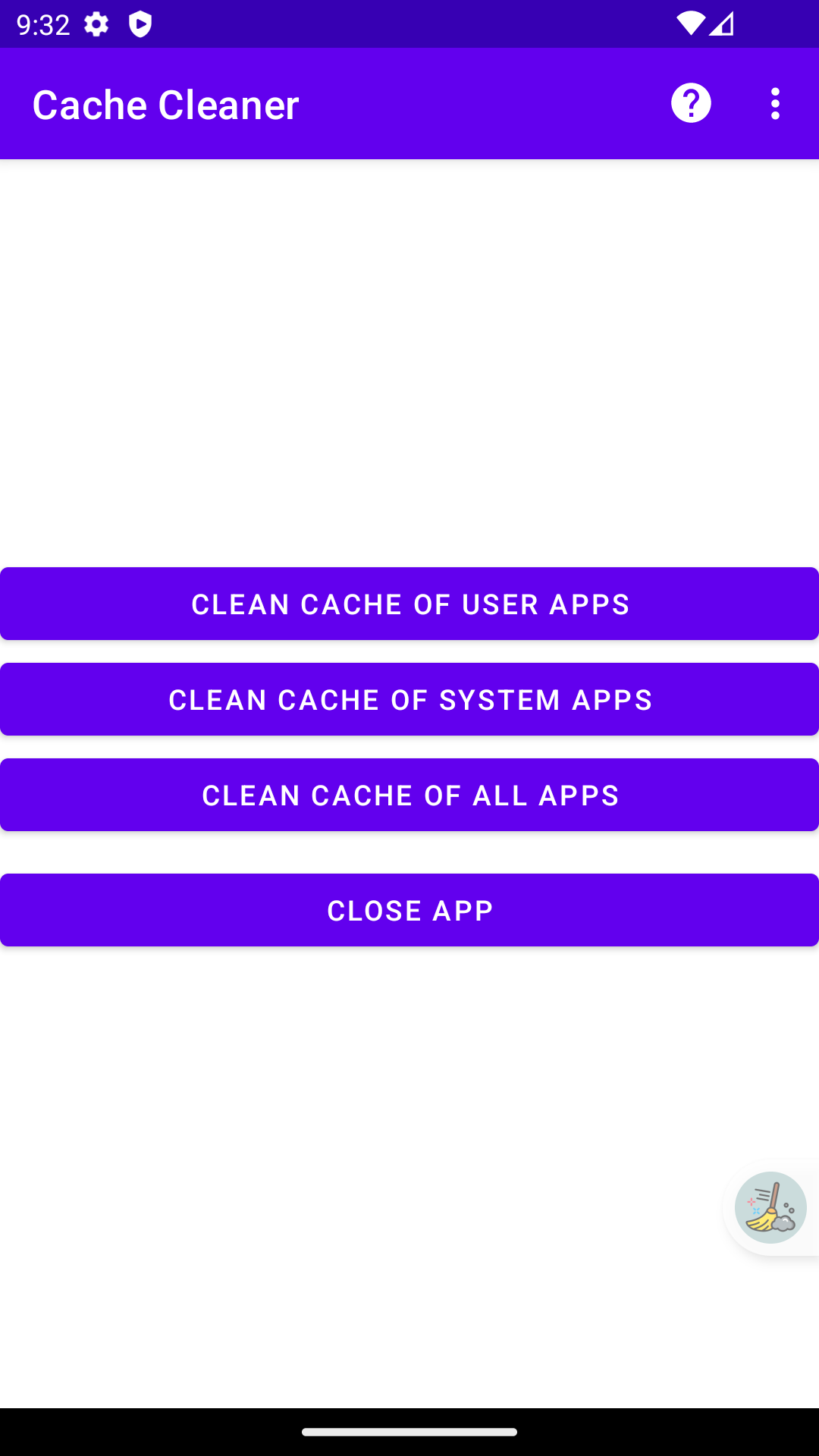
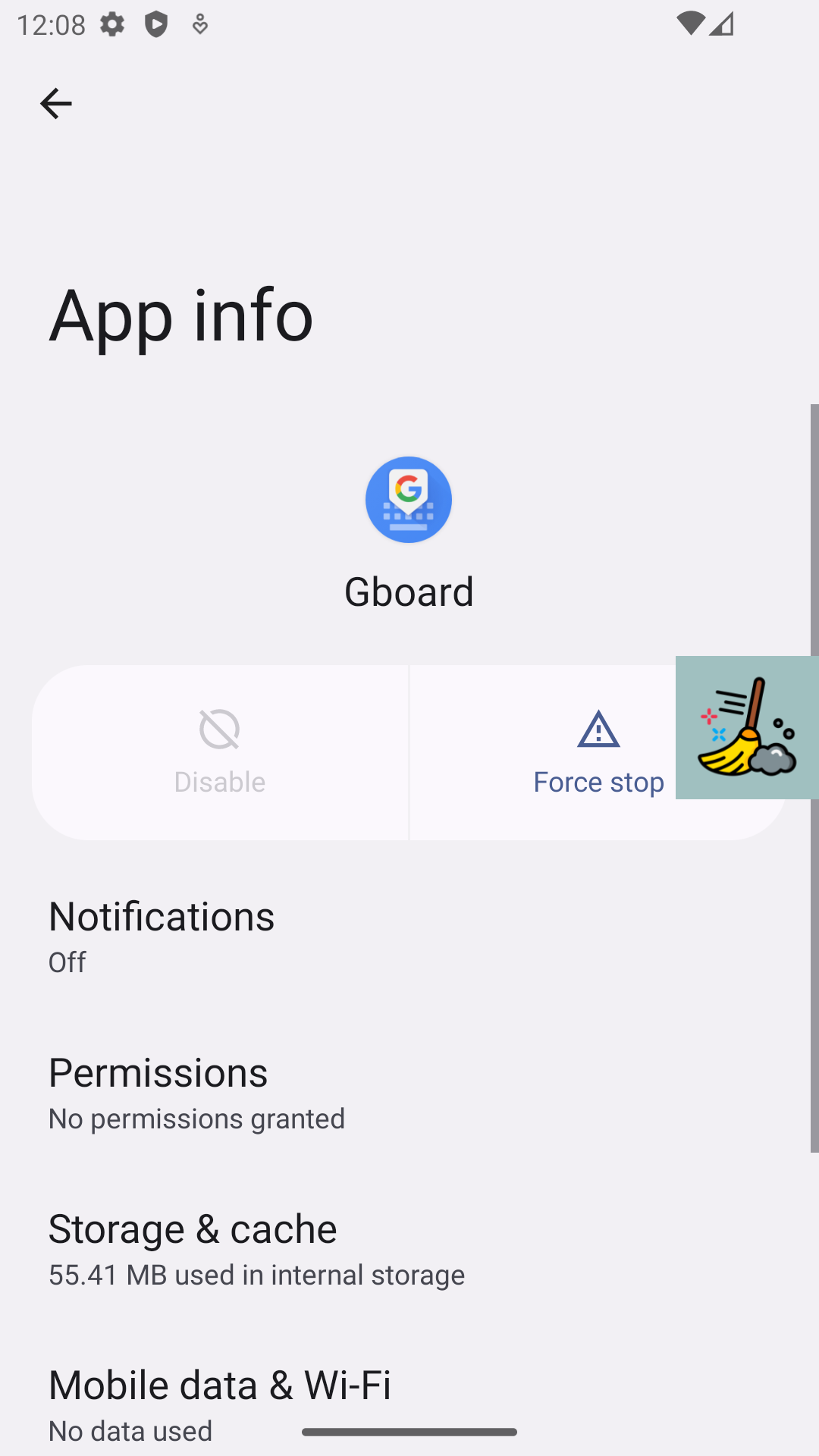
Since the release of Android 6 (Marshmallow), the option to clear the cache of all apps at once has been restricted by Google to system apps only. This means that users no longer have the convenience of clearing the cache of all their apps simultaneously. To clear the cache of individual apps, one must manually navigate to each app's "App Info" screen, locate the "Storage" menu, and then select the "Clean cache" button.
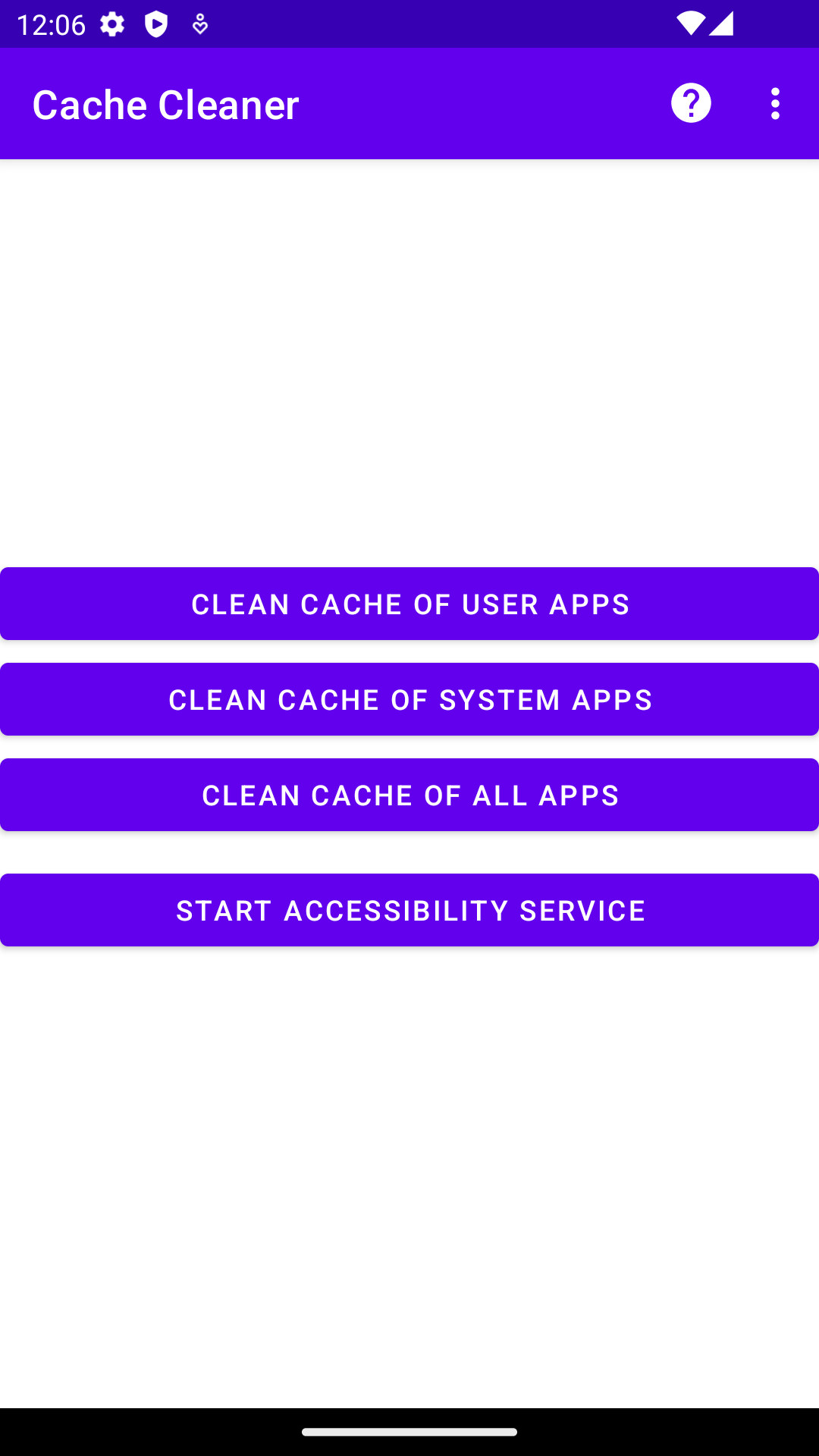
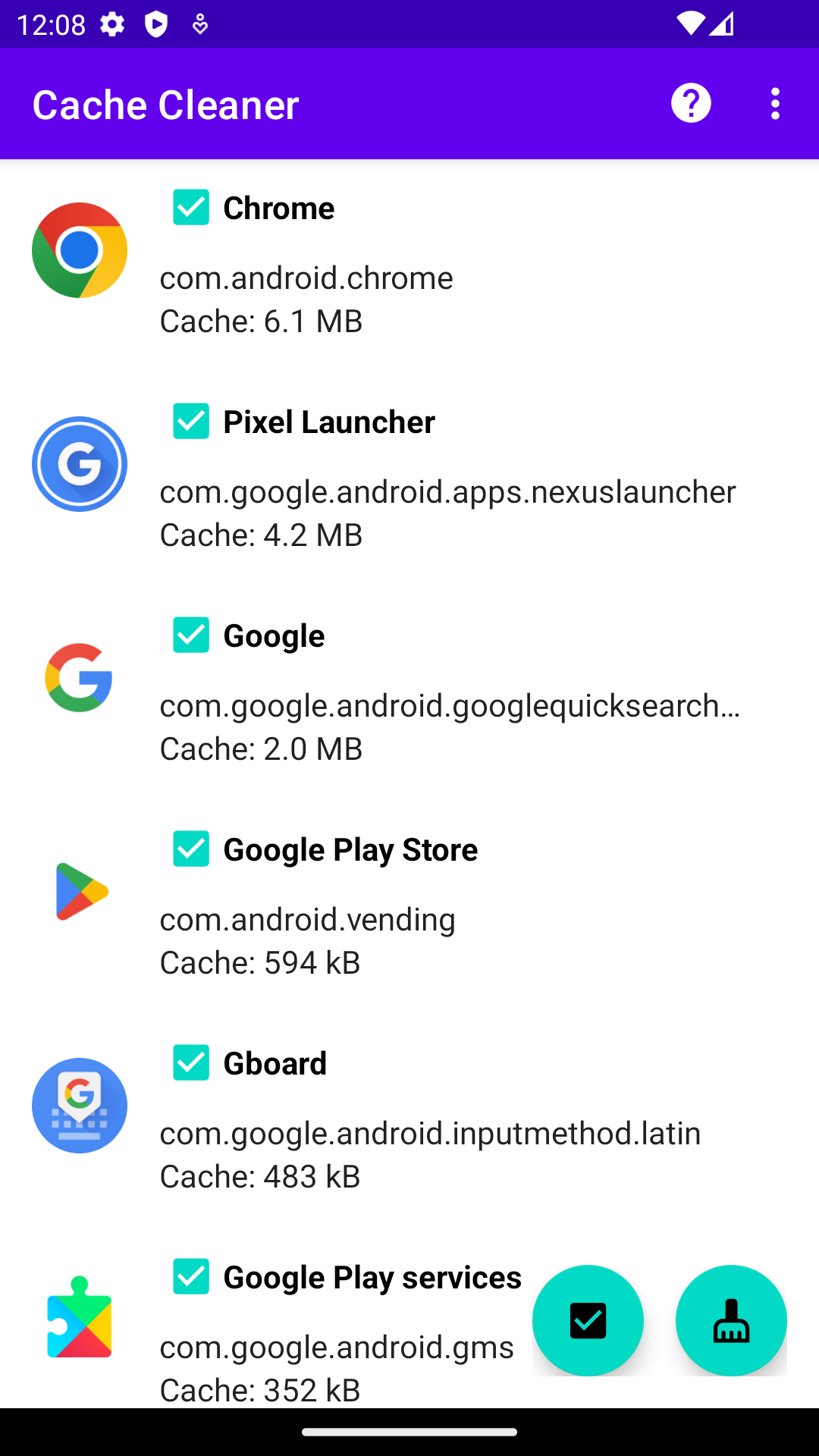
To simplify this process and save time, Cache Cleaner requests a list of installed apps on your device and utilizes the Accessibility service to replace the manual steps involved in clearing the cache. This allows for a more convenient and automated process of cache cleaning.
Cache Cleaner provides the added benefit of customizable app lists. This functionality allows you to create personalized lists of specific apps, giving you the flexibility to selectively clear the cache of only the apps you choose.
Screenshots
What’s new
* add Chinese translation
How to install
Download the APK from the button at the top of this page.
Allow “Install unknown apps” for your browser or file manager only, not for every app.
Open the downloaded file and confirm the installation.
If installation fails with “App not installed,” remove an earlier build of the same app first. A signature conflict is the usual cause.
Data safety
Every file is checked against its published SHA-256 before it is listed.
Files are scanned for malware on every update.
The permissions each app requests are listed on its own page.
Read the full safety policy for how we test, flag, and delist files.