What’s new
1.3.4
- Added Russian translation (thanks to mikinol).
- Updated Dutch translation (thanks to Stephan Paternotte).
- Updated dependencies.

Updated Sep 22, 2026
Easily track the time you spend on your device and apps.
F-Droid repository metadata
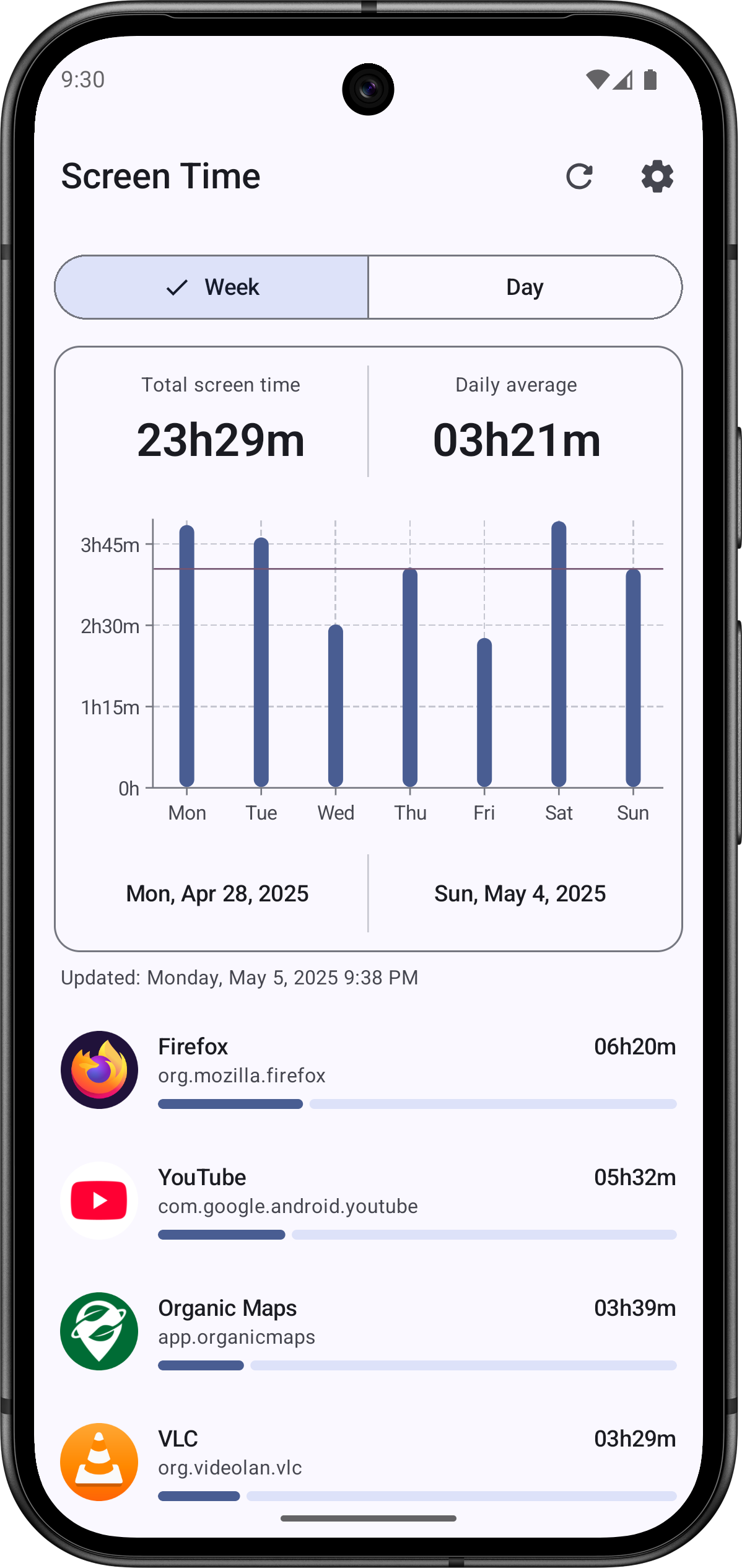
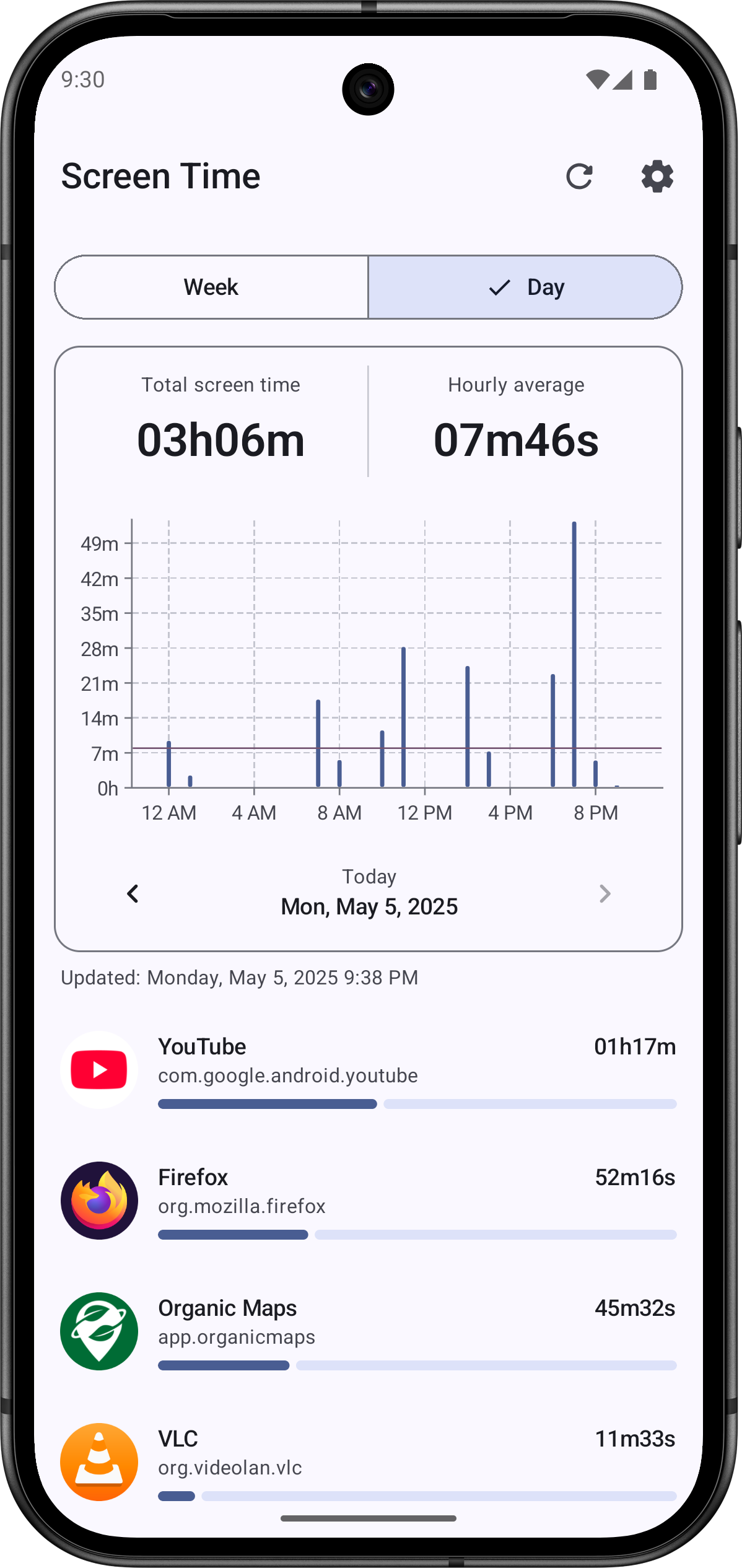
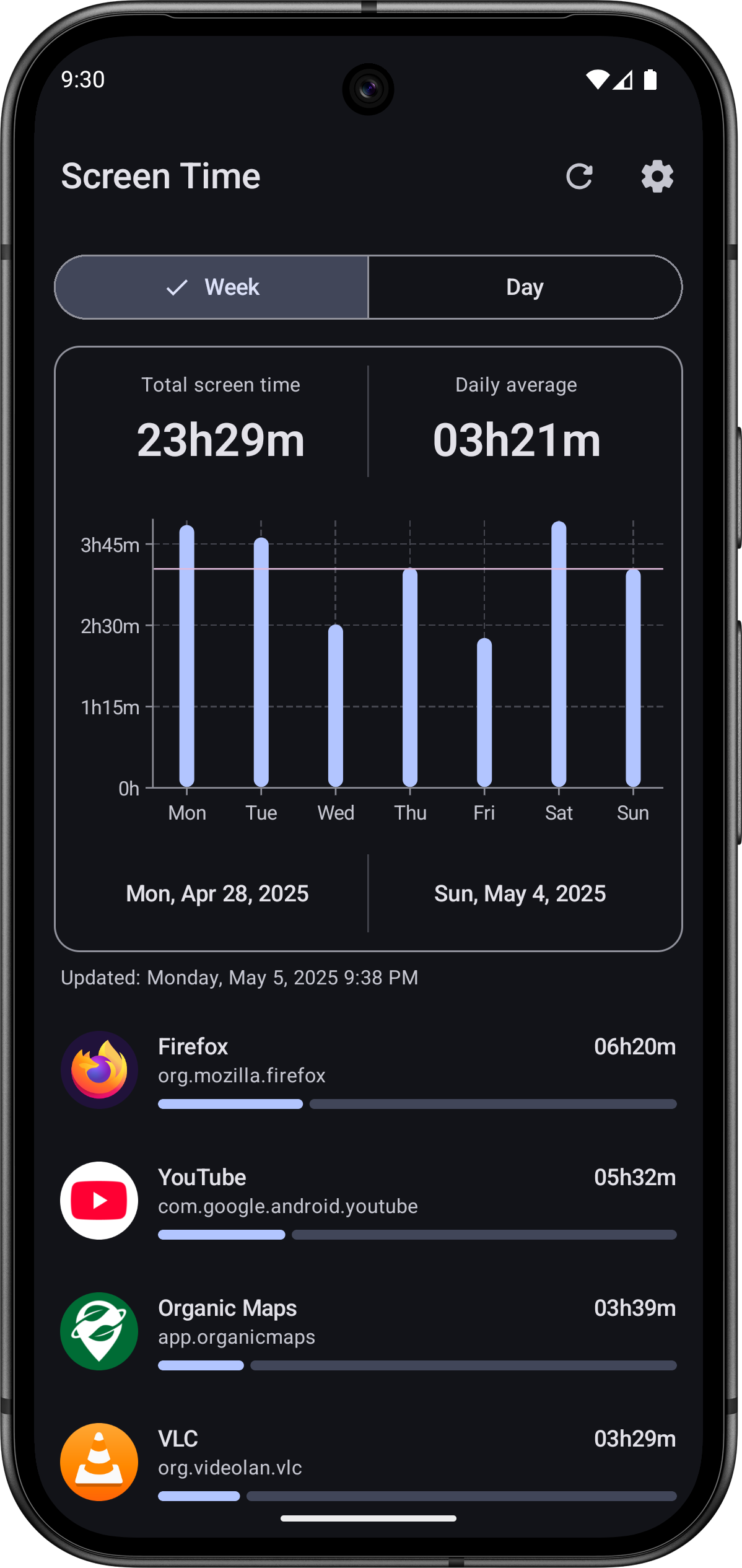
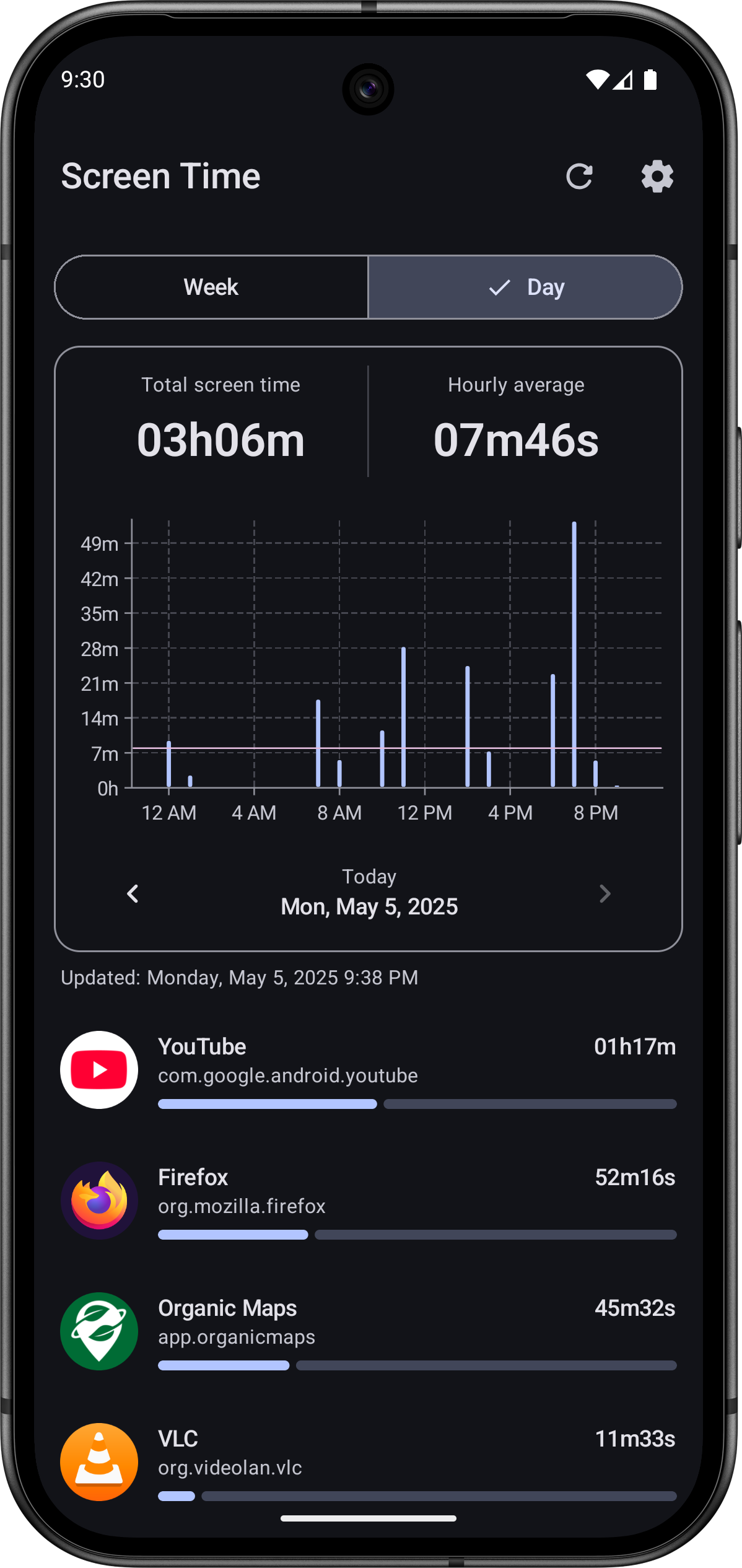
Screen Time is a simple app that lets you easily track the time you spend on your device and apps.
Features:
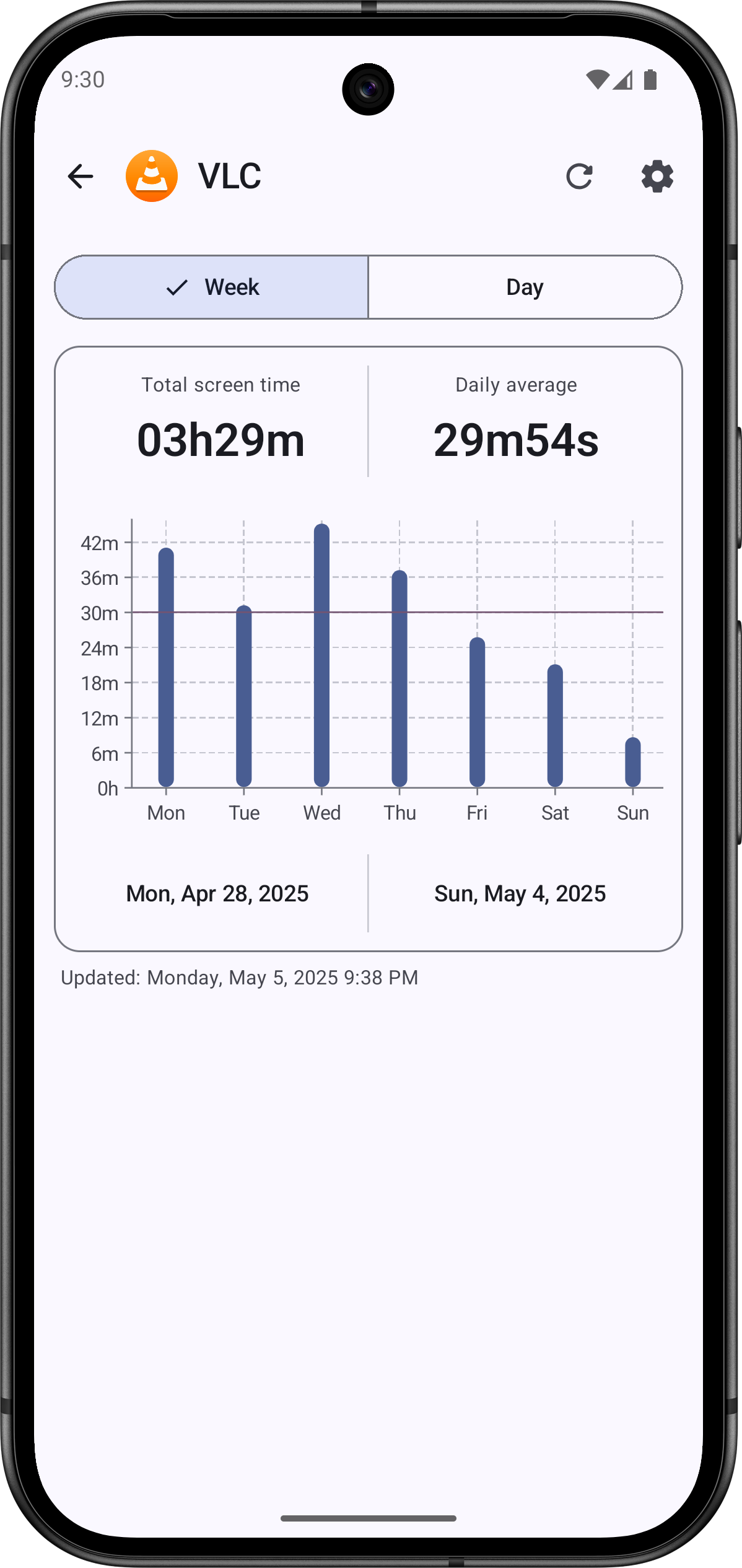
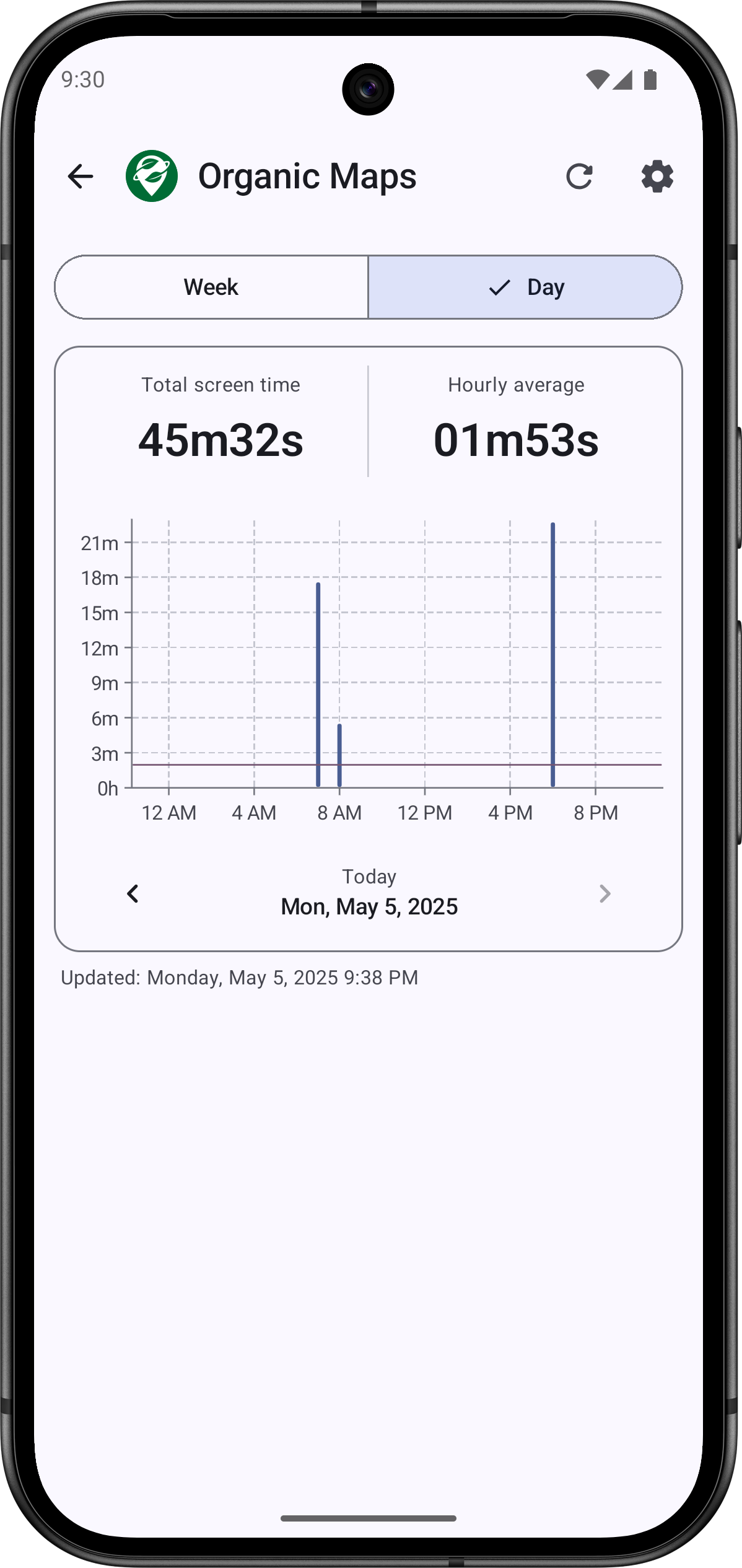
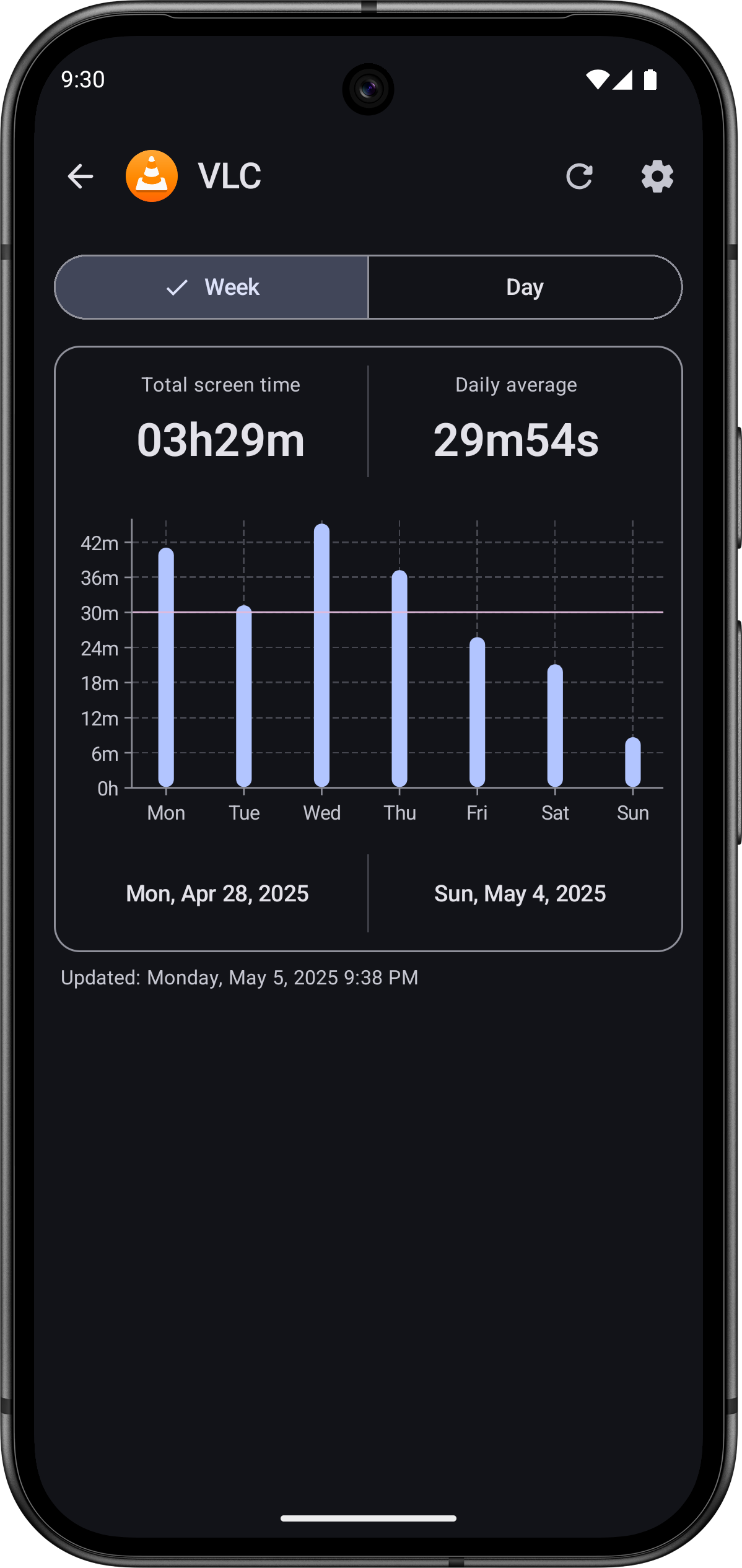
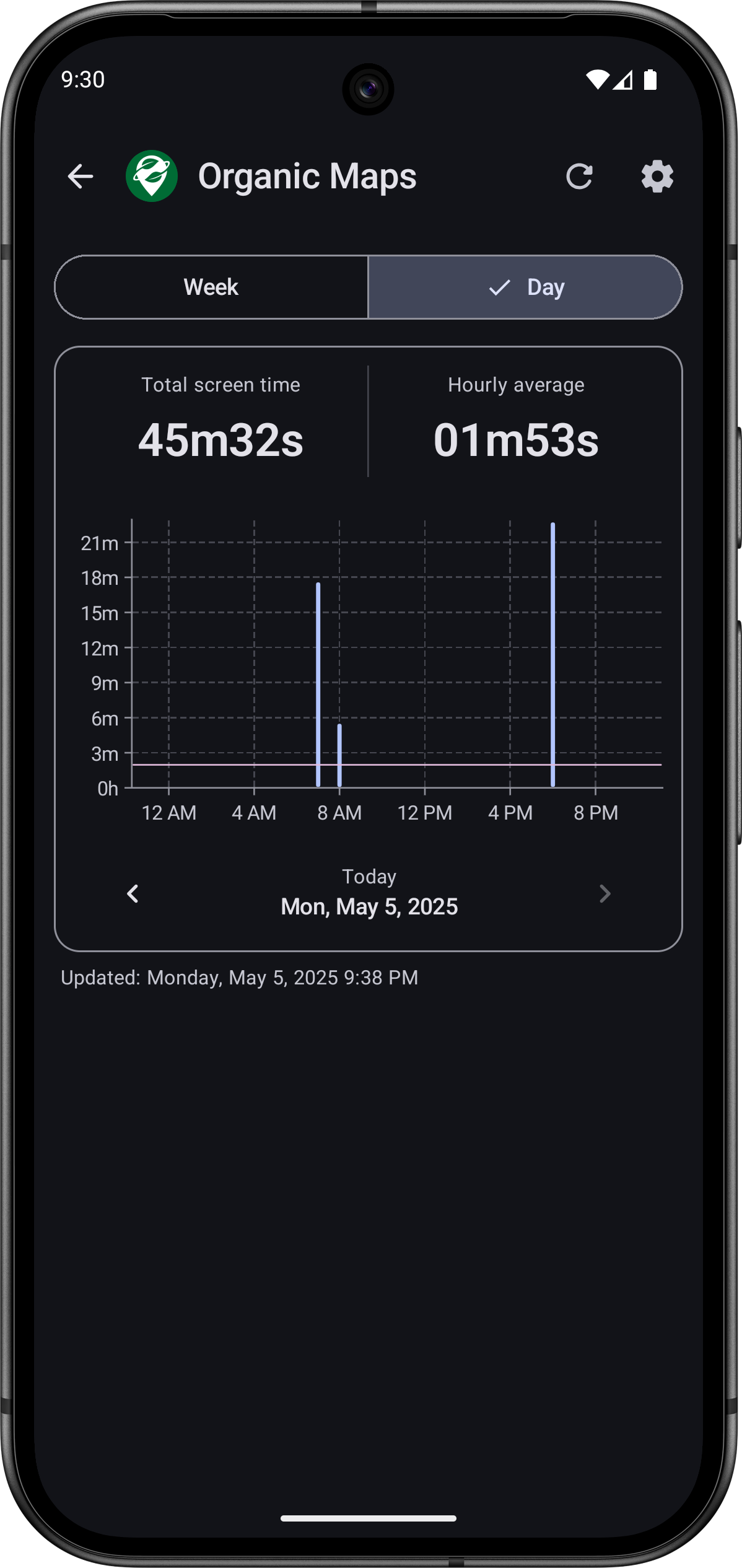
- Displays total screen time for your device over the past week or for a chosen day. - Comparative graph showing screen time across different days of the week. - Comparative graph displaying screen time for each hour of the day. - Ability to view screen time and comparative graphs for each individual app. - Comparative list of screen time for each app, sorted from the most used to the least used during the chosen period. - Simple and modern interface. - Home screen widget. - No ads. - No data collection (internet permissions disabled). - Open source. - Developed in Kotlin with Jetpack Compose and Material 3.
The source code is available here: https://gitlab.com/Atharok/ScreenTime
1.3.4
- Added Russian translation (thanks to mikinol).
- Updated Dutch translation (thanks to Stephan Paternotte).
- Updated dependencies.
Recent approved comments · sorted by newest
View all comments