Quick answer
Share-to-save and keep your documents organized
F-Droid repository metadata
Tired of losing track of important files on your phone? PDFs, ID copies, class notes, or anything shared with you often get buried in Downloads, WhatsApp or email attachments. I built this app as a student who wanted a simple, private way to keep everything organized and easy to access.
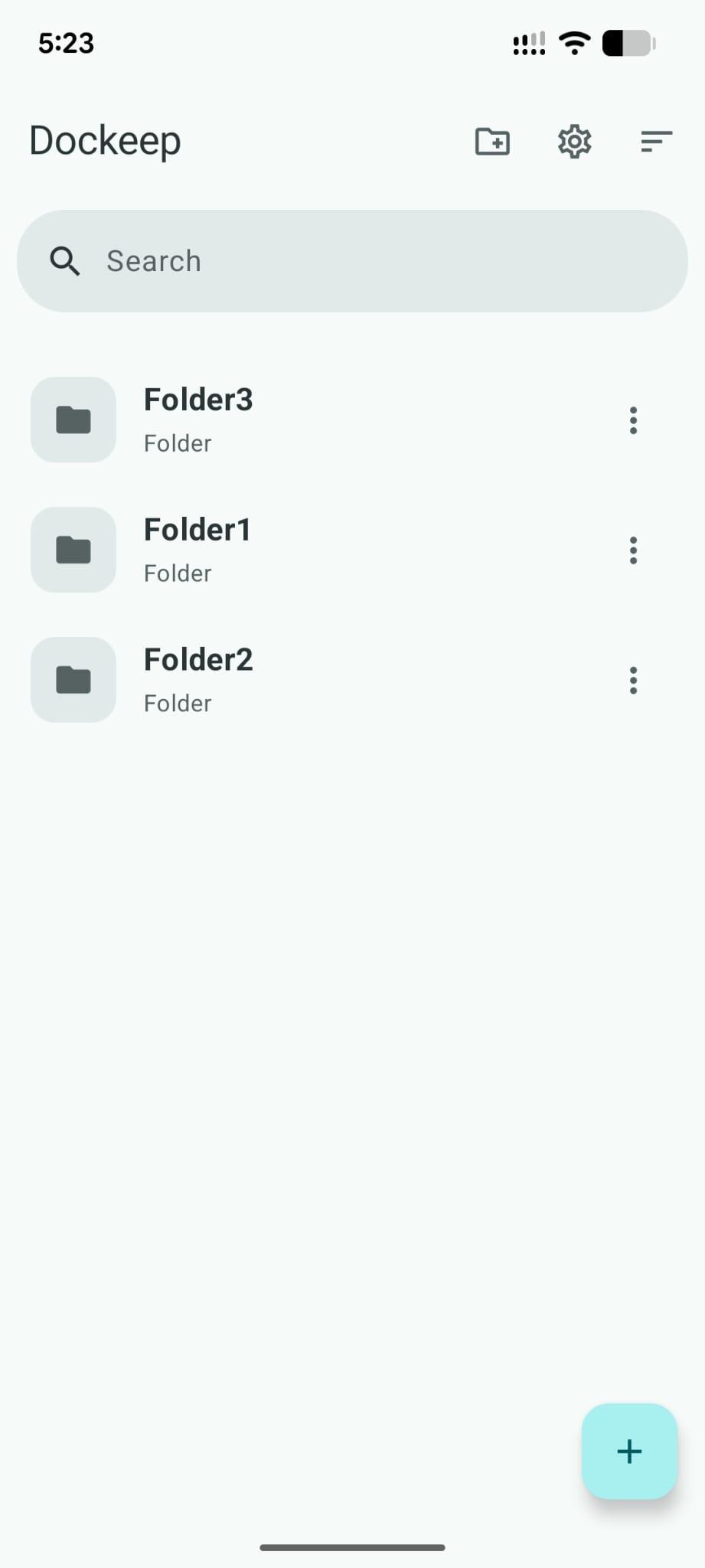
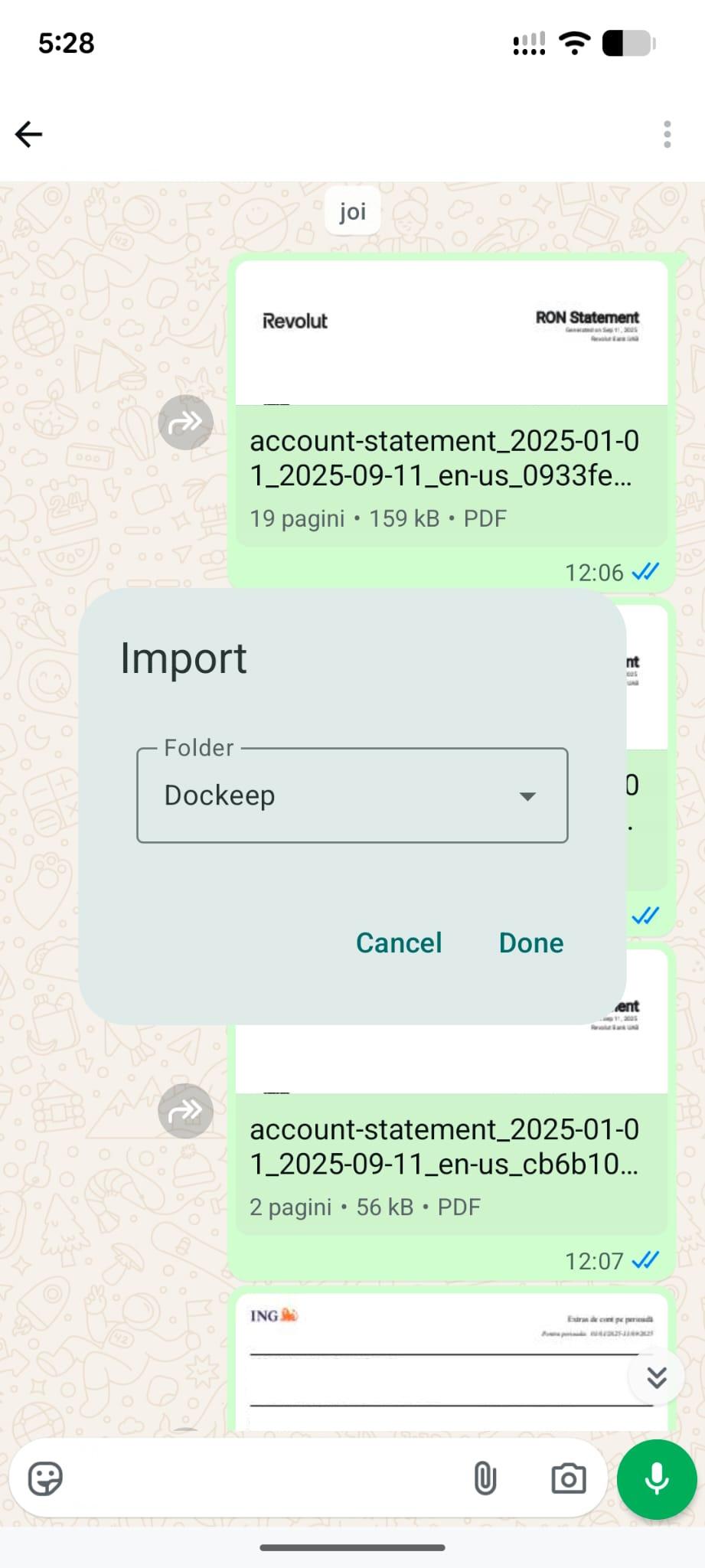
With Dockeep, you can share any file from any app directly into a folder you choose. It’s like a pocket for your files: quick to save, easy to search, and always under your control.
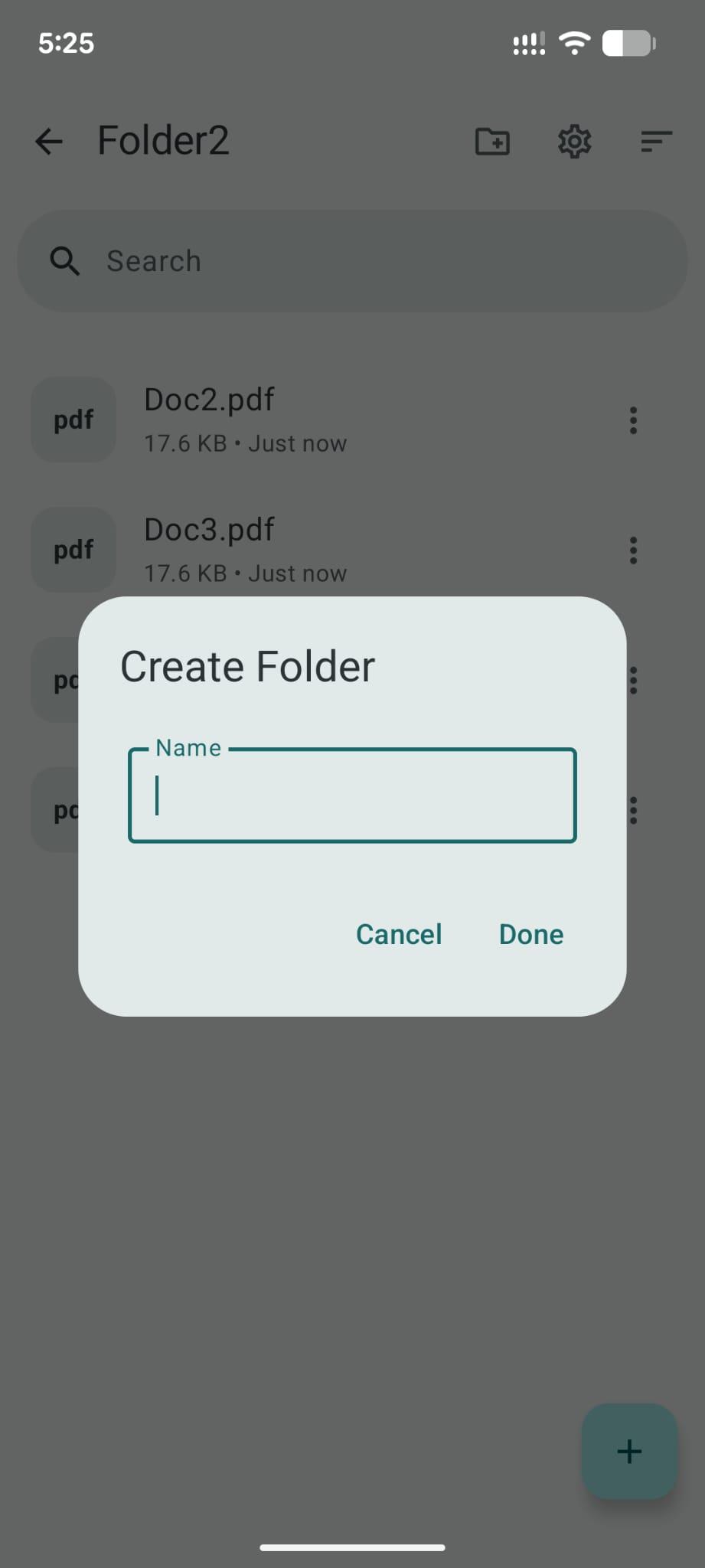
Key features - Share files from any app into your own folders - Search to find files instantly - Keep everything private, local, and ad-free
It’s free, open-source, and still early, but I’d love to keep improving it with feedback or contributions.
Screenshots
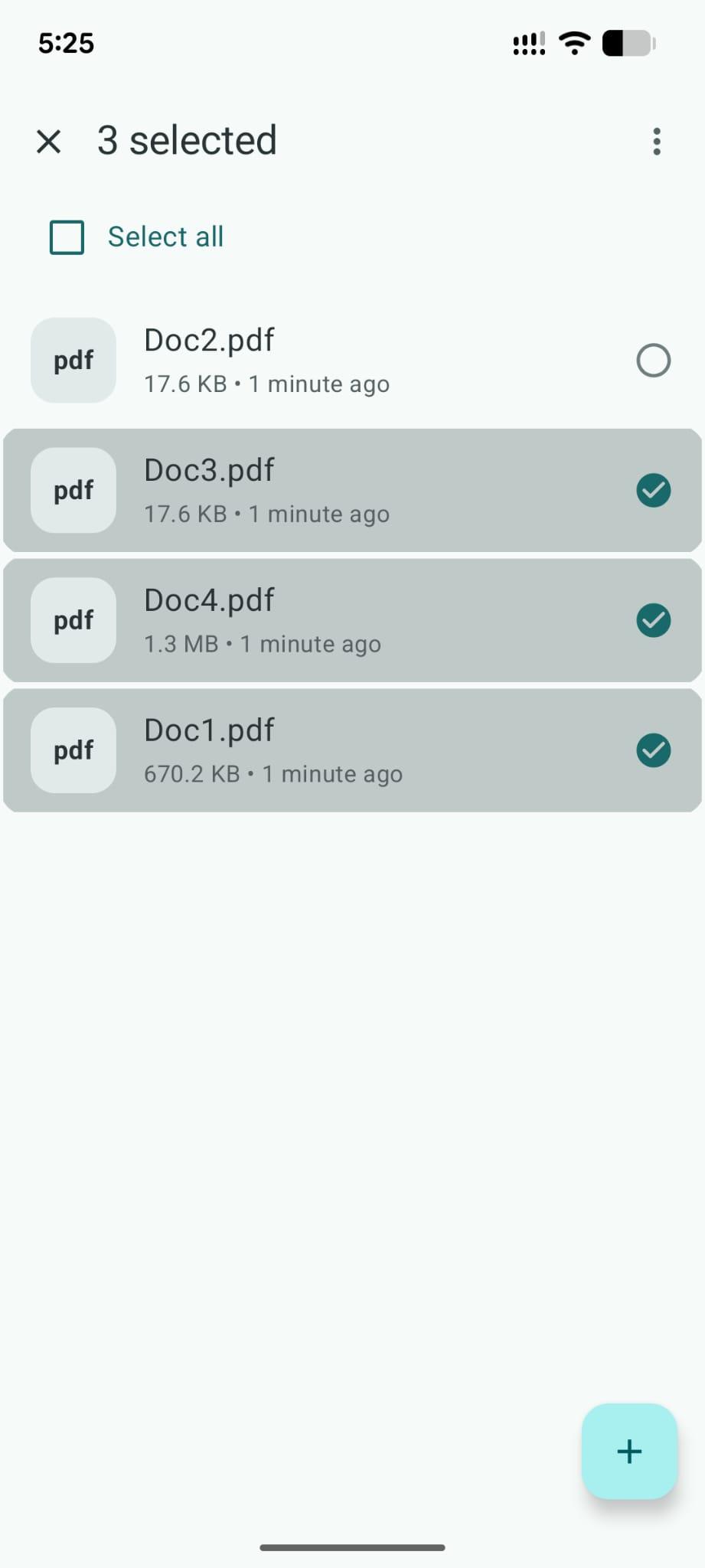
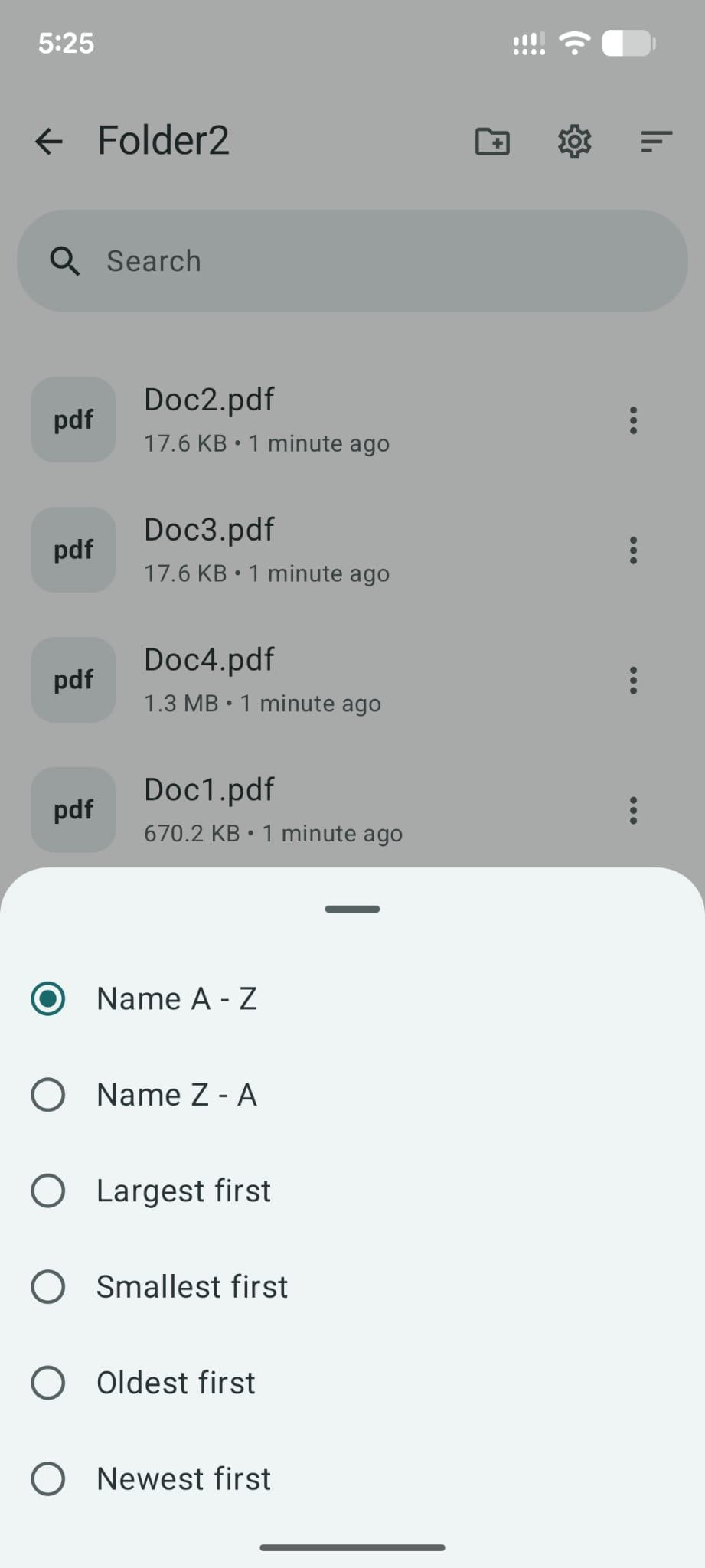
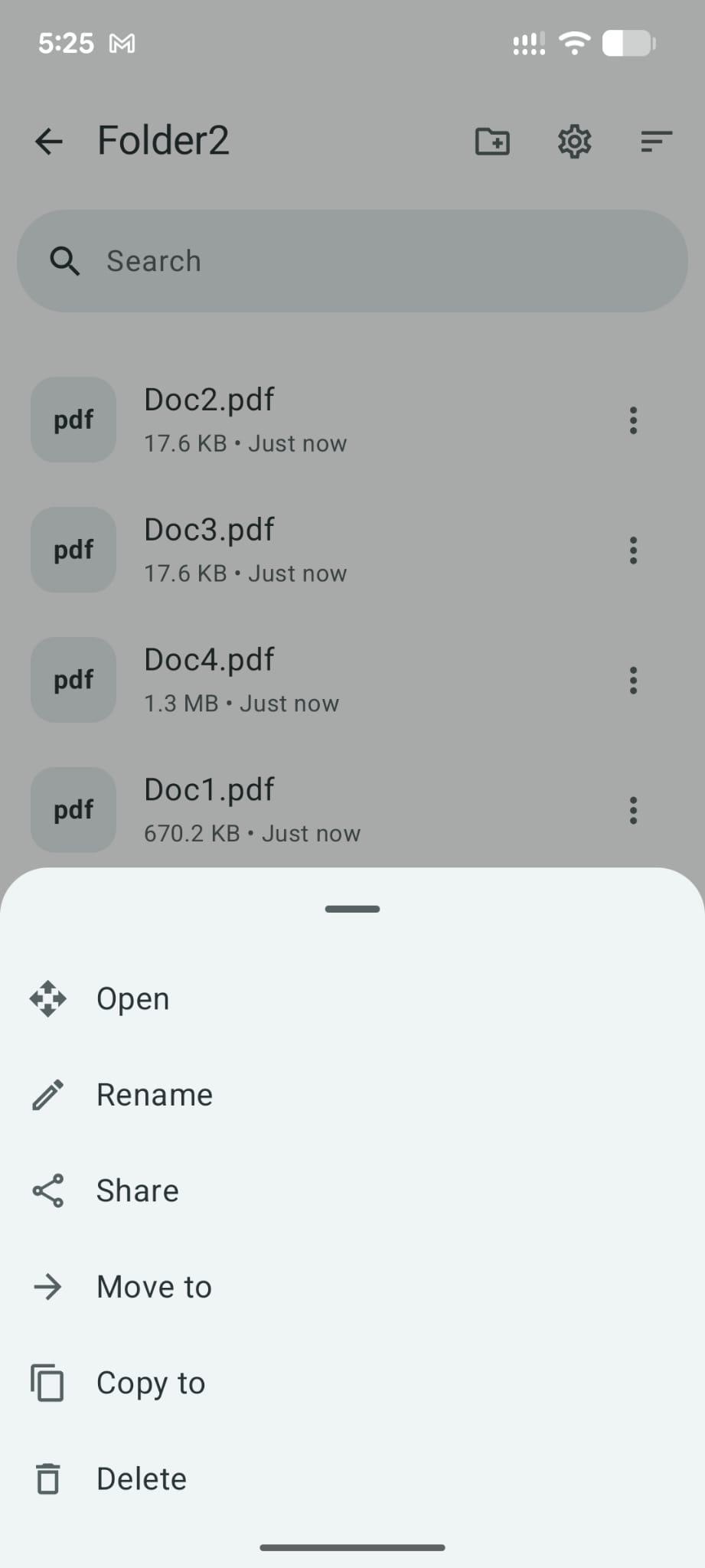
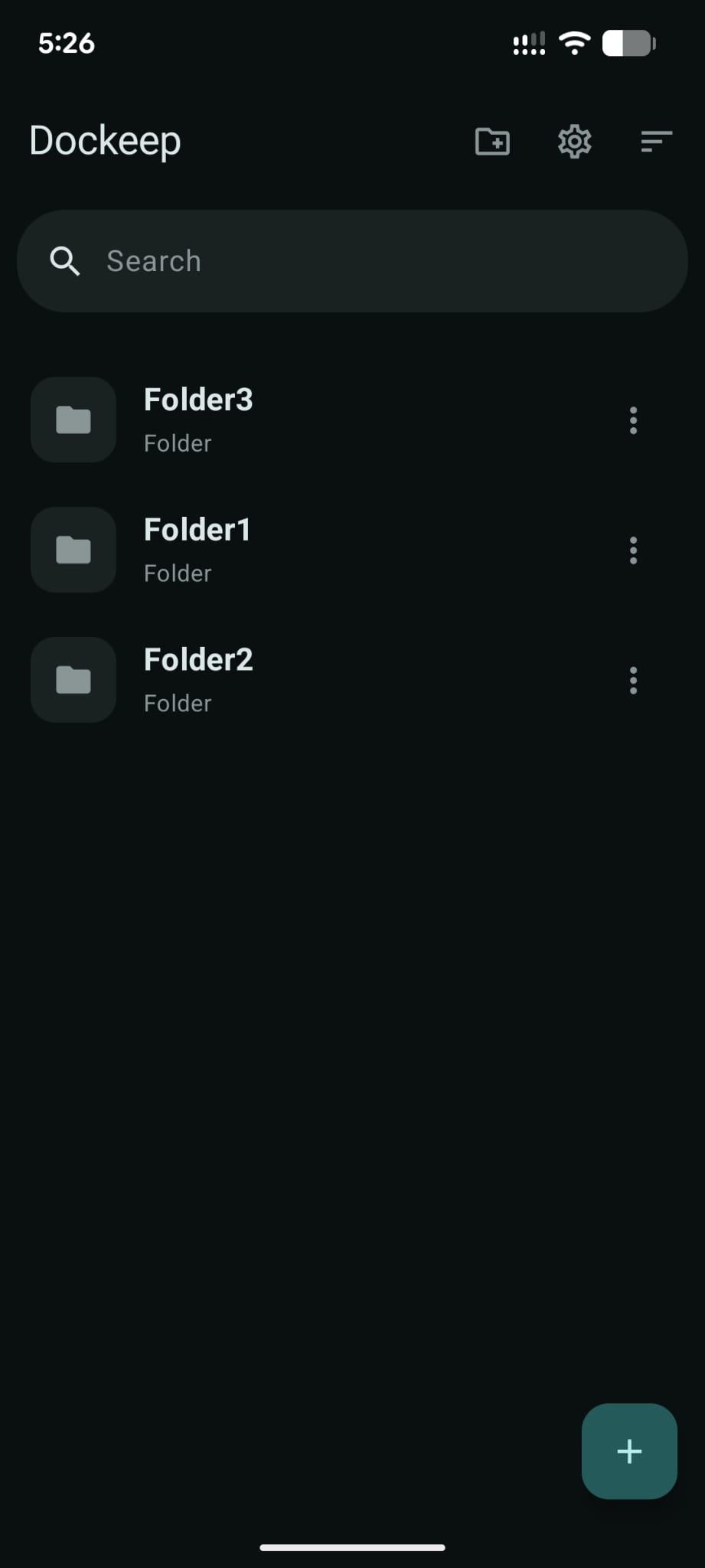
How to install
- Download the APK from the button at the top of this page.
- Allow “Install unknown apps” for your browser or file manager only, not for every app.
- Open the downloaded file and confirm the installation.
- If installation fails with “App not installed,” remove an earlier build of the same app first. A signature conflict is the usual cause.
Data safety
- Every file is checked against its published SHA-256 before it is listed.
- Files are scanned for malware on every update.
- The permissions each app requests are listed on its own page.
- Read the full safety policy for how we test, flag, and delist files.
Comments
Recent approved comments · sorted by newest
View all comments