
Quick answer
An open-source APK explorer/Editor & Split APK/App bundle Installer for Android!
F-Droid repository metadata
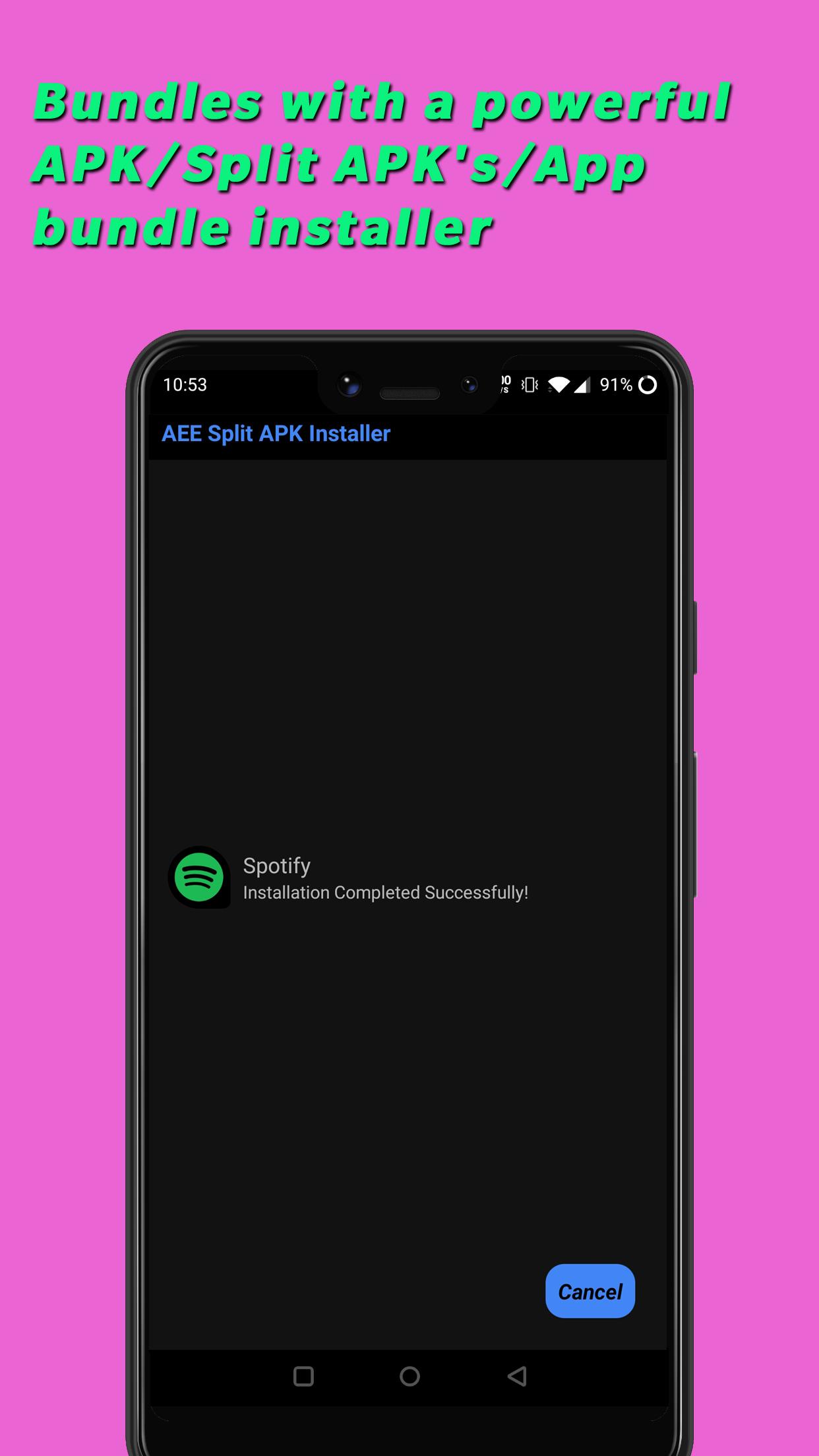
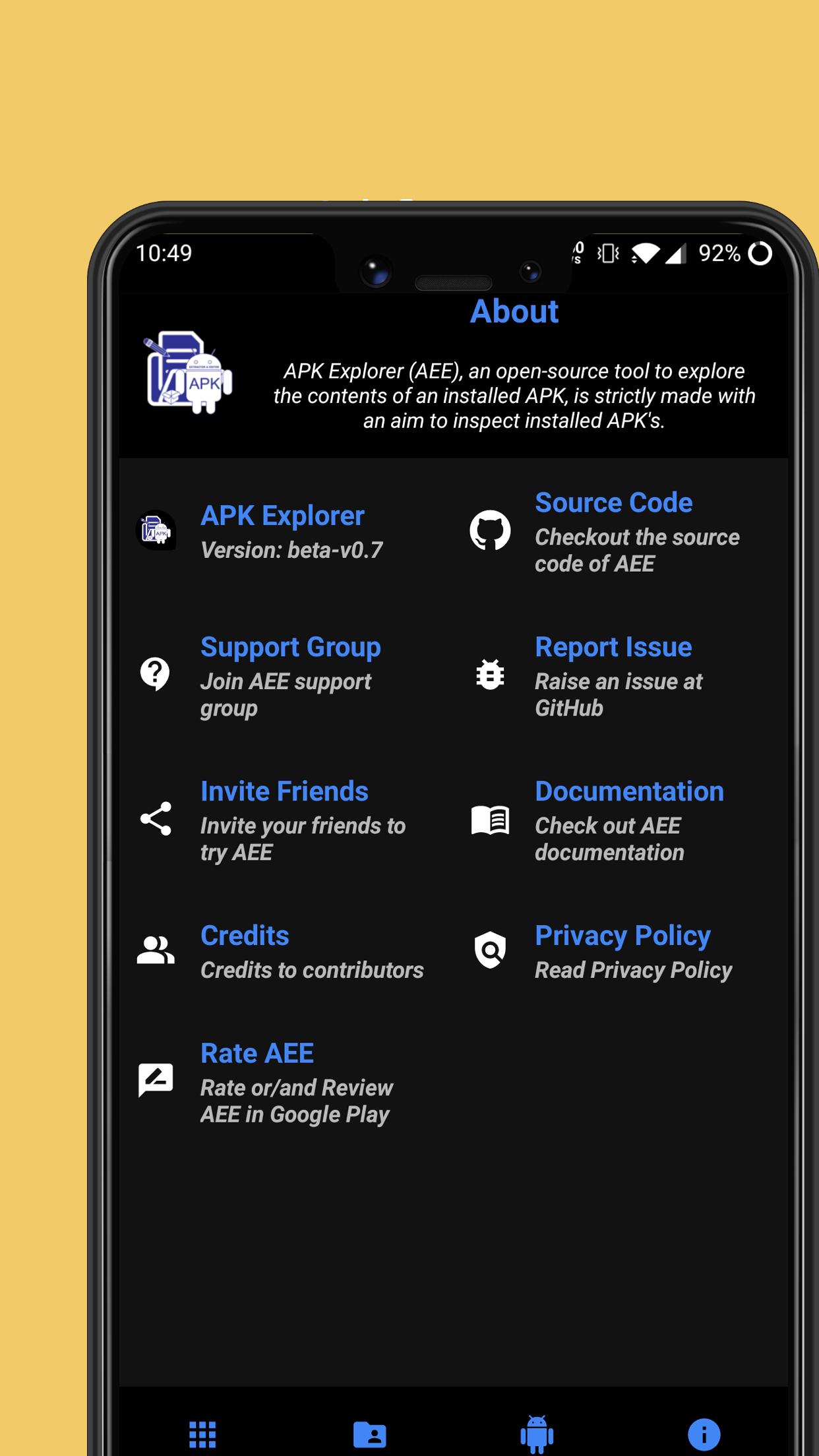
APK Explorer & Editor (AEE) includes a set of open-source tools mainly designed to explore the contents of an installed application on an Android device. Additionally, AEE offers a feature-rich APK/Split APK's/App bundle installer which allows users to pick and install files from device storage. Please Note: This is the full version of AEE. The Google Play version lacks editing capabilities as well as features such as APK/App Bundle signing.
Features
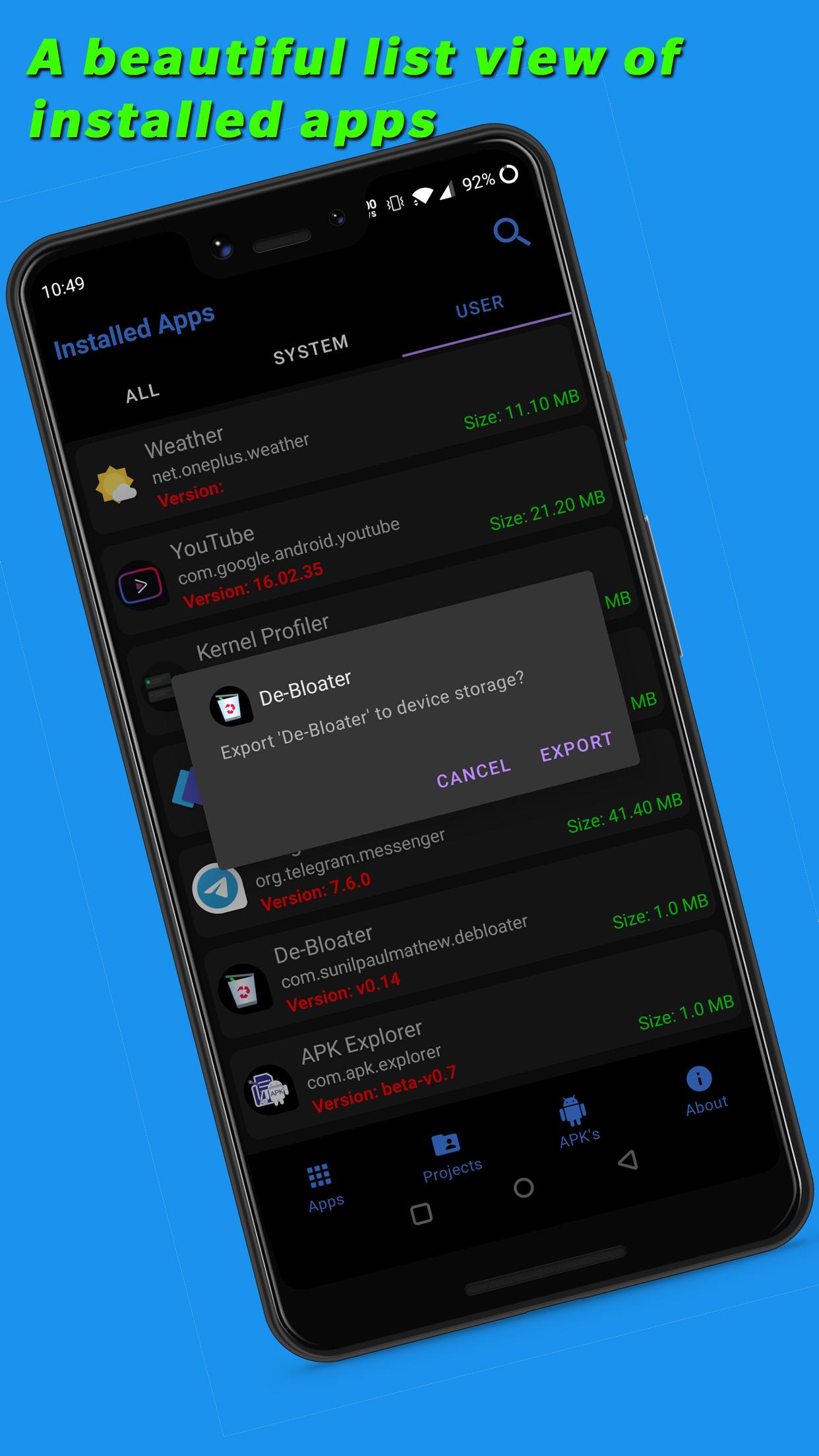
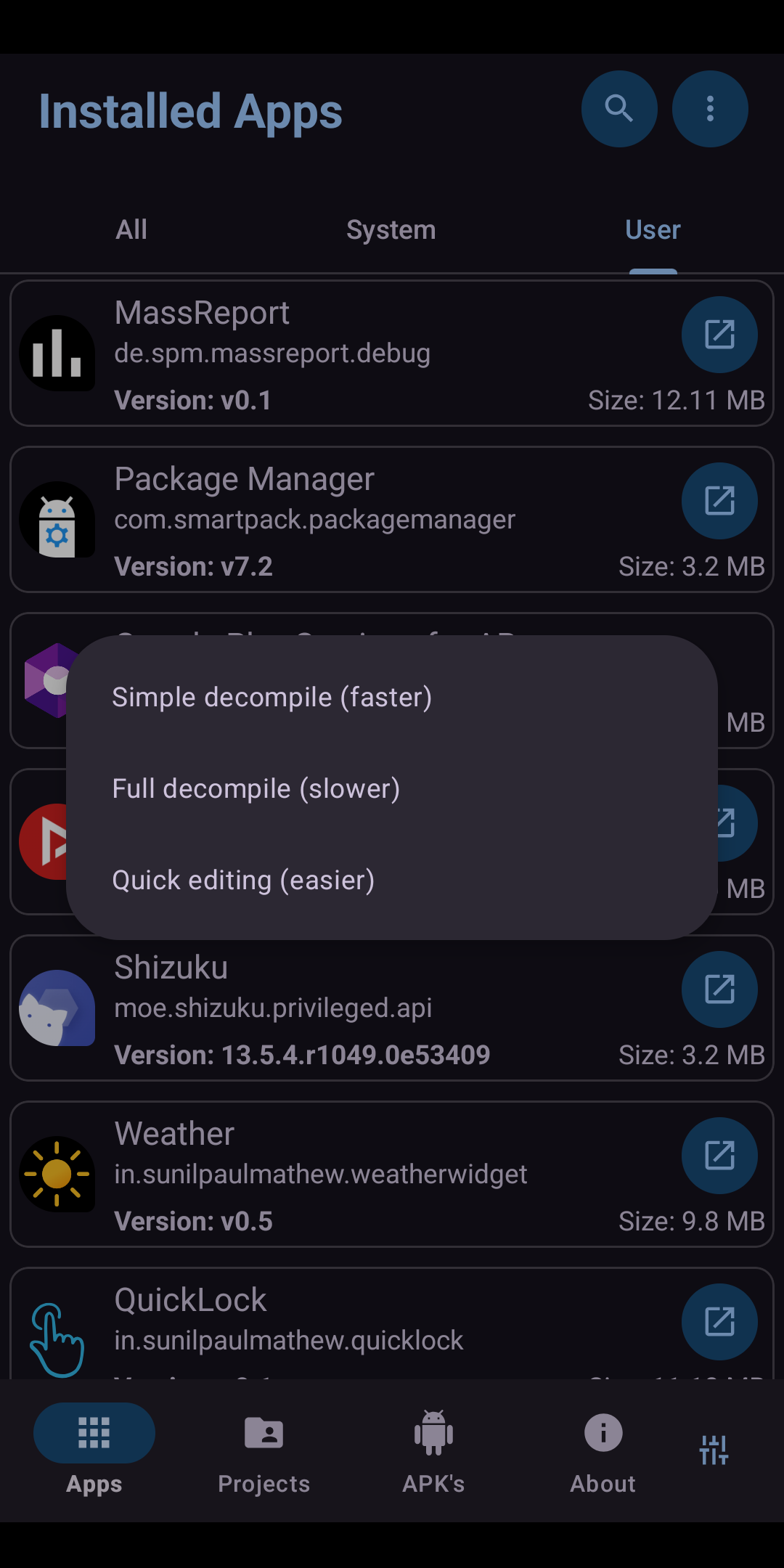
* A beautifully designed list view of installed applications.
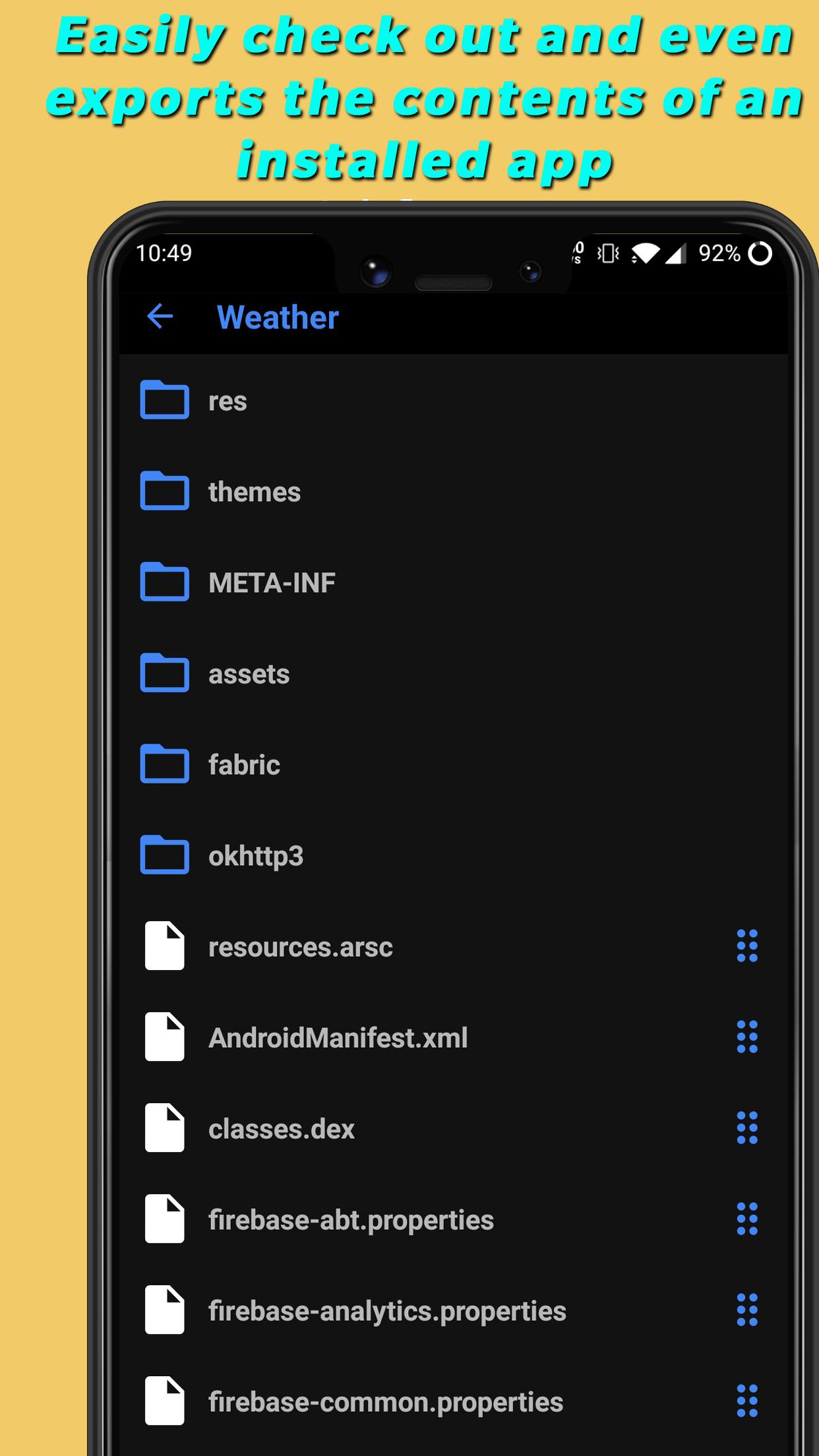
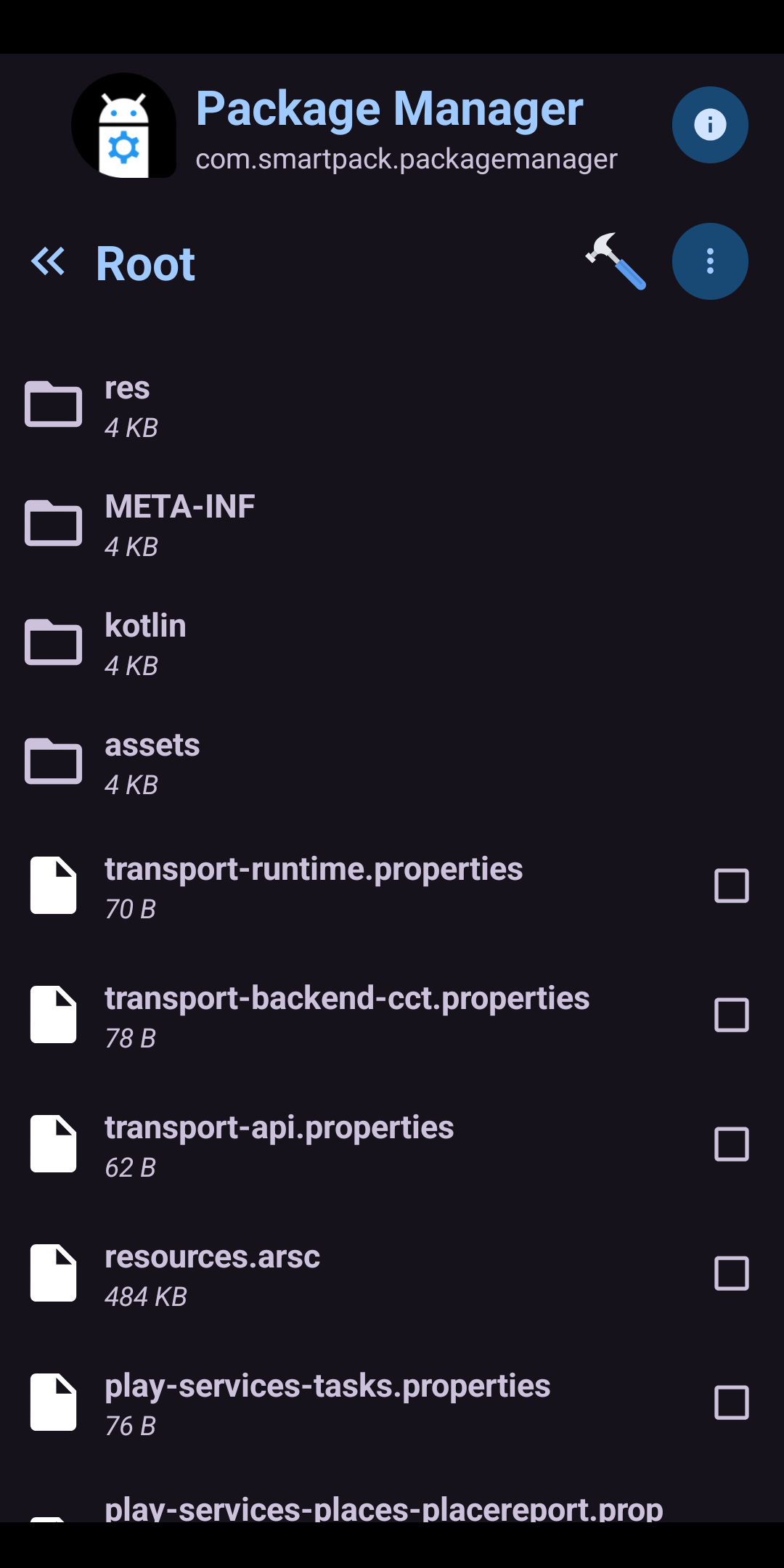
* Explore an installed application or APK file picked from the device storage and navigate through its contents.
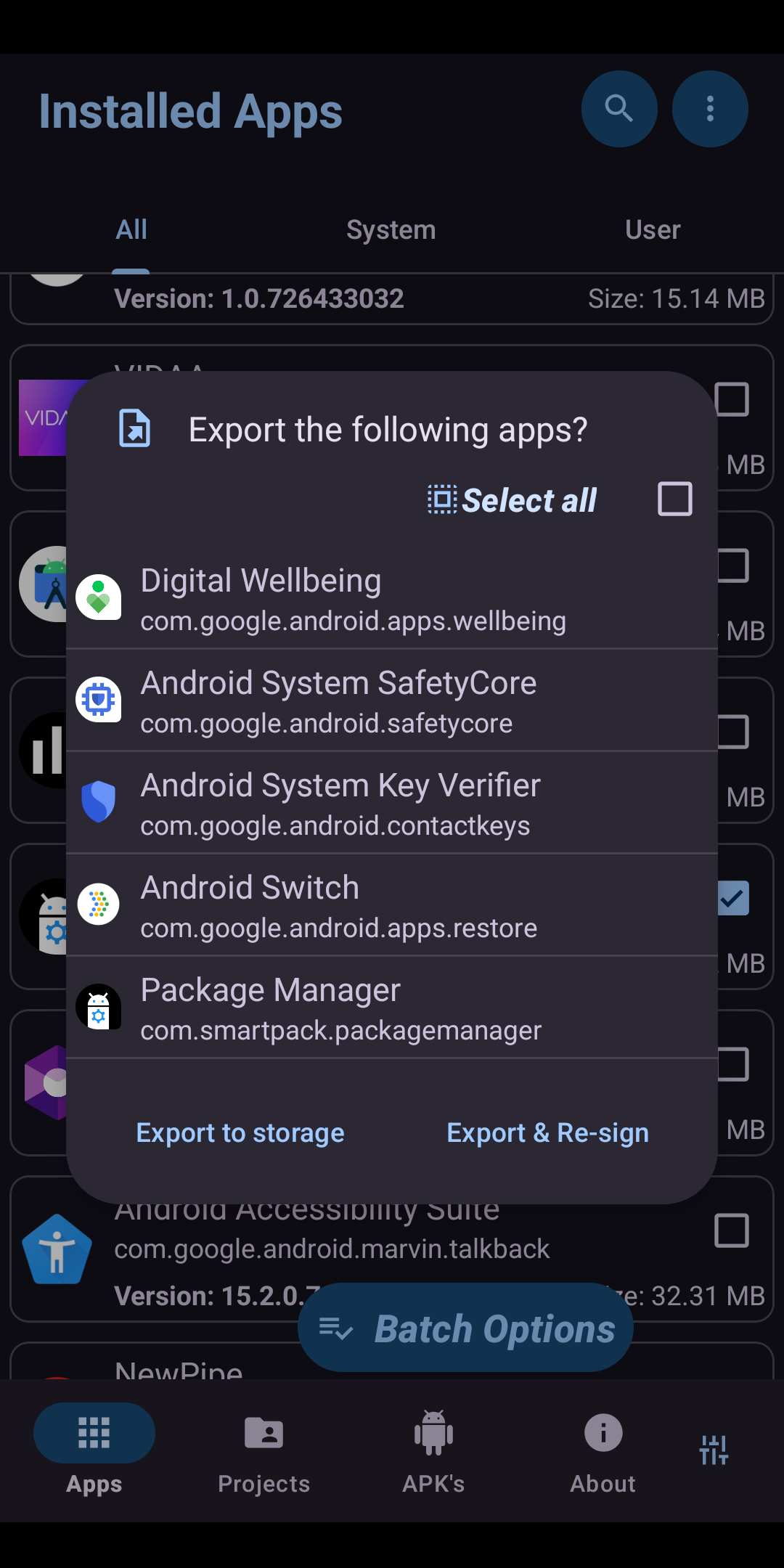
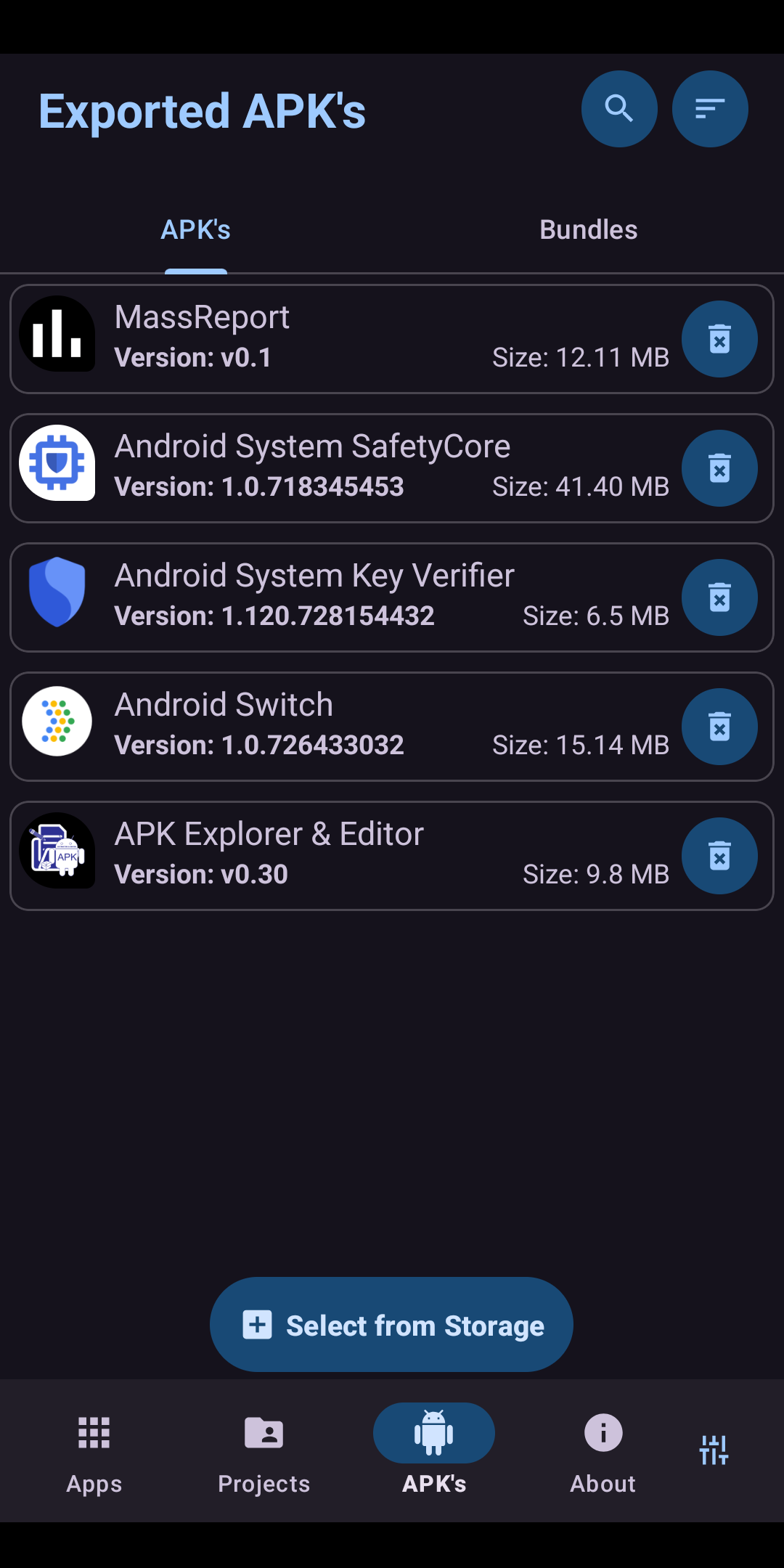
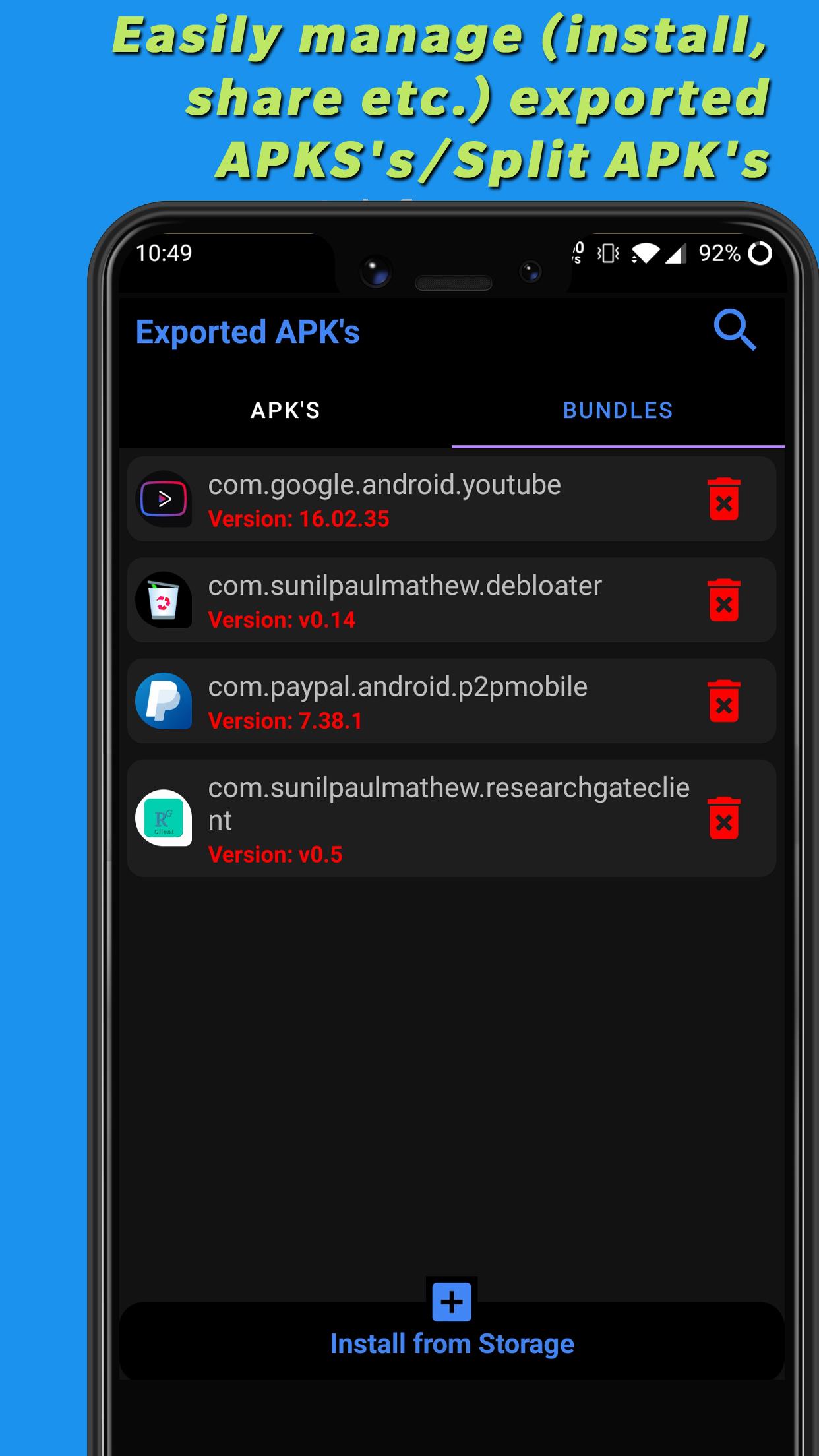
* Export and easily manage (install, share etc.) APK's/Split APK's into device storage.
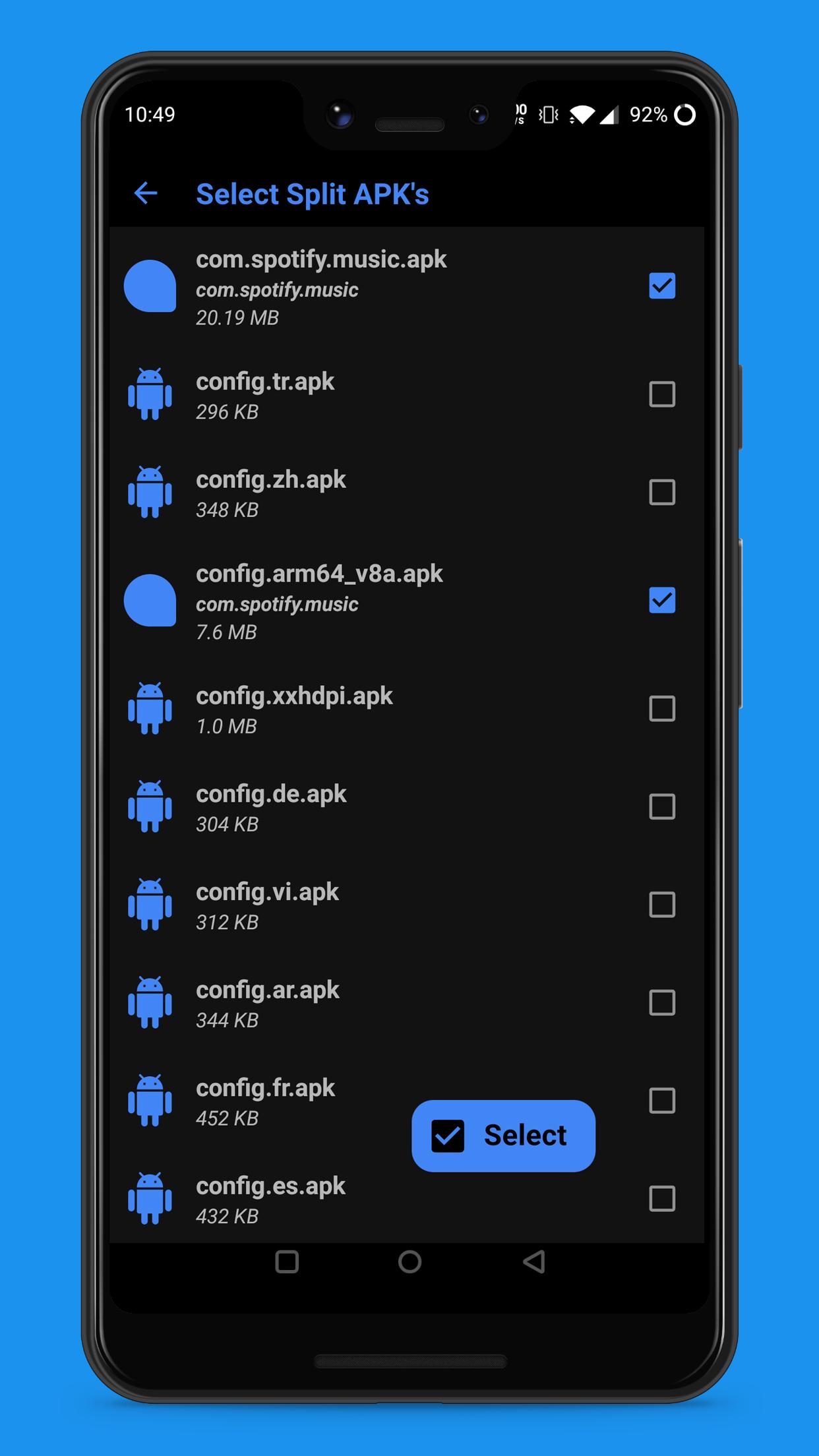
* Includes a feature-rich APK/Split APK/App bundle installer (easily pick and install files from device storage)
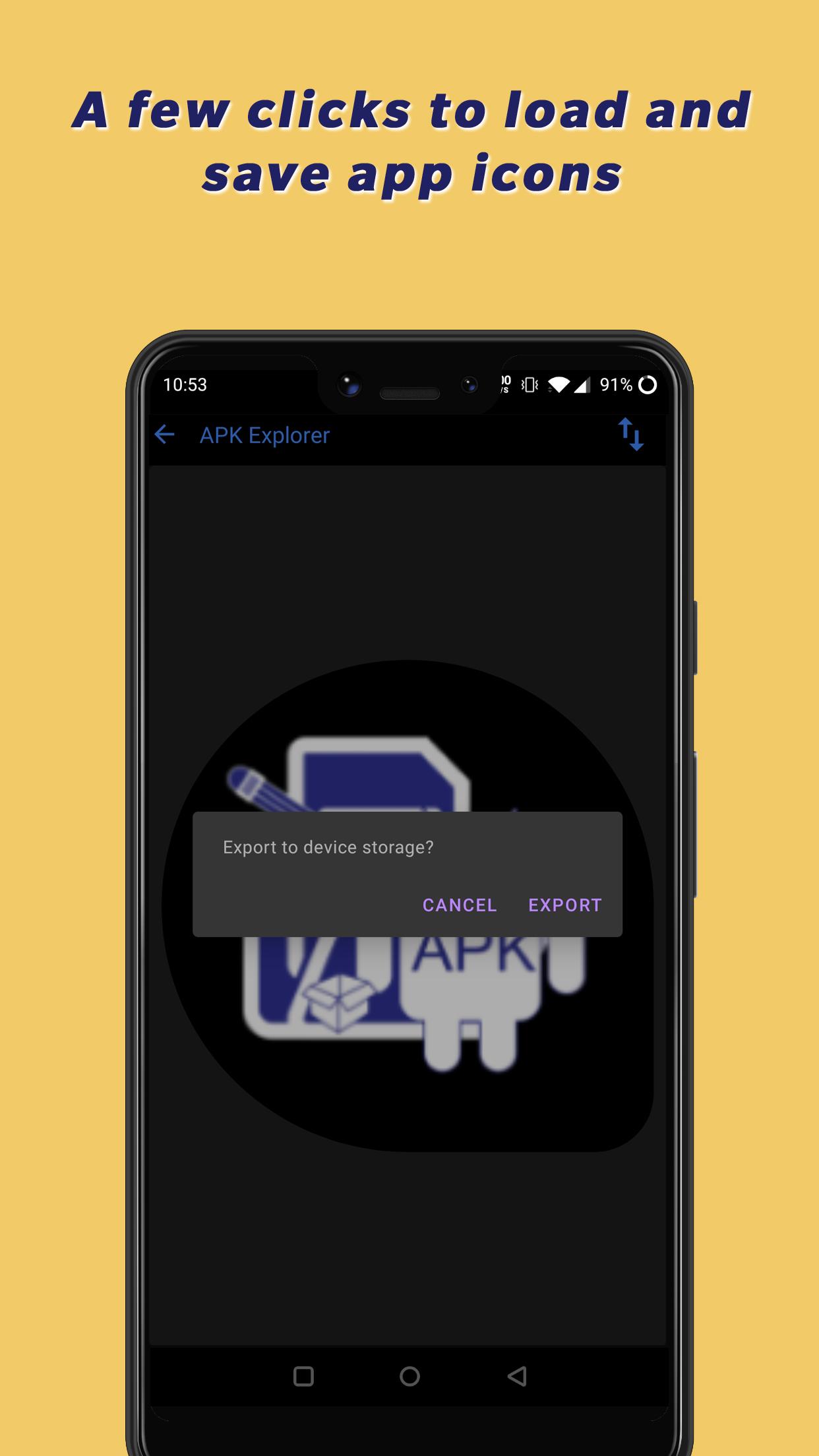
* Easily extract app icons by single-clicking on them.
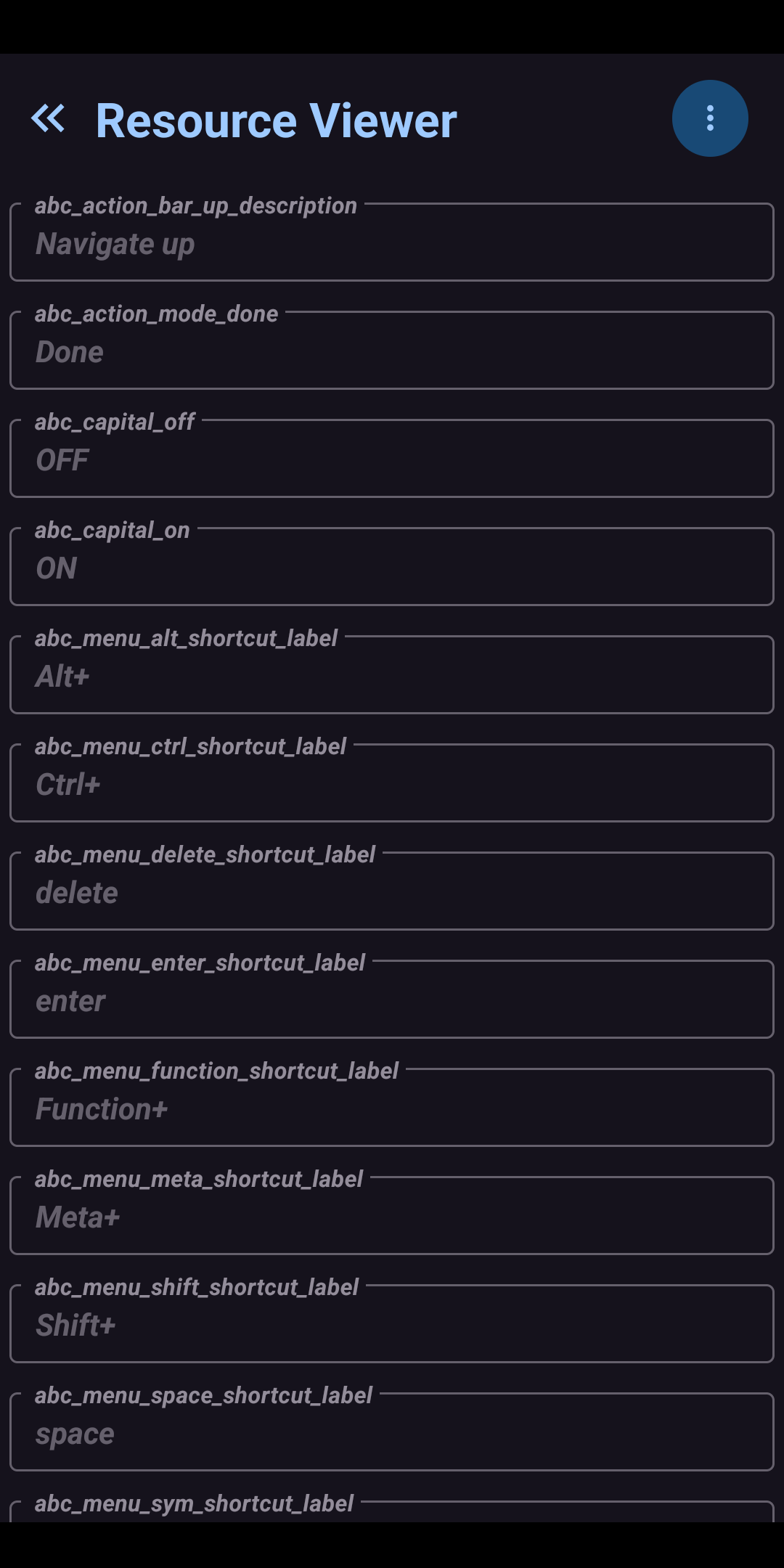
* Provides basic information about important resource files.
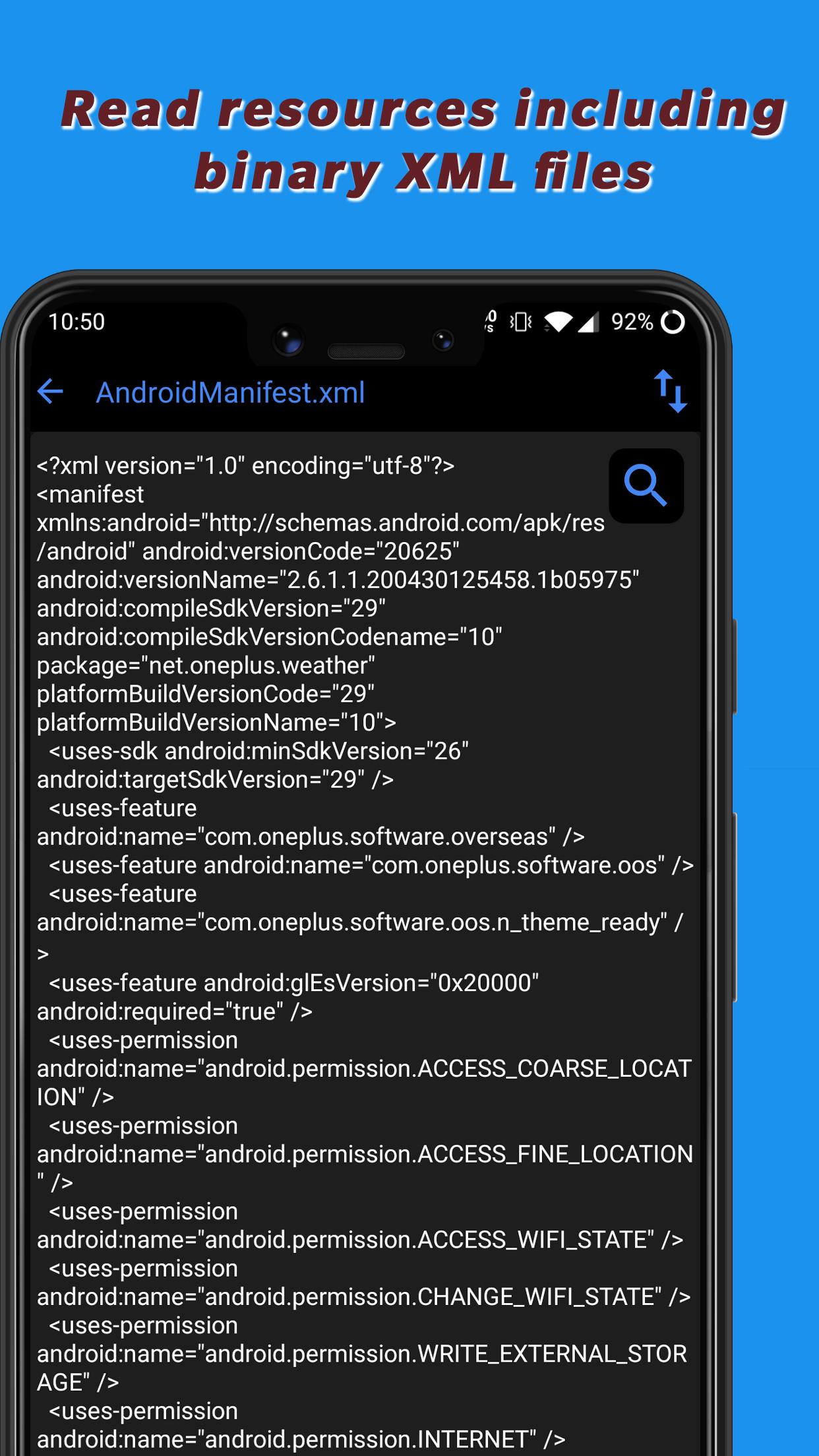
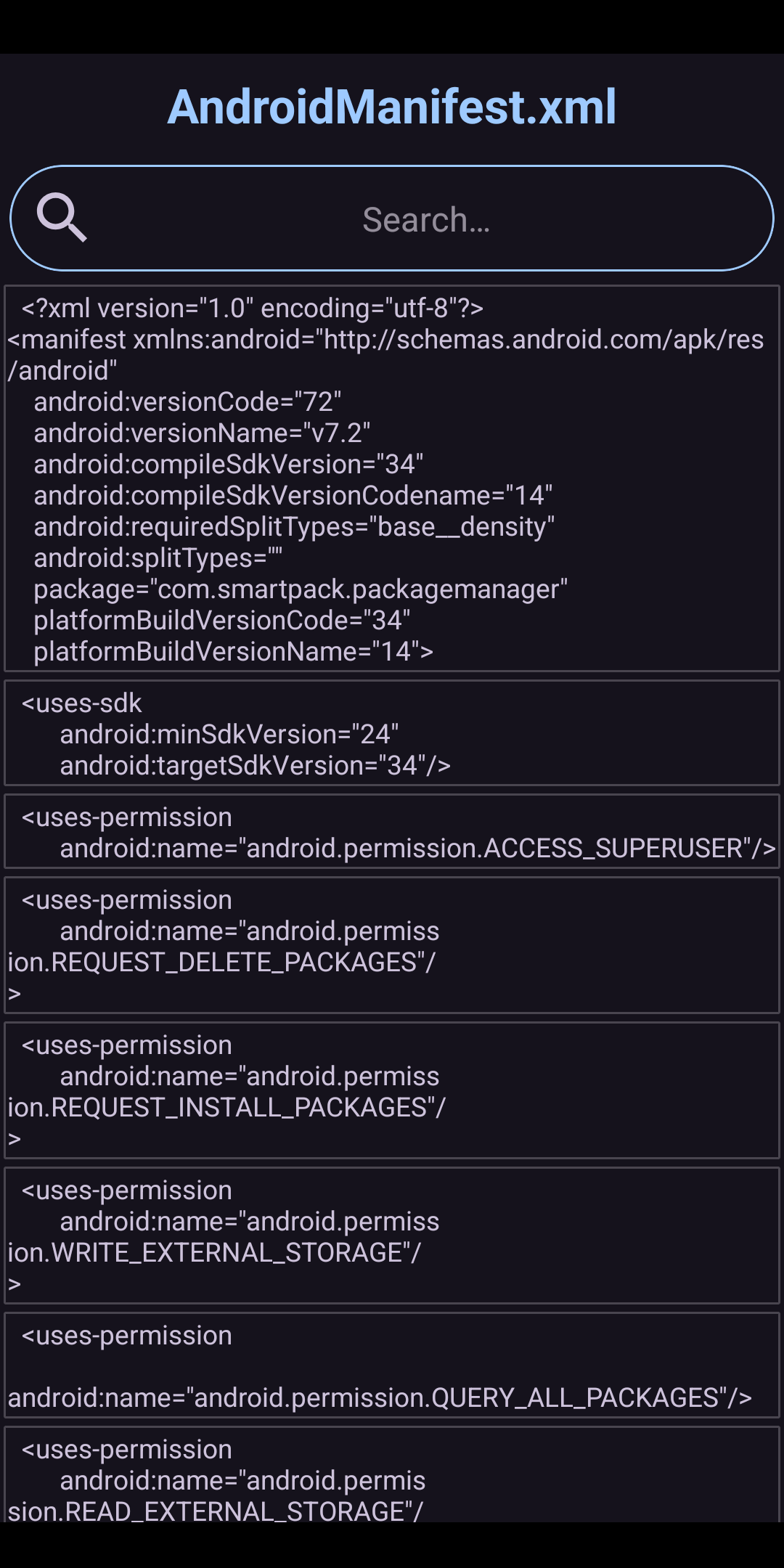
* View graphics, texts, binary XML, and many more.
* Save/Export individual resource files to device storage.
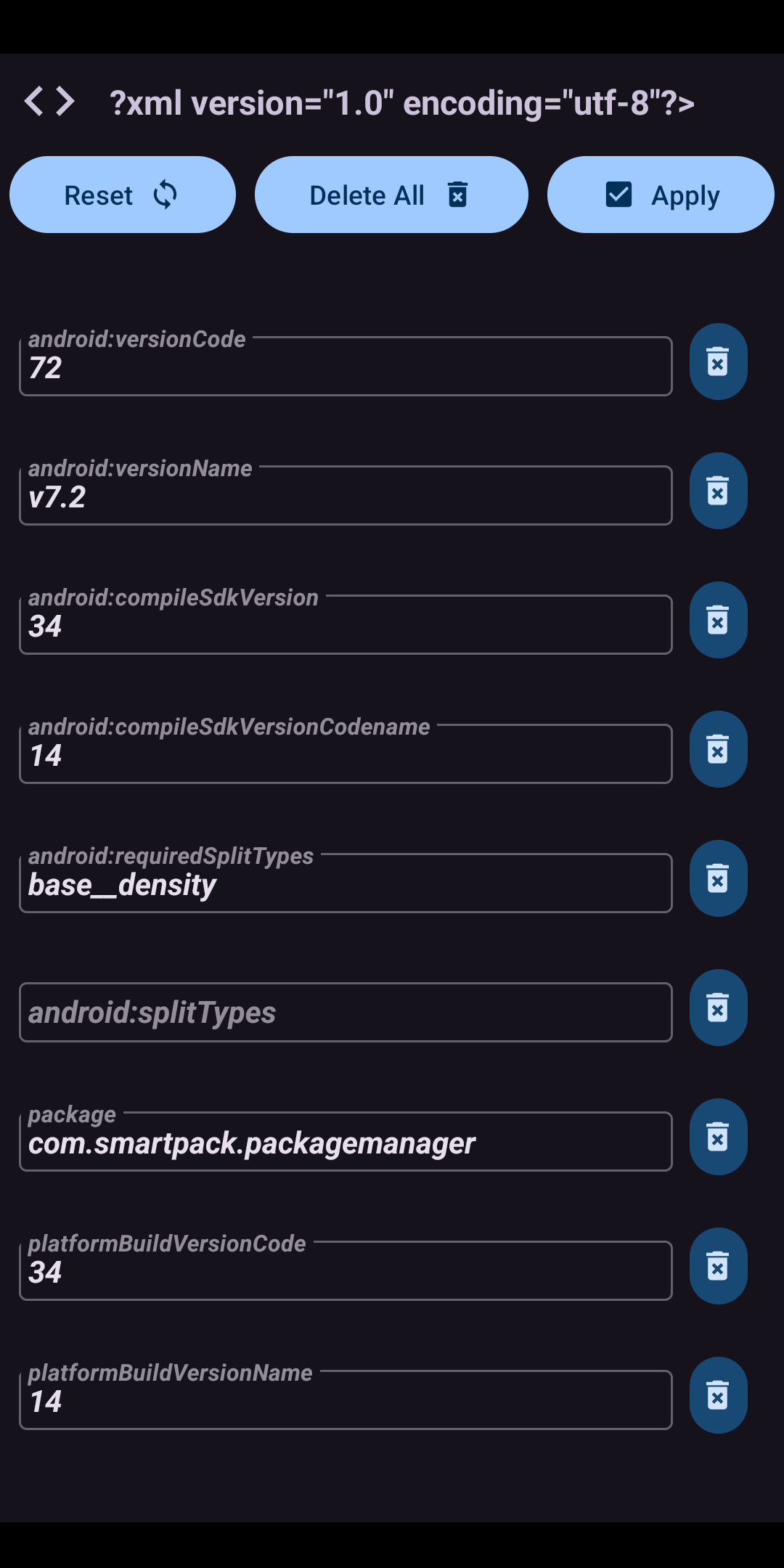
* Edit text/binary XML files using an in-built text editor (still, a bit buggy when working with too huge APK's).
* Delete or replaces resources.
* Assemble modified smali files into new classes (.dex).
* Decode and view the contents of "resources.arsc".
* Create signed APK's/App Bundles after the above-mentioned processes.
* Resign APK's/bundles with AEE custom key.
* Elegantly designed user interface with an auto-dark/light theme.
* A lot more.
Translations
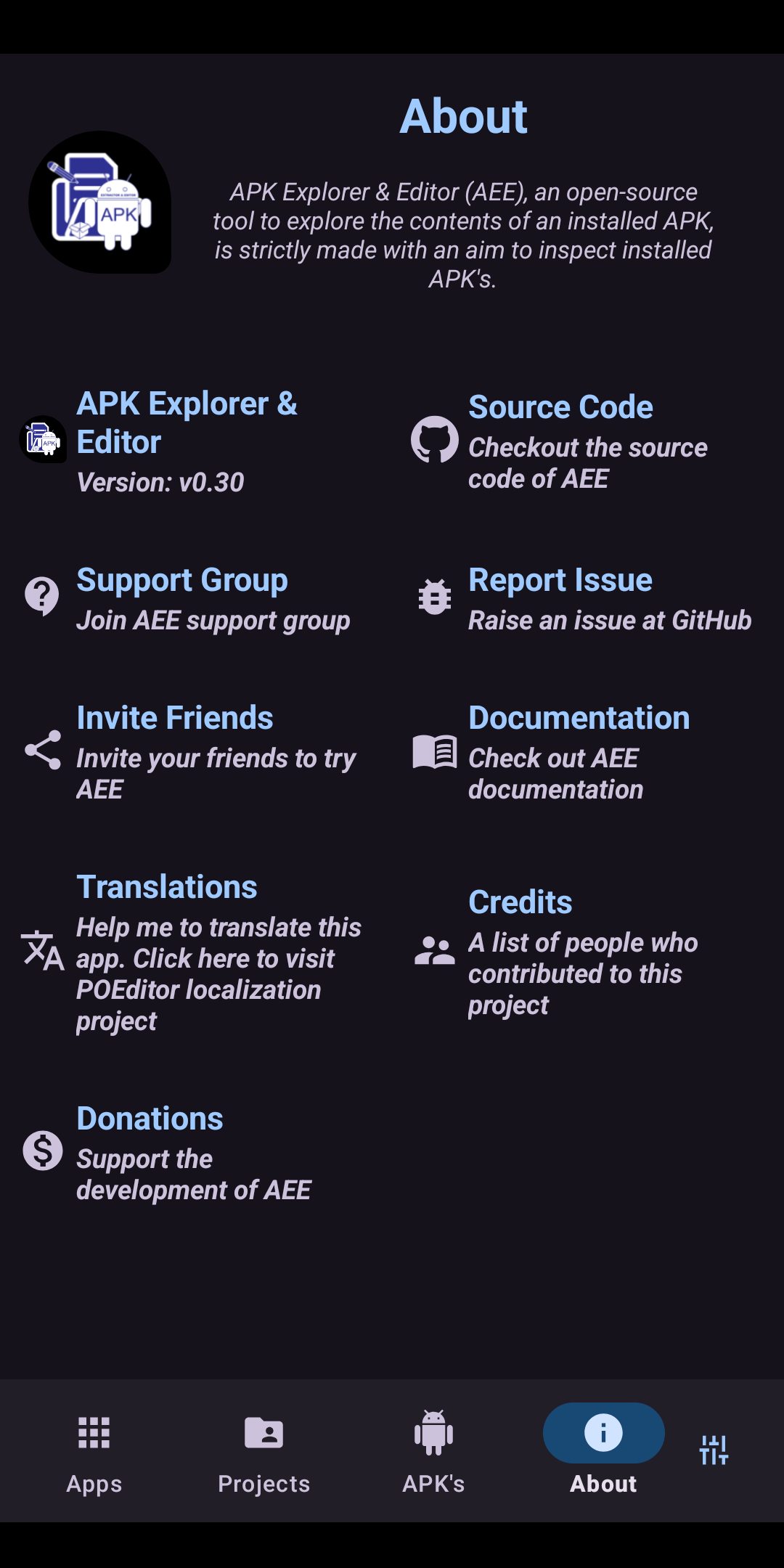
Please help me to translate this application via POEditor. You may also translate after downloading the original language string available GitHub.
Documentation
- How-To
Screenshots
How to install
- Download the APK from the button at the top of this page.
- Allow “Install unknown apps” for your browser or file manager only, not for every app.
- Open the downloaded file and confirm the installation.
- If installation fails with “App not installed,” remove an earlier build of the same app first. A signature conflict is the usual cause.
Data safety
- Every file is checked against its published SHA-256 before it is listed.
- Files are scanned for malware on every update.
- The permissions each app requests are listed on its own page.
- Read the full safety policy for how we test, flag, and delist files.
Comments
Recent approved comments · sorted by newest
View all comments