Point your phone at the sky and Cosmovisor overlays the satellites
passing over you right now on the camera image, in augmented reality.
Plus pass predictions, ham-radio tools and a star map.
All the orbital math runs on your device. Works fully offline once the
public orbital data has been downloaded.
FEATURES
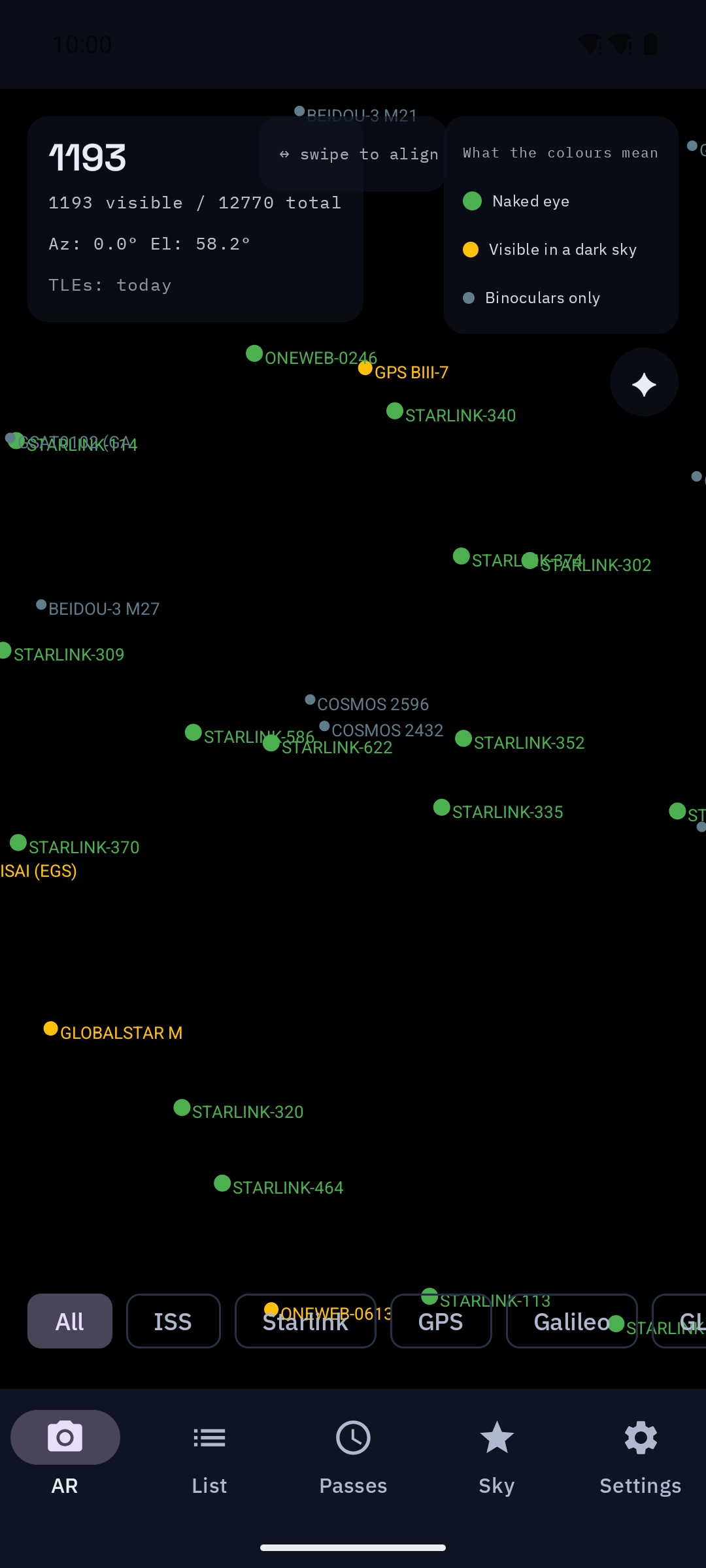
* AR view: camera preview with satellites drawn at their real sky
position, refreshed every second. Tap one for its data.
* "Only visible" filter: hides everything you could not actually see
right now, using the satellite's brightness and how dark your sky
is at this hour.
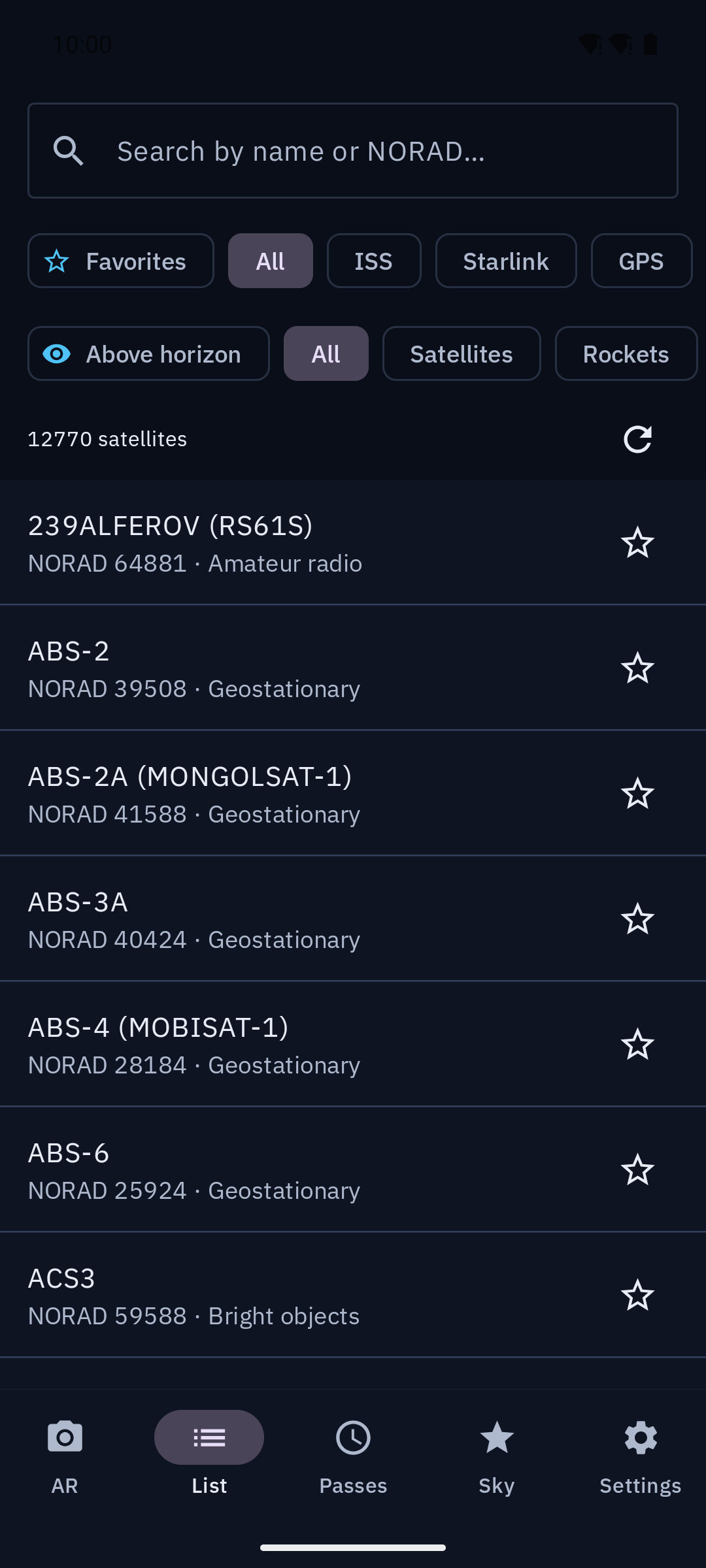
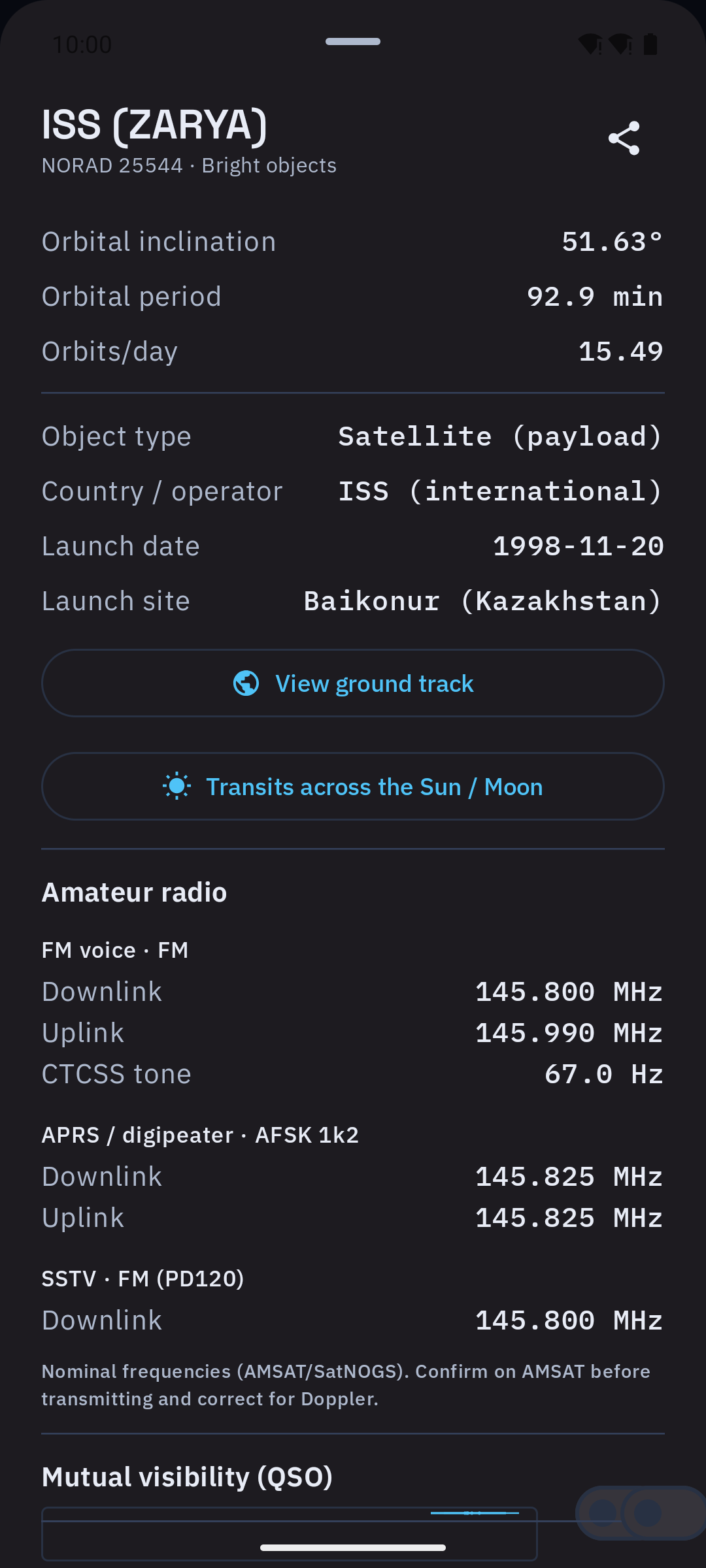
* Satellite list: search by name or NORAD id; filter by category
(ISS, Starlink, GPS, weather, science...), object type
(payload / rocket body / debris), country/operator, orbit regime
(LEO/MEO/GEO/HEO), radio band and "above the horizon now".
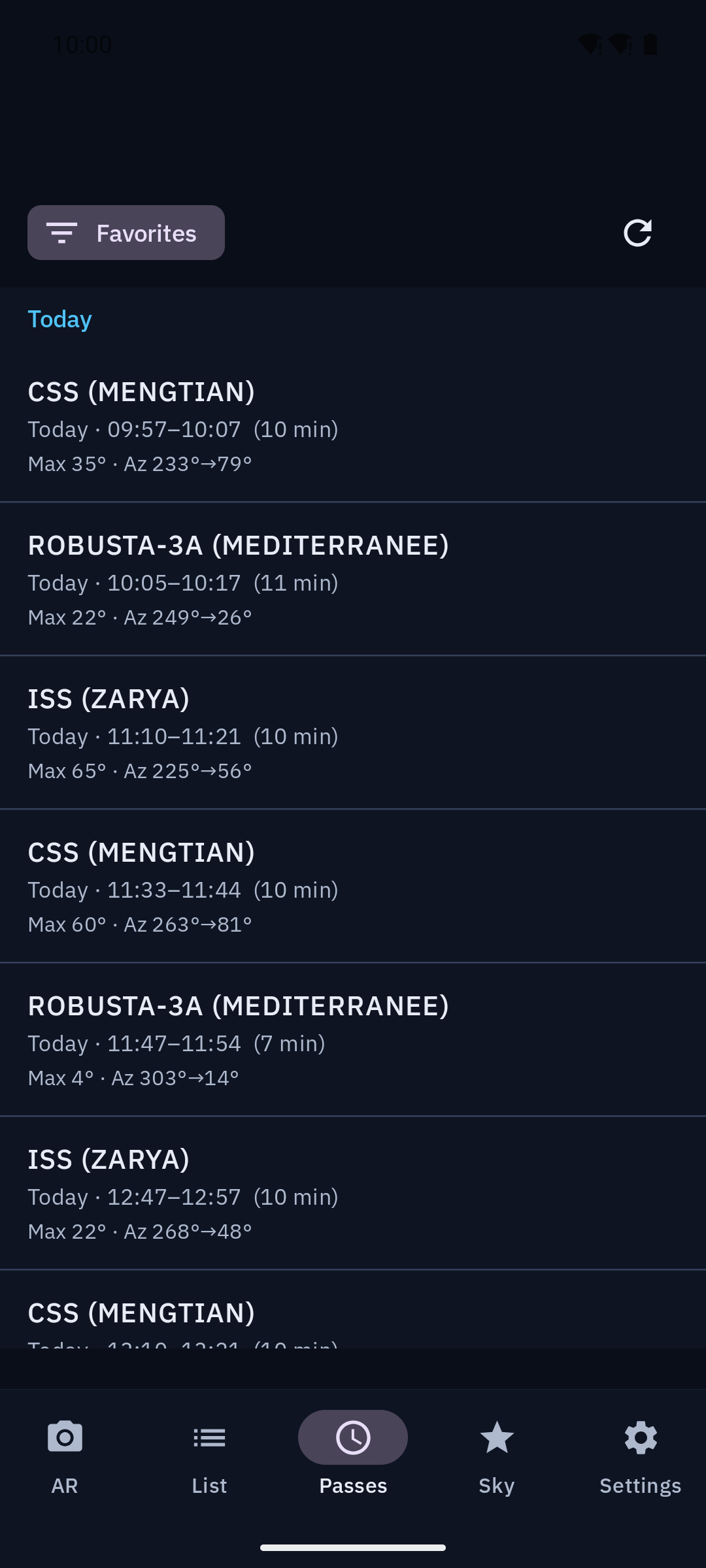
* Passes: 24-hour pass predictions grouped by day, with opt-in
alerts before a pass.
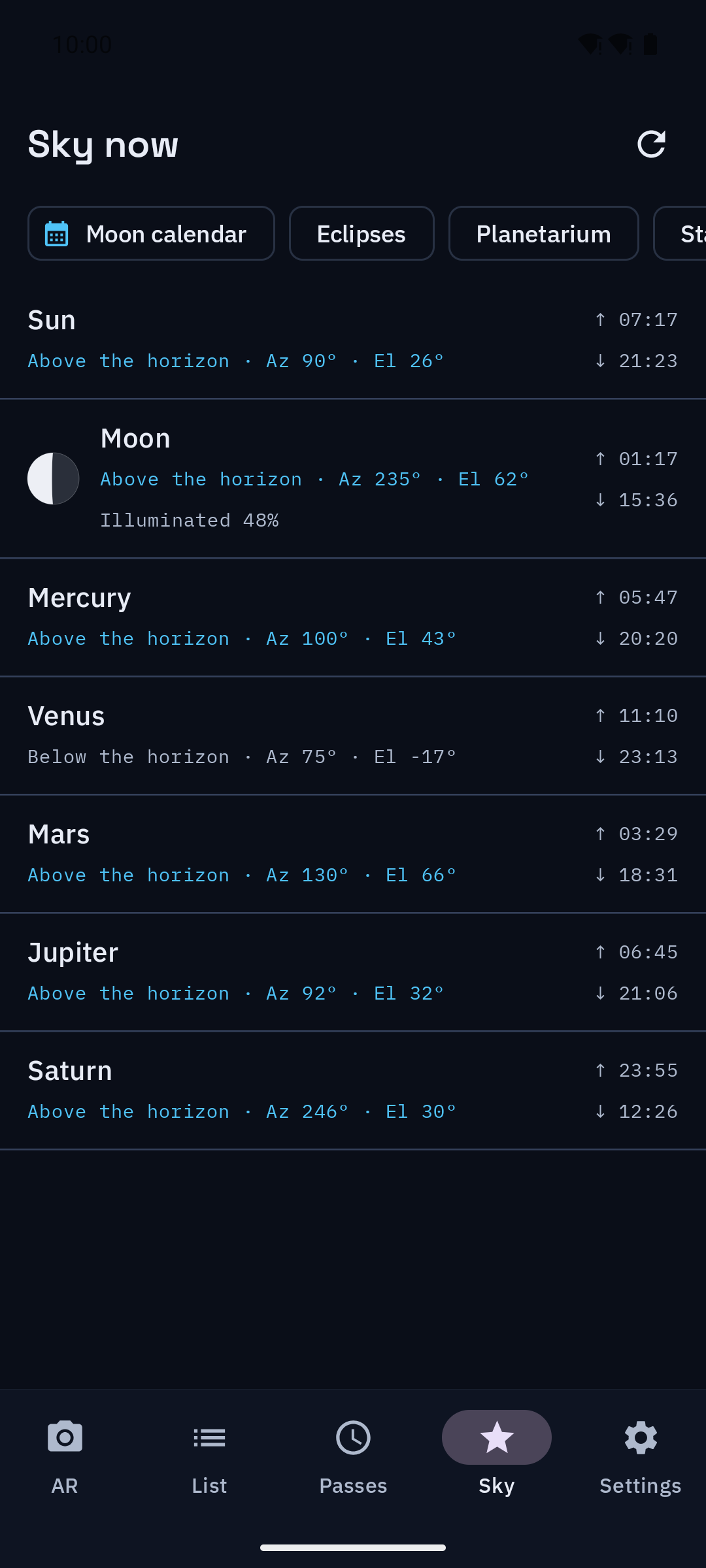
* Sky and astronomy: Sun, Moon and planets, Moon calendar, eclipses,
a pannable planetarium, Starlink train finder, and bright comets
and asteroids from JPL's Small-Body Database.
* Ham radio: live full-duplex Doppler (including inverted
transponders), rig and rotor control over TCP (rigctld/rotctld),
ISS SSTV and APRS decoded from the phone mic, RTL-SDR reception
over rtl_tcp (NBFM, SSTV, NOAA APT weather imagery), and a QSO log
with ADIF export. All opt-in.
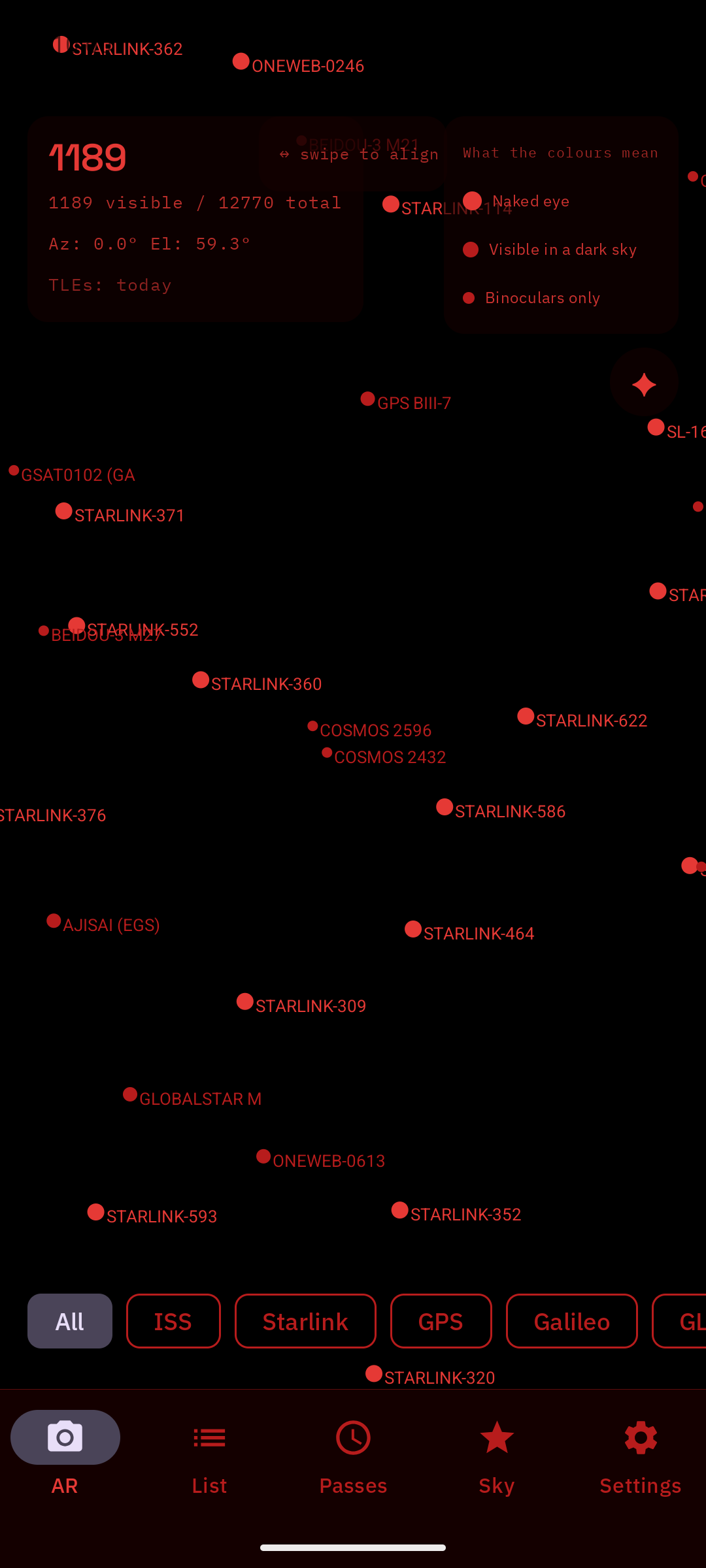
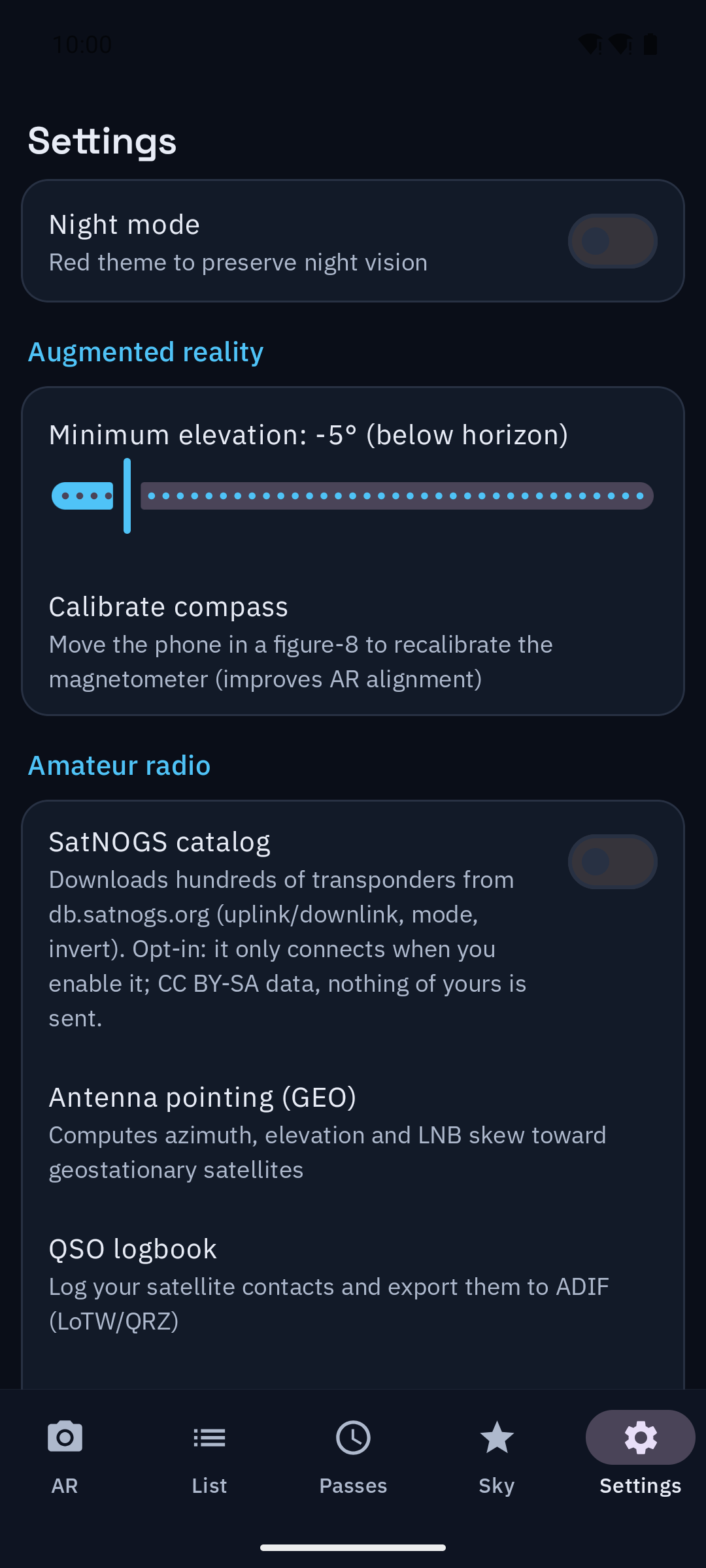
* Night mode: a red theme to preserve your dark adaptation.
PRIVACY
Privacy comes first. No accounts, no ads, no tracking, no telemetry.
* Your GPS location is processed only on the device. It is never sent
or stored off-device.
* The only network requests fetch public orbital data (CelesTrak, and
optionally the SatNOGS transponder catalog and JPL small-body data).
They are anonymous and carry no personal data or location.
* Satellite brightness data ships inside the app. Refreshing it from
our own server is optional and off by default, because it is the
only download that has no upstream source to ask first.
* Works offline with the last downloaded data.
Cosmovisor is fully de-Googled: no Google Play Services, no Firebase,
no trackers. Location uses the AOSP LocationManager and the fonts are
bundled, so it runs on degoogled devices.
Free software, licensed under the GNU General Public License v3.0 or
later (GPL-3.0-or-later).