Private offline vault for your documents and notes
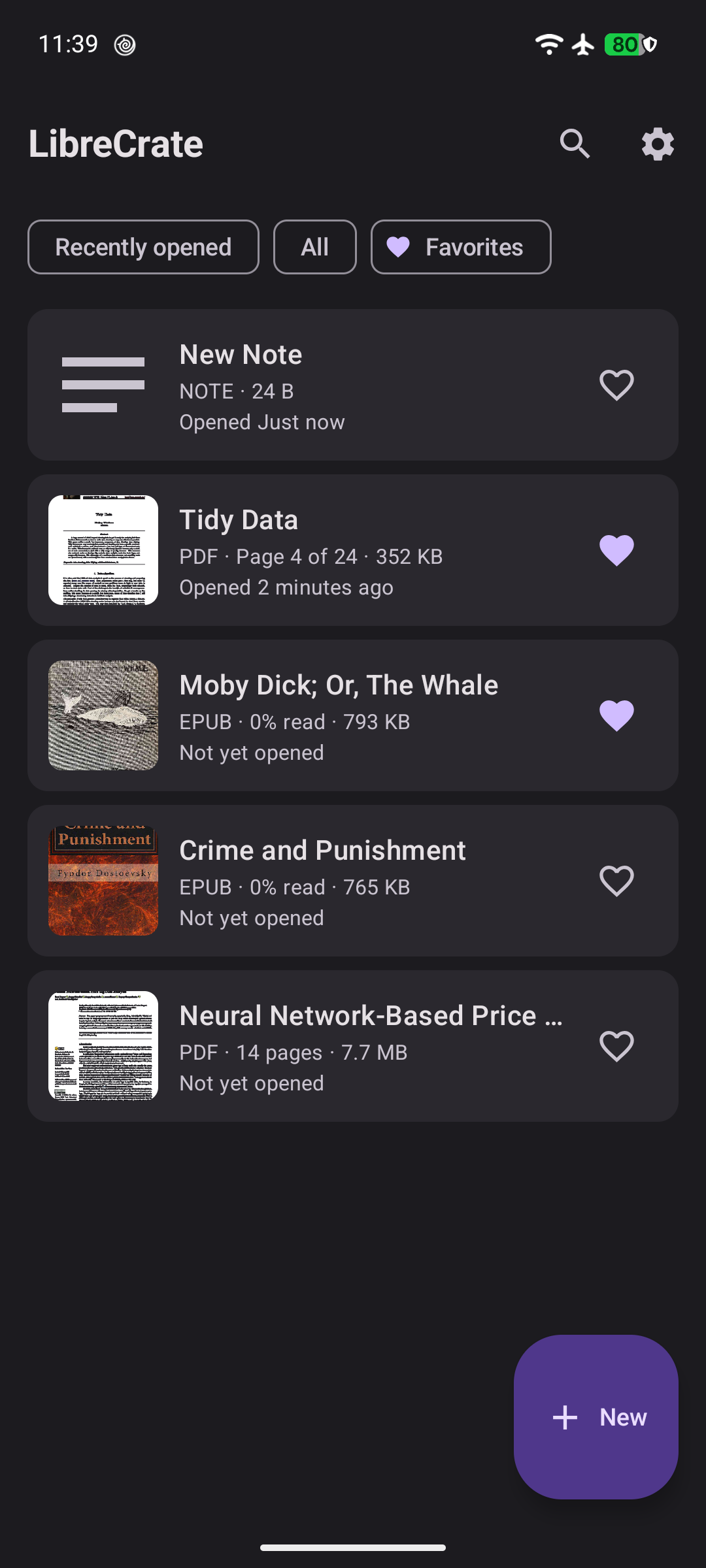
LibreCrate is a private, offline vault for your documents. Store PDFs, ebooks, boarding passes and wallet cards, comics, photos, and notes — all safely locked away and organized.
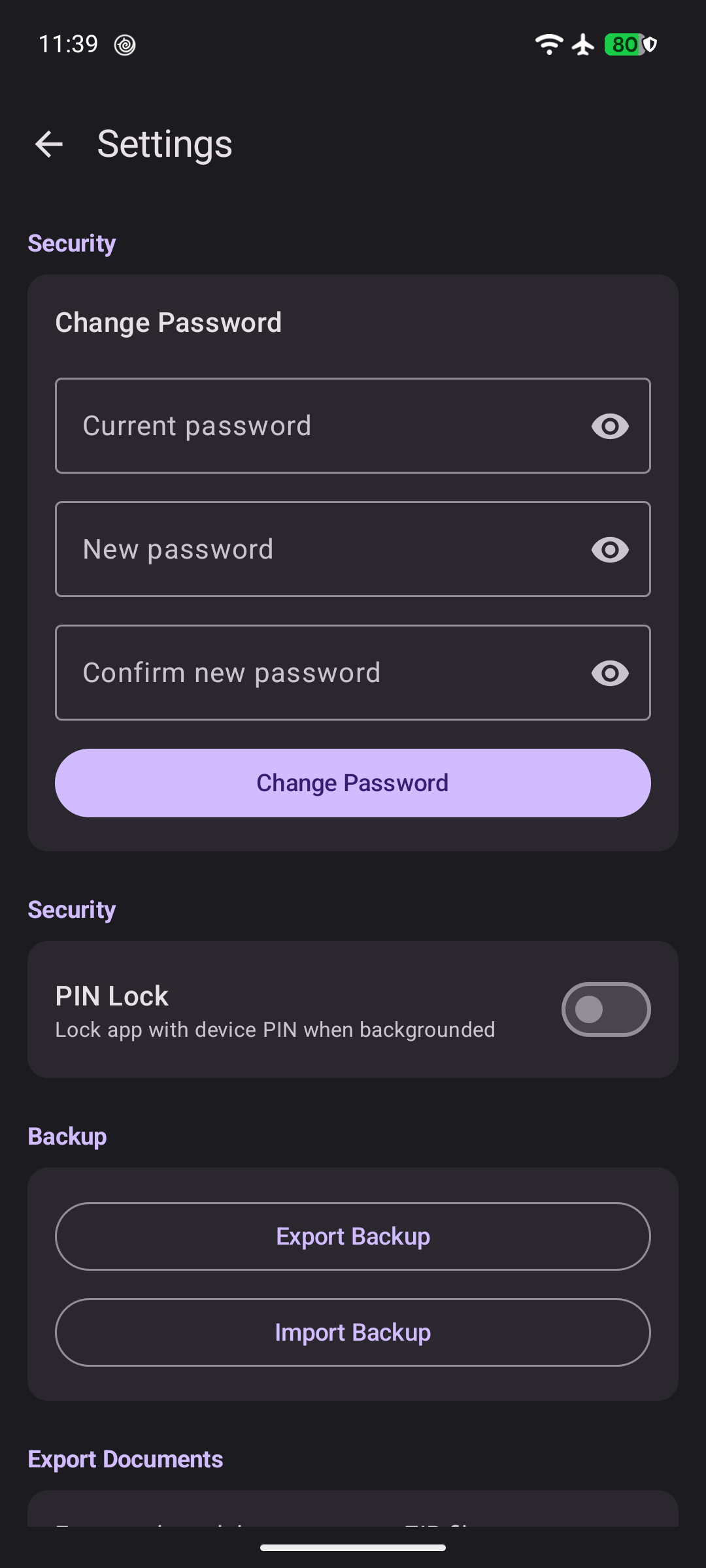
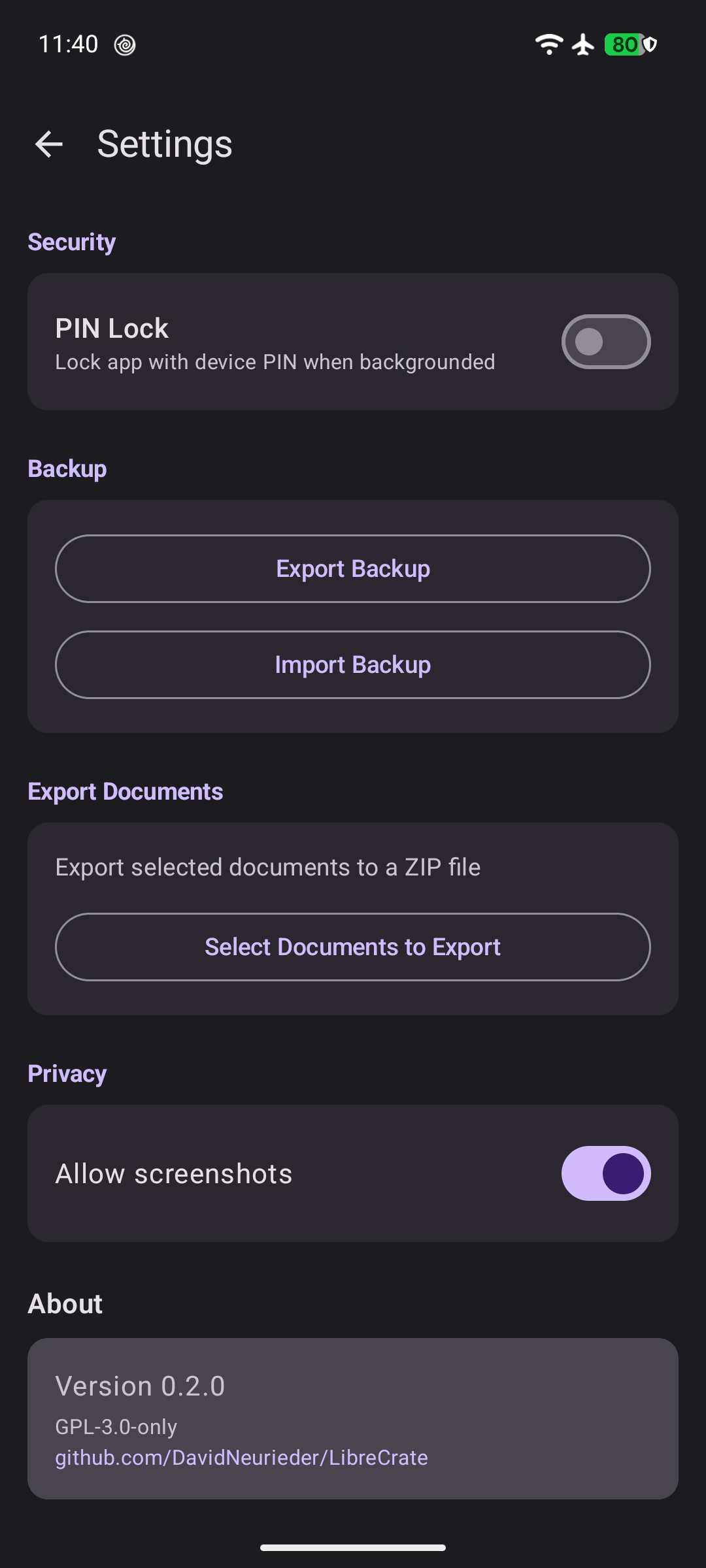
Everything you save is encrypted on your device and protected by a password you set. Nobody can read your files without you. LibreCrate never connects to the internet, so your documents never leave your phone.
Features:
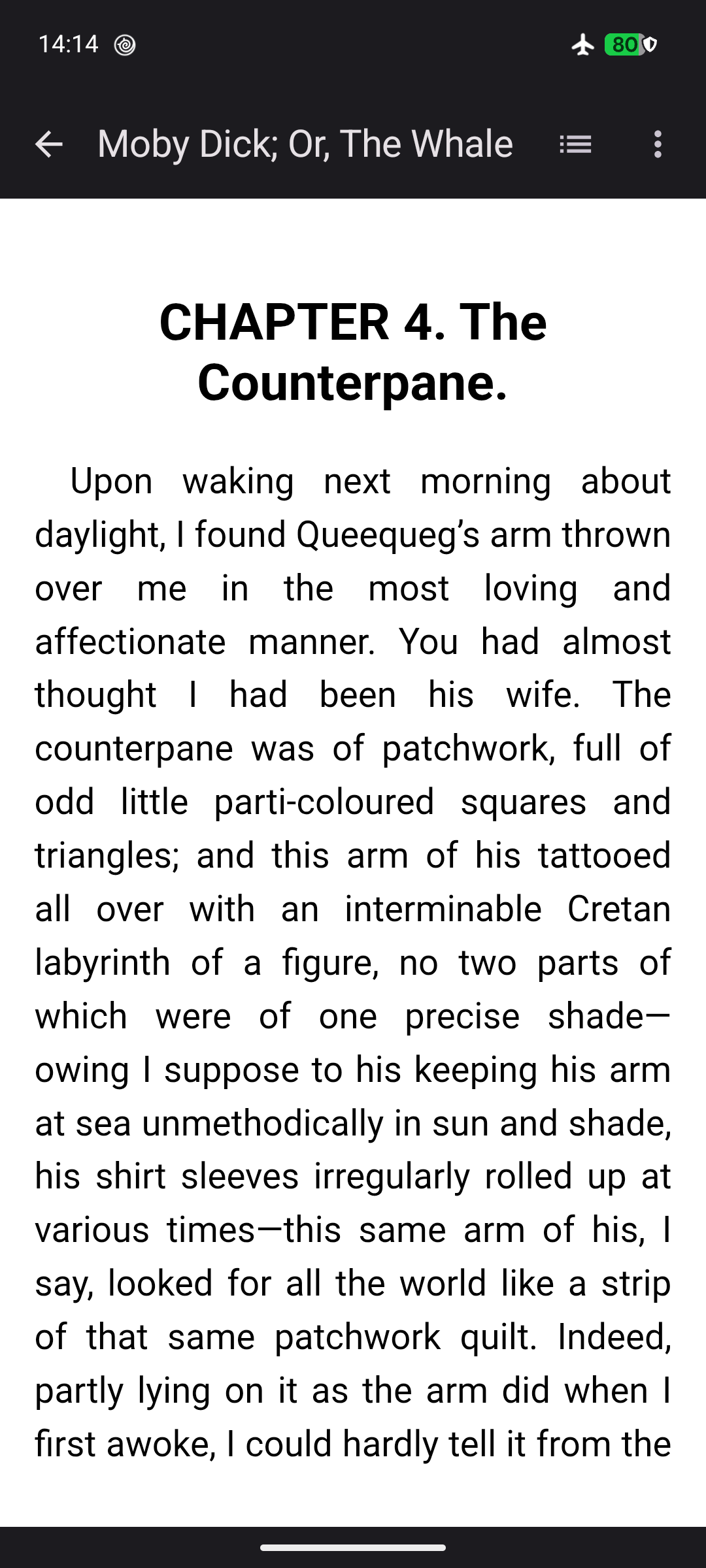
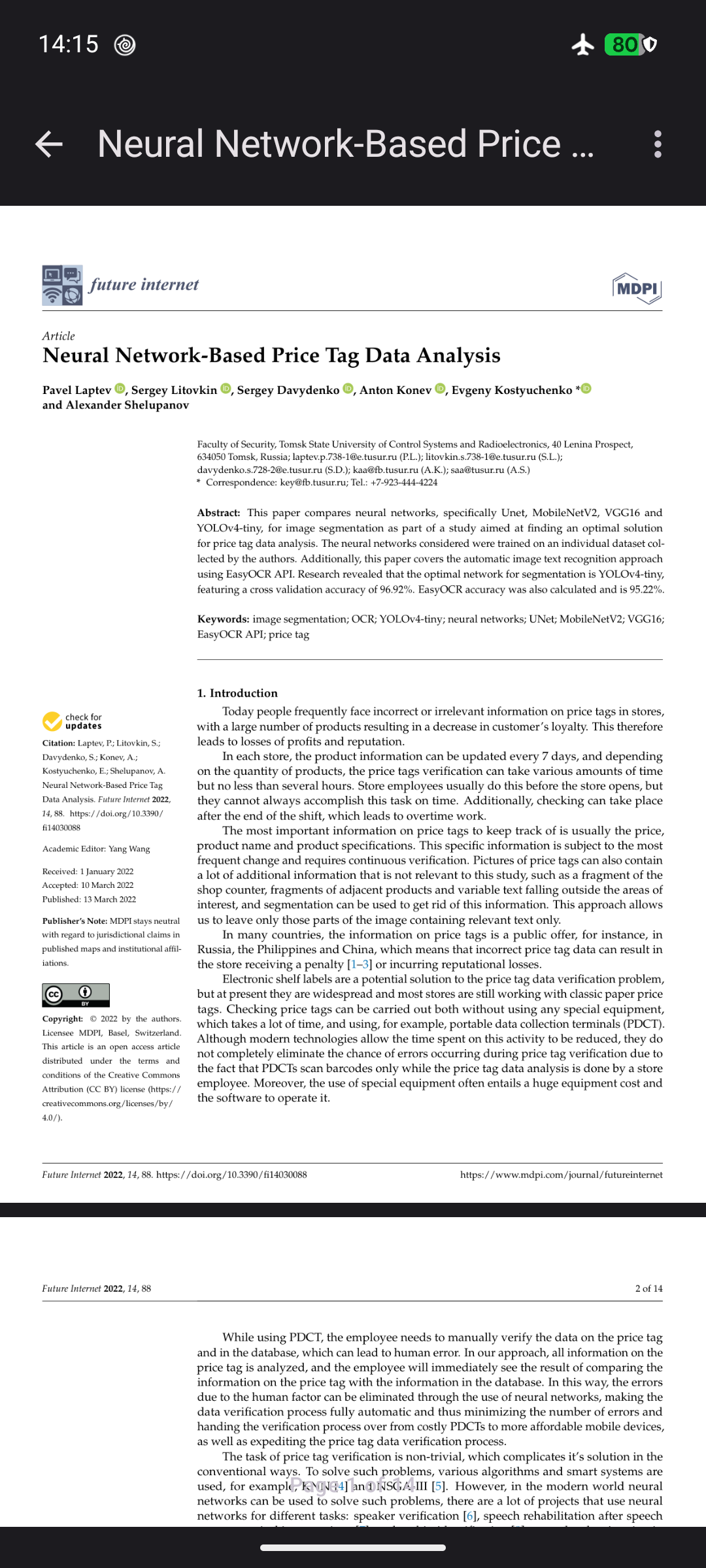
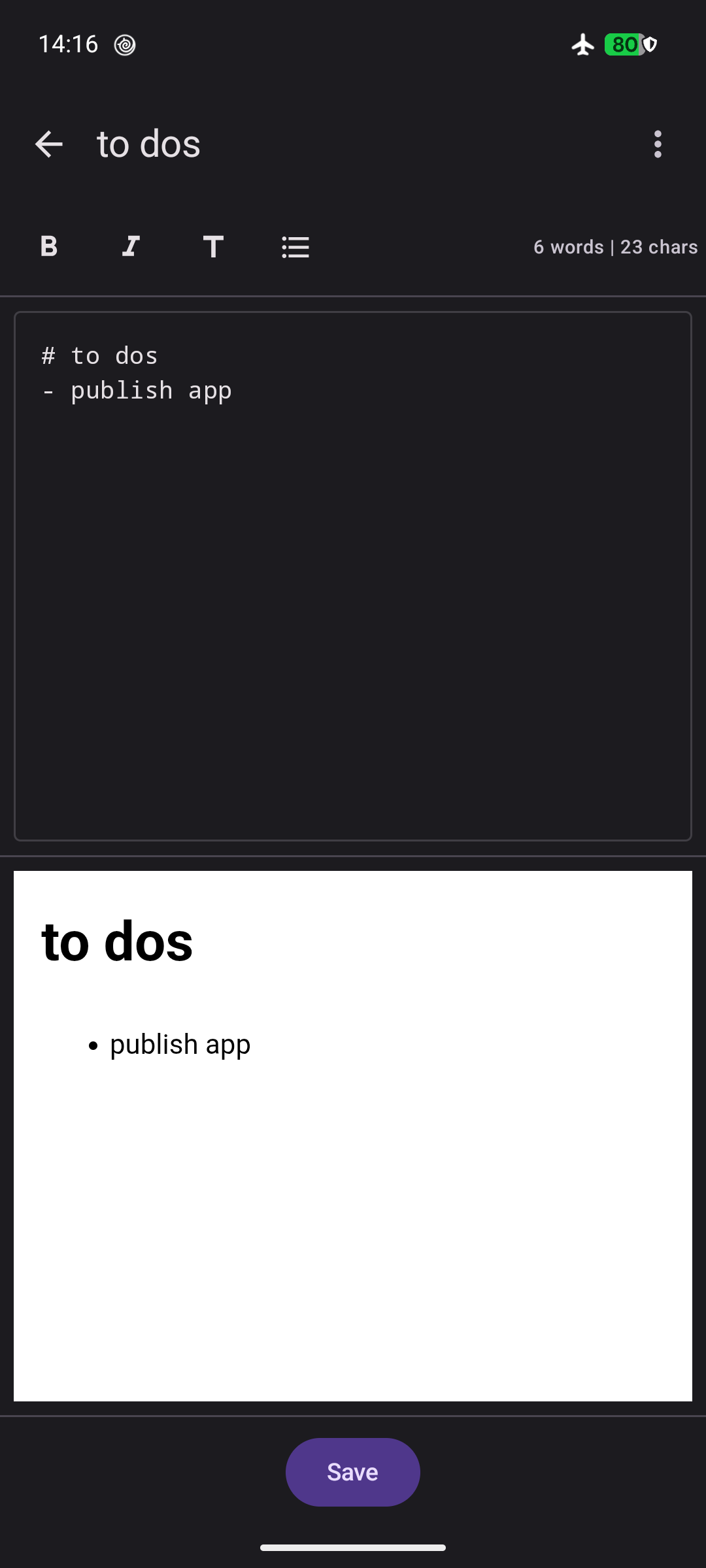
Store PDFs, EPUBs, Apple Wallet passes, CBZ comics, images, and notes
Everything stays encrypted on your device, protected by your password
Built-in PDF reader with pinch-to-zoom and smooth scrolling
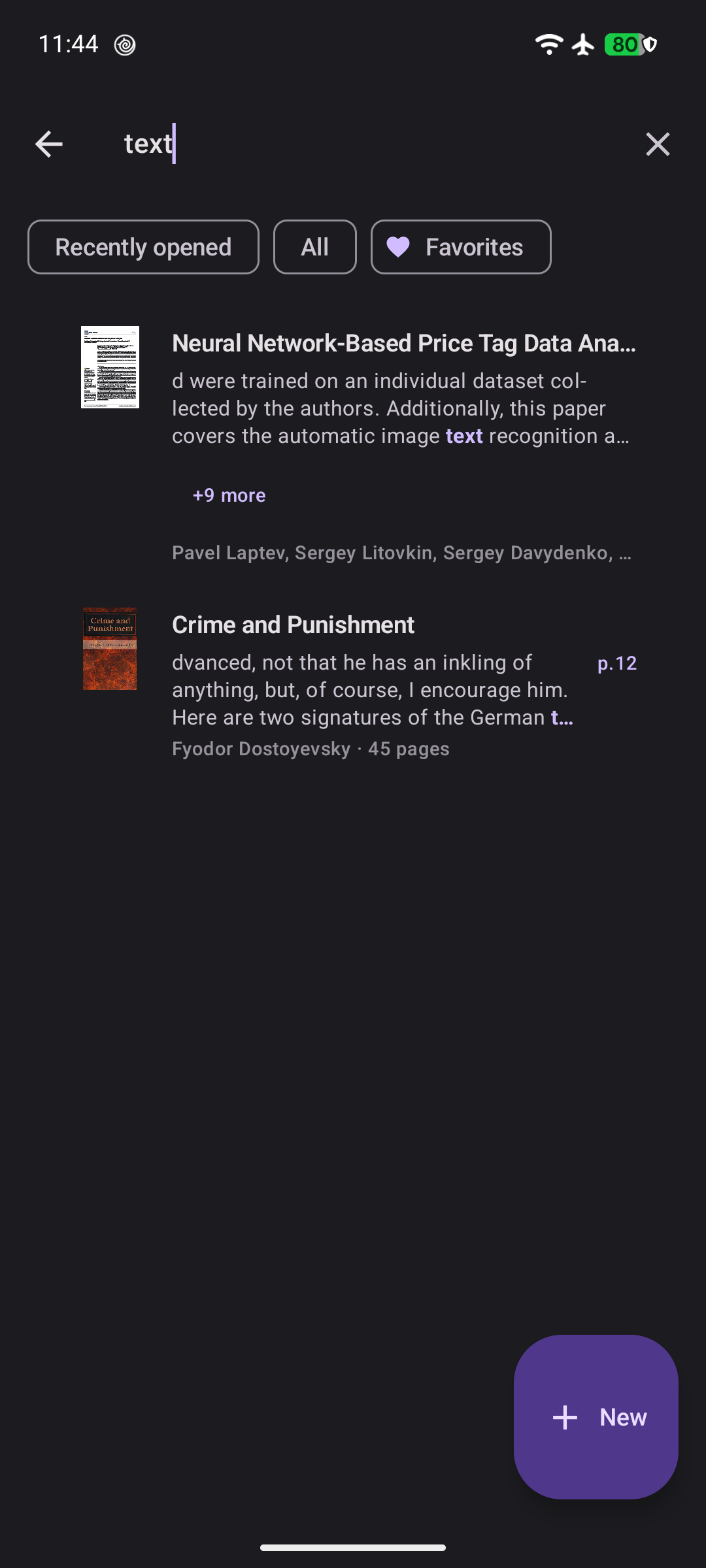
Search your library, including the text inside documents
Sort and filter to keep your library tidy
Add files easily — share to LibreCrate or pick them from your phone
Back up and restore your vault as one encrypted file
Use on multiple devices — restore your backup on another phone, tablet, or computer
Fully offline — no account, no tracking, no ads
Screenshots
What’s new
• Fixed a crash when searching documents with special characters • Fixed a crash on devices with 16 KB memory pages • Fixed the "Confirm password" field not responding to taps on the vault setup screen • Version bumped to 0.5.6
How to install
Download the APK from the button at the top of this page.
Allow “Install unknown apps” for your browser or file manager only, not for every app.
Open the downloaded file and confirm the installation.
If installation fails with “App not installed,” remove an earlier build of the same app first. A signature conflict is the usual cause.
Data safety
Every file is checked against its published SHA-256 before it is listed.
Files are scanned for malware on every update.
The permissions each app requests are listed on its own page.
Read the full safety policy for how we test, flag, and delist files.
Frequently asked questions
What is LibreCrate?
Private offline vault for your documents and notes