Drift // Audio icon

Drift // Audio

oxy
Multimedia
Version
0.4.1
Size
16.5 MB
Requires
Android API 26+
4.6 / 5 · 4,011 ratings 0 downloads

Updated Sep 22, 2026

Quick answer

Ambient sound mixer for sleep and focus on long nights and long flights

F-Droid repository metadata

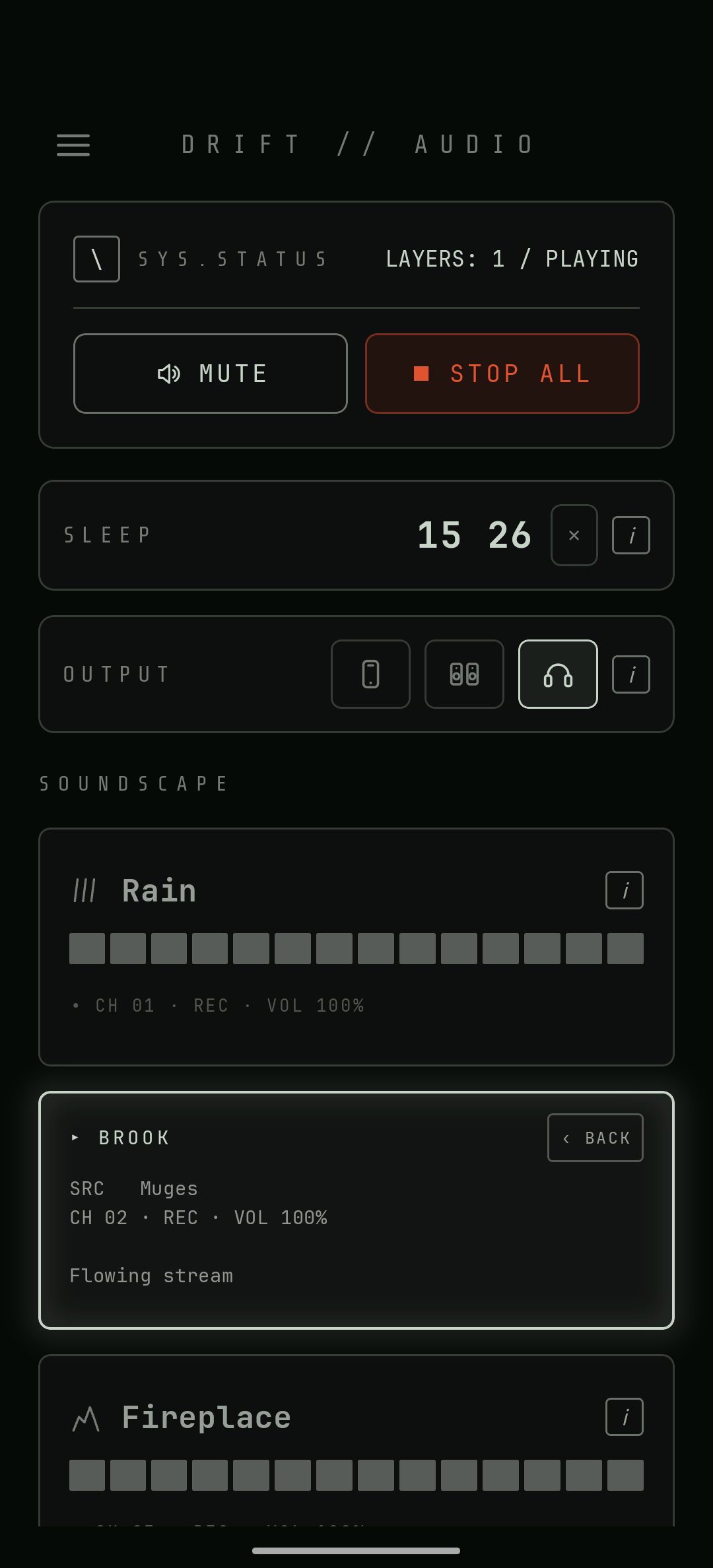
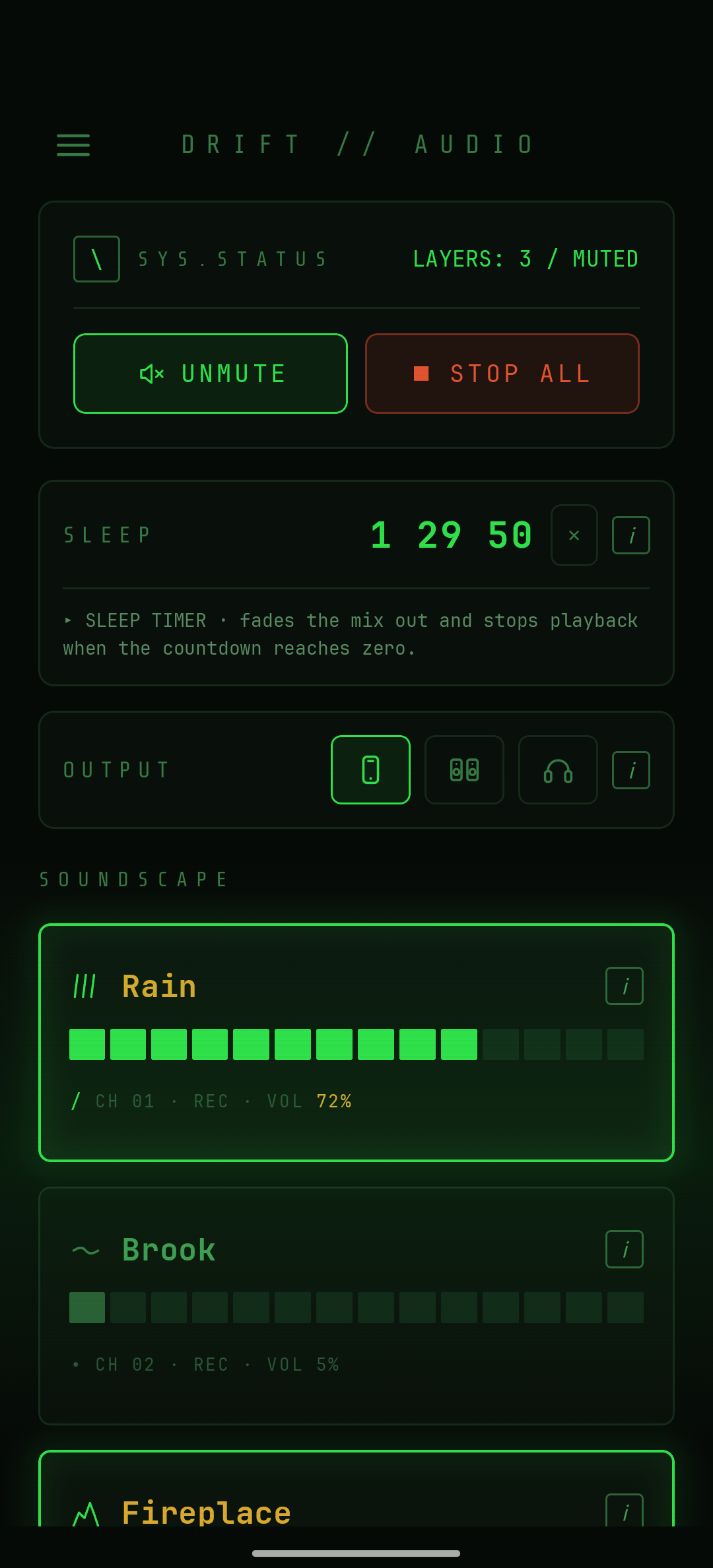
Drift is an ambient soundscape mixer. Layer nature recordings and deep-space field recordings at independent volumes, mix any combination, and let the sleep timer fade things out when you're done. Everything runs offline.

Sounds include rain, flowing water, fire, wind, thunder, plasma waves, Martian wind, and something vast singing nearby.

Features:

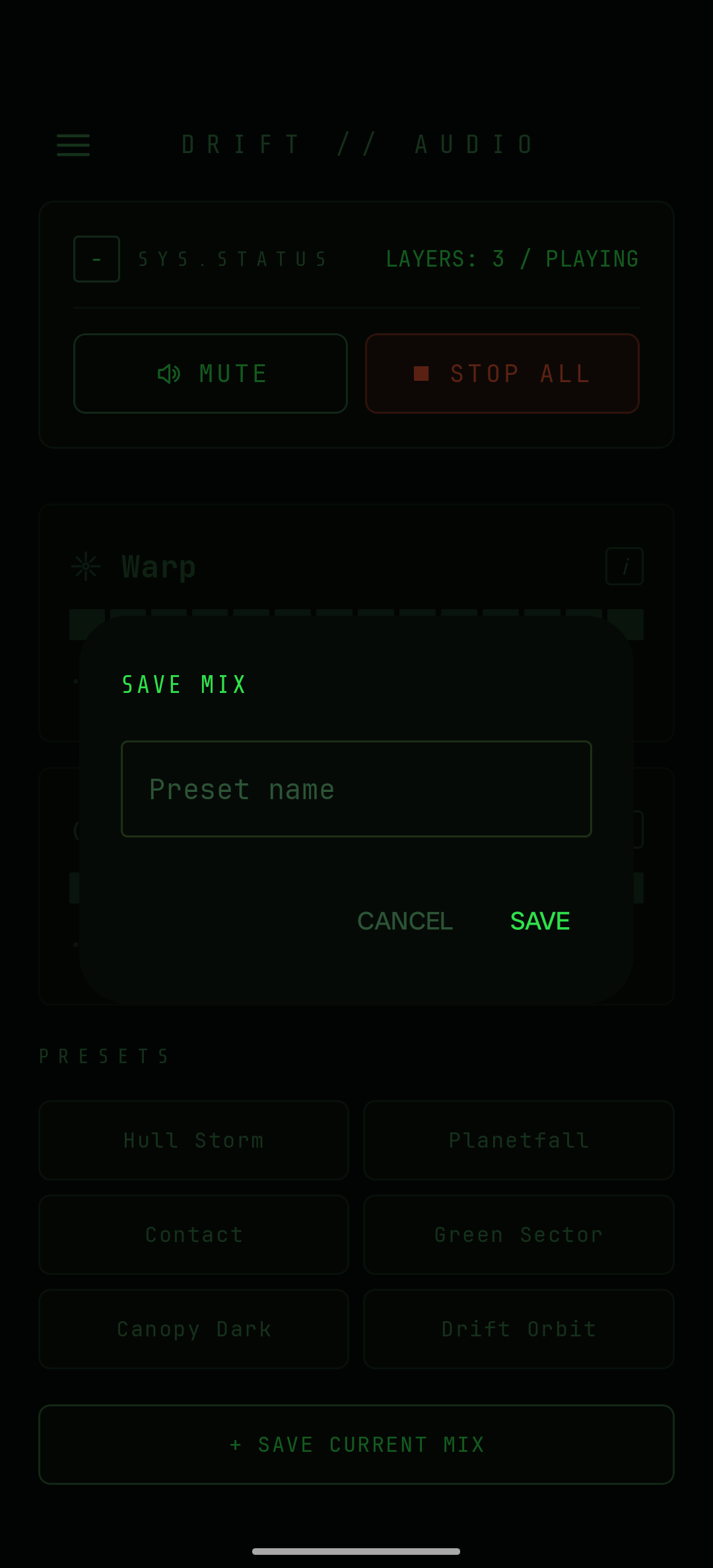
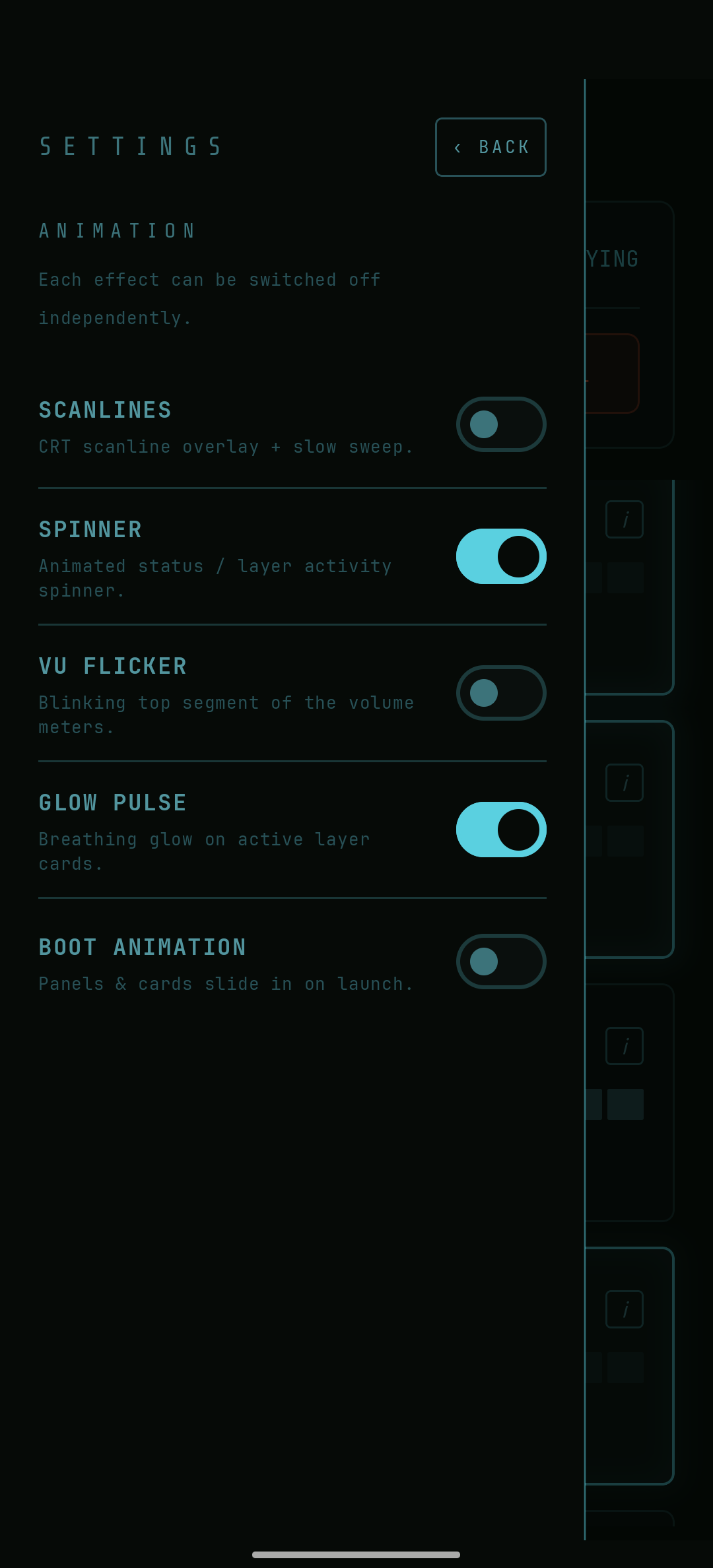
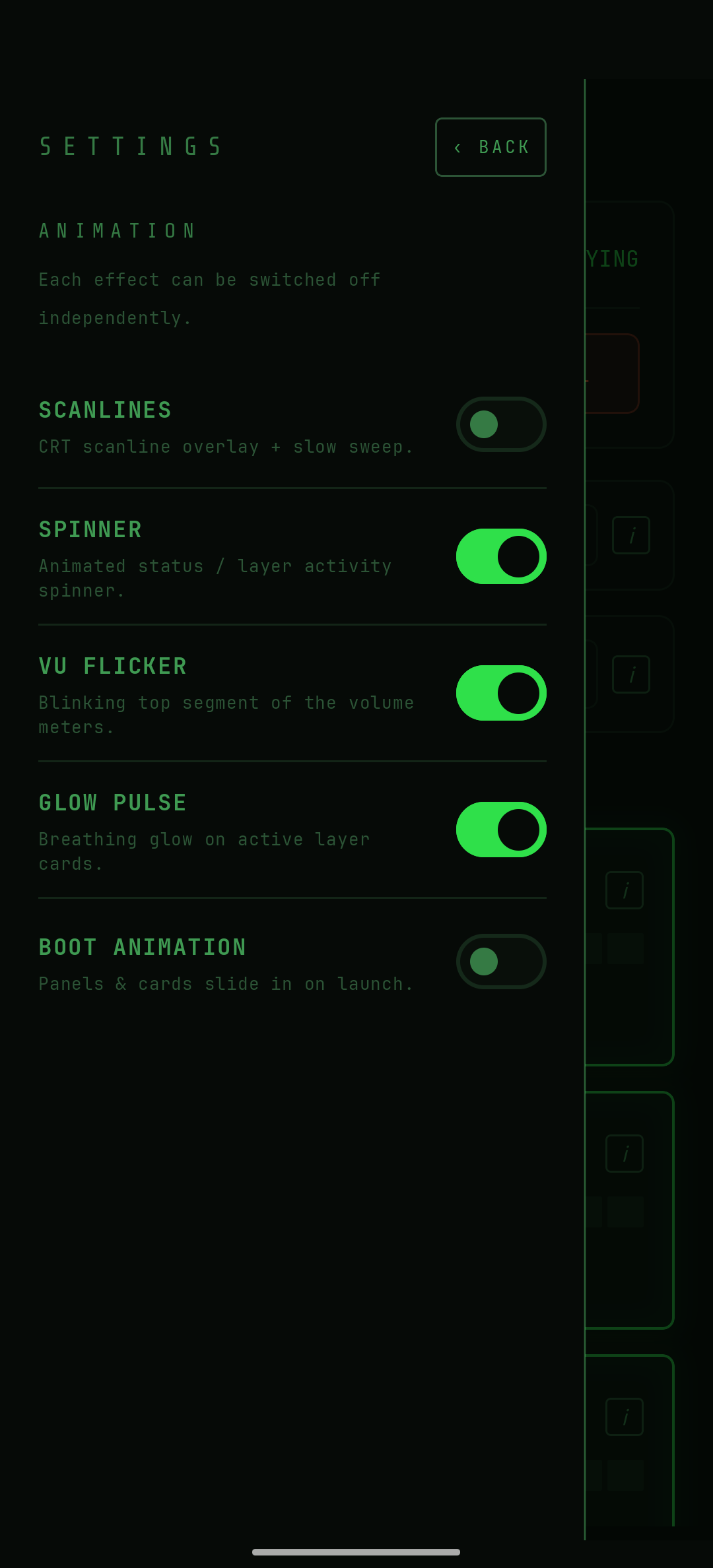
* Mix any number of sound layers at independent volumes * Built-in presets, plus save, recall, and delete your own mixes * Sleep timer with 15, 30, 60, and 90 minute options * Background playback with lock-screen and notification media controls * Voicing for phone speaker, external speakers, or headphones * Live theme switching, with a colourblind-safe interface (state is never shown by colour alone) * Fully offline — no network access required after install * No ads, no tracking, no account

Drift is free and open source software under the MIT licence. Field recordings are CC0 or public domain. Full attribution is available in the Credits menu and in the project repository.

Screenshots

Drift // Audio screenshot 1
Drift // Audio screenshot 2
Drift // Audio screenshot 3
Drift // Audio screenshot 4
Drift // Audio screenshot 5

What’s new

Fixes audio glitches and loudness inconsistencies.

* Fixed: SPEAKER mode could cause audio dropouts and volume pumping on some devices — the small-speaker voicing now runs in-app instead of relying on the device's own audio effects, which weren't reliable everywhere
* Fixed: some sounds played noticeably louder or quieter than others — levels are now aligned across the whole catalogue

How to install

  1. Download the APK from the button at the top of this page.
  2. Allow “Install unknown apps” for your browser or file manager only, not for every app.
  3. Open the downloaded file and confirm the installation.
  4. If installation fails with “App not installed,” remove an earlier build of the same app first. A signature conflict is the usual cause.

Data safety

  • Every file is checked against its published SHA-256 before it is listed.
  • Files are scanned for malware on every update.
  • The permissions each app requests are listed on its own page.
  • Read the full safety policy for how we test, flag, and delist files.

Comments

Recent approved comments · sorted by newest

Verification code
Be specific and keep it about the app. No links. Comments are reviewed before publication. Device and Android details are recorded automatically. Privacy policy.

Loading recent comments...

View all comments