Tridenta loads and shows the public transport data of the italian region "Trentino". You can view information about stops, lines and most importantly trips, whose delay can be queried in real time! The app also has favorites and history, and allows creating shortcuts in the phone launcher.
NOTICE: The original source of the information shown in Tridenta are the APIs of the official public transport app of Trentino, "Muoversi in Trentino": https://www.trentinotrasporti.it/en/travel-with-us/muoversi-en
Tridenta is not affiliated with "Muoversi in Trentino", "Trentino Trasporti", the Italian government or other government entities.
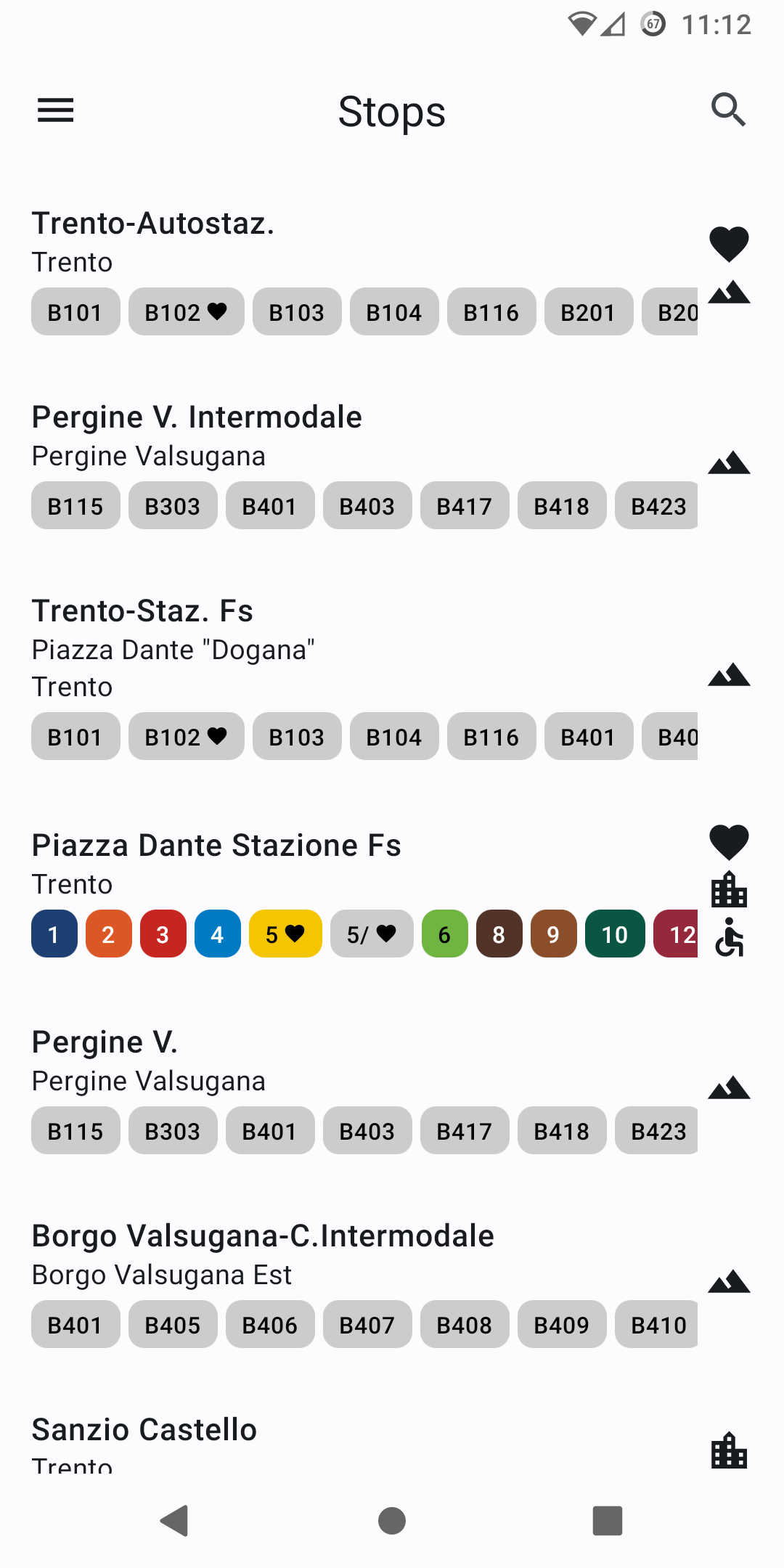
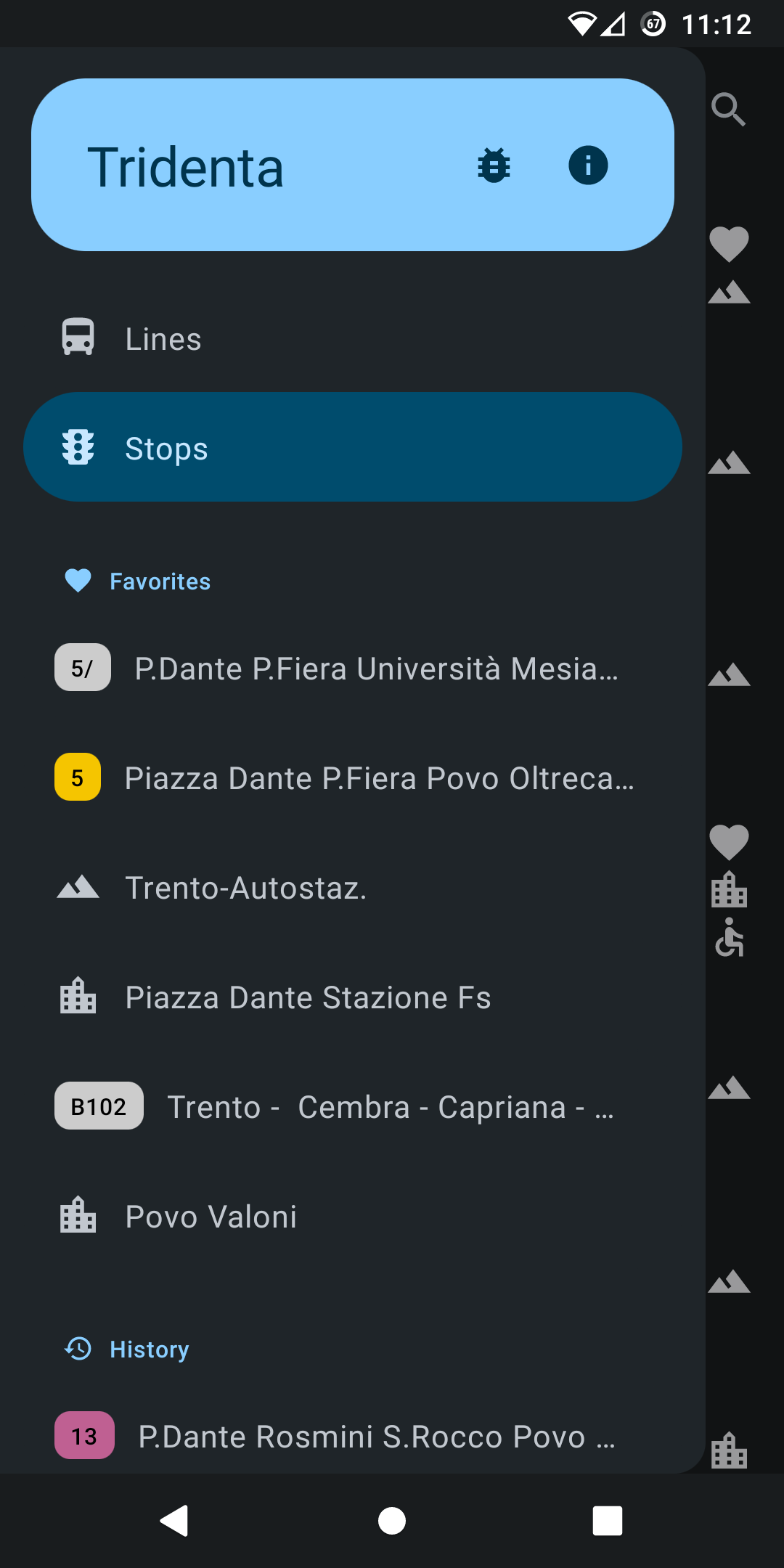
Stops: view and search stops all across Trentino, and see which lines pass by a stop
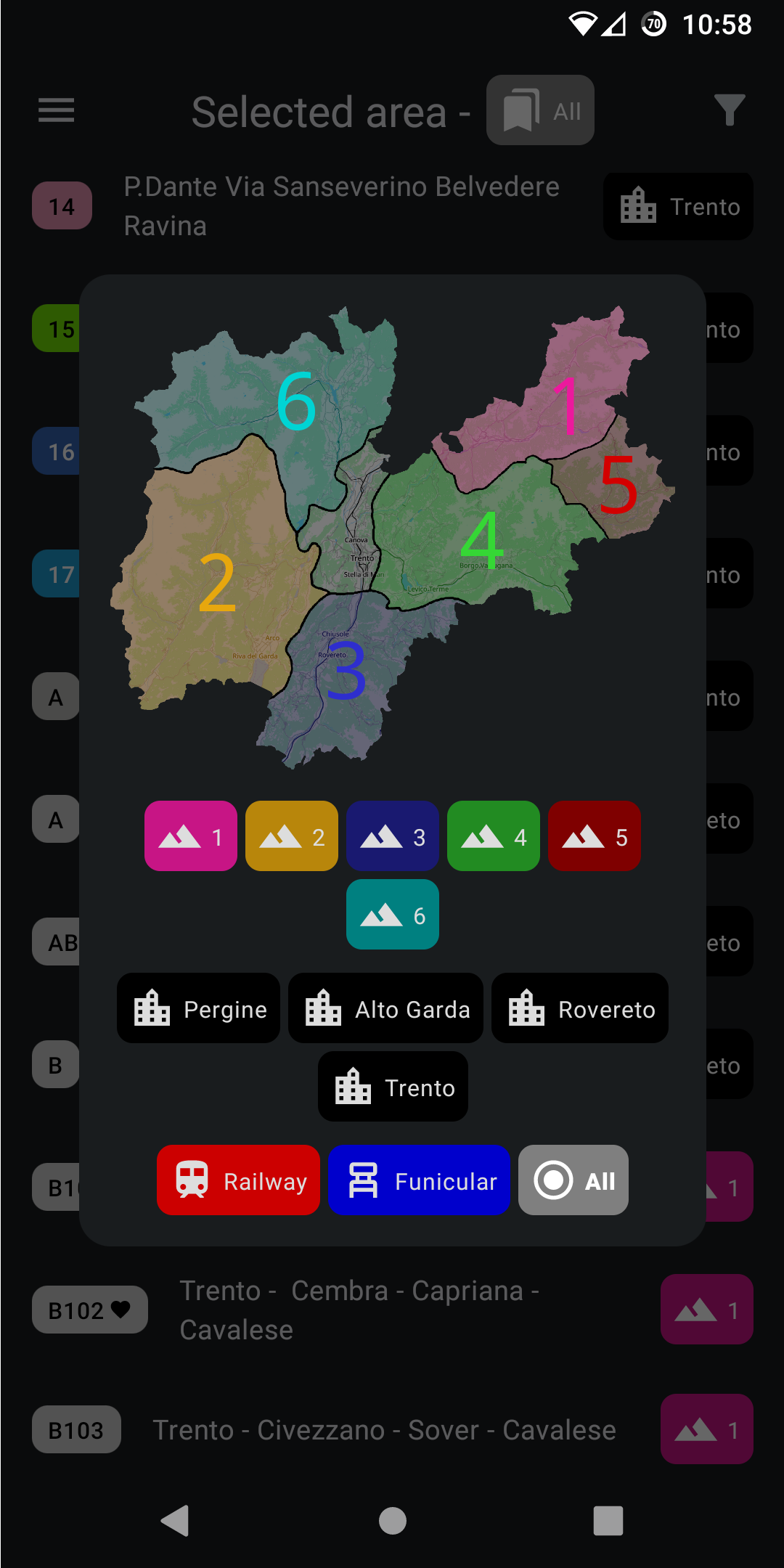
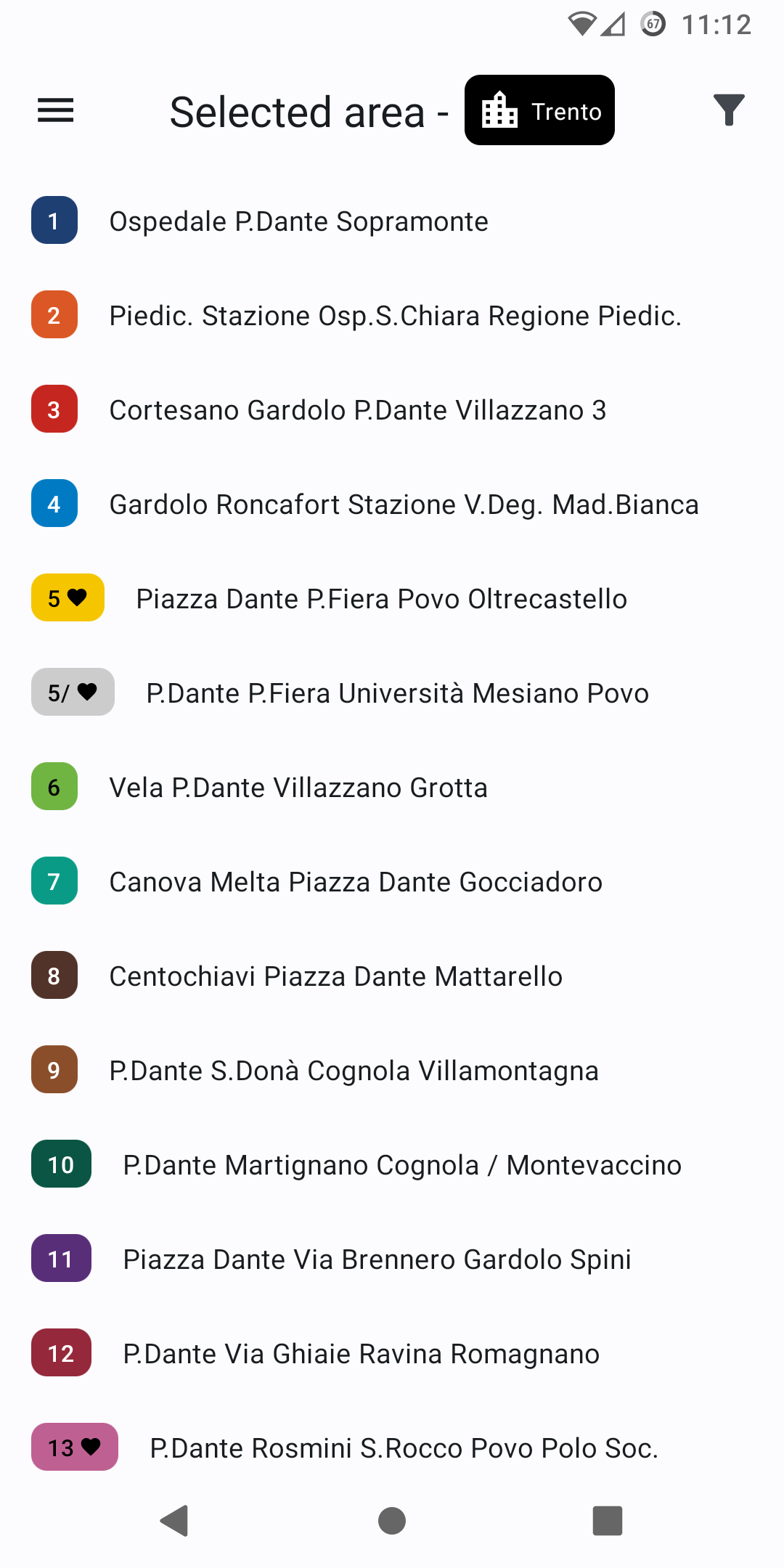
Lines: filter urban and suburban lines by area by choosing from a map of Trentino
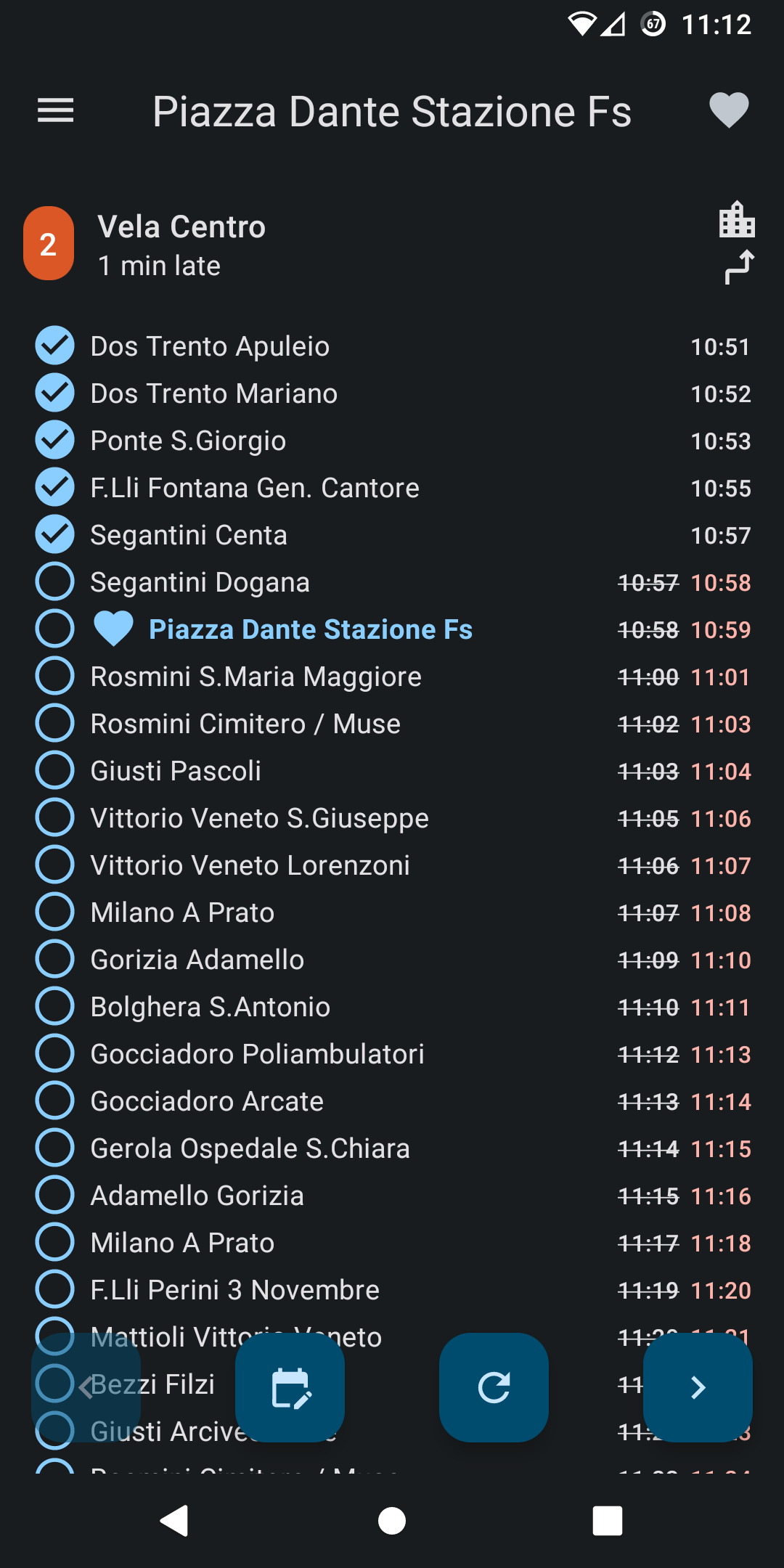
Trips: view trips performed by a line or passing by a stop at a specific time, with arrival times, delay, headsign and direction information
Favorites and history are shown in the drawer for easy access to the lines or stops you use the most
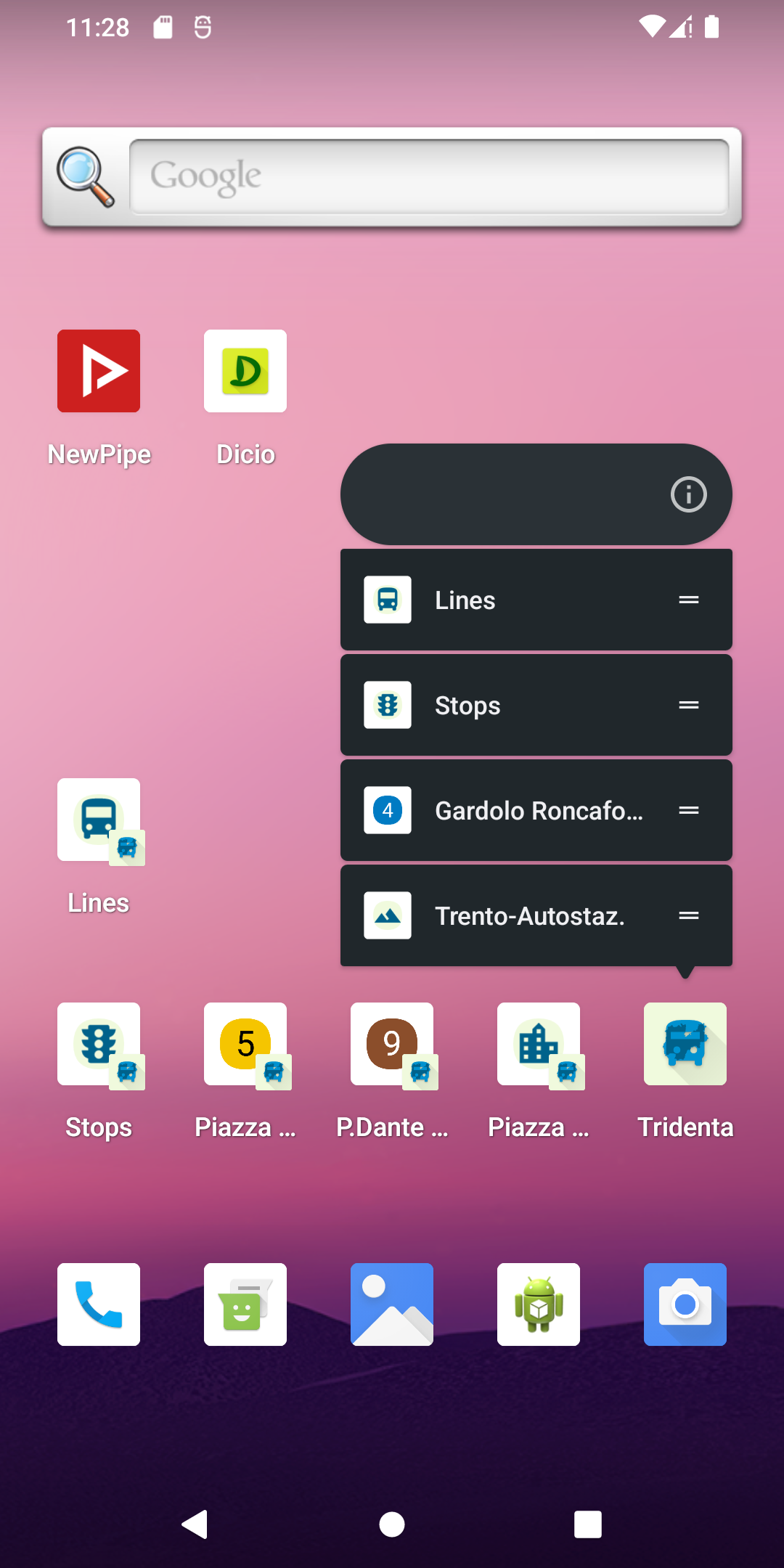
Shortcuts in your phone's application launcher can link directly to a specific screen inside Tridenta, allowing you to save even more time
Tridenta was built using Jetpack Compose, along with Material 3 design, and supports dark and light themes with dynamic colors (Android 12+ only).
Screenshots
What’s new
Fixed: - Fix app crashing at startup due to invalid date format in line news items - Nicely handle errors while reloading lines and stops by showing an error row, so that next time there is a problem the app will not crash abruptly, allowing users to report the error - The interface borders now respect phone insets
Development: - Target API 36 (Android 16) - Update various libraries and fix deprecations
How to install
Download the APK from the button at the top of this page.
Allow “Install unknown apps” for your browser or file manager only, not for every app.
Open the downloaded file and confirm the installation.
If installation fails with “App not installed,” remove an earlier build of the same app first. A signature conflict is the usual cause.
Data safety
Every file is checked against its published SHA-256 before it is listed.
Files are scanned for malware on every update.
The permissions each app requests are listed on its own page.
Read the full safety policy for how we test, flag, and delist files.