What’s new
- Reproducible build: the F-Droid APK is now the one signed by the developer, so you can switch between F-Droid, IzzyOnDroid and GitHub without reinstalling

Updated Sep 22, 2026
See where the wind hits you, on top of your navigation app.
F-Droid repository metadata
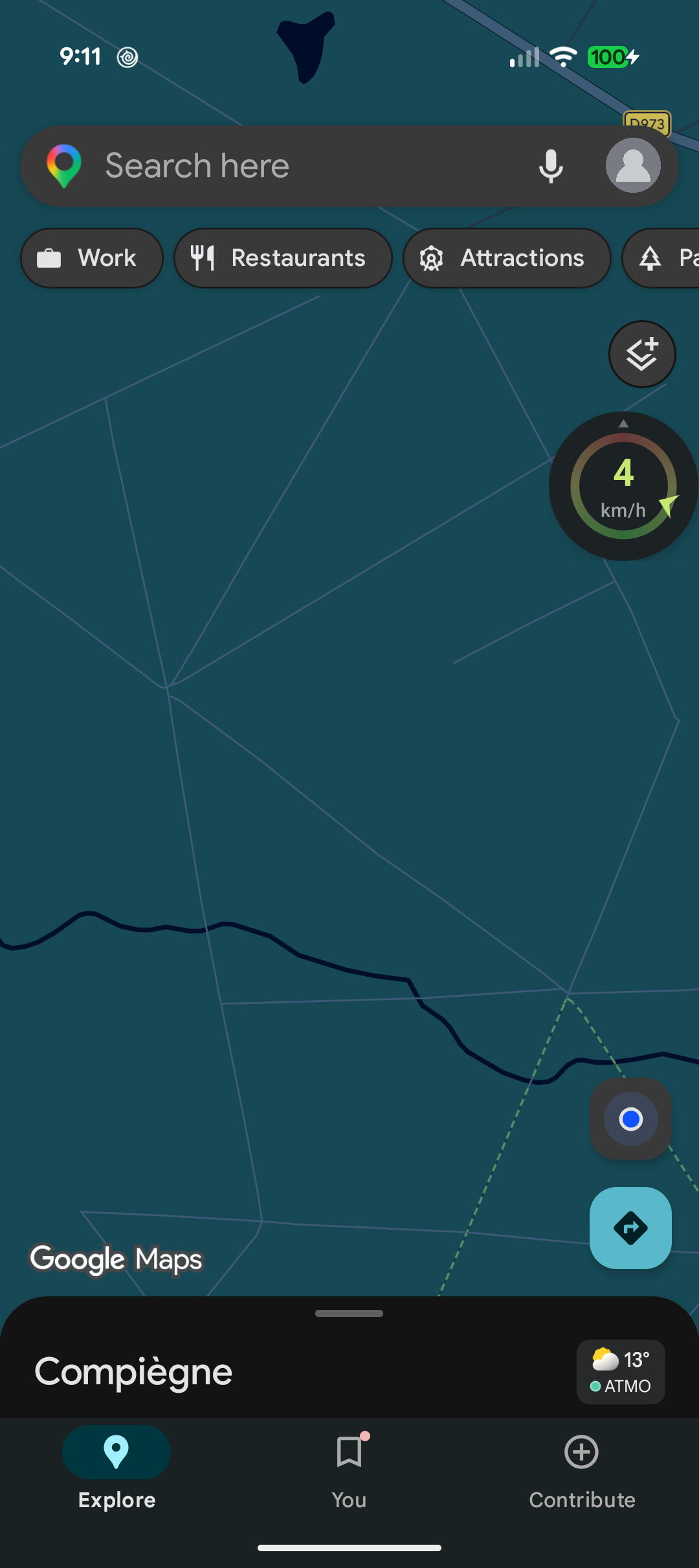
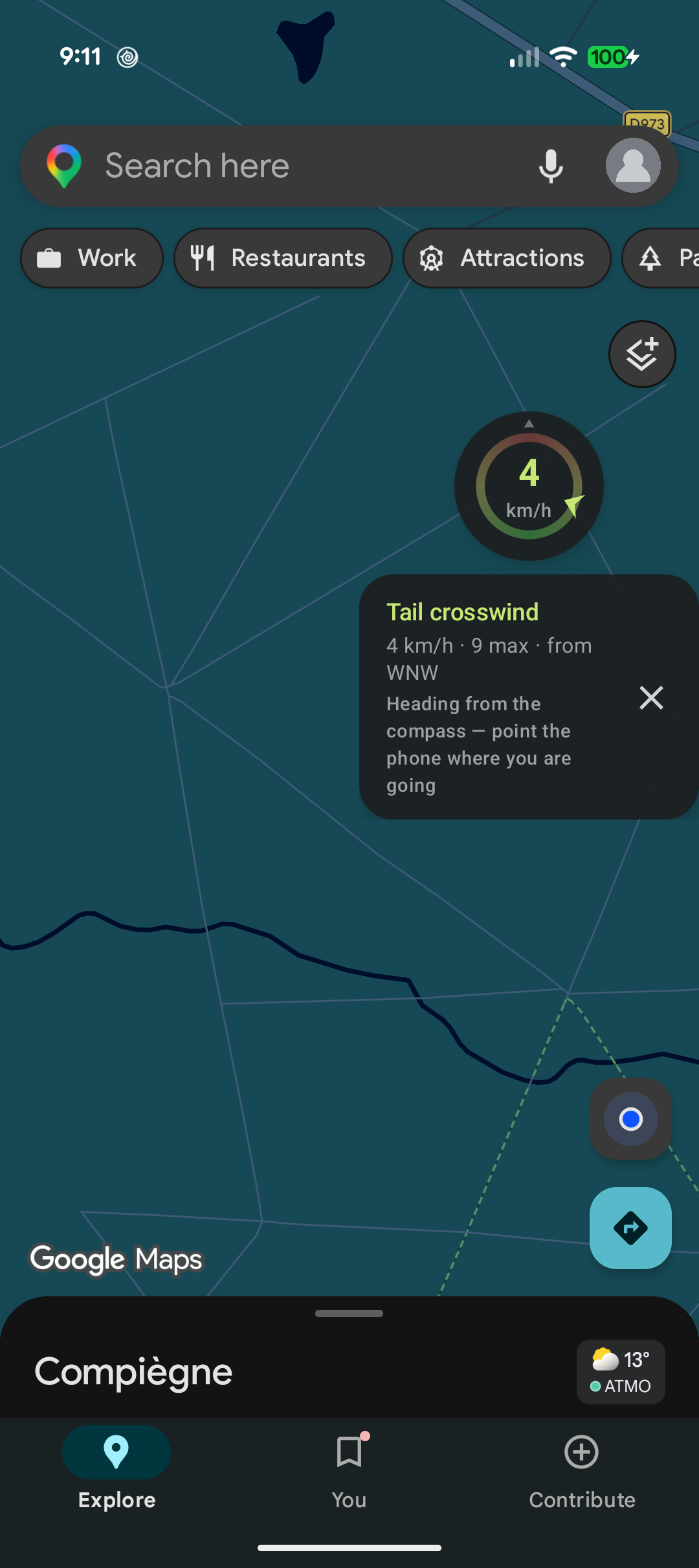
Wind Bubble floats a small dial on top of your navigation app and shows where the wind hits you relative to your direction of travel: headwind, crosswind or tailwind.
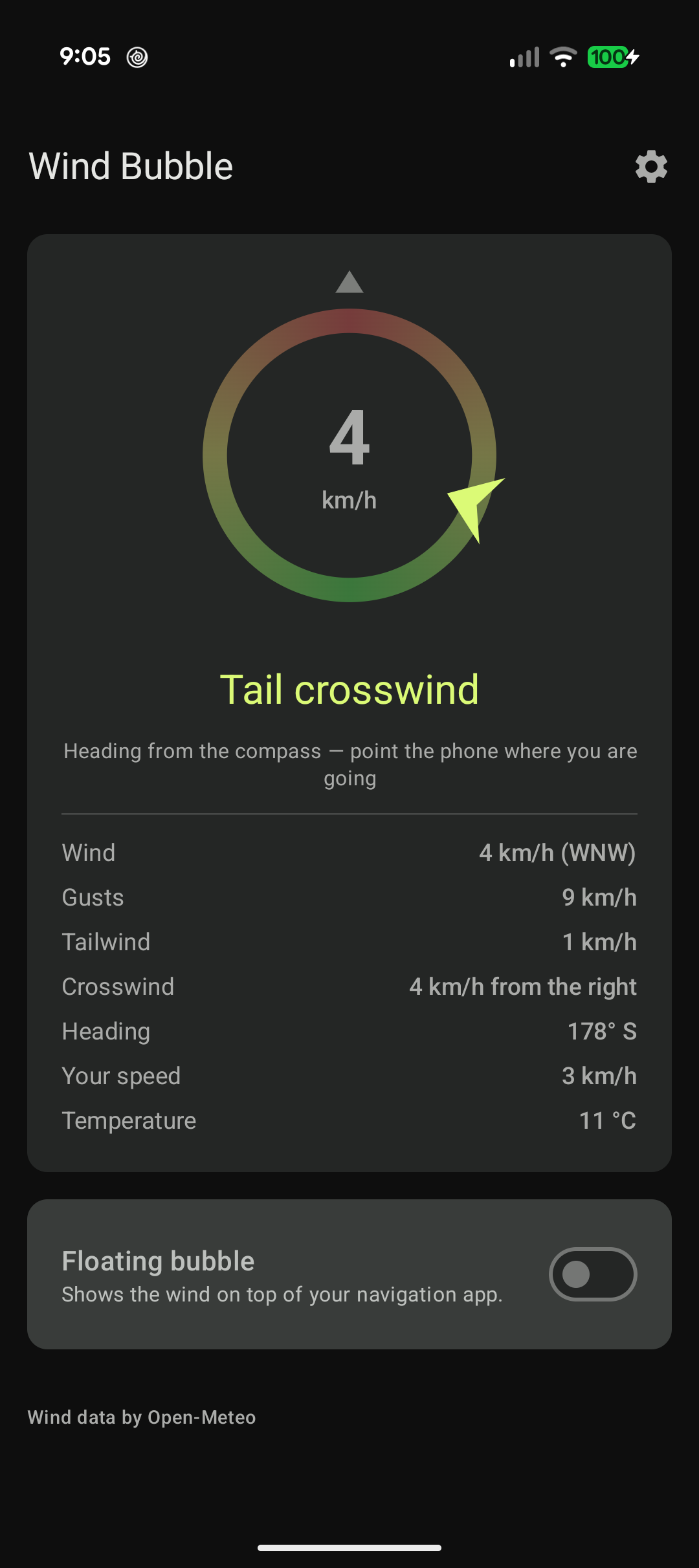
The dial is locked on your heading — the top is always where you are going — and a coloured marker sits on the ring at the angle the wind comes from: red straight in your face, amber across, green pushing you along.
Features:
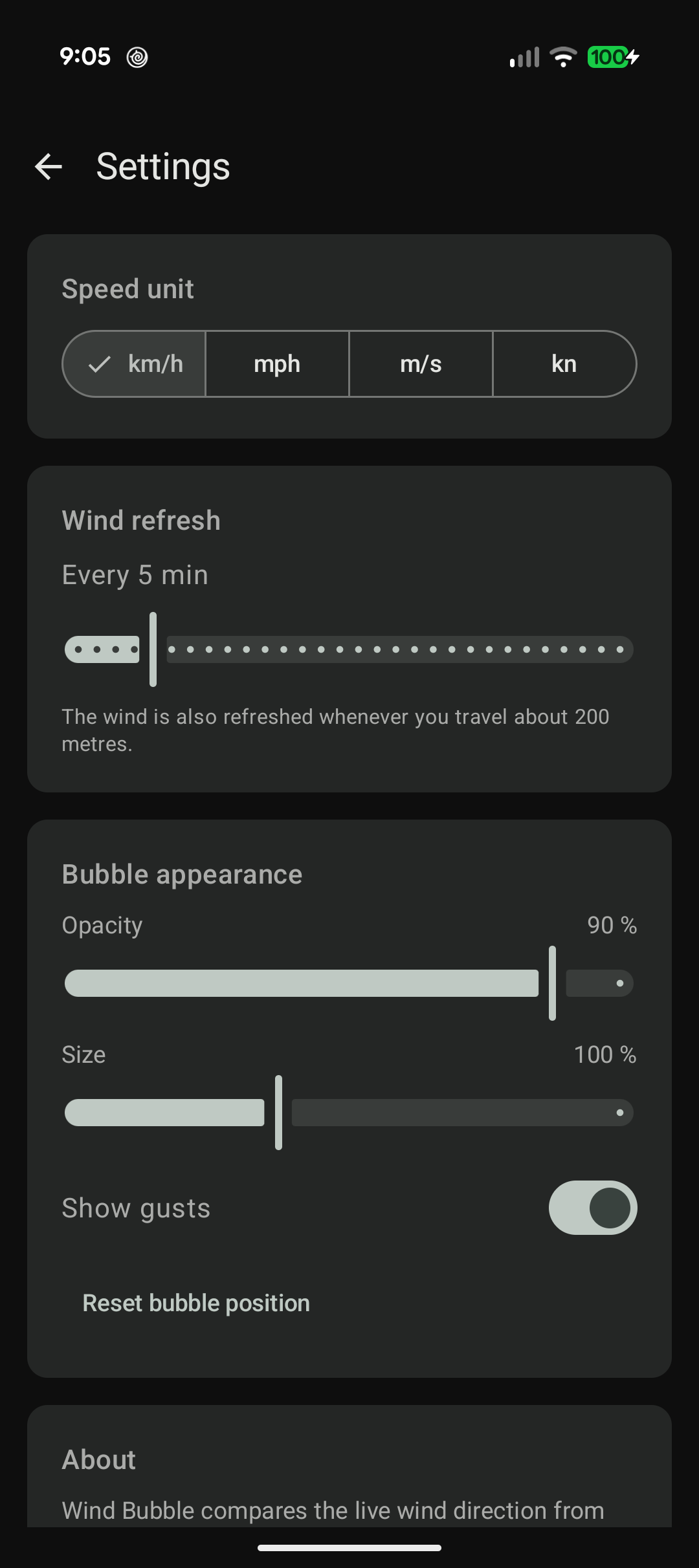
* Floating bubble over any app, draggable, tap to expand a short summary * Live wind, gusts and temperature from Open-Meteo (no account, no API key) * Head/tail and crosswind components, with the side it blows from * Speed in km/h, mph, m/s or knots * Adjustable refresh interval, bubble size and opacity * No tracking, no analytics, no advertising
Your position never leaves the device except as coordinates rounded to a coarse grid, sent to Open-Meteo to fetch the local wind.
Weather data by Open-Meteo.com, licensed under CC BY 4.0.
- Reproducible build: the F-Droid APK is now the one signed by the developer, so you can switch between F-Droid, IzzyOnDroid and GitHub without reinstalling
Recent approved comments · sorted by newest
View all comments