Quick answer
Examine OpenStreetMap (OSM) elements to "focus" your view of the map
F-Droid repository metadata
OSMfocus Reborn is an open source tool for examining OpenStreetMap (OSM) elements by moving around on a map. Also known as OSM Focus Reborn or OpenStreetMap Focus Reborn.
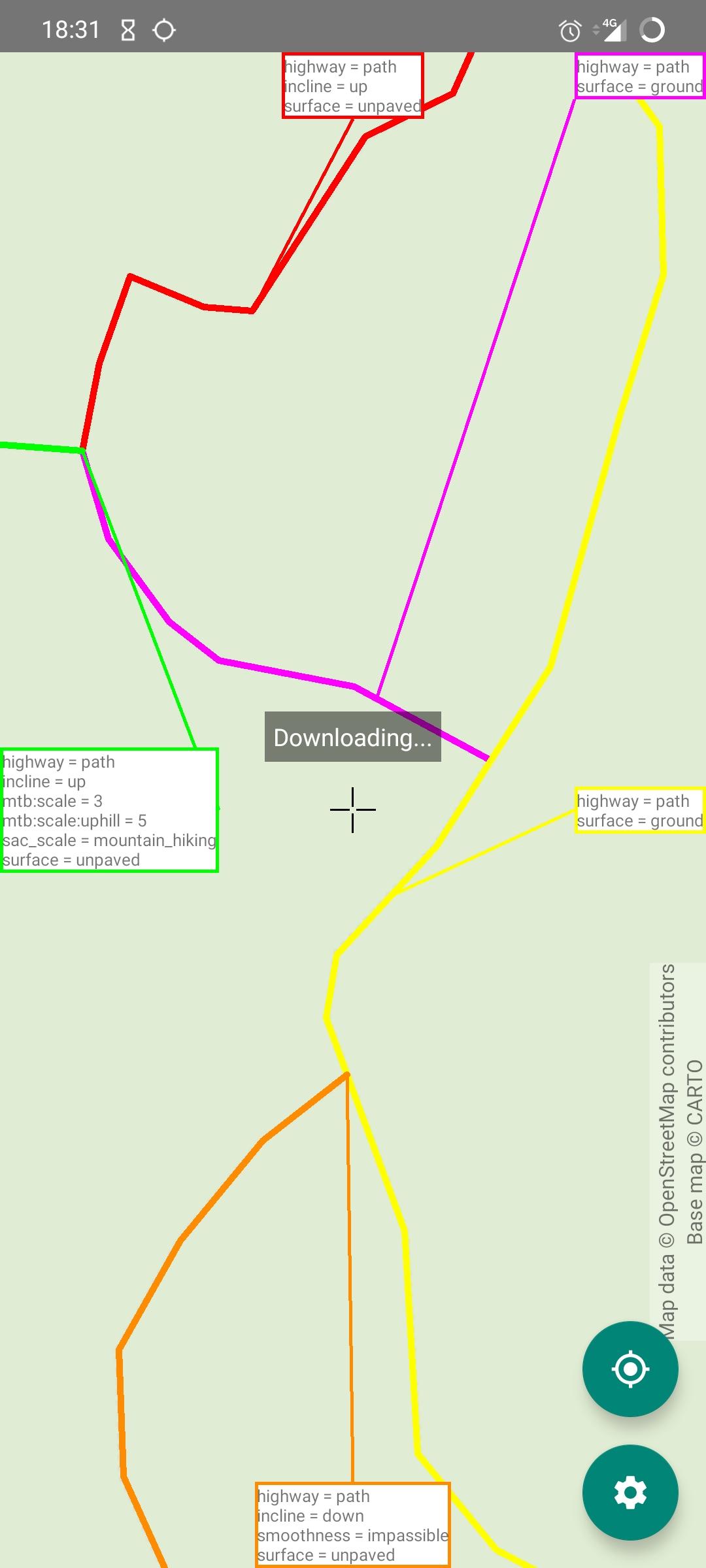
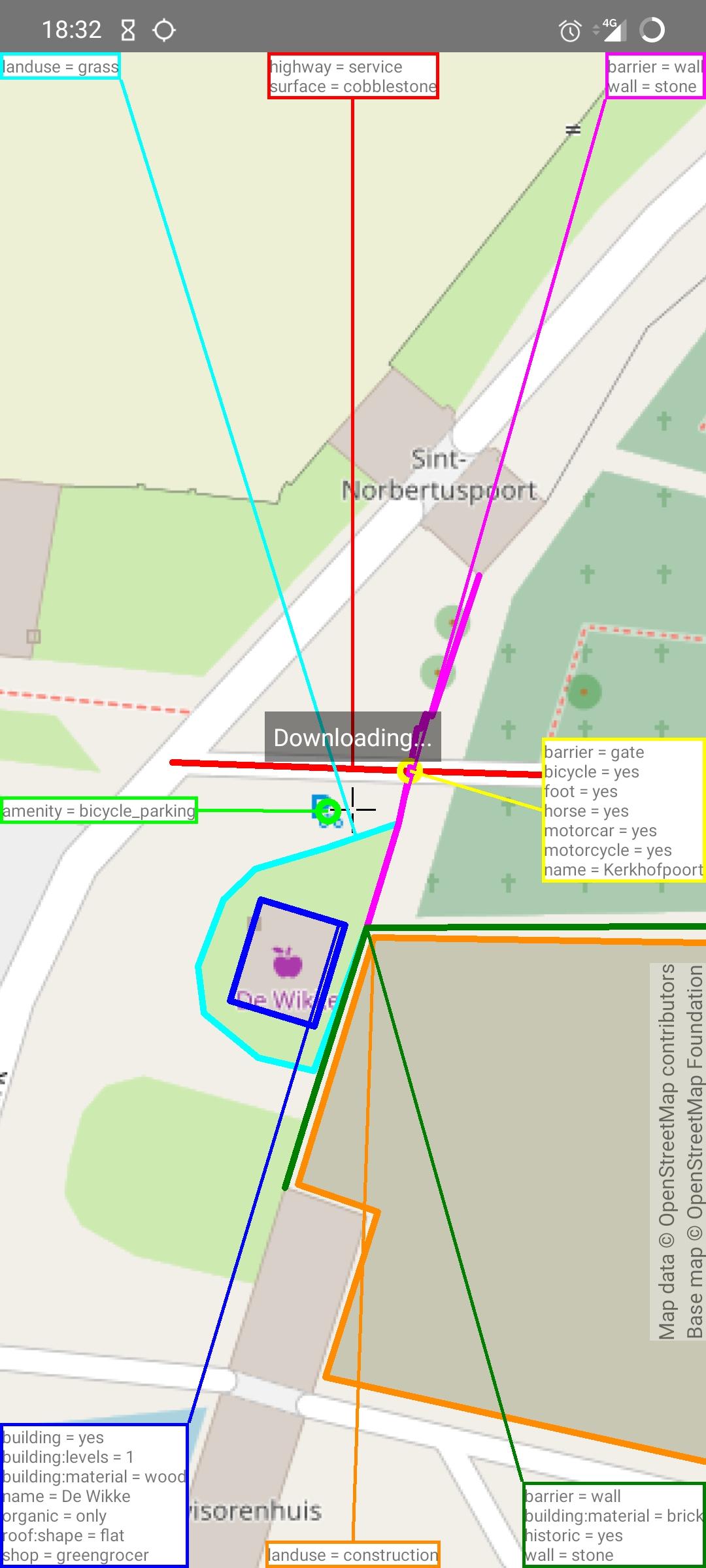
Move the crosshair in the middle of the map over a building or road to view its keys and values. A line will be drawn connecting the element with a box on the side of the screen. This box contains every tag of the element in OpenStreetMap. Use this information to find bugs or to investigate an area closer. Click on one of the boxes if you want even more detailed information.
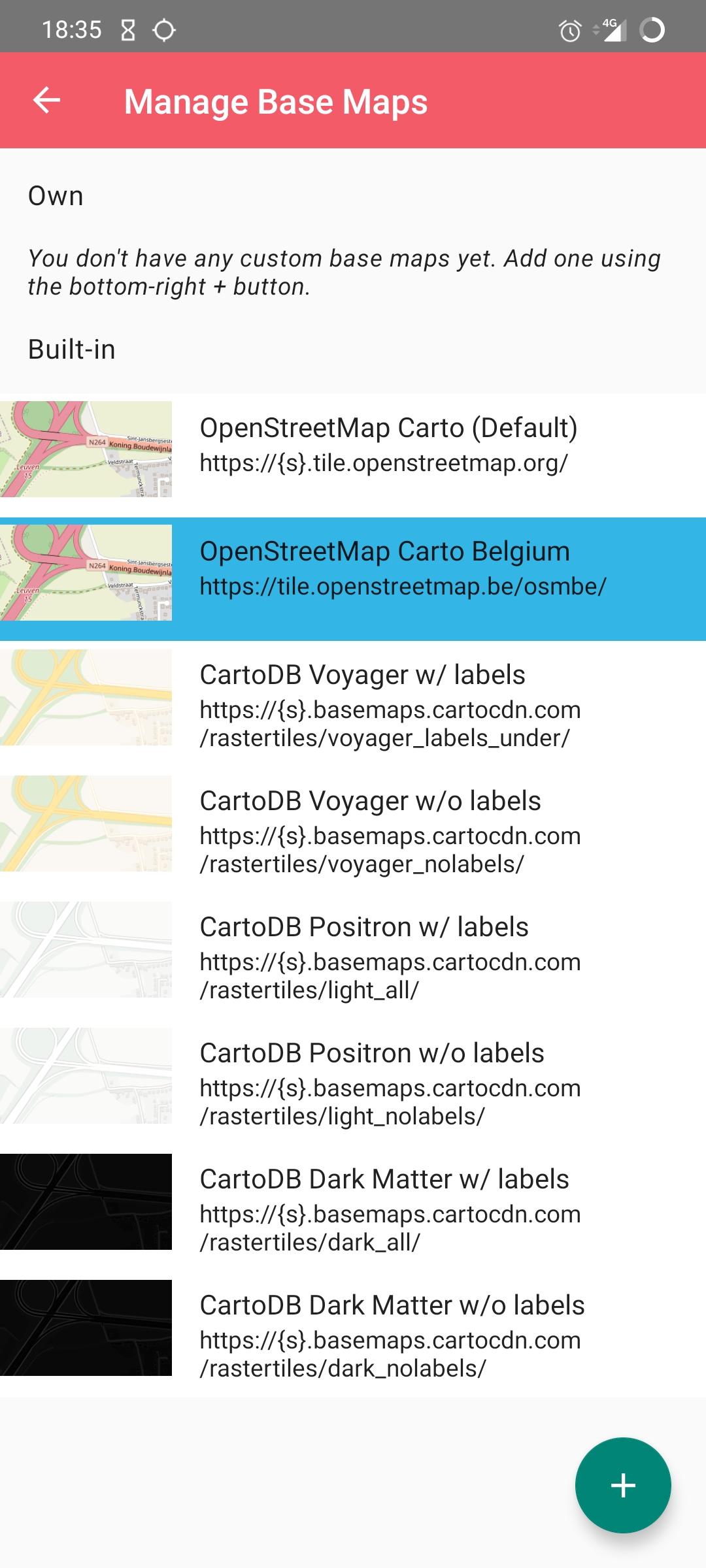
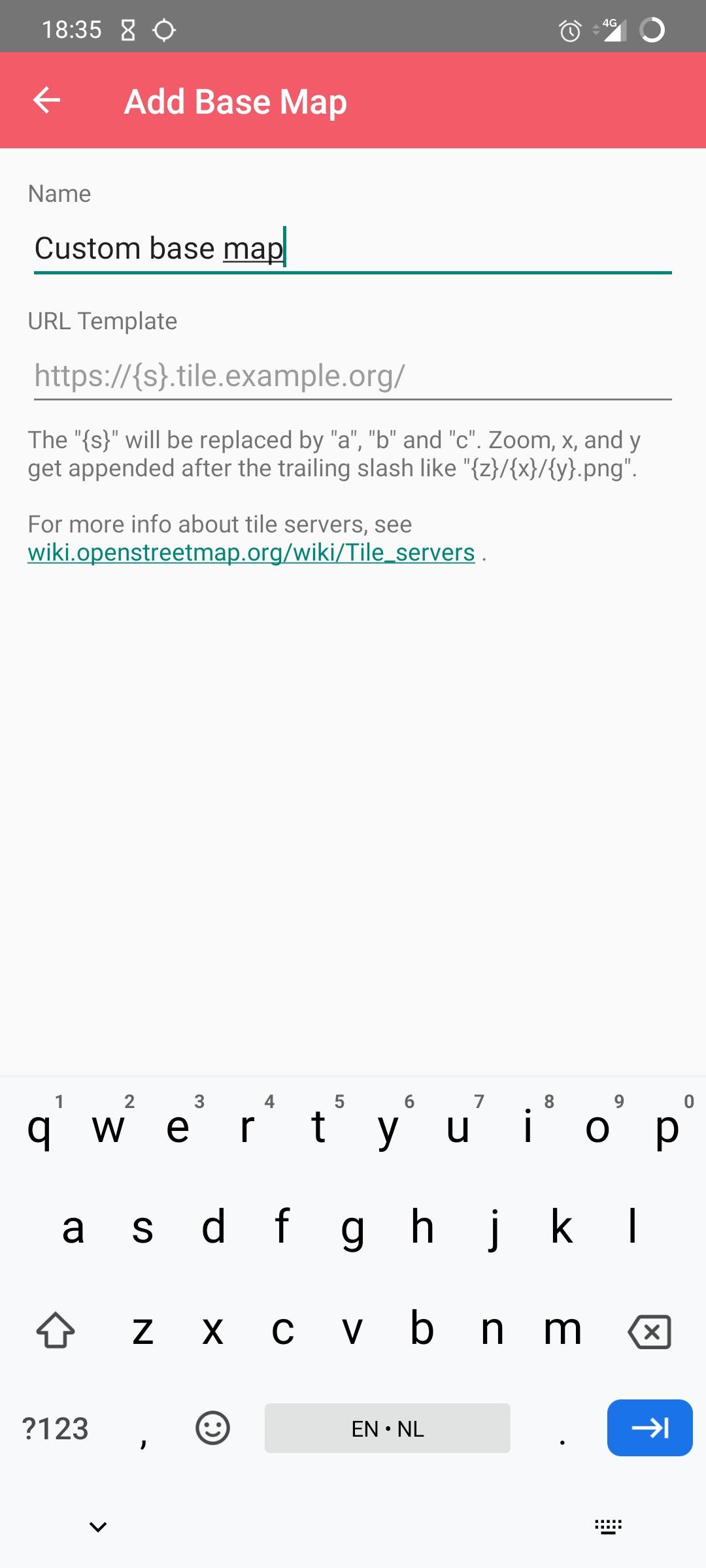
Change the basemap (background layer) or add your own by going to the settings screen (cog icon).
Source, issue tracking and more info: https://github.com/ubipo/osmfocus
Permissions:
- "full network access": display background map, retrieve OSM data - "precise location": (optional) move the map to the device's current location
Notices:
OSMfocus allows you to view OpenStreetMap data. This data is © (Copyright) OpenStreetMap contributors and is available under the Open Database License. https://www.openstreetmap.org/copyright
This app is a complete re-write of the now (07-11-2020) defunct OSMfocus by Network42 / MichaelVL ("Apache License 2.0" license.). https://play.google.com/store/apps/details?id=dk.network42.osmfocus https://github.com/MichaelVL/osm-focus
Screenshots
How to install
- Download the APK from the button at the top of this page.
- Allow “Install unknown apps” for your browser or file manager only, not for every app.
- Open the downloaded file and confirm the installation.
- If installation fails with “App not installed,” remove an earlier build of the same app first. A signature conflict is the usual cause.
Data safety
- Every file is checked against its published SHA-256 before it is listed.
- Files are scanned for malware on every update.
- The permissions each app requests are listed on its own page.
- Read the full safety policy for how we test, flag, and delist files.
Comments
Recent approved comments · sorted by newest
View all comments