Hikar icon

Hikar

Nick Whitelegg
Maps & Navigation
Version
0.3.1
Size
4.8 MB
Requires
Android API 17+
3.9 / 5 · 3,071 ratings 0 downloads

Updated Sep 22, 2026

Quick answer

Overlays footpaths from OpenStreetMap on the device's camera feed.

F-Droid repository metadata

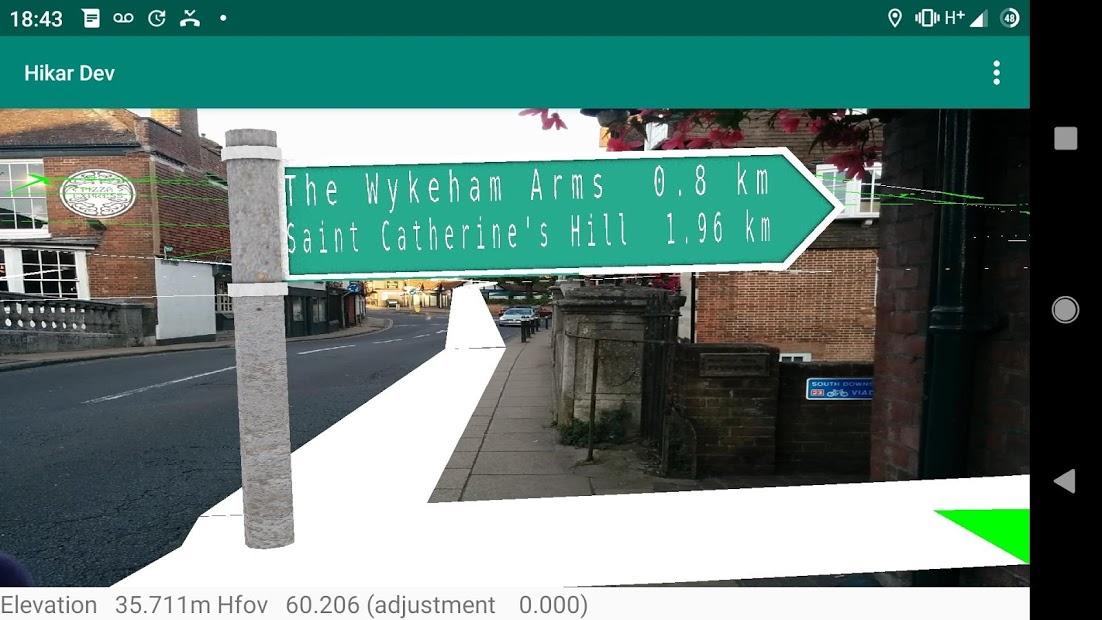
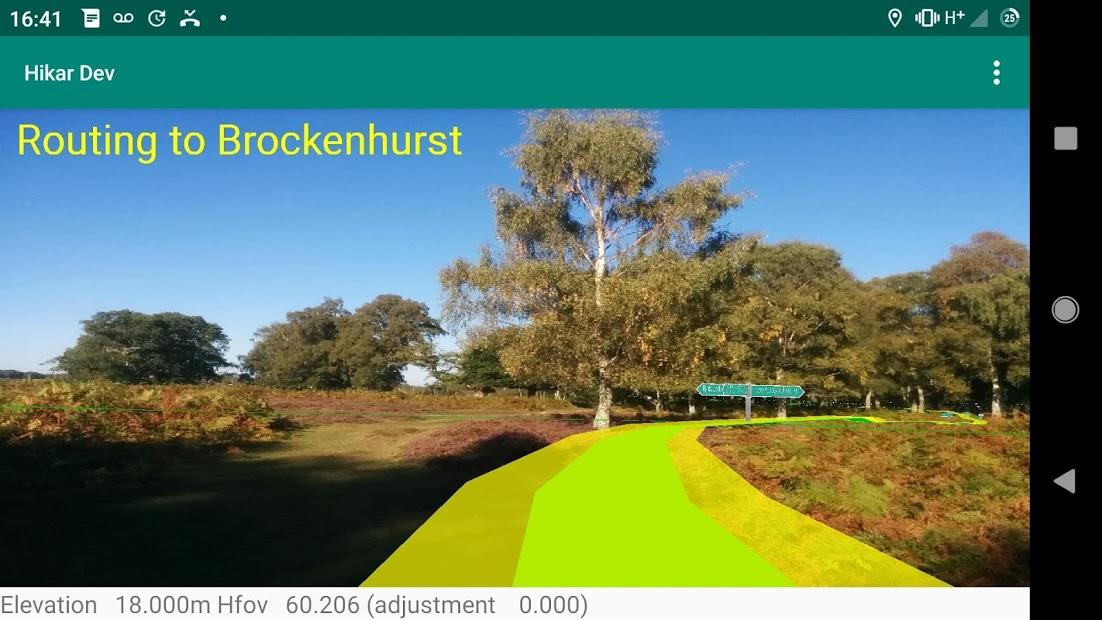
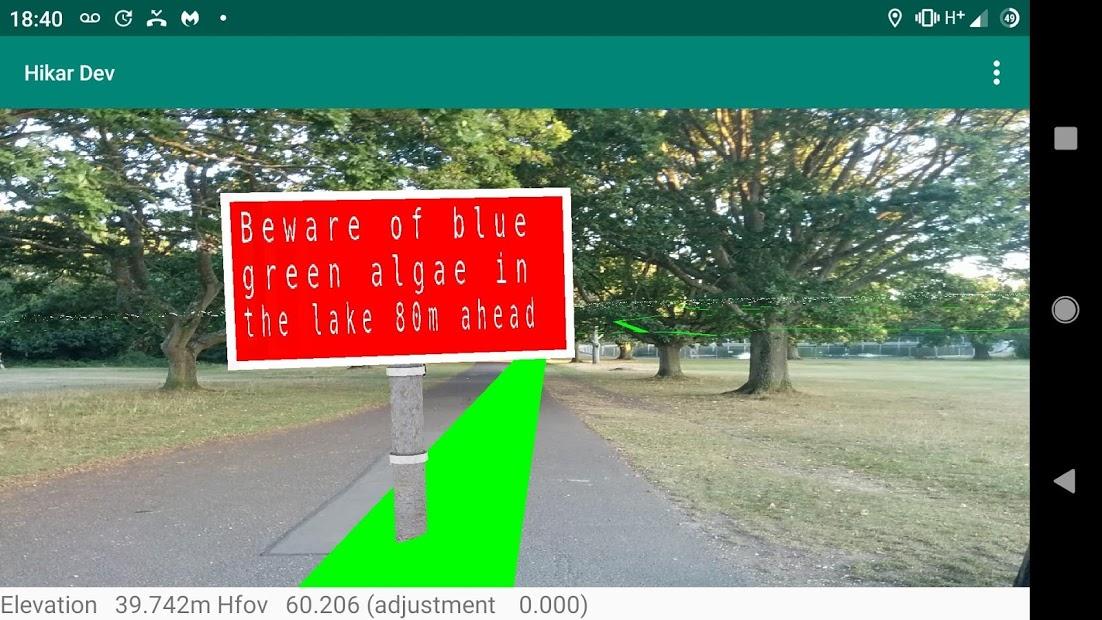
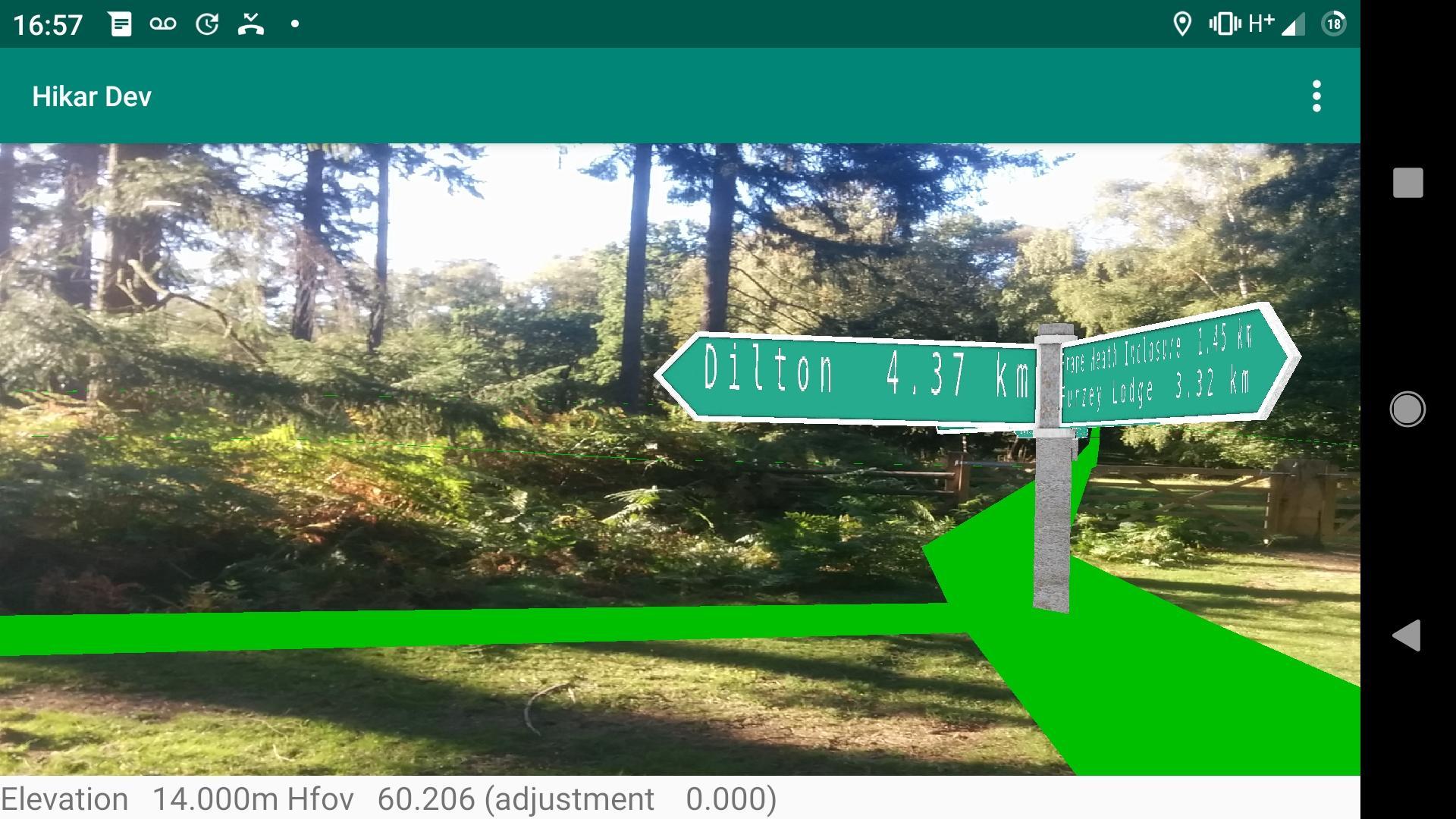
Hikar is an augmented reality app for Android (4.2+) which overlays footpaths from OpenStreetMap on the device's camera feed and shows virtual signposts.

Its aim is to help navigation for walkers/hikers (hence the name) and other outdoor users. For example, imagine you are entering a large field and it's not clear where the exit is. Hikar will overlay the course of the footpath on your phone's camera feed helping you to navigate across the field. Or, you're at a junction of paths and it's not clear which is the correct way. Hikar will show a virtual signpost, showing the direction and distance of nearby points of interest such as villages, hills, mountains or pubs. Or, you're having to make your way across a pathless moor. Again, Hikar will help you find the way.

Hikar covers the whole of Europe, plus Turkey. It could potentially work in any area which uses Roman, Greek or Cyrillic characters, but the Hikar server (also FLOSS software: see gitlab.com/nickw1/freemap-api) currently only contains data for the specified areas. Note that Hikar is a research project and therefore, while perfectly usable for navigation it is not a 'polished' app with a really nice UI and, like many AR apps, can use a lot of battery power.

Please note, that for a currently-unknown reason, Hikar will not run on the Amazon Fire HD 10 (and possibly other Amazon Fire devices).

Many thanks to my colleague Neil Brewis for providing the signpost assets.
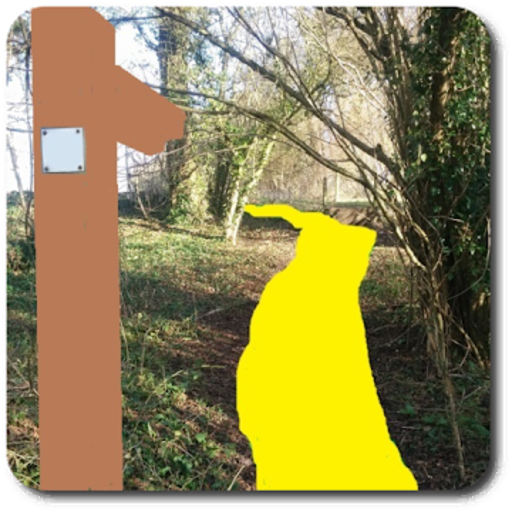
Screenshots

Hikar screenshot 1
Hikar screenshot 2
Hikar screenshot 3
Hikar screenshot 4

What’s new

Hikar 0.3.1 (version code 15)
-----------------------------

Release date (on Google Play) 30/09/19. First version on f-droid.

- expanded range of POIs on signposts: now viewpoints, hostels, campsites and alpine huts shown.
- increased width of rendered route to POI to 5m.-

How to install

  1. Download the APK from the button at the top of this page.
  2. Allow “Install unknown apps” for your browser or file manager only, not for every app.
  3. Open the downloaded file and confirm the installation.
  4. If installation fails with “App not installed,” remove an earlier build of the same app first. A signature conflict is the usual cause.

Data safety

  • Every file is checked against its published SHA-256 before it is listed.
  • Files are scanned for malware on every update.
  • The permissions each app requests are listed on its own page.
  • Read the full safety policy for how we test, flag, and delist files.

Comments

Recent approved comments · sorted by newest

Verification code
Be specific and keep it about the app. No links. Comments are reviewed before publication. Device and Android details are recorded automatically. Privacy policy.

Loading recent comments...

View all comments